
6 Best Patch Management Software in 2026, Compared
Compare the 6 best patch management software on OS and third-party patching, free tiers and real per-device cost, with every price checked on vendor pages.
 Shamim Mia, Founder, SerpAstraLast verified November 7, 202610 min read
We compare pricing pages, documentation and public reviews. We never accept payment for rankings.

Key takeaways
- Action1 is free for the first 200 endpoints with no feature limits, which makes it the default first choice for a small or mid-sized office.
- Automox Patch OS costs $1 per endpoint a month on an annual plan, but third-party application patching needs the custom-priced Automate tiers.
- PDQ Connect starts at $12 per device a year with a 100-device minimum, while PDQ Deploy & Inventory costs $1,950 per admin a year for unlimited endpoints on-premises.
- NinjaOne, Atera and ManageEngine Endpoint Central bundle patching inside a wider endpoint or RMM platform, so compare them only if you also want monitoring and remote access.
On this page
Quick comparison
| Tool | Best for | Starting price | Free plan |
|---|---|---|---|
| Action1 | Small and mid-sized IT teams that want cloud patching for free up to 200 endpoints | Free to 200; $4/endpoint/mo | Free to 200 endpoints |
| Automox | Teams that want low-cost cloud OS patching across Windows, macOS and Linux | $1/endpoint/mo | Free trial |
| PDQ Connect | Windows-heavy IT teams that want simple cloud patching priced per device per year | $12/device/yr | 14-day trial |
| NinjaOne | IT teams and MSPs that want patching inside a full endpoint management and RMM console | Custom quote | No (14-day trial) |
| ManageEngine Endpoint Central | IT teams that want patching with perpetual licensing and a free edition up to 25 endpoints | $795/yr | Yes (free edition) |
| Atera | Small IT teams and MSPs that want patching with unlimited devices priced per technician | $79/tech/mo | 30-day trial |
Make one of these tools?
We re-check this list every quarter. Send a correction, request a review, or ask about a clearly labeled sponsored spot.
Request a listingThe best patch management software
Action1
Best for: Small and mid-sized IT teams that want cloud patching for free up to 200 endpoints
Action1 is the easiest recommendation in this list for an office under 200 devices, because it costs nothing there. The free tier is not a trial: it has no feature limits and never expires, and it covers the first 200 endpoints, counting any device that runs the Action1 agent. Patching runs from a cloud console, so there is no server to maintain.
Past 200 endpoints, Growth starts at $4 per endpoint a month on top of the free 200, billed annually, plus a support fee the page does not price. MSPs can pay monthly. Free users get community support only, so a team that needs a phone number should budget for Growth.
What we like
- Free for the first 200 endpoints with full functionality, and the free tier never expires
- Any device running the Action1 agent counts as one endpoint, whatever its type or operating system
- Multi-year and volume discounts on the paid Growth and Enterprise tiers
Watch out for
- Free users get community support only, through Discord and Reddit
- Growth adds a support fee that the pricing page does not list
- Above 1,000 endpoints the price is a custom quote

Automox
Best for: Teams that want low-cost cloud OS patching across Windows, macOS and Linux
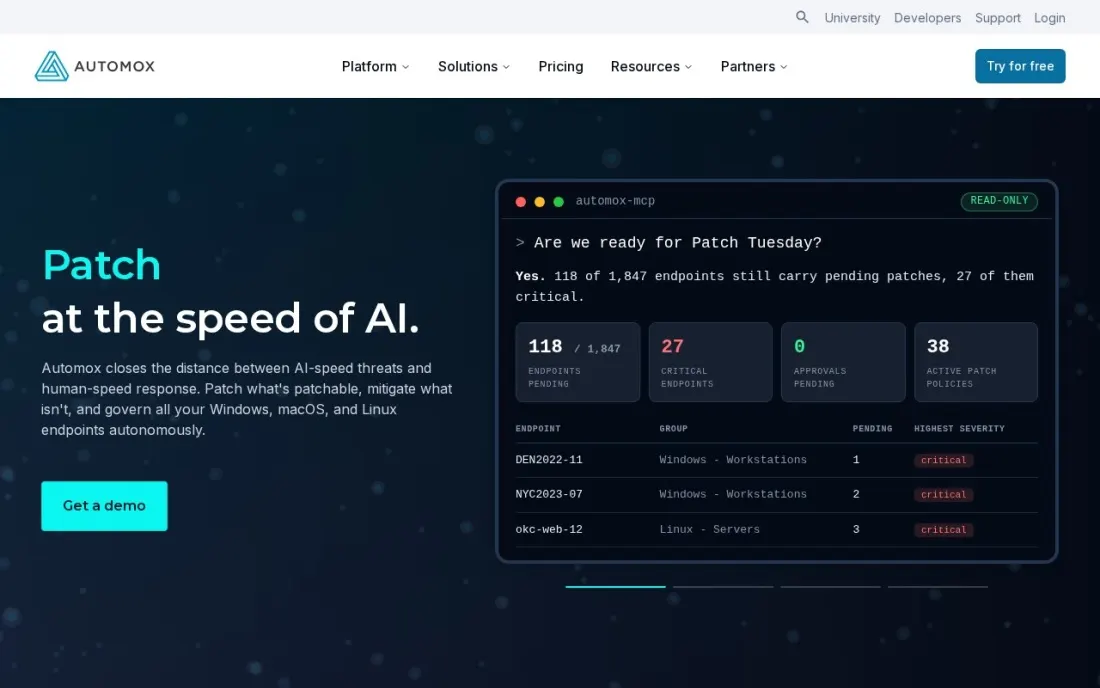
Automox has the lowest published per-endpoint price for operating-system patching here. Patch OS costs $1 per endpoint a month with an annual commitment and covers Windows, macOS and Linux from one cloud console. You can also pay monthly with no commitment, and Automox says the annual plan saves 25%.
The catch is that operating systems are only half of patching. The 633+ third-party titles, software deployment, automation policies and API access sit on Automate Essentials, which is priced by quote, and remote access is the separate Resolve add-on. Standard support caps you at five tickets a month. Buy Patch OS when Windows and macOS updates are the problem; ask for an Automate quote if Chrome, Zoom and Adobe are.
What we like
- Patch OS covers Windows, macOS and Linux patching for $1 per endpoint a month on an annual plan
- Automate tiers add 633+ third-party patching titles, software deployment and API access
- Pay monthly with no commitment, or save 25% with an annual plan
Watch out for
- Third-party application patching needs Automate Essentials, which is custom-priced
- Remote access is the separate Automox Resolve add-on, with no published price
- Support tiers above Standard carry no published price
PDQ Connect
Best for: Windows-heavy IT teams that want simple cloud patching priced per device per year
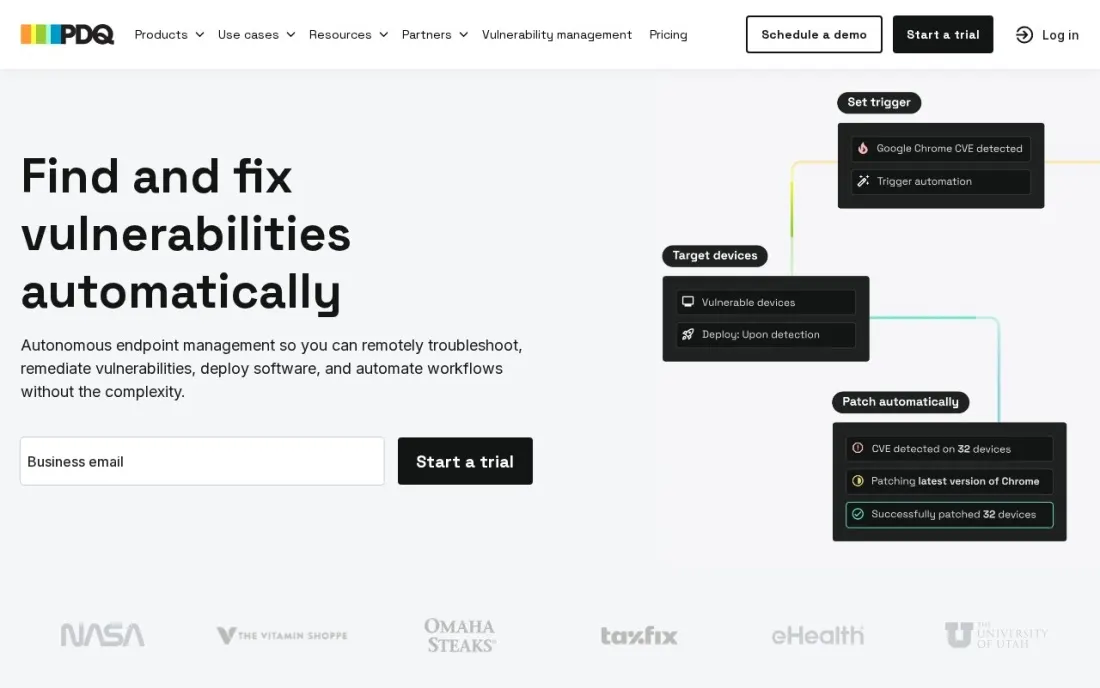
PDQ has long been the patching tool Windows administrators reach for, and it now sells two ways. PDQ Connect is the cloud agent: Basic costs $12 per device a year, Plus $18 and Premium $28, all billed annually with a 100-device minimum. A 14-day trial covers up to 250 devices without a credit card, and nonprofits and schools get 10% off.
PDQ Deploy & Inventory is the on-premises route, at $1,950 per admin a year for unlimited endpoints, with 15% off for businesses under 50 employees. Licences cannot be shared between admins. The 100-device floor makes Connect a poor fit for a very small office, where Action1's free tier wins.
What we like
- Basic costs $12 per device a year, with Plus at $18 and Premium at $28
- 14-day trial covers up to 250 devices with no credit card
- PDQ Deploy & Inventory is available on-premises at $1,950 per admin a year for unlimited endpoints
Watch out for
- Every Connect plan has a 100-device minimum, so a 30-device office pays for 100
- Some advanced automation and integration features are limited during the trial

NinjaOne
Best for: IT teams and MSPs that want patching inside a full endpoint management and RMM console
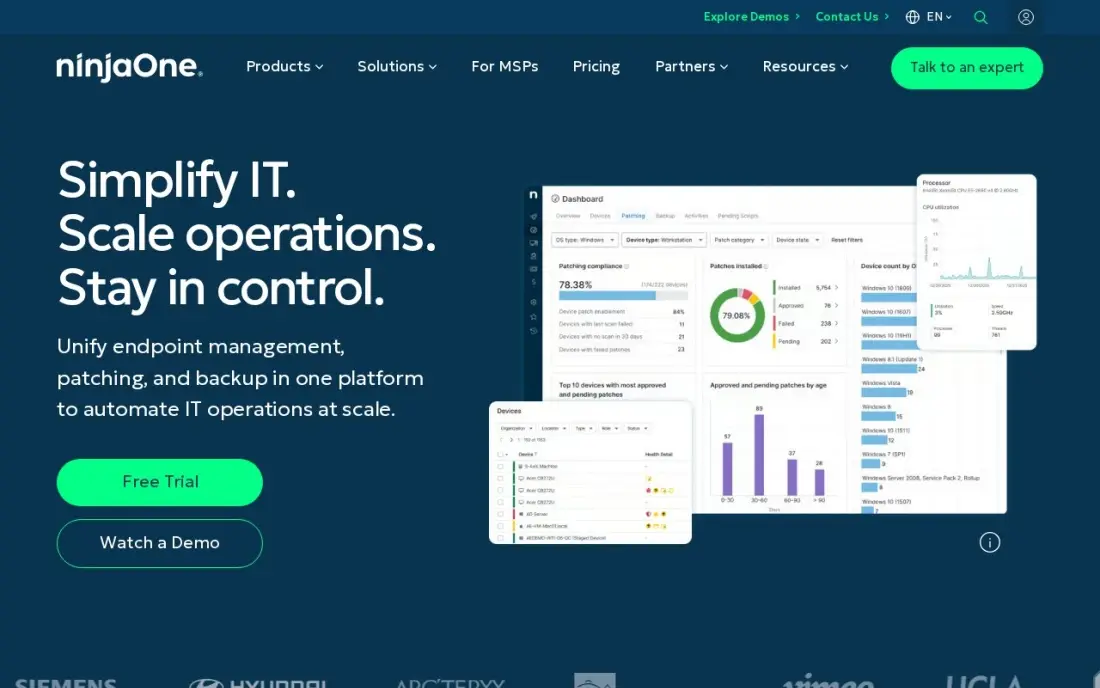
NinjaOne treats patching as one job inside a wider endpoint platform: automated patching for Windows, macOS, Linux and third-party apps sits alongside monitoring, remote access and software deployment in one cloud console. It is the highest-rated tool in this list on G2, at 4.7 out of 5 from 5,780 reviews, and support and training are included.
Pricing is a published range rather than a rate card: $1.50 to $3.75 per device a month by volume, with the top rate at 50 or fewer endpoints and the exact figure set by a sales quote. Backup and mobile device management are separate products. Choose NinjaOne when you want one console for the whole endpoint estate, not only updates.
What we like
- Automated patching across Windows, Mac, Linux and third-party apps from a single cloud console
- Per-device pricing falls with volume — $3.75/device/month at 50 or fewer endpoints, $1.50 at 10,000
- Remote access, monitoring and software deployment included, with free unlimited support and training
- Highest-rated tool in this list on G2 at 4.7/5 from 5,780 reviews
Watch out for
- No fixed plan price — the exact per-device rate comes from a sales quote, so budgeting needs a conversation
- Per-device pricing grows with every endpoint, so a device-heavy office pays more than a flat-rate tool
- Backup, MDM and other modules are separate products, so the full stack costs more than the RMM alone

ManageEngine Endpoint Central
Best for: IT teams that want patching with perpetual licensing and a free edition up to 25 endpoints
Endpoint Central is the option for a team that wants patching with on-premises or perpetual licensing. It patches Windows, macOS, Linux and 1,000+ third-party applications, and adds software deployment, remote troubleshooting and vulnerability assessment in the same console. The free edition manages up to 25 endpoints.
Professional starts at $795 a year for 50 endpoints, so a 30-device office pays the 50-endpoint price, and security add-ons such as advanced antivirus and vulnerability management cost extra. The console is deep and can overwhelm a new administrator. It earns its place when the device count is stable and a perpetual licence lowers the long-run cost.
What we like
- Automated patching across Windows, Mac, Linux and 1,000+ third-party applications
- Next-gen antivirus with AI-driven behavioral detection, plus vulnerability assessment and device control
- Free edition manages up to 25 endpoints, so a tiny office may never pay
- Perpetual licences available alongside annual subscriptions, which lowers long-term cost
Watch out for
- Professional starts at $795 a year for 50 endpoints — a 10-device office pays the full 50-endpoint price
- Enterprise depth needs more skill than a consumer suite; the console can overwhelm a new administrator
- Security add-ons such as next-gen antivirus extras and vulnerability management cost more than the base edition

Atera
Best for: Small IT teams and MSPs that want patching with unlimited devices priced per technician
Atera flips the pricing unit: you pay per technician, not per device, and every plan covers unlimited devices and agents. The entry plan costs $79 per technician a month billed annually, or $89 billed monthly, and includes patch management, monitoring, IT automation, network inventory and unattended remote access.
That is cheap for a two-person IT team looking after 400 laptops, and expensive for a large team looking after a few. Check the plan line-up carefully: the Mac agent and installations over 20MB for patching and scripting start on the second plan, at $119 per technician a month billed annually or $129 billed monthly. The 30-day trial needs no credit card.
What we like
- Priced per technician with unlimited devices and agents on every plan
- Patch management, monitoring, network inventory and unattended remote access on the entry plan
- 30-day trial of the full platform with no credit card required
Watch out for
- The Mac agent and installations over 20MB for patching and scripting need the second plan, at $119 per technician a month billed annually
- The entry plan allows only 2 concurrent unattended remote sessions
- Backup and mail protection are separate add-ons
The best patch management software finds every missing update on every device, installs it on a schedule you set and proves afterwards that it worked. We compared six tools across the three ways to buy patching in 2026 — patch-first cloud tools, per-device endpoint platforms and per-technician RMM suites — and every price below comes from the vendor's own pricing page as checked in November 2026.
How to choose the best patch management software
- Count third-party apps, not just operating systems. Browsers, PDF readers and meeting apps cause many breaches, and some plans patch only Windows, macOS and Linux.
- Match the pricing unit to your shape. Per-endpoint pricing suits a small team with many devices only if the rate is low; per-technician pricing suits a small team looking after a large fleet.
- Check the minimums. PDQ Connect starts at 100 devices and Endpoint Central Professional at 50, so a small office can pay for capacity it never uses.
- Look at reporting. You need a compliance report showing which devices are patched and which failed, for audits and cyber insurance forms.
- Decide on cloud or on-premises. Remote laptops need a cloud agent; strict data rules may need software that stays inside your network.
- Test a real Patch Tuesday. Run the trial through one monthly Windows update cycle and see how failed installs and reboots are handled.
Unpatched servers also take websites down, and search engines notice when a site goes offline or starts serving malware warnings. Our SEO audit service checks a site's technical health after an incident, and the free robots.txt tester is a quick check after a server rebuild. For the wider security stack, see our guide to network security software for small business.
Which patch management software fits your situation
An office of 10 to 200 devices with one part-time IT person. Action1 fits first, because it is free for the first 200 endpoints with no feature limits and runs from a cloud console with no server to maintain. The trade-off is support: free users get community help through Discord and Reddit only. For fewer than 25 devices, ManageEngine Endpoint Central's free edition is another no-cost option, though its console can overwhelm a new administrator.
A team whose main problem is Windows, macOS and Linux updates. Automox Patch OS costs $1 per endpoint a month with an annual commitment, the lowest published OS patching price here. If Chrome, Zoom and Adobe updates are the real gap, ask for an Automate Essentials quote, because third-party titles are not on Patch OS.
A Windows-heavy fleet of 100 devices or more. PDQ Connect costs $12 per device a year on Basic, with a 14-day trial for up to 250 devices and no credit card. Every Connect plan has a 100-device minimum, so smaller offices pay for devices they do not have. If you would rather keep everything inside your network, PDQ Deploy & Inventory costs $1,950 per admin a year for unlimited endpoints.
An IT team or MSP that wants patching inside a full endpoint console. NinjaOne combines patching for Windows, macOS, Linux and third-party apps with monitoring, remote access and software deployment, and it is the highest-rated tool here on G2. Its price is a range of $1.50 to $3.75 per device a month set by sales quote, and backup and MDM cost extra.
Two technicians looking after hundreds of devices. Atera charges per technician, not per device, at $79 a month billed annually with unlimited devices, so a small team with a large fleet pays little per machine. Check the plan before you buy: the Mac agent needs the second plan at $119 per technician a month billed annually.
Patch management software pricing: what you will actually pay
Take an office with 150 Windows and macOS devices and one IT person. On list prices, Action1 costs $0, because the first 200 endpoints are free. Automox Patch OS costs $1 per endpoint a month on an annual plan, or $1,800 a year for 150 devices, and paying monthly costs more because the annual plan saves 25%. PDQ Connect Basic costs $12 per device a year, also $1,800 for 150 devices, and Premium at $28 per device costs $4,200.
NinjaOne publishes a range of $1.50 to $3.75 per device a month, so 150 devices would cost between $2,700 and $6,750 a year before the quote settles the exact rate. Atera charges per technician instead: one technician on the entry plan costs $79 a month billed annually, or $948 a year, for unlimited devices, but this office's Macs need the second plan at $119 a month billed annually, or $1,428 a year. Endpoint Central Professional starts at $795 a year for 50 endpoints, so get a quote for 150.
Know the difference: patch tool vs RMM platform
A patch tool does one job: it inventories missing updates, deploys them on a schedule and reports the result. Action1, Automox and PDQ work this way. They are quick to roll out and cheap per device, and they suit an internal IT team that already has other tools for monitoring and remote support.
An RMM platform puts patching inside a bigger console with device monitoring, alerting, remote access, scripting and often ticketing. NinjaOne, Atera and Endpoint Central work this way. They cost more, but they replace three or four separate tools, which is why MSPs and one-person IT departments favour them. If you already own monitoring and remote access, a patch tool is enough.
Quick comparison: tool type by need
| Buyer | Best pick | Why |
|---|---|---|
| Offices under 200 devices | Action1 | Free for the first 200 endpoints, no feature limits |
| Low-cost OS patching | Automox | Patch OS at $1/endpoint/month on an annual plan |
| Windows admins | PDQ Connect | From $12/device/year, or on-premises Deploy & Inventory |
| Full endpoint management | NinjaOne | Patching, monitoring and remote access, $1.50–$3.75/device/month |
| Perpetual licensing | ManageEngine Endpoint Central | Free to 25 endpoints, Professional from $795/year |
| Small team, large fleet | Atera | $79/technician/month with unlimited devices |
Mistakes to avoid
- Patching only the operating system. If the plan skips third-party apps, the browser and PDF reader on every laptop stay exposed.
- Auto-approving everything on day one. Test updates on a small pilot group first, so a bad patch breaks five machines rather than five hundred.
- Ignoring failed installs. A patch tool that reports success rates is only useful if someone reads the failures and fixes them each week.
- Forgetting remote laptops. On-premises tools miss devices that never connect to the office network; check how each tool reaches home workers.
- Buying to the minimum, not the fleet. A 100-device or 50-endpoint minimum can double the real cost per device for a small office.
Related comparisons: Web Hosting Services in India · Tools for Enterprises to Integrate Apps · Remote Monitoring Software · Offboarding Software
How we chose
We read each vendor's own pricing page in November 2026 and recorded the starting price exactly as shown, including whether it is billed annually or monthly and any device minimum. We favoured tools that publish a price, then included NinjaOne for its published per-device range. We ranked the tools by fit for the most common buyer, an internal IT team of one to three people looking after 50 to 500 devices. Ratings come from G2 pages where we list them. No vendor paid for a place in this list, and none of the links here are affiliate links.
What to do next
Install the free tier or trial that fits your fleet on ten pilot devices and run it through one Patch Tuesday, then compare the compliance report with what you expected. If your website also needs a technical health check after server changes, book a free SEO review.
Frequently asked questions
What is the best patch management software?
For most small and mid-sized offices, Action1 is the best starting point because it is free for the first 200 endpoints with no feature limits. Automox Patch OS is the cheapest paid OS patching at $1 per endpoint a month on an annual plan, and NinjaOne is the pick when you want patching inside a full endpoint management console.
Is there free patch management software?
Yes. Action1 is free for the first 200 endpoints and the free tier never expires, and ManageEngine Endpoint Central has a free edition for up to 25 endpoints. PDQ Connect, Automox and Atera offer free trials instead.
How much does patch management software cost?
On published prices, Automox Patch OS costs $1 per endpoint a month on an annual plan, PDQ Connect starts at $12 per device a year with a 100-device minimum, NinjaOne publishes a range of $1.50 to $3.75 per device a month, and Atera costs $79 per technician a month billed annually with unlimited devices.
What is the difference between OS patching and third-party patching?
OS patching applies Windows, macOS and Linux updates. Third-party patching updates applications such as browsers, PDF readers and meeting apps, which are a common attack route. Some plans cover only OS patching, so check that the tier you buy covers the applications your staff use.
Do I need a separate tool for Windows patch management?
Not usually. Every tool in this list patches Windows, and most also cover macOS and Linux. PDQ is the most Windows-focused option, while Action1, Automox, NinjaOne and Endpoint Central suit mixed fleets. On Atera, the Mac agent starts on the second plan.
Cloud or on-premises patch management?
Cloud tools such as Action1, Automox, PDQ Connect, NinjaOne and Atera patch remote laptops wherever they are, with no server to maintain. On-premises tools such as PDQ Deploy & Inventory and Endpoint Central keep everything inside your network, which suits offices with strict data rules.
Sources we checked (8)
- Action1 — www.action1.com/pricing (checked November 16, 2026)
- Automox — www.automox.com/pricing (checked November 16, 2026)
- PDQ Connect — www.pdq.com/pricing (checked November 16, 2026)
- NinjaOne — www.ninjaone.com/pricing (checked November 7, 2026)
- NinjaOne reviews on G2 (checked November 7, 2026)
- ManageEngine Endpoint Central — www.manageengine.com/products/desktop-central/pricing.html (checked November 7, 2026)
- ManageEngine Endpoint Central reviews on G2 (checked November 7, 2026)
- Atera — www.atera.com/pricing (checked November 16, 2026)
Make one of these tools?
We re-check this list every quarter. Send a correction, request a review, or ask about a clearly labeled sponsored spot.
Request a listingShamim
Founder of SerpAstra
A full-stack digital marketer and SEO strategist covering technical and local SEO, AI search visibility, paid ads and lead generation for local businesses, e-commerce brands and SaaS teams.
Free SEO and AI visibility audit
Find out what is holding your rankings back
Send us your site. Within 2 business days you get a written audit, an AI visibility check and a short fix list ranked by impact. Free, with no contract attached.
Request my free audit→Related buying guides
 IT Security9 Best Network Security Software for Small Business in 2026, ComparedCompare the 9 best network security software for small business options on price, free plans and firewalls, with every price checked November 7, 2026.Read guide →
 IT Security9 Best IT Security Software in 2026, ComparedCompare the 9 best IT security software by layer: endpoint, MDR, SIEM, email, zero trust, passwords and cloud, with real per-device and per-user prices.Read guide →
 IT Management6 Best Network Management Software in 2026, ComparedCompare the 6 best network management software on monitoring, device discovery, free editions and real cost per sensor, site or device, checked on vendor pages.Read guide →