
7 Best Software for Market Analysis in 2026, Compared
Compare the 7 best software for market analysis, from market statistics and trend tools to traffic, audience and survey data, with prices checked.
 Shamim Mia, Founder, SerpAstraLast verified November 1, 202610 min read
We compare pricing pages, documentation and public reviews. We never accept payment for rankings.

Key takeaways
- No single tool answers every market question: use Statista for published market data, Similarweb for competitor traffic, SparkToro for audiences and SurveyMonkey for primary research.
- Google Trends is free with no account and is the fastest way to check whether demand for a market is rising, seasonal or fading.
- Exploding Topics is the low-cost trend scout at $39 a month for spotting markets before they peak.
- Brandwatch is the research-grade choice for large insights teams, but it is quote-only with annual contracts.
On this page
Quick comparison
| Tool | Best for | Starting price | Free plan |
|---|---|---|---|
| Statista | Analysts and founders who need published market sizes and statistics to cite in a plan or pitch | Free; Starter $199 | Yes (Basic) |
| Similarweb | Teams sizing up competitors by estimated web traffic, channels and audience | $199/mo | No (7-day trial) |
| Exploding Topics | Founders and product teams scouting markets and product categories before they peak | $39/mo | No (7-day trial) |
| Google Trends | Anyone checking, for free, whether demand in a market is growing, seasonal or fading | Free | Yes (free) |
| SparkToro | Marketers researching where a target audience spends time online before entering a market | Free preview; $150/mo | Free preview |
| SurveyMonkey | Teams running their own customer and market surveys to test demand and pricing | $30/user/mo (annual) | Yes (Basic plan) |
| Brandwatch | Enterprise insights teams analysing how a market talks about brands and categories over years | Custom quote | No (demo only) |
Make one of these tools?
We re-check this list every quarter. Send a correction, request a review, or ask about a clearly labeled sponsored spot.
Request a listingThe best market analysis software

Statista
Best for: Analysts and founders who need published market sizes and statistics to cite in a plan or pitch
Statista is the starting point when a market analysis needs a number someone else has published: market size, growth rates, consumer behaviour and company data, with downloads in xls, png, pdf and ppt and automated citations. The free Basic account lets first-time users explore historic data, and Starter at $199 opens full access to the statistics for a solo founder, analyst or marketer.
Personal at $649 adds expert-written reports on markets, companies and trends, and Professional at $1,399 adds forecasts and tools for growing teams. The accounts page does not state whether these prices are monthly or annual, so confirm the billing period at checkout before you commit.
What we like
- Free Basic account for exploring historic data
- Statistics download as xls, png, pdf and ppt with automated citations
- Personal adds expert-written reports on markets, companies and trends
Watch out for
- The accounts page does not state the billing period for paid plans
- Forecasts and team tools wait for Professional at $1,399
- Secondary data only: it cannot answer questions about your own customers

Similarweb
Best for: Teams sizing up competitors by estimated web traffic, channels and audience
Similarweb adds the competitive side of market analysis: estimated traffic, engagement and audience demographics for any website, plus a marketing channels overview that shows whether rivals win through search, social, display, email or direct. Competitor alerts flag traffic spikes and new campaigns without manual checking.
Competitive Intelligence costs $199 a month billed monthly, or $125 a month billed annually, but covers one user and only three months of history. Figures are modelled estimates, and Similarweb notes variance can reach 30%, so use them to compare players rather than as exact counts. Ad intelligence needs the $542-a-month annual tier.
What we like
- The only tool here that estimates traffic, engagement and audience demographics for 100 million-plus websites
- Marketing Channels Overview shows where competitors get traffic — search, social, display, email or direct
- Competitor alerts flag traffic spikes and new campaigns without manual checking
Watch out for
- Entry plan is a single seat with only 3 months of history; teams pay far more
- Traffic figures are modelled estimates, not measured data, and Similarweb notes variance can reach 30%
- Ad intelligence needs the $542/month billed-annually tier, not the entry plan

Exploding Topics
Best for: Founders and product teams scouting markets and product categories before they peak
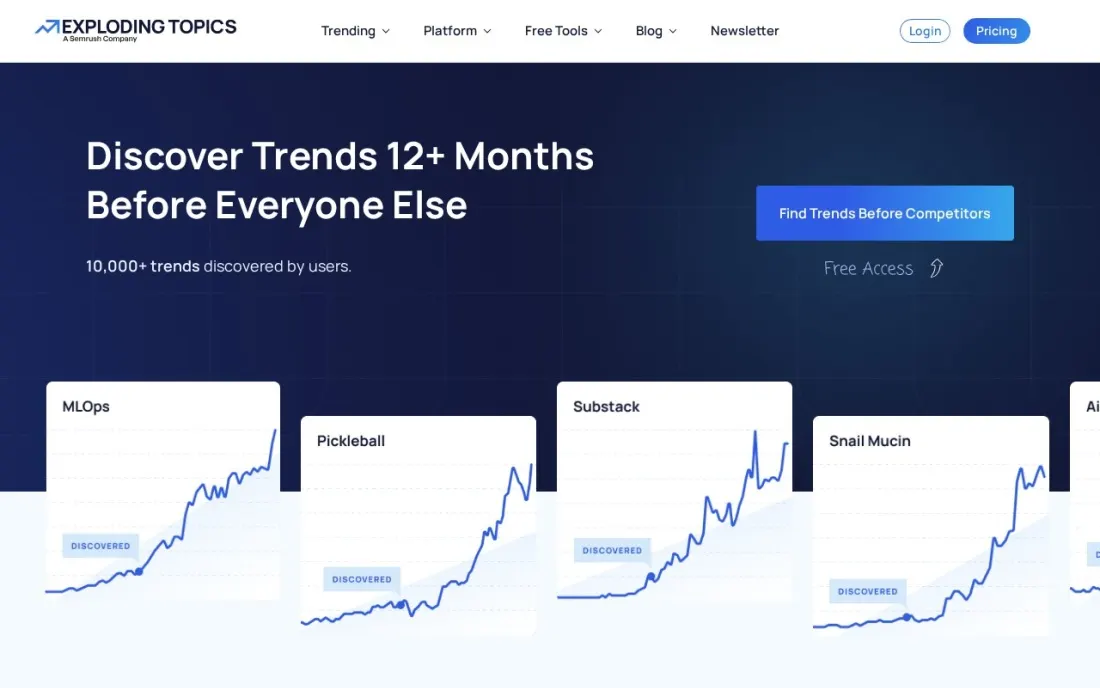
Exploding Topics is built to find markets early. It surfaces topics, products and startups whose search interest is growing before they become obvious, with a channel breakdown that shows where the conversation is happening. For a founder testing which niche to enter, it shortens weeks of browsing into a shortlist.
Entrepreneur costs $39 a month for 100 tracked trends and 10 trend analyses, Investor costs $99 for 500 and 100 and adds trend forecasting and CSV export, and Business at $249 adds trend reports. Every plan has a 7-day free trial, and the pricing page shows monthly prices only.
What we like
- Trends database, trending products and meta trends from the $39 Entrepreneur plan
- Investor adds trend forecasting, trending startups and CSV export
- 7-day free trial on every plan
Watch out for
- Entrepreneur allows only 100 tracked trends and 10 trend analyses
- Forecasting waits for Investor at $99 a month
- No annual price or seat count shown on the pricing page

Google Trends
Best for: Anyone checking, for free, whether demand in a market is growing, seasonal or fading
Google Trends is the free first check in any market analysis. It compares up to five topics side by side, by region and over time back to 2004, so you can see whether a category is growing, flat or seasonal before spending money on deeper data. Rising related queries show the exact phrases gaining interest now.
It shows relative interest on a 0 to 100 scale, not search counts, and low-volume niche terms often show no data at all. Pair it with a paid source when you need absolute numbers. There is no account, no search limit and no paywall.
What we like
- Compares up to five topics side by side, by region and by time range back to 2004
- Related queries and rising searches surface the exact phrasing that is gaining interest right now
- Free with no account, no search limit and no paywall anywhere in the tool
Watch out for
- Shows relative interest on a 0–100 scale, not search counts — it cannot tell you how many searches a term gets
- Low-volume niche terms often show no data at all, and the data is a sample of searches, not the full log

SparkToro
Best for: Marketers researching where a target audience spends time online before entering a market
SparkToro answers the audience part of a market analysis: for a given group of people, which websites, podcasts, social accounts and keywords they follow. That turns a market from a number into a map of where buyers actually pay attention, which is what you need to plan entry and channels.
You can run a free audience preview without a credit card. Business costs $150 a month billed monthly for 25 reports and 10 users and adds Take Action and Persona Builder; Agency at $300 a month allows 250 reports and 100 users. The Personal plan is annual only, with 4 reports a month, and its price is not shown.
What we like
- Free audience preview with no credit card
- Business includes 25 reports a month for up to 10 users plus Persona Builder
- Agency at $300 a month covers 250 reports and 100 users
Watch out for
- The Personal plan is annual only and its price is not shown on the page
- Annual prices for Business and Agency are not published
- Audience data, not market size or revenue figures

SurveyMonkey
Best for: Teams running their own customer and market surveys to test demand and pricing
Published data tells you about a market; a survey tells you about your buyers. SurveyMonkey covers that primary research with expert-certified templates, skip logic, A/B testing and real-time analysis with cross-tabs, plus more than 200 integrations. The free Basic plan allows 10 questions and 40 viewable responses per survey, enough for a quick pilot.
Team Advantage costs $30 a user a month billed annually with a 3-user minimum, so $90 a month, and includes 50,000 responses a year. Extra responses cost $0.15 each. Individual plan prices are not shown until you create an account.
What we like
- Team Advantage includes 50,000 responses a year shared across the team, with shared libraries and collaboration
- Expert-certified templates, skip logic, branching, A/B testing and real-time analysis with cross-tabs
- More than 200 integrations, including Salesforce, Slack and Microsoft Teams
Watch out for
- Individual plan prices are not shown on the public pricing page until you create an account
- Extra responses cost $0.15 each beyond the plan allowance, so a big launch can add up
- The free Basic plan caps surveys at 10 questions and only 40 viewable responses per survey

Brandwatch
Best for: Enterprise insights teams analysing how a market talks about brands and categories over years
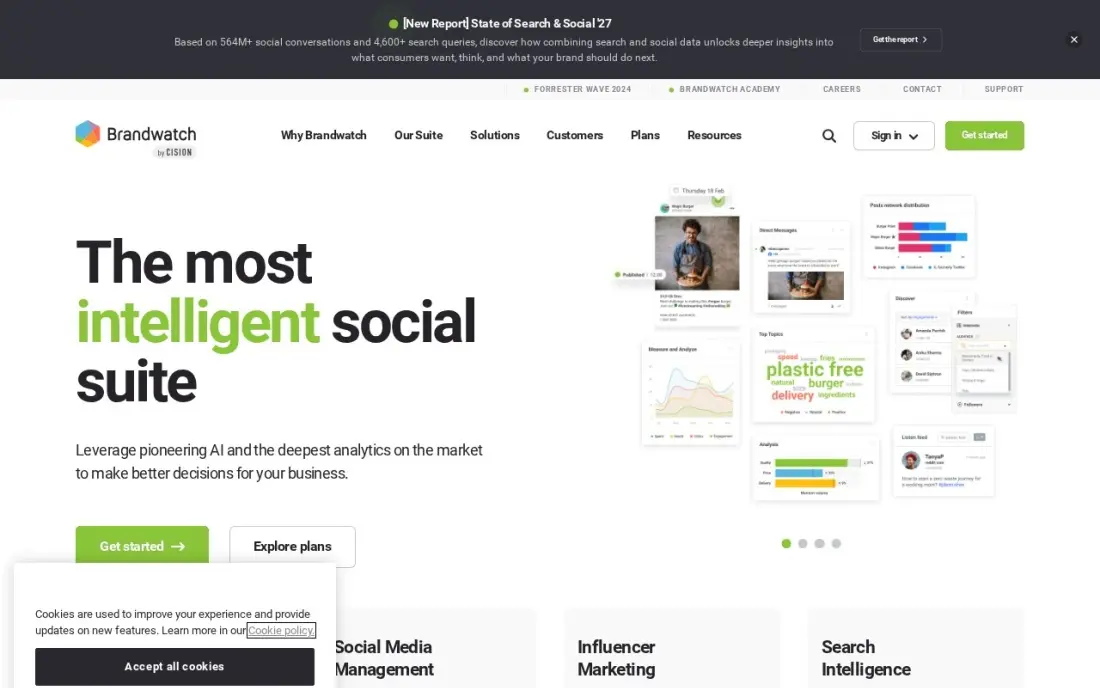
Brandwatch suits market analysis that depends on what people say: how a category discusses price, quality or switching, across social, news, blogs, forums and review sites. Brandwatch says its archive holds 1.7 trillion conversations back to 2010, and advanced Boolean queries and audience segmentation are built for research questions.
There is no published price and no trial, and deals are annual contracts, commonly 12 to 24 months. Reviewers say setup is complex enough to need a trained owner. It is the right tool for an insights team with a research budget, not for a founder checking one market.
What we like
- The deepest historical archive here: Brandwatch says it holds 1.7 trillion conversations back to 2010
- Advanced Boolean queries and audience segmentation suit research questions, not just alerts
- Covers social, news, blogs, forums and review sites with AI sentiment in more than 80 languages
- The highest-rated enterprise option here at 4.4 on G2 from 730 reviews
Watch out for
- No published price and no trial — budgeting starts with a sales call, and third parties report entry figures near $800 a month
- Annual contracts are the standard, with most deals running 12 to 24 months
- Reviewers call the setup complex enough to need a trained owner
The best software for market analysis helps you answer four questions before you commit money: how big the market is, whether demand is growing, who already wins it and what buyers want. No single tool does all four well, so we compared seven tools across market statistics, trend discovery, competitor traffic, audience research, surveys and social listening, with every price checked on the vendor's own pricing page in November 2026.
How to choose the best software for market analysis
- Write the question first. Market size, demand trend, competitor share and buyer needs each call for a different kind of data and tool.
- Separate secondary from primary data. Published statistics are fast and cheap; surveys cost more effort but tell you about your actual buyers.
- Check how the data is produced. Traffic and trend figures are modelled estimates, so treat them as direction, not precise counts.
- Look at history and region coverage. A one-seat plan with three months of history may not show the trend you need.
- Confirm export and citation options. If the analysis goes into a pitch or board paper, you need clean downloads and sources.
- Start free, then pay for one gap. Google Trends and free tiers cover a first pass; buy the paid tool that fills your biggest unknown.
Search demand is one of the cheapest market signals there is. If you want to understand how buyers in your market search before you enter it, our SEO audit includes a demand and competitor review, and our guide to competitor website analysis shows how to read a rival's site step by step.
Which market analysis software fits your situation
A founder testing whether a niche is worth entering. Start free with Google Trends to see whether interest is growing, flat or seasonal, checking at least two years of data. Add Exploding Topics at $39 a month to find rising products and topics before they peak; the Entrepreneur plan's 100 tracked trends is enough for one market. Stop there if the signal is weak, since both tools answer direction rather than size.
Someone writing a business plan or pitch deck. Statista is the source for published market sizes you can cite, with downloads and automated citations. The free Basic account covers historic data, and Starter at $199 opens the full statistics. Confirm the billing period at checkout, because the accounts page does not state it, and note that forecasts need Professional at $1,399.
A marketing team sizing up rivals. Similarweb shows estimated traffic and which channels competitors win through, at $125 a month billed annually for one seat. Treat the figures as comparisons, not counts, since Similarweb notes variance can reach 30%. Pair it with SparkToro, whose Business plan at $150 a month shows which sites, podcasts and accounts your audience follows, which is what you need to plan where to show up.
A team that needs to hear from real buyers. SurveyMonkey covers the primary research the other tools cannot. The free Basic plan's 10 questions and 40 viewable responses per survey are enough for a pilot; Team Advantage costs $90 a month for the three-user minimum billed annually and includes 50,000 responses a year.
An enterprise insights team tracking a category over years. Brandwatch is built for research questions across social, news, forums and reviews, with an archive back to 2010. It is quote-only with annual contracts and needs a trained owner, so it suits a team with a research budget, not a one-off project.
Market analysis software pricing: what you will actually pay
Take a founder testing one new market over three months. Google Trends costs $0. Exploding Topics Entrepreneur at $39 a month comes to $117 for the quarter, and SparkToro Business at $150 a month billed monthly comes to $450. Similarweb Competitive Intelligence costs $597 for three months billed monthly at $199, or $1,500 for a year at the $125 annual rate.
If you need published market sizes, Statista Starter is listed at $199 and Personal, with expert reports, at $649; the accounts page does not state the billing period, so confirm it before you buy. A short customer survey on SurveyMonkey Team Advantage costs $90 a month for the three-seat minimum, billed annually, so $1,080 a year.
A lean stack of Google Trends, Exploding Topics and one month of SparkToro gives a founder demand, trend and audience data for under $300. A research team adding Similarweb annually and Statista should budget well over $1,500 a year, and Brandwatch is quote-only on annual contracts.
Know the difference: market data vs competitor data
Market data describes the whole field: how many buyers there are, how much they spend, how fast the category grows and which segments lead. Statista, Google Trends and Exploding Topics work at this level. They help you decide whether a market is worth entering at all and when.
Competitor data describes the players already there. Similarweb estimates their traffic and channels, SparkToro shows where their audience pays attention, and Brandwatch tracks how people talk about them. This is what you need once the market looks attractive and the question becomes how to win share. Surveys sit across both, because they test your own positioning with real buyers.
Quick comparison: tool type by need
| Buyer | Best pick | Why |
|---|---|---|
| Market sizes to cite | Statista | Free Basic account; Starter $199 for full statistics |
| Competitor traffic | Similarweb | Traffic and channel estimates from $125/month billed annually |
| Early trend scouting | Exploding Topics | Trends database and trending products from $39/month |
| Free demand check | Google Trends | Free interest over time and by region back to 2004 |
| Audience research | SparkToro | Free preview; Business $150/month for 25 reports |
| Primary surveys | SurveyMonkey | Free Basic plan; Team Advantage $30/user/month annual |
| Enterprise social insight | Brandwatch | Conversation archive back to 2010, custom quote |
Mistakes to avoid
- Treating estimates as facts. Modelled traffic and relative trend scores are signals; never report them as exact figures.
- Relying only on secondary data. Published reports describe the average buyer, not yours; run at least a small survey.
- Buying an annual plan for a one-off project. Several tools here bill monthly, so pay for one or two months while the analysis runs.
- Ignoring seasonality. Check at least two years of Google Trends data before deciding a market is growing or shrinking.
- Skipping the citation. If a number goes into a pitch, keep the source and date with it so it can be checked later.
Related comparisons: Backlink Analysis Software · Competitive Analysis Tools · AI Citation Analysis Software · Tools for Content Gap Analysis
How we chose
We read each vendor's own pricing page in November 2026 and recorded the starting price exactly as shown, noting monthly and annual billing where the page states it and flagging where it does not. We grouped tools by the market question they answer best and ranked them for a founder, marketer or small research team. Ratings come from G2 pages checked on the dates shown in the sources, and we omit ratings we did not verify. No vendor paid for a place in this list, and none of the links here are affiliate links.
What to do next
Write down the one market question you most need answered, run it through Google Trends today and pick the single paid tool from this list that fills the gap. If search demand turns out to be the deciding signal, book a free call to review your market's search landscape.
Frequently asked questions
What is the best software for market analysis?
It depends on the question. Statista is best for published market statistics, Similarweb for competitor web traffic, SparkToro for audience research and SurveyMonkey for your own surveys. Google Trends is the best free tool for checking demand over time.
Is there free market analysis software?
Yes. Google Trends is completely free with no account. Statista has a free Basic account for historic data, SparkToro offers a free audience preview and SurveyMonkey's free Basic plan allows 10 questions and 40 viewable responses per survey.
How much does market research software cost?
On published prices, Exploding Topics starts at $39 a month, SparkToro Business at $150 a month, Similarweb at $199 a month billed monthly or $125 billed annually, Statista Starter at $199 and SurveyMonkey Team Advantage at $90 a month for three users billed annually. Brandwatch is quote-only.
What is the difference between primary and secondary market research tools?
Secondary tools such as Statista, Similarweb and Google Trends analyse data that already exists. Primary tools such as SurveyMonkey collect new data from your own respondents. A solid market analysis usually combines both.
Can I estimate market size with these tools?
Statista is the closest to a direct answer, with published market sizes and forecasts on Professional. Other tools help you build an estimate from the bottom up, using search interest from Google Trends, competitor traffic from Similarweb and survey responses on willingness to pay.
How accurate is competitor traffic data?
It is modelled, not measured. Similarweb notes its estimates can vary by up to 30%, so use them to compare competitors and spot trends rather than as exact visit counts.
Sources we checked (10)
- Statista — www.statista.com/accounts (checked November 16, 2026)
- Similarweb — www.similarweb.com/packages/web (checked November 5, 2026)
- Similarweb reviews on G2 (checked November 5, 2026)
- Exploding Topics — explodingtopics.com/pricing (checked November 16, 2026)
- Google Trends — trends.google.com (checked November 1, 2026)
- SparkToro — sparktoro.com/pricing (checked November 16, 2026)
- SurveyMonkey — www.surveymonkey.com/pricing (checked November 2, 2026)
- SurveyMonkey reviews on G2 (checked November 2, 2026)
- Brandwatch — www.brandwatch.com/pricing (checked November 6, 2026)
- Brandwatch reviews on G2 (checked November 6, 2026)
Make one of these tools?
We re-check this list every quarter. Send a correction, request a review, or ask about a clearly labeled sponsored spot.
Request a listingShamim
Founder of SerpAstra
A full-stack digital marketer and SEO strategist covering technical and local SEO, AI search visibility, paid ads and lead generation for local businesses, e-commerce brands and SaaS teams.
Free SEO and AI visibility audit
Find out what is holding your rankings back
Send us your site. Within 2 business days you get a written audit, an AI visibility check and a short fix list ranked by impact. Free, with no contract attached.
Request my free audit→Related buying guides
 Marketing7 Best Marketing Intelligence Software in 2026, ComparedCompare the 7 best marketing intelligence software tools on price, traffic data, intent signals and AI tracking, with every price checked November 5, 2026.Read guide →
 Marketing8 Best Survey Software Tools in 2026, ComparedCompare the 8 best survey software tools on free plans, response limits, logic, AI analysis and real monthly cost, with every price checked on vendor pages.Read guide →
 StrategyHow to do a competitor website analysis (step by step)How to do a competitor website analysis step by step in 2026: find your real competitors, map the keyword gap, check backlinks and turn the gaps into a plan.Read guide →