
6 Best Software for Simulation in 2026, Compared
Compare the 6 best software for simulation, from engineering physics to factory process models, on free plans, licences and published prices checked Nov 2026.
 Shamim Mia, Founder, SerpAstraLast verified November 10, 20268 min read
We compare pricing pages, documentation and public reviews. We never accept payment for rankings.

Key takeaways
- SimScale is the only tool here with a free plan: the Community plan gives 10 simulations and up to 2,000 core hours in the browser, with paid plans quoted.
- MATLAB and Simulink are the only engineering simulators with a list price we could read: a UK commercial annual licence costs GBP 842 for MATLAB plus GBP 1,270 for Simulink, excluding VAT.
- For factory, warehouse and service processes, compare discrete event tools: Autodesk FlexSim has a 30-day free trial and Simul8 sells Project, Business and Twin plans by quote.
- COMSOL and Siemens Simcenter 3D are the multiphysics heavyweights, and both are quote-only, so budget for a sales conversation and a trial before you can compare cost.
On this page
Quick comparison
| Tool | Best for | Starting price | Free plan |
|---|---|---|---|
 SimScale | Engineers who want browser-based CFD, structural and thermal simulation with a free start | Free; paid by quote | Yes |
 MATLAB and Simulink | Control, signal and systems engineers who model dynamic systems as block diagrams | GBP 2,112/yr (UK) | Trial |
 COMSOL Multiphysics | R&D teams solving coupled physics problems and turning models into shareable apps | Custom quote | No |
 Siemens Simcenter 3D | Product engineering teams that validate simulation results against physical test data | Custom quote | No (free trial) |
 Autodesk FlexSim | Manufacturing and logistics teams that want 3D discrete event models of factories and warehouses | Free trial; quote | Trial |
 Simul8 | Operations and improvement teams that want fast process simulation linked to business data | Custom quote | No |
Make one of these tools?
We re-check this list every quarter. Send a correction, request a review, or ask about a clearly labeled sponsored spot.
Request a listingThe best simulation software
SimScale
Best for: Engineers who want browser-based CFD, structural and thermal simulation with a free start
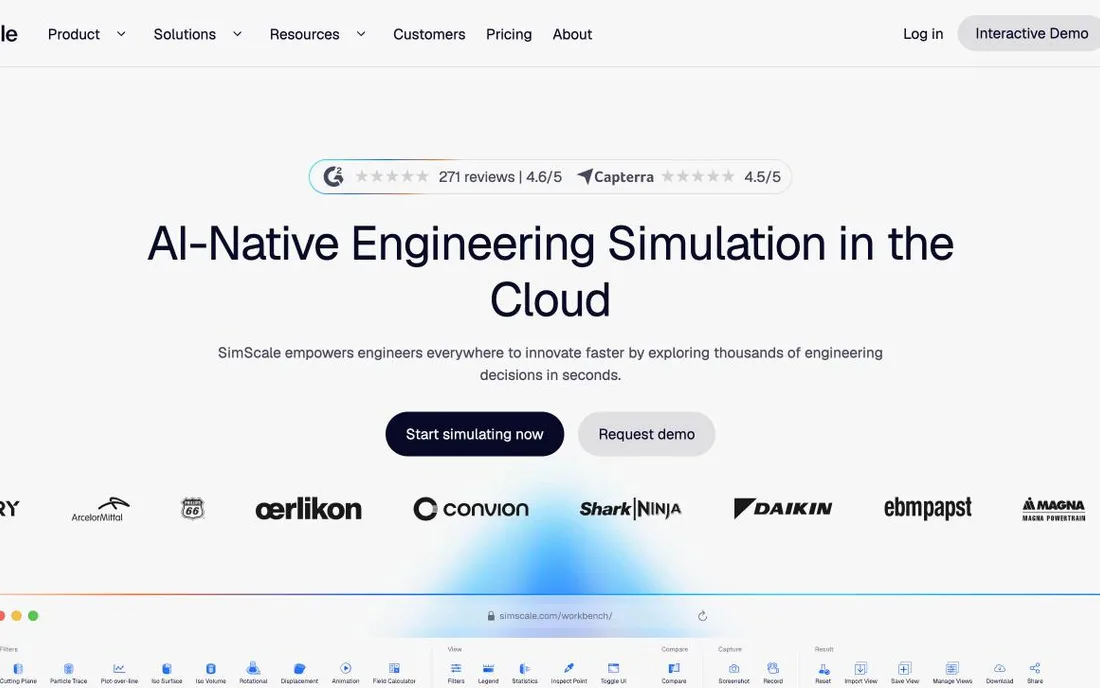
SimScale moves engineering simulation into the browser, so the solving happens on SimScale's cloud rather than your own hardware. The free Community plan covers selected analysis types, 10 simulations and up to 2,000 core hours for one user, which is enough to learn the tool or test a design idea, though Community projects are not private.
Mechanical adds private projects and the standard structural and thermal analysis types with 3,000 core hours; Professional adds fluid analysis, unlimited simulations, 10,000 core hours and instances up to 192 cores. Both are priced by quote, as is Enterprise with Engineering AI and Physics AI. It suits a small team that cannot justify an HPC cluster.
What we like
- Runs in the browser, so no workstation or cluster to buy
- Free Community plan for testing and learning
- Fluid, structural and thermal analysis on Professional
- Cancel anytime from the account page
Watch out for
- Community projects are not private
- Every paid plan is quote-only
- Free plan caps you at 10 simulations
MATLAB and Simulink
Best for: Control, signal and systems engineers who model dynamic systems as block diagrams
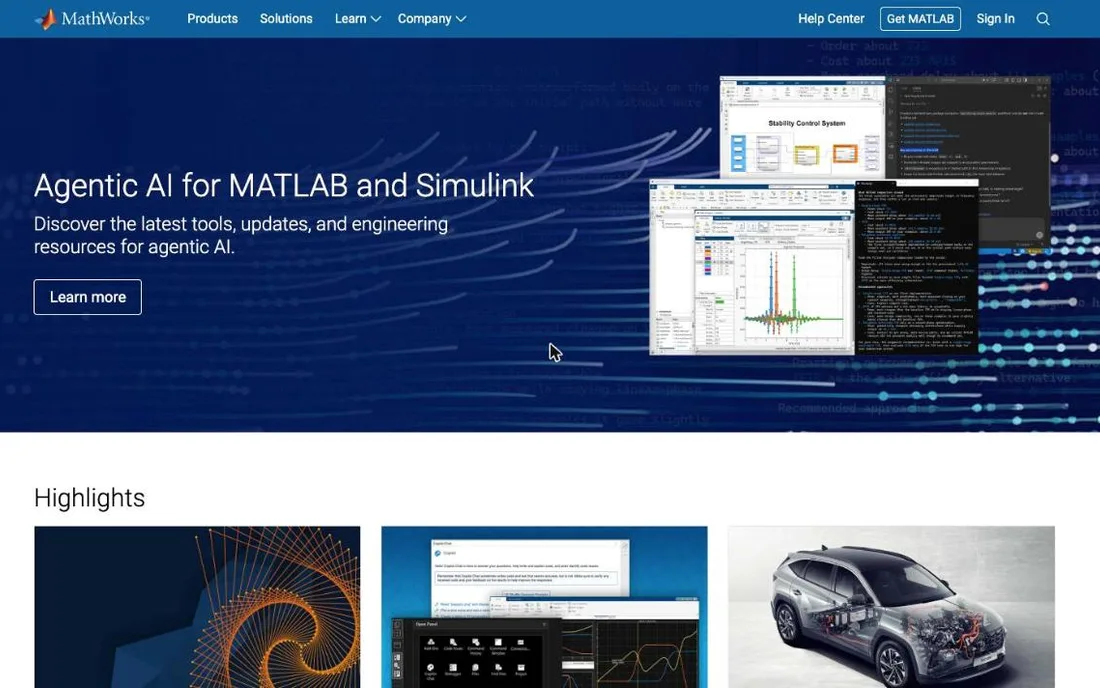
Simulink is the standard tool for simulating dynamic systems such as control loops, power electronics and vehicle models as block diagrams, and it runs on top of MATLAB. MathWorks shows list prices online: for a commercial organisation in the UK, an annual individual licence costs GBP 1,270 for Simulink plus GBP 842 for the required MATLAB, excluding VAT, with maintenance included.
That makes GBP 2,112 a year the entry cost for one engineer. The page shows prices for the buyer's region, so US and other buyers should check their own figure or ask sales, and perpetual, startup, academic, student and home licences are listed too. Specialised toolboxes cost extra.
What we like
- Published list prices for individual licences
- Annual licence includes Software Maintenance Service
- Startup, academic, student and home licence types
- Campus-wide licences cover many universities
Watch out for
- Simulink requires a MATLAB licence
- The online price shown depends on your region
- Toolboxes add to the bill for specialised work
COMSOL Multiphysics
Best for: R&D teams solving coupled physics problems and turning models into shareable apps
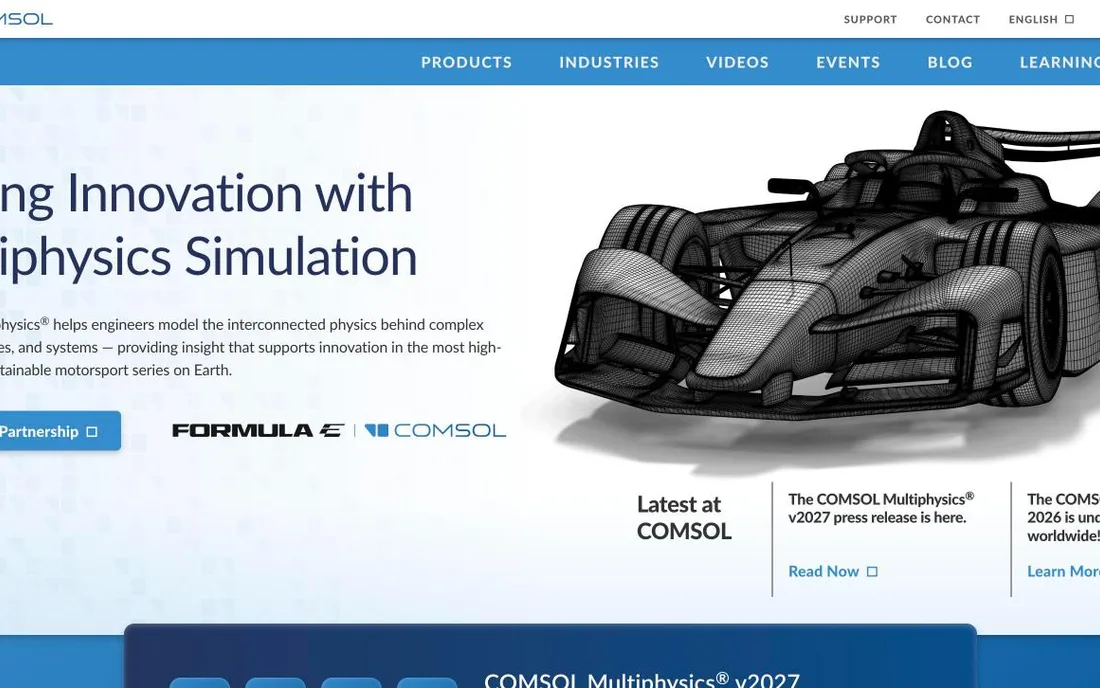
COMSOL Multiphysics is built for problems where physics interact, such as heat changing a structure's shape or current heating a conductor. Its licence choice shapes the cost: a CPU-locked licence ties the software to one computer, a named single-user licence lets one person install on four computers and run on two, and a floating network licence lets several people share seats with cluster computing on unlimited nodes.
A COMSOL Server licence hosts apps built with the Application Builder, so colleagues can run a model without learning the full tool. COMSOL publishes no prices for any licence, so expect a sales call. It suits R&D teams that need coupled physics more than speed of setup.
What we like
- Several licence types, from one computer to floating network
- Floating licences allow cluster computing with unlimited nodes
- Application Builder turns models into apps for colleagues
- Academic licences, including class kits for up to 30 users
Watch out for
- No published prices
- Named-user licence runs on at most two computers at a time
- CPU-locked licences cannot be used remotely
Siemens Simcenter 3D
Best for: Product engineering teams that validate simulation results against physical test data
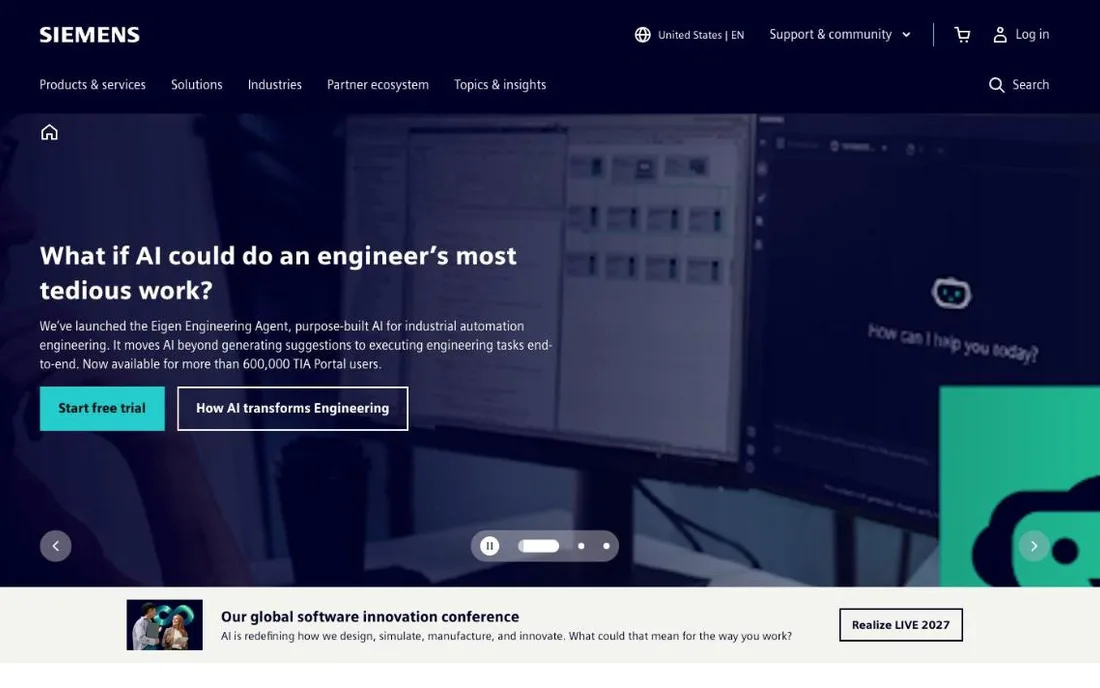
Simcenter 3D puts structural, thermal, CFD, motion, acoustics and electromagnetic simulation in one environment, so a product team does not juggle separate solvers for each physics. Its distinguishing feature is correlation: test measurements and simulation results sit in the same workflow, so engineers can check a model against the real part before trusting its predictions.
It is tightly tied to Siemens NX and Teamcenter, which helps companies already on that stack and adds friction for everyone else. Pricing is unit-based and quote-only, the full solver set needs an enterprise licence, and G2 reviewers describe a steep learning curve. A free trial is available.
What we like
- Multiphysics in one environment: structural, thermal, CFD, motion, acoustics and electromagnetics
- Largest review base in this list at 4.3 out of 5 on G2 from 211 reviews
- Test and simulation data correlate in one workflow, so the twin is validated against physical measurements
- Deep NX and Teamcenter integration keeps the twin tied to the CAD model and the PLM record
Watch out for
- Unit-based pricing is quote-only, and the full solver portfolio needs an enterprise licence
- Reviewers note a steep learning curve, especially for multiphysics problems
- Simulation software, not a live twin platform — live data sync comes from the wider Simcenter portfolio
Autodesk FlexSim
Best for: Manufacturing and logistics teams that want 3D discrete event models of factories and warehouses
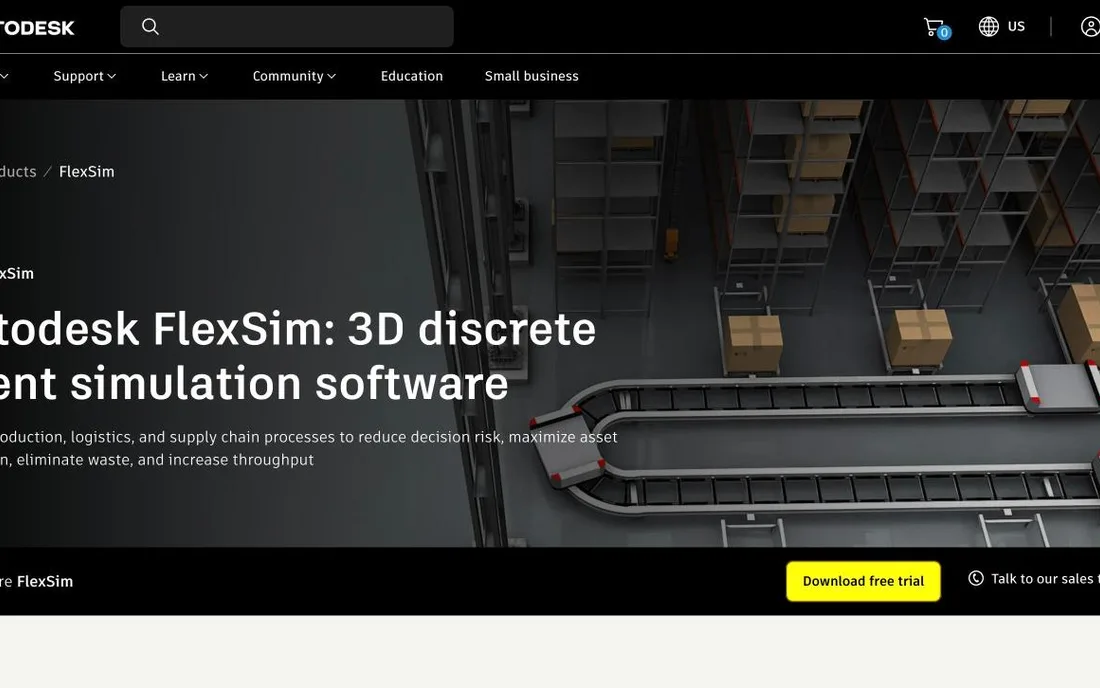
FlexSim, now sold by Autodesk, models how work flows through a factory, warehouse or hospital: parts on conveyors, pickers on aisles, patients in waiting rooms. Layouts are built by drag and drop in 3D with objects that carry pre-built logic, and modules add conveyor systems, AGVs, warehousing and healthcare.
The scenario manager runs what-if experiments, and OptQuest searches many combinations of staffing or layout to find better results. Autodesk offers a 30-day free trial, a 30-day return policy on annual subscriptions and 15 days on monthly ones, but the product page we read showed no price, so get a quote. Use it when the question is throughput, not stress or flow.
What we like
- Drag-and-drop 3D modelling with pre-built object logic
- Modules for conveyors, AGVs, warehousing and healthcare
- OptQuest optimisation explores many scenarios
- 30-day money-back on annual subscriptions
Watch out for
- Price is not listed on the product page
- Process simulation only, not engineering physics
- Advanced training courses are a separate step
Simul8
Best for: Operations and improvement teams that want fast process simulation linked to business data
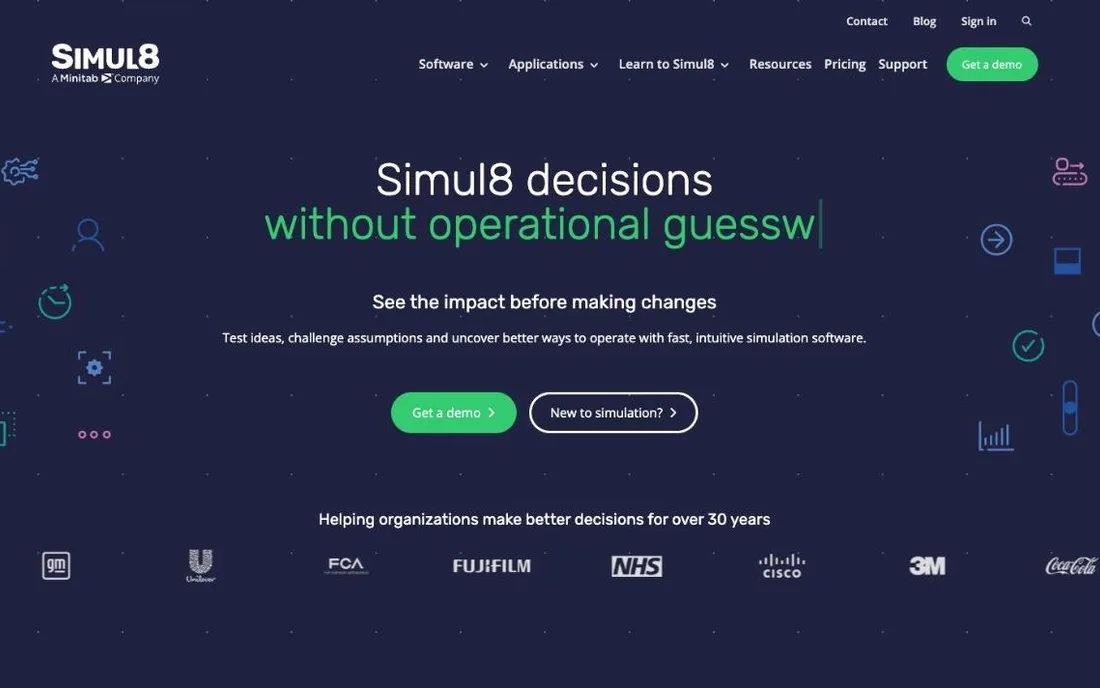
Simul8, part of Minitab, is a process simulator aimed at operations, healthcare and service teams rather than engineers. The Project plan builds and runs simulations on desktop or in the cloud with data from Excel and Google Sheets; Business adds sharing, version control, audit logs and import from Visio, BPMN and Minitab Workspace; Twin adds live SQL connections, full API access, machine learning and parallel processing.
Decision Cloud turns a finished model into a simple browser tool so managers can test a staffing change without learning the software. All plans are priced through sales. It is a faster start than FlexSim for flowchart-style processes.
What we like
- Desktop or cloud modelling with Excel and Google Sheets links
- Business plan imports from Visio, BPMN and Minitab Workspace
- Twin plan connects to live SQL data and a full API
- Decision Cloud lets non-modellers run models in a browser
Watch out for
- No published prices for any plan
- Process simulation only, not physics
- Live-data and API features need the top Twin plan
The best software for simulation lets you test a design or a process before you build it: whether a bracket will crack, how air flows through a cabinet, or how many pickers a warehouse needs on a Monday. Simulation is two different markets, engineering physics and process modelling, so we compared six tools across both and noted which job each one does. Prices and licence terms below come from each vendor's own pages, checked in November 2026; most of this category is sold by quote, and we say so where that is the case.
How to choose the best software for simulation
- Decide which kind of simulation you need. Stress, heat and fluid flow need an engineering solver; queues, throughput and staffing need a discrete event or process tool.
- Match the physics. Structural and thermal work is covered by most engineering tools, while coupled physics, acoustics or electromagnetics narrows the field to COMSOL and Simcenter 3D.
- Think about computing power. Large models need cores; a cloud tool such as SimScale rents them by the core hour, while desktop tools need a workstation or cluster.
- Check the licence type. Named-user, CPU-locked and floating licences cost and behave differently, so match the licence to how many people model at once.
- Plan for the learning curve. Multiphysics tools take months to master; budget training time as well as licence fees.
- Ask how results reach decision makers. COMSOL apps and Simul8 Decision Cloud let non-experts run a finished model, which is often where the value lands.
Simulation vendors and engineering consultancies sell to buyers who research hard and compare tools in AI answers before they ever call. If that is your market, our AI search optimisation service covers ChatGPT and Google AI answers, and our guide to digital twin software covers the next step, keeping a model linked to live data.
Simulation software pricing: what you will actually pay
Only one engineering vendor here shows a list price. MathWorks lists, for a commercial buyer in the UK, an annual individual licence at GBP 842 for MATLAB and GBP 1,270 for Simulink, excluding VAT, with maintenance included. Because Simulink needs MATLAB, one engineer's entry cost is GBP 2,112 a year, and a team of three pays GBP 6,336 a year before toolboxes. Buyers outside the UK will see their own regional price.
SimScale starts at $0 on the Community plan, with 10 simulations and up to 2,000 core hours, which lets a team prove the value before it requests a quote for Mechanical or Professional. Professional raises the computing quota to 10,000 core hours with unlimited simulations.
COMSOL, Siemens Simcenter 3D, Autodesk FlexSim and Simul8 publish no prices. FlexSim has a 30-day free trial and a 30-day return policy on annual subscriptions, so it is the cheapest of those to test properly. For the others, ask for a year-one quote that includes training, maintenance and any extra modules, because the solver add-ons are where engineering simulation bills grow.
Know the difference: engineering simulation vs process simulation
Engineering simulation solves physics equations over a model of a part or system. SimScale, COMSOL, Simcenter 3D and Simulink sit here: they predict stresses, temperatures, fluid flow or how a control system responds, and they are used by design engineers to cut prototypes and physical tests. Results depend on mesh, materials and boundary conditions, so skill matters as much as the software.
Process simulation, usually discrete event simulation, models things moving through a system over time: orders through a factory, patients through a clinic, trucks through a yard. FlexSim and Simul8 work this way, and they answer questions about throughput, waiting time and staffing rather than strength. The two kinds rarely replace each other, and a manufacturer may well run one of each.
Quick comparison: tool type by need
| Buyer | Best pick | Why |
|---|---|---|
| Small teams without a cluster | SimScale | Browser-based CFD and FEA, free Community plan |
| Control and systems engineers | MATLAB and Simulink | Block-diagram system models, UK list price GBP 2,112/year |
| Coupled physics R&D | COMSOL Multiphysics | Multiphysics with shareable apps, quoted by licence type |
| NX and Teamcenter users | Siemens Simcenter 3D | Multiphysics validated against test data, quoted |
| Factories and warehouses | Autodesk FlexSim | 3D discrete event models, 30-day free trial |
| Operations and service teams | Simul8 | Process models linked to business data, quoted |
Mistakes to avoid
- Buying a physics solver for a process question. If the question is how many machines or staff you need, a discrete event tool answers it faster and cheaper than FEA or CFD.
- Trusting results you have not validated. Compare at least one model against a real test or a hand calculation before decisions rest on it.
- Ignoring computing costs. Large CFD runs need cores; price the workstation, cluster or cloud core hours alongside the licence.
- Buying more physics than you use. Multiphysics licences and add-on modules are expensive; start with the analysis types you run every month.
- Skipping training. An untrained user with a powerful solver produces confident wrong answers; budget for courses in year one.
How we chose
We read each vendor's own pricing, licensing or product page on November 21, 2026, and recorded prices exactly as shown, including the region and billing term for MathWorks. Siemens Simcenter 3D's details come from our tool database, checked November 10, 2026, including its G2 rating. We covered both engineering and process simulation because buyers searching for simulation software mean both, and ranked tools by how easily a small or mid-size team can start. Where a vendor publishes no price we say custom quote rather than repeat third-party estimates. No vendor paid for a place in this list, and none of the links here are affiliate links.
What to do next
Write down the one question you want simulation to answer, such as a part's maximum load or a line's hourly output, then run it in a free plan or trial from the matching column above before you ask for quotes. If you sell engineering software or services and want buyers to find you while they compare, book a free strategy call.
Frequently asked questions
What is the best software for simulation?
For engineering physics, SimScale is the easiest start with a free Community plan, and COMSOL and Siemens Simcenter 3D are the deepest multiphysics tools. For dynamic systems, MATLAB and Simulink are the standard. For factory and process models, Autodesk FlexSim and Simul8 are the picks.
Is there free simulation software?
SimScale's Community plan is free, with 10 simulations and up to 2,000 core hours, though projects are not private. Autodesk FlexSim and MATLAB and Simulink offer free trials. COMSOL, Simul8 and Siemens Simcenter 3D need a sales conversation.
How much does simulation software cost?
Most vendors quote. The prices we could read were MathWorks' UK commercial annual licences, GBP 842 for MATLAB and GBP 1,270 for Simulink excluding VAT. SimScale has a free plan with paid plans by quote, and COMSOL, Simcenter 3D, FlexSim and Simul8 publish no prices.
What is the difference between FEA, CFD and discrete event simulation?
FEA predicts how parts bend, heat or vibrate, and CFD predicts how fluids and air move; both are engineering physics. Discrete event simulation models how work, parts or people move through a process over time, which is what FlexSim and Simul8 do.
Can I run simulation software without a powerful computer?
Yes, with a cloud tool. SimScale runs in the browser and solves on its own servers, with instances up to 192 cores on paid plans. COMSOL floating licences also let you offload heavy runs to a remote machine or cluster.
Which simulation software do universities use?
MATLAB and Simulink are common through campus-wide licences, and COMSOL sells academic licences including class kits for up to 30 concurrent users. SimScale's free Community plan is another option for students learning CFD and structural analysis.
Sources we checked (7)
- SimScale — www.simscale.com/product/pricing (checked November 21, 2026)
- MATLAB and Simulink — www.mathworks.com/pricing-licensing.html (checked November 21, 2026)
- COMSOL Multiphysics — www.comsol.com/products/licensing (checked November 21, 2026)
- Siemens Simcenter 3D — www.plm.automation.siemens.com (checked November 10, 2026)
- Siemens Simcenter 3D reviews on G2 (checked November 10, 2026)
- Autodesk FlexSim — www.autodesk.com/products/flexsim/overview (checked November 21, 2026)
- Simul8 — www.simul8.com/software/pricing (checked November 21, 2026)
Make one of these tools?
We re-check this list every quarter. Send a correction, request a review, or ask about a clearly labeled sponsored spot.
Request a listingShamim
Founder of SerpAstra
A full-stack digital marketer and SEO strategist covering technical and local SEO, AI search visibility, paid ads and lead generation for local businesses, e-commerce brands and SaaS teams.
Free SEO and AI visibility audit
Find out what is holding your rankings back
Send us your site. Within 2 business days you get a written audit, an AI visibility check and a short fix list ranked by impact. Free, with no contract attached.
Request my free audit→Related buying guides
 Manufacturing, Maintenance & ERPBest Digital Twin Software for 2026: 12 Options Compared by Use CaseCompare the 12 best digital twin software options for 2026 on price, live data, simulation depth and use case, with prices checked November 10, 2026.Read guide →
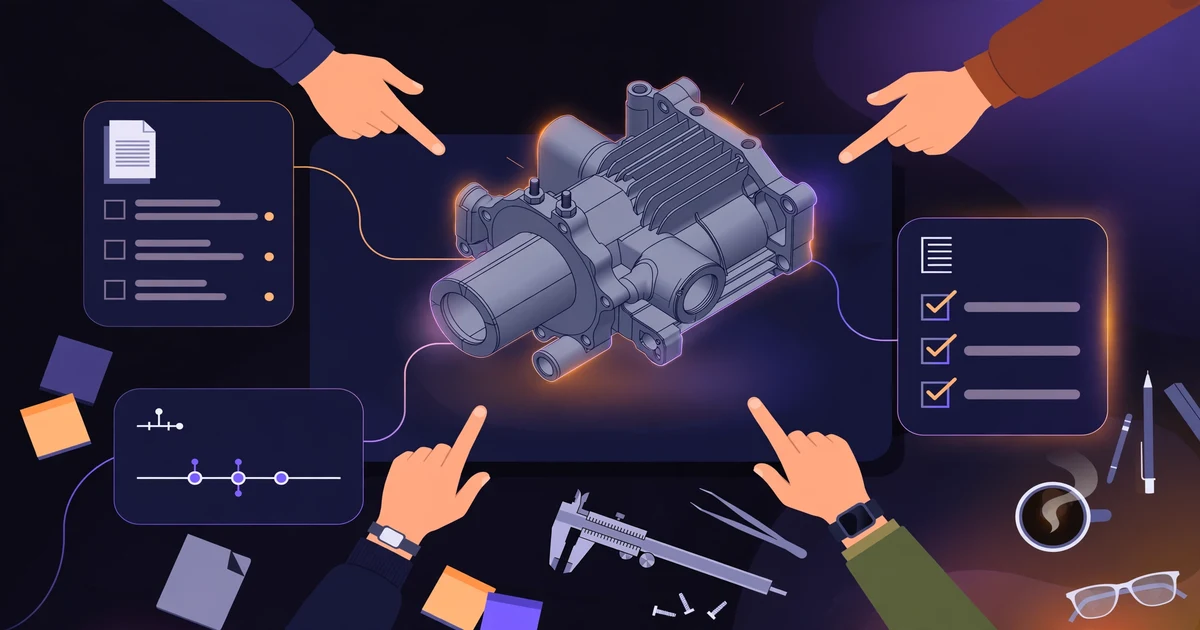 Manufacturing, Maintenance & ERPBest CAD PLM Software for 2026: 10 Options Compared by Use CaseCompare the 10 best cad plm software options for manufacturers on price, free plans and CAD integration, with every price checked November 4, 2026.Read guide →
 CAD, GIS & EngineeringBest 3D CAD Software for 2026: 10 Options Compared by Use CaseCompare the best 3d cad software for 2026: 10 tools with real starting prices, free plans and G2 ratings, sorted by the job you need them for.Read guide →