
8 Best Software to Block Websites in 2026, Compared
Compare the 8 best software to block websites for focus, families and small teams, from Freedom and Cold Turkey to DNS filters, with prices checked.
 Shamim Mia, Founder, SerpAstraLast verified November 7, 20269 min read
We compare pricing pages, documentation and public reviews. We never accept payment for rankings.

Key takeaways
- Freedom is the best software to block websites for personal focus across every device, with Premium at $39.99 a year through the App Store and a one-time Forever plan.
- Cold Turkey Blocker is the strictest choice on Windows and Mac: the free version blocks websites, and Pro is a one-time purchase that adds app blocking and locks you cannot undo.
- For a whole office, DNS filters such as Cloudflare Gateway (free up to 50 users) and DNSFilter (from $1.00 a user a month billed annually) block sites on every device at once.
- Families should start with the free tools already on their devices — Apple Screen Time and Google Family Link — before paying for Qustodio or CleanBrowsing.
On this page
Quick comparison
| Tool | Best for | Starting price | Free plan |
|---|---|---|---|
| Freedom | Individuals who want to block distracting websites and apps on every device at once | Free tier; $39.99/yr | Free tier + 7-day trial |
| Cold Turkey Blocker | Windows and Mac users who need a block they genuinely cannot get around | Free; Pro one-time | Free version |
| Cloudflare Gateway | Small businesses that want to block websites for the whole team at no cost | $7/mo | Yes (up to 50 users) |
| DNSFilter | Small businesses and MSPs that want simple per-user website blocking | $1.00/mo (annual) | No (14-day trial) |
| CleanBrowsing | Homes, schools and small offices that want flat-rate site blocking on the router | $8.99/mo | Yes (free filters) |
| Qustodio | Parents who want to block websites and set time limits across a mix of devices | $59.95/yr | Yes (free plan) |
| Apple Screen Time | iPhone, iPad and Mac users who want to block websites for free | Free | Yes (free) |
| Google Family Link | Android and Chromebook families who want free website blocking for children | Free | Yes (free) |
Make one of these tools?
We re-check this list every quarter. Send a correction, request a review, or ask about a clearly labeled sponsored spot.
Request a listingThe best software to block websites

Freedom
Best for: Individuals who want to block distracting websites and apps on every device at once
Freedom is built for one person who loses hours to the same few sites. You build a blocklist or pick a preset, start a session or schedule recurring ones, and the block applies to your Mac, Windows PC, iPhone, Android phone and Chromebook at the same time, so you cannot simply switch to another screen. Locked Mode removes the option to end a session early, and a single button can block the whole internet.
Premium costs $39.99 a year on the App Store after a 7-day free trial, and the Forever plan is a one-time payment of $199, shown at $99.50 on sale when we checked. Website exceptions work only on desktop, and Chromebooks block sites but not apps.
What we like
- Blocks websites, apps or the entire internet across Mac, Windows, iOS, Android and Chromebook
- Scheduled and recurring sessions sync to all your devices
- Locked Mode stops you ending a session early
- A one-time Forever plan avoids a yearly subscription
Watch out for
- Website exceptions work only on Mac and Windows, not on phones
- App blocking is not available on Chromebook
- Several subscription prices appear in the App Store listing, so check the price at checkout

Cold Turkey Blocker
Best for: Windows and Mac users who need a block they genuinely cannot get around
Cold Turkey Blocker has a reputation as the strictest blocker on desktop, and it earns it. Blocker Free blocks websites, allows exceptions, runs timed blocks and keeps statistics. Pro adds application blocking, scheduled blocks, breaks and allowances, an application password and all the locking features, which make a running block very hard to undo even if you restart the computer.
Pro is a one-time lifetime licence covering all the computers you personally use, with a 7-day trial started from the free app and a full refund within 30 days. The pricing page does not print the amount, so check it at checkout. The limit is platform: Cold Turkey runs on Windows and macOS only, so pair it with Screen Time or Family Link for your phone.
What we like
- The free version already blocks websites with timed blocks and statistics
- Pro is a one-time purchase covering every computer you personally use
- Locking features make blocks very hard to cancel once started
- 7-day Pro trial and a full refund within 30 days
Watch out for
- Windows and macOS only — no phone, Linux or ChromeOS apps
- Scheduled blocks and app blocking need Pro
- The pricing page does not print the Pro price, so you see it at checkout

Cloudflare Gateway
Best for: Small businesses that want to block websites for the whole team at no cost
Cloudflare Gateway blocks websites at the network level for an entire team, so a policy set once applies to every laptop running the WARP client, in the office or at home. The free plan covers up to 50 users with DNS and HTTP filtering, category blocking and device posture checks, which is more than most small businesses need to block gambling, adult, malware and time-wasting categories.
Pay-as-you-go costs $7 a user a month with no seat cap. Setup is the catch: policies, certificates and the WARP client take real IT time, and DNS-only use is capped at 150,000 queries a seat a month. For a non-technical owner, DNSFilter is easier to start.
What we like
- Free plan covers up to 50 users with DNS and HTTP filtering, ZTNA and device posture checks
- Pay-as-you-go is $7 a user a month with no seat cap and no annual contract
- Runs on Cloudflare's global network, so filtering adds little latency for remote teams
Watch out for
- Gateway DNS-only use is capped at 150,000 queries a seat a month, about 5,000 a day
- Full DLP, CASB and browser isolation sit on the custom-priced Contract plan or as add-ons
- Setup is technical: policies, certificates and the WARP client take real IT time

DNSFilter
Best for: Small businesses and MSPs that want simple per-user website blocking
DNSFilter blocks websites by category or by name for every device on a network or carrying its roaming client, with per-user policies so the sales team and the warehouse can have different rules. Core costs $1.00 a license a month billed annually, or $1.15 monthly, and covers more than 40 content categories plus AI-powered threat blocking. A 14-day free trial lets you test it on real traffic.
Core carries a $240 annual minimum, so a five-person team pays $240 a year, not $60. DNS blocking stops a whole domain but cannot block one page inside an allowed site, so it will not hide only the Shorts tab on YouTube.
What we like
- Core starts at $1.00 a license a month billed annually ($1.15 monthly), with a $240 annual minimum spend
- AI-powered threat detection plus 40-plus content categories, with per-user policies and roaming clients for off-network devices
- MSP program from $150 a month with multi-tenancy, branding and discounted partner rates
Watch out for
- DNS-only filtering cannot inspect encrypted web traffic the way a full web gateway can
- Minimum spends mean a 5-user team pays $240 a year on Core, not $60
- Data export costs $0.25 a license a month extra, and Enterprise is quote-only

CleanBrowsing
Best for: Homes, schools and small offices that want flat-rate site blocking on the router
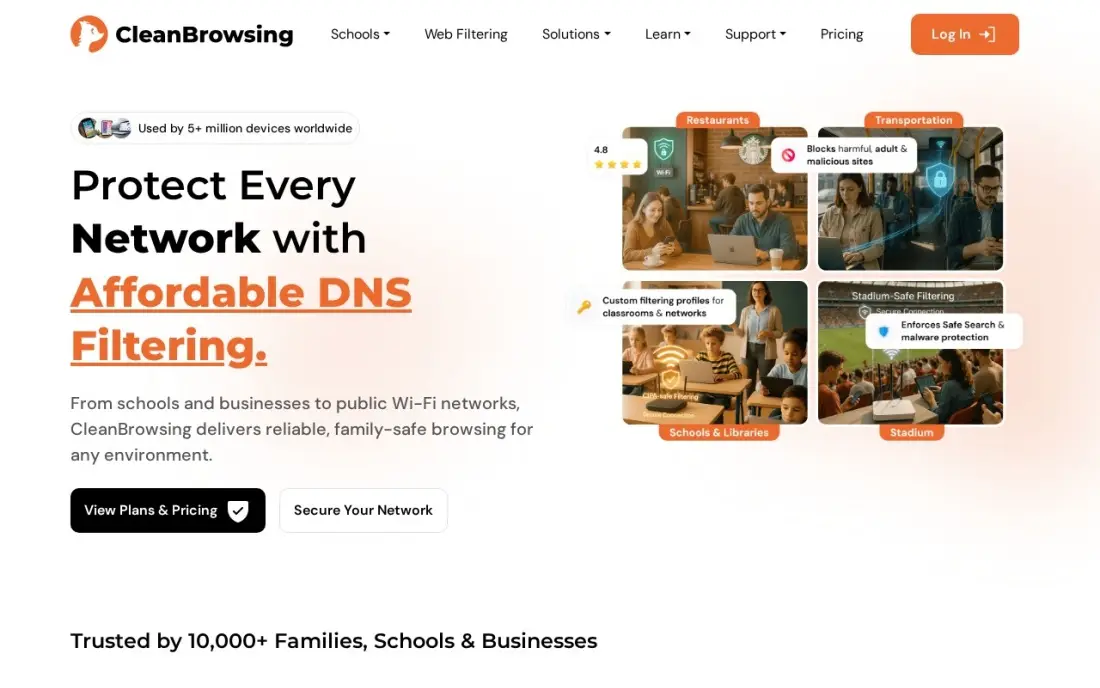
CleanBrowsing blocks websites by changing the DNS setting on a router or device, so every phone, tablet and laptop on the home or office network is covered without installing anything. The free Family, Adult and Security filters need no signup and enforce SafeSearch on major search engines, which suits a household that wants adult content gone in five minutes.
Basic costs $8.99 a month, or $75 a year, for up to 25 devices and adds custom filters and device profiles. There is no free trial on paid plans, support is email-only, and there are no per-user rules for a larger business network, so it suits homes and small sites best.
What we like
- Basic is $8.99 a month flat for 25 devices ($75 a year), not per user, so small sites stay cheap
- Free Family, Adult and Security filters need no signup and enforce SafeSearch on major search engines
- Encrypted DNS (DoH, DoT, DNSCrypt) on every plan, with a privacy-first no-logs option
Watch out for
- No free trial on paid plans, and support is email-only with no phone line
- No per-user policies or Active Directory integration for larger business networks
- Device caps mean a 100-device organisation needs Pro 100 at $30 a month, and larger needs a custom quote

Qustodio
Best for: Parents who want to block websites and set time limits across a mix of devices
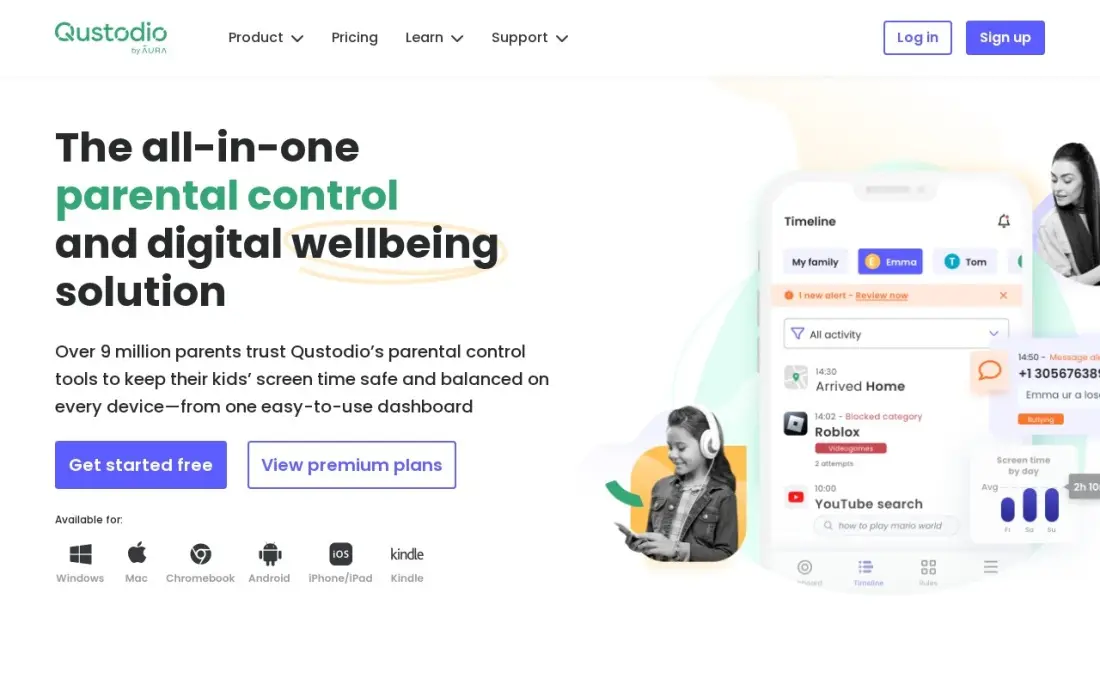
Qustodio blocks websites by category or by name and sets daily time limits on six platforms — iPhone, Android, Windows, Mac, Chromebook and Kindle — from one parent dashboard, so the same rules follow a child from phone to laptop. The free plan covers one device with web filtering and time limits, which is enough to test it properly.
Basic costs $59.95 a year for five devices, but that was a short promotion; the regular price is about $72.94 a year, and per-app limits and YouTube monitoring need Complete at $104.95 a year. iPhone controls are thinner than Android, which is an Apple restriction rather than a Qustodio flaw.
What we like
- Covers six platforms under one parent dashboard, including Chromebook and Kindle
- Location timeline with geofencing alerts and a panic button on Android
- Free plan covers one device with web filtering and time limits
- 30-day money-back guarantee on direct purchases
Watch out for
- Basic costs $59.95 a year and the features most families want need Complete at $104.95 a year
- The $59.95 Basic price was a short-term promo on October 28, 2026; the regular price is about $72.94 a year
- iPhone controls are thinner than Android controls, with no call and text monitoring on iOS

Apple Screen Time
Best for: iPhone, iPad and Mac users who want to block websites for free
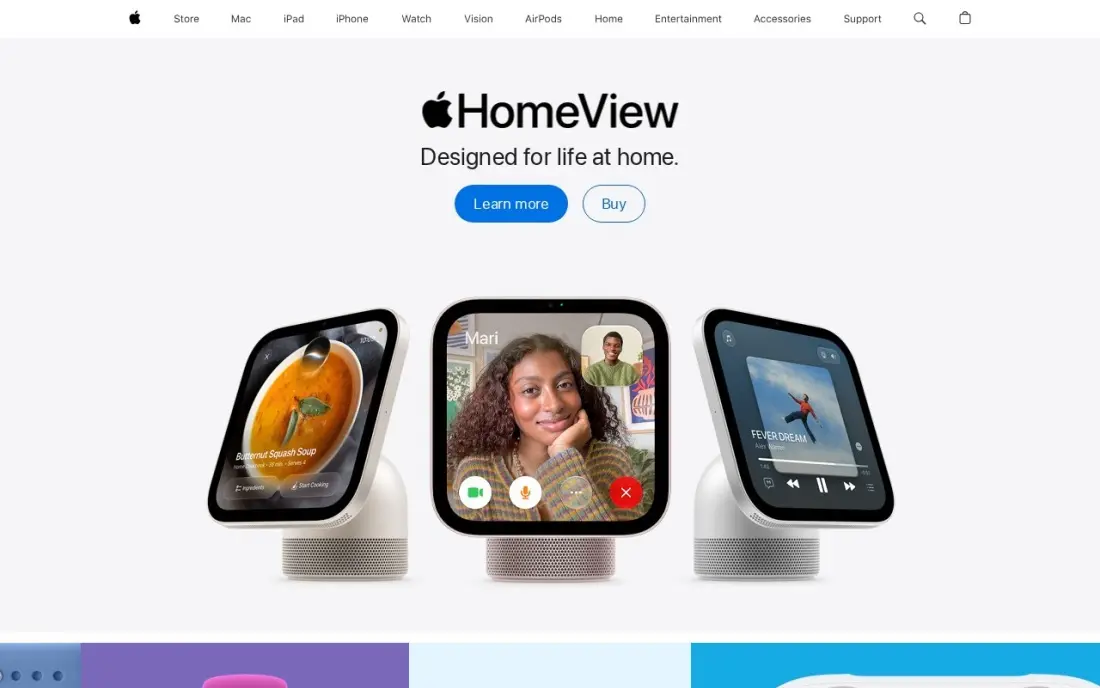
Apple Screen Time is already on every iPhone, iPad and Mac, and its Content and Privacy Restrictions can limit adult websites or allow only a list of approved sites. Combined with app limits and downtime, it works as a free self-control tool for adults and a parental control for children, synced through Family Sharing.
It costs nothing, but it is Apple-only and its web filter works in Safari and browsers that respect Apple restrictions. Determined teenagers share workarounds, so treat it as friction rather than a wall. For an adult who wants to stop opening one news site on an iPhone, it is often all that is needed.
What we like
- Built into every iPhone, iPad and Mac with nothing to install or pay for
- Downtime, per-app limits and content restrictions that sync through Family Sharing
- Communication limits control who a child can call and text
- Purchase approvals for children's accounts
Watch out for
- Apple-only, so it covers nothing on an Android tablet or Windows laptop
- The web filter works in Safari and browsers that respect Apple restrictions
- Determined teenagers share workarounds online, so treat it as friction, not a wall

Google Family Link
Best for: Android and Chromebook families who want free website blocking for children
Google Family Link lets parents block or allow specific websites in Chrome on a child's Android phone or Chromebook, alongside app approvals, daily limits and bedtimes. It is completely free, with no paid tier, and works on school Chromebooks as well as family devices.
Its limits come from the ecosystem. Family Link does far less on an iPhone, nothing on Windows PCs or Macs, and the rules are tied to the child's Google account, so a second account breaks them. For a young child whose browsing happens mostly in Chrome on Android, it is the right free starting point.
What we like
- Completely free with no paid tier waiting to upsell you
- App approvals, screen-time limits, bedtime schedules and location sharing
- Works on Android phones, tablets and Chromebooks, including school Chromebooks
- Content filtering built into Google services and SafeSearch
Watch out for
- Weak on iPhones and useless for Windows PCs or Macs
- No monitoring of calls, texts or social apps beyond Google services
- Everything is tied to the child's Google account, so account workarounds break the rules
The best software to block websites depends on who you are blocking them for. A writer trying to stay off social media needs a different tool from a parent setting rules for a ten-year-old or an owner keeping a team off gambling and malware sites. We compared eight tools across those three needs — personal focus, families and small teams — and every price below was checked on the vendor's own pages in November 2026.
How to choose the best software to block websites
- Name who the block is for. Focus blockers such as Freedom and Cold Turkey are set by the person being blocked; parental and business filters are set by someone else and must be harder to undo.
- Cover every device you use. Blocking a site on the laptop is pointless if the phone is in your pocket; check that the tool covers phones and computers you actually own.
- Check how hard the block is to cancel. Locked Mode in Freedom and the locking features in Cold Turkey Pro exist because willpower fails at 11pm.
- Pick the right layer. Browser and app blockers act on one device; DNS filters on the router or network act on everything connected to it.
- Look at scheduling. Recurring blocks that start automatically at 9am work better than remembering to switch a blocker on.
- Count the real cost. Subscriptions, per-user fees and annual minimums all differ; a one-time licence can be cheaper over three years.
Blocking distractions is half of a productive marketing day; the other half is spending the time on work that moves rankings. Our free SERP snippet preview and readability checker are quick tasks for a focused hour, and our guide to how to write SEO content that ranks shows where that time pays off.
Website blocking software pricing: what you will actually pay
For one person, Freedom Premium costs $39.99 a year on the App Store, or $120 over three years, while its Forever plan is a one-time $199, shown at $99.50 on sale when we checked. Cold Turkey Blocker Free costs nothing, and Pro is a one-time licence whose price appears at checkout. Apple Screen Time and Google Family Link are free.
For a family, CleanBrowsing Basic costs $75 a year billed annually, or $8.99 a month, for up to 25 devices on the home network, and Qustodio Basic costs $59.95 a year for five devices on promotion, or about $72.94 a year at the regular price.
For a team of 20, Cloudflare Gateway costs $0 because the free plan covers up to 50 users; the paid plan would be $7 a user a month, or $140 a month. DNSFilter Core at $1.00 a license a month billed annually is $240 a year for 20 users, which happens to equal its $240 annual minimum. Billed monthly at $1.15, the same team pays $23 a month.
Know the difference: focus blocker vs DNS filter
A focus blocker runs on your own devices and blocks a list you choose for a set time. Freedom and Cold Turkey are examples: you decide that social media and news sites are off from 9am to 1pm, and the software enforces it. They are personal tools, and the best ones make the block hard to cancel because the person blocking and the person being blocked are the same.
A DNS filter works at the network level. When any device asks for a blocked domain, the filter refuses to answer, so every phone, laptop and smart TV on the network is covered at once. Cloudflare Gateway, DNSFilter and CleanBrowsing work this way. They suit parents and businesses, but they block whole domains rather than parts of a site and usually stop at the edge of the network unless a roaming client is installed.
Quick comparison: tool type by need
| Buyer | Best pick | Why |
|---|---|---|
| Personal focus on every device | Freedom | Cross-device blocks and Locked Mode, $39.99/year |
| Strict blocking on desktop | Cold Turkey Blocker | Free version, Pro as a one-time licence |
| Teams under 50 people | Cloudflare Gateway | Free plan for up to 50 users |
| Small businesses and MSPs | DNSFilter | Per-user policies from $1.00/user/month billed annually |
| Whole home or small office network | CleanBrowsing | Free filters, Basic $75/year for 25 devices |
| Families with mixed devices | Qustodio | Six platforms, free plan for one device |
| Apple users | Apple Screen Time | Built in and free |
| Android and Chromebook families | Google Family Link | Built in and free |
Mistakes to avoid
- Blocking only the laptop. If the phone stays open, the habit moves to the phone; block the same sites on both.
- Relying on a browser extension alone. Extensions are one click from being disabled; use a desktop app or network filter if you need the block to hold.
- Blocking too much at once. A list that blocks every site you use for work gets switched off within a day; start with the three worst offenders.
- Forgetting mobile data. A home router filter does nothing once a teenager's phone leaves Wi-Fi; add device-level controls.
- Ignoring annual minimums. DNSFilter's $240 yearly minimum makes it costlier than its per-user price suggests for very small teams.
How we chose
We read each vendor's pricing page, App Store listing or plan page in November 2026 and recorded prices exactly as shown, including which ones were temporary sales. We grouped the tools by who sets the block — the user, a parent or an IT admin — and ranked them by how well they hold up against the most common workarounds. Where a vendor page did not show a price, we say so rather than repeating a third-party estimate, and we left out ratings we could not verify. No vendor paid for a place in this list, and none of the links here are affiliate links.
What to do next
Install one free option tonight — Cold Turkey Blocker Free on your computer or Screen Time on your phone — and block your three biggest distractions for working hours this week. If the recovered hours go into your website, book a free SEO review so they go into the work that brings in customers.
Frequently asked questions
What is the best software to block websites?
For personal focus, Freedom is the best software to block websites because it blocks the same list on every device at once, with Premium at $39.99 a year on the App Store. Cold Turkey Blocker is the strictest on Windows and Mac, and for a whole team Cloudflare Gateway is free for up to 50 users.
Is there free software to block websites?
Yes. Cold Turkey Blocker Free blocks websites on Windows and Mac, Cloudflare Gateway is free for up to 50 users, CleanBrowsing has free family filters, and Apple Screen Time and Google Family Link are built into phones at no cost.
How do I block websites on all devices in my house?
Change the DNS setting on your router to a filtering service such as CleanBrowsing. Every device using the home network is then covered, though phones on mobile data are not, so add Screen Time or Family Link on the children's phones.
Can I block a website for my employees?
Yes. A DNS filter such as DNSFilter or Cloudflare Gateway applies blocking rules to every company device, including laptops used at home through a roaming client. DNSFilter Core starts at $1.00 a user a month billed annually with a $240 yearly minimum.
Can website blockers be bypassed?
Most can by someone determined enough. Locked blocks in Cold Turkey and Freedom's Locked Mode make cancelling hard, and network filters are harder to dodge than browser extensions. Phones on mobile data skip home router filters, so cover the device too.
What is the difference between a website blocker and a content filter?
A website blocker stops you visiting sites you choose, usually for focus. A content filter blocks whole categories such as adult or gambling sites for a household or company, usually at the DNS level, and is managed by a parent or IT admin.
Sources we checked (10)
- Freedom — freedom.to/forever (checked November 16, 2026)
- Cold Turkey Blocker — getcoldturkey.com/pricing (checked November 16, 2026)
- Cloudflare Gateway — www.cloudflare.com (checked November 10, 2026)
- DNSFilter — www.dnsfilter.com/pricing (checked November 10, 2026)
- DNSFilter reviews on G2 (checked November 10, 2026)
- CleanBrowsing — cleanbrowsing.org/pricing (checked November 10, 2026)
- Qustodio — www.qustodio.com/en/pricing (checked November 7, 2026)
- Qustodio reviews on Trustpilot (checked November 7, 2026)
- Apple Screen Time — www.apple.com (checked November 7, 2026)
- Google Family Link — families.google.com/familylink (checked November 7, 2026)
Make one of these tools?
We re-check this list every quarter. Send a correction, request a review, or ask about a clearly labeled sponsored spot.
Request a listingShamim
Founder of SerpAstra
A full-stack SEO and digital marketer who spends most days on Local SEO for dental practices, AI search visibility and lead generation.
Free SEO and AI visibility audit
Find out what is holding your rankings back
Send us your site. Within 2 business days you get a written audit, an AI visibility check and a short fix list ranked by impact. Free, with no contract attached.
Request my free audit→Related buying guides
 IT Security8 Best Web Content Filtering Software in 2026, ComparedThe 8 best web content filtering software tools for schools and small businesses, compared on real prices, free plans and the limits that catch buyers out.Read guide →
 IT Security11 Best Cross-Platform Parental Control Apps in 2026, ComparedCompare the 11 best cross-platform parental control apps on price, device coverage and monitoring, with every price checked November 7, 2026.Read guide →
 SEO & AI Search Visibility10 Best SEO Chrome Extensions in 2026 (Free and Paid, Compared)10 best SEO Chrome extensions compared on price, free plans and what each one checks. Seven are free; paid data starts at $84 a year, checked November 1, 2026.Read guide →