
8 Best Tracker Apps in 2026, Compared
Compare the 8 best tracker apps for time, habits, expenses, tools, assets and product data, with free plans and real monthly cost checked on vendor pages.
 Shamim Mia, Founder, SerpAstraLast verified November 4, 20269 min read
We compare pricing pages, documentation and public reviews. We never accept payment for rankings.
Key takeaways
- There is no single best tracking app: pick by what you track — hours, habits, receipts, tools and equipment, or product data.
- Clockify is the best free time tracker, covering up to 5 users with unlimited projects; Toggl Track is the most pleasant timer, from $9 a user a month billed annually.
- For tool tracking software, GoCodes includes QR labels in its $500-a-year Standard plan, and AssetTiger covers 500 assets with unlimited users for $20 a month.
- For data tracking software, Mixpanel's free plan covers 1 million events and 10,000 session replays a month.
On this page
Quick comparison
| Tool | Best for | Starting price | Free plan |
|---|---|---|---|
| Toggl Track | Freelancers and office teams who want the simplest time tracker for billable hours | $9/user/mo | Yes (up to 3 users) |
| Clockify | Small teams that want a free time tracker with timesheets and kiosk clock-in | Free; Basic $3.99/mo | Yes (up to 5 users) |
| TickTick | Individuals who want a habit tracker, task list and calendar in one app | $35.99/yr | Yes (9 lists) |
| Expensify | Employees and small companies that want to track receipts and expenses from a phone | $5/mo | Yes (Submit) |
| Sortly | Small businesses that want to track inventory, tools and supplies with phone photos and QR codes | $49/mo | Yes (100 items) |
| GoCodes | Contractors who need tool tracking software for equipment moving between jobsites | $500/yr | No (free trial) |
| AssetTiger | Schools, offices and teams that want a low-cost asset register with unlimited users | $20/mo | No (30-day trial) |
| Mixpanel | Product teams that need data tracking software for user actions, funnels and retention | $0 start | Yes (free plan) |
Make one of these tools?
We re-check this list every quarter. Send a correction, request a review, or ask about a clearly labeled sponsored spot.
Request a listingThe best tracker apps
Toggl Track
Best for: Freelancers and office teams who want the simplest time tracker for billable hours
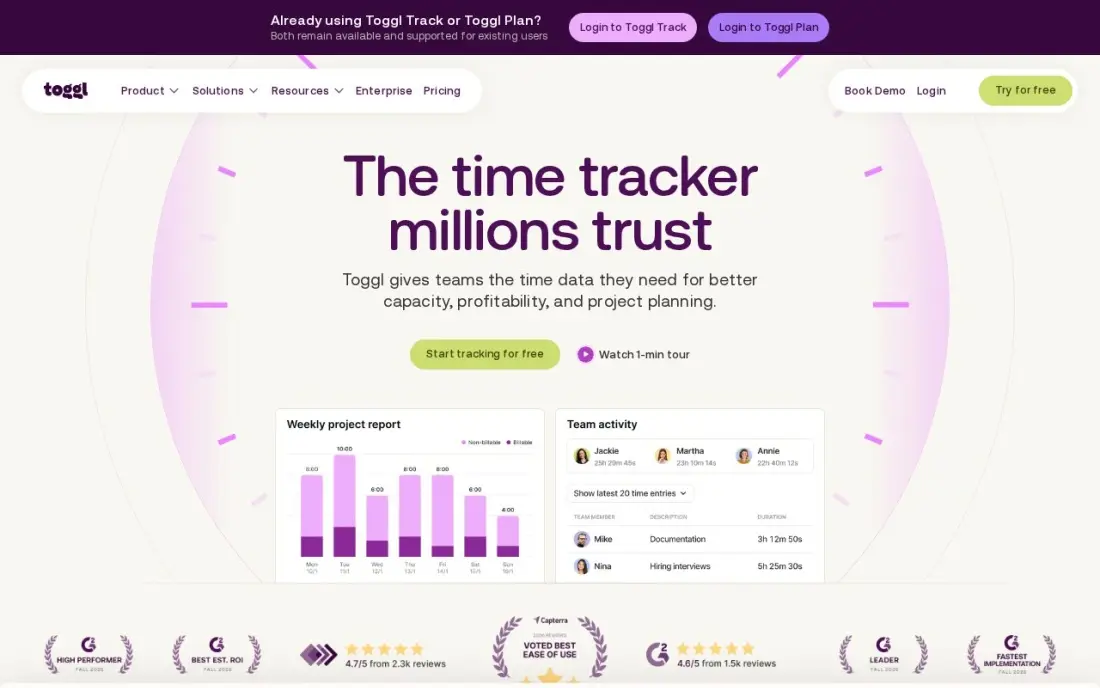
Toggl Track is the time tracker people keep using because starting it takes one click. The timer syncs across browser, desktop and phone, entries can be tagged by project and client, and reports show where the week went without any setup. It also rules out screenshots, keystroke logging and location monitoring, which makes it easier to introduce to a team.
The free plan covers up to 3 users, and Starter costs $9 a user a month billed annually, or $12 monthly, adding billable rates, estimates and team reports. Timesheet approvals and profitability reports wait for Premium at $16 a user a month billed annually. It has no invoicing or GPS, so it suits office-based work rather than field crews.
What we like
- The fastest, simplest timer in this list — one click starts it, and it syncs everywhere
- No screenshots, keystroke or location monitoring, so teams actually adopt it
- Starter adds billable rates, project estimates and team reports from $9/user/month
- Strong reporting by project, client and tag with no learning curve
Watch out for
- No GPS, geofencing or scheduling, so it cannot verify where or when staff are on site
- No invoicing, so billable hours still need an accounting export
- Timesheet approvals and profitability reports wait for Premium at $16/user/month billed annually
Clockify
Best for: Small teams that want a free time tracker with timesheets and kiosk clock-in
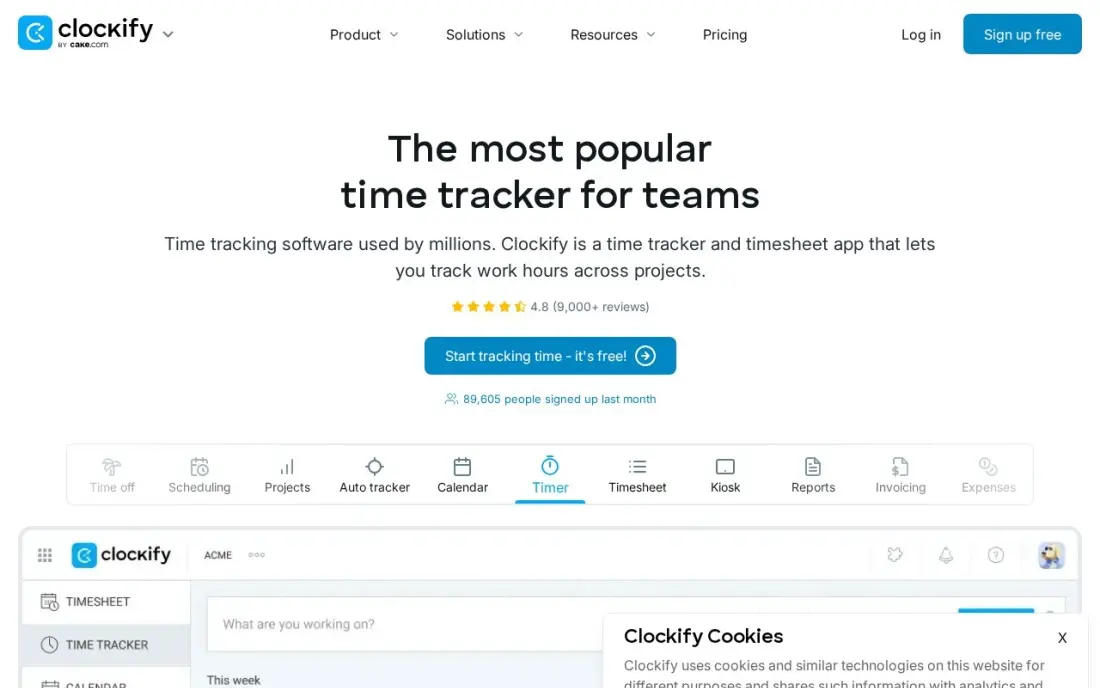
Clockify is the best free time tracking app for a small team. The free plan covers up to 5 users with unlimited projects, timers, timesheets, a calendar view and a kiosk mode for clocking in from a shared tablet, and it connects to more than 100 other apps. Basic costs $3.99 a user a month billed annually, or $4.99 monthly, and adds billable rates and report exports.
The free plan's reports cover only the last 31 days, and GPS tracking and shift scheduling wait for Pro at $7.99 a user a month billed annually. The free plan was also cut to 5 users in April 2026. If you need to record hours rather than prove where they were worked, it is the cheapest choice.
What we like
- Free plan covers unlimited projects and time tracking for up to 5 users
- Basic at $3.99/user/month billed annually adds Kiosk clock-in, billable rates and report exports
- Timer, timesheet and calendar views with 100+ integrations keep billing simple
- Cheapest paid seats in this list, so a growing team stays cheap the longest
Watch out for
- GPS tracking waits for Pro at $7.99/user/month billed annually, so the free plan cannot verify locations
- Free-plan reports cover only the last 31 days, so older history needs a paid plan
- No shift scheduling below Pro, so rosters need another tool

TickTick
Best for: Individuals who want a habit tracker, task list and calendar in one app
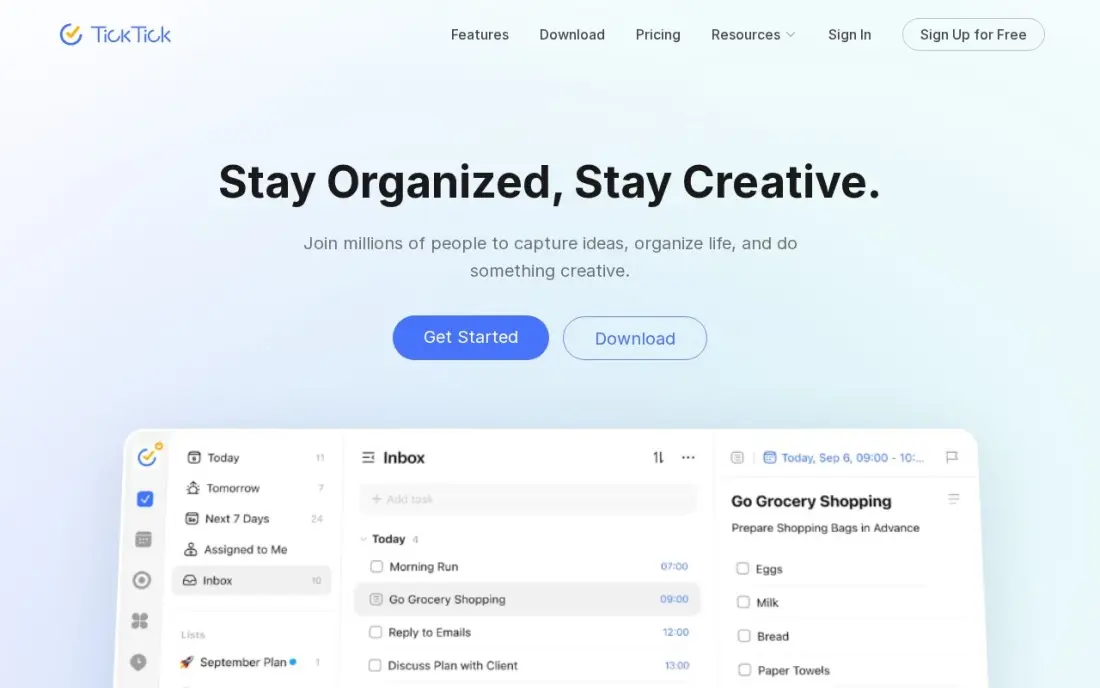
TickTick is the habit tracker in this list, and it carries a full planner around it. Habits sit next to tasks, a calendar, a Pomodoro focus timer and reminders, so you can track a daily walk or reading streak in the same app you use for to-dos. The free plan allows nine lists, and Premium adds two-way calendar sync, smart lists and location reminders.
Premium costs $35.99 a year billed annually, or $3.99 monthly, though the annual price is shown as a limited-time offer against a $49.99 list price, so check the renewal. There is no free trial of Premium and no family plan. It suits people who want one tracker for the whole day.
What we like
- One subscription covers tasks, calendar, habit tracking, Pomodoro timer and reminders
- Premium is $35.99 a year, the cheapest full task-plus-calendar plan here
- Two-way calendar sync, custom filters, smart lists and location reminders
- AI voice task creation and meeting transcription arrived in the 2026 update
Watch out for
- The $35.99 annual price is shown as a limited-time offer against a $49.99 list price — check the renewal price
- No free trial of Premium, so you pay before testing the paid features
- No team or family plan: each person needs their own subscription
Expensify
Best for: Employees and small companies that want to track receipts and expenses from a phone
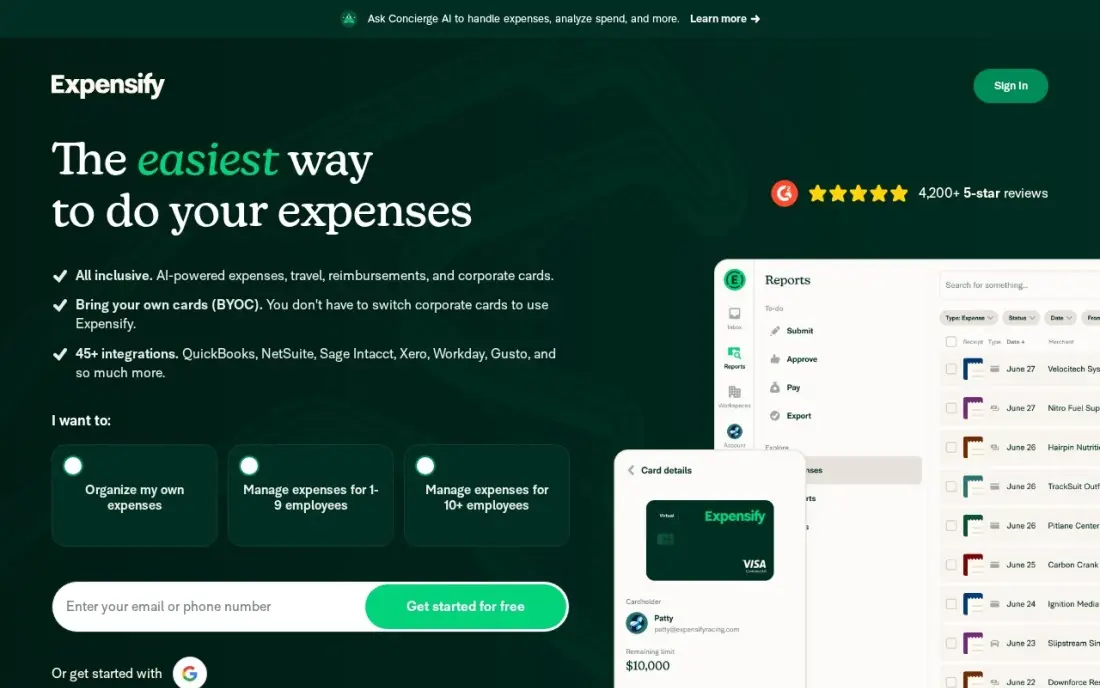
Expensify is the expense tracking app here. SmartScan reads a photographed receipt in seconds, turns it into an expense line and drops it into a report for approval, with accounting sync built in. The Submit plan is free for individuals, and Collect costs a flat $5 a member a month with no annual commitment for teams that need approvals and reimbursements.
The higher Control plan costs $9 an active member a month with the Expensify Card, or $18 without it, so the price doubles if you keep your own cards. Billing per active member means the bill moves with how many people file expenses. Pick it when getting receipts in quickly matters most.
What we like
- SmartScan reads receipts in seconds — the fastest capture in this list
- Collect is a flat $5/member/month with no annual commitment
- Works with your own cards as well as the Expensify Card
Watch out for
- Control costs $9/active member/month with the Expensify Card — $18 without it — so the price doubles off-card
- Advanced controls and support sit on Control, not Collect
- Per-active-member billing means the monthly bill moves with how many people file expenses

Sortly
Best for: Small businesses that want to track inventory, tools and supplies with phone photos and QR codes
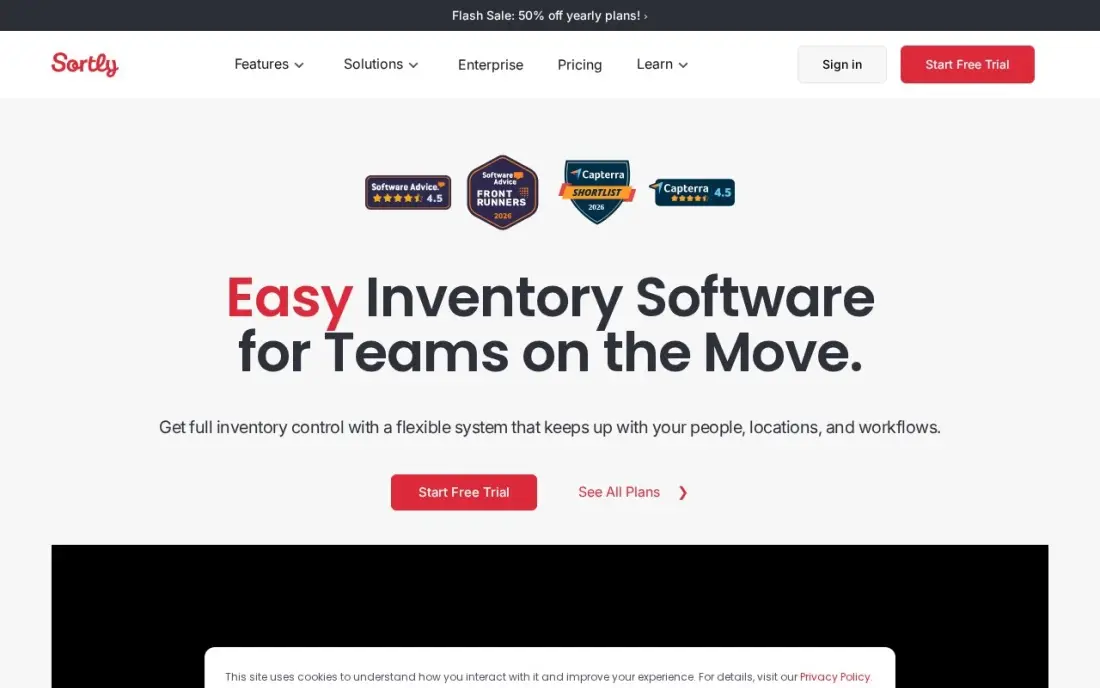
Sortly is the easiest inventory and tool tracking app to start with. You photograph an item, put it in a folder, print a QR label and scan it when it moves; the mobile app works offline, which helps in a warehouse or van. The free plan covers 100 items for one user, enough to test the workflow on a shelf of tools.
Advanced costs $49 a month billed monthly for 500 items and two users; the $24 a month annual price is a first-year promotion. A team of five needs Ultra at $149 a month, which adds barcode labels, purchase orders and stock counts. It suits a shop or small team tracking supplies and kit rather than a large fleet.
What we like
- Easiest tool here to learn: photograph an item, add a QR code and it is tracked
- Free plan covers 100 items for 1 user, with offline mobile access on every plan
- Ultra adds barcode labels, purchase orders and stock counts for $149/month
Watch out for
- Advanced covers only 2 users and 500 items, so a 5-person team needs Ultra at $149/month
- No bookings or kit management, and reporting and custom fields sit on the higher tiers

GoCodes
Best for: Contractors who need tool tracking software for equipment moving between jobsites
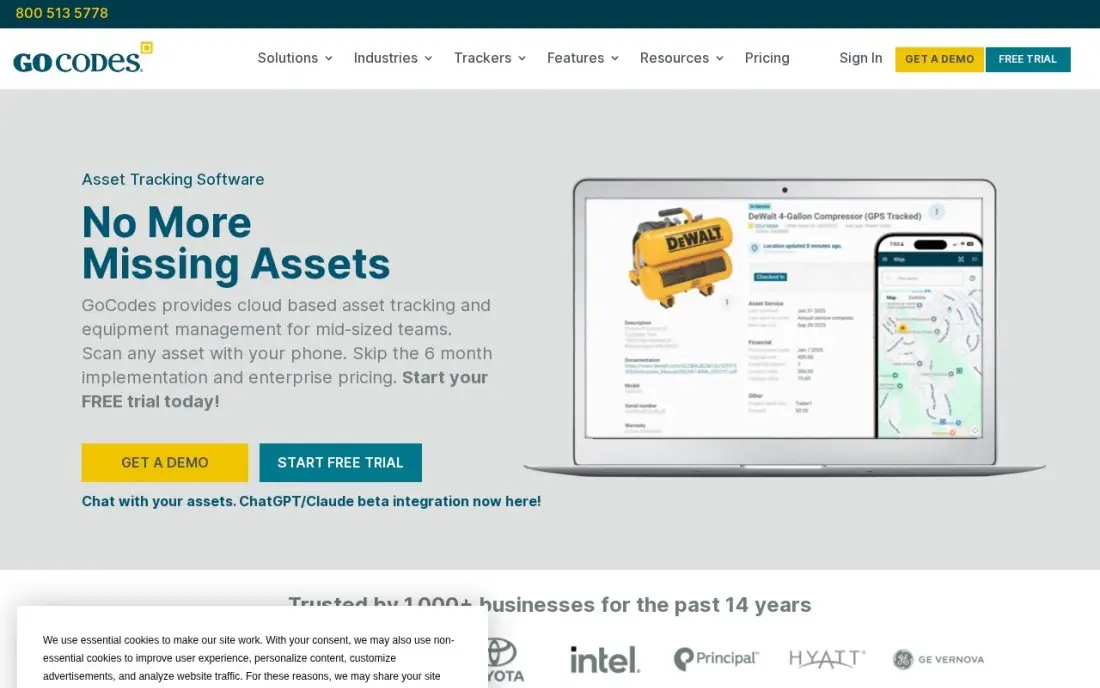
GoCodes is the tool tracking software built for trades. Tools, equipment and vehicles each get a custom QR label, included in the subscription rather than ordered separately, and scanning one with the phone app shows its location, who has it and its history. GPS trackers and Bluetooth beacons are available as add-ons for trailers, generators and other high-value kit.
Billing is annual only. Standard costs $500 a year for 200 assets and three users, and Premium costs $1,000 a year for larger crews. It tracks physical assets only, with no depreciation schedules or IT tracking. For a contractor losing tools across sites, it is the most direct fix in this list.
What we like
- Custom QR code labels are included in the subscription price — no separate tag order to budget
- GPS trackers and Bluetooth beacons are available as add-ons for high-value equipment
- Built for trades: tools, equipment and vehicles tracked across jobsites from one account
- Simple flat annual pricing with no per-user meter on the Standard plan
Watch out for
- Annual billing only — Standard is $500/year with no monthly payment option
- Standard covers just 200 assets and 3 users, so a 500-asset crew needs Premium at $1,000/year
- No depreciation schedules and no IT or software-licence tracking — physical assets only

AssetTiger
Best for: Schools, offices and teams that want a low-cost asset register with unlimited users
AssetTiger is the budget asset tracker. Basic costs $20 a month, or $220 a year billed annually, for 500 assets, and every paid plan includes unlimited users, so a school with 60 staff pays the same as a five-person office. Depreciation, maintenance alerts, contracts and more than 80 built-in reports are included.
AssetTiger dropped its free plan in 2026; the only free option now is a 30-day trial for up to 250 assets. There are no third-party integrations, and some Capterra reviewers find the mobile app slow. Capterra rates it 4.6 out of 5 from 272 reviews. Choose it when the register is the job and budget is tight.
What we like
- Cheapest paid plan here: $20/month covers 500 assets with unlimited users
- Pricing scales only by asset count, so adding staff never raises the bill
- Depreciation, maintenance alerts, contracts and 80-plus built-in report types included
Watch out for
- No free plan since 2026 — only a 30-day trial for up to 250 assets
- No third-party integrations, and reviewers report the mobile app can feel slow

Mixpanel
Best for: Product teams that need data tracking software for user actions, funnels and retention
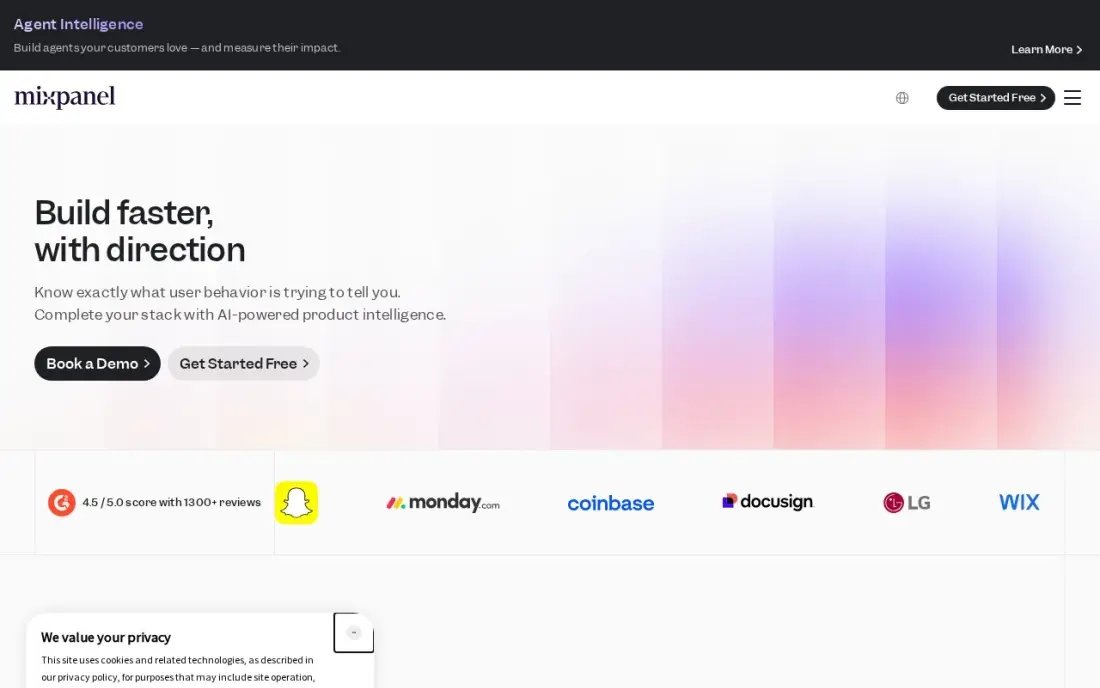
Mixpanel is the data tracking software in this list. It records the actions people take in a website or app, such as sign-ups, purchases or feature use, and turns them into funnels, retention curves and cohort reports. Session replay is included on every plan, and heatmaps do not count toward billable events.
The free plan covers 1 million events and 10,000 session replays a month with no credit card. Growth publishes its prices: $140 a month at 1.5 million events billed monthly, or $100 billed annually. The work is in setup, since each tracked action must be named and added to your code, and going over the free limit freezes queries until you upgrade.
What we like
- Free plan covers 1 million events and 10,000 session replays a month with no credit card
- Growth publishes its full price list — $140 a month at 1.5 million events, $1,176 at 10 million
- Session replay is included on every plan, and heatmaps do not count toward billable events
Watch out for
- Every action you want to measure has to be named and added to code, usually by an engineer
- Going over 1 million events on Free freezes your queries until you upgrade, and the whole month counts toward volume
- Group analytics and data pipelines are paid add-ons, not in the base price
The best tracker apps record one thing reliably — hours worked, a daily habit, a receipt, a drill that left the van, or a click in your app — and turn it into something you can act on. Because people mean different things by a tracking app, we compared eight tools across five jobs: time, habits, expenses, tools and assets, and product data. Every price below comes from the vendor's own pricing page as checked in November 2026.
How to choose the best tracker apps
- Name the thing you are tracking. Hours, habits, receipts, equipment and user events each need different fields and reports; a general app does all of them badly.
- Make capture effortless. One-click timers, receipt photos and QR scans get used; anything that takes a form gets skipped.
- Check the free limits. Free plans cap users, items, lists or events, so count yours before you commit.
- Look at reports first. A tracker is only useful if its reports answer your question, such as which client used the most hours or which tool is missing.
- Respect privacy. Tell people what is tracked; tools that avoid screenshots and location logging are easier to roll out.
- Plan for growth. Per-user, per-item and per-event pricing all rise as you grow, so price next year's numbers too.
Data tracking starts with clean inputs. If you are tracking website visitors and campaigns, the free UTM builder keeps campaign links consistent, and our guide to the best free website visitor tracking tools covers analytics for marketing sites.
Tracker apps pricing: what you will actually pay
Take a five-person service business that wants to track hours, expenses and its tools. Time tracking is free on Clockify's free plan for up to 5 users, or $540 a year on Toggl Track Starter at $9 a user a month billed annually. Expenses on Expensify Collect cost $5 a member a month, or $300 a year for five people with no annual commitment.
Tool tracking depends on the size of the kit. GoCodes Standard costs $500 a year for 200 assets and three users. AssetTiger Basic costs $220 a year billed annually for 500 assets and unlimited users. Sortly Advanced costs $49 a month billed monthly for 500 items but only two users, so five people need Ultra at $149 a month. Put together, a free-leaning stack of Clockify, Expensify Collect and AssetTiger costs about $520 a year.
Personal and product trackers sit at the ends. TickTick Premium costs $35.99 a year, and Mixpanel is free up to 1 million events a month before Growth pricing starts.
Know the difference: tracking people vs tracking things
Tracking people's time and habits is about patterns. Toggl Track, Clockify and TickTick record when work or a habit happened so you can bill clients accurately, see where the week went or keep a streak alive. The design priority is speed and trust: if tracking feels like surveillance, people stop doing it.
Tracking things is about location and custody. Sortly, GoCodes and AssetTiger record which item is where and who has it, using QR or barcode labels scanned on a phone. Expensify tracks receipts and Mixpanel tracks events, which are things too. These tools need consistent labels and naming more than speed; a missing label or an unnamed event breaks the record.
Quick comparison: tool type by need
| Buyer | Best pick | Why |
|---|---|---|
| Simple time tracking | Toggl Track | One-click timer, Starter $9/user/month billed annually |
| Free time tracking | Clockify | Free for up to 5 users, unlimited projects |
| Habit tracking | TickTick | Habits, tasks and calendar, Premium $35.99/year |
| Expense tracking | Expensify | SmartScan receipts, Collect $5/member/month |
| Inventory and supplies | Sortly | Photo and QR tracking, free for 100 items |
| Tools across jobsites | GoCodes | QR labels included, Standard $500/year |
| Low-cost asset register | AssetTiger | 500 assets with unlimited users for $20/month |
| Product data tracking | Mixpanel | Free for 1 million events a month |
Mistakes to avoid
- Tracking everything at once. Start with the one number you will act on, then add more once the habit sticks.
- Using a general app for a specialist job. A spreadsheet can list tools, but it cannot scan a label or show who checked a drill out last.
- Ignoring free-plan limits. Short report history, user caps and event limits often show up after a month of data.
- Skipping labels and naming rules. Assets need consistent tags and product events need consistent names, or reports become guesswork.
- Tracking without telling people. Hidden monitoring damages trust; explain what is recorded and why before you roll it out.
Related comparisons: Keyword Rank Tracker Software · LLM Keyword Rank Tracker Software
How we chose
We grouped tracker apps by the job they do and picked the strongest option for each, checking every vendor's own pricing page in November 2026. Prices are stated exactly as listed, with annual and monthly billing shown separately where the page lists both. We weighed ease of capture, the usefulness of free plans, reporting and how cost grows with users, items or events. Ratings come from G2 and Capterra pages checked on the dates shown in the sources; GoCodes has no verified rating. No vendor paid for a place in this list, and none of the links here are affiliate links.
What to do next
Pick the one thing you most need to track, install the free plan of the matching app above and use it daily for two weeks before adding anything else. If the number you most want to track is how many people find your business online, that is where we help. Book a free SEO review.
Frequently asked questions
What are the best tracker apps?
It depends on what you track. Toggl Track and Clockify lead for time, TickTick for habits, Expensify for expenses, Sortly, GoCodes and AssetTiger for inventory, tools and assets, and Mixpanel for product data.
What is the best free tracking app?
Clockify is the best free time tracker, for up to 5 users. TickTick's free plan covers habits and tasks across nine lists, Sortly's covers 100 items for one user, Expensify Submit is free for individuals and Mixpanel's free plan covers 1 million events a month.
What is the best tool tracking software?
GoCodes is built for tracking tools across jobsites, with QR labels included in its $500-a-year Standard plan. Sortly is easier for a small shop, and AssetTiger is cheapest for a large register at $20 a month for 500 assets with unlimited users.
What is data tracking software?
Data tracking software records events, such as page views, sign-ups and purchases, so you can analyse how people use a website or app. Mixpanel is the example in this list; it counts events and builds funnels and retention reports from them.
Do tracker apps monitor employees?
Not the ones in this list by default. Toggl Track rules out screenshots, keystroke logging and location monitoring, and Clockify's GPS tracking is only on its Pro plan. Always tell staff what is tracked and why.
Can one app track everything?
Not well. A planner such as TickTick can hold habits and tasks, but hours, expenses and equipment each need fields and reports a general app lacks. Most teams use two or three focused trackers.
Which tracker apps work best on a phone?
Toggl Track's timer syncs across browser, desktop and phone, so hours started on a laptop can be stopped on the go. Expensify's SmartScan reads receipt photos from a phone in seconds. Sortly tracks inventory with phone photos and QR codes, and its mobile app works offline. GoCodes' phone app scans a tool's QR label to show where it is and who has it.
Sources we checked (15)
- Toggl Track — toggl.com/track/pricing (checked November 10, 2026)
- Toggl Track reviews on G2 (checked November 10, 2026)
- Clockify — clockify.me/pricing (checked November 10, 2026)
- Clockify reviews on G2 (checked November 10, 2026)
- TickTick — ticktick.com (checked November 12, 2026)
- TickTick reviews on G2 (checked November 12, 2026)
- Expensify — www.expensify.com/pricing (checked November 4, 2026)
- Expensify reviews on G2 (checked November 4, 2026)
- Sortly — www.sortly.com/pricing (checked November 10, 2026)
- Sortly reviews on G2 (checked November 10, 2026)
- GoCodes — gocodes.com (checked November 10, 2026)
- AssetTiger — www.assettiger.com/pricing (checked November 10, 2026)
- AssetTiger reviews on Capterra (checked November 10, 2026)
- Mixpanel — mixpanel.com/pricing (checked November 12, 2026)
- Mixpanel reviews on G2 (checked November 12, 2026)
Make one of these tools?
We re-check this list every quarter. Send a correction, request a review, or ask about a clearly labeled sponsored spot.
Request a listingShamim
Founder of SerpAstra
A full-stack digital marketer and SEO strategist covering technical and local SEO, AI search visibility, paid ads and lead generation for local businesses, e-commerce brands and SaaS teams.
Free SEO and AI visibility audit
Find out what is holding your rankings back
Send us your site. Within 2 business days you get a written audit, an AI visibility check and a short fix list ranked by impact. Free, with no contract attached.
Request my free audit→Related buying guides
 Productivity & Office12 Best Time Tracking Software for Small Business in 2026, ComparedThe 12 best time tracking software for small business compared on price, free plans and billing features, with real starting prices checked November 10, 2026.Read guide →
 Manufacturing, Maintenance & ERP8 Best Asset Tracking Software for Small Business in 2026, ComparedCompare the 8 best asset tracking software for small business options on price, free plans and check-out features, with prices checked November 10, 2026.Read guide →
 Productivity & OfficeBest Digital Planner Apps (2026): 12 Apps Worth DownloadingCompare the 12 best digital planner app options for iPad, Android and desktop on price, free plans and features, with every price checked November 12, 2026.Read guide →