
7 Best Travel Management Apps in 2026, Compared
Compare the 7 best travel management apps for business trips: booking, policy, expenses and itineraries, with free plans and every price checked in Nov 2026.
 Shamim Mia, Founder, SerpAstraLast verified November 2, 20269 min read
We compare pricing pages, documentation and public reviews. We never accept payment for rankings.
Key takeaways
- Navan is the best travel management app for most small and mid-size companies: travel booking is free for eligible companies up to 300 employees, and trips flow straight into expenses.
- Perk (formerly TravelPerk) has a free Starter plan with the first 5 bookings a month free, then 5% per booking; Premium at $99 a month cuts that fee to 3%.
- Brex suits growing companies that want travel booking on the corporate card, with Essentials free and Premium at $12 a user a month.
- TripIt is the traveller's own app, not a company tool: free for itineraries, and $49 a year for Pro flight alerts.
On this page
Quick comparison
| Tool | Best for | Starting price | Free plan |
|---|---|---|---|
| Navan | Small and mid-size companies that want booking, policy and expenses in one app | Free (5 users) | Yes (5 users free) |
| Perk (formerly TravelPerk) | Companies booking flights, hotels, trains and group trips under one travel policy | Free; then 5%/booking | Yes (Starter) |
| SAP Concur | Larger companies with formal travel policies and many occasional travellers | $7/report | No |
| Brex | Fast-growing companies that want travel booking built into the corporate card | $12/mo | Yes (Essentials) |
| Expensify | Teams whose biggest travel headache is receipts and expense reports | $5/mo | Yes (Submit) |
| Zoho Expense | Small teams that need mileage, per-diem and trip expenses on a tight budget | $3/mo (annual) | Yes (up to 3 users) |
| TripIt | Frequent business travellers who want every booking in one itinerary with flight alerts | $49/yr | Yes (free plan) |
Make one of these tools?
We re-check this list every quarter. Send a correction, request a review, or ask about a clearly labeled sponsored spot.
Request a listingThe best travel management apps

Navan
Best for: Small and mid-size companies that want booking, policy and expenses in one app
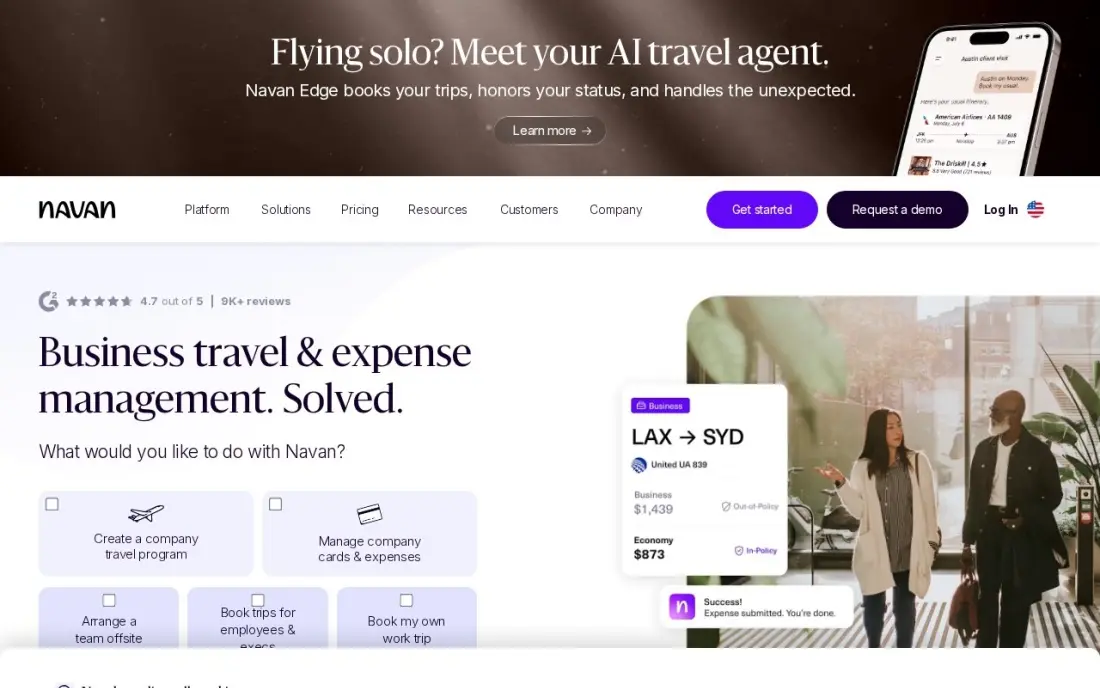
Navan, formerly TripActions, joins the two halves of business travel. Employees book flights and hotels inside the app under the company's travel policy, and each trip flows into expenses automatically, so nobody rebuilds a report from a pile of receipts. Travel booking is free for eligible companies up to 300 employees, funded by supplier commissions, and expensing is free for the first 5 monthly users.
After those five, expense management costs $15 a user a month, counted only for people who submit a transaction that month. Companies over 300 employees move to custom Enterprise pricing, and a team that rarely travels gets less from it than a simple expense tool. For a company with regular trips, it removes more admin than anything else here.
What we like
- Travel booking is free for eligible companies up to 300 employees, funded by travel-supplier commissions
- Trips booked in Navan flow into expenses automatically, so the report largely writes itself
- Only people who submit a transaction in the month count as expensing users
Watch out for
- Expense costs $15/user/month after the first 5 users, so the bill grows with every regular submitter
- Companies over 300 employees move to custom Enterprise pricing
- Less useful for teams that rarely travel, where a reporting-only tool costs less

Perk (formerly TravelPerk)
Best for: Companies booking flights, hotels, trains and group trips under one travel policy
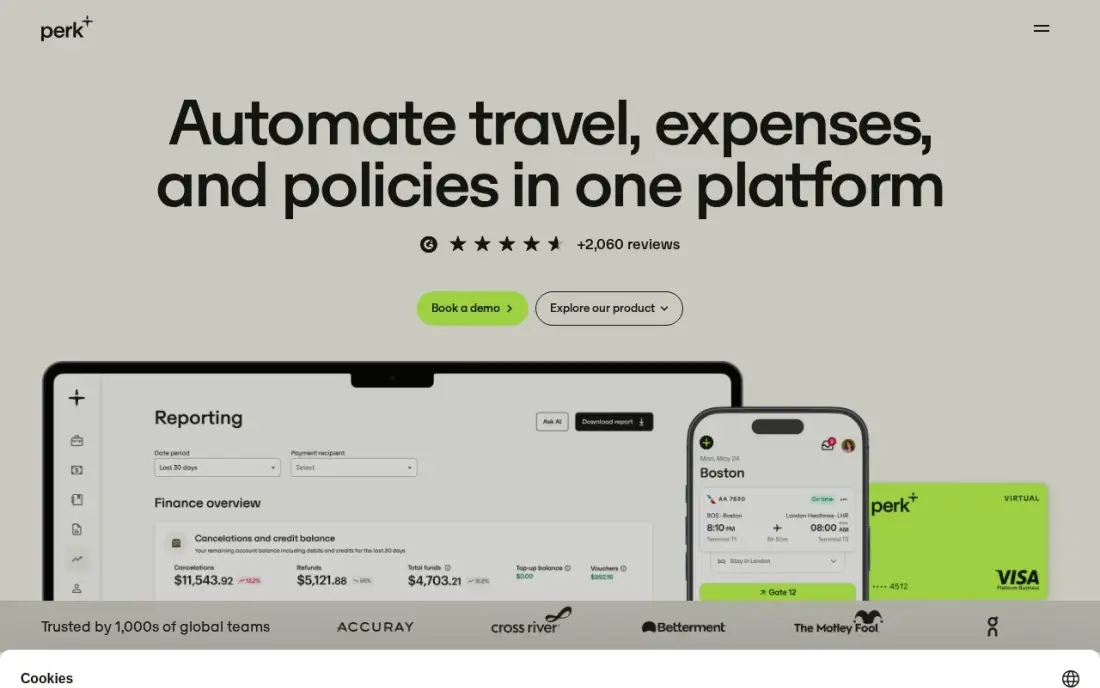
Perk, formerly TravelPerk, is built for booking. Flights, hotels, trains and cars sit under one travel policy with approvals and 24/7 support, and group booking and event tools are included on every plan. The Starter plan is free with no platform fee: the first 5 bookings each month cost nothing, and after that Perk charges 5% per booking.
Price that fee before committing, because it grows with every paid booking. Premium at $99 a month cuts it to 3% and adds single sign-on, HR integrations and budget tracking, and European pricing uses a different per-user model from $11 a user a month. G2 reviewers note some limits on group bookings and occasional app glitches.
What we like
- Starter is free with no platform fee: the first 5 bookings a month are free, then 5% per booking
- Group booking and event management tools are included on every plan, including Starter
- Books flights, hotels, trains and cars under one travel policy, with 24/7 support
- Premium at $99 a month cuts the booking fee to 3% and adds SSO, HR integrations and budget tracking
Watch out for
- The 5% per-booking fee on Starter adds up fast: 20 paid bookings cost $450 on a $9,000 trip
- G2 reviewers note limits on group bookings and occasional app glitches
- European pricing is a different per-user model, starting at $11 per user a month

SAP Concur
Best for: Larger companies with formal travel policies and many occasional travellers
SAP Concur is the long-standing corporate choice, with deep policy controls, audit tools and integrations with most major card issuers and ERPs. It is priced per expense report rather than per user: Base costs $7 a report and Plus $11, both with unlimited users, so an employee who travels twice a year costs only their two reports.
Concur Travel, the booking side, comes with Premium, which has no list price. Implementation runs long, and public reviews regularly describe a dated interface and heavy administration. For a company filing reports every month across the team, per-user tools can cost less. Concur earns its place where policy enforcement and audit trails matter more than ease of use.
What we like
- Per-report pricing suits companies where many employees file rarely, since unused seats cost nothing
- Base and Plus both cover unlimited users, with Plus adding ExpenseIt, reporting and a user support desk
- Deep policy controls, audit tools and integrations with most major card issuers and ERPs
Watch out for
- The bill grows with report volume, so a whole company filing monthly can cost more than per-user tools
- Premium, which adds Concur Travel and Intelligence, is custom-priced with no list price
- Public reviews regularly mention a dated interface, long implementation and heavy administration

Brex
Best for: Fast-growing companies that want travel booking built into the corporate card
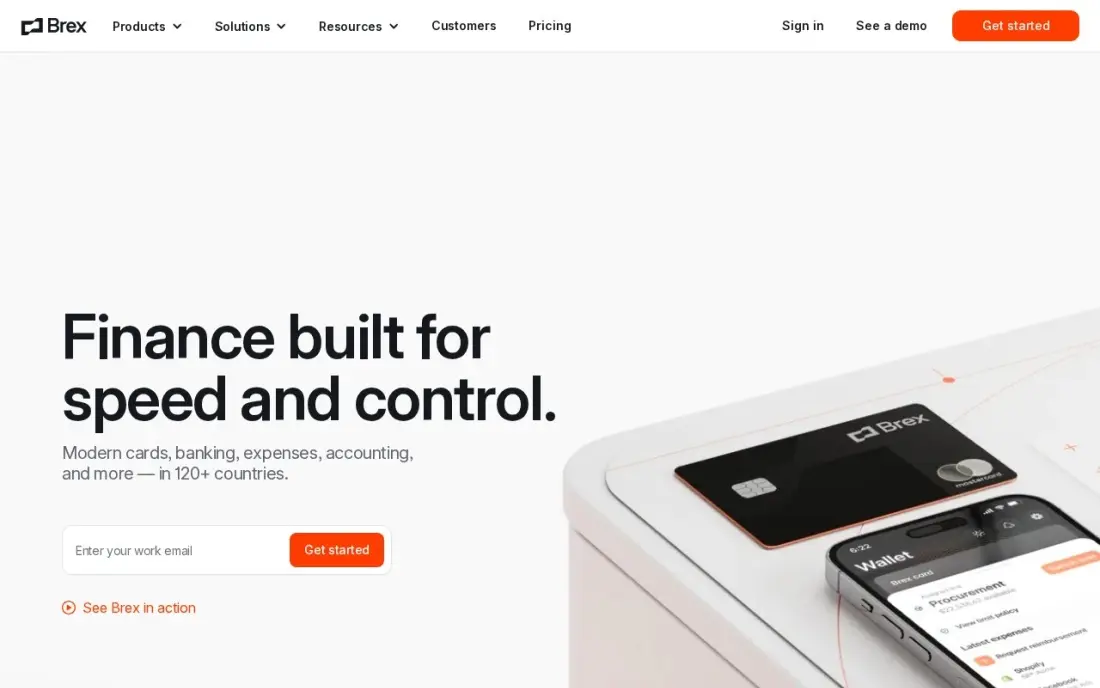
Brex starts from the card and adds travel. Essentials is free with unlimited cards and no annual fee, and Premium at $12 a user a month adds built-in travel booking, bill pay, budgets and AI rules that flag out-of-policy spend. Because trips are booked and paid inside the same platform, travel costs appear in real time instead of weeks later on an expense report.
There is no flat-rate option, so a large team pays per head, and there is no free trial of Premium; the only way to test travel booking is to upgrade. Card limits are set by Brex underwriting and vary by company. It suits a funded company that wants travel spend and card controls in one place.
What we like
- Essentials is free with unlimited cards and no annual fee
- Travel booking is built in, so trips and spend live in the same platform
- Real-time spend controls and budgets apply to every card
- AI-powered custom rules automate approvals and flag out-of-policy spend
Watch out for
- Premium's $12/user/month adds up fast for large teams — there is no flat-rate option
- No free trial for Premium; the only way to try it is to upgrade
- Card limits are set by Brex underwriting, so approval and limits vary by company

Expensify
Best for: Teams whose biggest travel headache is receipts and expense reports
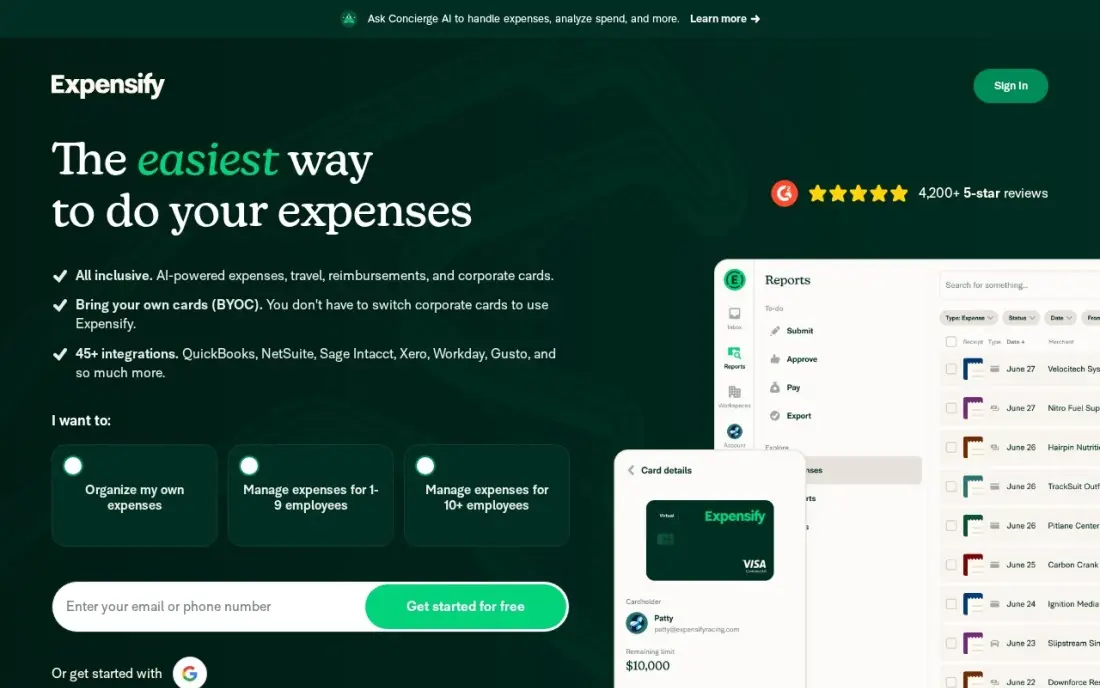
Expensify handles the after-trip work faster than anything else here. SmartScan reads a hotel bill or taxi receipt in seconds, approval workflows route reports to managers, and accounting sync posts them to the books. Collect costs a flat $5 a member a month with no annual commitment, the free Submit plan covers individuals, and it works with your existing company cards.
Control, the plan with advanced policy controls and support, costs $9 an active member a month with the Expensify Card or $18 without it, so the price doubles if you keep your current cards. Billing follows active members, so the bill moves with how many people file. Pair it with a booking tool if you also want trips booked under policy.
What we like
- SmartScan reads receipts in seconds — the fastest capture in this list
- Collect is a flat $5/member/month with no annual commitment
- Works with your own cards as well as the Expensify Card
Watch out for
- Control costs $9/active member/month with the Expensify Card — $18 without it — so the price doubles off-card
- Advanced controls and support sit on Control, not Collect
- Per-active-member billing means the monthly bill moves with how many people file expenses

Zoho Expense
Best for: Small teams that need mileage, per-diem and trip expenses on a tight budget
Zoho Expense is the low-cost way to manage the expense side of travel. The free plan covers up to 3 users with receipt auto-scan, mileage tracking and accounting integrations, and Standard costs $3 a user a month billed annually, or $4 monthly, adding per-diem, multi-level approvals and corporate card feeds. For a team of road warriors claiming mileage, that covers most of the job.
Standard caps receipt autoscans at 20 per user a month, so heavy travellers may need Premium, and bank feeds live in Zoho Books rather than in Expense. Every user, including accountants, counts as a paid seat. It fits best in a company that already runs Zoho Books.
What we like
- Standard is $3/user/month billed annually, the cheapest paid entry plan in this list
- Free plan covers up to 3 users with receipt auto-scan, mileage tracking and accounting integrations
- Mileage, per-diem and multi-level approvals included from the Standard plan
Watch out for
- Receipt autoscans are capped at 20 per user a month on Standard, so heavy scanners need Premium
- Bank feeds live in Zoho Books rather than in Expense itself, which adds cost for non-Zoho users
- Every user, including accountants, counts as a paid seat

TripIt
Best for: Frequent business travellers who want every booking in one itinerary with flight alerts
TripIt manages the trip from the traveller's side. Forward confirmation emails and it builds one timeline of flights, hotels and rental cars, with maps, documents and calendar sync, whatever tool the company used to book. The free plan covers the itinerary, and Pro at $49 a year adds real-time flight alerts, fare-drop monitoring, a seat tracker and alternate flight options, with a 30-day trial.
It is not a company system: there is no policy control, approval flow or expense reporting, and there is no monthly plan. Think of it as the app employees keep on their phones alongside Navan, Perk or Concur, and one that many frequent travellers pay for themselves.
What we like
- Forward confirmation emails and TripIt assembles flights, hotels and rental cars into one timeline
- Pro adds real-time flight alerts, fare-drop monitoring, a seat tracker and alternate flights
- Calendar sync, document uploads and sharing keep the whole trip in one place
- 30-day free trial on Pro, and the $49 annual price is flat for everyone
Watch out for
- Not a company system: there is no policy control, approval flow or expense reporting
- The useful features are all Pro — the free plan only organizes what you already booked
- No monthly plan, so a single trip still costs the full $49 a year
The best travel management apps let a company book trips under its own rules, keep travellers informed on the road and close the expense report without a shoebox of receipts. We compared seven apps across three kinds of tool — booking-and-policy platforms, card-led spend platforms and expense apps — plus one itinerary app for travellers, on free plans, per-trip and per-user cost, with every price checked on the vendor's own page in November 2026.
How to choose the best travel management apps
- Decide whether booking or expenses hurts more. If people book on their own and file messy reports, start with a booking platform; if bookings are fine and reports are slow, an expense app is enough.
- Understand how the free plan is paid for. Navan's booking is funded by supplier commissions; Perk charges 5% per booking after the first five each month.
- Count travellers and filers separately. Navan and Expensify bill only people who submit expenses in a month, Concur bills per report and Brex and Zoho bill per user.
- Check policy and approval controls. Out-of-policy bookings are cheaper to block at booking time than to argue about afterwards.
- Look at company size limits. Navan's free booking applies to eligible companies up to 300 employees; bigger firms get custom pricing.
- Give travellers a good mobile app. Itinerary changes, delays and receipts all happen on the phone.
Teams that travel to meet clients usually also want clients to find them first. Our local SEO service helps each office or service area show up in its own city, and our expense management software guide compares the reporting side in more depth.
Travel management app pricing: what you will actually pay
Take a 40-person company where 10 people travel and file expenses each month, booking 20 trips a month between them. On Navan, booking is free for an eligible company of this size and expensing is free for the first 5 monthly filers, so 5 more filers at $15 cost $75 a month, or $900 a year. On Perk Starter, 15 of the 20 bookings carry the 5% fee; at an average of $800 a booking, that is $600 a month, $7,200 a year. Premium at $99 a month cuts the fee to 3%, or $360 a month, so $459 a month in total, $5,508 a year.
On the expense side, SAP Concur Base at $7 a report for 10 monthly reports is $70 a month, $840 a year. Expensify Collect for 10 members is $50 a month, $600 a year, and Zoho Expense Standard for 10 users is $30 a month, $360 a year, on annual billing. Brex Premium for all 40 employees would be $480 a month, $5,760 a year, though the Essentials plan is free. TripIt Pro, if travellers pay their own, is $49 a year each.
Know the difference: booking platforms vs expense apps
Booking platforms — Navan, Perk and SAP Concur with Concur Travel — control the trip before it happens. Employees search flights and hotels inside the tool, the travel policy limits what they can book, managers approve trips and the company sees all bookings in one place, which also helps with traveller safety and duty of care.
Expense apps — Expensify and Zoho Expense — handle the money after it is spent. They scan receipts, apply policy checks to claims, route approvals and sync to accounting. Brex sits between the two, booking travel on its corporate card. A company with frequent travel usually needs a booking platform; one with occasional trips can manage with an expense app and let staff book directly.
Quick comparison: tool type by need
| Buyer | Best pick | Why |
|---|---|---|
| SMBs up to 300 employees | Navan | Free booking for eligible companies, trips flow into expenses |
| Booking-led teams and group trips | Perk (formerly TravelPerk) | Free Starter with 5 free bookings a month, then 5% per booking |
| Large companies with formal policy | SAP Concur | Per-report pricing from $7, deep policy and audit controls |
| Card-led growing companies | Brex | Travel booking on Premium at $12/user/month, Essentials free |
| Fast receipt capture | Expensify | SmartScan receipts, Collect at $5/member/month |
| Small teams on a budget | Zoho Expense | Free for 3 users, Standard $3/user/month billed annually |
| Frequent individual travellers | TripIt | Free itineraries, Pro flight alerts for $49/year |
Mistakes to avoid
- Ignoring per-booking fees. A free plan with a percentage fee can cost more than a paid plan once bookings add up — model a real month first.
- Writing a policy nobody can follow. Set hotel and flight limits that match real prices in the cities your team visits, or every trip becomes an exception.
- Running booking and expenses in separate silos. If trips do not flow into expenses automatically, someone re-keys every booking.
- Paying per user for people who never travel. Prefer tools that bill active filers or per report when only part of the company travels.
- Skipping traveller support. Check what help a traveller gets when a flight is cancelled at night before you sign.
Related comparisons: Apps for Business Travel · Travel Booking Apps
How we chose
We checked each vendor's own pricing page in November 2026 and recorded the starting price exactly as shown, including per-booking fees and per-report pricing. We grouped the apps by the part of travel they manage — booking and policy, card spend, expenses and itineraries — and ranked them by fit for the most common buyer, a company of 20 to 300 people with regular business trips. Ratings come from G2 pages checked on the dates shown in the sources; where no rating appears we found no reliable count. No vendor paid for a place in this list, and none of the links here are affiliate links.
What to do next
Pull last quarter's travel bookings and expense reports, count trips and filers, and run those numbers through the pricing of your top two apps. Then trial the cheaper one on the next real trip. If those trips are to win new clients, book a free SEO review and we will show you how buyers find your business online.
Frequently asked questions
What is the best travel management app for business?
For most small and mid-size companies Navan is the best travel management app: booking is free for eligible companies up to 300 employees, and trips flow straight into expenses. Perk is a strong alternative for booking-led teams, and SAP Concur suits larger companies with formal policies.
Are there free travel management apps?
Yes. Navan's travel booking is free for eligible companies up to 300 employees, Perk's Starter plan has no platform fee and makes the first 5 bookings each month free, Brex Essentials is free, Zoho Expense is free for up to 3 users, and TripIt's free plan organises itineraries.
How do free travel management platforms make money?
Navan says its free travel booking is funded by commissions from travel suppliers. Perk charges a 5% fee on each booking after the first 5 a month on its free Starter plan. Read the booking terms so you know what each trip really costs.
What is the difference between travel management and expense management?
Travel management covers booking trips under a policy, with approvals and traveller support. Expense management covers receipts, reports, reimbursement and accounting after the money is spent. Navan, Brex and SAP Concur Premium cover both; Expensify and Zoho Expense focus on expenses.
Is TripIt a travel management app?
TripIt is a personal itinerary app rather than a company system. It builds one itinerary from forwarded confirmation emails, and Pro at $49 a year adds flight alerts, but it has no policy controls or expense reporting.
How much does SAP Concur cost?
SAP Concur Base costs $7 per expense report and Plus $11, both with unlimited users. Premium, which includes Concur Travel, is custom-priced with no list price.
What is the best app for planning a trip?
For keeping a booked trip organized, TripIt is the pick: forward your confirmation emails and it builds one timeline of flights, hotels and rental cars, with maps, documents and calendar sync, on a free plan. Pro at $49 a year adds real-time flight alerts, fare-drop monitoring and a seat tracker. It is not a route planner, so it will not optimize stops or suggest places to go.
Sources we checked (11)
- Navan — www.navan.com/pricing (checked November 2, 2026)
- Perk (formerly TravelPerk) — www.travelperk.com (checked November 12, 2026)
- Perk (formerly TravelPerk) reviews on G2 (checked November 12, 2026)
- SAP Concur — www.concur.com/en-us/pricing (checked November 2, 2026)
- Brex — www.brex.com/pricing (checked November 4, 2026)
- Brex reviews on G2 (checked November 4, 2026)
- Expensify — www.expensify.com/pricing (checked November 4, 2026)
- Expensify reviews on G2 (checked November 4, 2026)
- Zoho Expense — www.zoho.com/expense/pricing.html (checked November 2, 2026)
- TripIt — www.tripit.com/web/pro/pricing (checked November 12, 2026)
- TripIt reviews on G2 (checked November 12, 2026)
Make one of these tools?
We re-check this list every quarter. Send a correction, request a review, or ask about a clearly labeled sponsored spot.
Request a listingShamim
Founder of SerpAstra
A full-stack digital marketer and SEO strategist covering technical and local SEO, AI search visibility, paid ads and lead generation for local businesses, e-commerce brands and SaaS teams.
Free SEO and AI visibility audit
Find out what is holding your rankings back
Send us your site. Within 2 business days you get a written audit, an AI visibility check and a short fix list ranked by impact. Free, with no contract attached.
Request my free audit→Related buying guides
 Accounting & Finance10 Best Expense Management Software for Small Business in 2026, Compared10 best expense management software for small business options compared on price, cards and receipt automation, with real prices checked November 2, 2026.Read guide →
 Retail, Restaurants & Hospitality9 Best Group Hotel Booking Platforms for 2026 (Pros, Cons and Pricing)Compare the 9 best group hotel booking platforms on price, free plans and room-block features for groups, with every price checked November 12, 2026.Read guide →
 Productivity & Office12 Best Travel Booking Apps in 2026, Tested on Features and PriceCompare the 12 best travel booking apps on price, coverage, cancellation and loyalty perks, with every price checked on the vendor's page on November 4, 2026.Read guide →