
8 Best Apps for Business Travel in 2026, Compared
Compare the 8 best apps for business travel: booking platforms, expense tools and itinerary apps, with free plans and real costs checked on vendor pages.
 Shamim Mia, Founder, SerpAstraLast verified November 2, 20268 min read
We compare pricing pages, documentation and public reviews. We never accept payment for rankings.
Key takeaways
- Navan is the best all-in-one pick for small companies: travel booking is free for companies up to 300 employees, and expenses are free for the first 5 monthly expensing users.
- Perk (formerly TravelPerk) books flights, hotels, trains and cars under one policy on a free Starter plan, but charges 5% per booking after the first 5 each month.
- SAP Concur's $7 per report pricing suits companies where many people travel rarely; Expensify's $5 a member a month suits frequent filers.
- For the traveller's own phone, TripIt Pro at $49 a year turns confirmation emails into one itinerary with flight alerts, and Google Flights and Kayak are free.
On this page
Quick comparison
| Tool | Best for | Starting price | Free plan |
|---|---|---|---|
| Navan | Small and mid-size companies that want travel booking and expenses in one app | Free (5 users); $15/user/mo | Yes (5 users free) |
| Perk (formerly TravelPerk) | Companies that book flights, hotels, trains and cars for teams under one travel policy | Free; 5% per booking | Yes (Starter) |
| SAP Concur | Larger companies with formal travel policies and many employees who file reports rarely | $7/report | No |
| Brex | Fast-growing companies that want a corporate card with travel booking built in | Free; Premium $12/user/mo | Yes (Essentials) |
| Expensify | Frequent travellers who want receipts captured on the road and reports filed fast | $5/member/mo | Yes (Submit) |
| TripIt | Frequent flyers who want every booking in one itinerary with real-time flight alerts | Free; Pro $49/yr | Yes (free plan) |
| Google Flights | Travellers and travel managers who want fast, free fare searches with flexible dates | Free | Yes (free) |
| Kayak | Travellers who book their own trips and want alerts and live flight status in one free app | Free | Yes (free) |
Make one of these tools?
We re-check this list every quarter. Send a correction, request a review, or ask about a clearly labeled sponsored spot.
Request a listingThe best business travel apps

Navan
Best for: Small and mid-size companies that want travel booking and expenses in one app
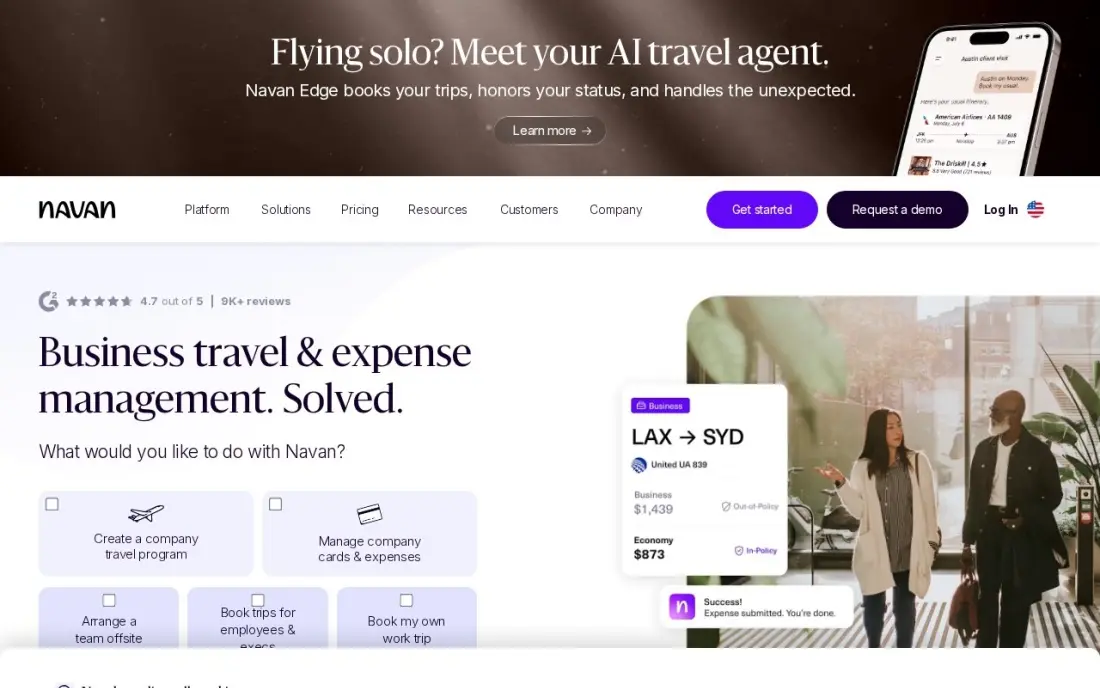
Navan, formerly TripActions, combines travel booking and expense capture, so a flight booked in the app flows into the expense report without anyone re-typing it. Travel policy applies at booking time, which stops out-of-policy fares before they are bought rather than arguing about them afterwards. Travel booking is free for eligible companies up to 300 employees.
Expense management is free for the first 5 monthly expensing users, then $15 a user a month, and only people who submit a transaction that month count. Companies over 300 employees move to custom Enterprise pricing. For a team that rarely travels, a simpler expense tool costs less.
What we like
- Travel booking is free for eligible companies up to 300 employees, funded by travel-supplier commissions
- Trips booked in Navan flow into expenses automatically, so the report largely writes itself
- Only people who submit a transaction in the month count as expensing users
Watch out for
- Expense costs $15/user/month after the first 5 users, so the bill grows with every regular submitter
- Companies over 300 employees move to custom Enterprise pricing
- Less useful for teams that rarely travel, where a reporting-only tool costs less

Perk (formerly TravelPerk)
Best for: Companies that book flights, hotels, trains and cars for teams under one travel policy
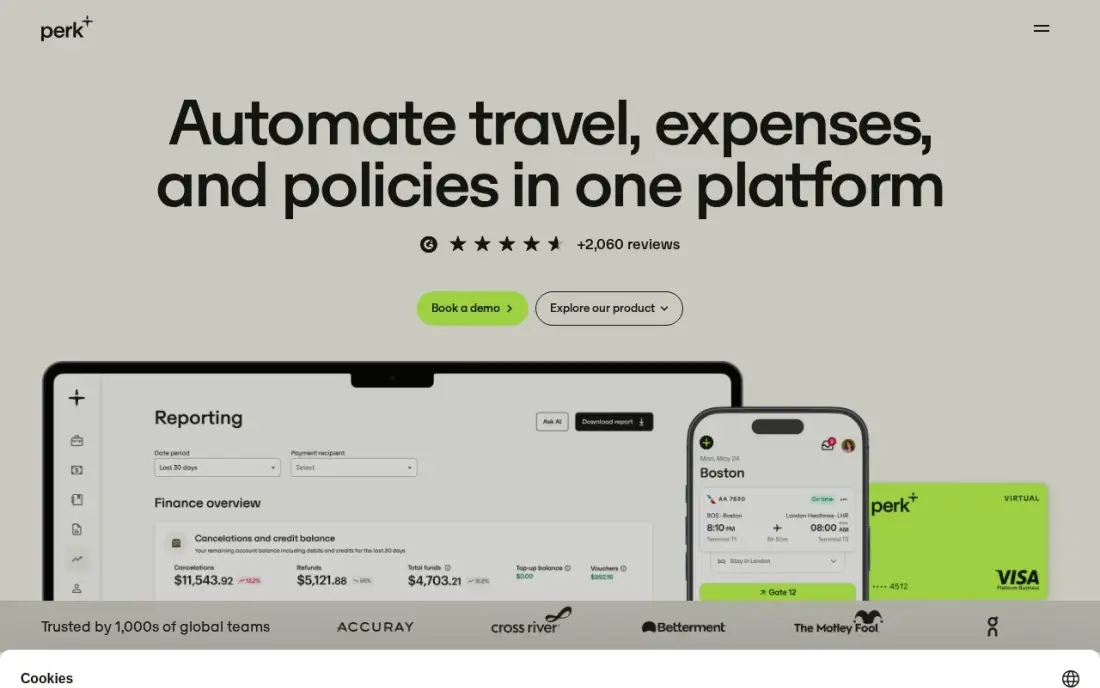
Perk, formerly TravelPerk, books the whole business trip — flights, hotels, trains and rental cars — under one travel policy with approvals, 24/7 support and expense tracking. Group booking and event tools are included on every plan, which helps when a team travels to the same conference or offsite.
The Starter plan has no platform fee: the first 5 bookings a month are free, then each booking carries a 5% fee. Premium at $99 a month cuts the fee to 3% and adds single sign-on, HR integrations and budget tracking. Price a busy month before you choose, because the per-booking fee adds up quickly.
What we like
- Starter is free with no platform fee: the first 5 bookings a month are free, then 5% per booking
- Group booking and event management tools are included on every plan, including Starter
- Books flights, hotels, trains and cars under one travel policy, with 24/7 support
- Premium at $99 a month cuts the booking fee to 3% and adds SSO, HR integrations and budget tracking
Watch out for
- The 5% per-booking fee on Starter adds up fast: 20 paid bookings cost $450 on a $9,000 trip
- G2 reviewers note limits on group bookings and occasional app glitches
- European pricing is a different per-user model, starting at $11 per user a month

SAP Concur
Best for: Larger companies with formal travel policies and many employees who file reports rarely
SAP Concur is the long-standing corporate choice for travel and expense, and the only major tool here priced per report rather than per user. Base starts at $7 per expense report and Plus at $11, both with unlimited users, and the policy controls, audit tools and card and ERP integrations are as deep as any in this list.
Concur Travel itself sits in Premium, which is custom-priced, so booking and expenses together need a quote. Per-report pricing suits occasional travellers but costs more when the whole company files monthly, and public reviews often mention a dated interface and long implementation. Small companies usually find Navan or Perk lighter.
What we like
- Per-report pricing suits companies where many employees file rarely, since unused seats cost nothing
- Base and Plus both cover unlimited users, with Plus adding ExpenseIt, reporting and a user support desk
- Deep policy controls, audit tools and integrations with most major card issuers and ERPs
Watch out for
- The bill grows with report volume, so a whole company filing monthly can cost more than per-user tools
- Premium, which adds Concur Travel and Intelligence, is custom-priced with no list price
- Public reviews regularly mention a dated interface, long implementation and heavy administration

Brex
Best for: Fast-growing companies that want a corporate card with travel booking built in
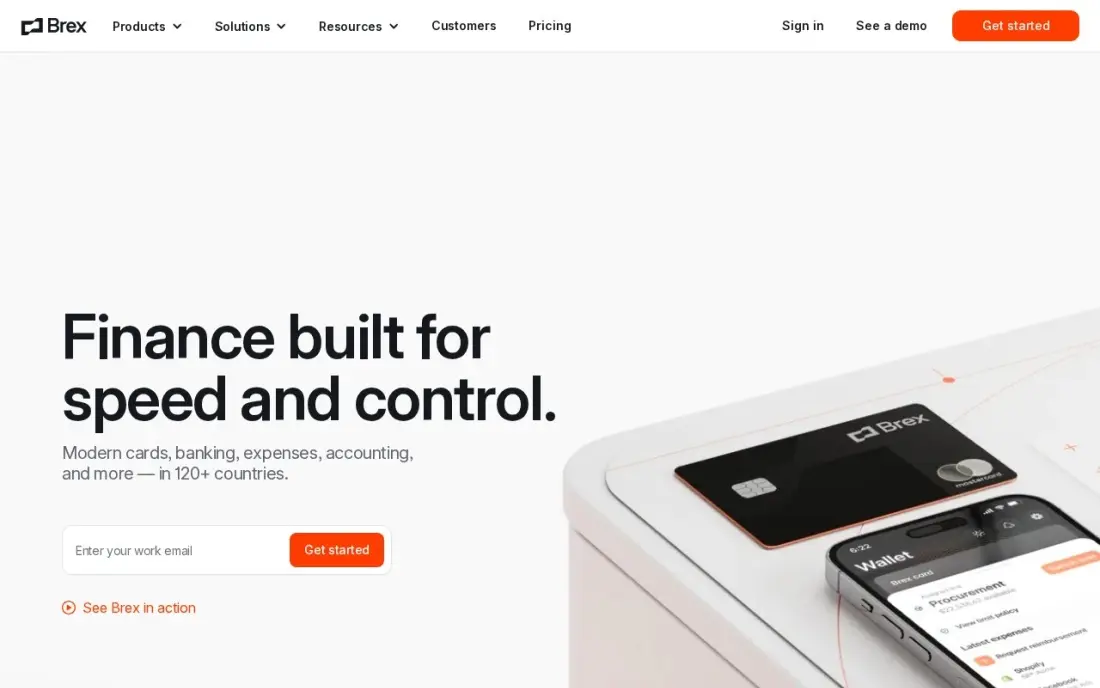
Brex pairs corporate cards with travel booking, so the card that pays for the flight and the trip itself live in the same platform. Card transactions appear in real time, budgets apply to every card and AI rules flag out-of-policy spending automatically. Essentials is free with unlimited cards and no annual fee.
Travel booking, bill pay and the deeper budgeting and AI controls come with Premium at $12 a user a month, with no flat-rate option and no free trial of Premium. Card limits are set by Brex underwriting, so approval varies by company. Choose Brex when the card program and travel should be one decision.
What we like
- Essentials is free with unlimited cards and no annual fee
- Travel booking is built in, so trips and spend live in the same platform
- Real-time spend controls and budgets apply to every card
- AI-powered custom rules automate approvals and flag out-of-policy spend
Watch out for
- Premium's $12/user/month adds up fast for large teams — there is no flat-rate option
- No free trial for Premium; the only way to try it is to upgrade
- Card limits are set by Brex underwriting, so approval and limits vary by company

Expensify
Best for: Frequent travellers who want receipts captured on the road and reports filed fast
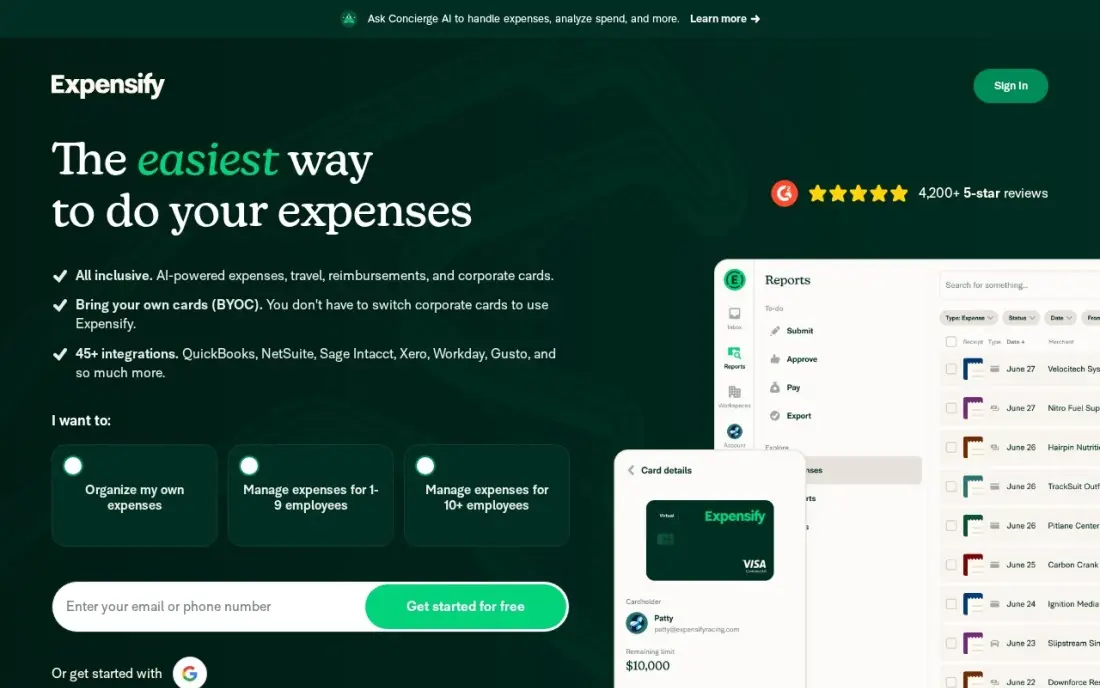
Expensify is the app travellers actually like using for receipts. SmartScan reads a photographed receipt in seconds, so a taxi or hotel bill is captured at the curb instead of from a crumpled pile at month end. It works with your own cards as well as the Expensify Card, and the Submit plan is free for individuals.
Collect costs $5 a member a month with no annual commitment and covers approvals and accounting sync for a team. Control costs $9 an active member a month with the Expensify Card, or $18 without it. Expensify does not book travel, so pair it with a booking tool or a card with travel built in.
What we like
- SmartScan reads receipts in seconds — the fastest capture in this list
- Collect is a flat $5/member/month with no annual commitment
- Works with your own cards as well as the Expensify Card
Watch out for
- Control costs $9/active member/month with the Expensify Card — $18 without it — so the price doubles off-card
- Advanced controls and support sit on Control, not Collect
- Per-active-member billing means the monthly bill moves with how many people file expenses

TripIt
Best for: Frequent flyers who want every booking in one itinerary with real-time flight alerts
TripIt is the business traveller's personal organiser. Forward any confirmation email and it builds one timeline of flights, hotels and rental cars, with calendar sync, document uploads and sharing, so a colleague or assistant can see the plan. The free plan covers that itinerary building.
Pro costs $49 a year, billed annually with no monthly plan, and adds real-time flight alerts, fare-drop monitoring, a seat tracker and alternate flights when a connection falls apart, with a 30-day free trial. It does not book anything or handle expenses. For anyone who flies several times a month, the alerts alone justify the price.
What we like
- Forward confirmation emails and TripIt assembles flights, hotels and rental cars into one timeline
- Pro adds real-time flight alerts, fare-drop monitoring, a seat tracker and alternate flights
- Calendar sync, document uploads and sharing keep the whole trip in one place
- 30-day free trial on Pro, and the $49 annual price is flat for everyone
Watch out for
- It does not book anything or handle expenses, so a booking and expense tool is still needed
- The useful features are all Pro — the free plan only organizes what you already booked
- No monthly plan, so a single trip still costs the full $49 a year

Google Flights
Best for: Travellers and travel managers who want fast, free fare searches with flexible dates
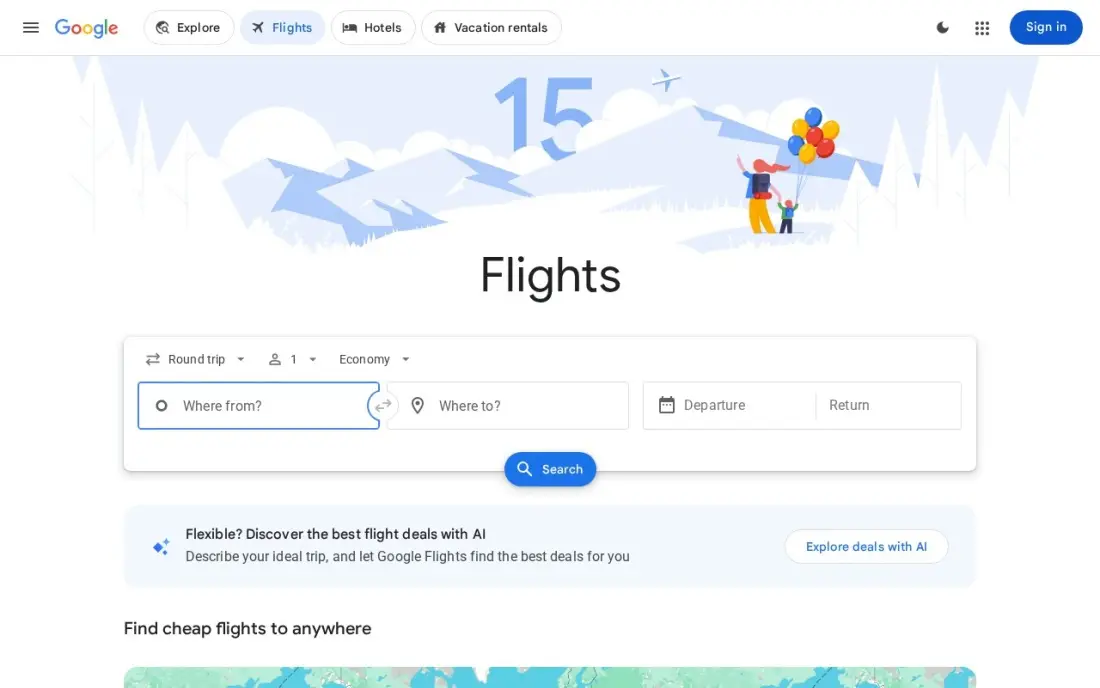
Google Flights is the fastest free way to check what a business route should cost. The date grid and price graph show the cheapest days at a glance, with a low, typical or high verdict on the fare, and Track prices emails you when a watched route moves. There are no ads in the results and no markup on fares.
It never sells the ticket, so changes and refunds go through the airline or agency you click through to, and some airlines do not list fares on it. For companies with a booking platform, it is still a useful check on whether the negotiated fare is actually competitive.
What we like
- Completely free with no ads in the results, no markup on fares and no premium tier
- Date grid and price graph show the cheapest days at a glance, with a low, typical or high price verdict
- Track prices watches exact dates or any dates on a route and emails you when the fare moves
- Explore map finds the cheapest destinations from your home airport within a budget
Watch out for
- Price tracking needs a Google account, and alerts arrive by email rather than push
- Some airlines do not list fares on Google Flights, so a direct check is still worth doing
- It shows fares but never sells the ticket, so changes and refunds go through the seller

Kayak
Best for: Travellers who book their own trips and want alerts and live flight status in one free app
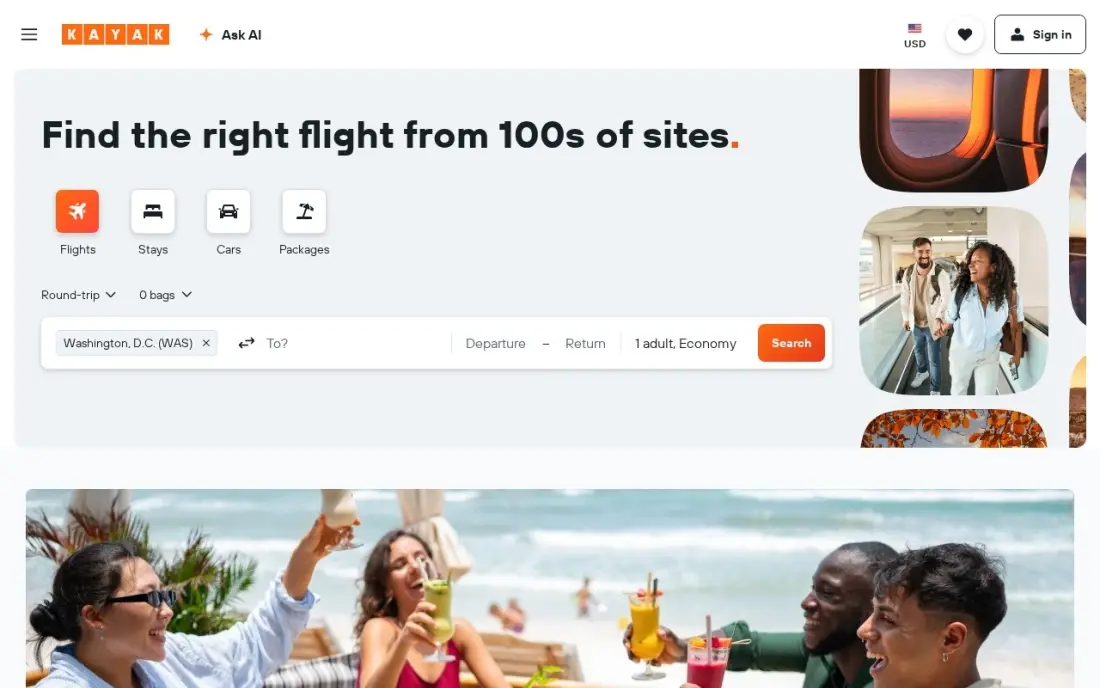
Kayak suits the traveller who books their own trips and wants one free app for search and the trip itself. Price alerts are free with no stated limit, the Price Forecast gives a buy-now-or-wait call on most round-trip searches, and Trips pulls bookings into one itinerary with flight status, gate changes and offline access.
The Fee Assistant adds baggage fees to the displayed price, which matters when a policy compares fares. Kayak hands you to another site to book, so the price can change on click-through, and Hacker Fares combine separate one-way tickets with separate change rules — check your travel policy before booking one.
What we like
- Price Forecast gives a buy-now-or-wait call on most round-trip searches, based on the next seven days
- Price alerts are free with no stated limit on how many routes you can watch at once
- Trips pulls every booking into one itinerary with flight status, gate changes and offline access
- Fee Assistant folds baggage fees into the displayed price so cheap fares compare honestly
Watch out for
- Kayak hands you to another site to book, and the price you saw does not always survive the click-through
- The Price Forecast covers roughly the next seven days, so it cannot time a trip months out
- Hacker Fares combine separate one-way tickets, so each leg has its own change and refund rules
The best apps for business travel take care of three jobs: booking the trip inside company policy, getting the receipts into an expense report, and keeping the traveller on track when a flight moves. We compared eight apps across those jobs — travel management platforms, corporate card and expense tools, and the itinerary and fare apps travellers keep on their phones — on what each does, how it charges and where the free plans end. Every price below was checked on vendor pages in November 2026.
How to choose the best apps for business travel
- Decide who books. If travellers book their own trips, they need fare and itinerary apps; if the company books, a platform such as Navan or Perk applies the policy up front.
- Count travellers and reports. Per-user pricing suits frequent travellers, while SAP Concur's per-report pricing suits many occasional ones.
- Connect booking to expenses. When the booking app feeds expenses, the report largely writes itself; when it does not, someone re-types every trip.
- Read the per-booking fees. Perk's free plan charges 5% per booking after the first 5 each month, so a busy month changes the maths.
- Check the card. Brex and Expensify both offer cards, and Expensify's Control plan costs twice as much without its own card.
- Give travellers a phone tool. Flight alerts and one itinerary save more stress on the road than any back-office feature.
Business travel often means meeting clients in other cities, and they will look you up before the meeting. Our AI search optimization service helps your company show up accurately in Google and AI answers, and the free SERP snippet preview shows how your pages appear in results.
Business travel apps pricing: what you will actually pay
Take a 20-person company where 8 people file expenses each month and 4 travel regularly. On Navan, travel booking is free and expenses cost (8 − 5) × $15 = $45 a month, or $540 a year. On Expensify Collect the same 8 filers cost 8 × $5 = $40 a month, or $480 a year, but booking is separate. On SAP Concur Base, 8 reports a month at $7 each comes to $56 a month, or $672 a year.
Booking fees depend on volume. On Perk Starter, a month with 10 bookings averaging $400 pays 5% on the 5 bookings beyond the free allowance: $100. Premium at $99 a month cuts that fee to 3%, so it pays for itself only at higher volume. Add TripIt Pro for the 4 regular travellers at $49 each, or $196 a year. Google Flights and Kayak cost nothing.
Know the difference: travel management platform vs travel app
A travel management platform such as Navan, Perk or Concur works for the company. It holds the travel policy, routes bookings for approval, pays through a company account or card, and passes every trip into expenses and reporting. The finance team sees spend before it happens, not a month later.
A travel app such as TripIt, Google Flights or Kayak works for the traveller. It finds fares, watches prices and keeps the itinerary in one place, with alerts when a gate changes or a flight is cancelled. Most companies need both: a platform for control and a phone app for the person in the airport.
Quick comparison: tool type by need
| Buyer | Best pick | Why |
|---|---|---|
| Small companies, booking plus expenses | Navan | Free travel booking up to 300 employees, 5 free expense users |
| Team and group trips | Perk (formerly TravelPerk) | Free Starter plan, 5% per booking after 5 a month |
| Large companies, occasional filers | SAP Concur | $7 per report with unlimited users |
| Card-led spend control | Brex | Free cards, travel booking on Premium at $12/user/month |
| Fast receipt capture | Expensify | SmartScan receipts, Collect $5/member/month |
| Frequent flyers | TripIt | One itinerary and flight alerts, Pro $49/year |
| Free fare checks | Google Flights | Date grid, price graph and tracking, free |
| Self-booking travellers | Kayak | Free alerts, forecasts and live trip status |
Mistakes to avoid
- Writing a travel policy nobody sees at booking time. A policy enforced after the trip only creates arguments; put it inside the booking tool.
- Paying per seat for people who never travel. Match per-user, per-active-user and per-report pricing to how often staff actually file.
- Ignoring per-booking fees. A free plan with a 5% booking fee can cost more than a paid plan in a busy month.
- Booking split tickets without checking rules. Separate one-way tickets have separate change rules, which hurts when a meeting moves.
- Leaving travellers without alerts. A cancelled connection discovered at the gate costs more than a year of TripIt Pro.
Related comparisons: Business Plan Software · Software for Landscape Business · Landscaping Business Software · Mapping Software for Business
How we chose
We checked each vendor's own pricing page in November 2026 and recorded free plans, per-user, per-report and per-booking prices exactly as shown. We grouped the apps by who uses them — the company booking and paying for travel, or the traveller on the road — and ranked them by fit for a small or mid-sized company with regular travel. SAP Concur's Premium tier with Concur Travel is custom-priced, so we say so. Ratings come from G2 pages checked on the dates shown in the sources. No vendor paid for a place in this list, and none of the links here are affiliate links.
What to do next
Write down who books trips today and how receipts reach finance, then trial Navan or Perk on the next three trips while travellers try TripIt's free plan. If those trips are to win clients, make sure they find you first — book a free visibility review.
Frequently asked questions
What are the best apps for business travel?
For companies, Navan and Perk are the strongest booking platforms, both with free starting plans. For expenses, Expensify costs $5 a member a month and SAP Concur $7 per report. For the traveller, TripIt Pro at $49 a year organises itineraries and flight alerts.
Is there a free business travel booking app?
Yes. Navan's travel booking is free for eligible companies up to 300 employees, and Perk's Starter plan has no platform fee, with the first 5 bookings a month free and then 5% per booking.
What is the best app for business travel expenses?
Navan if the company also books travel through it, because trips flow straight into expenses. Expensify if you want fast receipt capture on any card at $5 a member a month, and SAP Concur if many employees file only a few reports a year.
How much does business travel software cost?
Navan expenses cost $15 a user a month after the first 5 monthly users, Perk Premium costs $99 a month with a 3% booking fee, Brex Premium costs $12 a user a month and SAP Concur starts at $7 per report. TripIt Pro costs $49 a year per traveller.
Should small businesses use a travel management platform?
Once more than a few people travel regularly, yes. A platform applies the travel policy when the trip is booked and feeds expenses automatically, which saves more time than it costs — and Navan and Perk both start free.
Is TripIt worth it for business travellers?
For frequent flyers, Pro at $49 a year is worth it for the real-time flight alerts, seat tracker and alternate flights. The free plan already builds an itinerary from forwarded confirmation emails.
What is the best app for travel deals?
For fares, start with the free search apps. Google Flights shows the cheapest days on a date grid and price graph, rates a fare as low, typical or high, and emails you when a tracked route moves. Kayak adds free price alerts and a Price Forecast that says buy now or wait. TripIt Pro, at $49 a year, monitors fare drops on flights you have already booked.
What is the best app for planning a business trip?
TripIt is the planner: forward any confirmation email and it builds one timeline of flights, hotels and rental cars, with calendar sync and sharing for a colleague or assistant, on its free plan. Kayak's Trips pulls bookings into one itinerary with flight status, gate changes and offline access. If the company books the trip, Navan or Perk applies the travel policy at booking.
Sources we checked (12)
- Navan — www.navan.com/pricing (checked November 2, 2026)
- Perk (formerly TravelPerk) — www.travelperk.com (checked November 12, 2026)
- Perk (formerly TravelPerk) reviews on G2 (checked November 12, 2026)
- SAP Concur — www.concur.com/en-us/pricing (checked November 2, 2026)
- Brex — www.brex.com/pricing (checked November 4, 2026)
- Brex reviews on G2 (checked November 4, 2026)
- Expensify — www.expensify.com/pricing (checked November 4, 2026)
- Expensify reviews on G2 (checked November 4, 2026)
- TripIt — www.tripit.com/web/pro/pricing (checked November 12, 2026)
- TripIt reviews on G2 (checked November 12, 2026)
- Google Flights — www.google.com/travel/flights (checked November 4, 2026)
- Kayak — www.kayak.com/news/kayak-app (checked November 4, 2026)
Make one of these tools?
We re-check this list every quarter. Send a correction, request a review, or ask about a clearly labeled sponsored spot.
Request a listingShamim
Founder of SerpAstra
A full-stack digital marketer and SEO strategist covering technical and local SEO, AI search visibility, paid ads and lead generation for local businesses, e-commerce brands and SaaS teams.
Free SEO and AI visibility audit
Find out what is holding your rankings back
Send us your site. Within 2 business days you get a written audit, an AI visibility check and a short fix list ranked by impact. Free, with no contract attached.
Request my free audit→Related buying guides
 Productivity & Office12 Best Travel Booking Apps in 2026, Tested on Features and PriceCompare the 12 best travel booking apps on price, coverage, cancellation and loyalty perks, with every price checked on the vendor's page on November 4, 2026.Read guide →
 Accounting & Finance10 Best Expense Management Software for Small Business in 2026, Compared10 best expense management software for small business options compared on price, cards and receipt automation, with real prices checked November 2, 2026.Read guide →
 Productivity & Office8 Best Apps for Booking Flights on Mobile in 2026Compare the 8 best app for booking flights on mobile options: every one is free, with price alerts, fare forecasts and flexible search checked November 4, 2026.Read guide →