
8 Best Website Development Software in 2026, Compared
Compare the 8 best website development software tools, from WordPress and Webflow to GitHub, Copilot and Bubble, on cost, control and who each one suits.
 Shamim Mia, Founder, SerpAstraLast verified November 2, 20268 min read
We compare pricing pages, documentation and public reviews. We never accept payment for rankings.

Key takeaways
- WordPress.org is the best website development software for most business sites: free, open-source and extendable with themes and plugins, with hosting paid separately.
- Webflow is the pick for teams that want to develop visually and still ship clean production code, with the Premium Site plan at $25 a month billed annually.
- Every coded project needs version control: GitHub is free for unlimited repositories, and GitHub Copilot adds AI coding help from $10 a user a month with a $0 Free plan.
- For web apps without a developer, Bubble (from $59 a month billed annually) and WeWeb (from $20 a month billed annually) cover logic and interfaces visually.
On this page
Quick comparison
| Tool | Best for | Starting price | Free plan |
|---|---|---|---|
| WordPress.org | Developers and agencies building business websites they can fully control and extend | Free (software) | Yes (software free) |
| Webflow | Front-end teams that want to develop visually and ship clean, hosted production code | $39/mo | Yes (Starter) |
| GitHub | Every web developer and team that needs version control and code review | $4/user/mo | Yes (Free plan) |
| GitHub Copilot | Developers who want AI help writing, explaining and reviewing website code | $10/user/mo | Yes (Free plan) |
| GitLab | Teams that want code hosting, CI/CD and security scanning in one platform | $29/user/mo | Yes (Free plan) |
| Bubble | Founders who want to build a web app with database and logic without code | $59/mo (annual) | Yes (build free) |
| WeWeb | Teams building custom web app front ends they can export and host anywhere | $25/mo | Yes (free plan) |
| Grafana k6 | Developers who want to load-test websites before launches and traffic spikes | $19/mo | Yes (free tier) |
Make one of these tools?
We re-check this list every quarter. Send a correction, request a review, or ask about a clearly labeled sponsored spot.
Request a listingThe best website development software

WordPress.org
Best for: Developers and agencies building business websites they can fully control and extend
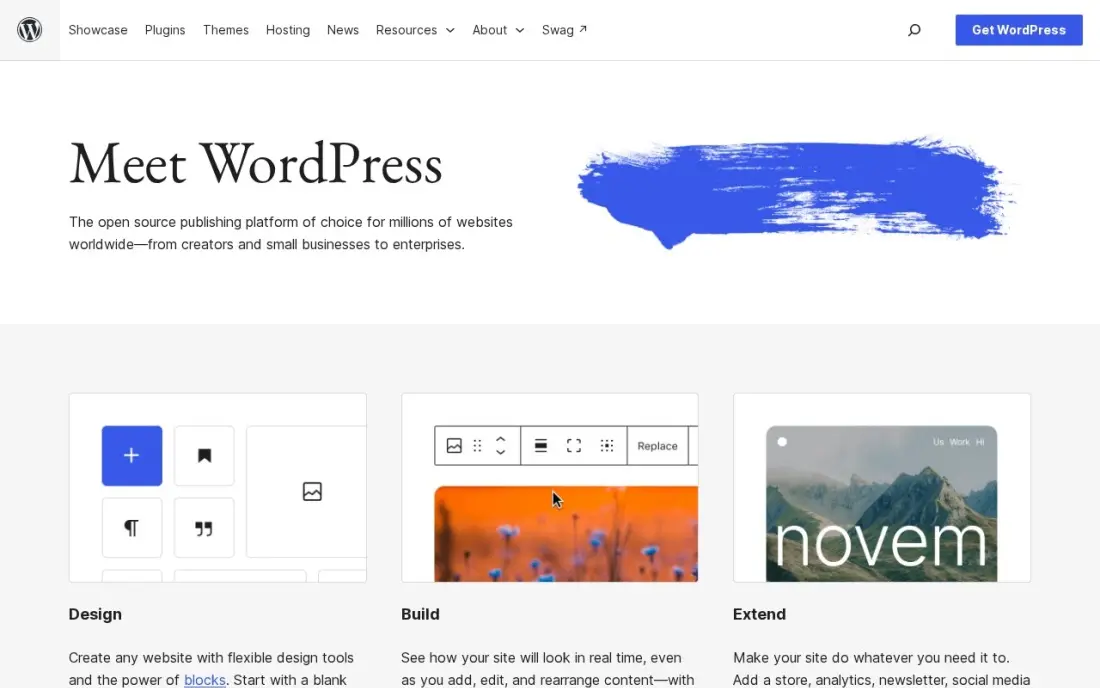
WordPress.org is the free, open-source platform behind a large share of the web, and for website development its value is the ecosystem: themes, the block editor, custom post types, a REST API and thousands of plugins for forms, SEO, memberships and stores. A developer can build a custom theme or extend an existing one, and the client can still edit pages without code.
The software costs nothing, but hosting, a domain and often premium plugins do. Security, updates and backups are the developer's or owner's job, and a site built on heavy plugins can be slow. Choose it when control, portability and a large hiring pool matter most.
What we like
- Full control of technical SEO: URLs, redirects, schema, sitemaps and robots rules are all yours to change
- Largest plugin ecosystem of any platform here, including free SEO plugins such as Rank Math and Yoast SEO
- No platform lock-in: move hosts, change themes and keep your content and data
Watch out for
- You arrange hosting, security, backups and updates yourself, or pay someone to do it
- Speed and security depend on your host and plugin choices, so a bad setup can hold rankings back

Webflow
Best for: Front-end teams that want to develop visually and ship clean, hosted production code
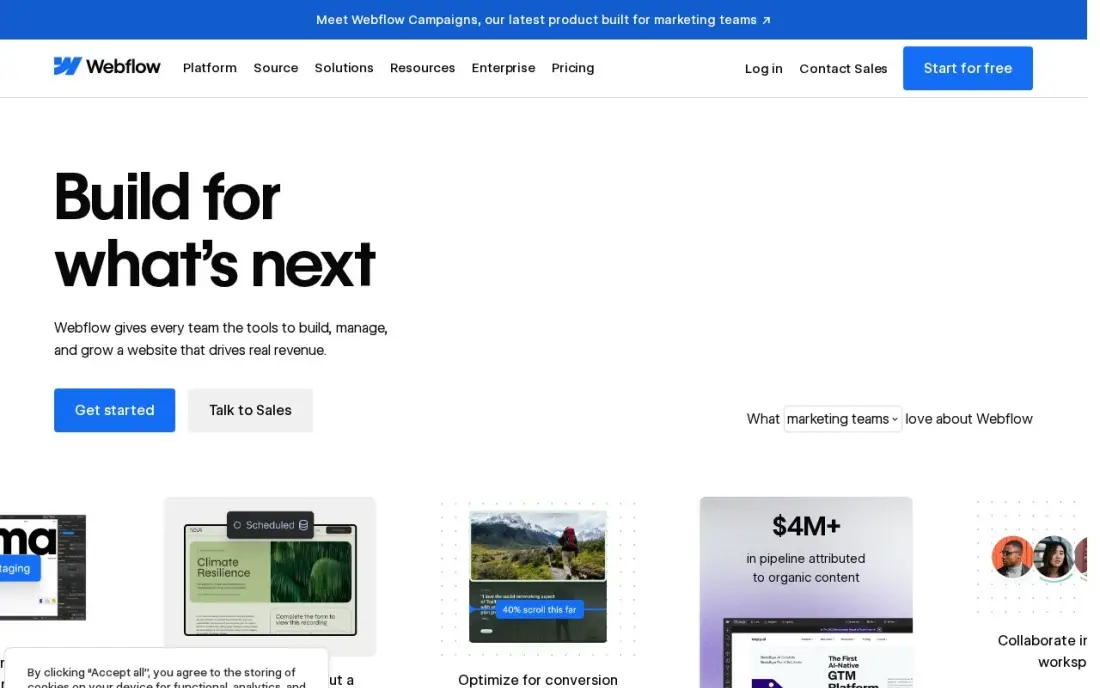
Webflow is website development software for people who think in boxes, classes and breakpoints but do not want to hand-write every line. You build layouts with real flexbox, grid and CSS classes on a visual canvas, connect a CMS for blogs and case studies, and publish to Webflow hosting with no plugins to maintain. The free Starter plan lets you build on a webflow.io subdomain.
The Premium Site plan costs $25 a month billed annually, or $39 monthly, and includes 20,000 CMS items and code components. Basic has no CMS, and editing seats cost $15 or $39 a month each, billed yearly. Custom back-end logic still needs another service.
What we like
- Visual designer with a real CMS: 20,000 CMS items and 40 collections on Premium
- Premium includes site search, 50 GB bandwidth and code components
- No plugins to update; hosting, security and the CMS come from one vendor
Watch out for
- Basic at $15 a month has no CMS at all, so a blog or content site must pay $25 a month billed annually
- Editing seats are a separate bill: $15 a month for a limited seat and $39 for a full seat, billed yearly

GitHub
Best for: Every web developer and team that needs version control and code review
GitHub is where most website code lives. Repositories track every change, pull requests keep reviews and discussion next to the code, and Actions runs tests and deployments on each change, so a site can be built, checked and shipped automatically. The Free plan covers unlimited public and private repositories, which is enough for most freelancers and small teams.
Team costs $4 a user a month and adds code owners, required reviewers and protected branches; GitHub labels Team and Enterprise prices as first-12-months figures. Single sign-on and advanced security sit on Enterprise from $21 a user a month. Almost every web developer already knows the workflow.
What we like
- Pull requests keep the discussion, the diff and the decision in one place, next to the code
- Code owners, required reviewers and branch rules on Team give async teams a clear approval path
- The largest ecosystem here: Actions runs CI on every pull request, and most developers already know the workflow
- The Free plan covers unlimited public and private repositories, so small teams start at $0
Watch out for
- Team and Enterprise prices are labelled "first 12 months" on GitHub's pricing page, with no published renewal price
- Single sign-on and advanced security wait for Enterprise from $21/user/month
- Review automation beyond the basics needs Actions or third-party apps
GitHub Copilot
Best for: Developers who want AI help writing, explaining and reviewing website code
GitHub Copilot speeds up day-to-day website development by suggesting code in VS Code and JetBrains editors, explaining unfamiliar code, writing pull request descriptions and reviewing changes on GitHub. For repetitive work such as components, forms and tests, it saves real time, and code review is included on every plan, including the $0 Free plan.
Pro costs $10 a user a month. Review and agent work consume GitHub AI Credits, so heavy use costs more than the seat price, and it reviews only code hosted on GitHub. Treat its suggestions as a draft that still needs testing, especially for security-sensitive code.
What we like
- Code review is included on every plan, including the $0 Free plan, with no separate reviewer to install
- Reviews live where the code lives — pull requests on github.com and file diffs in VS Code and JetBrains
- Also writes PR descriptions, explains code in the IDE and fixes merge conflicts
- Pro is $10 a user a month, the lowest paid entry price in this list
Watch out for
- GitHub only — no GitLab, Bitbucket or Azure DevOps support at any price
- Review and agent work consume GitHub AI Credits, so heavy use costs more than the $10 seat price
- Context is diff-only on some plans, so it can miss issues that span the wider codebase

GitLab
Best for: Teams that want code hosting, CI/CD and security scanning in one platform

GitLab puts the whole website development pipeline in one place: repositories, merge requests, CI/CD pipelines, issue tracking and security scanning, with a self-managed option for teams that must host their own code. Reviewers see pipeline results and security findings next to each change, which suits agencies shipping many client sites.
The Free plan covers 5 users per group. Premium costs $29 a user a month billed annually and includes 10,000 CI minutes a month and $12 of GitLab Credits for Duo agent features. That is several times GitHub Team per seat, so it pays off only if you use the built-in pipelines and scanning.
What we like
- Merge requests show pipeline results and security findings next to the diff, so reviewers judge a change in one place
- One platform replaces separate CI, planning and scanning tools, which cuts tool sprawl for distributed teams
- Self-managed option for teams that must host their own code
- Premium includes $12 of GitLab Credits a month for Duo agent features
Watch out for
- $29/user/month is roughly seven times GitHub Team, so seat count dominates the bill
- The top tier is now quote-only, with no published price
- Platform breadth can feel heavy for a team that only needs code review

Bubble
Best for: Founders who want to build a web app with database and logic without code
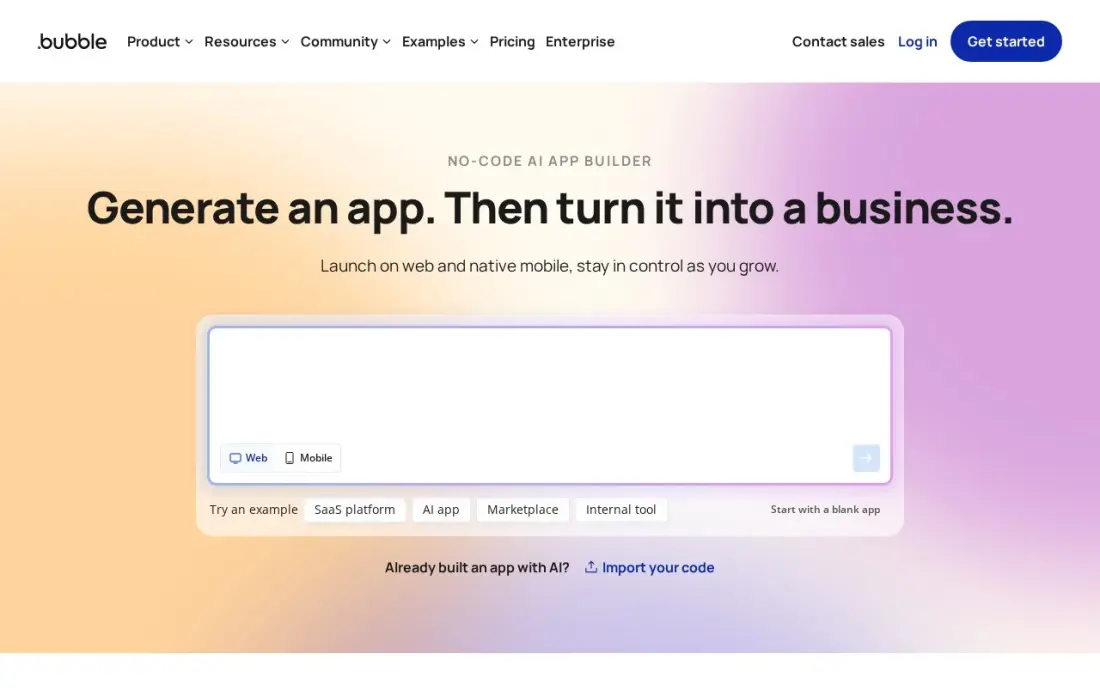
Bubble is for web applications rather than brochure sites. Its visual editor includes a hosted database, user accounts, workflows and payments, and native iOS and Android apps can now be built in the same editor, so a founder can launch a marketplace, booking tool or client portal without a developer. The free plan covers building and testing.
Starter costs $59 a month billed annually, or $69 monthly, and includes 175,000 workload units, with overage at about $0.30 per 1,000. There is no code export, so the app stays on Bubble. Use it to prove an idea fast, and plan for a rebuild if the app becomes the business.
What we like
- Visual editor plus a hosted database, workflows and user accounts, so no backend is needed
- Native mobile apps are now built in the same editor, alongside the web version
- A large plugin marketplace and template library cover payments, maps and messaging
- Workload-unit metering means a quiet app costs the plan price and nothing more
Watch out for
- Workload-unit overages cost about $0.30 per 1,000 units, so a busy app can outgrow the plan fast
- No code export, so leaving Bubble means rebuilding the app from scratch
- Native mobile is still new, and performance lags compiled frameworks on demanding screens

WeWeb
Best for: Teams building custom web app front ends they can export and host anywhere
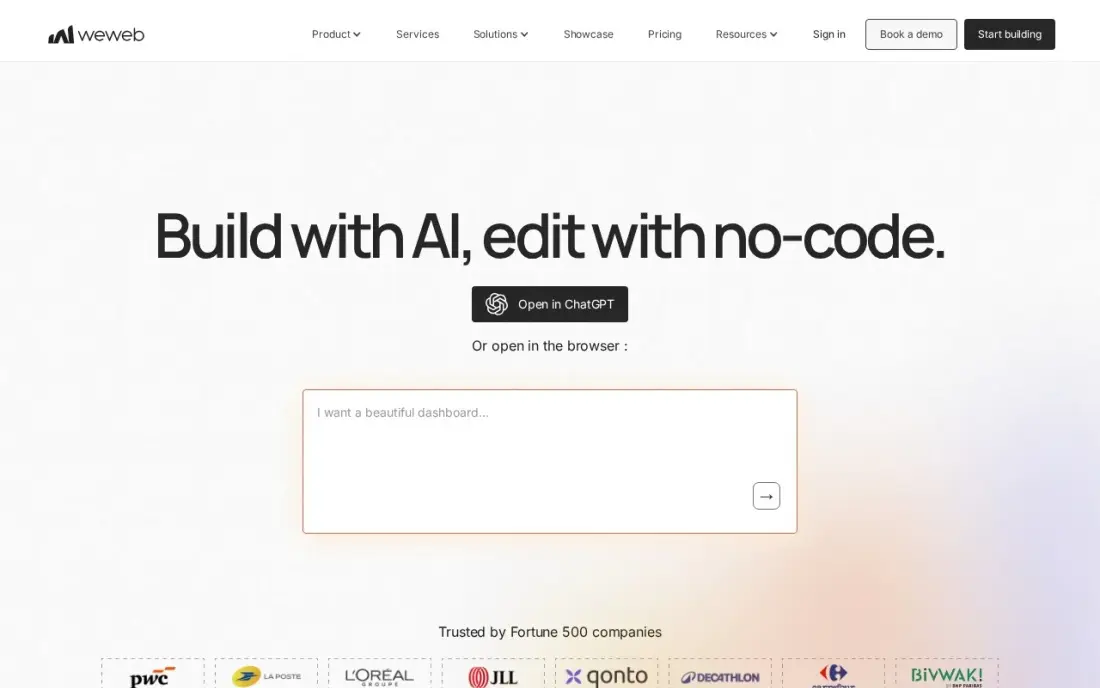
WeWeb is a visual front-end builder with real code export: you design the interface with strong layout control, connect it to any backend through REST APIs, Xano or Supabase, and can export the front end as Vue code to host yourself. That answers the lock-in worry that comes with most no-code tools, and every plan allows unlimited app users.
Essential costs $25 a month billed monthly, or $20 billed annually, and includes code export and GitHub sync. WeWeb Cloud hosting is billed separately per app, and you must bring or buy a backend. Its template and plugin ecosystem is smaller than Bubble's.
What we like
- Real code export removes lock-in: export the frontend as Vue code and host it anywhere
- Connects to any backend through REST APIs, Xano, Supabase or its own native backend
- Unlimited app users on every plan, so customer growth does not raise the seat bill
- Strong design control for custom interfaces, with AI-assisted building included
Watch out for
- Frontend only in practice: you must bring or buy a backend, such as Xano
- WeWeb Cloud hosting is billed separately per app, on top of the seat price
- Smaller template and plugin ecosystem than Bubble

Grafana k6
Best for: Developers who want to load-test websites before launches and traffic spikes
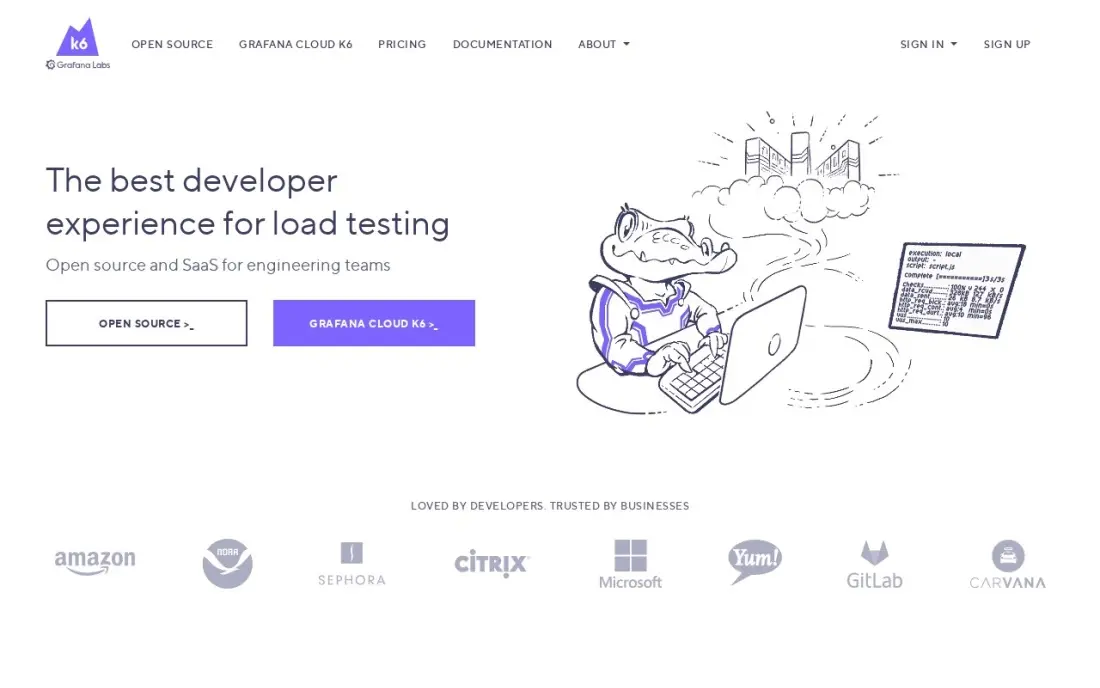
Grafana k6 checks whether a website survives real traffic before customers find out. Load tests are written in JavaScript and stored in Git, and thresholds can fail a build when response times or error rates cross a limit, so performance becomes part of the release process rather than a surprise after a campaign or sale goes live.
The open-source engine is free, and the Grafana Cloud free tier covers 500 virtual user hours a month. Cloud Pro costs a $19 monthly platform fee, with extra hours at $0.15 each. Only JavaScript and TypeScript are supported, and browser testing is an extension rather than the core.
What we like
- Tests are plain JavaScript stored in Git, so they get reviewed like any other code
- Thresholds and checks fail a build when response times or error rates cross a limit
- The same script runs locally, in Kubernetes, or in Grafana Cloud from 21 load zones
- Open-source engine is free, and the Cloud free tier covers 500 virtual user hours a month
Watch out for
- Cloud billing is metered, so a big test month costs more than the $19 platform fee
- Browser-based testing is an extension, not the core of the tool
- Only JavaScript and TypeScript are supported, so other-language teams must learn them
The best website development software helps you build a site or web app that is fast, maintainable and easy to change, without paying for complexity you do not need. We compared eight tools across the website development stack — a CMS, a visual builder, version control, AI coding help, CI/CD, no-code app builders and load testing — and checked every price on the vendor's pricing page in November 2026.
How to choose the best website development software
- Decide what you are building. A marketing site, an online store and a web app need different tools; WordPress and Webflow suit sites, Bubble and WeWeb suit apps.
- Match the tool to the team's skills. Visual builders suit designers and marketers; Git, CI and Copilot suit developers who write code.
- Plan for the people who edit later. If marketing will update pages, choose a CMS they can use without a developer.
- Check lock-in. WordPress and WeWeb's code export let you move; Bubble and hosted builders keep the project on their platform.
- Count seats and usage. GitLab, Copilot and Webflow charge per seat, and Bubble and k6 meter usage.
- Test performance before launch. Speed affects conversions and search, so load-test and measure before traffic arrives.
Development choices decide how well a site can rank. Our technical SEO audit checklist covers what to check before launch, and the free robots.txt generator and XML sitemap generator handle two files every new site needs. For a full pre-launch review, see our SEO audit service.
Website development software pricing: what you will actually pay
Take a three-person team building and maintaining a business website with a blog. With WordPress.org, the software costs $0; the team pays for hosting and any premium plugins. GitHub's Free plan covers the code at $0, or $4 a user a month on Team, $12 a month for three. GitHub Copilot Pro adds $10 a user a month, or $30 a month for three, $360 a year. Grafana k6 can run free on the open-source engine.
If the team builds in Webflow instead, the Premium Site plan costs $25 a month billed annually, or $300 a year, and $39 monthly; adding editing seats at $15 or $39 a month each, billed yearly, can double that. On GitLab Premium, three users cost $87 a month billed annually, or $1,044 a year. For a web app, Bubble Starter costs $59 a month billed annually, or $708 a year, before workload overage, and WeWeb Essential costs $20 a month billed annually plus separate hosting and a backend.
Know the difference: CMS vs no-code app builder
A CMS such as WordPress or Webflow's CMS is built for content: pages, posts, products and media that editors update over time, with templates controlling how everything looks. It is the right foundation for marketing sites, blogs, portfolios and most small business sites, and it gives strong control over SEO.
A no-code app builder such as Bubble or WeWeb is built for interaction: user accounts, databases, logic and workflows that let people do things rather than read things. It suits portals, marketplaces and internal tools. Many businesses run both — a CMS for the public marketing site and an app builder or coded app behind a login.
Quick comparison: tool type by need
| Buyer | Best pick | Why |
|---|---|---|
| Business websites with full control | WordPress.org | Free, open source, huge plugin ecosystem |
| Visual development, clean code | Webflow | CMS and hosting, Premium $25/month billed annually |
| Version control for any team | GitHub | Free unlimited repositories, Team $4/user/month |
| AI coding help | GitHub Copilot | $0 Free plan, Pro $10/user/month |
| All-in-one DevOps | GitLab | CI/CD and scanning, Premium $29/user/month billed annually |
| Web apps without code | Bubble | Database and logic, Starter $59/month billed annually |
| Exportable app front ends | WeWeb | Vue code export, $20/month billed annually |
| Load testing before launch | Grafana k6 | Free engine, Cloud Pro $19/month |
Mistakes to avoid
- Building without version control. Even a solo developer needs Git history to undo a bad change.
- Choosing a platform the client cannot edit. A site only the developer can update goes stale quickly.
- Shipping AI-written code untested. Review and test Copilot suggestions like any other code.
- Ignoring metered costs. Workload units, CI minutes and AI credits can exceed the seat price.
- Launching without redirects and a sitemap. A rebuild that breaks old URLs loses search traffic.
How we chose
We checked each vendor's pricing page in November 2026 and recorded the starting price exactly as shown, including whether it is billed monthly or annually and any usage meters. We grouped the tools by their place in the development stack and ranked them by fit for the most common buyer, a small team building and maintaining a business website. Ratings come from G2 pages on the dates shown in the sources; where no rating was verified, we left it out. No vendor paid for a place in this list, and none of the links here are affiliate links.
What to do next
Pick the platform first — WordPress, Webflow or an app builder — then set up a free GitHub repository and a staging site before any page goes live. Before launch, book a free technical SEO review.
Frequently asked questions
What is the best website development software?
WordPress.org is the best website development software for most business sites because it is free, open source and endlessly extendable, though hosting is paid separately. Webflow is the best visual option, and GitHub is the standard for version control on any coded project.
What software do professional web developers use?
Most professional developers combine a code editor, Git version control on GitHub or GitLab, a framework or CMS such as WordPress, an AI assistant such as GitHub Copilot, and testing tools such as Grafana k6. Visual tools such as Webflow are common for marketing sites.
Is there free website development software?
Yes. WordPress.org is free software, GitHub's Free plan covers unlimited repositories, GitHub Copilot has a $0 Free plan, GitLab's Free plan covers 5 users per group, Grafana k6's engine is open source, and Webflow and Bubble have free plans for building.
Can I build a website without coding?
Yes. Webflow builds marketing sites visually, Bubble builds web apps with databases and logic, and WeWeb builds app front ends you can export. You still need to understand layout, data and SEO basics to get good results.
What is the difference between website development and web design software?
Design software plans how a site looks, while development software builds how it works: code, content management, version control, testing and deployment. Tools like Webflow cover both for marketing sites.
Does website development software affect SEO?
Yes. The platform controls URLs, page speed, structured data and how easily you can edit titles and content. WordPress.org and Webflow give strong control; always test speed and indexing before launch.
Sources we checked (16)
- WordPress.org — wordpress.org (checked November 2, 2026)
- WordPress.org reviews on G2 (checked November 2, 2026)
- Webflow — webflow.com/pricing (checked November 10, 2026)
- Webflow reviews on G2 (checked November 10, 2026)
- GitHub — github.com/pricing (checked November 7, 2026)
- GitHub reviews on G2 (checked November 7, 2026)
- GitHub Copilot — github.com/features/copilot/plans (checked November 6, 2026)
- GitHub Copilot reviews on G2 (checked November 6, 2026)
- GitLab — about.gitlab.com/pricing (checked November 7, 2026)
- GitLab reviews on G2 (checked November 7, 2026)
- Bubble — bubble.io/pricing (checked November 10, 2026)
- Bubble reviews on G2 (checked November 10, 2026)
- WeWeb — www.weweb.io/pricing (checked November 7, 2026)
- WeWeb reviews on G2 (checked November 7, 2026)
- Grafana k6 — k6.io (checked November 7, 2026)
- Grafana k6 reviews on G2 (checked November 7, 2026)
Make one of these tools?
We re-check this list every quarter. Send a correction, request a review, or ask about a clearly labeled sponsored spot.
Request a listingShamim
Founder of SerpAstra
A full-stack SEO and digital marketer who spends most days on Local SEO for dental practices, AI search visibility and lead generation.
Free SEO and AI visibility audit
Find out what is holding your rankings back
Send us your site. Within 2 business days you get a written audit, an AI visibility check and a short fix list ranked by impact. Free, with no contract attached.
Request my free audit→Related buying guides
 Website Builders & Hosting7 Best Web Content Management Software in 2026, Compared7 best web content management software picks compared on price, ease of use and publishing power, with real 2026 prices checked November 10.Read guide →
 Developer ToolsBest AI Code Review Tools for 2026: 12 Picks Ranked by What You NeedCompare the 12 best ai code review tools on price, free plans, Git platforms and AI review depth, with every price checked November 6, 2026.Read guide →
 Developer Tools11 Best No-Code Tools to Build SAAS in 2026 (Free and Paid, Compared)Compare the 11 best no-code tool to build saas options on price, free plans, code export and lock-in, with every price checked November 7, 2026.Read guide →