
9 Best Agentic AI Platforms in 2026, Compared
Compare the 9 best agentic AI platforms on real prices, usage meters, free plans and who each suits, with every price checked on vendor pages in November 2026.
 Shamim Mia, Founder, SerpAstraLast verified November 2, 202610 min read
We compare pricing pages, documentation and public reviews. We never accept payment for rankings.
Key takeaways
- Make is the cheapest serious start at $9 a month billed annually for 10,000 credits, and n8n is the pick for technical teams because it bills per workflow run and can be self-hosted free.
- Microsoft Copilot Studio and Salesforce Agentforce are the enterprise choices: Copilot Studio sells 25,000 credits for $200 a month, and Agentforce actions work out at $0.10 each on Flex Credits.
- Every platform here meters usage — credits, tasks, actions or conversations — so the plan price is only the floor; model a month of real runs before you compare.
- Lindy and Relevance AI are built around agents that decide their own next step, while Zapier, Make and n8n add agents to step-by-step workflows you can still read and debug.
On this page
Quick comparison
| Tool | Best for | Starting price | Free plan |
|---|---|---|---|
| Microsoft Copilot Studio | Microsoft 365 organisations that want governed agents across Teams, SharePoint and 1,500+ connectors | $200/mo per 25k credits | Azure credit |
| Salesforce Agentforce | Salesforce customers that want agents working directly on CRM, service and field data | $0.10/action | Foundations |
| n8n | Technical teams that want AI agents inside long workflows and the option to self-host | $20/mo yearly | Yes (self-hosted) |
| Zapier | Small businesses that want agents to act across the thousands of apps Zapier already connects | $19.99/mo yearly | Yes (free plan) |
| Make | Small teams that want visual, branching agent workflows at the lowest cost per run | $9/mo yearly | Yes (1,000 credits) |
| Relevance AI | Agencies and operators building teams of specialist agents that hand work to each other | $29/mo; $19 yearly | No (free retired) |
| Lindy | Founders and small teams that want an agent to handle email, meetings and follow-ups by itself | $19.99/mo | Yes (400 credits) |
| Gumloop | Non-technical marketers and ops teams that want a no-code canvas for multi-step agents | $37/mo | Yes (free plan) |
| Botpress | Developers and agencies building customer-facing agents with knowledge bases and human handoff | $189/mo; $150 yearly | Yes (100 conversations) |
Make one of these tools?
We re-check this list every quarter. Send a correction, request a review, or ask about a clearly labeled sponsored spot.
Request a listingThe best agentic AI platforms

Microsoft Copilot Studio
Best for: Microsoft 365 organisations that want governed agents across Teams, SharePoint and 1,500+ connectors
Copilot Studio is Microsoft's agent builder, and its strength is everything around the agent: 1,500+ prebuilt connectors and MCP servers, multi-agent orchestration, a dev-test-prod lifecycle and governance through Entra ID and Purview. Agents can be chat or voice based and can run autonomously, planning a task and escalating when they get stuck.
Pricing is by Copilot Credits. A pack of 25,000 credits costs $200 a month, pay-as-you-go is billed at the end of each month, and pre-purchasing commit units saves up to 20%. Each action or response uses a varying number of credits, so run a pilot before you budget. Agents used inside Microsoft 365 Copilot by licensed users carry no extra charge.
What we like
- Build chat, voice and autonomous agents in one no-code studio, with 1,500+ prebuilt connectors and MCP servers
- Agents published into Microsoft 365 Copilot cost nothing extra for users who already hold a Microsoft 365 Copilot licence
- Governance is built in: environment controls, audit logs, cost budgets, Entra ID and Purview
Watch out for
- Each agent action or response uses a varying number of credits, so monthly cost is hard to predict up front
- An Azure subscription is required, and the page gives no per-credit pay-as-you-go rate
- There is no standalone free trial of Copilot Studio itself

Salesforce Agentforce
Best for: Salesforce customers that want agents working directly on CRM, service and field data
Agentforce is the agent layer of Salesforce, so its agents work on the leads, cases and accounts already in your CRM rather than on copies of them. Salesforce Foundations, which adds Agentforce Builder and Prompt Builder, is free to try for Enterprise Edition and above, and Max Edition bundles agents with 2.75 million Flex Credits a year from $550 per user a month.
Usage is sold three ways. Flex Credits cost $500 per 100,000, and a standard action uses 20, so each action costs $0.10; voice actions use 30. Alternatively you pay $2 per conversation, or $125 per user a month for the Sales or Service add-ons. Flex Credits and conversations cannot run in the same org, and unused credits do not roll over.
What we like
- Agents act on the Salesforce data your sales and service teams already use, with Agentforce Builder and Prompt Builder
- Flex Credits make a standard action cost $0.10 (20 credits at $500 per 100,000), with no overage penalty
- Choice of models: Flex Credits, $2 per conversation, or $125 per user per month add-ons for Sales and Service
Watch out for
- Built for the Salesforce platform — Foundations needs Enterprise Edition or above
- Three pricing models that cannot be mixed in one org make budgeting a sales conversation
- Unused Flex Credits do not roll over to the next term

n8n
Best for: Technical teams that want AI agents inside long workflows and the option to self-host
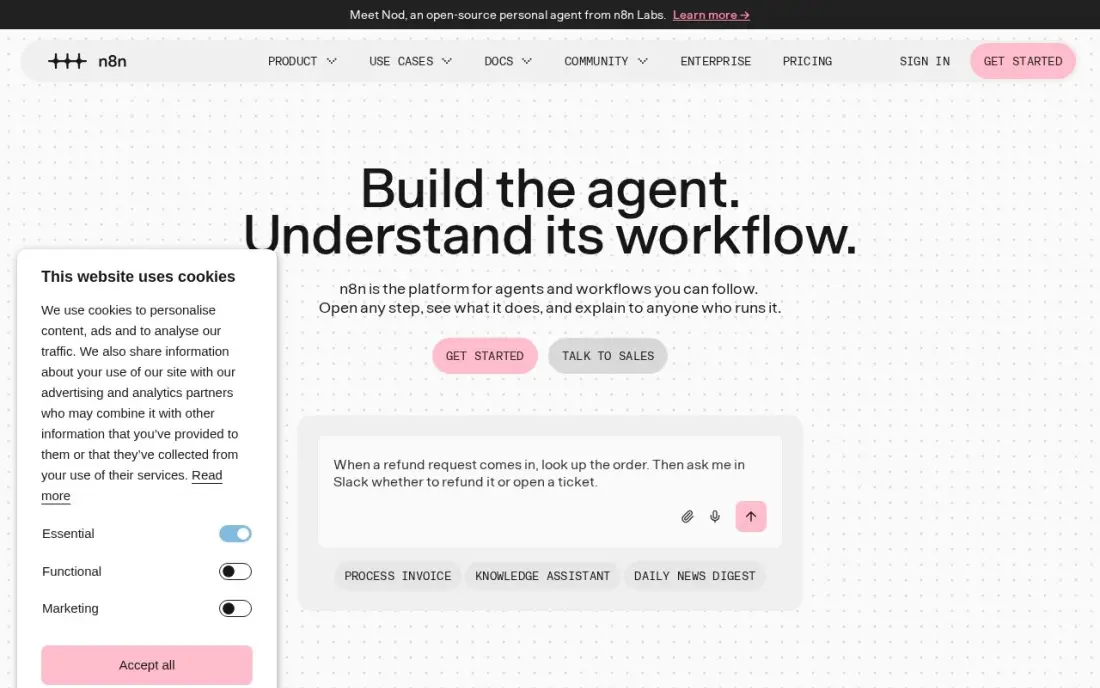
n8n is the platform for teams that want to see and control every step an agent takes. Its AI agent nodes sit inside visual workflows, with code nodes and webhooks when the builder runs out, and you are billed per workflow run rather than per step, so a twenty-step agent flow costs the same as a two-step one.
The hosted Starter plan costs $20 a month billed annually, or $24 billed monthly, for 2,500 executions, and the self-hosted Community Edition is free with unlimited runs. The limits are real: Starter allows five active workflows, and a flow that fires every minute uses the monthly allowance in under two days. Without technical help, Make or Zapier will be quicker.
What we like
- Billed per workflow run, not per step, so a 20-step flow costs the same as a 2-step one
- Self-hosted Community Edition is free with unlimited executions, under a fair-code licence
- Native AI agent nodes and a large integration library, with code when the visual builder runs out
Watch out for
- Needs technical confidence: code nodes, webhooks and self-hosting are part of the appeal, not optional extras
- Starter caps at 5 active workflows and 5 concurrent executions, so busy teams outgrow it fast
- A flow that fires every minute eats the 2,500 monthly executions in under two days

Zapier
Best for: Small businesses that want agents to act across the thousands of apps Zapier already connects
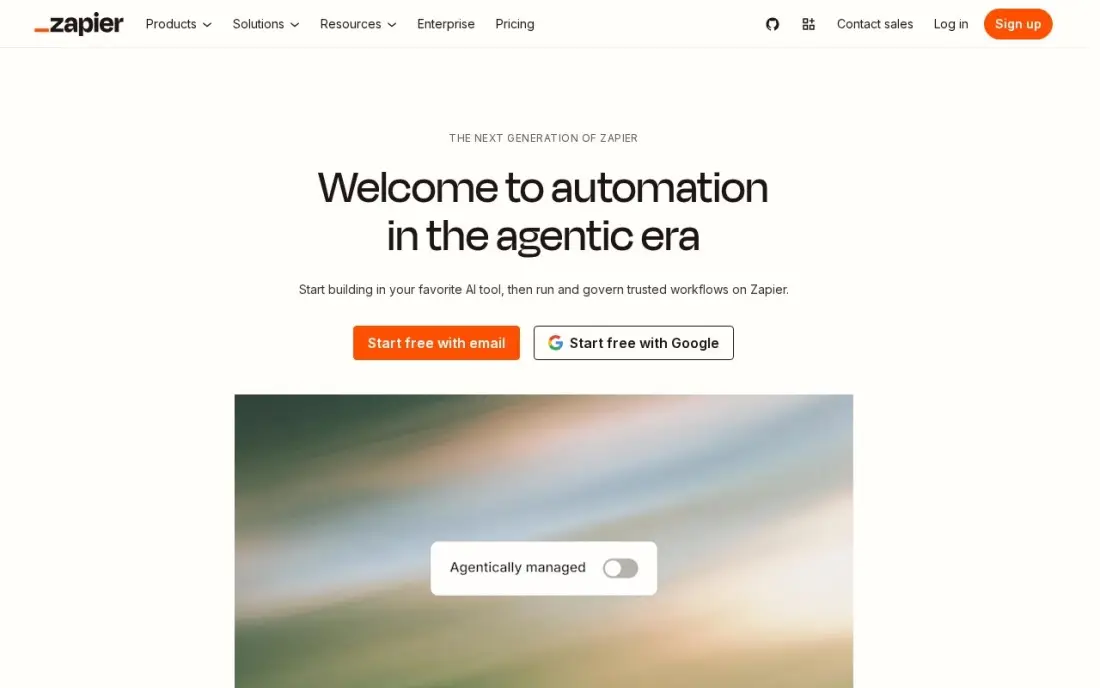
Zapier's case for agentic work is reach. It already connects thousands of apps, so an agent or an AI step can read a form, update the CRM and post to Slack without custom integration work. AI by Zapier is included in Professional, alongside multi-step Zaps, webhooks, filters and paths.
Professional costs $19.99 a month billed annually, or $29.99 billed monthly, for 750 tasks, and the free plan covers 100 tasks a month. The bill follows task volume, not seats: a three-step workflow running 1,000 times a month uses 3,000 tasks and lifts the price to $49 a month billed annually. Professional covers one user; a team that builds together needs Team at $69.
What we like
- Connects thousands of apps, so the tools a business already uses can share data
- Multi-step Zaps, webhooks, filters and paths come with Professional
- AI by Zapier is included, so workflows can draft, summarise and route work
- 2-minute polling on Professional keeps automations close to real time
Watch out for
- The bill is set by task volume, not seats: a busy workflow can jump from $19.99 to $89 a month
- Professional covers only 1 user, so a team that builds Zaps together needs Team at $69 a month
- No free plan beyond 100 tasks a month, so real automation starts on a paid tier

Make
Best for: Small teams that want visual, branching agent workflows at the lowest cost per run
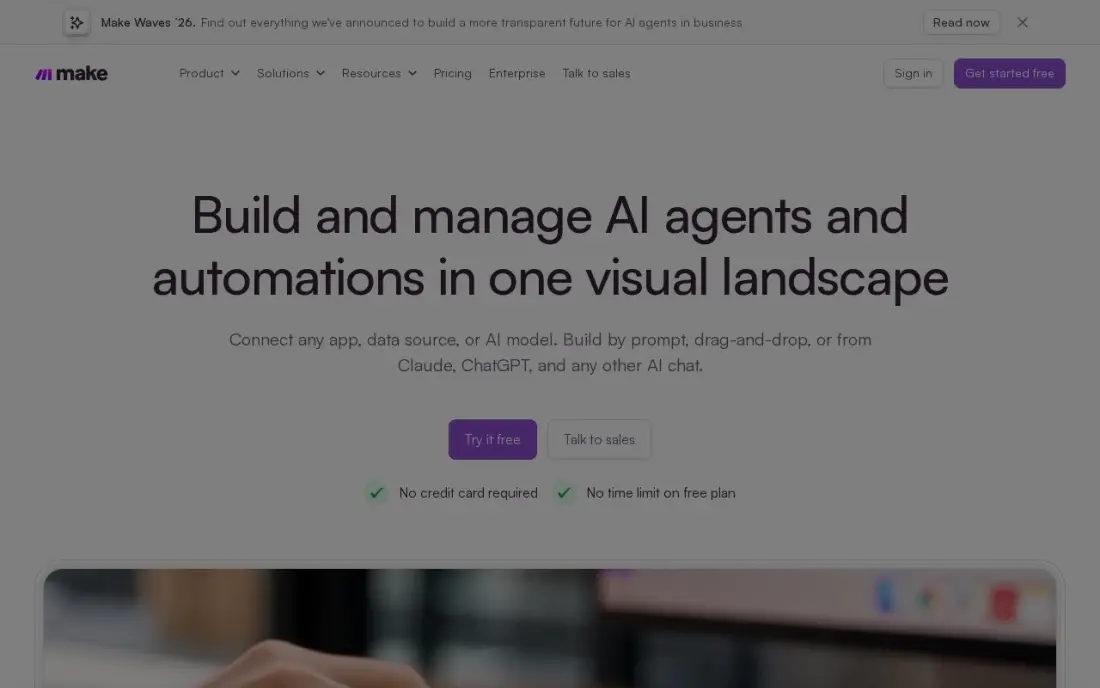
Make gives the most automation per dollar here. Core costs $9 a month billed annually, or $10.59 billed monthly, for 10,000 credits, and the free plan includes 1,000 credits a month. Make AI Agents and an AI toolkit are included, and the visual canvas handles branches, loops and error routes, so an agent's decisions can be routed and checked.
The catch is the meter. Every module that runs uses one credit, so a ten-module scenario burns credits ten times faster than its run count suggests. The canvas also takes a day to learn properly, and human approval steps are Enterprise-only. For a team ready to invest that afternoon, it is the cheapest serious agent platform in this list.
What we like
- Cheapest volume here: 10,000 credits a month from $9/month billed annually, against 750 tasks at Zapier
- Visual canvas with branching, loops and error routes that simpler builders cannot do
- Make AI Agents and an AI toolkit are included, with 3,500+ apps connected
Watch out for
- The visual canvas has a real learning curve; branching, routers and error routes take a day to learn
- Every module that runs costs one credit, so a long scenario burns credits faster than the headline suggests
- Human-in-the-loop approval steps are Enterprise-only and were still in closed beta in mid-2026

Relevance AI
Best for: Agencies and operators building teams of specialist agents that hand work to each other
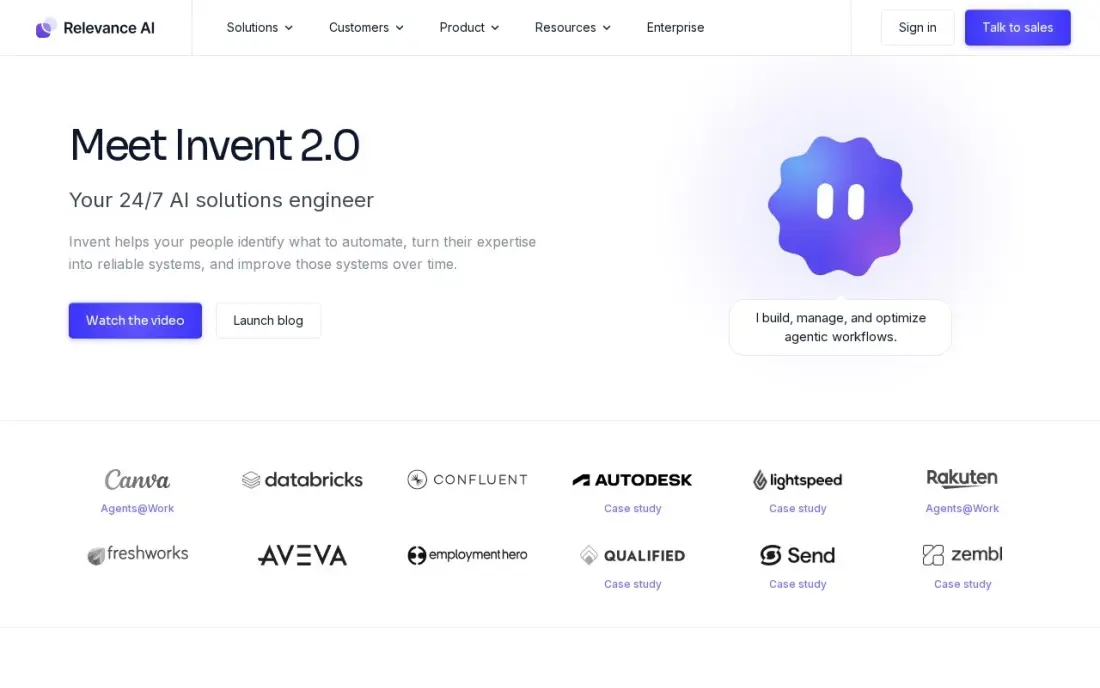
Relevance AI is built for multi-agent work. You build specialist agents — research, drafting, review — and join them into Workforces with fixed, conditional or AI-decided handoffs. Pro includes unlimited agents, tools and workforces, two build users, schedules and escalations, with native MCP support and a bring-your-own-key option for models.
Pro costs $29 a month billed monthly, or $19 billed annually. Billing has two meters, Actions for tool runs and Vendor Credits for model costs, and a failed tool run still counts as an Action. Top-up Actions cost $80 per 1,000, about seven times the in-plan rate, and the free plan is closed to new signups, so prototype carefully.
What we like
- Workforces chain specialist agents with fixed, conditional, mandatory or AI-decided handoffs
- Pro includes unlimited agents, tools and workforces, 2 build users, schedules and smart escalations
- Native MCP support and a bring-your-own-key model option, with Vendor Credits passed through at wholesale
Watch out for
- Two meters: Actions for tool runs plus Vendor Credits for model costs, and a failed tool run still bills as one Action
- Top-up Actions cost $80 per 1,000 — about 7x the in-plan rate — with an $80 minimum purchase
- The free plan is retired for new signups, so there is no free way to prototype anymore

Lindy
Best for: Founders and small teams that want an agent to handle email, meetings and follow-ups by itself
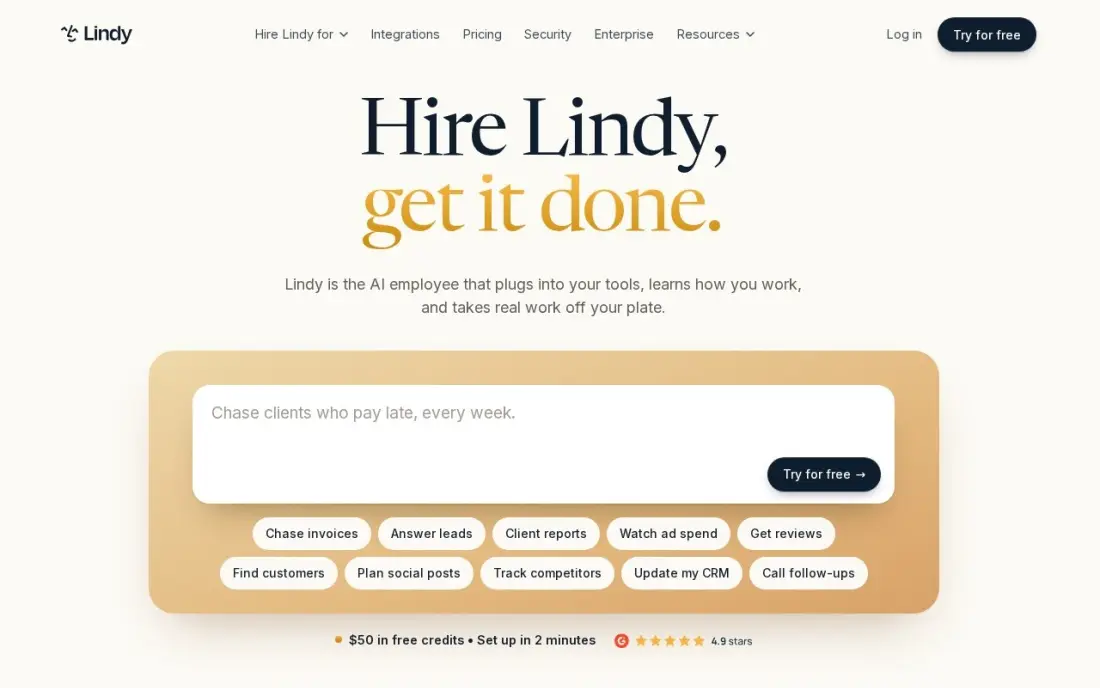
Lindy is the most hands-off platform here. Instead of drawing a workflow, you describe the job in plain English and an agent does it: triaging the inbox, drafting replies, booking meetings and updating the CRM. Templates cover the common jobs, and voice minutes can be added so an agent can phone a lead as well as email one.
The free plan gives 400 credits a month, and Starter costs $19.99 a month. Credits are the thing to watch: complex agent work burns them much faster than simple tasks, and daily use usually means Pro at $49.99. A misbehaving agent is also harder to debug than a step-by-step workflow, so keep critical processes in a builder you can inspect.
What we like
- Build agents in plain English that triage email, schedule meetings and update the CRM by themselves
- Pre-built templates cover the common jobs: meeting notes, email drafts and lead follow-up
- Phone calls and voice minutes can be added, so an agent can ring a lead, not just email one
Watch out for
- Credit-based billing is hard to budget: complex agent work burns credits far faster than simple tasks
- Starter at $19.99/month is light on credits, so daily agent use usually means Pro at $49.99
- Debugging a misbehaving agent is harder than debugging a step-by-step workflow

Gumloop
Best for: Non-technical marketers and ops teams that want a no-code canvas for multi-step agents
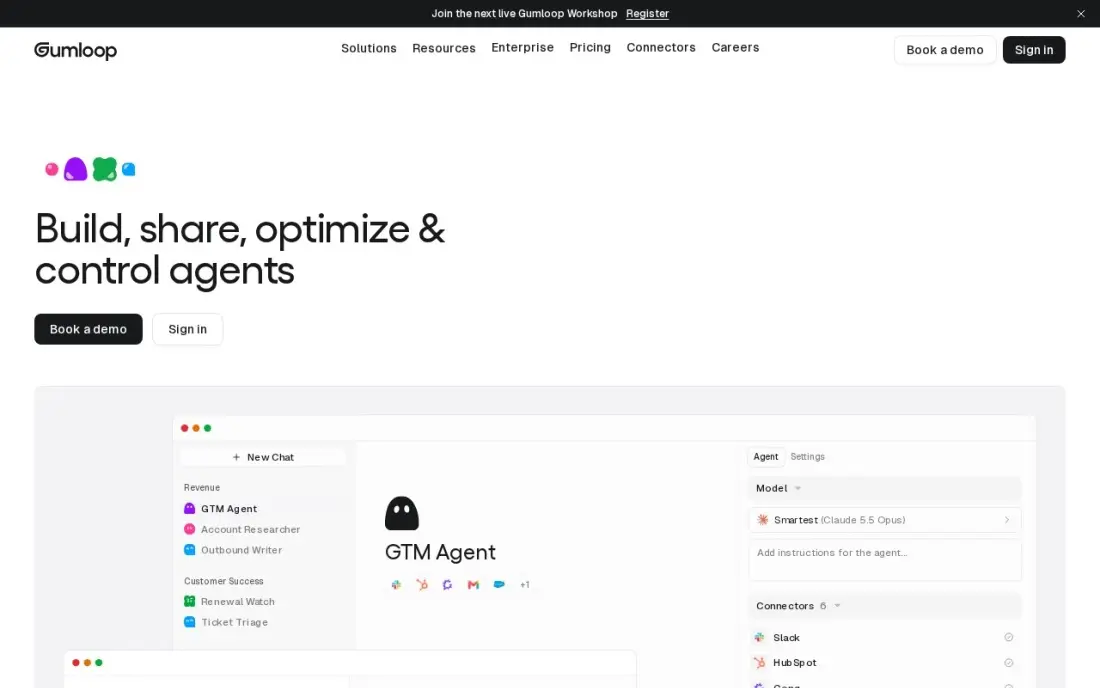
Gumloop is the friendliest way to build real multi-step agents without code. You chain nodes on a canvas, a builder agent helps assemble them, and triggers start a run when a lead arrives or a Slack message lands. Session replays show exactly what the agent did, which makes fixing a bad run far easier than reading logs.
The free plan includes 5,000 credits a month, and Pro starts at $37 a month for 20,000-plus credits, scaling with usage. Bringing your own API key drops AI nodes to one credit each. Advanced model calls cost far more than simple steps, though, and with only seven G2 reviews its 4.8 score rests on a small base.
What we like
- Cheapest real agent builder in this list: Pro starts at $37/month with 20,000+ credits
- No-code canvas with a workflow-builder agent, triggers, and session replays so you can watch what an agent did
- Bring your own API key on Pro and AI nodes drop to 1 credit each, which keeps model costs transparent
Watch out for
- Credit costs scale fast on AI-heavy flows — advanced model calls cost far more than simple steps
- Plan names and prices have shifted repeatedly in 2026, and third-party directories still list the old $97 Starter plan
- Only 7 G2 reviews, so the 4.8/5 score rests on a very small base

Botpress
Best for: Developers and agencies building customer-facing agents with knowledge bases and human handoff
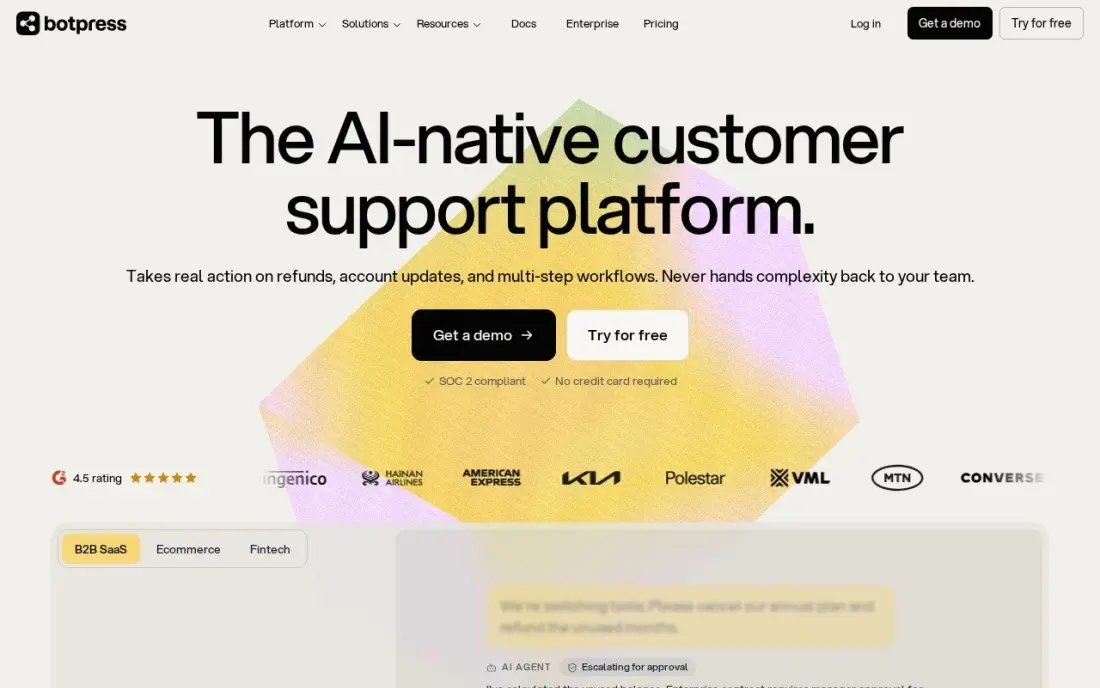
Botpress is the pick when the agent talks to customers. The visual builder mixes standard flows with autonomous AI nodes, variables and integrations, and a built-in emulator lets you test a conversation before it goes live. An agent can read a knowledge base, take actions in other systems and hand the chat to a person.
The free plan covers 100 conversations, three AI agents and three seats. Plus costs $189 a month billed monthly, or $150 billed annually, and adds white-label webchat, unlimited agents and live-agent handoff. Extra conversations are added automatically at $65 per 100, so a traffic spike raises the bill, and older guides still quote the retired $89 price.
What we like
- Visual builder with autonomous nodes, variables and a built-in emulator for testing flows
- Free plan includes 100 conversations, 3 AI agents and 3 seats, with no card required
- White-label webchat, unlimited AI agents and live-agent handoff start on Plus
Watch out for
- Plus jumped from the legacy $89 to $150 a month billed annually in May 2026, so old price guides are wrong
- Extra conversations are added automatically at $65 per 100, so a traffic spike raises the bill
- Complex flows have a real learning curve, and AI usage can be hard to predict month to month
The best agentic AI platforms let you hand an AI a goal and a set of tools and trust it to work through the steps: read the data, decide what to do, act in other systems and ask a person when it is unsure. We compared nine platforms, from enterprise agent builders inside Microsoft and Salesforce to no-code and developer tools for small teams, and every price below comes from the vendor's own pricing page as checked in November 2026.
How to choose the best agentic AI platforms
- Start where your data lives. An agent is only as useful as the systems it can reach; Copilot Studio is strongest inside Microsoft 365 and Agentforce inside Salesforce, while Zapier, Make and n8n connect to almost anything.
- Read the usage meter before the plan price. Every tool here bills by credits, tasks, actions, executions or conversations, and that meter decides the real monthly cost.
- Decide how much autonomy you want. Fully autonomous agents such as Lindy save the most time but are harder to audit; workflow tools let you fix most steps and leave one decision to the agent.
- Check how you debug a bad run. Session replays, execution logs and test emulators matter more than the demo — you will need them the first time an agent sends the wrong email.
- Look for human handoff and approval steps. Anything that touches customers or money needs an escalation path; check which plan includes it.
- Ask about data and governance. Self-hosting (n8n), audit logs and identity controls (Copilot Studio) or CRM permissions (Agentforce) decide whether IT will sign off.
- Developers who want code-level control. n8n gives code nodes, webhooks and a self-hosted Community Edition, and Botpress adds a test emulator for customer-facing agents; no-code builders such as Lindy and Gumloop trade that control for speed.
Agents are now part of how buyers find vendors too, because AI assistants answer questions and recommend tools on a user's behalf. If you want your own business to be the one those assistants cite, our AI search optimization service covers that side, and the free llms.txt generator is a quick first step.
Agentic AI platforms pricing: what you will actually pay
Take one small team that wants an agent to qualify about 1,000 inbound leads a month, with three steps per lead. On Zapier that is 3,000 tasks, which moves Professional from $19.99 to $49 a month billed annually. On Make the same flow uses about 3,000 credits, inside the 10,000 included with Core at $9 a month billed annually or $10.59 billed monthly. On n8n it is 1,000 executions, well inside Starter's 2,500 at $20 a month billed annually or $24 monthly — or $0 self-hosted.
Agent-first tools are priced differently. Lindy Starter costs $19.99 a month and Gumloop Pro $37, but both are credit-based, and AI-heavy runs use credits much faster than simple steps. Relevance AI Pro costs $19 a month billed annually or $29 monthly, with $80 per 1,000 top-up Actions if you run out. Botpress Plus costs $150 a month billed annually for customer-facing agents.
At enterprise scale, Copilot Studio costs $200 a month for each 25,000-credit pack, and Agentforce Flex Credits cost $500 per 100,000 — at 20 credits a standard action, 1,000 actions cost $100. Over a year, that same Copilot Studio pack is $2,400, so price a pilot month of real traffic before you commit.
Know the difference: AI agents vs AI workflows
A workflow is a fixed recipe. A trigger fires, step one runs, then step two, and the AI inside it does one defined job, such as summarising a ticket or drafting a reply. Zapier, Make and n8n began here, and their strength is predictability: you can read every step, see where a run failed and know what it will cost.
An agent is given a goal and tools and works out the steps itself — whether to look up the CRM, email the lead or escalate. Lindy, Relevance AI and Agentforce lean this way. Agents handle messy, varied work better, but they are harder to audit and their usage is harder to predict. Most teams get the best results by putting an agent inside a workflow: fixed steps for the parts that must happen the same way every time, one agent decision where judgment is needed.
Quick comparison: tool type by need
| Buyer | Best pick | Why |
|---|---|---|
| Microsoft 365 organisations | Microsoft Copilot Studio | 1,500+ connectors and governance, $200/month per 25,000 credits |
| Salesforce customers | Salesforce Agentforce | Agents on CRM data, $0.10 per standard action on Flex Credits |
| Technical teams | n8n | Billed per run, free self-hosted edition |
| Widest app coverage | Zapier | Thousands of apps, from $19.99/month billed annually |
| Lowest cost per run | Make | 10,000 credits from $9/month billed annually |
| Multi-agent teams | Relevance AI | Workforces with handoffs, Pro from $19/month billed annually |
| Hands-off assistant agents | Lindy | Plain-English agents for email and meetings, from $19.99/month |
| No-code builders | Gumloop | Canvas with session replays, Pro from $37/month |
| Customer-facing agents | Botpress | Knowledge bases and human handoff, free for 100 conversations |
Mistakes to avoid
- Budgeting on the plan price alone. Credits, tasks and actions decide the bill; run one real month before you commit to an annual plan.
- Giving an agent write access on day one. Start with read-only tools and drafts that a person approves, then widen permissions once the agent has earned it.
- Triggering on every event. A flow that fires every minute exhausts most allowances in days — batch or schedule where you can.
- Skipping the escalation path. Any agent that talks to customers needs a clear handoff to a person, and some platforms put that on a higher plan.
- Building on a tool your IT team will not approve. Check data handling, audit logs and identity controls before you build something the business depends on.
Related comparisons: Agentic Marketing Platforms · Agentic Analytics Platform Data Analytics · Enterprise AI Platforms · AI Mobile Apps
How we chose
We checked each vendor's own pricing page in November 2026 and recorded the starting price exactly as shown, including the annual-billing figure where the page lists one. We researched Microsoft Copilot Studio and Salesforce Agentforce directly on their pricing pages on November 16, 2026, and drew the rest from our verified tools database. We ranked by fit for the most common buyer, a small or mid-sized team putting its first agents into production, and weighted how clearly each platform shows what an agent did and what it will cost. Ratings come from G2 pages checked on the dates shown in the sources; we show none for the two enterprise platforms because we did not read their review pages. No vendor paid for a place in this list, and none of the links here are affiliate links.
What to do next
Pick one repetitive job — lead qualification, inbox triage or ticket tagging — and build it on the free tier of the platform that fits your stack, with a person approving every action for the first two weeks. Measure time saved against the usage meter before you scale. If you also want AI assistants to recommend your business, book a free AI search review.
Frequently asked questions
What is the best agentic AI platform?
It depends on where the agent will work. Microsoft Copilot Studio suits Microsoft 365 organisations, Salesforce Agentforce suits Salesforce customers, n8n suits technical teams, and Make is the cheapest serious start at $9 a month billed annually. Lindy is the easiest if you want an agent to run email and meetings for you.
What is an agentic AI platform?
It is software for building AI agents that plan and carry out multi-step tasks — reading data, calling tools, making decisions and handing off to people — rather than answering one prompt at a time. Most also include triggers, integrations and logs so you can see what the agent did.
Is there a free agentic AI platform?
Yes. n8n's self-hosted Community Edition is free with unlimited executions, Make's free plan includes 1,000 credits a month, Zapier's covers 100 tasks, Gumloop's 5,000 credits, Lindy's 400 credits and Botpress's 100 conversations. Relevance AI has closed its free plan to new signups.
How much do Copilot Studio and Agentforce cost?
Copilot Studio sells packs of 25,000 Copilot Credits for $200 a month, with pay-as-you-go also available. Agentforce Flex Credits cost $500 per 100,000, and a standard action uses 20 credits, which works out at $0.10 an action; the alternative is $2 per conversation.
What is the difference between an AI agent and an automation workflow?
A workflow follows steps you define in a fixed order. An agent is given a goal and tools and decides which steps to take. Many platforms here, including Zapier, Make and n8n, now let you drop an agent into a workflow so the predictable parts stay fixed.
How do I control the cost of AI agents?
Run a pilot for a month and read the usage meter, cap runs with schedules rather than per-minute triggers, use cheaper models for simple steps, and set budgets where the platform allows. Watch for top-up rates, such as Relevance AI's $80 per 1,000 extra Actions.
What are some examples of agentic AI platforms?
Microsoft Copilot Studio and Salesforce Agentforce are the enterprise examples, building governed agents inside Microsoft 365 and Salesforce data. n8n, Zapier and Make add AI agents to automation workflows. Relevance AI builds teams of specialist agents, Lindy runs an inbox-and-meetings agent from plain English, Gumloop is a no-code canvas, and Botpress builds customer-facing agents with human handoff.
Which agentic AI development platform is best for developers?
n8n is the strongest for technical teams: AI agent nodes sit inside visual workflows, code nodes and webhooks cover the gaps, and the Community Edition can be self-hosted. Botpress suits developers building customer-facing agents, with a test emulator and knowledge bases. Relevance AI adds native MCP support and bring-your-own-key models, and Copilot Studio offers a dev-test-prod lifecycle.
Sources we checked (15)
- Microsoft Copilot Studio — www.microsoft.com/en-us/microsoft-copilot/microsoft-copilot-studio (checked November 16, 2026)
- Salesforce Agentforce — www.salesforce.com/in/agentforce/pricing (checked November 16, 2026)
- n8n — n8n.io/pricing (checked November 2, 2026)
- n8n reviews on G2 (checked November 2, 2026)
- Zapier — zapier.com/pricing (checked November 12, 2026)
- Zapier reviews on G2 (checked November 12, 2026)
- Make — www.make.com/en/pricing (checked November 2, 2026)
- Make reviews on G2 (checked November 2, 2026)
- Relevance AI — relevanceai.com/pricing (checked November 4, 2026)
- Relevance AI reviews on G2 (checked November 4, 2026)
- Lindy — www.lindy.ai/pricing (checked November 2, 2026)
- Gumloop — www.gumloop.com/blog/dify-alternatives (checked November 4, 2026)
- Gumloop reviews on G2 (checked November 4, 2026)
- Botpress — botpress.com/pricing (checked November 2, 2026)
- Botpress reviews on G2 (checked November 2, 2026)
Make one of these tools?
We re-check this list every quarter. Send a correction, request a review, or ask about a clearly labeled sponsored spot.
Request a listingShamim
Founder of SerpAstra
A full-stack digital marketer and SEO strategist covering technical and local SEO, AI search visibility, paid ads and lead generation for local businesses, e-commerce brands and SaaS teams.
Free SEO and AI visibility audit
Find out what is holding your rankings back
Send us your site. Within 2 business days you get a written audit, an AI visibility check and a short fix list ranked by impact. Free, with no contract attached.
Request my free audit→Related buying guides
 Productivity & Office10 Best AI Automation Tools for Small Business in 2026, Compared10 best ai automation tools for small business compared on price, free plans and AI features, with real starting prices checked November 2, 2026.Read guide →
 Marketing12 Best Agentic Marketing Platforms for 2026 (Pros, Cons and Pricing)12 best agentic marketing platforms compared on price, autonomy and real agent features, with every starting price checked on November 4, 2026.Read guide →
 Productivity & Office8 Best Workflow Automation Software in 2026, ComparedCompare the 8 best workflow automation software on app connections, task limits, free plans and real monthly cost, with every price checked on vendor pages.Read guide →