
7 Best Animated Video Software in 2026, Compared
Compare the 7 best animated video software, from template explainer tools to free 2D and 3D animation suites, on price, export limits and learning curve.
 Shamim Mia, Founder, SerpAstraLast verified November 4, 202610 min read
We compare pricing pages, documentation and public reviews. We never accept payment for rankings.
Key takeaways
- Vyond is the best animated video software for business explainers and training, from $58 a month billed annually ($699 a year) or $99 billed monthly.
- Powtoon and Animaker are the cheaper template tools: Powtoon Lite is $15 a month billed yearly and Animaker Basic is $15 a month, and both have free plans with watermarks.
- Blender and Krita are free: Blender for 3D animation, Krita for hand-drawn 2D frame-by-frame work.
- Cinema 4D is the motion-graphics pick at $839 a year, and Clip Studio Paint suits illustrators animating drawings, from $63 one-time.
On this page
Quick comparison
| Tool | Best for | Starting price | Free plan |
|---|---|---|---|
| Vyond | Businesses and training teams that make animated explainer and e-learning videos every month | $58/mo (annual) | No (trial) |
| Powtoon | Small businesses, teachers and marketers who want quick animated presentations and explainers | Free; Lite $15/mo (yearly) | Yes (watermarked) |
| Animaker | Small businesses that want cheap template animation with characters and whiteboard scenes | $15/mo | Yes (free plan) |
| Blender | Animators and indie studios who want a complete free 3D animation suite | Free | Yes (free) |
| Cinema 4D | Motion designers who make animated product, logo and title sequences | $839/yr | No (14-day trial) |
| Krita | Artists who want free hand-drawn 2D frame-by-frame animation | Free | Yes (free) |
| Clip Studio Paint | Illustrators and comic artists who want to animate their drawings with sound and camera moves | $63 once | No (free trial) |
Make one of these tools?
We re-check this list every quarter. Send a correction, request a review, or ask about a clearly labeled sponsored spot.
Request a listingThe best animated video software

Vyond
Best for: Businesses and training teams that make animated explainer and e-learning videos every month
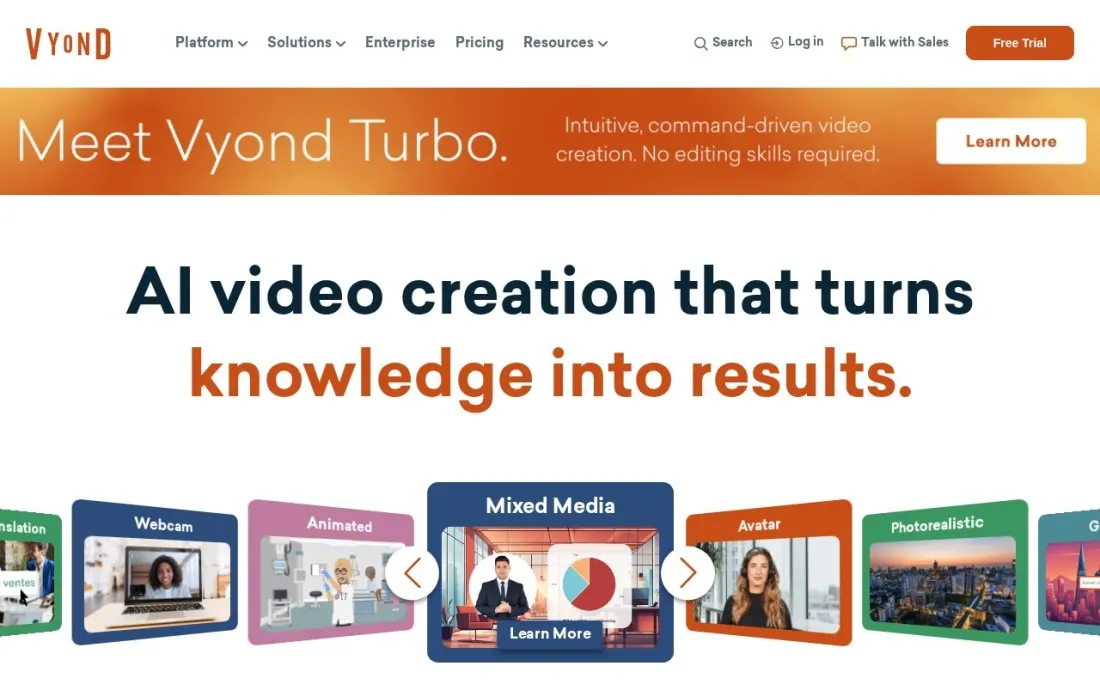
Vyond is the animated video software most companies use for explainers, onboarding and training. You build scenes from characters, props and templates, add a script and choose from more than 650 text-to-speech voices, and Starter adds AI avatars, screen and webcam recording and text-to-video. Each user gets 100 downloads a month, videos up to 25 minutes and 1080p MP4 export.
It is priced for businesses. Starter costs $58 a month billed annually, or $699 a year, and $99 billed monthly; Professional costs $100 a month billed annually, or $199 monthly, and adds team collaboration, Shutterstock assets and translation into 95 languages. SCORM export for learning systems needs Enterprise at $1,649 a year.
What we like
- Starter includes 100 video downloads a month, videos up to 25 minutes and 1080p MP4 export
- AI avatars, 650+ text-to-speech voices, screen and webcam recording and text-to-video on Starter
- Professional adds team collaboration, 4M+ Shutterstock assets and translation into 95 languages
- Enterprise adds SSO, SCIM and SCORM export for learning systems
Watch out for
- Most expensive template animation tool here: $99 a month on monthly billing
- No free plan, only a trial whose length the plans page does not state
- Brand Management and shared spaces need Enterprise or Agency

Powtoon
Best for: Small businesses, teachers and marketers who want quick animated presentations and explainers

Powtoon turns slides into animated videos: pick a template, drop in characters and text, and it handles the motion. It is quick to learn, which makes it popular with teachers and small marketing teams who need an animated explainer this week rather than a polished film. The free plan makes videos up to three minutes, with screen recording and basic templates and characters.
The free plan exports at 720p with a Powtoon watermark. Lite costs $15 a month billed yearly and removes the watermark on five 1080p exports a month for videos up to 10 minutes; Professional at $40 a month billed yearly unlocks all templates and unlimited premium exports. An Education plan costs $8 a month billed yearly.
What we like
- Free plan for videos up to 3 minutes, with screen recording, basic templates and characters
- Lite at $15 a month billed yearly removes the watermark on 5 exports a month in 1080p
- Professional at $40 a month billed yearly unlocks all templates and unlimited premium exports
- Education plan at $8 a month billed yearly
Watch out for
- Free videos are 720p with a Powtoon watermark and no MP4 download
- Lite allows only 5 watermark-free exports a month and 10-minute videos
- The pricing page does not list monthly-billing prices

Animaker
Best for: Small businesses that want cheap template animation with characters and whiteboard scenes
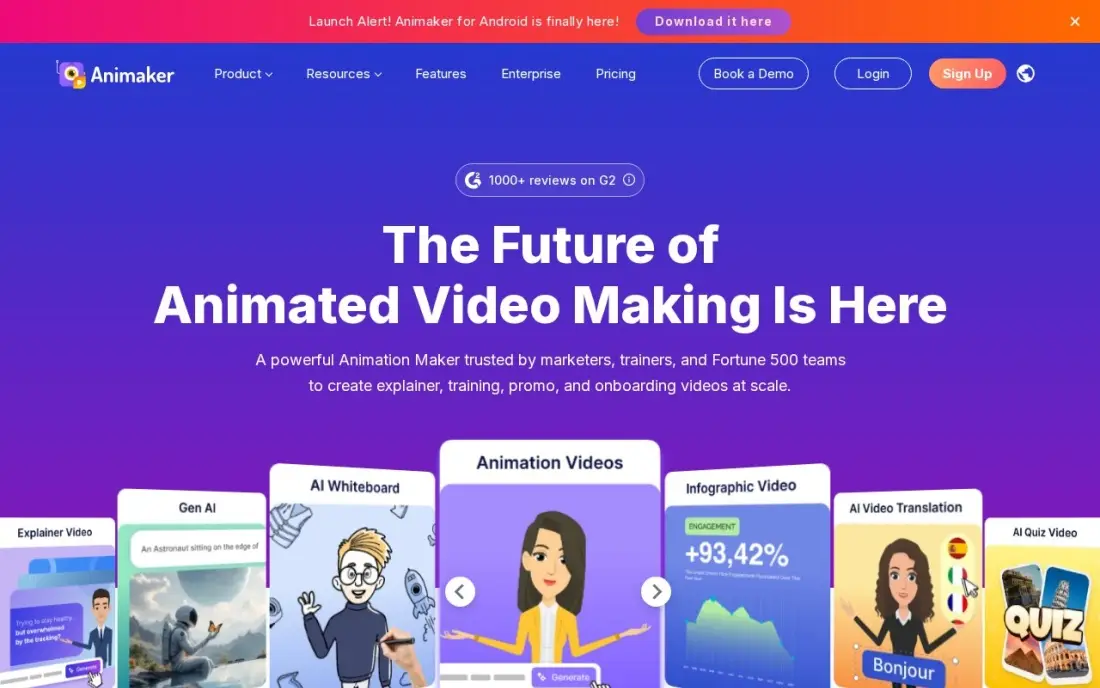
Animaker builds animated videos from templates, characters and whiteboard scenes, so no drawing skill is needed. The free plan makes unlimited watermarked videos, which is enough to test an idea or a storyboard. Basic costs $15 a month and removes the watermark, with HD exports for videos up to five minutes and 1,500 AI video credits a month.
Basic is tight for regular work: it allows only five premium downloads a month, and generative video credits start on Starter at $25 a month billed annually. Animaker repriced on October 20, 2026, and its FAQ still shows older plan details, so check the plan cards at checkout before you pay.
What we like
- Basic removes the watermark and gives 1,500 AI video credits a month from $15
- Thousands of templates, characters and whiteboard scenes cover explainer-style ads
- The free plan makes unlimited watermarked videos for testing ideas
Watch out for
- Basic exports cap at HD and 5 minutes, with only 5 premium downloads a month
- Animaker repriced on October 20, 2026, and its own FAQ still lists older plan details

Blender
Best for: Animators and indie studios who want a complete free 3D animation suite
Blender is the free choice for 3D animation, and it is a full production suite rather than a cut-down tool. Modelling, sculpting, rigging, animation and rendering all happen in one program, released free under the GNU GPL with no paid tier and no locked features. Its tutorial library is the largest in 3D, so almost every animation question already has an answer.
The cost is time. The dense interface takes weeks to learn, and there is no commercial support, only community help and documentation. It is not the tool for a quick marketing explainer, but for character animation, product renders or short films it is hard to beat at $0. G2 reviewers rate it 4.6 from 319 reviews.
What we like
- Completely free and open source under the GNU GPL, with no paid tier or feature locks
- A full production suite for character animation, product renders and short films, not a cut-down tool
- One program covers sculpting, retopology, UVs, rigging, animation and rendering
- Largest tutorial library in 3D, so almost every animation question already has an answer
Watch out for
- Not the tool for a quick marketing explainer, where template tools like Vyond or Powtoon are faster
- Dense interface takes weeks to learn, so the real cost of a free tool is time
- No commercial support included; help comes from the community and documentation

Cinema 4D
Best for: Motion designers who make animated product, logo and title sequences
Cinema 4D is the professional pick for motion graphics: animated logos, product spins, title sequences and abstract brand visuals. Its MoGraph toolset is the strongest here for that work, and its interface is the friendliest of the professional 3D packages. The subscription includes the Redshift GPU renderer and five Team Render nodes, and the 2026.4 release added generative AI features.
It costs $109 a month billed monthly, or $839 a year billed annually, and Maxon no longer sells perpetual licences. A 14-day free trial is available. For a marketer who needs one explainer, Vyond or Powtoon is faster; for a designer producing motion graphics every week, Cinema 4D earns its price.
What we like
- Friendliest professional 3D interface here, with the strongest motion-graphics toolset
- MoGraph, modelling, animation and simulation sit in one program for animated logos and product spins
- Redshift GPU renderer and five Team Render nodes are included in the subscription
- Generative AI features arrived in the 2026.4 release, first on the new iPad edition
Watch out for
- For a marketer who needs one explainer, template tools such as Vyond or Powtoon are faster
- Subscription only — Maxon ended perpetual licences, so there is no buy-once option
- At $839 a year it is expensive unless you produce motion graphics every week
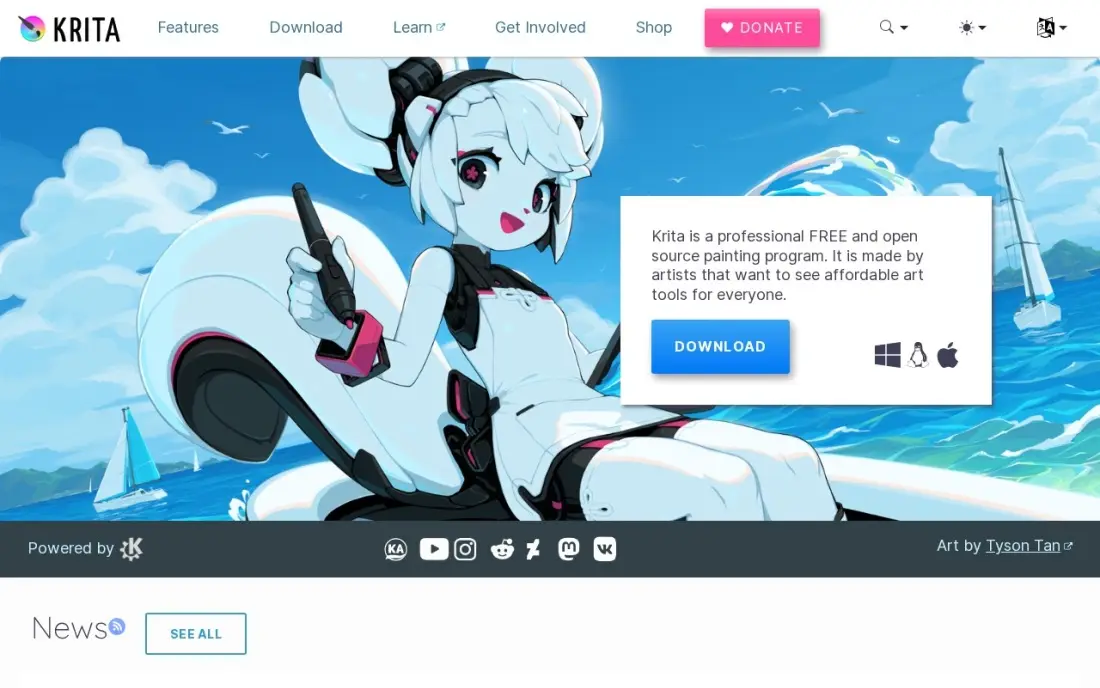
Krita is a free, open-source painting program with animation tools built in, which makes it the zero-cost route into traditional hand-drawn animation. You draw each frame with the same brushes you paint with and export a short animated clip. It runs on Windows, Mac and Linux and works on modest hardware.
Animation is a feature of a painting app rather than the whole product, so long projects with sound and camera work are easier elsewhere. Exporting animation needs FFmpeg downloaded separately, and support comes from the community. For an artist learning frame-by-frame animation, though, it costs nothing to start.
What we like
- Free and open source, with every feature included at $0
- Wide brush library with customizable brush engines for painting and inking
- Animation tools and HDR painting built in
- Runs on Windows, Mac and Linux, and works well on modest hardware
Watch out for
- Raster-first: vector layers exist but are basic next to a dedicated vector editor
- Animation export needs FFmpeg downloaded separately
- Support comes from the community, not a help desk

Clip Studio Paint
Best for: Illustrators and comic artists who want to animate their drawings with sound and camera moves
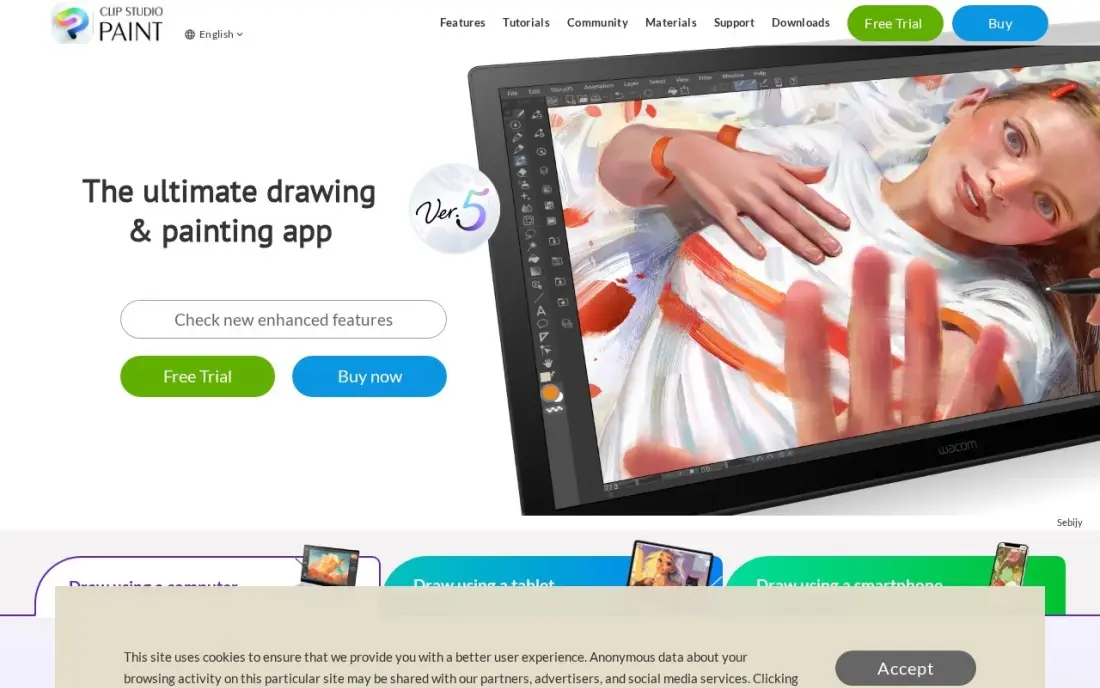
Clip Studio Paint is the drawing app many professional illustrators and manga artists already use, and it includes animation with sound and camera work beside its brushes, panels and posable 3D models. Vector layers let you fix lines without redrawing, which saves time across dozens of frames, and the Assets community offers free brushes and materials.
PRO costs $63 one-time for Ver. 5.0 on Windows or Mac, or from $0.99 a month on subscription, which is the only option on iPad and Android. The perpetual licence locks to Ver. 5.0, so new features need the $10.99 a year Update Pass, and multi-page manga tools wait for EX at $277.
What we like
- Deepest brush and 3D-model tools in this list, with posable models and photo-to-pose import
- Huge Clip Studio Assets library of brushes, tones and materials from other artists
- Vector layers let you correct lines after drawing without redrawing
- Perpetual licence option — pay once and keep the version
Watch out for
- A perpetual licence locks to Ver. 5.0 — new features need the $10.99/year Update Pass
- Subscription is the only option on iPad and Android
- Multi-page manga tools wait for EX at $277 one-time
The best animated video software depends on what you are animating: a two-minute explainer for your website, a training module, a product spin or a hand-drawn short. We compared seven tools across template explainer tools, 3D and motion-graphics suites and 2D drawing apps with animation built in, and every price below comes from the vendor's own pricing page as checked in November 2026.
How to choose the best animated video software
- Decide whether you will draw or assemble. Template tools such as Vyond, Powtoon and Animaker let you assemble scenes from ready-made characters; Blender, Krita and Clip Studio Paint expect you to create the artwork.
- Check export limits on cheap plans. Watermarks, download caps and maximum video length decide whether the entry plan is usable for real work.
- Look at voiceover and text-to-speech. Built-in voices save hiring a narrator for every explainer.
- Match the plan to your team. Collaboration, brand controls and SSO usually start on higher tiers.
- Budget learning time as well as money. A free 3D suite costs weeks of practice; a template tool costs an afternoon.
- Confirm the output format. Training teams may need SCORM, and marketing teams need 1080p MP4 for ads and social.
An animated explainer works hardest on the page where buyers decide. If you are adding video to your website, our guide to video SEO shows how to get it found in search, and our SEO audit service checks that the page hosting it loads fast enough to keep visitors watching.
Which animated video software fits your situation
A training or L&D team producing videos every month. Vyond fits best: Starter at $58 a month billed annually gives each user 100 downloads a month, videos up to 25 minutes, AI avatars and more than 650 text-to-speech voices. If the videos must load into a learning system, SCORM export needs Enterprise at $1,649 a year, so price that tier from the start.
A small business or marketer who needs an explainer this week. Powtoon and Animaker both start at $15 a month and let you assemble scenes from templates and characters with no drawing. Powtoon Lite allows five watermark-free 1080p exports a month for videos up to 10 minutes; Animaker Basic adds 1,500 AI video credits a month but caps exports at HD and five minutes. Test either on its free plan first, accepting the watermark.
A teacher making classroom videos. Powtoon's Education plan costs $8 a month billed yearly, and its free plan covers videos up to three minutes with screen recording. Expect 720p and a watermark on the free tier.
A motion designer making logo, product and title animation. Cinema 4D is built for this, with the strongest motion-graphics toolset here and the Redshift renderer included, at $839 a year billed annually. It is subscription only, so there is no buy-once option. If budget rules it out, Blender does full 3D animation for $0, but its interface takes weeks to learn and support comes from the community.
An artist who wants to draw animation frame by frame. Krita is free on Windows, Mac and Linux and runs on modest hardware, though exporting animation needs FFmpeg downloaded separately. Clip Studio Paint PRO costs $63 once and adds sound, camera moves and vector layers for fixing lines; new features after Ver. 5.0 need the $10.99 a year Update Pass.
Animated video software pricing: what you will actually pay
For one person making explainer videos for a year, Powtoon Lite costs $180 at $15 a month billed yearly, with five watermark-free exports a month. Animaker Basic costs $15 a month, or $180 over a year at that rate, with five premium downloads a month. Vyond Starter costs $699 a year billed annually, or $1,188 on monthly billing at $99, but includes 100 downloads a month and videos up to 25 minutes.
Professional creative tools price differently. Cinema 4D costs $839 a year billed annually, or $1,308 a year at $109 a month. Clip Studio Paint PRO is $63 once, plus $10.99 a year if you want updates. Blender and Krita cost nothing. For a team, Vyond Professional is $1,199 a year per user billed annually and Powtoon Professional is $40 a month billed yearly.
Know the difference: template animation vs animation software
Template animation tools are built for people who are not animators. Vyond, Powtoon and Animaker supply characters, backgrounds, transitions and voices, and you build a video by arranging scenes on a timeline. The result is quick, consistent and good enough for explainers, training and social ads, but it looks like the template library it came from.
Animation software is built for artists. Blender, Cinema 4D, Krita and Clip Studio Paint give you full control over every frame, model or line, which means original, distinctive work and a much steeper learning curve. Businesses that need a unique brand character or a polished product film usually pay an animator who works in these tools rather than learning them in-house.
Quick comparison: tool type by need
| Buyer | Best pick | Why |
|---|---|---|
| Business explainers and training | Vyond | AI avatars, 650+ voices, 100 downloads a month, from $699/year |
| Quick animated presentations | Powtoon | Free plan, Lite $15/month billed yearly |
| Cheap template animation | Animaker | Characters and whiteboard scenes, Basic $15/month |
| Free 3D animation | Blender | Full modelling, rigging and rendering suite at $0 |
| Motion graphics | Cinema 4D | MoGraph and Redshift included, $839/year |
| Free 2D frame-by-frame | Krita | Painting app with animation tools, free |
| Illustrators animating drawings | Clip Studio Paint | Animation with sound and camera, $63 one-time |
Mistakes to avoid
- Publishing watermarked videos. Free-plan exports carry the vendor's logo; budget for at least one paid month before launch.
- Ignoring download caps. Five exports a month runs out quickly once you start fixing typos and making versions.
- Writing the script last. Animation is slow to change, so lock the script and voiceover before building scenes.
- Choosing a 3D suite for a simple explainer. Blender is powerful, but a template tool finishes a two-minute explainer far sooner.
- Making videos too long. Explainers that run past two or three minutes lose viewers; cut to the one message that matters.
Related comparisons: Video Collaboration Software · Interactive Video Platforms · Video Email Software · Video Cropper Tools
How we chose
We checked each vendor's own pricing page in November 2026 and recorded the starting price exactly as shown, including annual and monthly billing where both are listed. We grouped the tools by the kind of animation they make and ranked them by fit for the most common buyer, a business or creator who needs animated videos without hiring a studio. Ratings come from G2 pages checked on the dates shown in the sources. No vendor paid for a place in this list, and none of the links here are affiliate links.
What to do next
Write a 150-word script for one explainer, build it on the free plan of Powtoon or Animaker or a Vyond trial, and show it to three customers before you pay for a year. Then put the finished video on a page people can find. Get a free SEO review.
Frequently asked questions
What is the best animated video software?
Vyond is the best animated video software for business explainers and training, from $58 a month billed annually. Powtoon and Animaker are cheaper template tools at $15 a month, and Blender is the best free option for 3D animation.
Is there free animated video software?
Yes. Blender is free for 3D animation and Krita is free for 2D frame-by-frame animation. Powtoon and Animaker have free plans, but their exports carry a watermark; Powtoon's free plan is limited to 3-minute videos at 720p.
What software do companies use for animated explainer videos?
Most use template-based tools such as Vyond, Powtoon or Animaker, which provide characters, scenes and voiceovers so no drawing is needed. Vyond adds AI avatars and text-to-speech, and its Enterprise plan exports SCORM files for training platforms.
How much does animated video software cost?
On published prices, Powtoon Lite is $15 a month billed yearly, Animaker Basic $15 a month, Vyond Starter $699 a year and Cinema 4D $839 a year. Clip Studio Paint PRO is $63 one-time, and Blender and Krita are free.
Is Blender good for animation?
Yes. Blender covers modelling, rigging, animation and rendering in one free program and is used for short films, games and product renders. Its interface takes weeks to learn, so it suits people prepared to invest time.
What is the easiest animation software for beginners?
Powtoon and Animaker, because you animate by choosing templates and characters rather than drawing or rigging. Both have free plans, so a beginner can make a first video before paying anything.
Is there an AI animated video maker?
Yes. Vyond's Starter plan adds AI avatars and text-to-video beside more than 650 text-to-speech voices, from $58 a month billed annually. Animaker Basic costs $15 a month, removes the watermark and includes 1,500 AI video credits a month, and its free plan lets you test it with watermarked exports. Cinema 4D added generative AI features in its 2026.4 release, but it is a professional 3D package, not a quick video maker.
What is the best animation software for a PC?
It depends on the kind of animation. Blender is the free choice for full 3D animation. Krita is free for hand-drawn 2D animation and runs on Windows, Mac and Linux on modest hardware. Clip Studio Paint PRO costs $63 one-time on Windows or Mac for animating illustrations. For business explainers, Vyond, Powtoon and Animaker give you ready-made characters instead of drawing.
What software can I use to make cartoon videos?
If you want cartoons without drawing, use a template tool: Vyond, Powtoon and Animaker all let you assemble scenes from ready-made characters, props and templates, and Powtoon and Animaker have free plans. If you want to draw your own cartoon characters frame by frame, Krita is free and Clip Studio Paint adds sound and camera moves for $63 one-time.
Sources we checked (9)
- Vyond — www.vyond.com/plans (checked November 16, 2026)
- Powtoon — www.powtoon.com/pricing (checked November 16, 2026)
- Animaker — www.animaker.com/pricing (checked November 4, 2026)
- Blender — www.blender.org/download (checked November 10, 2026)
- Blender reviews on G2 (checked November 10, 2026)
- Cinema 4D — www.maxon.net/en/buy (checked November 10, 2026)
- Cinema 4D reviews on G2 (checked November 10, 2026)
- Krita — krita.org/en (checked November 7, 2026)
- Clip Studio Paint — www.clipstudio.net/en/lineup (checked November 7, 2026)
Make one of these tools?
We re-check this list every quarter. Send a correction, request a review, or ask about a clearly labeled sponsored spot.
Request a listingShamim
Founder of SerpAstra
A full-stack digital marketer and SEO strategist covering technical and local SEO, AI search visibility, paid ads and lead generation for local businesses, e-commerce brands and SaaS teams.
Free SEO and AI visibility audit
Find out what is holding your rankings back
Send us your site. Within 2 business days you get a written audit, an AI visibility check and a short fix list ranked by impact. Free, with no contract attached.
Request my free audit→Related buying guides
 Marketing10 Best AI Video Ad Creation Software in 2026, ComparedThe 10 best ai video ad creation software tools compared on price, credits, avatars and free plans, with every price checked November 4, 2026.Read guide →
 Marketing12 Best Video Marketing Platforms for 2026 (Pros, Cons and Pricing)Compare the 12 best video marketing platforms on price, free plans, hosting and AI creation for small teams, with every price checked November 5, 2026.Read guide →
 Graphic Design & Creative8 Best Apps for Digital Painting in 2026: Free and Paid Apps RankedCompare the 8 best apps for digital painting on price, brushes and platform, with every price checked November 7, 2026 — free and paid picks ranked.Read guide →