
7 Best Code Security Tools for Cloud in 2026, Compared
Compare the 7 best code security tools for cloud apps on SAST, dependency, secrets and IaC scanning, free tiers and real cost, with vendor prices checked.
 Shamim Mia, Founder, SerpAstraLast verified November 6, 20268 min read
We compare pricing pages, documentation and public reviews. We never accept payment for rankings.
Key takeaways
- Aikido is the broadest free start: its free Developer plan covers SAST, dependency, secrets, IaC, container and cloud posture scanning for 2 users and 10 repos.
- Semgrep is free for up to 10 contributors, and its paid Code product costs $30 per contributor per month.
- Snyk is the developer-first standard, with a free plan and a Team plan starting at $25 a month billed monthly.
- Wiz, Orca and Palo Alto Prisma Cloud connect code findings to running cloud risk, but all three are quote-only enterprise platforms.
On this page
Quick comparison
| Tool | Best for | Starting price | Free plan |
|---|---|---|---|
| Snyk | Development teams that want SAST, dependency, container and IaC scanning inside their existing workflow | Free; Team from $25/mo | Yes (limited tests) |
| Aikido Security | Startups and small teams that want code, dependency, secrets, IaC and cloud scanning in one tool | Free; Basic $300/mo | Yes (2 users) |
| Semgrep | Security-minded engineering teams that want fast, customisable SAST and reachability-based dependency scanning | Free; $30/contributor/mo | Yes (10 contributors) |
| SonarQube Cloud | Teams that want code quality and security rules enforced on every pull request at a flat price | $34/mo | Yes (free to 50k LOC) |
| Wiz | Cloud security teams that want code findings linked to real attack paths in running cloud accounts | Custom quote | No (demo only) |
| Orca Security | Teams that want agentless cloud scanning with code-to-cloud coverage under one price model | Custom quote | No (free trial) |
| Palo Alto Prisma Cloud | Enterprises that want code security, IaC scanning and cloud runtime protection in one platform | Custom quote | No (free trial) |
Make one of these tools?
We re-check this list every quarter. Send a correction, request a review, or ask about a clearly labeled sponsored spot.
Request a listingThe best code security tools for cloud
Snyk
Best for: Development teams that want SAST, dependency, container and IaC scanning inside their existing workflow
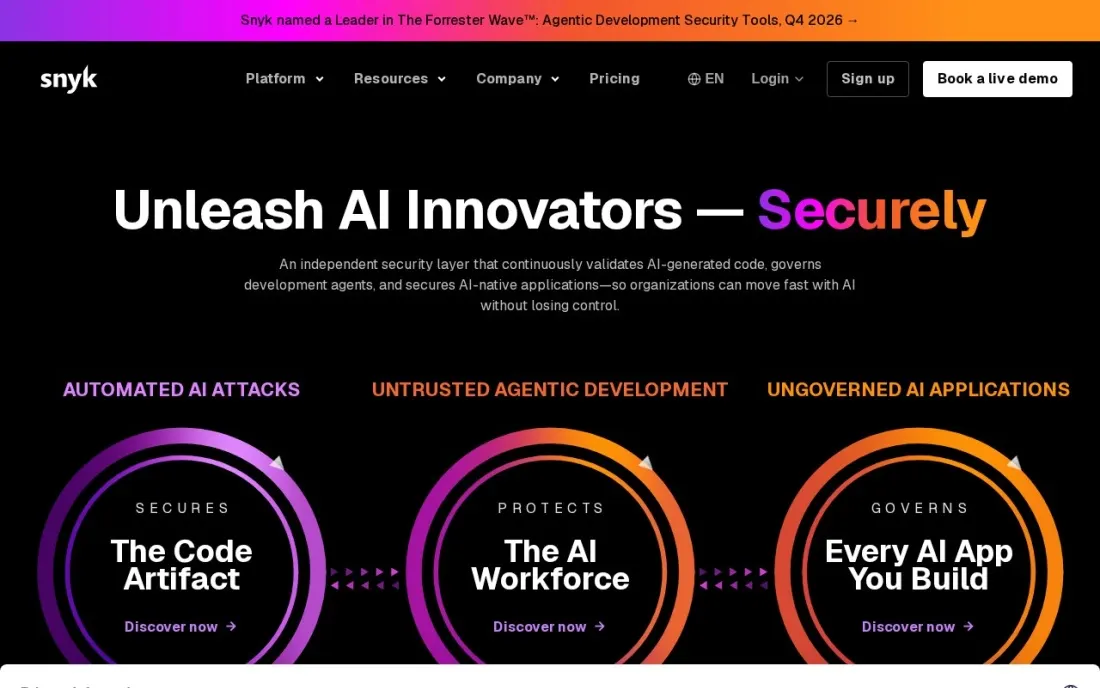
Snyk made developer-first security mainstream, and it is still the default shortlist name. One account scans your own code (SAST), open-source dependencies, infrastructure-as-code files and container images, with findings shown in the IDE, the CLI and pull requests. The free plan covers 5 projects and 100 Snyk Code tests a month, which is enough for a small cloud app.
Team starts at $25 a month billed monthly, for teams of up to 10 developers, with 100 projects, 1,000 Snyk Code tests a month and Jira integration. Enterprise moves to prepaid credits at $1 each that expire at the end of the contract, so estimate usage carefully before you buy.
What we like
- Covers SAST, open-source dependencies, IaC and containers from the free plan
- IDE, CLI and source control integrations put findings where developers already work
- Team plan adds Jira integration and lifts limits to 100 projects and 1,000 Snyk Code tests a month
Watch out for
- Free plan caps tests per product, such as 100 Snyk Code tests a month
- Enterprise runs on prepaid credits at $1 each that expire unused at the end of the term
- Team plan is aimed at teams of up to 10 developers

Aikido Security
Best for: Startups and small teams that want code, dependency, secrets, IaC and cloud scanning in one tool
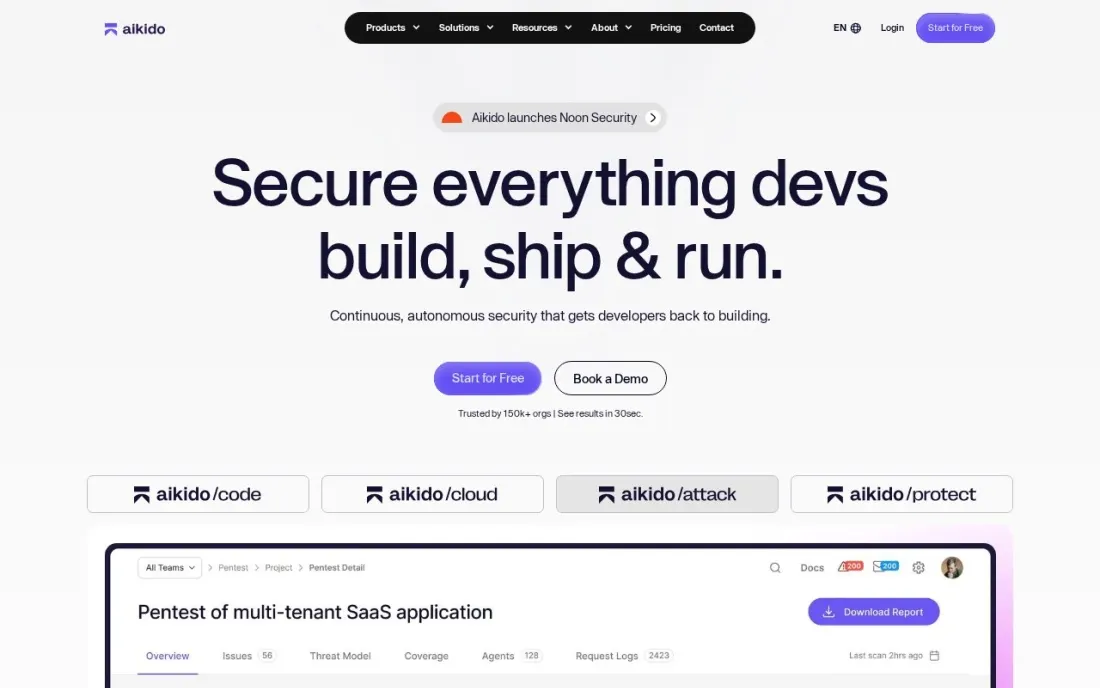
Aikido bundles the scanners a cloud app needs into one tool: SAST including AI-assisted SAST, dependency scanning, secrets detection, infrastructure-as-code, container and VM scanning, cloud posture checks and DAST. Its free Developer plan covers all of that for 2 users, 10 repos, 2 container images and 1 cloud account, which is the broadest free tier in this list.
Basic costs $300 a month and includes 10 users, 100 repos and 3 cloud accounts, with PR security review and Jira or Linear sync; annual billing takes 10% off. Free-plan rescans run every three days, so a team shipping daily will want a paid plan.
What we like
- Free plan covers SAST, SCA, secrets, IaC, container and cloud posture scanning
- One flat Basic price includes 10 users, 100 repos and 3 cloud accounts
- Annual billing takes 10% off, and startups can get up to 30% off on conditions
Watch out for
- Free plan rescans every 3 days rather than continuously
- Basic at $300 a month is a big step from free for a two-person team
- Higher-tier limits and add-ons are hard to compare on the pricing page

Semgrep
Best for: Security-minded engineering teams that want fast, customisable SAST and reachability-based dependency scanning
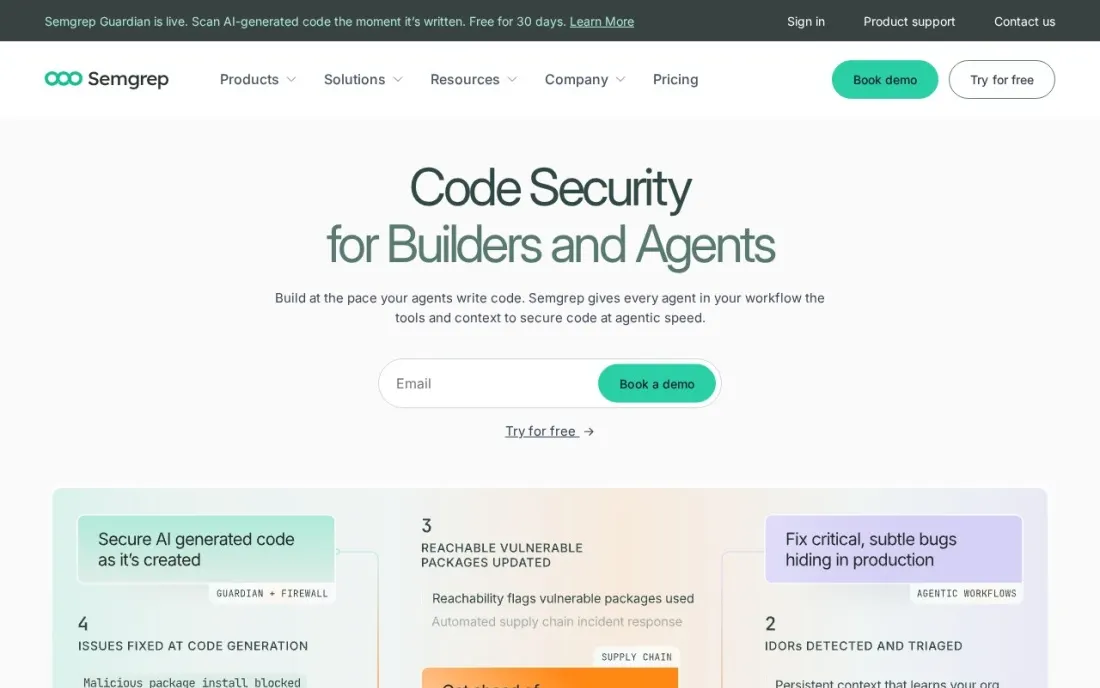
Semgrep is a static analysis engine that security teams like because rules are readable and easy to write for their own patterns. Semgrep Code covers 35+ languages with cross-file analysis, and Supply Chain adds reachability analysis, which shows whether your code actually calls the vulnerable function in a dependency rather than flagging every CVE in the tree.
The Free Edition covers up to 10 contributors and 10 private repos with Code and Supply Chain. On Teams, Code and Supply Chain cost $30 per contributor per month each and Secrets $15, so the full set is $75. A contributor is anyone who committed to a scanned private repo in the last 90 days.
What we like
- Free for up to 10 contributors with Code and Supply Chain included
- Supply Chain uses reachability analysis to show which vulnerable dependencies your code actually calls
- Pro Rules cover 35+ languages with cross-file analysis
Watch out for
- Secrets scanning is not in the free edition and costs $15 per contributor per month
- Each product is priced separately, so Code plus Supply Chain is $60 per contributor per month
- Free edition has no SSO and community support only

SonarQube Cloud
Best for: Teams that want code quality and security rules enforced on every pull request at a flat price
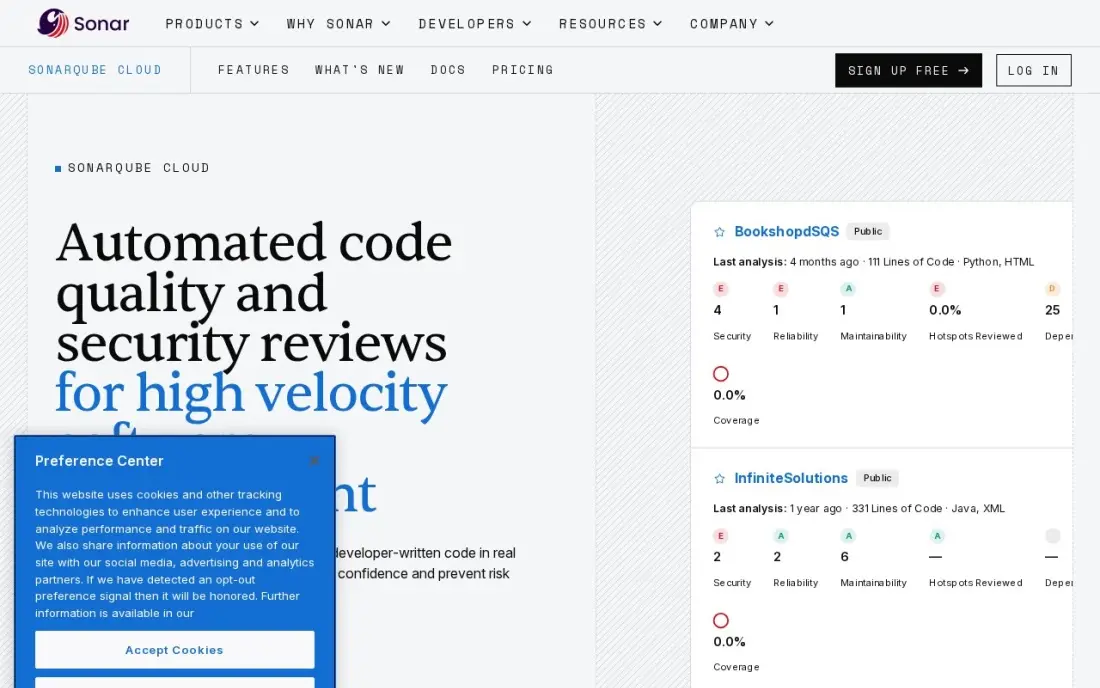
SonarQube Cloud checks every pull request against a large rule set covering bugs, code smells and security issues, and its quality gates can block a merge that fails. AI CodeFix proposes fixes for flagged issues, and the same rules run in the IDE, so developers see problems before they push.
Pricing follows lines of code rather than seats: private projects up to 50,000 lines are free, and the Team plan costs $34 a month for up to 100,000 lines however many developers contribute. It is rules-first and does not scan cloud accounts or containers, so pair it with a cloud posture tool.
What we like
- Flat monthly price per codebase, not per seat — a 50-developer team pays the same $34 as a team of five
- Quality gates can block merges, so standards are enforced instead of merely suggested
- AI CodeFix proposes working fixes for flagged issues, and SonarLint brings the same rules into the IDE
- Free tier covers private projects up to 50,000 lines of code with no expiry
Watch out for
- Priced by lines of code, so the bill grows with the codebase even if the team does not
- The AI layer is thinner than the dedicated reviewers — rules first, AI second
- Enterprise features such as portfolio reporting and advanced security need a custom quote

Wiz
Best for: Cloud security teams that want code findings linked to real attack paths in running cloud accounts
Wiz started with agentless cloud scanning and attack path analysis, which chains misconfigurations, vulnerabilities and exposed data into the few paths an attacker could really use. Its Code module, sold as an add-on, brings repository findings into the same platform, which is the main reason to buy a cloud platform for code security rather than a pure developer tool.
There is no published price. Wiz quotes every deal, the AWS Marketplace lists Essential at $24,000 a year per 100 workloads, and Code is priced separately from the base platform. It suits a security team protecting a large multicloud estate, not a startup looking for its first scanner.
What we like
- Agentless scanning connects through cloud APIs, so coverage starts in minutes with no agents to install or maintain
- Attack path analysis chains misconfigurations, vulnerabilities and exposed data into one exploitable path, cutting alert noise
- More than 2,800 built-in configuration rules and 250-plus compliance frameworks
- Works across AWS, Azure, GCP, Oracle Cloud and Alibaba Cloud, and stays multicloud after Google's acquisition
Watch out for
- No published price — every deal is a custom quote, and the AWS Marketplace list prices start at $24,000 a year per 100 workloads
- Add-ons stack up: Sensor, Code and Defend are priced separately from the base platform
- No free plan and no published free trial on its pricing page

Orca Security
Best for: Teams that want agentless cloud scanning with code-to-cloud coverage under one price model
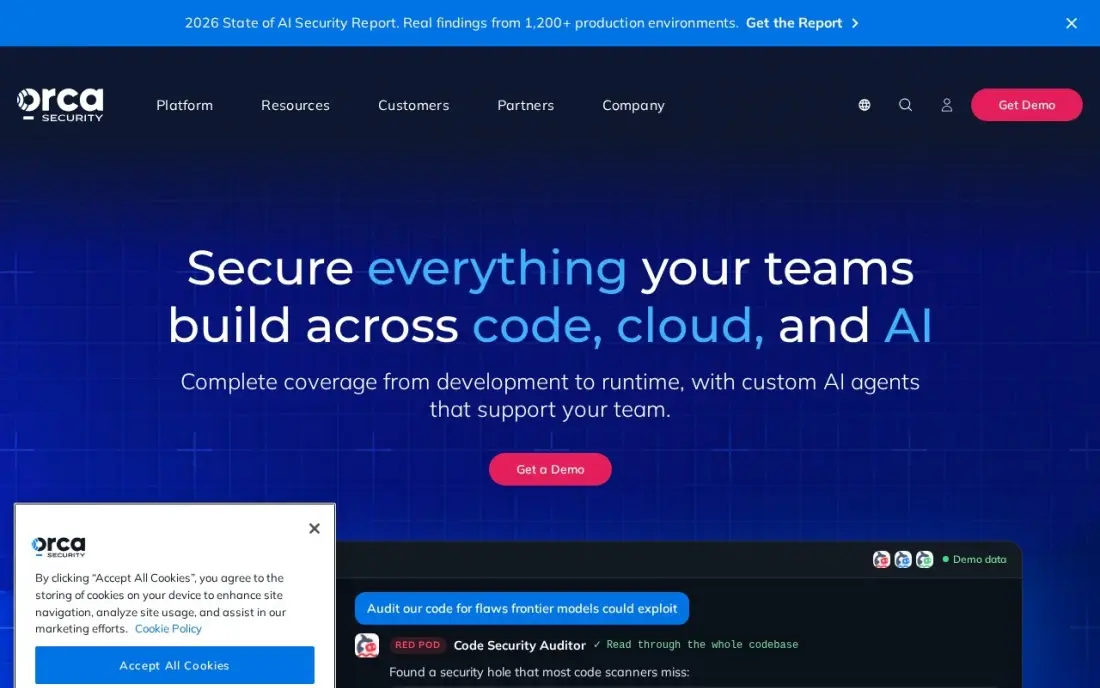
Orca reads workloads straight from cloud storage with its SideScanning approach, so connecting accounts takes minutes and nothing runs on production servers. The platform covers code to cloud in one place — posture, workloads, identities, data, containers and APIs — and scores each finding by its attack path.
It sells one edition priced per compute asset, quoted on request, and the core platform scans rather than blocks in real time; runtime protection needs the optional Orca Sensor. A free trial is available. Choose Orca when quick agentless coverage across clouds matters more than developer-side depth.
What we like
- Agentless SideScanning reads cloud storage directly, so deployment takes minutes and running workloads see zero performance impact
- Single edition with one price model — no tier maze, priced per compute asset
- Attack path analysis combines vulnerabilities, exposure and sensitive data into one risk score per alert
- Covers code to cloud in one platform: CSPM, CWPP, CIEM, DSPM, container, API and AI security
Watch out for
- No published price — quotes only, and third-party buyer data puts entry near $50,000 a year
- Runtime protection needs the optional Orca Sensor; the core platform is scan-based, not real-time blocking
- No free plan, and the trial length is not published

Palo Alto Prisma Cloud
Best for: Enterprises that want code security, IaC scanning and cloud runtime protection in one platform
Palo Alto's cloud platform covers the whole path from code to runtime: code security and infrastructure-as-code scanning on the developer side, posture management in the middle and cloud detection and response in production. Cortex Cloud, introduced in February 2025 as the next version of Prisma Cloud, adds AI agents that push fixes rather than only listing findings.
It is an enterprise buy. There is no published price, licensing runs on credits that map differently to each module, and both product names still appear in quotes. It is the heaviest platform here to deploy, so it suits large teams already invested in Palo Alto.
What we like
- Broadest coverage in this list: posture, runtime, code security, IaC scanning and cloud detection and response in one platform
- Credit-based licensing lets one pool of credits cover different modules and workload types
- Cortex Cloud 2.0 adds autonomous AI agents and a Cloud Command Center that turn findings into fixes
Watch out for
- No published price — every quote is custom, and the credit model makes quotes hard to compare with per-workload rivals
- Two product names in circulation (Prisma Cloud and Cortex Cloud), so confirm in writing which platform a quote covers
- Heaviest platform here to deploy and tune; small teams pay for enterprise scale they will not use
The best code security tools for cloud find vulnerabilities in your own code, your open-source dependencies, your secrets and your infrastructure-as-code before any of it reaches a live cloud account. We compared seven tools — four developer-side scanners and three cloud platforms that link code to runtime risk — on coverage, free tiers, pricing model and fit for team size, and every price below was checked on the vendor's own pricing page in November 2026.
How to choose the best code security tools for cloud
- Cover the four sources of risk. Your own code (SAST), dependencies (SCA), secrets in the repo and IaC templates each need scanning; check which ones a plan actually includes.
- Put findings where developers work. Pull request comments and IDE plugins get fixes made; a separate dashboard nobody opens does not.
- Look for prioritisation. Reachability analysis and attack path context cut a list of thousands of CVEs down to the ones that can actually be exploited.
- Understand the pricing unit. Contributors, users, projects, lines of code and cloud workloads all scale differently as you grow.
- Check free-tier limits. Test caps, rescan frequency and contributor limits decide whether a free plan works for real or only for a demo.
- Decide if you need runtime context. A cloud platform shows which findings are deployed and exposed, which matters more as the estate grows.
Secure code also protects the site your customers see. If a security incident or a site migration has hurt your search traffic, our SEO audit service checks the technical health of the site, and our cloud security platform comparison covers runtime protection in more depth.
Code security tools for cloud pricing: what you will actually pay
Take a team of 10 developers building a cloud app. On published prices, Semgrep's Free Edition covers all 10 contributors with Code and Supply Chain at $0. Aikido Basic costs $300 a month with 10 users included, or $3,600 a year billed monthly, and annual billing takes 10% off. Snyk Team starts at $25 a month billed monthly. SonarQube Cloud costs $34 a month, or $408 a year, as long as the codebase stays under 100,000 lines.
Growth changes the maths. At 15 contributors, Semgrep Teams would cost $30 each for Code and $30 for Supply Chain, so $900 a month, plus $225 if you add Secrets at $15. Aikido's flat price holds until the user and repo limits are reached. Wiz, Orca and Palo Alto Prisma Cloud publish no price; the AWS Marketplace lists Wiz Essential at $24,000 a year per 100 workloads, which shows the scale those platforms are built for.
Know the difference: shift-left scanners vs code-to-cloud platforms
Shift-left scanners such as Snyk, Semgrep, SonarQube Cloud and Aikido run in the developer's workflow. They scan code, packages, secrets and templates at commit or pull request time and block bad changes before they merge. They are cheap to start, fast to adopt and owned by the engineering team.
Code-to-cloud platforms such as Wiz, Orca and Prisma Cloud start from the running cloud estate and trace problems back to the code that created them. They answer which vulnerable package is actually deployed on an internet-facing workload with access to sensitive data. They are owned by the security team and priced for larger estates. Many organisations run one of each, with the scanner catching issues early and the platform ranking what reaches production.
Quick comparison: tool type by need
| Buyer | Best pick | Why |
|---|---|---|
| Developer-first teams | Snyk | SAST, SCA, IaC and containers, free plan, Team from $25/month |
| Startups wanting one tool | Aikido Security | Code to cloud scanning on a free plan, Basic $300/month for 10 users |
| Custom rules and reachability | Semgrep | Free up to 10 contributors, Code $30/contributor/month |
| Quality gates on every PR | SonarQube Cloud | Free to 50,000 lines, Team $34/month |
| Large multicloud estates | Wiz | Code findings linked to cloud attack paths, quote-only |
| Agentless cloud coverage | Orca Security | One edition per compute asset, quote-only |
| Palo Alto enterprises | Palo Alto Prisma Cloud | Code, IaC and runtime in one platform, credit-based |
Mistakes to avoid
- Scanning only your own code. Most of a cloud app is open-source packages and IaC templates; SAST alone misses most of the risk.
- Turning on every rule at once. A flood of low-priority findings in the first week teaches developers to ignore the tool.
- Leaving secrets in Git history. Removing a key from the latest commit does not remove it from history; rotate any key the scanner finds.
- Blocking merges without an exception process. Hard gates with no way to accept a known risk lead teams to bypass the tool.
- Buying an enterprise platform first. A small team gets more from a free scanner it uses daily than a large platform it cannot staff.
Related comparisons: Cloud Security Platform Reviews · Web Security Software · AI Code Generation Software · QR Code Platforms for Small Business
How we chose
We checked each vendor's own pricing page in November 2026 and recorded the free-tier limits and paid prices exactly as shown, including the billing basis. Where a vendor publishes no price, we say so rather than repeating third-party estimates. We compared coverage across SAST, dependencies, secrets, IaC, containers and cloud posture, and weighted how well each tool fits a team of 5 to 50 developers. Ratings come from G2 pages checked on the dates shown in the sources. No vendor paid for a place in this list, and none of the links here are affiliate links.
What to do next
Connect one real repository to two of the free tiers above and compare the first week of findings: how many were real, how many developers fixed, and how much noise there was. Keep the one your team actually used. If you also want help making your product easier to find, book a free call with our team.
Frequently asked questions
What are the best code security tools for cloud apps?
Snyk is the developer-first standard with a free plan, Aikido has the broadest free tier covering code, dependency, secrets, IaC and cloud scanning, and Semgrep is free for up to 10 contributors. Wiz, Orca and Palo Alto Prisma Cloud link code findings to running cloud risk for larger teams.
What is the difference between SAST and SCA?
SAST (static application security testing) scans the code your team writes for flaws such as injection. SCA (software composition analysis) checks the open-source packages you depend on for known vulnerabilities and licence problems. Cloud apps need both, because most of their code comes from dependencies.
Is there a free code security tool?
Yes. Aikido's Developer plan is free for 2 users and 10 repos, Semgrep's Free Edition covers up to 10 contributors, Snyk's Free plan includes 100 Snyk Code tests a month, and SonarQube Cloud is free for private projects up to 50,000 lines of code.
How much do code security tools cost?
On published prices, SonarQube Cloud Team costs $34 a month, Snyk Team starts at $25 a month billed monthly, Semgrep Code costs $30 per contributor per month and Aikido Basic costs $300 a month including 10 users. Wiz, Orca and Prisma Cloud are quote-only.
Why scan infrastructure-as-code?
Terraform, CloudFormation and Kubernetes files define your cloud setup, so a public bucket or open security group written there will be deployed every time. Scanning those files in the pull request catches misconfigurations before they reach a live account.
Do I need a cloud security platform as well as a code scanner?
Small teams can start with a code scanner that also covers IaC and containers. As the estate grows, a cloud platform adds what code scanning cannot see — what is actually running, exposed and reachable — and helps rank which code findings matter most.
Which code security tools scan CloudFormation and Terraform templates?
Infrastructure-as-code scanning is part of Snyk, Aikido Security and Palo Alto Prisma Cloud in this list. Snyk's free plan covers 5 projects alongside its SAST, dependency and container scans, and Aikido's free Developer plan adds IaC, secrets and one cloud account for 2 users. Prisma Cloud pairs IaC scanning with runtime protection on a quote-based annual contract for larger teams.
What is the best code security tool for beginners?
Start with a free plan that puts findings where you already work. Aikido Security's Developer plan is free forever for 2 users, 10 repos and 1 cloud account, and covers code, dependencies, secrets, IaC and cloud in one tool. Snyk's free plan covers 5 projects, and SonarQube Cloud is free up to 50,000 lines of code with rules enforced on every pull request.
Sources we checked (8)
- Snyk — snyk.io/plans (checked November 16, 2026)
- Aikido Security — www.aikido.dev/pricing (checked November 16, 2026)
- Semgrep — semgrep.dev/pricing (checked November 16, 2026)
- SonarQube Cloud — www.sonarsource.com/plans-and-pricing (checked November 6, 2026)
- SonarQube Cloud reviews on G2 (checked November 6, 2026)
- Wiz — www.wiz.io/pricing (checked November 10, 2026)
- Orca Security — orca.security (checked November 10, 2026)
- Palo Alto Prisma Cloud — www.paloaltonetworks.com (checked November 10, 2026)
Make one of these tools?
We re-check this list every quarter. Send a correction, request a review, or ask about a clearly labeled sponsored spot.
Request a listingShamim
Founder of SerpAstra
A full-stack digital marketer and SEO strategist covering technical and local SEO, AI search visibility, paid ads and lead generation for local businesses, e-commerce brands and SaaS teams.
Free SEO and AI visibility audit
Find out what is holding your rankings back
Send us your site. Within 2 business days you get a written audit, an AI visibility check and a short fix list ranked by impact. Free, with no contract attached.
Request my free audit→Related buying guides
 IT Security7 Best Cloud Security Platform Reviews in 2026: Pricing, Features and Pros & Cons7 best cloud security platform reviews compared on price, coverage and deployment — Microsoft's published rates plus six custom quotes, checked Nov 10, 2026.Read guide →
 Developer ToolsBest AI Code Review Tools for 2026: 12 Picks Ranked by What You NeedCompare the 12 best ai code review tools on price, free plans, Git platforms and AI review depth, with every price checked November 6, 2026.Read guide →
 IT Security9 Best Security Compliance Tools for SAAS Companies in 2026, ComparedCompare the 9 best security compliance tools for saas companies on price, frameworks and evidence automation, with every price checked November 7, 2026.Read guide →