
7 Best Corporate Expense Management Software in 2026
Compare the 7 best corporate expense management software on travel, cards, policy controls, ERP fit and real cost, with every price checked on vendor pages.
 Shamim Mia, Founder, SerpAstraLast verified November 2, 20269 min read
We compare pricing pages, documentation and public reviews. We never accept payment for rankings.

Key takeaways
- SAP Concur remains the large-company default and is the only tool here priced per report, from $7 per expense report with unlimited users on Base.
- Navan is the pick when travel drives spend: booking is free for eligible companies up to 300 employees, and expense costs $15 per expensing user a month after the first 5.
- Ramp and Brex both start free with corporate cards and expense tools; Ramp Plus costs $15 a user a month plus a platform fee, Brex Premium $12 a user a month.
- Coupa and Spendesk are quote-only suites that fold expenses into procurement and AP, which suits finance teams that want one system for all company spend.
On this page
Quick comparison
| Tool | Best for | Starting price | Free plan |
|---|---|---|---|
 SAP Concur | Large companies with formal travel policies and many employees who file expenses only occasionally | $7/report | No |
 Navan | Companies where business travel is the largest expense and booking should feed expenses directly | Free (5 users) | Yes (5 users free) |
 Ramp | US companies that want corporate cards, expenses and bill pay on a free plan with room to add procurement | $15/user/mo (Plus) | Yes (procurement add-on) |
 Brex | Fast-growing companies that want corporate cards, travel booking and real-time spend controls together | $12/mo | Yes (Essentials) |
 Expensify | Companies that want the fastest receipt capture and simple per-member expense reporting | $5/mo | Yes (Submit) |
 Coupa | Large enterprises that want expenses inside a full procurement, invoicing and payments suite | Custom quote | No (demo only) |
 Spendesk | European mid-market companies that want cards, expenses and AP with no per-user charges | Custom | No |
Make one of these tools?
We re-check this list every quarter. Send a correction, request a review, or ask about a clearly labeled sponsored spot.
Request a listingThe best corporate expense management software
SAP Concur
Best for: Large companies with formal travel policies and many employees who file expenses only occasionally
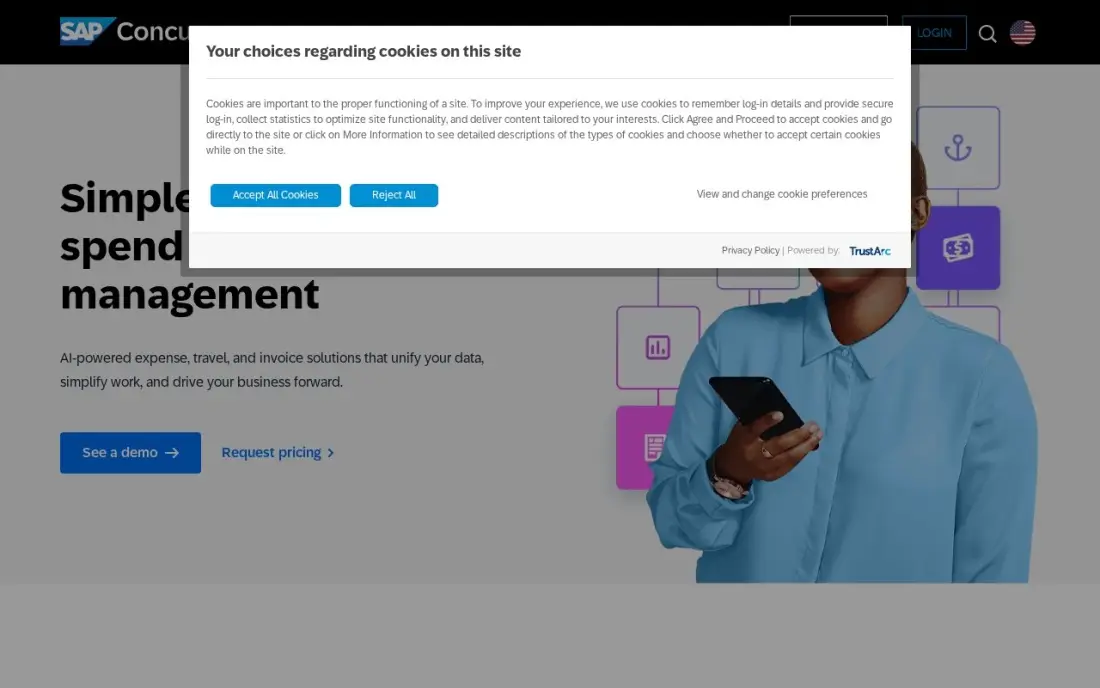
SAP Concur is the system most large finance teams already know, with deep policy controls, audit tools and integrations with most major card issuers and ERPs. It is also the only tool here priced per report rather than per user: Base costs $7 per expense report and Plus $11, both with unlimited users, so an employee who files twice a year costs almost nothing.
Premium, which adds Concur Travel and Intelligence, is custom-priced. The per-report model turns expensive when the whole company files every month, and public reviews regularly mention a dated interface, long implementation and heavy administration. It earns its place where policy enforcement and ERP integration matter more than ease of use.
What we like
- Per-report pricing suits companies where many employees file rarely, since unused seats cost nothing
- Base and Plus both cover unlimited users, with Plus adding ExpenseIt, reporting and a user support desk
- Deep policy controls, audit tools and integrations with most major card issuers and ERPs
Watch out for
- The bill grows with report volume, so a whole company filing monthly can cost more than per-user tools
- Premium, which adds Concur Travel and Intelligence, is custom-priced with no list price
- Public reviews regularly mention a dated interface, long implementation and heavy administration
Navan
Best for: Companies where business travel is the largest expense and booking should feed expenses directly

Navan, formerly TripActions, joins travel booking and expense capture in one workflow. A trip booked in Navan lands in the expense report without re-entry, and travel policy applies at the point of booking rather than after the money is spent. Travel booking is free for eligible companies up to 300 employees, and the first 5 monthly expensing users are free.
After that, expense costs $15 a user a month, counting only people who submit a transaction that month. Companies over 300 employees move to custom Enterprise pricing, which is where most corporate buyers will land. For a business that rarely travels, a reporting-only tool costs less.
What we like
- Travel booking is free for eligible companies up to 300 employees, funded by travel-supplier commissions
- Trips booked in Navan flow into expenses automatically, so the report largely writes itself
- Only people who submit a transaction in the month count as expensing users
Watch out for
- Expense costs $15/user/month after the first 5 users, so the bill grows with every regular submitter
- Companies over 300 employees move to custom Enterprise pricing
- Less useful for teams that rarely travel, where a reporting-only tool costs less
Ramp
Best for: US companies that want corporate cards, expenses and bill pay on a free plan with room to add procurement
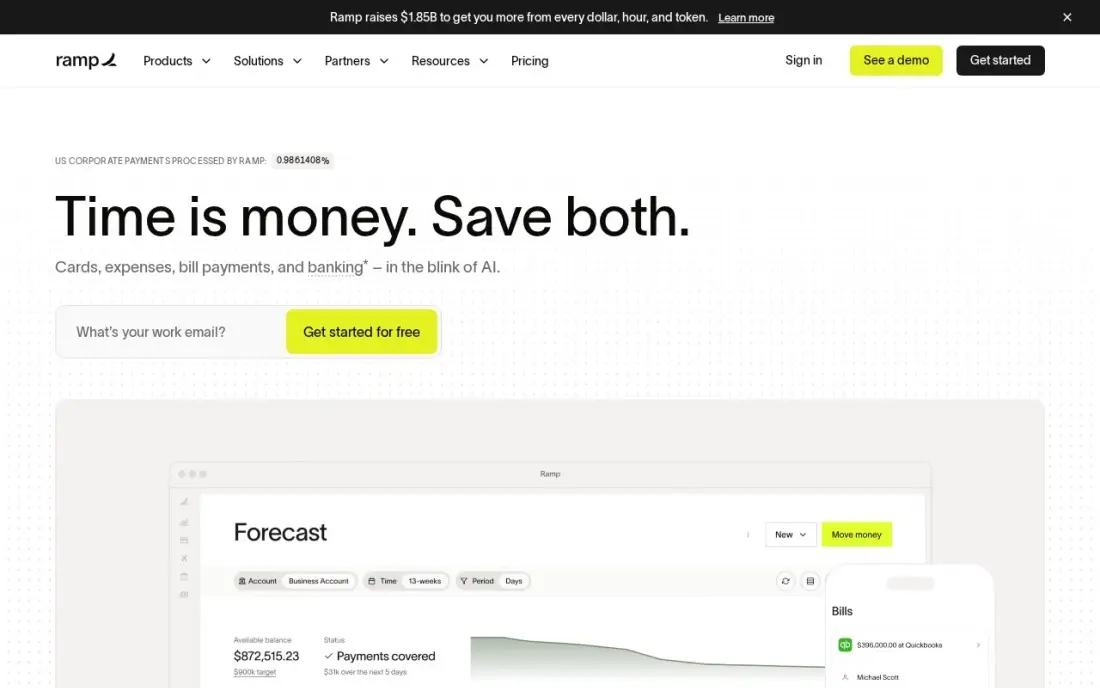
Ramp starts with a free plan that covers corporate cards, expense management, bill pay and basic approvals with no per-user fee. Plus costs $15 a user a month plus a platform fee and adds custom procurement approvals, multi-entity management and HRIS integrations, with AI agents handling intake and approvals in the same system. It holds 4.8 out of 5 from 2,430 G2 reviews.
The Plus platform fee and the procurement add-on are not published, so the full price for a larger company needs a quote. Ramp accepts only US-registered corporations, LLCs and limited partnerships, and the account needs a $25,000 minimum bank balance.
What we like
- Free plan costs $0 and covers cards, expense management, bill pay and basic approvals with no per-user fee
- Plus at $15 per user a month adds custom procurement approvals, multi-entity management and HRIS integrations
- AI agents handle intake and approvals inside the same system as cards, expenses and bill pay
Watch out for
- Procurement is a paid add-on to Plus or Enterprise, and the platform fee on Plus is not published, so the real price needs a quote
- Only US-registered corporations, LLCs and limited partnerships qualify, and the account needs a $25,000 minimum bank balance
- Multi-entity management and HRIS integrations need Plus, not the free plan
Brex
Best for: Fast-growing companies that want corporate cards, travel booking and real-time spend controls together
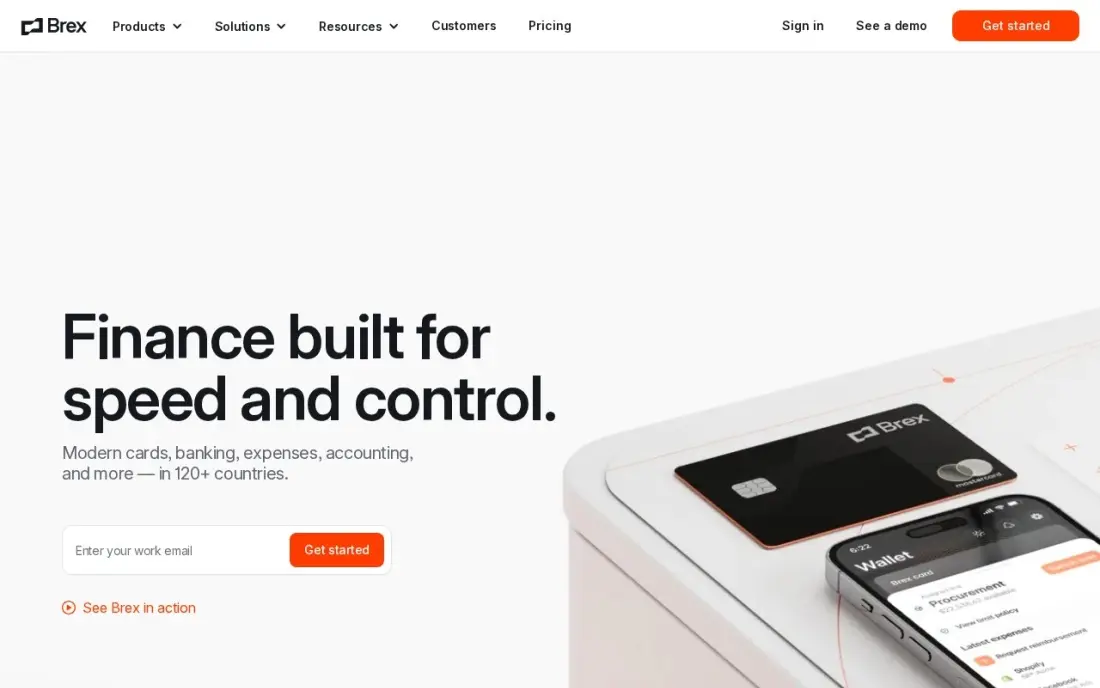
Brex combines corporate cards, expense management and travel booking, with budgets and real-time controls applied to every card and AI-powered rules that flag out-of-policy spending as it happens. Essentials is free with unlimited cards and no annual fee, and Premium costs $12 a user a month for travel, bill pay and budgeting. It rates 4.8 out of 5 from 1,657 G2 reviews.
Per-user pricing adds up at corporate scale: a 200-person company on Premium pays $2,400 a month. There is no free trial of Premium, and card limits depend on Brex's underwriting. Choose Brex when real-time card control matters more than per-report pricing.
What we like
- Essentials is free with unlimited cards and no annual fee
- Travel booking is built in, so trips and spend live in the same platform
- Real-time spend controls and budgets apply to every card
- AI-powered custom rules automate approvals and flag out-of-policy spend
Watch out for
- Premium's $12/user/month adds up fast for large teams — there is no flat-rate option
- No free trial for Premium; the only way to try it is to upgrade
- Card limits are set by Brex underwriting, so approval and limits vary by company
Expensify
Best for: Companies that want the fastest receipt capture and simple per-member expense reporting
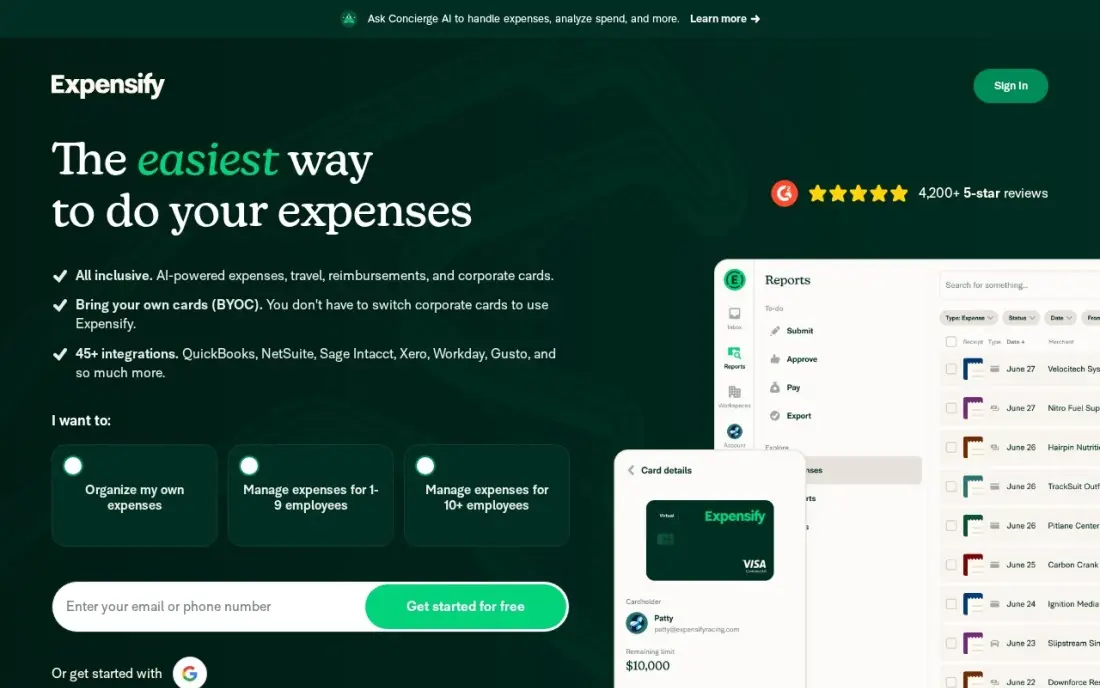
Expensify is still the quickest way from receipt to report. SmartScan reads a receipt in seconds, approval workflows and accounting sync are included, and the tool works with existing company cards as well as the Expensify Card. Collect costs a flat $5 a member a month with no annual commitment, and it rates 4.5 out of 5 from 5,690 G2 reviews.
Corporate buyers usually need Control, which costs $9 an active member a month with the Expensify Card and $18 without it, so staying on your existing cards doubles the price. Advanced controls and support sit on Control, not Collect, and the bill moves with how many people file each month.
What we like
- SmartScan reads receipts in seconds — the fastest capture in this list
- Collect is a flat $5/member/month with no annual commitment
- Works with your own cards as well as the Expensify Card
Watch out for
- Control costs $9/active member/month with the Expensify Card — $18 without it — so the price doubles off-card
- Advanced controls and support sit on Control, not Collect
- Per-active-member billing means the monthly bill moves with how many people file expenses
Coupa
Best for: Large enterprises that want expenses inside a full procurement, invoicing and payments suite
Coupa treats expenses as one part of total spend management. A single suite covers sourcing, procurement, invoicing, contracts, expenses and payments, and community benchmarking shows how your spend compares with similar companies. For a finance team that wants employee expenses and supplier spend governed by the same policies and approval chains, that breadth is the reason to buy.
There is no published price, every deployment is a negotiated quote, and G2 reviewers report an average go-live of seven months. It rates 4.2 out of 5 from 569 G2 reviews. Coupa is a project with consultants, not a sign-up, and only makes sense at enterprise scale.
What we like
- One suite covers sourcing, procurement, invoicing, contracts, expenses and payments
- Community benchmarking data shows how your spend compares with similar companies
- Go-live is faster than legacy suites, with a focus on getting purchasing running without deep customisation
Watch out for
- No published pricing — every deployment is a negotiated quote, and total cost runs far above the tools above it
- Implementation is measured in months, with G2 reviewers reporting an average go-live of 7 months
- Overkill for a company that only needs employee expense reports and approvals
Spendesk
Best for: European mid-market companies that want cards, expenses and AP with no per-user charges
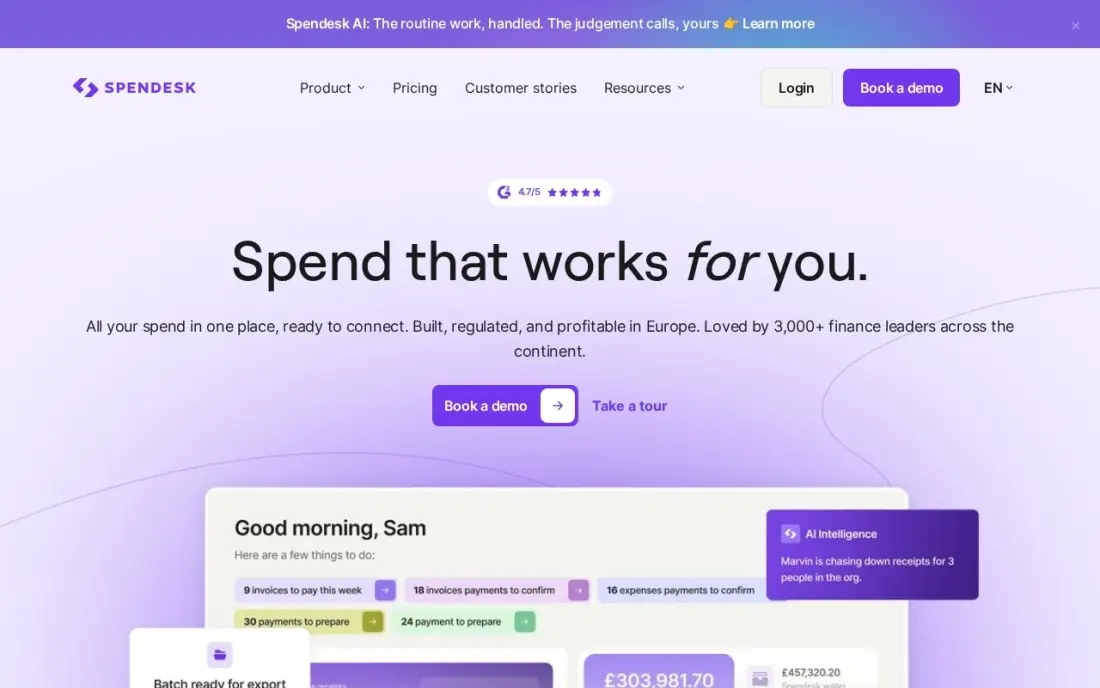
Spendesk brings company cards, expense management, invoice processing, budgets and accounting sync into one platform, with AI reading invoices and receipts automatically. It charges no per-user, per-card or per-login fees, so every employee can have access, which suits companies where most staff spend occasionally. It rates 4.5 out of 5 from 634 G2 reviews.
Pricing is a custom quote built from a fixed monthly platform fee plus per-transaction fees, and AP, procurement and multi-entity support are paid add-ons. There is no free trial. It is a strong fit for European mid-market finance teams and a weaker one for US-only companies, which have more free options.
What we like
- No per-user, per-card or per-login charges — unlimited users
- Spend, AP and procurement in one platform, with multi-entity support
- AI reads invoices and receipts automatically
Watch out for
- No published price — every quote is custom, so comparing costs takes a sales call
- AP, procurement and multi-entity features are paid add-ons
- No free trial to test the platform before talking to sales
The best corporate expense management software gets receipts, card transactions and travel bookings into the books with as little employee effort as possible, while enforcing policy before money leaves the company rather than after. We compared seven tools across three kinds of product: established expense and travel systems, card-first spend platforms and full procurement suites. Every price below comes from the vendor's own pricing page, checked in November 2026.
How to choose the best corporate expense management software
- Count your filers, not your headcount. If most employees file a few reports a year, per-report pricing such as SAP Concur's costs less than paying for every active user.
- Decide whether travel belongs in the same tool. Navan, Brex and Concur Premium combine booking and expenses; if travel is minor, a reporting tool is cheaper.
- Check policy controls at the point of spend. Card-first tools such as Ramp and Brex block or flag out-of-policy spending as it happens, which beats catching it in review.
- Confirm the ERP integration. Corporate finance teams need clean sync with NetSuite, SAP or Dynamics, including department and project coding.
- Price the add-ons. Ramp's procurement, Spendesk's AP and Concur's travel all cost extra, and the headline price often excludes them.
- Plan the rollout time. Card platforms can go live in days; Coupa and Concur are months-long projects with implementation partners.
An expense system shows exactly where company money goes, including the marketing line. If your team wants spend that keeps paying back, our monthly SEO service is built around measurable results, and the guide to expense management software for small business covers lighter options for smaller teams.
Corporate expense management software pricing: what you will actually pay
Take a 200-person company where 80 employees file expenses in a typical month, each submitting one report. On SAP Concur Base, 80 reports at $7 cost $560 a month, or $6,720 a year, and the 120 people who did not file that month cost nothing. On Navan, if the company qualified for its standard pricing, 75 paid expensing users at $15 would cost $1,125 a month, but companies over 300 employees move to custom Enterprise pricing.
Brex Premium is charged per user: across all 200 employees it costs $2,400 a month, or $28,800 a year, though it also includes travel booking and bill pay. Expensify Control with the Expensify Card costs $9 for each active member, so the 80 monthly filers come to $720 a month, rising to $1,440 without the card. Ramp's free plan costs $0 for cards and expenses, and Plus at $15 a user a month comes with a platform fee that needs a quote. Coupa and Spendesk are quote-only.
Know the difference: expense reporting tool vs spend management platform
An expense reporting tool, such as SAP Concur or Expensify, starts from the claim. Employees spend on their own card or a company card, then submit receipts, the system checks them against policy, a manager approves and finance reimburses or reconciles. It is reactive, but it fits companies with existing card programmes and many occasional travellers.
A spend management platform, such as Ramp, Brex or Spendesk, starts from the card. The company issues cards with limits by person, team or vendor, transactions appear in real time, and the expense report mostly writes itself. Policy is enforced before the purchase, not after. These platforms often include bill pay and procurement too, which is why they compete with suites such as Coupa at the top end.
Quick comparison: tool type by need
| Buyer | Best pick | Why |
|---|---|---|
| Large companies, occasional filers | SAP Concur | Per-report pricing from $7 with unlimited users |
| Travel-heavy teams | Navan | Free booking up to 300 employees, expense from $15/user/month |
| US companies wanting a free start | Ramp | Free cards, expenses and bill pay; Plus from $15/user/month |
| Fast-growing companies | Brex | Cards, travel and real-time controls; Premium $12/user/month |
| Fastest receipt capture | Expensify | SmartScan, Control from $9/active member/month with its card |
| Enterprise procurement and expenses | Coupa | One suite for sourcing, invoicing and expenses, quote-only |
| European mid-market | Spendesk | Cards, expenses and AP with no per-user fees, quote-only |
Mistakes to avoid
- Paying per user for occasional filers. If most staff file twice a year, per-user pricing charges you for months they never touch the tool.
- Leaving out-of-pocket claims behind. Cards cover most spend, but mileage and cash purchases still need a claim flow; check it before you switch.
- Ignoring the card underwriting. Brex and Ramp set limits and eligibility themselves, and Ramp needs a $25,000 minimum bank balance.
- Skipping the ERP coding test. Run a month of real transactions through the integration to make sure departments, projects and tax codes land correctly.
- Buying a suite for an expense problem. Coupa's seven-month average go-live is worth it for total spend management, not for faster receipt handling.
Related comparisons: Expense Software for Small Business · Expense Management Software for Small Business
How we chose
We checked each vendor's pricing page in November 2026 and recorded the starting price and billing unit exactly as shown, then worked through one 200-person example so the different pricing models could be compared. We favoured tools with policy controls, travel or card integration and ERP sync, because those separate corporate tools from small-business ones. Coupa and Spendesk publish no price, so we list them as quote-only. Ratings come from G2 pages where we show them. No vendor paid for a place in this list, and none of the links here are affiliate links.
What to do next
Pull last quarter's expense reports and count how many employees filed each month, then price the three tools that fit your travel and card setup against that number. Once spend is under control, book a free SEO review to see where your marketing budget could work harder.
Frequently asked questions
What is the best corporate expense management software?
SAP Concur is the best fit for large companies with formal travel policies, from $7 per expense report with unlimited users. Navan is best when travel drives spend, and Ramp and Brex are the best card-first options, both with free plans.
How much does corporate expense management software cost?
On published prices, SAP Concur Base costs $7 per report, Navan $15 per expensing user a month after 5 free users, Brex Premium $12 a user a month, Ramp Plus $15 a user a month plus a platform fee, and Expensify Control $9 an active member a month with its card. Coupa and Spendesk are quote-only.
What is the difference between per-report and per-user pricing?
Per-report pricing, used by SAP Concur, charges for each expense report filed, so occasional filers cost little. Per-user pricing, used by Navan, Brex, Ramp and Expensify, charges for each active user each month. Companies where most staff file rarely tend to save with per-report pricing.
Do corporate cards replace expense reports?
Mostly. With Ramp, Brex or Spendesk, each card transaction becomes an expense line automatically and the employee only adds a receipt and a note. Out-of-pocket spending such as mileage or a taxi paid in cash still needs a claim.
Which expense software includes travel booking?
Navan and Brex both include travel booking. Navan's booking is free for eligible companies up to 300 employees, and Brex includes travel on Premium at $12 a user a month. SAP Concur adds Concur Travel on its custom-priced Premium plan.
How long does it take to implement corporate expense software?
Card-first tools such as Ramp and Brex can be running within days. Enterprise suites take much longer: G2 reviewers report an average go-live of seven months for Coupa, and SAP Concur implementations are commonly described as long.
What is the best expense management software for startups?
Ramp and Brex fit most US startups because both start free. Ramp's free plan covers cards, expense management, bill pay and basic approvals, though it needs a $25,000 minimum bank balance. Brex Essentials is free with unlimited cards, adds built-in travel booking, and Premium costs $12 a user a month. Navan is free for the first five expensing users each month.
What is the difference between corporate and personal expense management software?
Corporate expense software manages spending across a company: corporate cards, approval rules, policy controls at the point of spend, audit tools and sync with an ERP such as NetSuite, SAP or Dynamics. Personal tools just track one person's receipts. Expensify bridges the two: its free Submit plan is for individuals, while Collect at $5 a member a month adds company reporting.
Sources we checked (12)
- SAP Concur — www.concur.com/en-us/pricing (checked November 2, 2026)
- Navan — www.navan.com/pricing (checked November 2, 2026)
- Ramp — ramp.com/pricing (checked November 10, 2026)
- Ramp reviews on G2 (checked November 10, 2026)
- Brex — www.brex.com/pricing (checked November 4, 2026)
- Brex reviews on G2 (checked November 4, 2026)
- Expensify — www.expensify.com/pricing (checked November 4, 2026)
- Expensify reviews on G2 (checked November 4, 2026)
- Coupa — www.jaggaer.com/blog/coupa-vs-tipalti (checked November 10, 2026)
- Coupa reviews on G2 (checked November 10, 2026)
- Spendesk — www.spendesk.com/pricing (checked November 4, 2026)
- Spendesk reviews on G2 (checked November 4, 2026)
Make one of these tools?
We re-check this list every quarter. Send a correction, request a review, or ask about a clearly labeled sponsored spot.
Request a listingShamim
Founder of SerpAstra
A full-stack digital marketer and SEO strategist covering technical and local SEO, AI search visibility, paid ads and lead generation for local businesses, e-commerce brands and SaaS teams.
Free SEO and AI visibility audit
Find out what is holding your rankings back
Send us your site. Within 2 business days you get a written audit, an AI visibility check and a short fix list ranked by impact. Free, with no contract attached.
Request my free audit→Related buying guides
 Accounting & Finance10 Best Expense Management Software for Small Business in 2026, Compared10 best expense management software for small business options compared on price, cards and receipt automation, with real prices checked November 2, 2026.Read guide →
 Accounting & Finance11 Best SAAS Spend Management Software in 2026, ComparedCompare the 11 best saas spend management software tools on price, free plans, cards and AI features, with every price checked November 4, 2026.Read guide →
 Business Software7 Best Travel Management Apps in 2026, ComparedCompare the 7 best travel management apps for business trips: booking, policy, expenses and itineraries, with free plans and every price checked in Nov 2026.Read guide →