
6 Best Crypto Apps in 2026, Compared
Compare the 6 best crypto apps on trading fees, coin choice and how buying works, from exchanges such as Kraken to brokerage apps that also sell crypto.
 Shamim Mia, Founder, SerpAstraLast verified November 5, 20268 min read
We compare pricing pages, documentation and public reviews. We never accept payment for rankings.
Key takeaways
- Kraken publishes the clearest fees here: 1% on instant buys in its app, and 0.40% maker and 0.80% taker on Kraken Pro at the lowest volume tier.
- Coinbase has the widest choice, with more than 350 cryptocurrencies for US customers, but NerdWallet rates its fees 1 out of 5; Coinbase One from $4.99 a month waives trading fees on $500 of trades a month.
- Gemini's ActiveTrader charges 0.60% maker and 1.20% taker at the lowest tier, with zero or near-zero fees on stablecoin pairs.
- Robinhood, Public and Cash App suit people who want a little crypto next to stocks; check each app's crypto fee disclosure before buying.
On this page
Quick comparison
| Tool | Best for | Starting price | Free plan |
|---|---|---|---|
| Kraken | Cost-conscious buyers who want published fees and a cheaper pro trading screen | 1% app; Pro 0.40%/0.80% | Free account |
| Coinbase | Beginners who want the widest coin choice in a simple US app | Per trade; One $4.99/mo | Free account |
| Gemini | Traders who want a published maker-taker schedule and cheap stablecoin trading | 0.60%/1.20% ActiveTrader | Free account |
| Robinhood | Investors who want crypto alongside commission-free stocks, options and IRAs in one app | Free; Gold $5/mo | Yes (free) |
| Public | Investors who want crypto next to stocks, bonds, Treasuries and a high-yield cash account | Free; Reserve $20/mo | Yes (free) |
| Cash App Investing | Cash App users who want to put part of each paycheck into bitcoin automatically | Free | Yes (free) |
Make one of these tools?
We re-check this list every quarter. Send a correction, request a review, or ask about a clearly labeled sponsored spot.
Request a listingThe best crypto apps

Kraken
Best for: Cost-conscious buyers who want published fees and a cheaper pro trading screen
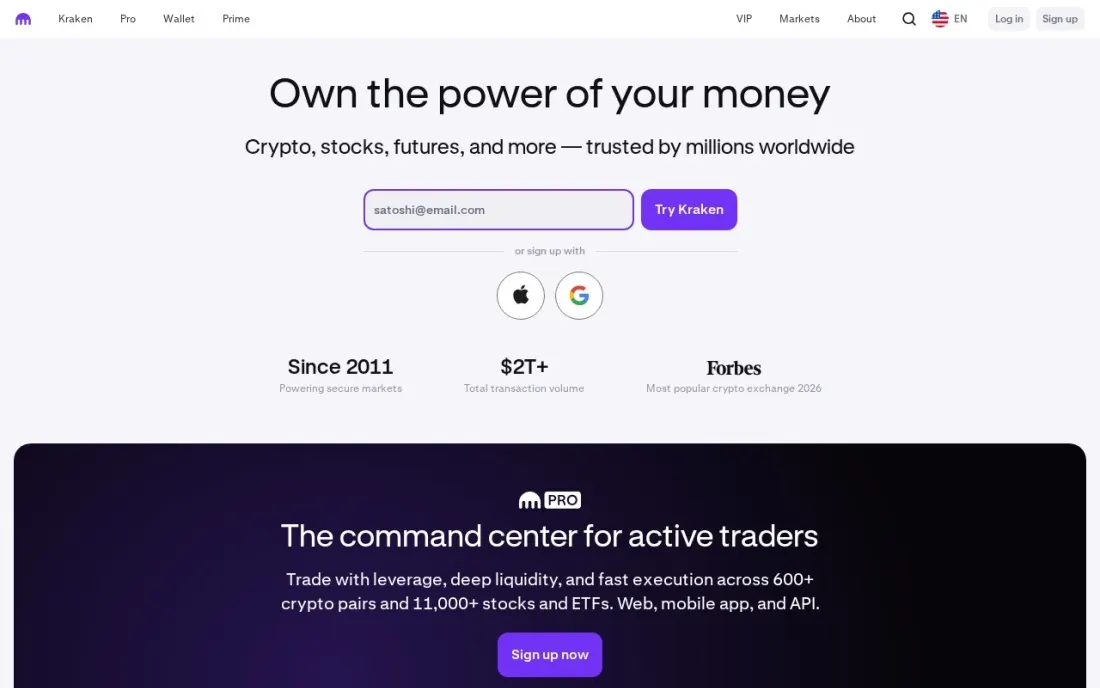
Kraken is the easiest exchange here to price before you buy, because its fee page spells it out: a 1% trading fee on instant and recurring buys in the Kraken app, 1.5% on custom orders, and up to $2 instead of 1% on small instant trades. Prices also include a spread, and paying by card can add more, so bank funding is the cheaper route.
The bigger saving is Kraken Pro, its advanced trading screen, where the lowest volume tier pays 0.40% as a maker and 0.80% as a taker, with stablecoin pairs at 0.20%. Placing a limit order on Pro rather than an instant buy cuts the fee on a $500 purchase from $5 to $2. Kraken+ members trade up to $10,000 a month in major coins fee-free.
What we like
- Clear published fee schedule: 1% on instant and recurring trades, 1.5% on custom orders in the app
- Kraken Pro cuts lowest-tier fees to 0.40% maker and 0.80% taker, across 17 volume tiers
- Stablecoin and FX pairs on Kraken Pro cost 0.20% at the lowest tier
- Kraken+ members pay zero trading fees on up to $10,000 a month in major currencies
Watch out for
- Prices in the app include a spread on top of the 1% fee
- Card payments can carry extra fees, which the fee page does not itemize
- Kraken+ membership price is not shown on the fee schedule

Coinbase
Best for: Beginners who want the widest coin choice in a simple US app
Coinbase is the app most US beginners start with, and its range is the reason: NerdWallet counts more than 350 cryptocurrencies for US customers, and the minimum buy is tiny. The simple buy screen charges a spread, which Coinbase has said is about 0.5%, plus a fee that varies with payment method, order size and market conditions, so the total is hard to know in advance.
That is why NerdWallet rates Coinbase's fees 1 out of 5 while scoring the platform 4.5 overall. Two fixes exist. Coinbase Advanced charges 0.60% maker and 1.20% taker at the entry tier, and Coinbase One Basic at $4.99 a month or $49.99 a year waives trading fees on $500 of trades a month. Regular monthly buyers should price One before paying per trade.
What we like
- More than 350 cryptocurrencies for US customers to trade, per NerdWallet
- Low minimum: NerdWallet bought $1 of bitcoin in testing
- Coinbase One Basic at $4.99 a month or $49.99 a year waives trading fees on $500 of trades a month
- Coinbase Advanced cuts fees for active traders, from 0.60% maker and 1.20% taker at the entry tier
Watch out for
- Higher fees than other exchanges; NerdWallet rates its trading fees 1 out of 5
- Fees vary by payment method, order size and market conditions, so they are hard to predict
- Small buys are expensive: a $1 test purchase carried a $0.50 fee

Gemini
Best for: Traders who want a published maker-taker schedule and cheap stablecoin trading
Gemini publishes its ActiveTrader fee schedule in full, which makes it easy to know what a limit order costs: 0.60% as a maker and 1.20% as a taker at the lowest 30-day volume tier, falling as volume rises. Its standout is stablecoins, where RLUSD/USD, USDC/GUSD and GUSD/USD trade at 0.00% on both sides and other stablecoin pairs cost at most 0.01%.
At the entry tier, Gemini's rates match Coinbase Advanced and run higher than Kraken Pro's 0.40% and 0.80%, so it is not the cheapest place for small bitcoin buys. The ActiveTrader schedule also does not cover instant buys in the standard app, so check the in-app fee before confirming. It suits traders who move in and out of stablecoins often.
What we like
- Published ActiveTrader fee schedule, starting at 0.60% maker and 1.20% taker
- Zero maker and taker fees on RLUSD/USD, USDC/GUSD and GUSD/USD pairs
- Other stablecoin pairs cost 0.00% maker and 0.01% taker
Watch out for
- Lowest-tier ActiveTrader fees match Coinbase Advanced and are higher than Kraken Pro
- The ActiveTrader schedule does not cover fees for instant buys in the standard app
- Cheaper rates need higher 30-day trading volume

Robinhood
Best for: Investors who want crypto alongside commission-free stocks, options and IRAs in one app
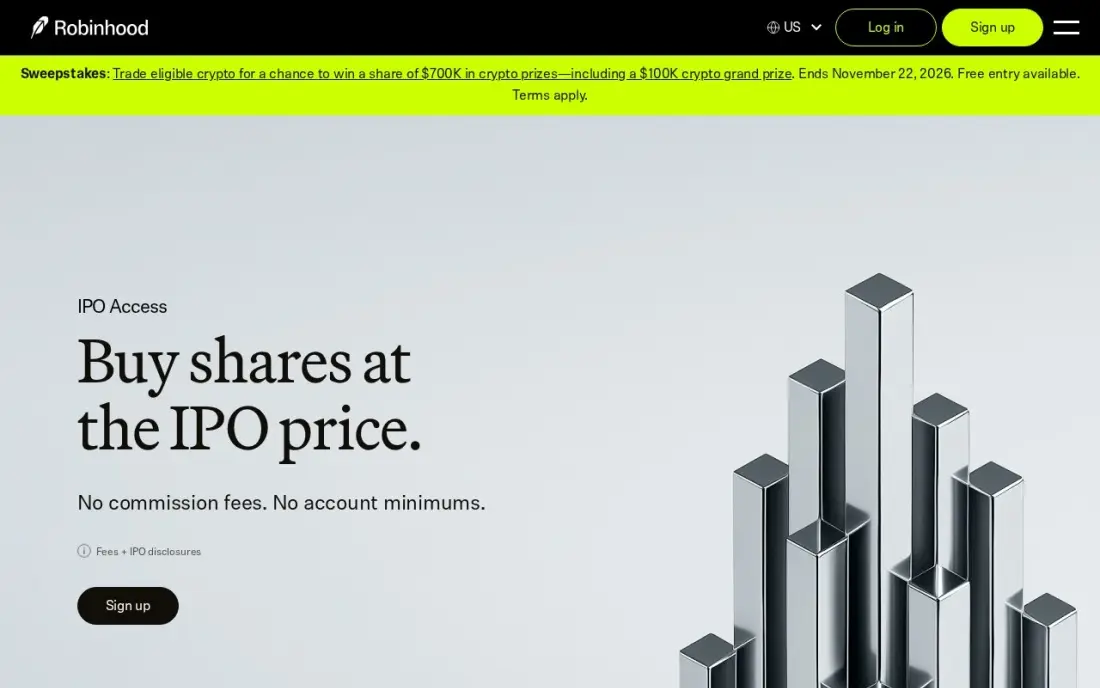
Robinhood suits people who want some crypto without opening a dedicated exchange account. The same free account trades stocks, ETFs and options with $0 commissions, holds traditional and Roth IRAs, and offers crypto, with fractional shares and recurring investments to automate regular buys. Gold at $5 a month or $50 a year adds a 3% IRA match and interest on eligible uninvested cash.
Robinhood is a brokerage first, so check its crypto fee disclosure before buying rather than assuming crypto trades work like its commission-free stocks. Customer support is in-app only, and past outages have frustrated traders at busy moments. Pick it when crypto is a small slice of a wider portfolio you already manage in one place.
What we like
- Commission-free stocks, ETFs and options on the free tier, with fractional shares
- Gold at $5/month adds a 3% IRA match (vs 1% free) and 3.60% APY on eligible cash
- Recurring investments automate a weekly or monthly buy without thinking about it
- One of the widest free offerings: stocks, ETFs, options, crypto and retirement accounts
Watch out for
- A brokerage first, so crypto fees sit in a separate disclosure rather than working like its commission-free stocks
- Gold's margin and extended-hours perks only matter once you trade actively
- Customer support is in-app only, and past outages have frustrated traders at busy moments

Public
Best for: Investors who want crypto next to stocks, bonds, Treasuries and a high-yield cash account
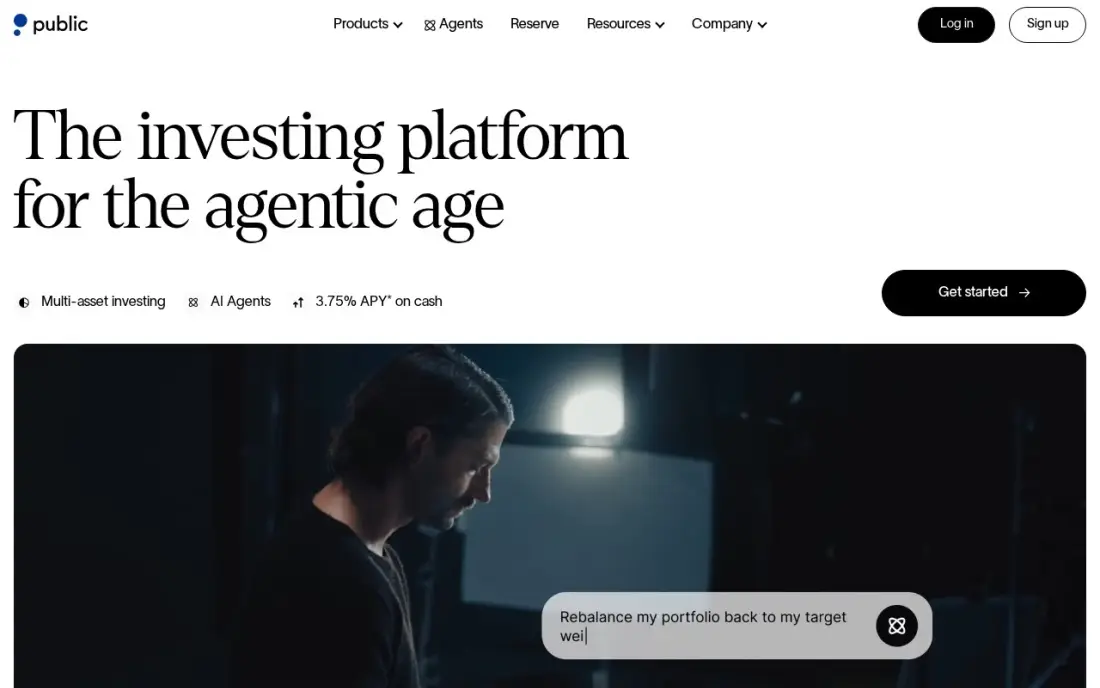
Public has one of the widest free shelves of any investing app: commission-free stocks and ETFs in regular and extended hours, plus options, corporate bonds, Treasuries and crypto, and a high-yield cash account paying 3.75% APY. AI Agents, earnings summaries and a research assistant are built in, which helps someone who wants context before buying.
The extras sit behind Public Reserve at $20 a month or $200 a year, including options rebates and the lowest margin rates. Like any brokerage app, read the crypto fee disclosure before trading, and note that the social feed and AI tools can nudge you to trade more often than a long-term plan needs. Pick Public when crypto is one of several asset types you hold.
What we like
- Commission-free stocks and ETFs in regular and extended hours, plus options, bonds and crypto
- AI Agents, earnings summaries and research assistance are built into the app
- High-Yield Cash Account pays 3.75% APY and margin starts at a 5.15% base rate
- Investment Plans automate recurring buys, and direct indexing starts at $1,000
Watch out for
- The $0 commissions cover stocks and ETFs, so read the crypto fee disclosure before trading
- The interesting extras — options rebates, IRA match funding — sit behind Reserve at $20/month
- Social feed and AI tools can nudge toward trading more often than a long-term plan needs

Cash App Investing
Best for: Cash App users who want to put part of each paycheck into bitcoin automatically
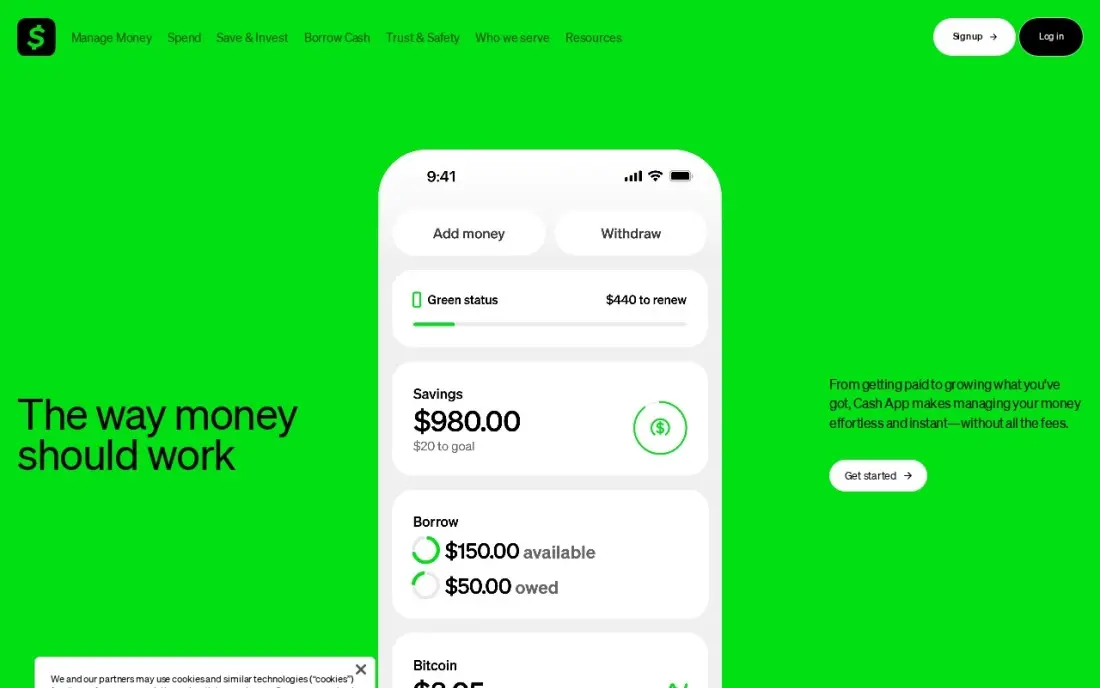
Cash App's appeal is that the money is already there. Investing sits inside the app many people use for payments and direct deposit, and direct deposit can split a paycheck into stocks or bitcoin automatically, which turns buying a little bitcoin into a habit rather than a decision. Opening the investing account is free, with no minimum and $0 commissions on stocks and ETFs.
It is the narrowest option here. There are no research tools, no portfolio guidance and no IRA, and fractional stock shares cannot transfer to another broker. Check the fee shown on each bitcoin purchase before confirming it. Choose Cash App when you want small, automatic bitcoin buys from an app you already open every day.
What we like
- Truly free: no commissions, no monthly fee and no account minimum on stocks and ETFs
- Start with $1 through fractional shares, and Round Ups turn card purchases into stock
- Investing sits inside the app you already use for payments, direct deposit and tax filing
- Direct deposit can split a paycheck into stocks or bitcoin automatically
Watch out for
- Beyond stocks, ETFs and bitcoin there are no options, bonds, mutual funds or retirement accounts
- No research tools or portfolio guidance; you pick every stock yourself
- Fractional shares cannot transfer to another brokerage, so switching brokers means selling
The best crypto app lets you buy, hold and sell crypto at a fee you can see before you tap confirm, on a platform you trust with your money. We compared six apps US buyers use most — three crypto exchanges and three investing apps that also sell crypto — on published trading fees, coin choice and how buying works, reading each fee schedule or review page in November 2026. This is a comparison of tools, not investment advice: crypto prices are volatile, and you can lose money.
How to choose the best crypto app
- Find the fee page before you fund the account. Kraken and Gemini publish maker-taker schedules; Coinbase's simple buy fee varies with payment method, order size and market conditions.
- Use the advanced screen for regular buys. Kraken Pro, Coinbase Advanced and Gemini ActiveTrader charge less than instant buys, especially on limit orders.
- Fund by bank, not card. Kraken notes extra fees for card payments, and Coinbase prices vary by payment method.
- Check coin choice against what you want to hold. Coinbase lists more than 350 cryptocurrencies for US customers; brokerage apps carry fewer.
- Decide whether crypto is the whole portfolio or a slice. A brokerage app keeps a small crypto position next to stocks and retirement accounts; an exchange suits someone buying more often.
- Watch small purchases. Fixed minimum fees make tiny buys expensive in percentage terms, so buy less often in larger amounts.
If you are still deciding where crypto fits in a wider portfolio, our comparison of the best investing apps covers stock and retirement accounts, and the guide to micro-investing apps covers spare-change tools for small regular amounts.
Crypto app pricing: what you will actually pay
Take someone buying $500 of bitcoin every month, $6,000 a year. In the Kraken app, the 1% instant-buy fee costs $5 a purchase, or $60 a year, plus the spread. On Kraken Pro, the same $500 as a limit order pays 0.40%, or $2, which is $24 a year; as a market order it pays 0.80%, $4 a purchase or $48 a year.
On Coinbase Advanced and Gemini ActiveTrader, the lowest tier charges 0.60% maker and 1.20% taker, so $500 costs $3 as a limit order and $6 as a market order, or $36 to $72 a year. Coinbase One Basic costs $4.99 a month, or $49.99 a year, and waives trading fees on $500 of trades a month, so this buyer's monthly purchase would carry no trading fee for $49.99 a year.
Brokerage apps work differently. Robinhood and Public charge $0 commissions on stocks, and Cash App charges $0 commissions on stocks and ETFs, but crypto trades have their own pricing, so read each app's crypto disclosure before comparing it with an exchange. Robinhood Gold at $5 a month and Public Reserve at $20 a month are investing memberships, not crypto fee plans.
Know the difference: crypto exchange vs brokerage app
A crypto exchange such as Kraken, Coinbase or Gemini is built for crypto. It lists many coins, offers an advanced trading screen with limit orders and published maker-taker fees, and usually lets you move coins to and from an external wallet. That makes it the better home for someone who buys regularly, holds several coins or wants control over where the coins sit.
A brokerage app such as Robinhood, Public or Cash App adds crypto to an account built for stocks and funds. The selection is narrower and the crypto pricing sits in a separate disclosure, but everything lives in one balance, next to retirement accounts and cash. For someone who wants a small crypto position as part of a wider portfolio, that simplicity can matter more than the last fraction of a percent.
Quick comparison: tool type by need
| Buyer | Best pick | Why |
|---|---|---|
| Lowest published fees | Kraken | 1% app fee; Kraken Pro from 0.40% maker / 0.80% taker |
| Widest coin choice | Coinbase | 350+ cryptocurrencies for US customers; One from $4.99/month |
| Stablecoin traders | Gemini | 0.00% on major stablecoin pairs; ActiveTrader from 0.60% / 1.20% |
| Crypto next to stocks and IRAs | Robinhood | Free account with $0 stock commissions and crypto in one app |
| Many asset types | Public | Stocks, bonds, Treasuries, crypto and 3.75% APY cash |
| Automatic bitcoin from pay | Cash App Investing | Direct deposit can split pay into stocks or bitcoin |
Mistakes to avoid
- Using the instant-buy button for every purchase. Advanced screens on Kraken, Coinbase and Gemini cost less; learn one limit order and use it.
- Paying by card. Card funding adds fees on several apps; set up a bank transfer first.
- Ignoring the spread. The price you see on a simple buy screen often includes a markup on top of the stated fee.
- Buying in tiny amounts. A $0.50 fee on a $1 purchase is 50%; buy less often in larger amounts.
- Investing money you need soon. Crypto prices can fall sharply and quickly, so only use money you can leave alone through a downturn.
Related comparisons: Options Trading Platforms · Investment Tracking Software · Stock Apps · Money Tracking Apps
How we chose
We read each exchange's fee schedule, or for Coinbase the NerdWallet review that sets out its fees, in November 2026, and recorded the fees exactly as published. Investing app details come from our verified records of each app's pricing page. We compared trading fees, coin choice, how buying works and who each app suits, and we did not rank on price predictions or rewards promotions. No vendor paid for a place in this list, and none of the links here are affiliate links.
What to do next
Open an account on one exchange, link a bank account rather than a card, and place one small limit order on the advanced screen so you see the real fee before committing more. If you run a finance or crypto business and want to be found when people search, our team can help. Book a free strategy call.
Frequently asked questions
What is the best crypto app?
Kraken is the best crypto app for most buyers who care about cost, with a published 1% app fee and Kraken Pro from 0.40% maker and 0.80% taker. Coinbase has the widest choice, with more than 350 cryptocurrencies for US customers, and Gemini suits frequent stablecoin traders.
Which crypto app has the lowest fees?
On published lowest-tier rates, Kraken Pro is cheapest at 0.40% maker and 0.80% taker, compared with 0.60% and 1.20% on both Coinbase Advanced and Gemini ActiveTrader. Simple instant buys cost more on every exchange: Kraken charges 1% plus a spread.
Is Coinbase One worth it?
Coinbase One Basic costs $4.99 a month or $49.99 a year and waives trading fees on $500 of trades a month. If you buy close to $500 of crypto every month through the simple buy screen, it usually costs less than paying fees on each trade.
Is it better to buy crypto on an exchange or a brokerage app?
An exchange such as Kraken, Coinbase or Gemini offers far more coins and advanced order screens with published maker-taker fees. A brokerage app such as Robinhood or Public is simpler if crypto is a small part of a portfolio of stocks and funds you already hold there.
What is the difference between maker and taker fees?
A maker places a limit order that waits on the order book; a taker fills an existing order straight away. Makers pay less: 0.40% versus 0.80% at Kraken Pro's lowest tier, and 0.60% versus 1.20% on Coinbase Advanced and Gemini ActiveTrader.
Can I buy crypto with a small amount?
Yes. NerdWallet bought $1 of bitcoin on Coinbase in testing, though that purchase carried a $0.50 fee. Kraken charges up to $2 instead of the 1% fee on small instant trades, so very small buys cost a high percentage on any app.
Can I buy crypto with a credit or debit card?
Most apps accept cards, but it is the expensive way to pay. Kraken notes that paying by card can add fees on top of its 1% instant-buy fee and the spread, and Coinbase's fee varies with payment method. Funding the account from a bank account is the cheaper route on every exchange here, so use a card only for a small one-off purchase.
Sources we checked (6)
- Kraken — kraken.com/en-us/features/fee-schedule (checked November 16, 2026)
- Coinbase — www.nerdwallet.com/investing/reviews/coinbase (checked November 16, 2026)
- Gemini — gemini.com/fees/activetrader-fee-schedule (checked November 16, 2026)
- Robinhood — robinhood.com/us/en/support/articles/gold-overview (checked November 5, 2026)
- Public — public.com/disclosures/fee-schedule (checked November 5, 2026)
- Cash App Investing — cash.app (checked November 5, 2026)
Make one of these tools?
We re-check this list every quarter. Send a correction, request a review, or ask about a clearly labeled sponsored spot.
Request a listingShamim
Founder of SerpAstra
A full-stack digital marketer and SEO strategist covering technical and local SEO, AI search visibility, paid ads and lead generation for local businesses, e-commerce brands and SaaS teams.
Free SEO and AI visibility audit
Find out what is holding your rankings back
Send us your site. Within 2 business days you get a written audit, an AI visibility check and a short fix list ranked by impact. Free, with no contract attached.
Request my free audit→Related buying guides
 Personal Finance & Investing10 Best Investing Apps in 2026, ComparedCompare the 10 best investing apps on commissions, account minimums, monthly fees and robo-advisor costs, with every fee checked on official pages in Nov 2026.Read guide →
 Personal Finance & InvestingBest Micro Investing Apps (2026): 7 Apps Worth DownloadingCompare the 7 best micro investing apps on price, minimums and automation, with every price checked November 5, 2026 — from free trading to $12 a month.Read guide →
 Personal Finance & Investing7 Best Stock Apps in 2026, ComparedCompare the 7 best stock apps on commissions, options fees, account minimums, research and paid upgrades, with every fee checked on broker pages, November 2026.Read guide →