
8 Best Free Document Management Software in 2026, Compared
Compare the 8 best free document management software on free storage, version history, OCR, sharing and self-hosting, with limits checked on vendor pages.
 Shamim Mia, Founder, SerpAstraLast verified November 5, 20269 min read
We compare pricing pages, documentation and public reviews. We never accept payment for rankings.
Key takeaways
- Google Drive is the best free document management software for most small teams: every Google Account includes up to 15 GB, with Docs, Sheets and sharing permissions built in.
- Box has the most generous business-style free plan at 10 GB, but uploads are capped at 250 MB and it is single-user only.
- For free and unlimited by licence, self-host Nextcloud (open source, AGPL) for team files or Paperless-ngx for scanning and OCR-indexing paper records.
- Most free plans are single-user or small: Dropbox gives 2 GB, OneDrive 5 GB and ONLYOFFICE DocSpace 2 GB with up to 12 rooms, so plan your upgrade path before you commit.
On this page
Quick comparison
| Tool | Best for | Starting price | Free plan |
|---|---|---|---|
| Google Drive | Small teams that want free storage, live co-editing and simple sharing with clients | Free (15 GB) | Yes (15 GB) |
| Box | Individuals and very small firms that want a business-grade file repository with a 10 GB free plan | Free (10 GB) | Yes (10 GB, 1 user) |
| Microsoft OneDrive | Windows and Microsoft Office users who want free document storage inside File Explorer | Free (5 GB) | Yes (5 GB free) |
| Dropbox | People who share large files between devices and want the most reliable sync | Free (2 GB) | Yes (2 GB free) |
| pCloud | Individuals who want free cloud storage on every platform, including Linux, with a buy-once upgrade | Free (up to 10 GB) | Yes (up to 10 GB free) |
| ONLYOFFICE DocSpace | Small teams that want free rooms for co-editing Microsoft Office documents with clients | Free (Startup plan) | Yes (free Startup) |
| Nextcloud | Teams with an IT person who want free, self-hosted file sharing with no per-user licence | Free (self-hosted) | Yes (self-hosted) |
| Paperless-ngx | Home offices and small firms that want to scan paper records into a searchable, self-hosted archive | Free (self-hosted) | Yes (self-hosted) |
Make one of these tools?
We re-check this list every quarter. Send a correction, request a review, or ask about a clearly labeled sponsored spot.
Request a listingThe best free document management software

Google Drive
Best for: Small teams that want free storage, live co-editing and simple sharing with clients
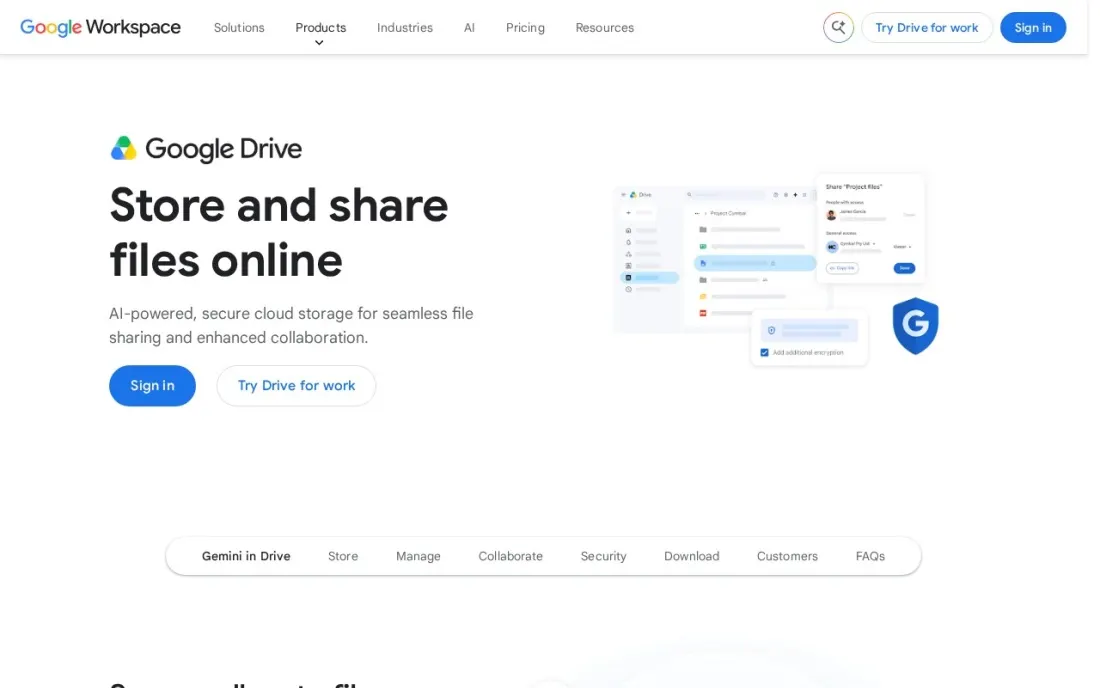
Google Drive is the free document manager most small teams already have. Every Google Account includes up to 15 GB of storage, Docs, Sheets and Slides open and co-edit in the browser, and each file can be shared with edit, comment or view rights, with expiry dates on access. AI-powered search surfaces files based on your activity, which covers a lot of what small offices want from document management.
The free tier has two gaps for a business: the 15 GB is shared with Gmail and Photos, and shared drives, where files belong to the team rather than to one person, are a premium feature. Google Workspace Business Starter costs $7 a user a month billed annually, or $8.40 flexible.
What we like
- Every Google Account includes up to 15 GB of storage at no cost
- Share files with edit, comment or view permissions and set expiration dates on access
- Docs, Sheets and Slides edit in the browser, so most documents never need a desktop app
Watch out for
- Shared drives for team-owned files are a premium feature on paid Workspace plans
- The free storage is shared with Gmail and Google Photos
- Business Starter's 30 GB pooled per user is modest for scan-heavy archives
Box
Best for: Individuals and very small firms that want a business-grade file repository with a 10 GB free plan
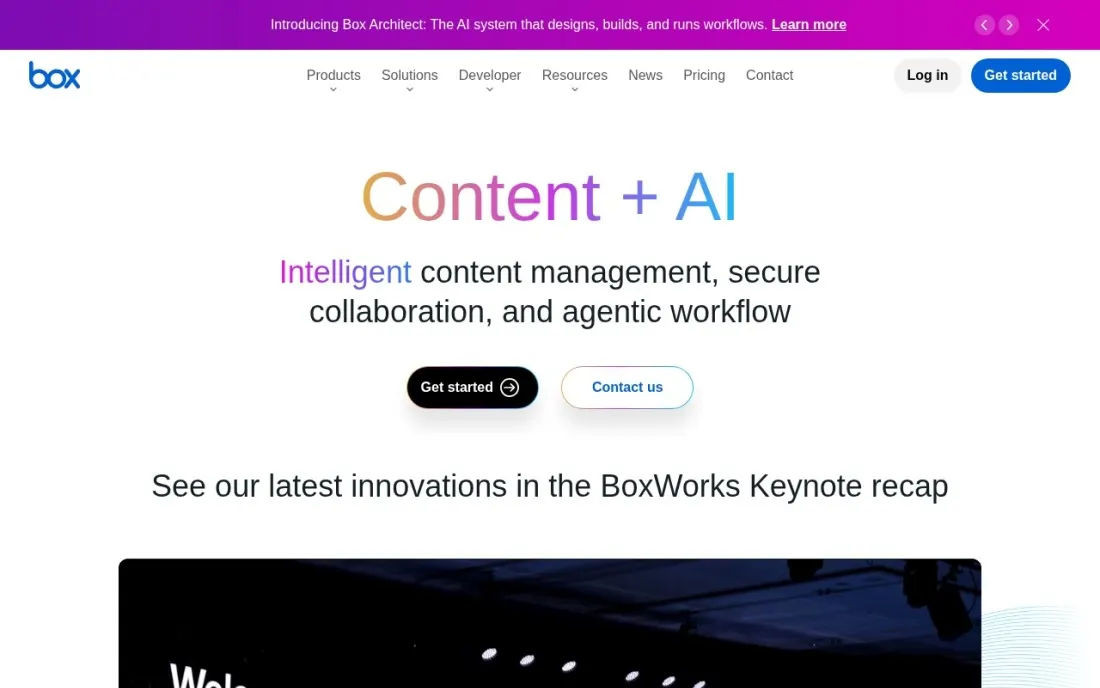
Box is the most business-minded free option here. The Individual plan gives one user 10 GB of storage free, with a 250 MB upload limit per file, which is enough for contracts, PDFs and office documents if not for video. The paid plans are where its document management depth shows: version history runs from 25 versions per file on Business Starter to unlimited on Enterprise Plus.
Business Starter is listed at $5 per user a month with a 3-user minimum and 100 GB of storage, and Box Governance adds retention policies and legal holds as an add-on. The free plan does not cover teams, so treat it as a way to test the interface before a small firm buys seats.
What we like
- The free Individual plan includes 10 GB, more than Dropbox or OneDrive
- Paid plans keep 25 to unlimited versions per file depending on tier
- Box Governance adds retention policies, disposals and legal holds for regulated teams
Watch out for
- Free uploads are capped at 250 MB per file
- The free plan is single-user, and paid business plans need at least 3 users
- Retention and governance are a separately priced add-on

Microsoft OneDrive
Best for: Windows and Microsoft Office users who want free document storage inside File Explorer
OneDrive is the natural free choice on Windows, because it sits inside File Explorer and Office saves to it by default. The free allowance is 5 GB, and PC folder backup keeps the Desktop, Documents and Pictures folders synced, so documents are protected without anyone remembering to upload them. Personal Vault adds a locked folder for sensitive files.
5 GB fills quickly with scanned PDFs, and the first paid step is Microsoft 365 Basic at $1.99 a month for 100 GB, or $19.99 a year, with ransomware detection and file restore. There is no step between 100 GB and the 1 TB Personal plan. For one Windows user who mostly works in Word and Excel, it is the least effort.
What we like
- 100 GB for $1.99 a month, with ransomware detection and file restore built in
- PC folder backup keeps Desktop, Documents and Pictures synced to the cloud automatically
- Personal Vault adds a second locked folder for sensitive files
- The step up to Personal at $9.99 a month adds 1 TB and the desktop Office apps
Watch out for
- Only 5 GB free, and there is no middle step between 100 GB and the 1 TB bundle
- 5 GB fills quickly with scanned PDFs, so a document archive soon needs a paid plan
- Cancelling a paid plan drops the allowance back to 5 GB

Dropbox
Best for: People who share large files between devices and want the most reliable sync
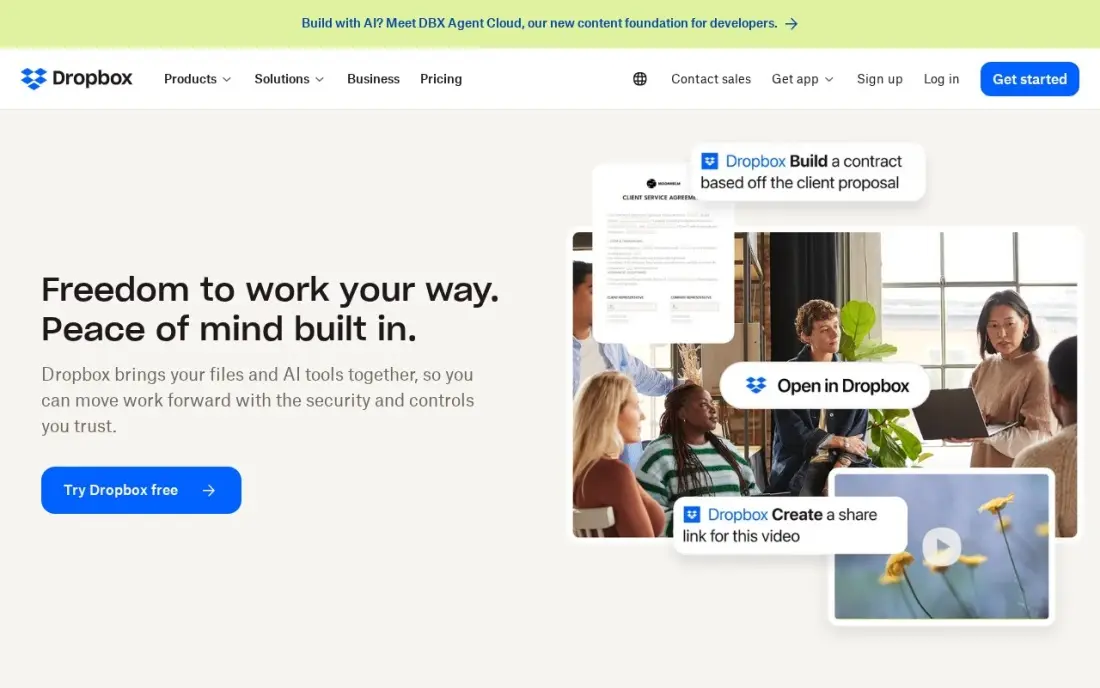
Dropbox is still the benchmark for file sync. Block-level sync uploads only the changed part of a file, so large documents update quickly, and the same folders work on Windows, Mac, Linux, iOS and Android. The Basic plan is free with 2 GB, which is enough to test sharing and sync with a client or two.
2 GB is the smallest free allowance in this list, and there is no paid plan under Plus at $11.99 a month, or $9.99 billed annually, for 2 TB. Version history and file recovery run 30 days on paid plans. Choose Dropbox for a small working set of documents you share constantly, not as a free archive.
What we like
- Block-level sync uploads only the changed part of a file, so large files update fast
- Share and sync the same document folders with clients across every device
- 30-day version history and file recovery on every paid plan
- Works the same on Windows, Mac, Linux, iOS and Android
Watch out for
- No paid plan under $11.99 a month: the free plan is only 2 GB
- 2 TB is the only size for one person — light users pay for room they never touch
- Better for a small working set of shared documents than for a free archive
pCloud
Best for: Individuals who want free cloud storage on every platform, including Linux, with a buy-once upgrade
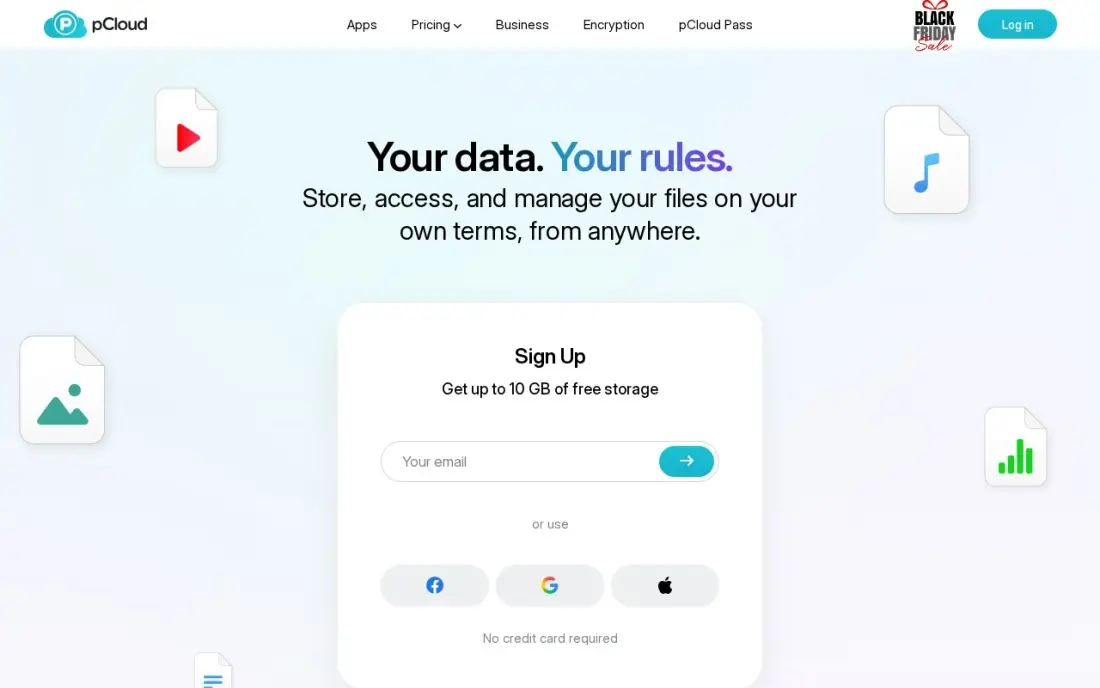
pCloud offers up to 10 GB free, though the account starts at 2 GB and grows to 10 GB only by completing set tasks. Apps cover every system including Linux, and a virtual drive mounts your cloud storage like a local disk, so documents open in any program without being synced in full. Storage is Swiss-based with a choice of US or EU data region.
Its distinctive upgrade is a lifetime plan: 500 GB for $219 once or 2 TB for $499 once, against Premium at $4.99 a month or $49.99 a year. File history and password-protected links come on paid plans, while zero-knowledge encryption is a paid Crypto Folder add-on. It is a storage tool rather than a team document system.
What we like
- Lifetime plans end the bill: 500 GB for $219 once, 2 TB for $499 once
- Apps for every system, including Linux, with a virtual drive that mounts storage locally
- File history, password-protected links and a 14-day refund window on paid plans
- Swiss-based storage with a choice of US or EU data region
Watch out for
- True zero-knowledge encryption is a paid extra: the Crypto Folder costs $49.99 a year
- The free plan starts at 2 GB, growing to 10 GB only by completing tasks
- A storage tool rather than a team document system

ONLYOFFICE DocSpace
Best for: Small teams that want free rooms for co-editing Microsoft Office documents with clients
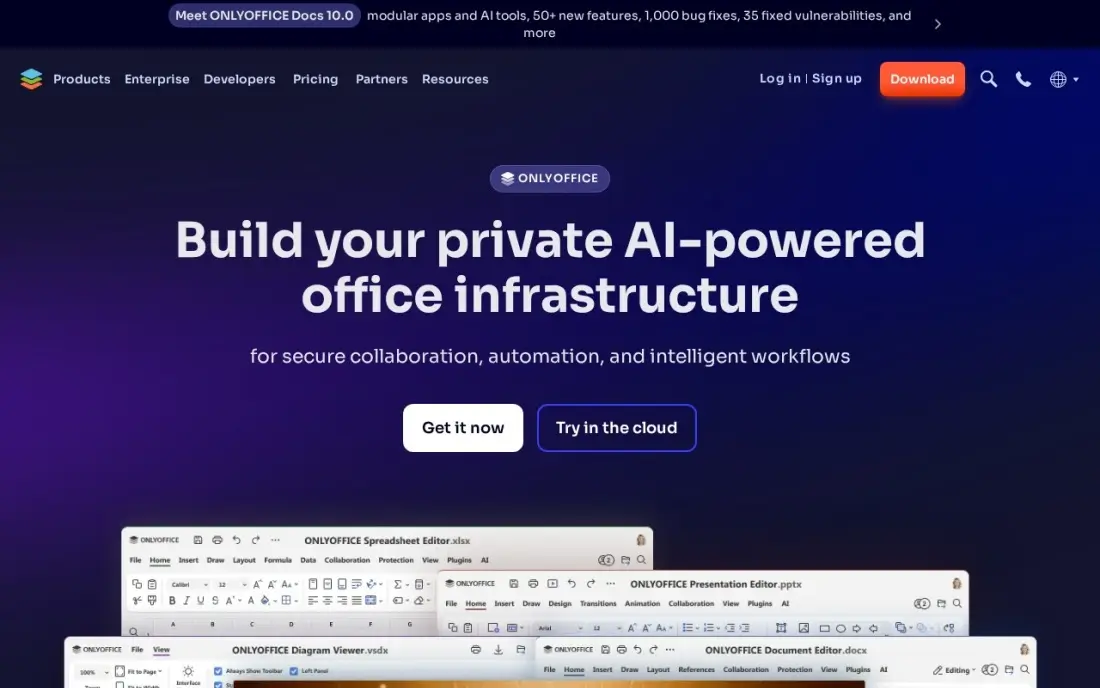
ONLYOFFICE DocSpace organizes documents into rooms, each with its own members and permissions, and edits Word, Excel and PowerPoint files in the browser with strong format compatibility and real-time co-editing. The free Startup plan covers up to 12 rooms and 2 GB, which suits a small team sharing proposals or contracts with outside parties.
On the cloud Business plan at $20 per admin a month, only admins pay, and editors and guests collaborate free. An open-source community edition is available for teams that want to self-host. The G2 rating rests on just 12 reviews, and integrations are fewer than Google's or Microsoft's. Pick it when Office formats and room-based sharing matter.
What we like
- Strong Microsoft format compatibility, with real-time co-editing in rooms you control
- You pay only for admins on Business — editors and guests collaborate free
- Open-source community edition available for teams that want to self-host everything
Watch out for
- Only 12 reviews on G2, so the rating rests on a very small sample
- The $20 Business price is per admin, and the self-hosted Enterprise edition starts at $6,550
- Fewer integrations than Google's or Microsoft's document tools

Nextcloud
Best for: Teams with an IT person who want free, self-hosted file sharing with no per-user licence
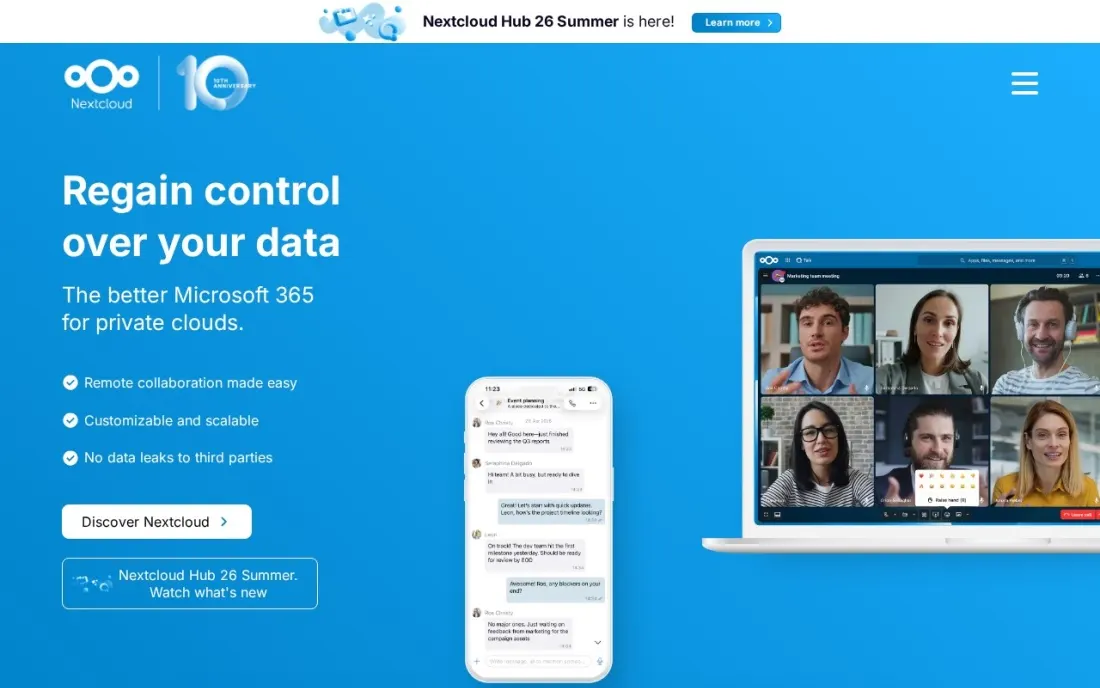
Nextcloud is the free option with no storage cap set by a vendor: it is fully open-source software under the AGPL licence that you install on your own server or hosting, and the desktop, iOS and Android apps are free. Teams get file sync, sharing links and folder permissions on hardware they control, which matters for firms with data-residency rules.
Free here means free of licences, not of work. Someone has to install, update, secure and back up the server. Paid Enterprise Files subscriptions add support, from 71.29 EUR per user a year at 100 users, billed yearly. Nextcloud One, a managed service for organizations under 100 users, publishes no price. Choose it when you have IT skills and want control.
What we like
- Fully open source under the AGPL licence, so there is no per-user fee to self-host
- Branded iOS, Android and desktop apps are free
- Files stay on servers you control, which suits strict data-residency rules
Watch out for
- You run, update and back up the server yourself unless you pay for a managed service
- Enterprise subscriptions with support start at 100 users
- Nextcloud One, the managed service for smaller organizations, does not publish a price

Paperless-ngx
Best for: Home offices and small firms that want to scan paper records into a searchable, self-hosted archive
Paperless-ngx solves a different document problem: paper. It is community-supported open-source software that turns scanned letters, invoices and receipts into a searchable archive, running OCR to add selectable text even to image-only scans. Machine learning assigns tags, correspondents and document types automatically, and full-text search with highlighted matches finds a document in seconds.
It can also pull documents in from email accounts using rules, and all data is stored locally on your own server. There is no hosted version or vendor support, so it suits someone comfortable running software at home or in the office. For an accountant, landlord or small firm drowning in paper, it is the strongest free archive here.
What we like
- OCR adds searchable, selectable text to scanned and image-only files
- Machine learning assigns tags, correspondents and document types automatically
- Imports documents from email accounts with rules, and stores data locally on your server
Watch out for
- Self-hosted only, so you need a server and some technical setup
- Community-supported, with no vendor support contract
- Built for archiving finished documents, not for co-editing them
The best free document management software keeps files organized, findable and shared with the right people without a monthly bill. We compared eight free options, from hosted plans such as Google Drive, Box, OneDrive and Dropbox to open-source tools you host yourself such as Nextcloud and Paperless-ngx, and every free limit and price below comes from the vendor's own page as checked in November 2026.
How to choose the best free document management software
- Check the free storage and the upload limit. Free plans range from 2 GB to 15 GB, and Box caps free uploads at 250 MB per file.
- Count users, not just gigabytes. Box and pCloud's free plans are built for one person; team sharing usually starts on a paid tier.
- Look for version history and recovery. Contracts and policies need older versions you can restore, and limits vary widely by plan.
- Decide between hosted and self-hosted. Nextcloud and Paperless-ngx have no licence fee but need a server and someone to maintain it.
- Test search inside documents. OCR and full-text search turn a folder of scans into an archive you can actually use.
- Price the first upgrade. Free plans fill up; know whether the next step is $1.99, $5 or $11.99 a month before you move every file.
Organized documents also help your website: published PDFs, policies and guides can rank if they are structured well. Our SEO audit service checks how search engines read the documents and pages on your site, and our guide to document management software for law firms covers the paid end of the market.
Free document management software pricing: what you will actually pay
Start at $0. A three-person office could keep each person's documents on free Google accounts (up to 15 GB each), free Box accounts (10 GB each) or Dropbox Basic (2 GB each). The cost appears when you need team ownership. Google Workspace Business Starter costs $7 a user a month billed annually, so three users pay $252 a year, and Box Business Starter, listed at $5 a user a month with a 3-user minimum, comes to $180 a year at that rate.
For a single user, the first paid steps are Microsoft 365 Basic at $19.99 a year for 100 GB, pCloud Premium at $49.99 a year for 500 GB, and Dropbox Plus at $119.88 a year billed annually ($9.99 a month) for 2 TB. Self-hosting changes the maths: Nextcloud and Paperless-ngx cost nothing to license, but you pay for the server or hardware and the hours to keep it updated and backed up. Nextcloud's paid support starts at 100 users, so small teams self-host without it.
Know the difference: cloud storage vs document management
Cloud storage keeps copies of your files online and syncs them between devices. It answers "where is my file" and "can my colleague open it." Dropbox, OneDrive and pCloud are excellent at this, and for many small offices that is enough.
Document management adds control over the documents themselves: version history you can rely on, permissions by folder or room, retention rules, OCR so scanned text can be searched, and workflows for approval. Box, ONLYOFFICE DocSpace and Nextcloud add parts of this on top of storage, and Paperless-ngx is a pure archive built around OCR, tags and search. Decide which job you actually need before choosing.
Quick comparison: tool type by need
| Buyer | Best pick | Why |
|---|---|---|
| Most small teams | Google Drive | Up to 15 GB free with browser editing and sharing |
| Business-style free plan | Box | 10 GB free for one user, deep versioning on paid plans |
| Windows and Office users | Microsoft OneDrive | 5 GB free inside File Explorer |
| Fast file sync | Dropbox | Block-level sync, 2 GB free |
| Buy-once upgrade | pCloud | Up to 10 GB free, lifetime plans from $219 |
| Office co-editing with clients | ONLYOFFICE DocSpace | Free Startup plan with up to 12 rooms |
| Self-hosted team files | Nextcloud | Open source, no per-user licence |
| Scanning paper records | Paperless-ngx | Free OCR archive with auto-tagging |
Mistakes to avoid
- Storing business records in personal accounts. When an employee leaves, files in their personal free account leave with them; use shared or team-owned folders.
- Assuming free means backed up. Sync copies deletions too. Keep a separate backup of anything you cannot recreate.
- Self-hosting without a maintenance plan. An unpatched Nextcloud or Paperless-ngx server is a security risk; schedule updates and test restores.
- Ignoring upload and version limits. A 250 MB cap or short version history can break a workflow you only notice in a crisis.
- Skipping a folder structure. No tool fixes "Final_v3_REAL.pdf"; agree naming and folder rules before you migrate.
Related comparisons: Document Management Software for Law Firms · Document Management Software for Small Law Firm
How we chose
We checked each vendor's own pricing or documentation page in November 2026 and recorded free limits and the first paid price exactly as shown, including billing period where the page states it. Box's page did not label whether its displayed business prices are monthly or annual, so we quote them as listed. We ranked tools by fit for the most common buyer, a small office or freelancer that wants organized, shareable documents without paying yet. Ratings come from G2 pages checked on the dates shown in the sources; tools without a verified rating show none. No vendor paid for a place in this list, and none of the links here are affiliate links.
What to do next
Pick one free tool, create a shared folder structure for your five most common document types, and move one month of live documents into it. If searching and sharing feel faster after two weeks, migrate the rest. If you also want the documents and pages on your website to rank, book a free SEO review.
Frequently asked questions
What is the best free document management software?
For most small teams, Google Drive: every Google Account includes up to 15 GB, with browser editing and permission-based sharing. Box has a 10 GB single-user free plan, and Nextcloud and Paperless-ngx are free open-source options you host yourself.
Is there completely free document management software for businesses?
Yes, if you host it yourself. Nextcloud is open source under the AGPL licence with free apps, and Paperless-ngx is free, community-supported software for scanning and OCR-indexing documents. You pay for the server and the time to run it, not for licences.
Which free document management software has the most storage?
Among hosted plans, Google Drive includes up to 15 GB with a Google Account, Box 10 GB, pCloud up to 10 GB after completing tasks, OneDrive 5 GB, Dropbox 2 GB and ONLYOFFICE DocSpace 2 GB. Self-hosted Nextcloud and Paperless-ngx are limited only by your own server.
Does free document management software include version history?
Sometimes. Box keeps from 25 versions per file on Business Starter to unlimited on top plans, and Dropbox includes 30-day version history on paid plans. Check version limits on the free tier before relying on it for contracts or records.
What is the difference between cloud storage and document management software?
Cloud storage keeps and syncs files. Document management adds structure: version control, permissions, retention, search inside documents, OCR and workflows. Box, Nextcloud and Paperless-ngx lean toward document management; Dropbox, OneDrive and pCloud lean toward storage.
Can free document management software OCR scanned documents?
Paperless-ngx runs OCR on scanned files and adds searchable, selectable text even to image-only scans, at no cost if you host it yourself. Most hosted free plans store scanned PDFs but are built around files rather than OCR archives.
Is there free document management software that runs on my own server instead of the cloud?
Yes. Nextcloud and Paperless-ngx are free, open-source tools you install on your own server or hosting, so documents stay on hardware you control. Nextcloud gives file sync, sharing links and folder permissions with free desktop and mobile apps. Paperless-ngx turns scanned paper into a searchable archive with OCR and stores all data locally. Both need someone to run the server.
Sources we checked (10)
- Google Drive — one.google.com/about/plans (checked November 16, 2026)
- Box — www.box.com/pricing (checked November 16, 2026)
- Microsoft OneDrive — www.microsoft.com/en-us/microsoft-365 (checked November 5, 2026)
- Dropbox — www.dropbox.com/buy (checked November 5, 2026)
- Dropbox reviews on G2 (checked November 5, 2026)
- pCloud — www.pcloud.com/pricing (checked November 5, 2026)
- ONLYOFFICE DocSpace — www.onlyoffice.com/docspace.aspx (checked November 10, 2026)
- ONLYOFFICE DocSpace reviews on G2 (checked November 10, 2026)
- Nextcloud — nextcloud.com/pricing (checked November 16, 2026)
- Paperless-ngx — docs.paperless-ngx.com (checked November 16, 2026)
Make one of these tools?
We re-check this list every quarter. Send a correction, request a review, or ask about a clearly labeled sponsored spot.
Request a listingShamim
Founder of SerpAstra
A full-stack digital marketer and SEO strategist covering technical and local SEO, AI search visibility, paid ads and lead generation for local businesses, e-commerce brands and SaaS teams.
Free SEO and AI visibility audit
Find out what is holding your rankings back
Send us your site. Within 2 business days you get a written audit, an AI visibility check and a short fix list ranked by impact. Free, with no contract attached.
Request my free audit→Related buying guides
 Legal8 Best Document Management Software for Law Firms in 2026, ComparedCompare the 8 best document management software for law firms on price, security and matter filing, with every price checked November 7, 2026.Read guide →
 PC Utilities, Backup & Recovery11 Best Online Data Backup Services in 2026Compare the 11 best online data backup services on price, storage caps, device limits and encryption, with every price checked November 5, 2026.Read guide →
 Productivity & Office9 Best AI Workspace Tools for Documents in 2026, ComparedThe 9 best ai workspace tool for documents, compared with real 2026 prices, free plans and AI limits — from Notion and Google Workspace to Coda and ClickUp.Read guide →