
8 Best Free eSignature Software in 2026, Compared
Compare the 8 best free esignature software plans on monthly document limits, templates, users and upgrade cost, with every free plan checked on vendor pages.
 Shamim Mia, Founder, SerpAstraLast verified November 12, 20269 min read
We compare pricing pages, documentation and public reviews. We never accept payment for rankings.

Key takeaways
- BoldSign has the largest free allowance here at 25 envelopes a month for business sign-ups, and DocuSeal's self-hosted open-source edition costs nothing at any volume.
- PandaDoc's free plan covers 5 documents a month with unlimited seats, the best free option for a whole small team.
- Dropbox Sign, SignWell and Signeasy allow only 3 documents on their free plans, enough to test but not to run a business.
- The cheapest paid step-ups are SignWell Light and Zoho Sign Standard at $10 a month billed annually.
On this page
Quick comparison
| Tool | Best for | Starting price | Free plan |
|---|---|---|---|
| BoldSign | Small businesses that want the biggest free monthly allowance on a hosted plan | Free; paid per user | Yes (25 envelopes/mo) |
| DocuSeal | Technical teams that want unlimited free signing by self-hosting open-source software | Free; Pro $20/user/mo | Yes (open source) |
| PandaDoc | Small sales teams that want free proposals and signatures for everyone on the team | Free; $19/seat/mo | Yes (5 docs/mo) |
| Zoho Sign | Small businesses on Zoho that want free signing and the cheapest per-user upgrade | $12/user/mo | Yes (5 docs/mo) |
| Jotform Sign | Businesses that collect signatures on forms, waivers and intake paperwork for free | $39/mo | Yes (free plan) |
| Dropbox Sign | Dropbox users who want a simple free test before paying for unlimited requests | $20/mo | Yes (3 requests/mo) |
| SignWell | Solo senders who want a well-rated free plan with free API documents | $12/mo | Yes (3 docs/mo) |
| Signeasy | Owners who sign on a phone and need only a few documents | $15/mo | Yes (free plan) |
Make one of these tools?
We re-check this list every quarter. Send a correction, request a review, or ask about a clearly labeled sponsored spot.
Request a listingThe best free esignature software

BoldSign
Best for: Small businesses that want the biggest free monthly allowance on a hosted plan
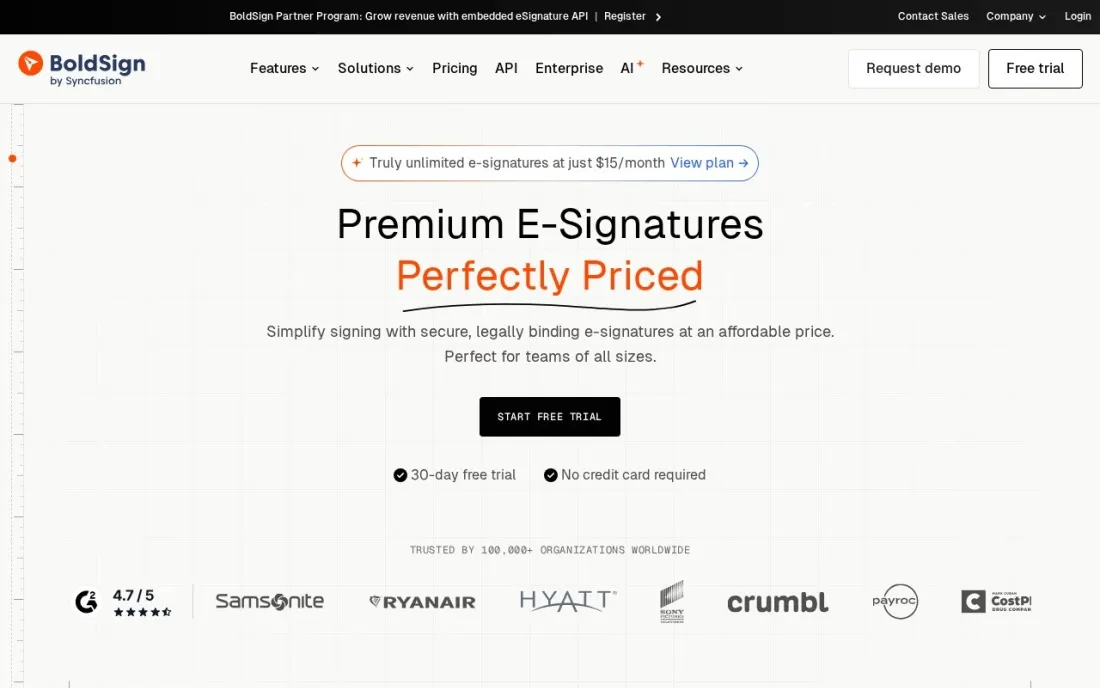
BoldSign has the most generous hosted free plan in this list. The Essential plan sends 25 envelopes a month with two templates, which covers a freelancer or small office sending a few contracts a week. The catch is verification: sign up with a personal email address and the cap is five envelopes a month until you add business details.
The free plan is for one person, with no additional users, and only two templates. Paid plans are priced per user, but the pricing page shows two sets of figures without labelling which is yearly and which is monthly, so check the exact price at checkout. There is also a free API sandbox for testing.
What we like
- 25 envelopes a month on the free Essential plan, the largest hosted free allowance in this list
- Free API sandbox for testing integrations, with watermarked documents
- 30-day trial of paid features
Watch out for
- Personal email sign-ups are capped at 5 envelopes a month until business details are verified
- The free plan has 2 templates and no additional users
- Paid plan prices are shown in two sets on the pricing page, so confirm the billing period at checkout

DocuSeal
Best for: Technical teams that want unlimited free signing by self-hosting open-source software
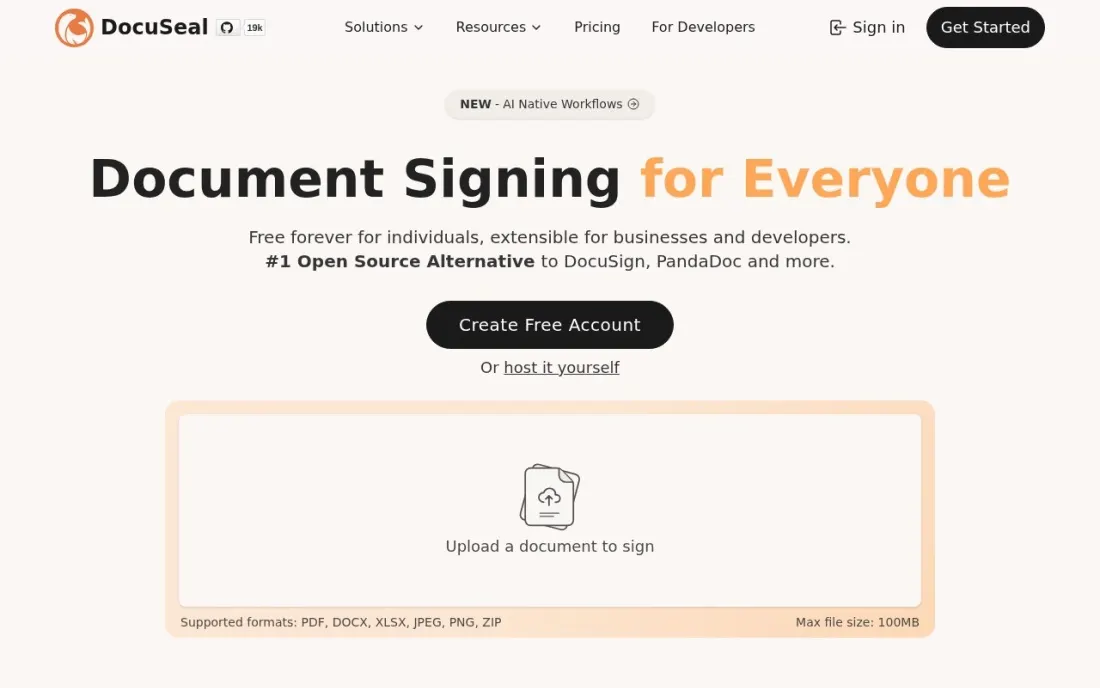
DocuSeal is the only option here that can be free at any volume. Its open-source edition runs on your own server with your own email service, so the vendor sets no document limit. For a business with someone comfortable running a small web app, that removes the per-envelope bill entirely, though support is only through GitHub.
For everyone else, the cloud Basic plan costs $0 with legally binding signatures, indefinite document retention and ten request emails a month. Pro costs $20 a user a month and adds unlimited requests, reminders, the API at $0.20 per document, webhooks and SSO. Basic also charges a 4% fee on collected payments.
What we like
- The open-source edition is free to self-host, with no document cap set by the vendor
- Cloud Basic is $0 with legally binding signatures and indefinite document retention
- Pay-as-you-go API at $0.20 per document on Pro, with a free unlimited sandbox
Watch out for
- Self-hosting means running your own server and email (SMTP), with support only through GitHub
- Cloud Basic sends only 10 request emails a month
- Automated reminders, SSO and the API need Pro at $20 a user a month

PandaDoc
Best for: Small sales teams that want free proposals and signatures for everyone on the team
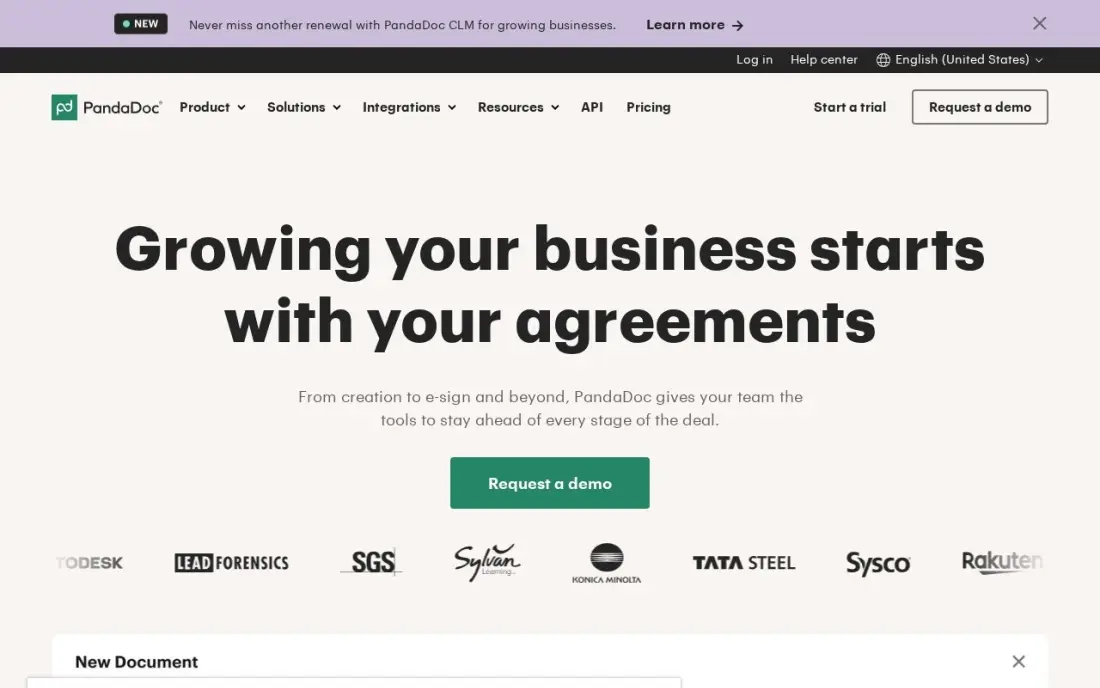
PandaDoc's free plan stands out because it covers a whole team: five documents a month with unlimited seats, so everyone who sends the odd quote or contract can do it from one account. You build the document inside PandaDoc, with pricing tables, then collect the signature in the same file rather than uploading a finished PDF.
Five documents a month is the limit for the whole account, not per person. Starter costs $19 a seat a month billed annually, or $35 monthly, with unlimited documents, but only five templates; unlimited templates need Business at $49 a seat billed annually. Choose it when proposals, not just signatures, are the job.
What we like
- Builds the document and collects the signature in one place, with pricing tables and payments
- Free plan covers a whole team: 5 documents a month with unlimited seats
- Unlimited documents and e-signatures on every paid plan, with document analytics
Watch out for
- Only 5 templates on Starter; unlimited templates need Business at $49/seat/month billed annually
- Bulk send, web forms and API calls can require usage credits the pricing page does not price
- Custom branding and CRM integrations wait for Business, not Starter

Zoho Sign
Best for: Small businesses on Zoho that want free signing and the cheapest per-user upgrade
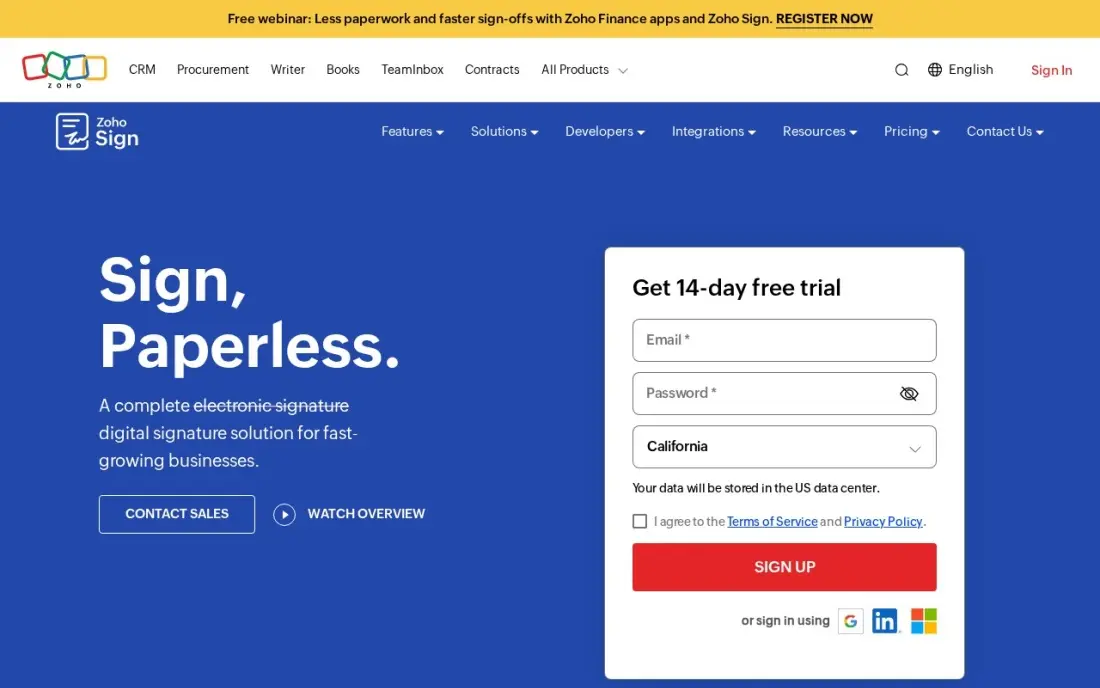
Zoho Sign's free plan gives one user five envelopes a month, which is enough for occasional contracts and connects naturally to Zoho CRM, Books and the rest of the suite. It also offers a pay-as-you-go API at $0.50 per envelope, useful if you only need to embed signing in a small app.
The upgrade is cheap. Standard costs $10 a user a month billed annually, or $12 monthly, for 25 envelopes per user a month. Some extras, such as SMS authentication and bulk sends, use prepaid credits at $0.10 each. It has the smallest review base here, and the interface assumes Zoho familiarity.
What we like
- Lowest per-user entry price here: $10/user/month billed annually for 25 envelopes a month
- Free plan with 5 envelopes a month, and a pay-as-you-go API at $0.50 per envelope
- Unlimited envelopes from Professional ($16/user/month billed annually), with branding and templates
Watch out for
- Standard caps sending at 25 envelopes per user a month
- SMS authentication, bulk sends and some integrations consume prepaid credits ($0.10 each)
- Weakest review base here — 64 G2 reviews — and the interface assumes Zoho familiarity

Jotform Sign
Best for: Businesses that collect signatures on forms, waivers and intake paperwork for free
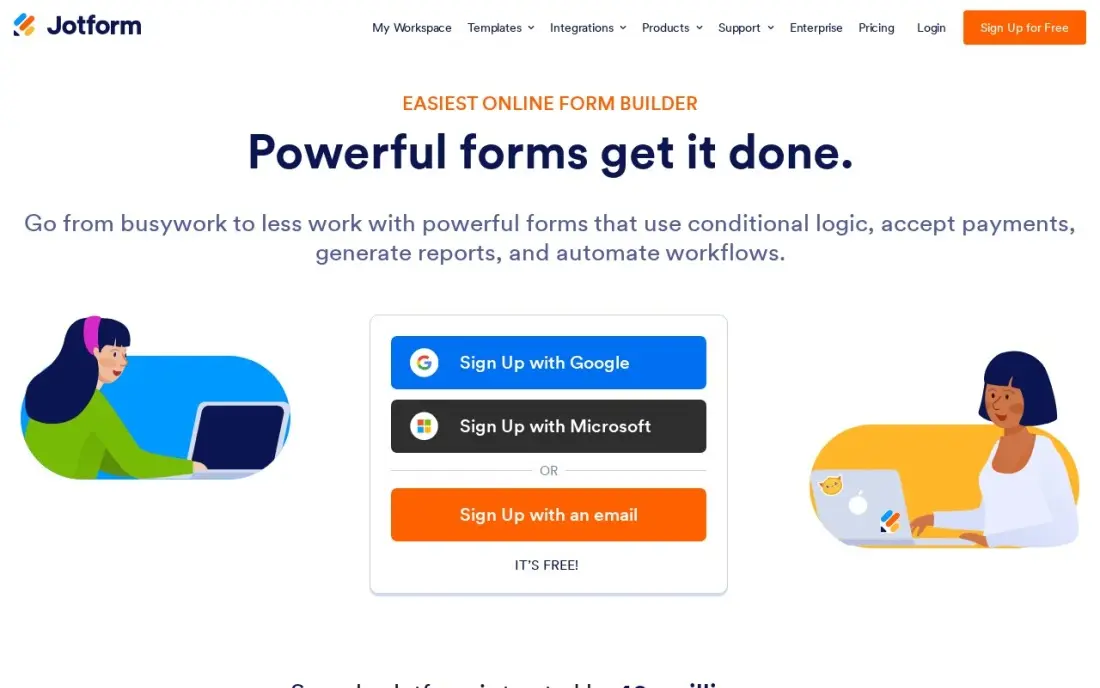
Jotform Sign is the best free choice when signing starts with a form. The free Starter plan covers ten signed documents a month and five forms, which suits a gym waiver, a client intake form or an onboarding packet where the signer also fills in details. Conditional logic and approvals come with the form builder.
The limits are users and price. Every plan below Enterprise allows one user logged in at a time, and Bronze costs $34 a month billed annually, or $39 monthly, which is high if you only need signatures. HIPAA features need Gold at $99 a month billed annually.
What we like
- Free Starter plan covers 10 signed documents a month with 5 forms
- Flat per-account pricing, not per seat — the whole team shares one subscription
- Payments, conditional logic and approvals come with the form builder, not as add-ons
- Rated 4.7/5 on G2 across 1,851 reviews for the Sign product
Watch out for
- You buy a form builder to get signing — teams that only need signatures pay for features they will not use
- Every plan below Enterprise allows only one user logged in at a time
- HIPAA features and a signed BAA need Gold at $99/month billed annually, not Bronze

Dropbox Sign
Best for: Dropbox users who want a simple free test before paying for unlimited requests
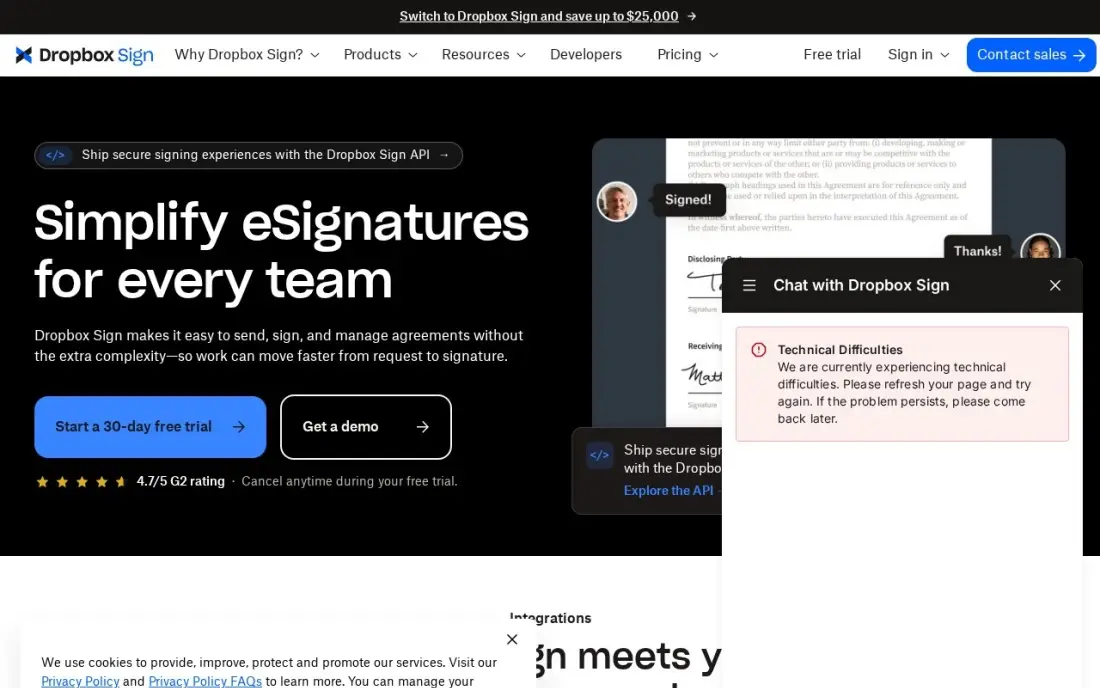
Dropbox Sign is the simplest tool to use here: upload a document, place the fields and send it, and the signer needs no account. The free plan allows three signature requests a month plus unlimited self-signing, so you can sign your own paperwork without limit and test the sending flow on real contracts.
Three requests a month is a trial, not a working plan. Essentials costs $15 a month billed annually, or $20 monthly, for one user with unlimited signature requests and no envelope counting. A second sender means Standard at $25 a user a month billed annually, and first-year promotional prices rise on renewal.
What we like
- Unlimited signature requests on every paid plan — no envelope counting
- Free plan with 3 requests a month plus unlimited self-signing
- Signers need no account and pay nothing; tight fit with Dropbox storage
Watch out for
- Essentials is single-user only; a second sender means Standard at $25/user/month billed annually
- No custom branding, bulk send or in-person signing on Essentials
- First-year promotional prices ($10.05/month) rise to the regular rate on renewal

SignWell
Best for: Solo senders who want a well-rated free plan with free API documents
SignWell has the highest G2 score in this list and a free plan that covers three documents a month with one template. It is also the only tool here that includes API access on the free plan, with 25 free API documents a month, which helps a developer test signing inside a small app.
There is no trial of the paid plans, so the free plan is the only way to test. Light costs $10 a month billed annually, or $12 monthly, for one sender with unlimited documents, and the bill grows only with senders, never with volume. Branding and in-person signing need Business at $30 a month billed annually.
What we like
- Highest G2 score in this list: 4.8/5 from 572 reviews
- Unlimited documents on the first paid plan — volume never raises the bill
- API access included on every plan, including free, with 25 free API documents a month
Watch out for
- No free trial of the paid plans — the free plan is the only way to test before paying
- Free plan stops at 3 documents a month and 1 template
- Custom branding, data validation and in-person signing need Business ($30/month billed annually)

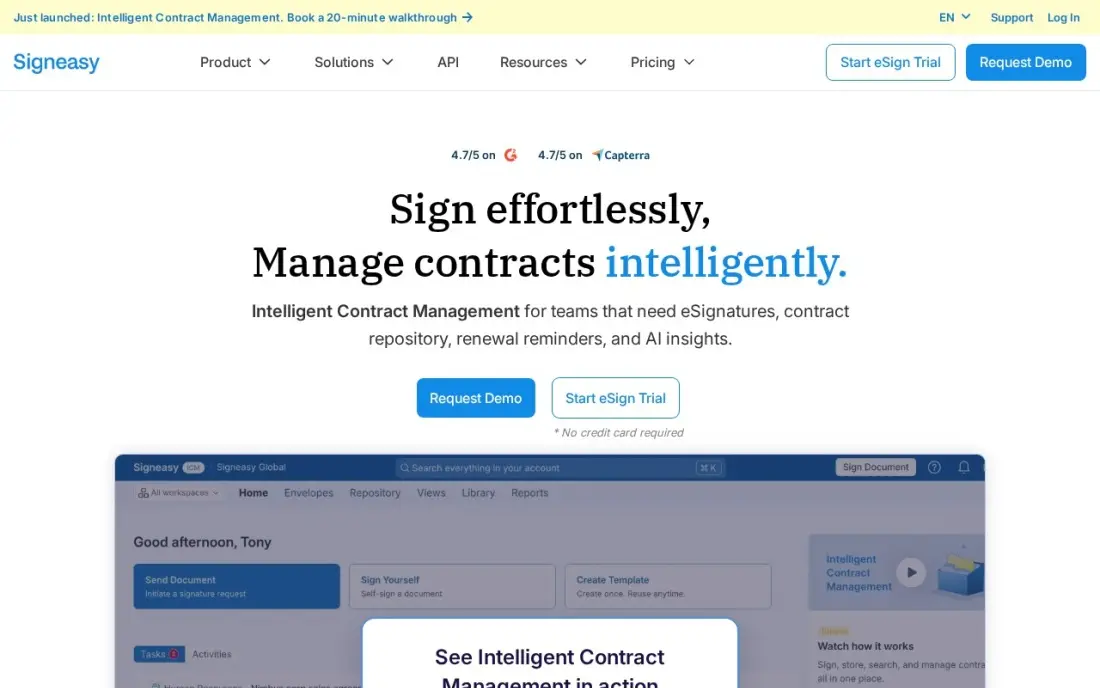
Signeasy is the easiest free option on a phone, with in-person signing on mobile and support for more than 25 file formats. The free plan covers three documents, which suits an owner who signs the occasional lease, supplier agreement or client contract away from a desk.
The paid step is small too. Personal costs $10 a month billed annually, or $15 monthly, but it allows only five signature requests a month. Business at $20 a user a month billed annually removes the cap and adds shared templates. It has fewer integrations than larger signing tools, so niche apps may need Zapier.
What we like
- Free plan covers 3 documents, and Personal adds 5 signature requests a month from $10/month billed annually
- Rated 4.7/5 on G2 across 794 reviews, with ease of use the most praised quality
- Business removes the sending cap entirely at $20/user/month billed annually
- Works in 25+ file formats with in-person signing on mobile
Watch out for
- Personal allows only 5 signature requests a month — a busy week can use the whole allowance
- Team features, shared templates and AI summaries need Business at $20/user/month billed annually
- Fewer integrations than DocuSign or PandaDoc, so niche tools may need Zapier
The best free esignature software lets you send a contract, collect a legally binding signature and keep an audit trail without paying a monthly fee. The differences are in the limits: how many documents a month, how many templates and how many people can send. We compared eight free plans, including one open-source tool you can host yourself, and checked every limit and upgrade price on the vendor's own pricing page in November 2026.
How to choose the best free esignature software
- Count your documents per month. Free plans range from 3 to 25 sends a month, so match the cap to a busy month, not an average one.
- Check who can send. Some free plans cover one user, while PandaDoc's covers unlimited seats on a shared allowance.
- Look at templates. If you send the same contract every week, a free plan with one or two templates saves real time; check the template limit.
- Decide whether you can self-host. DocuSeal's open-source edition removes the cap, but someone has to run the server and email setup.
- Confirm the audit trail. A signature certificate with timestamps and signer details is what makes the signature hold up, and every tool here provides one.
- Price the first upgrade. A free plan you outgrow in two months is only as cheap as its next tier, so compare upgrade prices too.
Getting paperwork signed faster helps close deals; getting found helps start them. If your business relies on local customers, our local SEO service helps you show up in Google Maps, and our guide to the best e-signature software for small business covers paid plans in more depth.
Free esignature software pricing: what you will actually pay
At zero cost, the monthly allowances differ by a factor of eight. BoldSign's Essential plan sends 25 envelopes a month for a verified business account, Jotform Sign 10 signed documents, PandaDoc and Zoho Sign 5, and Dropbox Sign, SignWell and Signeasy 3. DocuSeal's cloud Basic plan sends 10 request emails, and the self-hosted edition is limited only by your own server.
If you outgrow the free tier, here is what one sender pays on annual billing. SignWell Light and Zoho Sign Standard cost $10 a month, or $120 a year, and Signeasy Personal costs $10 a month but caps you at five requests. Dropbox Sign Essentials costs $15 a month, or $180 a year, with unlimited requests. PandaDoc Starter costs $19 a seat a month and DocuSeal Pro $20 a user a month. Jotform Bronze costs $34 a month, or $408 a year, and makes sense only if you also need forms. Monthly billing raises most of these: Dropbox Sign Essentials goes to $20 and PandaDoc Starter to $35.
Know the difference: hosted free plans vs open-source self-hosting
A hosted free plan, such as BoldSign, PandaDoc or Dropbox Sign, runs on the vendor's servers. You sign up, upload a document and send it within minutes, and the vendor handles security, storage and email delivery. In return, the vendor limits how many documents you can send each month so that growing businesses move to a paid plan.
Open-source self-hosting, offered here by DocuSeal, flips that trade. The software is free and has no vendor-imposed cap, but you install it on your own server, connect your own email service and keep it updated. For a business with technical staff and steady volume, it can be the cheapest option by far; for a busy owner with no IT help, a hosted free plan is safer.
Quick comparison: tool type by need
| Buyer | Best pick | Why |
|---|---|---|
| Most free envelopes | BoldSign | 25 envelopes a month on the free Essential plan |
| Technical teams | DocuSeal | Free open-source edition with no vendor cap |
| Small sales teams | PandaDoc | 5 documents a month with unlimited seats |
| Zoho users | Zoho Sign | 5 envelopes free, Standard $10/user/month yearly |
| Forms and waivers | Jotform Sign | 10 signed documents a month inside a form builder |
| Dropbox users | Dropbox Sign | 3 requests a month plus unlimited self-signing |
| Developers testing an API | SignWell | 3 documents and 25 API documents a month free |
| Signing on a phone | Signeasy | 3 free documents with strong mobile apps |
Mistakes to avoid
- Running the business on a three-document plan. A free plan that runs out in the second week pushes you into rushed decisions; size it for your busiest month.
- Using a personal email to sign up. BoldSign caps personal email accounts at five envelopes until business details are verified, so use a business address.
- Forgetting to download signed copies. Keep signed PDFs and audit certificates in your own storage in case you leave the tool or the free plan changes.
- Assuming every document can be signed electronically. Wills, some property deeds and certain court filings may need wet or qualified signatures; check local rules.
- Self-hosting without a backup plan. If you run DocuSeal yourself, back up the database and documents, because no vendor will recover them for you.
Related comparisons: Travel Management Apps · Office Management Software · Software for Consultants · Translation Software
How we chose
We checked each vendor's own pricing page in November 2026 and recorded free plan limits and upgrade prices exactly as shown, with annual and monthly billing stated where both are listed. We ranked the tools by how much real signing the free plan allows, then by the cost and fit of the first paid step. Ratings come from G2 pages checked on the dates shown in the sources; tools we did not check on G2 show no rating. No vendor paid for a place in this list, and none of the links here are affiliate links.
What to do next
Count the contracts you sent last month, pick the free plan whose cap covers that number with room to spare, and send your next real contract through it. If you want more clients to reach the signing stage, book a free SEO consultation.
Frequently asked questions
What is the best free esignature software?
BoldSign has the largest hosted free plan, at 25 envelopes a month for verified business sign-ups. DocuSeal's open-source edition is free at any volume if you self-host, and PandaDoc's free plan is best for teams, with five documents a month and unlimited seats.
Are free electronic signatures legally binding?
In most countries, including the US under the ESIGN Act and the EU under eIDAS, a standard electronic signature is legally binding whether the tool is free or paid, as long as it records intent and keeps an audit trail. Some documents, such as wills or certain property deeds, may still need wet signatures or qualified signatures.
How many documents can I sign for free?
On current free plans, BoldSign allows 25 envelopes a month, Jotform Sign 10 signed documents, PandaDoc and Zoho Sign 5, and Dropbox Sign, SignWell and Signeasy 3. DocuSeal's cloud Basic plan sends 10 request emails a month, and its self-hosted edition has no vendor limit.
Is there a completely free esignature tool with no limits?
DocuSeal's open-source edition is the closest, because you host it yourself and the vendor sets no document cap. You pay instead in server costs and setup time, and support is through GitHub only.
What does a paid esignature plan add over a free one?
Usually unlimited or higher sending limits, more templates, reminders, custom branding, bulk send, more users and integrations. The cheapest paid steps here are SignWell Light and Zoho Sign Standard at $10 a month billed annually.
Can I self-sign documents for free?
Yes. Dropbox Sign's free plan includes unlimited self-signing, and Signeasy's Personal plan includes it too. Most tools here let you sign your own documents without using the monthly sending allowance.
Sources we checked (14)
- BoldSign — boldsign.com/pricing (checked November 16, 2026)
- DocuSeal — www.docuseal.com/pricing (checked November 16, 2026)
- PandaDoc — www.pandadoc.com/blog/pandadoc-pricing-value (checked November 12, 2026)
- PandaDoc reviews on G2 (checked November 12, 2026)
- Zoho Sign — www.zoho.com/sign (checked November 12, 2026)
- Zoho Sign reviews on G2 (checked November 12, 2026)
- Jotform Sign — www.jotform.com (checked November 12, 2026)
- Jotform Sign reviews on G2 (checked November 12, 2026)
- Dropbox Sign — sign.dropbox.com/products/dropbox-sign/pricing (checked November 12, 2026)
- Dropbox Sign reviews on G2 (checked November 12, 2026)
- SignWell — www.signwell.com (checked November 12, 2026)
- SignWell reviews on G2 (checked November 12, 2026)
- Signeasy — signeasy.com/pricing (checked November 12, 2026)
- Signeasy reviews on G2 (checked November 12, 2026)
Make one of these tools?
We re-check this list every quarter. Send a correction, request a review, or ask about a clearly labeled sponsored spot.
Request a listingShamim
Founder of SerpAstra
A full-stack digital marketer and SEO strategist covering technical and local SEO, AI search visibility, paid ads and lead generation for local businesses, e-commerce brands and SaaS teams.
Free SEO and AI visibility audit
Find out what is holding your rankings back
Send us your site. Within 2 business days you get a written audit, an AI visibility check and a short fix list ranked by impact. Free, with no contract attached.
Request my free audit→Related buying guides
 Productivity & Office8 Best Digital Signature Software in 2026, ComparedCompare the 8 best digital signature software options on price, free plans and envelope limits, with every price checked on November 12, 2026.Read guide →
 Productivity & Office11 Best E-Signature Software for Small Business in 2026, ComparedThe 11 best e-signature software for small business options compared on price, free plans and sending limits, with every price checked November 12, 2026.Read guide →
 Productivity & Office8 Best Free Document Management Software in 2026, ComparedCompare the 8 best free document management software on free storage, version history, OCR, sharing and self-hosting, with limits checked on vendor pages.Read guide →