
7 Best Free Team Chat Apps in 2026, Compared
Compare the 7 best free team chat apps on message history, user limits, calls and privacy, plus what the first paid plan costs, with every price checked.
 Shamim Mia, Founder, SerpAstraLast verified November 10, 202610 min read
We compare pricing pages, documentation and public reviews. We never accept payment for rankings.

Key takeaways
- Microsoft Teams has the most generous free plan for office teams: unlimited chat plus group meetings up to 60 minutes.
- Slack's free plan is the best-known, but it keeps only 90 days of message history, so older decisions disappear unless you pay $7.25 a user a month billed annually.
- Connecteam is the pick for frontline and field crews: free for up to 10 users, and staff join with a phone number, not a company email.
- Consumer apps such as WhatsApp and Telegram are free and familiar, but they mix work with personal life and give the business little control when someone leaves.
On this page
Quick comparison
| Tool | Best for | Starting price | Free plan |
|---|---|---|---|
| Microsoft Teams | Office teams that want free chat and short video meetings in one app | Free; $4/mo annual | Yes (free plan) |
| Slack | Teams that live in channels and want the largest library of app integrations | Free; $7.25/mo annual | Yes (free plan) |
| Connecteam | Frontline, retail and field crews who work from phones, not desks | Free up to 10 users | Yes (free plan) |
| ClickUp | Small teams that want chat beside their tasks and docs instead of in a separate app | Free; $9/mo annual | Yes (free plan) |
| Discord | Volunteer groups, gaming teams and open-source projects that want free voice channels | Free | Yes (free) |
| Telegram | Large or international teams that want big groups, bots and fast sync across devices | Free | Yes (free) |
| Very small teams and family businesses whose staff are already on WhatsApp | Free | Yes (free) |
Make one of these tools?
We re-check this list every quarter. Send a correction, request a review, or ask about a clearly labeled sponsored spot.
Request a listingThe best free team chat apps

Microsoft Teams
Best for: Office teams that want free chat and short video meetings in one app
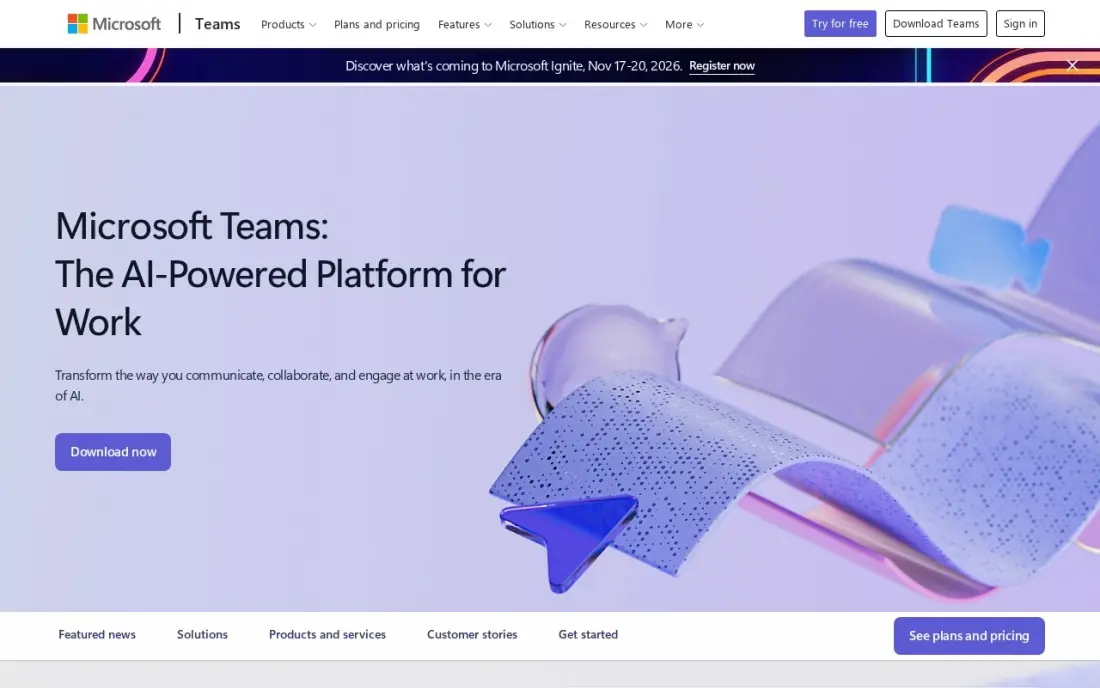
Microsoft Teams has the most generous free plan for an office team: unlimited chat and group meetings up to 60 minutes, so a small business can run channels, direct messages and quick calls without paying. It is the natural choice for anyone who already uses Outlook or Office.
The step up is cheap. Teams Essentials costs $4 a user a month billed annually and stretches meetings to 30 hours for 300 people with recordings and transcripts. The interface packs chat, files, apps and meetings into one window, so new users take time to find their way.
What we like
- The cheapest paid start in this list at $4 a user a month on annual billing
- Comes with Microsoft 365 Business Basic at $7 a user a month, adding business email, 1 TB of storage and web Office apps
- Group meetings run up to 30 hours for 300 people on Essentials, with recordings and transcripts
- The free plan covers unlimited chat and 60-minute group meetings, so a team can try it for real before paying
Watch out for
- Teams Essentials has no business email — that needs the $7 Business Basic bundle
- Copilot AI is a paid add-on, not included in Essentials or Business Basic
- The interface packs chat, files, apps and meetings into one window, and new users take time to find things

Slack
Best for: Teams that live in channels and want the largest library of app integrations
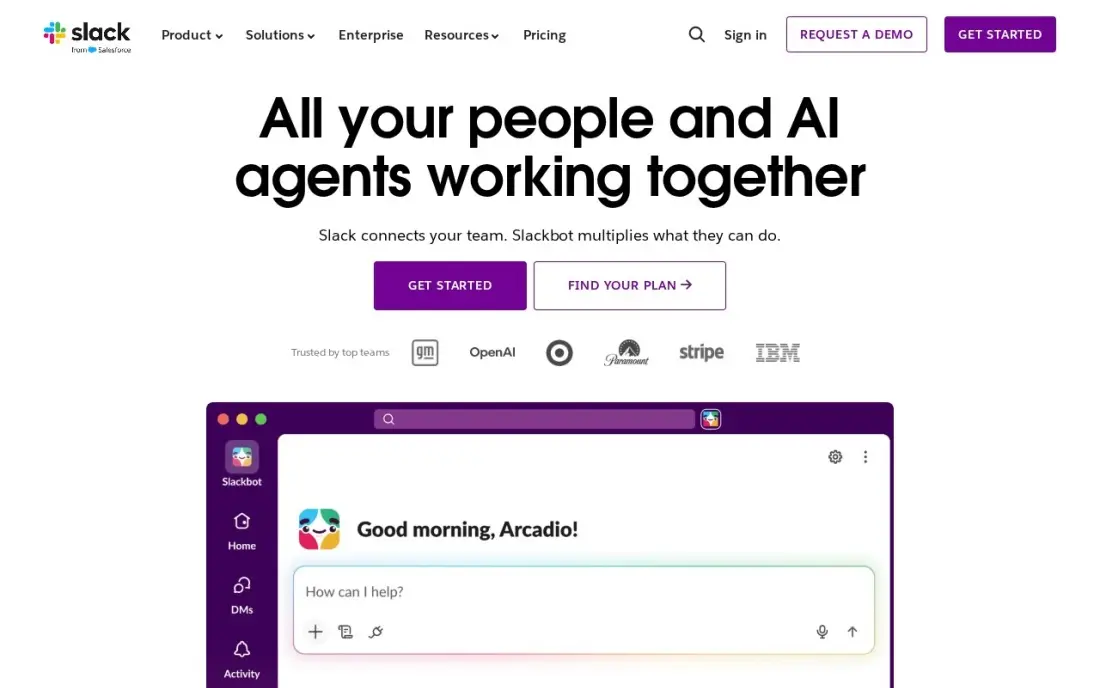
Slack is the team chat app most people have used. Channels replace long email threads, conversations are searchable by topic, and more than 2,600 apps in the Slack Marketplace, including Google Drive, Jira and Zoom, can post into channels. G2 reviewers rate it 4.5 from more than 39,000 reviews.
The free plan keeps only 90 days of message history, so decisions older than three months vanish. Pro costs $7.25 a user a month billed annually, or $8.75 monthly, and adds unlimited history, unlimited apps and group huddles; fair billing charges only for members active in the last 28 days.
What we like
- Channels replace long email threads and keep every conversation findable by topic
- Pro adds unlimited message history, unlimited apps and group huddles
- Fair billing means the business pays only for members active in the last 28 days
- More than 2,600 apps in the Slack Marketplace, including Google Drive, Jira and Zoom
Watch out for
- Slack is chat, not task management: deadlines and ownership still need another tool
- The free plan keeps only 90 days of message history, so old decisions disappear
- Per-user billing rises with every hire, and inactive users still count unless deactivated

Connecteam
Best for: Frontline, retail and field crews who work from phones, not desks
Connecteam is built for teams that never sit at a computer. Its free Small Business plan covers up to 10 users with access to all three hubs, combining team chat with scheduling, a GPS time clock, forms and basic HR tools in one mobile app. Staff join with a phone number, so nobody needs a company email address. G2 reviewers rate it 4.6 from 3,505 reviews.
Paid pricing is per hub, not per seat: Basic costs $29 a month billed annually, or $35 monthly, for the first 30 users. Each hub is priced separately, and the price jumps a full tier at 31 users, so plan for growth.
What we like
- A genuinely free Small Business plan: up to 10 users with access to all three hubs
- Flat pricing per hub, not per seat — Basic covers the first 30 users for $29 a month billed annually
- Scheduling, GPS time clock, forms, team chat and basic HR tools in one mobile-first app
- No corporate email needed: deskless staff join with a phone number
Watch out for
- Each hub is priced separately, so a business wanting Operations, Communications and HR pays three times
- The price jumps a full tier at 31 users — Basic $29 to Advanced $49 — with no per-user overage option
- No built-in payroll; paying staff needs a separate provider through integrations

ClickUp
Best for: Small teams that want chat beside their tasks and docs instead of in a separate app
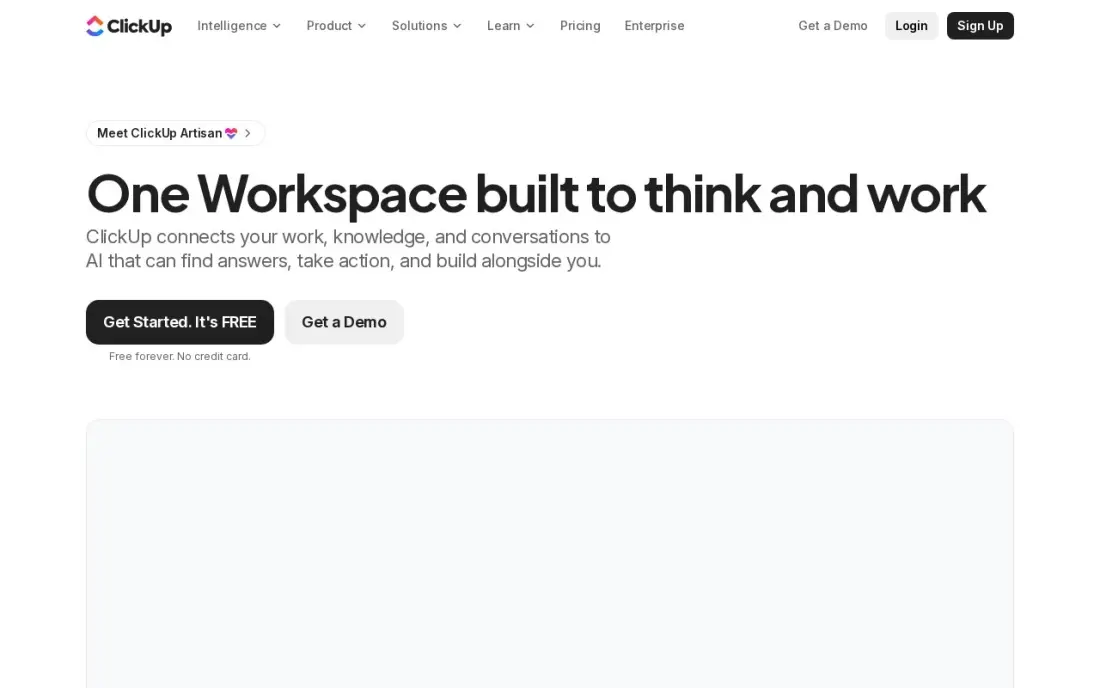
ClickUp puts chat in the same workspace as tasks, docs, whiteboards and goals, so a conversation about a job sits next to the job itself. The Free Forever plan covers unlimited members with 100 MB of storage, which makes it one of the few free options where a whole team can join at no cost. G2 reviewers rate it 4.6 from more than 12,500 reviews.
It has the deepest feature list here, and new users report a learning curve. The 100 MB storage cap fills fast once files are shared. Core costs $9 a user a month billed annually, or $12 monthly, and adds unlimited storage and automations.
What we like
- One workspace holds tasks, docs, whiteboards, goals and chat, so a small team can drop two or three other subscriptions
- Core adds unlimited storage, Gantt charts, custom fields and 1,000 automation actions a month from $9 a user
- The Free Forever plan covers unlimited members with 100 MB of storage
- 1,000 AI credits per seat a month on Core, with ClickUp Brain included from Business
Watch out for
- The feature list is the deepest here, and new users report a real learning curve before it feels simple
- Guests are free only with limits; every member of the workspace is a paid seat
- Business at $17 a user a month is where time tracking and workload views live

Discord
Best for: Volunteer groups, gaming teams and open-source projects that want free voice channels

Discord gives a group free servers with text channels, voice channels, screen sharing and video on every major platform, with no paid plan needed. Drop-in voice channels work well for a remote team that likes to hang out while working, and many open-source and volunteer projects already run there.
It was built for communities, not companies. Messages are not end-to-end encrypted and server admins can read channel messages, there are no admin controls a business would expect, and one-to-one chats feel buried. Paid Nitro plans from $2.99 a month are personal perks rather than team features.
What we like
- Free servers with text channels, voice channels, screen sharing and video — no paid plan needed to run a community
- Works on iPhone, Android, Windows, Mac, Linux and the web, with the same account everywhere
- Nitro Basic at $2.99 a month is the cheapest paid step up in this list
- Two Server Boosts come with full Nitro, and members can join up to 200 servers
Watch out for
- Messages are not end-to-end encrypted, and server admins can read channel messages
- The interface is built for communities, so one-to-one chats feel buried next to servers and channels
- Full Nitro at $9.99 a month buys cosmetics and perks, not features most people need

Telegram
Best for: Large or international teams that want big groups, bots and fast sync across devices
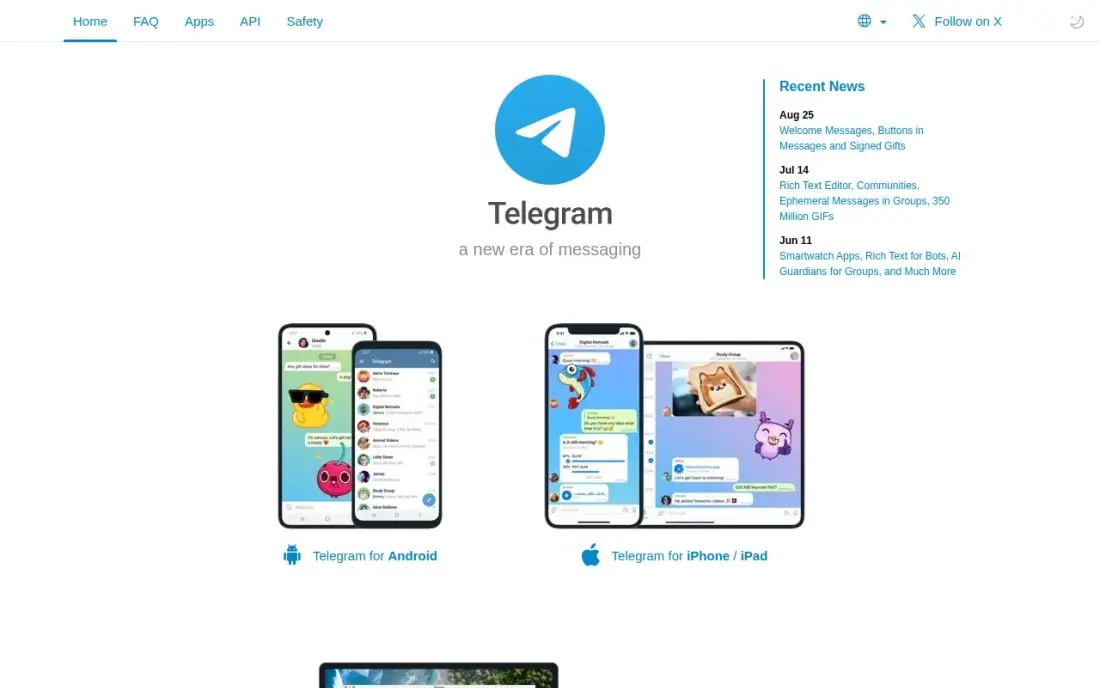
Telegram is free with most features included. Cloud chats sync across every device at once without the phone being online, groups hold up to 200,000 members and files up to 2 GB can be shared free. Bots, channels and scheduled messages make it usable as a lightweight work tool, especially for distributed teams.
Default cloud chats are not end-to-end encrypted; only Secret Chats are, and they do not sync across devices. It needs a phone number to sign up, and large public groups attract spam. Premium at $4.99 a month adds 4 GB uploads but no team admin features.
What we like
- Cloud chats sync across every device at once, with no phone connection needed
- Groups hold up to 200,000 members, the largest group size in this list
- Free file sharing up to 2 GB per file, with Premium raising it to 4 GB
- Bots, channels and scheduled messages make it a work tool as well as a chat app
Watch out for
- Default cloud chats are not end-to-end encrypted — only Secret Chats are, and they do not sync across devices
- Spam and scam groups are a real nuisance in large public groups
- Needs a phone number to sign up, like WhatsApp

Best for: Very small teams and family businesses whose staff are already on WhatsApp
WhatsApp is the app your staff almost certainly have already, which is why so many small businesses start their team chat there. It is free, end-to-end encryption is on by default for personal messages and calls, and groups, voice and video calls work on phones and linked computers.
It is a personal app first. Your phone number is your identity, work and family chats sit side by side, and the business has no admin control over a group when an employee leaves. Bulk business messaging through the WhatsApp Business Platform is charged per delivered message. Move to a work tool once the team grows past a handful of people.
What we like
- Your contacts are almost certainly already on it, so nobody needs to install something new to reach you
- End-to-end encryption is on by default for personal messages and calls
- Linked devices keep working when your phone is off or offline
- Voice and video calls, group chats and Status cover family, friends and small teams in one app
Watch out for
- No username system — your phone number is your identity, and anyone you message sees it
- Chat backups are not end-to-end encrypted by default; the extra backup encryption has to be switched on
- Businesses that send bulk messages pay the Business Platform per delivered message, so business use can stop being free
The best free team chat apps get a team out of email and group texts without a monthly bill: channels for each topic, direct messages, quick calls and a history you can search. We compared seven free options, from workplace chat tools to frontline apps and the consumer messengers many small teams start on, judging each on its free-plan limits, calls, privacy and what the first paid step costs. Every price and limit was checked on the vendor's own page in November 2026.
How to choose the best free team chat apps
- Check how long the free plan keeps messages. Slack's free plan keeps 90 days; if decisions live in chat, that limit matters.
- Count your users. Connecteam is free up to 10 users, while ClickUp's free plan allows unlimited members.
- Match the app to where your team works. Desk teams want Teams or Slack; field and shop-floor staff need a phone-first app such as Connecteam.
- Look at calls. Teams' free plan includes 60-minute group meetings; Slack's group huddles need Pro.
- Think about control when people leave. Workplace tools let the business remove a user; a WhatsApp group stays on everyone's phone.
- Price the first paid step now. Teams Essentials is $4 a user a month billed annually, while Slack Pro is $7.25.
Team chat speeds up the work your team already has; search brings in the next job. If your site is not producing enough enquiries, our SEO audit shows why, and our guide to messaging software compares the paid workplace tools in more depth.
Which free team chat app fits your situation
A small office team that already uses Outlook or Office. Microsoft Teams is the easiest free start, with unlimited chat and group meetings up to 60 minutes. When meetings run longer, Teams Essentials at $4 a user a month billed annually stretches them to 30 hours for 300 people with recordings and transcripts. Essentials has no business email, which needs the $7 Business Basic bundle.
A team that wants channels and connects many other tools. Slack fits teams that live in channels, with more than 2,600 apps in the Slack Marketplace, including Google Drive, Jira and Zoom. The free plan keeps only 90 days of message history, so record key decisions elsewhere or budget for Pro at $7.25 a user a month billed annually, where fair billing charges only members active in the last 28 days.
A retail, cleaning or field crew of up to 10 people who work from phones. Connecteam's free Small Business plan covers up to 10 users and adds scheduling, a GPS time clock and forms to team chat, and staff join with a phone number rather than a company email. Plan ahead: the eleventh user moves you to Basic at $29 a month per hub billed annually.
A project team that wants conversations next to the work. ClickUp's Free Forever plan allows unlimited members and puts chat beside tasks, docs and whiteboards, so you may drop two or three other tools. Expect a learning curve, and note the 100 MB storage cap fills quickly once files are shared; Core at $9 a user a month billed annually removes it.
A volunteer group, open-source project or very small family business. Discord gives free servers with voice channels and screen sharing, and Telegram handles groups up to 200,000 members with 2 GB file sharing. WhatsApp works for a handful of people who already have it. All three are built around personal accounts, so the business has little control when someone leaves, and only WhatsApp encrypts messages end to end by default.
Free team chat app pricing: what you will actually pay
Take a 12-person business. On free plans it pays $0 on Teams, Slack, ClickUp, Discord, Telegram and WhatsApp, but Connecteam's free plan stops at 10 users, so the twelfth person moves the business to Basic at $29 a month per hub billed annually, $348 a year for chat alone.
When the free limits start to hurt, the yearly cost for 12 users on annual billing is $576 on Microsoft Teams Essentials at $4 a user a month, $1,044 on Slack Pro at $7.25 and $1,296 on ClickUp Core at $9. On monthly billing, Slack Pro is $8.75 a user, $1,260 a year, and ClickUp Core is $12, $1,728 a year. Slack's fair billing only charges for members active in the last 28 days, so a team with part-timers may pay less than the headline figure.
Know the difference: workplace chat vs consumer messengers
Workplace chat apps such as Teams, Slack, ClickUp and Connecteam are built around the business. The company owns the workspace, adds and removes people, organises conversations into channels and connects other work tools. When an employee leaves, their access ends and the history stays with the company.
Consumer messengers such as WhatsApp and Telegram are built around the person. Each user brings their own phone number and account, groups are created by whoever starts them, and personal chats sit next to work. They cost nothing and need no training, which is why small teams start there, but they offer little control, and Discord sits in the middle as a community tool that some teams adapt for work.
Quick comparison: tool type by need
| Buyer | Best pick | Why |
|---|---|---|
| Office teams | Microsoft Teams | Free unlimited chat and 60-minute group meetings |
| Integration-heavy teams | Slack | 2,600+ apps, free plan keeps 90 days of history |
| Frontline and field crews | Connecteam | Free up to 10 users, join by phone number |
| Chat next to tasks | ClickUp | Free Forever plan with unlimited members |
| Volunteer and open-source groups | Discord | Free servers with voice and video |
| Large distributed groups | Telegram | Groups up to 200,000, 2 GB file sharing |
| Tiny teams already on it | Free and encrypted by default |
Mistakes to avoid
- Running the business in a personal messenger for too long. Move to a workplace tool before the team passes five or six people.
- Forgetting the history limit. On Slack's free plan, anything older than 90 days disappears; record key decisions somewhere permanent.
- Creating a channel for everything. Start with a handful of channels and archive the ones nobody uses.
- Using chat for urgent customer issues without rules. Agree on response times and who covers what, or messages get missed.
- Running two chat apps. Pick one tool and move everyone; split conversations defeat the purpose.
Related comparisons: Team Management Software · Ecommerce Live Chat Software · Live Chat Platforms for SAAS Businesses · Tools for Measuring Live Chat Performance
How we chose
We included apps that a team can use for free indefinitely, not just on a trial, and compared free-plan limits, calls, admin control, privacy and the price of the first paid plan. Prices and limits come from each vendor's own pricing page, checked in November 2026, with annual and monthly billing labelled. G2 ratings appear only where we have read the G2 page; the consumer apps carry none in this list. No vendor paid for a place in this list, and none of the links here are affiliate links.
What to do next
Pick the app that matches where your team works, desk or phone, and move one real project's conversation into it for two weeks with no email allowed. If people stop asking where a message went, roll it out to everyone. When you are ready to grow the business that team supports, book a free SEO call.
Frequently asked questions
What is the best free team chat app?
Microsoft Teams has the most generous free plan for office teams, with unlimited chat and 60-minute group meetings. Slack is the best-known, but its free plan keeps only 90 days of history. Connecteam is best for frontline staff, free for up to 10 users, and ClickUp's Free Forever plan allows unlimited members.
Is Slack free for small teams?
Yes. Slack's free plan covers channels and messaging, but it keeps only 90 days of message history. Pro costs $7.25 a user a month billed annually, or $8.75 monthly, and adds unlimited history, unlimited apps and group huddles.
Which free team chat app has no user limit?
ClickUp's Free Forever plan covers unlimited members with 100 MB of storage, and Telegram groups hold up to 200,000 members. Connecteam's free plan stops at 10 users.
Is it okay to use WhatsApp for team chat?
For a few people, it works. But staff phone numbers are exposed, work and personal chats mix, and the business has no control over the group when someone leaves. A work tool such as Teams, Slack or Connecteam keeps company conversations under company control.
What is the cheapest paid team chat app?
Microsoft Teams Essentials costs $4 a user a month billed annually. Slack Pro costs $7.25 a user a month billed annually, ClickUp Core $9 a user a month billed annually, and Connecteam Basic $29 a month per hub billed annually for the first 30 users.
Which team chat app is most private?
Among the apps here, WhatsApp has end-to-end encryption on by default for personal messages and calls. Telegram encrypts only Secret Chats end to end, and Discord messages are not end-to-end encrypted. Work tools such as Teams and Slack focus on admin controls rather than end-to-end encryption.
Sources we checked (10)
- Microsoft Teams — www.microsoft.com/en-us/microsoft-teams (checked November 10, 2026)
- Slack — slack.com/pricing (checked November 12, 2026)
- Slack reviews on G2 (checked November 12, 2026)
- Connecteam — connecteam.com/pricing (checked November 12, 2026)
- Connecteam reviews on G2 (checked November 12, 2026)
- ClickUp — clickup.com/pricing (checked November 12, 2026)
- ClickUp reviews on G2 (checked November 12, 2026)
- Discord — discord.com/nitro (checked November 10, 2026)
- Telegram — telegram.org/pricing (checked November 10, 2026)
- WhatsApp — www.whatsapp.com (checked November 10, 2026)
Make one of these tools?
We re-check this list every quarter. Send a correction, request a review, or ask about a clearly labeled sponsored spot.
Request a listingShamim
Founder of SerpAstra
A full-stack digital marketer and SEO strategist covering technical and local SEO, AI search visibility, paid ads and lead generation for local businesses, e-commerce brands and SaaS teams.
Free SEO and AI visibility audit
Find out what is holding your rankings back
Send us your site. Within 2 business days you get a written audit, an AI visibility check and a short fix list ranked by impact. Free, with no contract attached.
Request my free audit→Related buying guides
 Communication & Community7 Best Messaging Software for Teams in 2026, ComparedCompare the 7 best messaging software for business teams on free plans, message history, per-user prices and hosting options, all checked on vendor pages.Read guide →
 Communication & Community10 Best Cross-Platform Messaging Apps in 2026, ComparedThe 10 best cross-platform messaging apps compared on price, encryption and device support. Six are free, with every price checked November 10, 2026.Read guide →
 Productivity & Office10 Best Collaboration Software for Small Business in 2026, ComparedCompare the 10 best collaboration software for small business options on price, free plans, chat and project tools, with every price checked November 10, 2026.Read guide →