
8 Best Team Management Software in 2026, Compared
Compare the 8 best team management software on task tracking, workload, scheduling, free plans and real per-seat cost, with every price checked on vendor pages.
 Shamim Mia, Founder, SerpAstraLast verified November 10, 20269 min read
We compare pricing pages, documentation and public reviews. We never accept payment for rankings.
Key takeaways
- monday.com is the easiest team management software for non-technical managers, but automations start on Standard at $12 a seat a month billed annually, with a 3-seat minimum.
- ClickUp is the value pick for desk teams: a Free Forever plan for unlimited members, and Core at $9 a user a month billed annually; workload views wait for Business.
- Deskless teams are a different buyer: Connecteam covers scheduling, a GPS time clock and chat free for up to 10 users, and Basic covers 30 users per hub for $29 a month billed annually.
- Basecamp is the only flat-priced option here — $29 a month for up to 5 users — which makes it the cheapest route for a team that values simplicity over reporting.
On this page
Quick comparison
| Tool | Best for | Starting price | Free plan |
|---|---|---|---|
| monday.com | Managers who want the state of every person's work visible on one board without training the team | $12/seat/mo | Yes (free plan) |
| ClickUp | Teams that want tasks, docs, goals and chat in one workspace on a generous free plan | $12/user/mo | Yes (free plan) |
| Asana | Teams that need clear owners, deadlines and reporting across several projects | $13.49/user/mo | Yes (free plan) |
| Connecteam | Managers of deskless and shift-based teams who need scheduling, time clock and chat on phones | $35/hub/mo | Yes (free plan) |
| Wrike | Growing teams that need Gantt charts, dashboards and custom workflows across departments | $10/user/mo (annual) | Yes (free plan) |
| Basecamp | Small teams that want one calm, flat-priced place for messages, to-dos and schedules | $29/mo flat | Yes (free plan) |
| Teamwork | Client-service teams that manage people, hours and project budgets together | $13.99/user/mo | Yes (free plan) |
| Hubstaff | Managers of remote teams who need verified hours, timesheets and payroll in one place | $4.99/user/mo | No (14-day trial) |
Make one of these tools?
We re-check this list every quarter. Send a correction, request a review, or ask about a clearly labeled sponsored spot.
Request a listingThe best team management software

monday.com
Best for: Managers who want the state of every person's work visible on one board without training the team
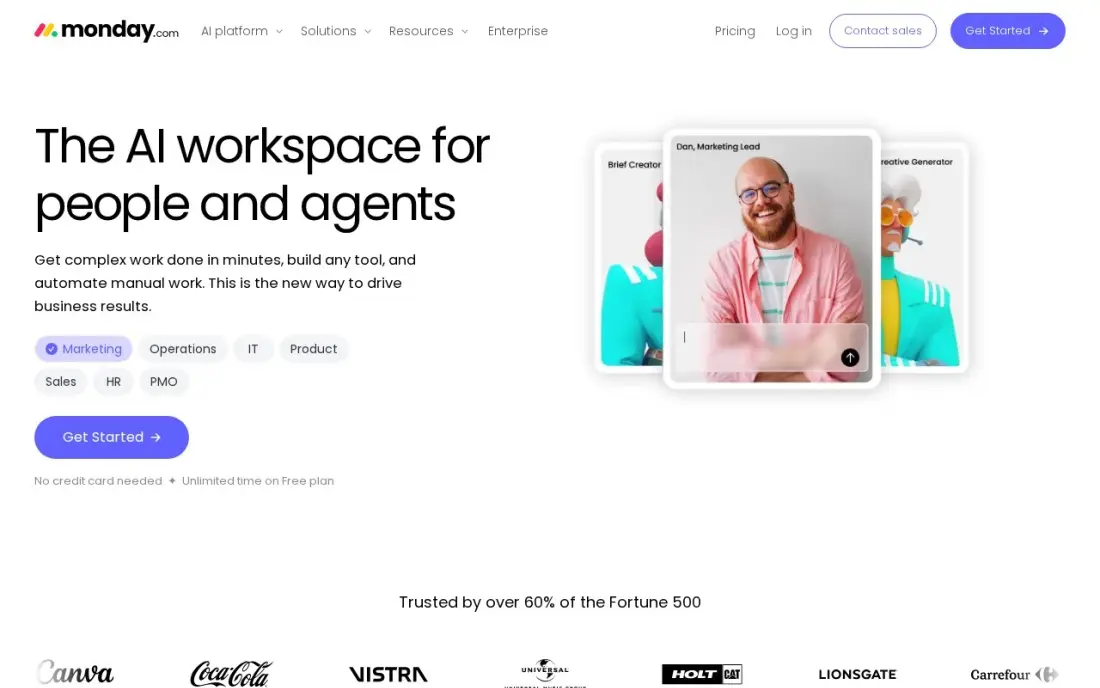
monday.com suits the manager who wants to see who owns what, what is stuck and what is due this week, on boards that a non-technical team reads at a glance. Colour-coded status columns and dashboards do most of the reporting, and Basic costs $9 a seat a month billed annually, or $12 monthly, for unlimited boards and items.
Basic has no automations, so status changes and reminders stay manual until Standard at $12 a seat a month billed annually, which also adds timeline and Gantt views and guest access. Every paid plan has a 3-seat minimum, and time tracking waits for Pro at $19 a seat. For most teams of five to twenty, Standard is the plan to price.
What we like
- The most visual boards here: color-coded statuses, automations and dashboards that non-technical teams pick up fast
- Standard adds timeline and Gantt views, guest access and 250 automation actions a month from $12 a seat
- 1,000 to 3,000 AI credits a month on paid plans, for summaries and formula help
- More than 200 integrations, including Slack, Google Workspace and Zoom
Watch out for
- Every paid plan has a 3-seat minimum, so a solo user pays $27 a month on Basic annual billing
- Basic has no automations at all — the automation that makes monday.com worth it starts on Standard
- Time tracking and private boards wait for Pro at $19 a seat a month

ClickUp
Best for: Teams that want tasks, docs, goals and chat in one workspace on a generous free plan
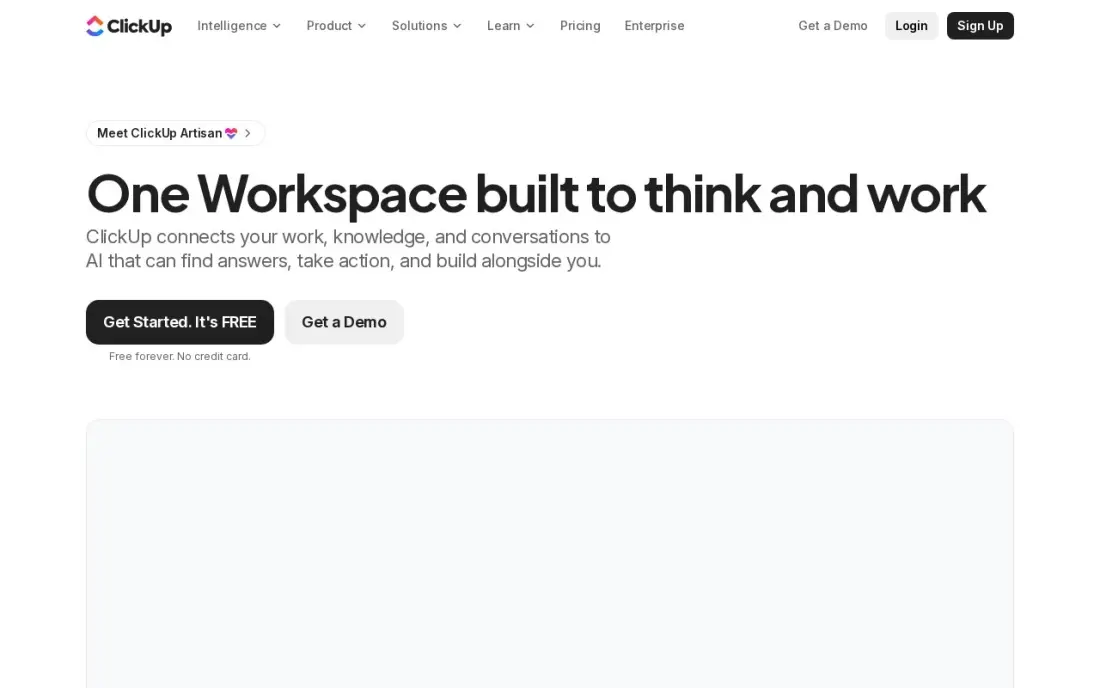
ClickUp lets a manager run the whole team from one place: tasks, docs, goals, whiteboards and chat share a workspace, so status updates do not scatter across five apps. The Free Forever plan covers unlimited members with 100 MB of storage, which is enough to trial it with the real team, and Core costs $9 a user a month billed annually, or $12 monthly.
The features a manager uses to balance people, time tracking and workload views, sit on Business at $17 a user a month. New users report a learning curve of a few weeks, so give one person the job of setting up spaces and templates before inviting everyone else.
What we like
- One workspace holds tasks, docs, whiteboards, goals and chat, so a small team can drop two or three other subscriptions
- Core adds unlimited storage, Gantt charts, custom fields and 1,000 automation actions a month from $9 a user
- The Free Forever plan covers unlimited members with 100 MB of storage
- 1,000 AI credits per seat a month on Core, with ClickUp Brain included from Business
Watch out for
- The feature list is the deepest here, and new users report a real learning curve before it feels simple
- Guests are free only with limits; every member of the workspace is a paid seat
- Business at $17 a user a month is where time tracking and workload views live

Asana
Best for: Teams that need clear owners, deadlines and reporting across several projects
Asana is the structured choice: each task has one owner and one due date, and the same project reads as a list, board, timeline or calendar, so a manager can plan in one view and report in another. Starter costs $10.99 a user a month billed annually, or $13.49 monthly, and includes dashboards, forms, custom fields and unlimited automations.
The team-level tools come later. Workload, goals, portfolios and approvals wait for Advanced at $24.99 a user a month, and time tracking is a $5.99 add-on on Starter. The free Personal plan covers only two people, so any real team pays from the first seat. Unlimited free guests help when clients or freelancers follow the work.
What we like
- Board, list, timeline and calendar views in one project, so the same work reads as a kanban board or a Gantt chart
- Starter adds Timeline and Gantt, dashboards, forms, custom fields and unlimited automations from $10.99 a user
- Unlimited free guests, so clients and contractors can follow work without a paid seat
- Asana AI is included on Starter, with writing help and smart summaries
Watch out for
- Portfolios, goals, workload and approvals wait for Advanced at $24.99 a user a month
- The free Personal plan covers only two people, so any real team pays from the first seat
- Time tracking needs a $5.99 add-on or the Advanced plan

Connecteam
Best for: Managers of deskless and shift-based teams who need scheduling, time clock and chat on phones
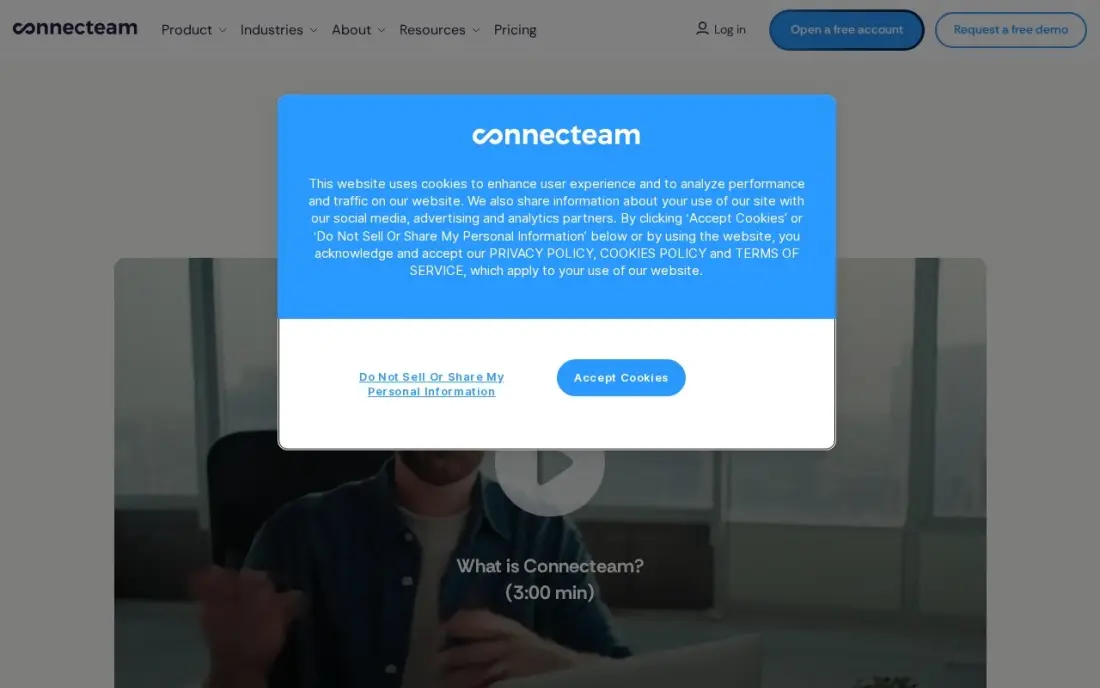
Connecteam is team management for people who never sit at a desk: shift scheduling, a GPS time clock, forms, team chat and basic HR tools in one mobile app, and staff can join with a phone number instead of a work email. The free Small Business plan covers up to 10 users across all three hubs.
Pricing is per hub rather than per seat. Basic costs $29 a month per hub billed annually, or $35 monthly, for the first 30 users, so a business that wants Operations, Communications and HR pays three times that figure. Passing 30 users jumps a full tier, and there is no built-in payroll.
What we like
- A genuinely free Small Business plan: up to 10 users with access to all three hubs
- Flat pricing per hub, not per seat — Basic covers the first 30 users for $29 a month billed annually
- Scheduling, GPS time clock, forms, team chat and basic HR tools in one mobile-first app
- No corporate email needed: deskless staff join with a phone number
Watch out for
- Each hub is priced separately, so a business wanting Operations, Communications and HR pays three times
- The price jumps a full tier at 31 users — Basic $29 to Advanced $49 — with no per-user overage option
- No built-in payroll; paying staff needs a separate provider through integrations

Wrike
Best for: Growing teams that need Gantt charts, dashboards and custom workflows across departments
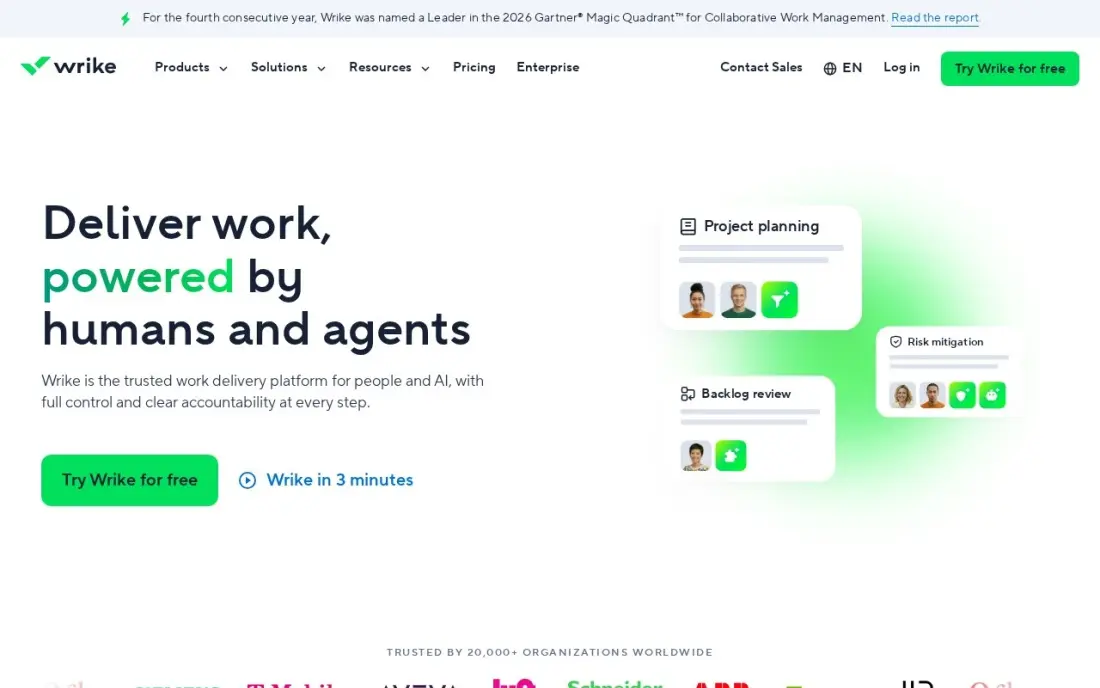
Wrike suits a manager who coordinates several teams at once: shareable dashboards, interactive Gantt charts, custom fields and workflows show dependencies across departments, and AI essentials summarise task threads. Team costs $10 a user a month billed annually, and Wrike publishes no monthly-billing price. The free plan covers basic task work with unlimited users.
The seat rules need checking before you buy. Wrike sells seats in blocks of five, so a six-person team pays for ten seats, or $100 a month on Team. Request forms, proofing, time tracking and resource management wait for Business at $25 a user a month, a large step up from Team.
What we like
- Team adds shareable dashboards, interactive Gantt charts, custom fields and workflows from $10 a user a month
- AI essentials are included on Team, for summaries and task help
- Free plan covers basic task work with unlimited users
- Business adds request forms, proofing, time tracking and resource management from $25 a user
Watch out for
- Wrike sells seats in blocks of 5, so a 6-person team pays for 10 seats
- No monthly-billing price is published — Team is an annual commitment at $10 a user a month
- Custom fields and request forms wait for Business, a 2.5x jump from Team

Basecamp
Best for: Small teams that want one calm, flat-priced place for messages, to-dos and schedules
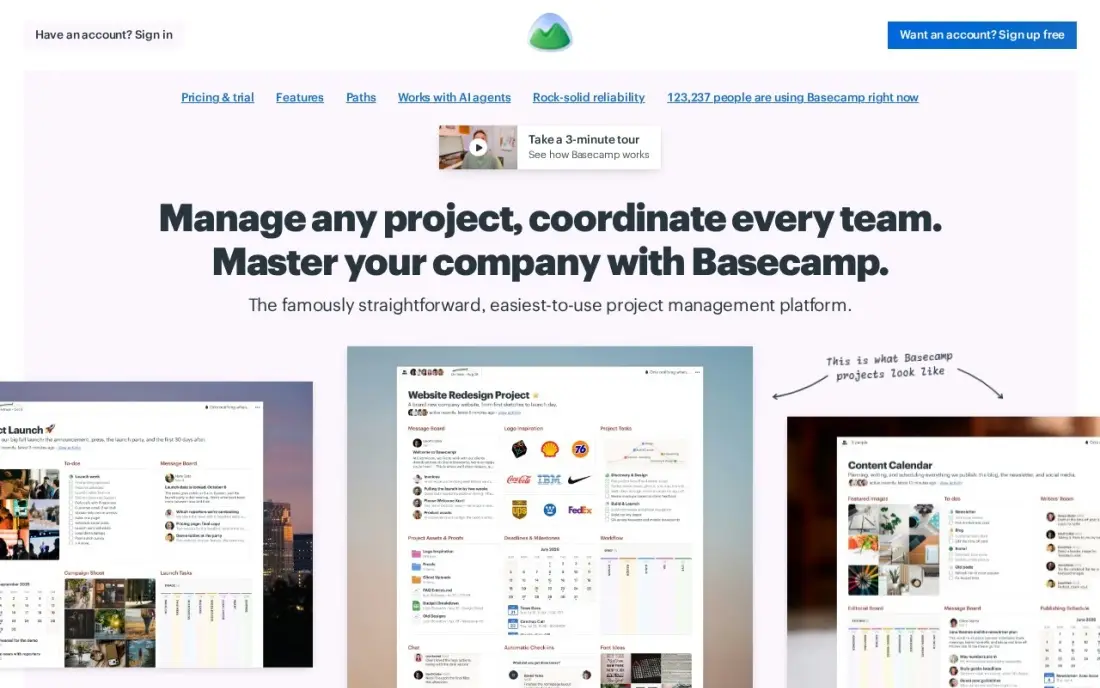
Basecamp replaces status meetings with message boards, to-do lists, schedules and check-ins in one workspace, and it is the only tool here with no per-user fees. Freelancer costs $29 a month flat for up to 5 users and 3 active projects, and Pro Unlimited at $199 a month billed annually covers unlimited users and projects.
The caps decide the bill. A sixth person moves the team to Pro at $79 a month for 10 users and 8 projects, and the free plan holds one project for up to three people. There are no task dependencies, reporting is light and automation is almost absent, so pick it for communication, not for resource planning.
What we like
- Flat pricing for the whole account: no per-user fees on any plan
- Pro Unlimited at $199 a month billed annually covers unlimited users and projects
- Clients and contractors count toward the user cap, but nobody pays per seat
- Message boards, to-dos, schedules and docs in one calm workspace clients understand fast
Watch out for
- Freelancer caps at 5 users and 3 active projects — a 10-person agency needs Pro at $79 a month
- No dependencies, weak reporting and almost no automation
- No per-user option: the sixth person jumps the bill from $29 to $79 a month
Teamwork
Best for: Client-service teams that manage people, hours and project budgets together
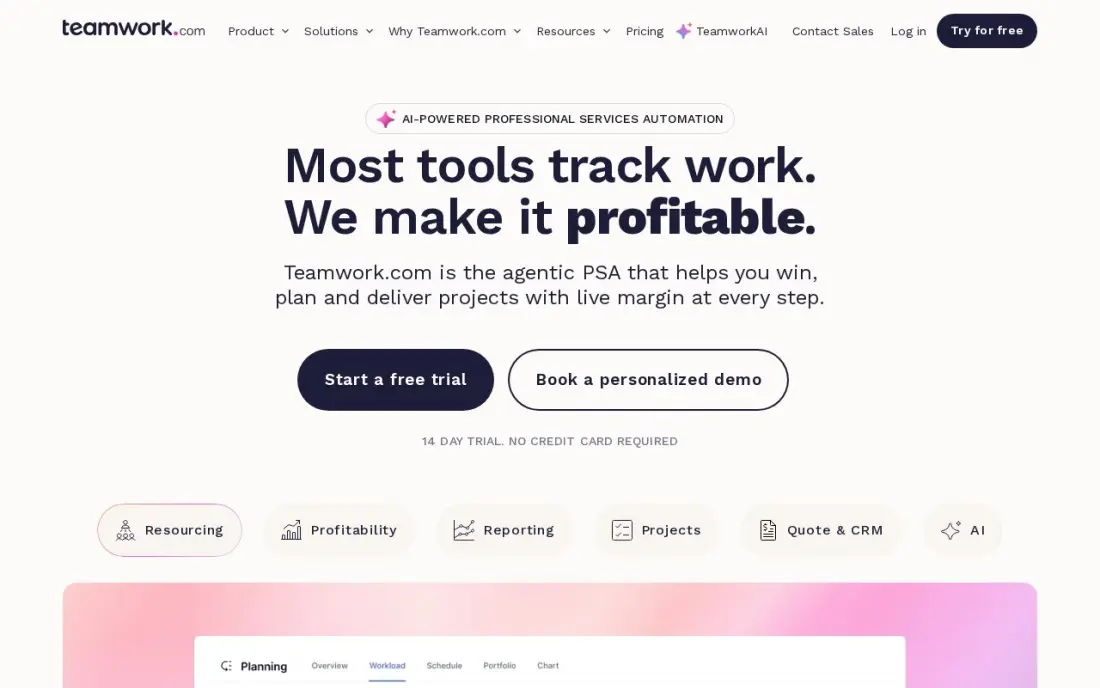
Teamwork is the team management pick for agencies and consultancies, because the hours each person logs sit next to the tasks and budgets they belong to. Basics costs $9.99 a user a month billed annually, or $13.99 monthly, with a 3-user minimum, and includes board, list, table and Gantt views plus time logging.
Client users are free, so customers can follow their own projects without a seat. The free plan covers 5 users and 5 projects. Budgets, retainers and invoices wait for Accelerate at $24.99 a user a month, and the 2026 plan rename means older reviews quote retired names such as Deliver and Grow.
What we like
- Built for client work: time tracking, budgets and invoicing sit beside the boards instead of in another app
- Basics includes list, board, table and Gantt views, time logging and 1,000 AI credits a month from $9.99 a user
- Client users are free, so clients can follow their own projects without a seat
- Free plan covers 5 users and 5 projects with board and Gantt views included
Watch out for
- Basics needs at least 3 users, and budgets, retainers and invoices wait for Accelerate at $24.99 a user
- Smaller template and integration library than Asana or monday.com
- The plan names changed in 2026 (Deliver became Basics), so older reviews quote retired names

Hubstaff
Best for: Managers of remote teams who need verified hours, timesheets and payroll in one place
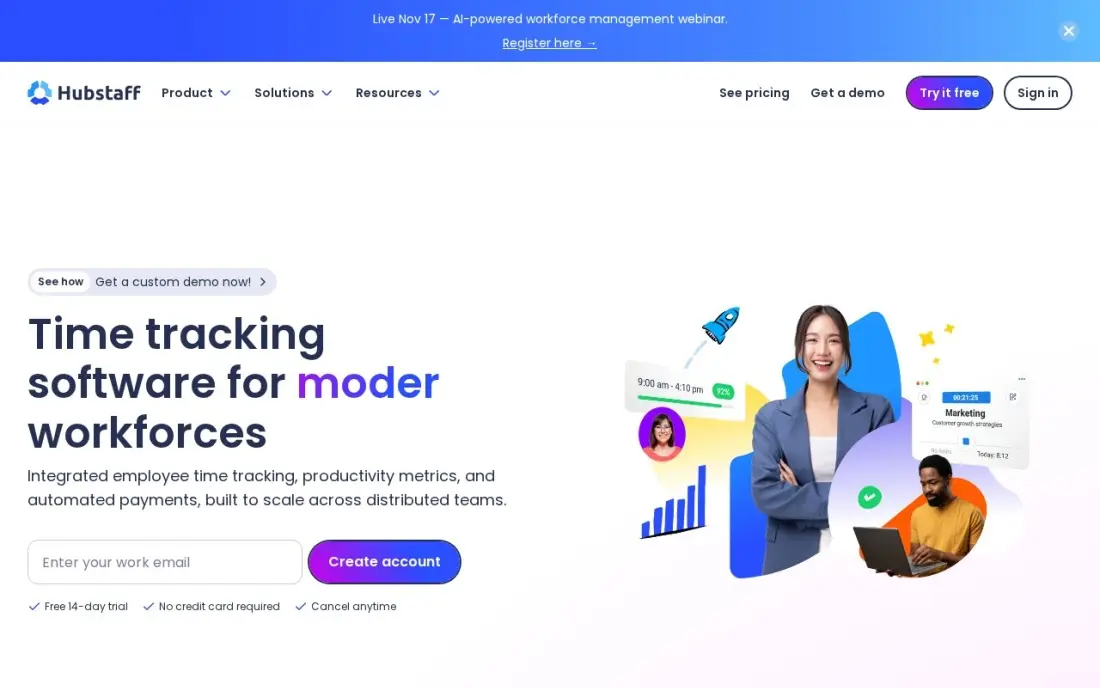
Hubstaff covers the part of team management the task boards leave out: who worked, for how long and on what. Starter costs $4.99 a seat a month billed annually, or $7 monthly, with a two-seat minimum, and includes the timer, timesheets, activity levels, screenshots and client invoicing. There is a 14-day free trial rather than a free plan.
Scheduling, timesheet approvals and payroll sit on the Team plan at $10 a seat, and GPS tracking is a $3.33 add-on on top of that on annual billing. Screenshots and activity scores can feel intrusive, so tell the team what is tracked and why before switching it on. Pair it with one of the task tools above rather than replacing them.
What we like
- Screenshots and activity levels verify remote and field work, not just the clock-in time
- Payroll and payments, scheduling and timesheet approvals sit on the Team plan
- Client invoicing is included on every plan, so billable hours turn into bills in one place
- 500 screenshots and 500 tracked apps and URLs per seat a month on the Starter plan
Watch out for
- GPS tracking is a paid add-on ($3.33/seat/month) and only on the Team plan or above
- A 2-seat minimum on Starter, Grow and Team means a solo contractor pays for two seats
- Screenshots and activity monitoring can feel intrusive to a field crew
The best team management software shows a manager who is working on what, who is overloaded and what is late, without a status meeting to find out. We compared eight tools across the three jobs managers buy them for: assigning and tracking work, balancing capacity, and scheduling and timing the people doing it. Every price below was checked on the vendor's own pricing page in November 2026.
How to choose the best team management software
- Decide whether your team sits at desks or not. Desk teams need boards, docs and dashboards; shift and field teams need rotas, a time clock and a phone app that works without a work email.
- Find the plan where workload views start. Seeing each person's capacity is the feature managers want most, and it is rarely on the entry plan — ClickUp puts it on Business and Asana on Advanced.
- Count seats the way the vendor does. monday.com and Teamwork have 3-seat minimums, Wrike sells seats in blocks of five, and Basecamp charges a flat fee up to a user cap.
- Check how guests and clients are charged. Asana guests and Teamwork client users are free, which matters if freelancers or customers follow the work.
- Ask what time data you actually need. If payroll depends on hours, a dedicated tracker such as Hubstaff or Connecteam's time clock beats a timer bolted onto a task board.
- Trial with the real team. A free plan or trial is only useful if the people being managed use it for two weeks, not just the manager.
Software keeps the team organised; it does not bring in the work. If your team runs marketing or a website, our guide to the best project management software for marketing teams covers campaign-specific tools, and our monthly SEO service can take search off your team's plate entirely.
Team management software pricing: what you will actually pay
Take a desk team of ten that needs tasks, automations and a dashboard. On annual billing, ClickUp Core costs $90 a month, monday.com Standard $120 a month, Wrike Team $100 a month and Asana Starter $109.90 a month. Over a year that is $1,080 for ClickUp, $1,200 for Wrike, $1,318.80 for Asana and $1,440 for monday.com. Pay monthly instead and Asana Starter rises to $134.90 a month and ClickUp Core to $120.
Workload planning costs more. ClickUp Business at $17 a user a month is $170 a month for ten people, and Asana Advanced at $24.99 a user a month is $249.90. Basecamp Pro at $79 a month for 10 users is the cheapest route if the team only needs messages, to-dos and schedules.
A deskless team of 25 prices differently. Connecteam's Operations hub costs $29 a month billed annually for up to 30 users, or $348 a year, against $1,497 a year for Hubstaff Starter at $4.99 a seat billed annually.
Know the difference: task management vs people management
Task management tools such as Asana, monday.com, ClickUp and Wrike are built around the work. Each task has an owner, a deadline and a status, and the manager's view is a board or timeline showing what is done and what is late. They answer the question "where is this project?"
People management tools such as Connecteam and Hubstaff are built around the staff. They hold shift schedules, clock-in times, timesheets and messages to the whole crew, and they answer "who is working, where and for how long?" Most teams need the first; shift-based and hourly teams need the second as well, and trying to schedule shifts in a task board usually ends in a spreadsheet on the side.
Quick comparison: tool type by need
| Buyer | Best pick | Why |
|---|---|---|
| Non-technical managers | monday.com | Most visual boards; automations on Standard from $12/seat/month billed annually |
| Teams on a budget | ClickUp | Free Forever plan for unlimited members; Core $9/user/month billed annually |
| Multi-project teams | Asana | Clear owners and dashboards; Starter $10.99/user/month billed annually |
| Shift and field teams | Connecteam | Scheduling, GPS time clock and chat; free up to 10 users |
| Cross-department planning | Wrike | Gantt charts and dashboards; Team $10/user/month billed annually |
| Small teams wanting simplicity | Basecamp | Flat $29/month for up to 5 users |
| Client-service teams | Teamwork | Time logging beside tasks; free client users |
| Remote hourly teams | Hubstaff | Timesheets and activity data from $4.99/seat/month billed annually |
Mistakes to avoid
- Buying for the manager instead of the team. If the people doing the work find the tool slow, they stop updating it and the dashboard goes stale within a month.
- Ignoring seat minimums. A 3-seat floor or 5-seat block can make a small team pay for people it does not have.
- Assuming workload views are included. Check the exact plan before you budget; on several tools here, capacity planning costs roughly double the entry price.
- Tracking activity without telling staff. Screenshots and activity scores damage trust when they arrive as a surprise; explain what is tracked and why.
- Running two systems for the same work. A task board plus a separate spreadsheet of who is doing what means neither is accurate — pick one source of truth.
Related comparisons: Free Team Chat Apps · CRM Platforms for Small Sales Team Reporting
How we chose
We read each vendor's own pricing page in November 2026 and recorded the starting price exactly as shown, including the annual-billing figure where one is listed. We then grouped the tools by the job a manager buys them for — tracking work, planning capacity or scheduling and timing people — and ranked them for the most common buyer, a team of five to thirty. Ratings come from G2 pages checked on the dates shown in the sources. No vendor paid for a place in this list, and none of the links here are affiliate links.
What to do next
Pick the two tools that match how your team works, start a free plan or trial on both, and run one real week of work through each with the whole team. Keep the one people actually update without being reminded. If you also want more customers finding your business while the team gets organised, book a free consultation.
Frequently asked questions
What is the best team management software?
For most desk-based teams, monday.com is the easiest to adopt and ClickUp is the best value, with a Free Forever plan and Core at $9 a user a month billed annually. Shift-based and field teams should look at Connecteam, which is free for up to 10 users.
Is there free team management software?
Yes. ClickUp's Free Forever plan covers unlimited members with 100 MB of storage, Connecteam is free for up to 10 users, Teamwork is free for 5 users and 5 projects, and Wrike has a free plan for basic task work. Asana's free plan covers only two people.
How much does team management software cost?
On annual billing, Hubstaff Starter costs $4.99 a seat a month, ClickUp Core $9, monday.com Basic $9, Teamwork Basics $9.99, Wrike Team $10 and Asana Starter $10.99. Basecamp is flat at $29 a month for up to 5 users, and Connecteam charges $29 a month per hub for up to 30 users.
What is the difference between team management and project management software?
Project management software tracks tasks, deadlines and deliverables. Team management software adds the people side: who has capacity, who worked which hours, shift schedules and check-ins. Many tools cover both, but workload and time features usually sit on higher plans.
Which team management software is best for remote teams?
Remote teams usually pair a task tool such as ClickUp or Asana with a time tracker. Hubstaff adds timesheets, activity levels and payroll from $4.99 a seat a month billed annually, while Basecamp's message boards and check-ins cut the number of status meetings.
Do I need a separate tool for scheduling shifts?
If your team works shifts, yes. Task tools such as monday.com and Asana do not build rotas or run a time clock. Connecteam does both on a phone, with a free plan for up to 10 users.
Sources we checked (16)
- monday.com — monday.com/pricing (checked November 12, 2026)
- monday.com reviews on G2 (checked November 12, 2026)
- ClickUp — clickup.com/pricing (checked November 12, 2026)
- ClickUp reviews on G2 (checked November 12, 2026)
- Asana — asana.com/pricing (checked November 12, 2026)
- Asana reviews on G2 (checked November 12, 2026)
- Connecteam — connecteam.com/pricing (checked November 12, 2026)
- Connecteam reviews on G2 (checked November 12, 2026)
- Wrike — www.wrike.com/pricing (checked November 12, 2026)
- Wrike reviews on G2 (checked November 12, 2026)
- Basecamp — basecamp.com/pricing (checked November 12, 2026)
- Basecamp reviews on G2 (checked November 12, 2026)
- Teamwork — www.teamwork.com/pricing (checked November 12, 2026)
- Teamwork reviews on G2 (checked November 12, 2026)
- Hubstaff — hubstaff.com/pricing (checked November 10, 2026)
- Hubstaff reviews on G2 (checked November 10, 2026)
Make one of these tools?
We re-check this list every quarter. Send a correction, request a review, or ask about a clearly labeled sponsored spot.
Request a listingShamim
Founder of SerpAstra
A full-stack digital marketer and SEO strategist covering technical and local SEO, AI search visibility, paid ads and lead generation for local businesses, e-commerce brands and SaaS teams.
Free SEO and AI visibility audit
Find out what is holding your rankings back
Send us your site. Within 2 business days you get a written audit, an AI visibility check and a short fix list ranked by impact. Free, with no contract attached.
Request my free audit→Related buying guides
 Project & Product Management10 Best Project Management Software for Small Businesses in 2026, ComparedCompare the 10 best project management software for small businesses on price, free plans and features, with every price checked November 12, 2026.Read guide →
 Project & Product Management11 Best Workload Management Tools in 2026 (Free and Paid, Compared)11 best workload management tools compared with real prices, free plans and workload views. Find the right fit for your team, from $5 a person a month.Read guide →
 Productivity & Office10 Best Collaboration Software for Small Business in 2026, ComparedCompare the 10 best collaboration software for small business options on price, free plans, chat and project tools, with every price checked November 10, 2026.Read guide →