
7 Best Motion Graphics Software in 2026, Compared
Compare the 7 best motion graphics software for 2D and 3D animation, titles and explainers, from After Effects to free Cavalry and Blender, on price and use.
 Shamim Mia, Founder, SerpAstraLast verified November 10, 20268 min read
We compare pricing pages, documentation and public reviews. We never accept payment for rankings.
Key takeaways
- Adobe After Effects is still the standard software for motion graphics, at US$22.99 a month on an annual plan billed monthly.
- Cavalry is now completely free for individuals and is the strongest free 2D motion design tool, with Lottie export for web and app animation.
- Cinema 4D ($839 a year) is the friendliest professional 3D motion graphics suite; Blender does 3D motion graphics for free.
- Mac editors can get Apple Motion through Apple Creator Studio at $12.99 a month, and DaVinci Resolve's free version includes Fusion for node-based motion graphics.
On this page
Quick comparison
| Tool | Best for | Starting price | Free plan |
|---|---|---|---|
| Adobe After Effects | Motion designers and editors who need the industry-standard tool for 2D motion graphics, titles and compositing | $22.99/mo | Trial |
| Cavalry | 2D motion designers who want a free procedural tool with real-time playback and Lottie export | Free | Yes |
| Cinema 4D | Motion designers who need 3D motion graphics with the friendliest professional interface | $839/yr | No (14-day trial) |
| Blender | Motion designers who want free 3D animation, simulation and rendering | Free | Yes (free) |
| Apple Motion | Final Cut Pro editors on a Mac who want to build titles, transitions and effects | $12.99/mo (Creator Studio) | Trial |
| DaVinci Resolve | Video editors who want motion graphics and compositing inside a free editor | $295 one-time | Yes (free version) |
| Houdini | Technical motion designers and studios creating procedural 3D effects and simulations | $299/yr | Yes (Apprentice) |
Make one of these tools?
We re-check this list every quarter. Send a correction, request a review, or ask about a clearly labeled sponsored spot.
Request a listingThe best motion graphics software

Adobe After Effects
Best for: Motion designers and editors who need the industry-standard tool for 2D motion graphics, titles and compositing
After Effects is where most motion graphics are still made: animated titles, lower thirds, logo reveals, explainer animation and compositing for video. Its keyframe and layer workflow is what most motion designers learn first, and the ecosystem of templates, plug-ins, scripts and tutorials is larger than for any other tool here, which makes it easy to hire for and learn.
Adobe sells it alone at US$22.99 a month on an annual plan billed monthly, with a 7-day free trial, 100GB of cloud storage, more than 20,000 fonts and 25 generative credits a month. Teams pay US$37.99 a month per licence. Complex procedural or data-driven work can get heavy, which is where Cavalry and Cinema 4D shine.
What we like
- The industry standard for motion graphics, titles and compositing, so templates, plug-ins and tutorials are everywhere
- Single-app plan includes 100GB of cloud storage, 20,000+ fonts and 25 generative credits a month
- Pairs with Premiere for editors who animate titles and lower thirds
- Team licences available at US$37.99 a month per licence on an annual plan
Watch out for
- Subscription only, at US$22.99 a month on an annual plan billed monthly
- No free plan, only a 7-day trial
- Layer-based workflow gets slow and heavy on complex, data-driven projects

Cavalry
Best for: 2D motion designers who want a free procedural tool with real-time playback and Lottie export
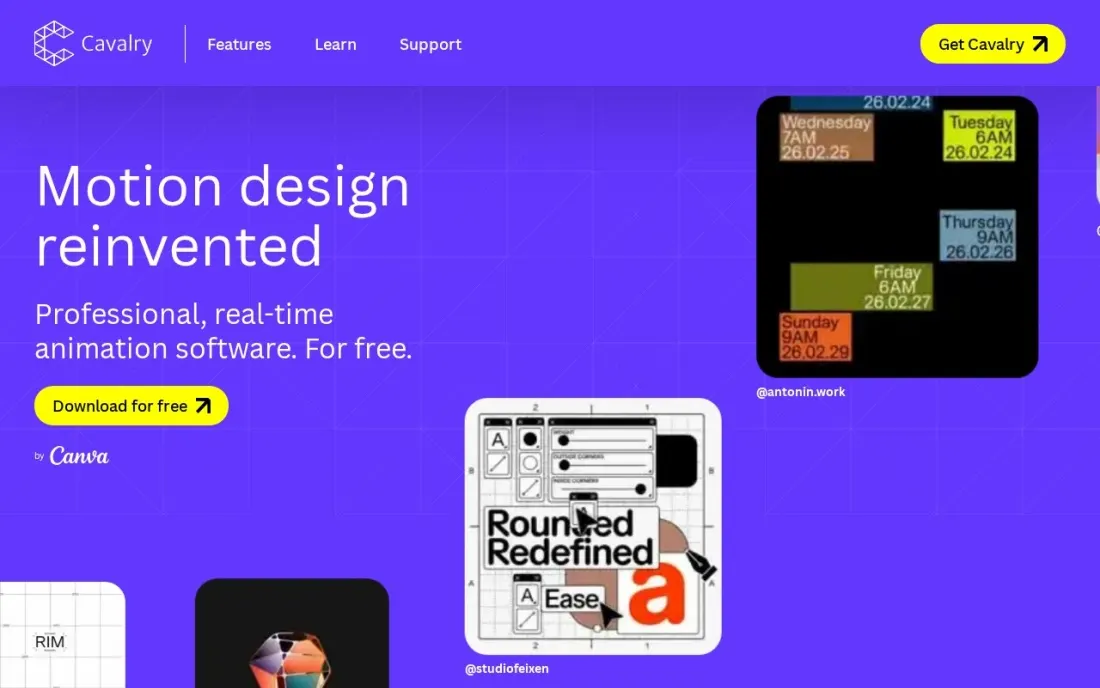
Cavalry is a procedural 2D animation tool built by former motion designers, and since joining Canva it is completely free to download and use for individuals. Instead of animating every layer by hand, you build systems: the Duplicator, Falloffs and connected shapes animate dozens of elements at once, Rubber Hose and rig controls handle character-style motion, and Magic Easing smooths timing.
It plays back in real time, imports data for charts and infographics, and exports Lottie files for websites and apps. It runs on Mac and Windows. Enterprise plans go through Canva with no published price, and the ecosystem is smaller than After Effects'. For anyone learning 2D motion design today, it is the free tool to try first.
What we like
- Completely free to download and use for individuals, and free for students and schools through Canva Education
- Procedural tools such as the Duplicator, Falloffs and Rubber Hose rigs make complex 2D animation fast
- Real-time playback, data import and Lottie export for web and app animation
- Runs on macOS (Apple silicon and Intel) and Windows
Watch out for
- No Linux version
- Enterprise pricing through Canva is not published
- Smaller template and tutorial ecosystem than After Effects

Cinema 4D
Best for: Motion designers who need 3D motion graphics with the friendliest professional interface
Cinema 4D is the 3D tool motion designers reach for, thanks to MoGraph: cloners, effectors and fields that animate hundreds of objects procedurally for logo stings, product shots and abstract loops. Its interface is the friendliest of the professional 3D suites, and the subscription now includes the Redshift GPU renderer and five Team Render nodes.
It is subscription only, at $839 a year billed annually or $109 a month billed monthly, with a 14-day free trial and no perpetual licence. That is a lot for occasional 3D, so learn in Blender first if you are unsure. Buy Cinema 4D when 3D motion graphics is a regular part of client work.
What we like
- Friendliest professional 3D interface here, with the strongest motion-graphics toolset
- MoGraph cloners, effectors and fields animate hundreds of objects procedurally for logo stings and product shots
- Redshift GPU renderer and five Team Render nodes are included in the subscription
- Generative AI features arrived in the 2026.4 release, first on the new iPad edition
Watch out for
- No free plan, only a 14-day free trial before the subscription starts
- Subscription only — Maxon ended perpetual licences, so there is no buy-once option
- At $839 a year it is a lot for occasional 3D, so beginners may want to learn in Blender first

Blender
Best for: Motion designers who want free 3D animation, simulation and rendering
Blender is a complete 3D suite that is free and open source, and for motion graphics it covers modelling, animation, simulation, geometry nodes for procedural effects and two built-in renderers. Geometry nodes in particular give it MoGraph-style procedural animation, and the tutorial library is the largest in 3D.
The dense interface takes weeks to learn, and motion-design workflows take more setup than in Cinema 4D. There is no commercial support, only the community and documentation. For a motion designer adding 3D without budget, or a studio that wants no licence costs, Blender is the obvious choice.
What we like
- Completely free and open source under the GNU GPL, with no paid tier or feature locks
- Geometry nodes give it MoGraph-style procedural animation for 3D motion graphics
- One program covers modelling, animation, simulation and two built-in renderers
- Largest tutorial library in 3D, so most motion-design questions already have an answer
Watch out for
- Motion-design workflows take more setup than in Cinema 4D's MoGraph
- Dense interface takes weeks to learn before it feels fast for everyday motion work
- No commercial support included; help comes from the community and documentation

Apple Motion
Best for: Final Cut Pro editors on a Mac who want to build titles, transitions and effects
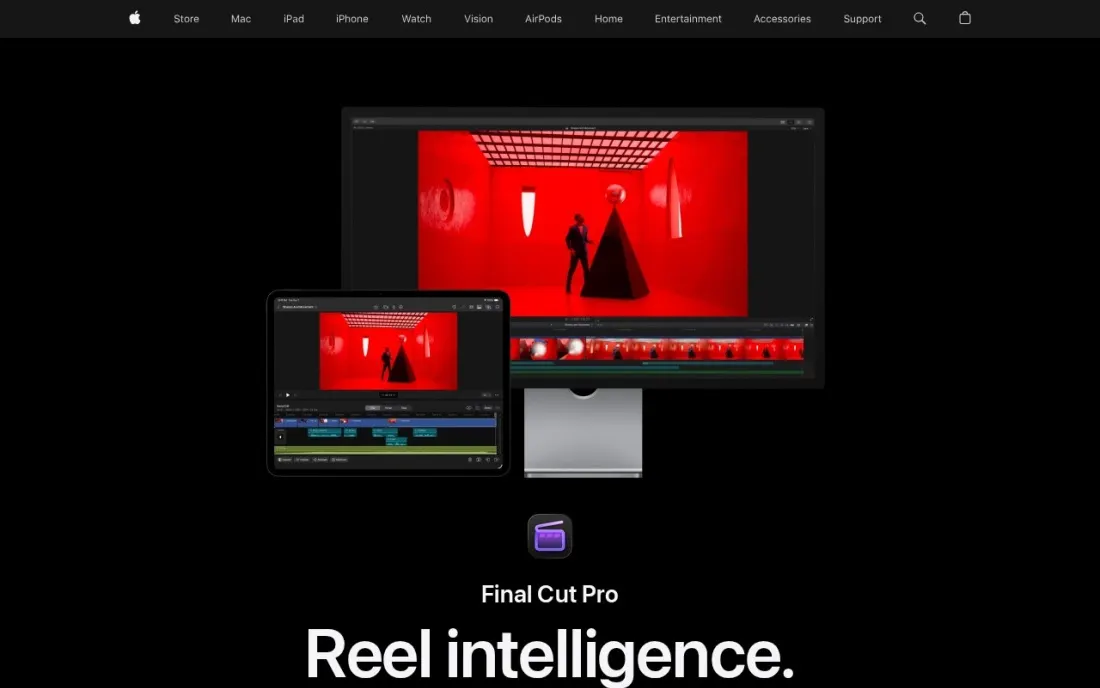
Motion is Apple's motion graphics app and the natural partner to Final Cut Pro. Anything you build, including titles, transitions, generators and filters, can be published straight into Final Cut Pro, and Smart Motion Templates adapt to each aspect ratio. Behaviors such as Gravity, Throw and Vortex add motion without keyframes, and there are more than 200 particle presets and 3D titles with over 90 materials.
Motion is included in Apple Creator Studio at $12.99 a month or $129 a year, with a 30-day free trial; Apple also offers it as a one-time Mac App Store purchase but does not list that price on its page. It runs only on Macs with macOS 15.6 or later. Choose it when you edit in Final Cut Pro.
What we like
- Publishes titles, transitions, generators and filters straight into Final Cut Pro
- Behaviors such as Gravity, Throw and Vortex add motion without keyframes
- More than 200 particle presets and 3D titles with over 90 Apple-designed materials
- Included in Apple Creator Studio at $12.99 a month or $129 a year
Watch out for
- Mac only, requiring macOS 15.6 or later
- Apple's page does not list a price for the one-time App Store purchase
- Much smaller user community and template market than After Effects
DaVinci Resolve
Best for: Video editors who want motion graphics and compositing inside a free editor
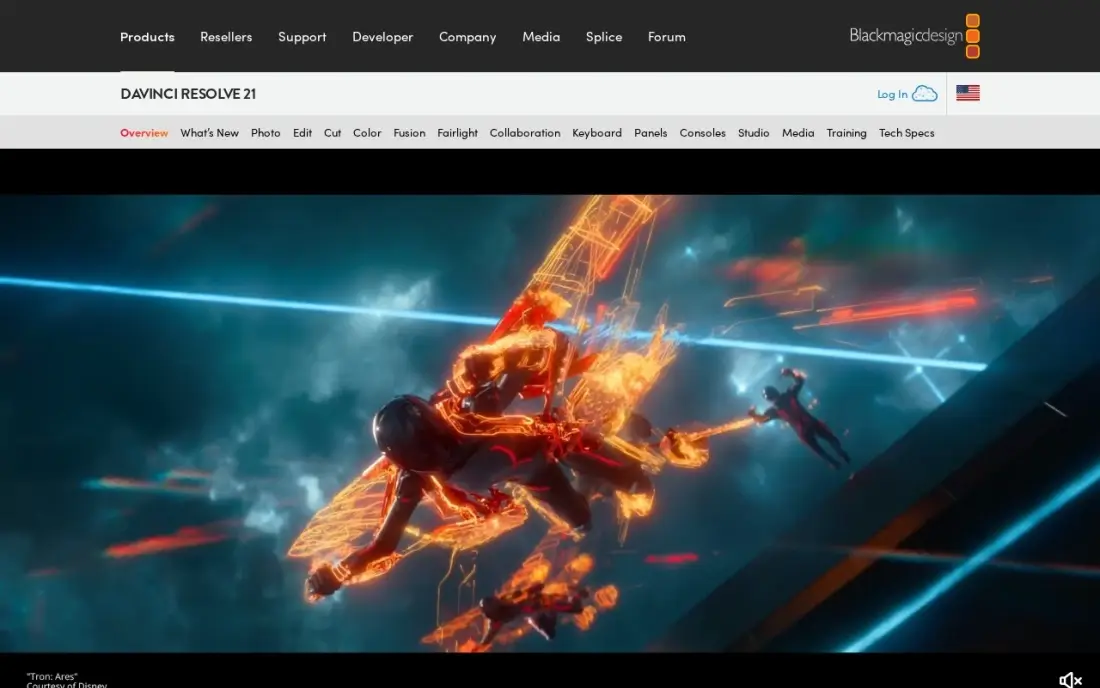
DaVinci Resolve includes Fusion, a node-based compositing and motion graphics page, inside the same free download as its editor, colour and audio tools. Editors can animate titles, track graphics to footage and build 3D text without leaving the timeline, and the free version exports without a watermark.
Fusion's node workflow is powerful but feels unfamiliar to anyone trained on layers, and its template ecosystem is smaller than After Effects'. Resolve Studio costs $295 once, $236 on a 20% sale until November 20, 2026, and adds 10-bit video and the full AI tools. Pick it when your motion graphics live inside edited videos and you want no subscription.
What we like
- The only pro-grade editor here with a free version that covers editing, color, effects and audio
- Studio is a one-time $295 purchase with free updates, and $236 on a 20% sale until November 20, 2026
- Studio adds 10-bit video, 120fps, resolutions beyond 4K and the full AI Neural Engine tools
Watch out for
- Steepest learning curve in this list, with a pro interface that overwhelms first-time editors
- The free version caps some formats and frame rates, and the full Neural Engine AI tools need Studio
- No subscription option on desktop, so the $295 Studio cost lands in one payment

Houdini
Best for: Technical motion designers and studios creating procedural 3D effects and simulations

Houdini is the procedural powerhouse behind film effects, and motion designers use it for the shots other tools struggle with: complex particle systems, fluids, destruction and data-driven abstract animation. Every step is a node that stays editable, so a whole animation can be varied or rebuilt by changing a few values.
Apprentice is free for learning and non-commercial work, and Indie costs $299 a year for eligible small studios, capped at $100,000 annual revenue and three seats; Core is $1,475 a year. The node workflow has the steepest learning curve here. Add Houdini when your motion work needs simulation that Cinema 4D or Blender cannot handle.
What we like
- Procedural, node-based workflow where every step stays editable, so a whole animation can be varied by changing a few values
- Indie at $299 a year gives eligible small studios near-full FX capability
- Same tool behind the water, smoke, destruction and crowd shots in big films
- Free Apprentice tier is the full toolset for learning and non-commercial work
Watch out for
- Steepest learning curve here — the node-based workflow takes weeks to grasp
- Built for simulation-heavy effects, so it is far more than titles and logo reveals need
- Indie licence caps at $100,000 annual revenue and three seats; studios pay far more
The best motion graphics software turns text, shapes and logos into animation: titles and lower thirds for video, logo reveals, explainer animations, animated charts and the small interface animations that make a website feel polished. We compared seven tools for 2D and 3D motion design, from the industry-standard subscription to professional tools that are now completely free, on what each does best, how long it takes to learn and what it costs. Every price below comes from the vendor's own page, checked in November 2026.
How to choose the best motion graphics software
- Decide between 2D and 3D. After Effects, Cavalry and Apple Motion focus on 2D motion; Cinema 4D, Blender and Houdini are 3D tools, and many designers use one of each.
- Think about where the animation ends up. Video titles suit After Effects, Motion or Fusion in DaVinci Resolve; web and app animations suit Cavalry's Lottie export.
- Check the learning curve. Layer-based tools such as After Effects and Motion are easier to start; node-based tools such as Fusion and Houdini are more powerful but take longer.
- Look at the template and plug-in market. After Effects has by far the largest, which saves time on client work with tight deadlines.
- Match the price model to how often you animate. Cavalry and Blender are free, Resolve Studio is a one-time purchase, and After Effects and Cinema 4D are subscriptions.
- Test on your hardware. 3D rendering and real-time playback depend heavily on the graphics card, so trial before paying.
Motion graphics make a video or site more engaging, but they also add weight to pages. If animation is part of your website, our SEO audit checks how it affects page speed, and our video SEO guide covers how to get animated videos found in search.
Motion graphics software pricing: what you will actually pay
Take one motion designer working for a year. After Effects costs US$22.99 a month on an annual plan billed monthly, or US$275.88 over twelve months. Adding Cinema 4D for 3D costs $839 a year billed annually, or $109 a month billed monthly, bringing a typical 2D-plus-3D setup to just over $1,100 a year.
The alternatives cost far less. Cavalry and Blender are free, so a designer can build a complete 2D and 3D toolkit for $0. Apple Motion comes with Apple Creator Studio at $12.99 a month or $129 a year, which also includes Final Cut Pro. DaVinci Resolve is free, or $295 once for Studio. Houdini is free on Apprentice for learning and $299 a year on Indie for small commercial studios. The paid tools earn their price mainly through ecosystem and client expectations, so learn on the free ones first.
Know the difference: layer-based vs node-based motion graphics
Layer-based tools such as After Effects and Apple Motion stack text, shapes and footage as layers on a timeline, and you animate each layer with keyframes or behaviours. This is the most intuitive way to start, and it suits titles, logo reveals and short explainers, but complex projects with hundreds of layers become hard to manage and change.
Node-based and procedural tools such as Fusion, Houdini and, in its own way, Cavalry describe animation as a system of connected operations. You build the logic once, and changing a value updates everything downstream, which is ideal for data-driven graphics, repeated elements and effects that must be revised many times. Cinema 4D's MoGraph and Blender's geometry nodes bring the same procedural idea to 3D. Many designers start with layers and add procedural tools as their projects grow.
Quick comparison: tool type by need
| Buyer | Best pick | Why |
|---|---|---|
| Industry-standard 2D | Adobe After Effects | Largest ecosystem, US$22.99/month on an annual plan |
| Free procedural 2D | Cavalry | Free for individuals, real-time playback, Lottie export |
| 3D motion design | Cinema 4D | MoGraph and Redshift, $839/year billed annually |
| Free 3D | Blender | Open source, geometry nodes, built-in renderers |
| Final Cut Pro editors | Apple Motion | Publishes to Final Cut Pro, Creator Studio $12.99/month |
| Graphics inside edits | DaVinci Resolve | Fusion included free; Studio $295 once |
| Simulation-heavy effects | Houdini | Procedural VFX, Indie $299/year |
Mistakes to avoid
- Starting with the hardest tool. Houdini and Fusion are powerful, but learning motion principles is faster in a layer-based tool or Cavalry.
- Paying for 3D before you need it. Learn 3D in Blender for free before committing to $839 a year for Cinema 4D.
- Using video where Lottie would do. A looping website animation exported as video is far heavier than a Lottie file, which slows the page.
- Ignoring timing and easing. Software does not fix stiff motion; spend time on easing curves and pacing, not just effects.
- Building every project from scratch. Templates and reusable rigs save hours on recurring titles and lower thirds.
Related comparisons: Free Vector Graphics Software
How we chose
We read each vendor's own pricing or product page in November 2026 and recorded prices exactly as listed, with billing terms and one-time options where they exist. We included tools used for 2D and 3D motion design and ranked them by how well they serve the most common buyer: a designer or video editor producing motion graphics for video, social media and the web. Ratings come from G2 pages checked on the dates shown in the sources; where no rating is shown, we did not verify one. No vendor paid for a place in this list, and none of the links here are affiliate links.
What to do next
Download Cavalry or Blender and animate one real piece you need, such as a logo reveal or a lower third, before paying for a subscription. When your animations are ready to bring in visitors, book a free call and we will show you how to get them found.
Frequently asked questions
What is the best motion graphics software?
Adobe After Effects is the best all-round motion graphics software and the industry standard, at US$22.99 a month on an annual plan billed monthly. Cavalry is the best free 2D option, Cinema 4D is the best for 3D motion graphics, and Blender is the best free 3D option.
Is there free motion graphics software?
Yes. Cavalry is completely free for individuals, Blender is free and open source, DaVinci Resolve's free version includes Fusion for motion graphics, and Houdini Apprentice is free for non-commercial learning.
Is After Effects still the best software for motion graphics?
For most motion designers, yes, because of its ecosystem of templates, plug-ins and tutorials, and because clients and studios expect its files. Cavalry is a strong alternative for procedural 2D work, and Cinema 4D is better for 3D.
What software do motion designers use for 3D?
Cinema 4D is the most common 3D tool in motion design because of its MoGraph toolset, at $839 a year billed annually. Blender is the free alternative, and Houdini is used for advanced simulations, with Indie at $299 a year.
What is the best motion graphics software for beginners?
Apple Motion is approachable for Mac users and costs $12.99 a month through Apple Creator Studio. Cavalry is free and quick to start for 2D, and After Effects has the most beginner tutorials, though it costs US$22.99 a month on an annual plan.
Can I make Lottie animations for websites?
Yes. Cavalry exports Lottie files directly, which lets you place lightweight vector animations on websites and in apps. Lottie animations are much smaller than video files, which helps page speed.
What is the best motion graphics software for a Windows PC?
After Effects is still the standard choice, at US$22.99 a month on an annual plan. Apple Motion is the one Mac-only tool in this list, so skip it on a PC. For a free start, Cavalry runs on macOS and Windows and is free for individuals, Blender is free and open source for 3D, and DaVinci Resolve's free version includes Fusion and exports without a watermark.
Sources we checked (11)
- Adobe After Effects — www.adobe.com/products/aftereffects.html (checked November 16, 2026)
- Cavalry — cavalry.studio/en (checked November 16, 2026)
- Cinema 4D — www.maxon.net/en/buy (checked November 10, 2026)
- Cinema 4D reviews on G2 (checked November 10, 2026)
- Blender — www.blender.org/download (checked November 10, 2026)
- Blender reviews on G2 (checked November 10, 2026)
- Apple Motion — www.apple.com/final-cut-pro/motion (checked November 16, 2026)
- DaVinci Resolve — www.blackmagicdesign.com/products/davinciresolve (checked November 10, 2026)
- DaVinci Resolve reviews on G2 (checked November 10, 2026)
- Houdini — www.sidefx.com/buy (checked November 10, 2026)
- Houdini reviews on G2 (checked November 10, 2026)
Make one of these tools?
We re-check this list every quarter. Send a correction, request a review, or ask about a clearly labeled sponsored spot.
Request a listingShamim
Founder of SerpAstra
A full-stack digital marketer and SEO strategist covering technical and local SEO, AI search visibility, paid ads and lead generation for local businesses, e-commerce brands and SaaS teams.
Free SEO and AI visibility audit
Find out what is holding your rankings back
Send us your site. Within 2 business days you get a written audit, an AI visibility check and a short fix list ranked by impact. Free, with no contract attached.
Request my free audit→Related buying guides
 Graphic Design & Creative8 Best Animation Software in 2026, ComparedCompare the 8 best animation software for 2D, 3D and explainer work on features, free options and real cost, with every price checked on vendor pages.Read guide →
 Video Editing & Streaming7 Best Animated Video Software in 2026, ComparedCompare the 7 best animated video software, from template explainer tools to free 2D and 3D animation suites, on price, export limits and learning curve.Read guide →
 Graphic Design & Creative9 Best 3D Design Software in 2026, ComparedCompare the 9 best 3D design software for modeling, animation, product and architectural design, with free versions, licences and real yearly costs checked.Read guide →