
6 Best App Design Software in 2026, Compared
Compare the 6 best app design software tools and design apps for UI, prototyping and app assets, with free plans and every price checked for 2026.
 Shamim Mia, Founder, SerpAstraLast verified November 4, 20268 min read
We compare pricing pages, documentation and public reviews. We never accept payment for rankings.
Key takeaways
- Figma is the default app design software for teams, with a free Starter plan for individuals; Penpot is the open-source alternative with a fully featured $0 plan.
- Sketch suits Mac-based designers, at $12 an editor a month billed yearly or a $120 one-time Mac-only licence.
- ProtoPie is the specialist for realistic, sensor-driven prototypes, with a free plan for two prototypes and Pro at $47 an editor a month.
- Canva and Adobe Creative Cloud cover the assets around the app — store screenshots, icons and marketing images — rather than the UI itself.
On this page
Quick comparison
| Tool | Best for | Starting price | Free plan |
|---|---|---|---|
| Figma | Product teams that design, prototype and hand off app screens together in the browser | Free; paid seats | Yes |
| Penpot | Teams that want open-source app design software they can use free or self-host | Free; $7/editor/mo | Yes |
| Sketch | Mac-based designers who want a native desktop app, or a one-time licence | $12/editor/mo (yearly) | 30-day trial |
| ProtoPie | Designers who need realistic, high-fidelity app prototypes for testing and handoff | Free; Basic $25/mo | Yes, 2 prototypes |
| Canva | Founders and marketers making app store screenshots, promo graphics and simple mockups | Free; Pro $18/mo | Yes (free plan) |
| Adobe Creative Cloud | Designers producing app icons, illustrations and image assets with professional tools | $54.99/mo (annual plan) | No (7-day trial) |
Make one of these tools?
We re-check this list every quarter. Send a correction, request a review, or ask about a clearly labeled sponsored spot.
Request a listingThe best app design software
Figma
Best for: Product teams that design, prototype and hand off app screens together in the browser
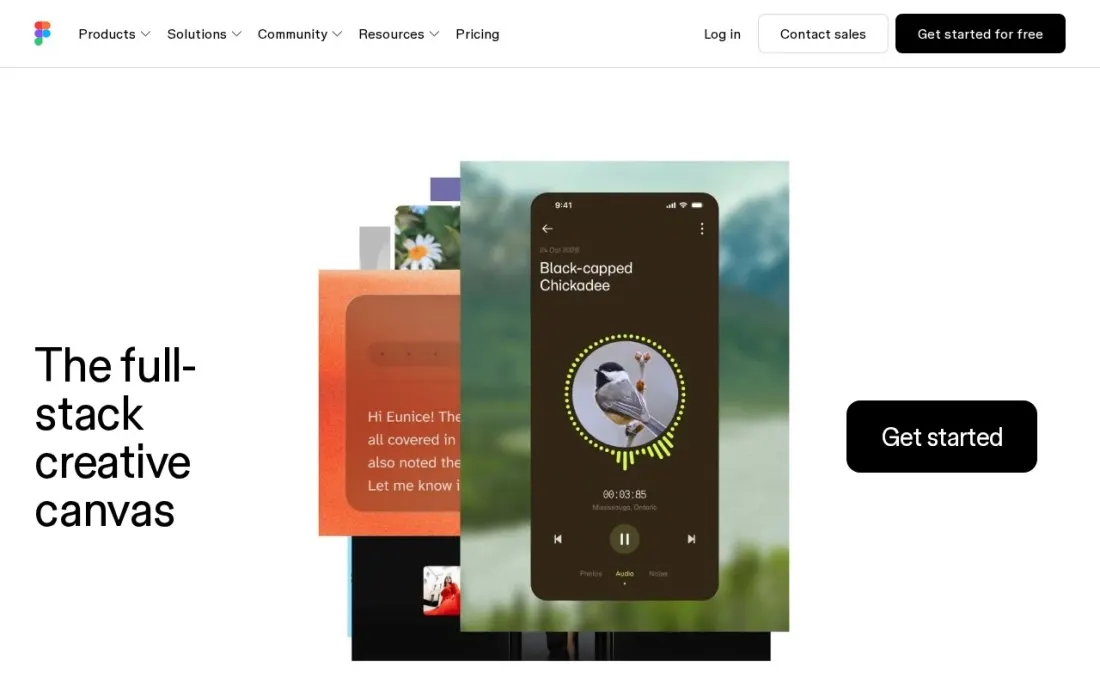
Figma is the app design software most product teams default to: screens, components, auto layout, clickable prototypes and developer handoff live in one browser file that designers, product managers and engineers edit together. Shared libraries keep buttons and colours consistent across iOS, Android and web, and the free Starter plan is enough for one person to design a complete app.
Paid pricing is seat-based. A third-party check dated November 1, 2026 put Professional full seats at $16 a month, dev seats at $12 and collab seats at $3, but Figma's pricing page as we fetched it showed older per-editor prices, so confirm the current rate on Figma's own billing toggle before you budget.
What we like
- Design, prototyping and developer handoff in one browser-based file
- Real-time multiplayer editing and comments for the whole product team
- Free Starter plan lets an individual design a full app before paying
Watch out for
- Seat-based pricing gets complicated across full, dev and collab seats
- Starter keeps only 30 days of version history and caps projects
- Prices on Figma's page as we fetched it did not match current third-party checks, so confirm on the billing toggle

Penpot
Best for: Teams that want open-source app design software they can use free or self-host
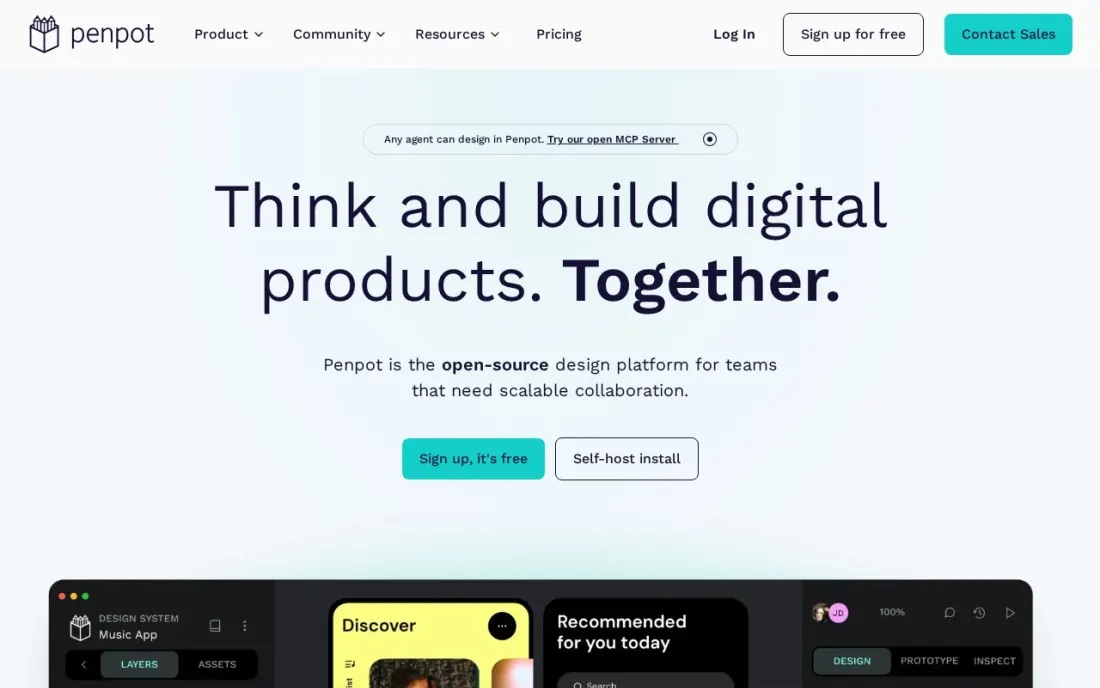
Penpot is the open-source answer to Figma: browser-based app design, components, prototyping and code inspection, built on open web standards. Its Professional plan costs $0, is described as fully featured with no missing tools, and can run in Penpot's cloud or on your own server. For a startup or agency that wants no design-tool bill, it is the strongest free option here.
Unlimited costs $7 an editor a month and is capped at $175 a month however large the team, and Enterprise costs $25 a member a month for central administration and permissions. The trade-off is ecosystem: fewer plugins, templates and tutorials than Figma, and switching teams must rebuild their component libraries.
What we like
- Open source, so you own your designs and avoid vendor lock-in
- The $0 Professional plan is fully featured, in the cloud or self-hosted
- Unlimited plan is capped at $175 a month however large the team
Watch out for
- Smaller plugin and community ecosystem than Figma
- Teams moving from Figma need to rebuild or convert component libraries

Sketch
Best for: Mac-based designers who want a native desktop app, or a one-time licence
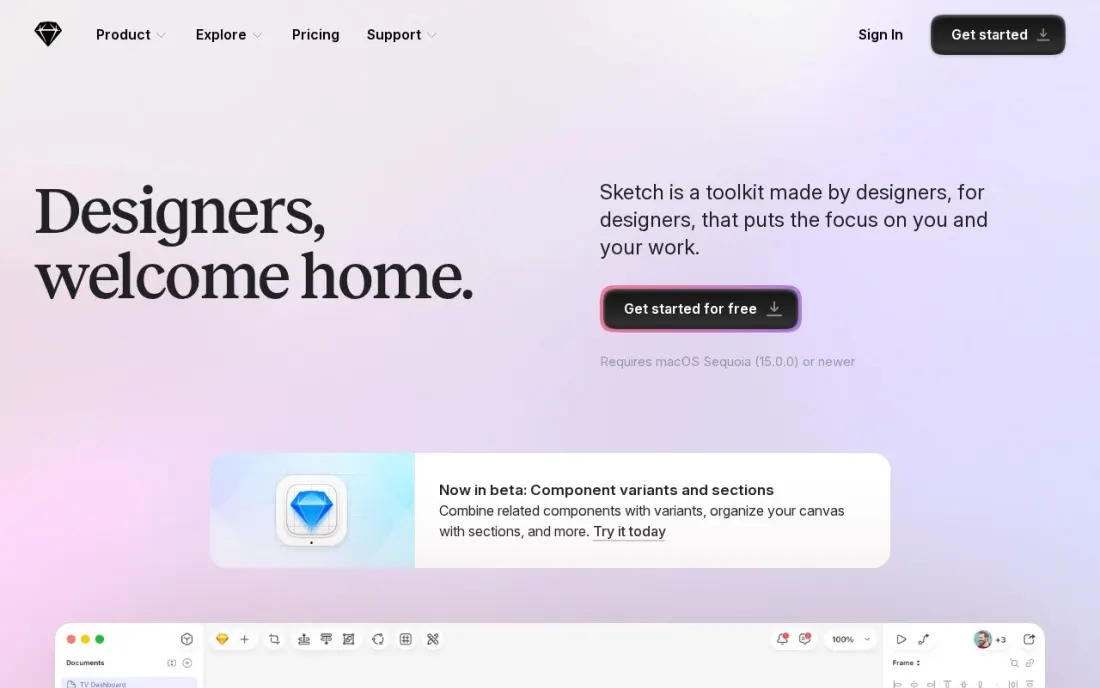
Sketch is a native Mac app for designing app interfaces, and it still suits designers who prefer a fast desktop tool to a browser tab. Symbols, shared libraries and prototyping cover most app work, and the Standard plan includes unlimited free viewers who can browse, comment and inspect designs in the web app. Standard costs $12 an editor a month billed yearly.
Solo designers can skip the subscription: the Mac-only licence costs $120 once and includes a year of updates, but it drops collaboration, online sharing and iOS previews. Professional costs $24 an editor a month billed yearly. A 30-day free trial needs no credit card. Editing requires a Mac.
What we like
- Native Mac app for designers who prefer desktop software to a browser tab
- Standard includes unlimited free viewers who can browse, comment and inspect
- A $120 one-time Mac-only licence avoids a subscription for solo designers
Watch out for
- Mac only for editing; Windows users can only view in the web app
- The one-time licence excludes collaboration, sharing and iOS previews

ProtoPie
Best for: Designers who need realistic, high-fidelity app prototypes for testing and handoff
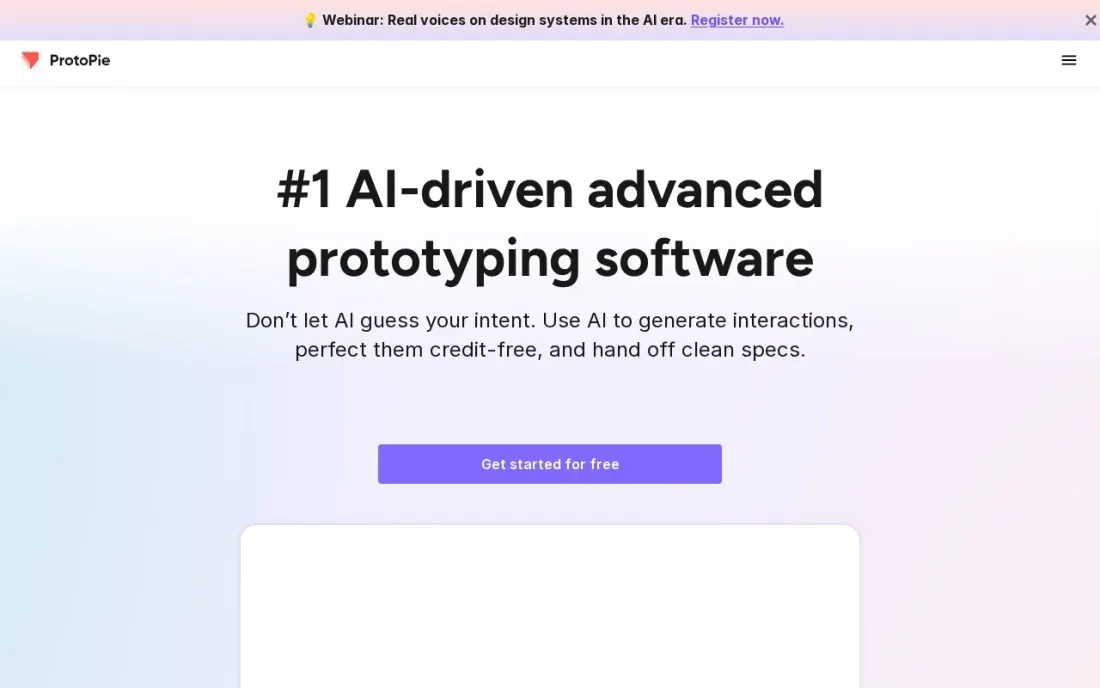
ProtoPie is for the stage after the screens are drawn: turning them into prototypes that behave like a real app, with conditions, variables and device inputs, so usability tests and stakeholder demos feel real. The free plan covers two cloud prototypes with eight scenes each for one seat, which is enough to test a key flow.
Basic is listed at $25 a month for one seat with 20 cloud prototypes, and Pro at $47 an editor a month adds unlimited prototypes, team libraries and unlimited handoff recordings; the page says yearly billing saves up to 26%. It is a specialist add-on to Figma or Sketch, not a replacement, so budget it as a second tool.
What we like
- Builds prototypes that behave like the real app, beyond simple screen links
- Free plan covers two cloud prototypes for a single designer
- Pro adds unlimited prototypes, team libraries and handoff recordings
Watch out for
- A prototyping tool only; screens are usually designed elsewhere first
- Pro at $47 an editor a month is the highest per-seat price here
Canva
Best for: Founders and marketers making app store screenshots, promo graphics and simple mockups
Canva is the design app for everything around the app rather than the interface itself. App store screenshot templates, device mockups, launch graphics and social posts are drag-and-drop, and Magic Resize turns one design into every store and social size. The free plan includes 250,000+ templates, and Pro costs $18 a month billed monthly, or $144 a year billed annually.
It is not a UI design tool: there are no components, auto layout or developer handoff, so screens designed here will need rebuilding in Figma or Penpot. Brand Kit and Magic Resize need Pro. For a founder who needs store listings and launch assets this week, it is the quickest route.
What we like
- App store screenshot templates, device mockups and launch graphics are drag-and-drop, with 250,000+ templates on the free plan
- Magic Studio AI tools and Brand Kit come with Pro, so a small team can stay on-brand without a designer
- Magic Resize turns one design into every app store and social size, so launch assets take minutes
Watch out for
- Not a UI design tool: no components, auto layout or developer handoff, so app screens need rebuilding in Figma or Penpot
- Brand Kit, background remover and Magic Resize all need Pro, so the free plan is template-only for branding
- Monthly billing costs $18 a month, against $144 a year billed annually, so paying monthly costs more

Adobe Creative Cloud
Best for: Designers producing app icons, illustrations and image assets with professional tools
Adobe Creative Cloud supplies the assets an app needs beyond its screens: Illustrator for app icons and vector illustrations, Photoshop for image editing and onboarding artwork, and Adobe Fonts for type. Creative Cloud Standard costs $54.99 a month on an annual plan billed monthly, and single apps such as Illustrator start at $22.99 a month.
It is not where most teams design UI flows today, so pair it with Figma, Sketch or Penpot. Watch the contract: cancelling an annual plan early triggers a fee of 50% of the remaining balance, and Standard includes only 25 generative AI credits a month. There is no free plan, only a 7-day trial.
What we like
- Standard costs $54.99 a month on an annual plan billed monthly and includes the full desktop app set: Photoshop, Illustrator, Premiere Pro and more
- 100 GB of cloud storage, Adobe Fonts and Adobe Portfolio are included on every individual plan
- The highest review score in this list, 4.7 out of 5 on Capterra from 7,327 reviews
- Single-app plans from $22.99 a month mean a team that needs only Photoshop never pays for the suite
Watch out for
- The old $59.99 All Apps price is gone: the plan is now Creative Cloud Pro at $69.99, with Standard at $54.99 below it
- Cancelling an annual plan early triggers a fee equal to 50% of the remaining balance
- Standard caps generative AI at 25 credits a month, far below Pro's 4,000
The best app design software lets you draw an app's screens, link them into a prototype people can tap through, and hand exact specs to the developers who build it. We compared six tools and design apps — three interface design tools, a prototyping specialist and two tools for the icons, screenshots and graphics around the app — on collaboration, prototyping, platform support and real cost. Prices come from each vendor's own pricing page as checked in November 2026, and where a page and a recent third-party check disagree, we say so.
How to choose the best app design software
- Start with how your team works. Figma and Penpot run in the browser for real-time collaboration; Sketch is a native Mac app built for focused desktop work.
- Check developer handoff. Developers need measurements, colours, assets and code snippets from the design file, not screenshots.
- Look for shared components. A library of buttons, inputs and colours keeps iOS, Android and web screens consistent as the app grows.
- Decide how real the prototype must be. Linked screens are enough for most reviews; usability tests with gestures or device sensors may need ProtoPie.
- Count seats by role. Designers, developers and reviewers often need different seat types, and viewers are free on several tools.
- Plan for the assets around the app. Icons, store screenshots and launch graphics need Canva or Adobe tools as well as a UI editor.
- Beginners can start free. Figma's Starter plan and Penpot's $0 Professional plan cover real app screens at no cost, and Canva's free plan handles simple mockups and store screenshots.
Design is only half of an app launch; the other half is people finding it. If the app has a marketing site, our SEO audit checks that site before launch traffic arrives, and our guide to the best web design software covers the tools for the site itself.
App design software pricing: what you will actually pay
Take a small product team: two designers and one developer who needs to inspect designs. On Penpot, the Professional plan costs $0 for all three; moving to Unlimited at $7 an editor a month would cost $14 a month for the two designers. On Sketch Standard, the two designers cost $24 a month billed yearly, or $288 a year, and the developer can inspect as a free viewer in the web app.
Figma's free Starter plan works for a solo designer, but a team will pay per seat; a third-party check dated November 1, 2026 put Professional full seats at $16 a month, which would be $32 a month for two designers before any dev seat. Confirm on Figma's billing toggle before budgeting.
Add ProtoPie Pro for realistic usability testing and the two designers add $94 a month at $47 an editor. Adobe Creative Cloud Standard for icon and image work adds $54.99 a month per person on an annual plan billed monthly. Canva Pro costs $18 a month billed monthly, or $144 a year, for store screenshots and launch graphics.
Know the difference: UI design tool vs prototyping tool
A UI design tool is where screens are drawn. Figma, Penpot and Sketch handle layout, typography, components and design systems, and all three can link screens into a clickable prototype for reviews. For most apps, that built-in prototyping is enough to walk stakeholders through a flow and catch navigation problems.
A prototyping tool goes further. ProtoPie builds prototypes that respond to conditions, variables and device inputs, so a test participant can type, swipe and see the app react as it would in production. It does not replace the UI tool — teams design in Figma or Sketch and import into ProtoPie — so buy it only when realistic behaviour is what your testing needs.
Quick comparison: tool type by need
| Buyer | Best pick | Why |
|---|---|---|
| Collaborative product teams | Figma | Design, prototype and handoff in one browser file, free Starter plan |
| Teams wanting free or self-hosted | Penpot | Open source, $0 fully featured plan, Unlimited $7/editor/month |
| Mac-based designers | Sketch | Native Mac app, $12/editor/month billed yearly or $120 one-time |
| Realistic usability testing | ProtoPie | Sensor and variable-driven prototypes, free for 2 prototypes |
| App store and launch graphics | Canva | Templates and mockups, free plan, Pro $18/month |
| Icons and image assets | Adobe Creative Cloud | Illustrator and Photoshop, Standard $54.99/month on an annual plan |
Mistakes to avoid
- Designing every screen before testing one flow. Prototype the sign-up or checkout flow first and test it with five real users before drawing the rest.
- Skipping the component library. Without shared components, every button drifts slightly and developers rebuild the same element many times.
- Ignoring platform conventions. iOS and Android users expect different navigation patterns; design for each rather than shipping one layout to both.
- Paying for seats nobody edits in. Developers and reviewers can often view and comment free; check seat types before upgrading everyone.
- Locking files in one person's account. Keep design files in a team workspace so work survives when a freelancer or employee leaves.
Related comparisons: AI Design Apps Free to Use · Website Design Services · Email Design Software · 3D Design Software
How we chose
We looked for tools that cover app interface design, prototyping and the assets around an app, and checked each vendor's own pricing page in November 2026. Where a page did not state the billing period, we say so rather than guess. Figma's page as we fetched it showed older per-editor prices that did not match a third-party check dated November 1, 2026, so we report both and recommend confirming on Figma's billing toggle. Ratings come from review pages checked on the dates shown in the sources. No vendor paid for a place in this list, and none of the links here are affiliate links.
What to do next
Pick one core flow in your app, such as sign-up, and design and prototype it on the free plan of Figma or Penpot this week; test it with five people before committing to paid seats. When the app is ready to launch and needs a site people can find, book a free strategy call.
Frequently asked questions
What is the best app design software?
Figma is the best app design software for most teams, with design, prototyping and handoff in one browser file and a free Starter plan. Penpot is the best free and open-source alternative, and Sketch suits Mac-based designers from $12 an editor a month billed yearly.
Is there free app design software?
Yes. Penpot's Professional plan is $0 and fully featured, Figma has a free Starter plan for individuals, ProtoPie has a free plan for two prototypes, and Canva has a free plan for app store graphics. Sketch offers a 30-day free trial instead.
What are the best design apps for non-designers?
Canva is the easiest design app for non-designers, with templates for app store screenshots, mockups and launch graphics. For the app interface itself, Figma's free plan with community UI kits is the gentlest way in.
How much does app design software cost?
Sketch Standard costs $12 an editor a month billed yearly, Penpot Unlimited $7 an editor a month capped at $175 a month, ProtoPie Pro $47 an editor a month and Adobe Creative Cloud Standard $54.99 a month on an annual plan. Figma's paid seats are priced by seat type, so check its billing toggle.
Do I need a separate prototyping tool?
Usually not. Figma, Penpot and Sketch all build clickable prototypes. A specialist such as ProtoPie is worth it when you need prototypes that use conditions, variables or device sensors for realistic usability testing.
Can I design an app on Windows?
Yes. Figma and Penpot run in the browser on any operating system, and Canva and Adobe Creative Cloud have Windows versions. Sketch editing needs a Mac; Windows users can only view and comment in its web app.
What is the best app design software for beginners?
Figma is the easiest place to start: the Starter plan is free for individuals and runs in the browser. Penpot is a free alternative whose Professional plan costs $0, in the cloud or self-hosted. If you only need app store screenshots, promo graphics or simple mockups, Canva's free plan with 250,000+ templates is enough. Add ProtoPie or Sketch later, once you know you need them.
Sources we checked (8)
- Figma — www.figma.com/pricing (checked November 16, 2026)
- Penpot — penpot.app/pricing (checked November 16, 2026)
- Sketch — www.sketch.com/pricing (checked November 16, 2026)
- ProtoPie — www.protopie.io/pricing (checked November 16, 2026)
- Canva — www.canva.com/pricing (checked November 12, 2026)
- Canva reviews on G2 (checked November 12, 2026)
- Adobe Creative Cloud — www.adobe.com/creativecloud/plans.html (checked November 4, 2026)
- Adobe Creative Cloud reviews on Capterra (checked November 4, 2026)
Make one of these tools?
We re-check this list every quarter. Send a correction, request a review, or ask about a clearly labeled sponsored spot.
Request a listingShamim
Founder of SerpAstra
A full-stack digital marketer and SEO strategist covering technical and local SEO, AI search visibility, paid ads and lead generation for local businesses, e-commerce brands and SaaS teams.
Free SEO and AI visibility audit
Find out what is holding your rankings back
Send us your site. Within 2 business days you get a written audit, an AI visibility check and a short fix list ranked by impact. Free, with no contract attached.
Request my free audit→Related buying guides
 Website Builders & Hosting8 Best Web Design Software in 2026, ComparedCompare the 8 best web design software tools for designing websites, from Figma and Webflow to Wix and WordPress, with every price checked on vendor pages.Read guide →
 Developer Tools8 Best Cross-Platform Mobile App Development in 2026, Compared8 best cross-platform mobile app development options compared on price, type and fit for teams shipping to iOS and Android, checked November 10, 2026.Read guide →
 Data, Analytics & AIBest Mobile App Analytics (2026): 12 Apps Worth Downloading12 best mobile app analytics tools compared on price, free plans and attribution, with real starting prices checked on vendor pages, November 2, 2026.Read guide →