
7 Best Job Management Software in 2026, Compared
Compare the 7 best job management software for trades on quotes, scheduling, invoicing, accounting sync and real per-user or per-job cost, with prices checked.
 Shamim Mia, Founder, SerpAstraLast verified November 8, 20268 min read
We compare pricing pages, documentation and public reviews. We never accept payment for rankings.
Key takeaways
- ServiceM8 is the cheapest start: a free plan for 30 jobs a month, then Starter at $29 a month with unlimited users, because it charges by the job rather than the seat.
- Tradify and Fergus are built for small trade firms that quote first; Tradify includes Xero and QuickBooks Online sync on its $47-a-user entry plan, and Fergus starts from $31 a month with no annual contract.
- Jobber is the strongest all-rounder for home-service businesses, from $29 a month billed annually for one user.
- Service Fusion's flat $245 a month with unlimited users beats per-user tools once a team passes about eight people.
On this page
Quick comparison
| Tool | Best for | Starting price | Free plan |
|---|---|---|---|
 ServiceM8 | Solo tradespeople and small teams that want to pay by job volume, not by headcount | Free; Starter $29/mo | Yes (free) |
 Tradify | Small trade crews that quote first and keep their books in Xero or QuickBooks | $47/user/mo | No (14-day trial) |
 Fergus | Trade contractors that want job management month to month with no annual contract | From $31/mo | No (14-day trial) |
 Jobber | Home-service businesses that want booking, quotes, scheduling and payments in one app | $49/mo | No (14-day trial) |
 Simpro | Established trade firms running service calls, projects and maintenance in one system | Custom quote | No (demo) |
 Joist | Solo contractors who mainly need estimates and invoices sent from a phone | $10/mo | No (14-day trial) |
 Service Fusion | Trade businesses of eight or more people that want one flat price with unlimited users | $245/mo | No (demo only) |
Make one of these tools?
We re-check this list every quarter. Send a correction, request a review, or ask about a clearly labeled sponsored spot.
Request a listingThe best job management software
ServiceM8
Best for: Solo tradespeople and small teams that want to pay by job volume, not by headcount
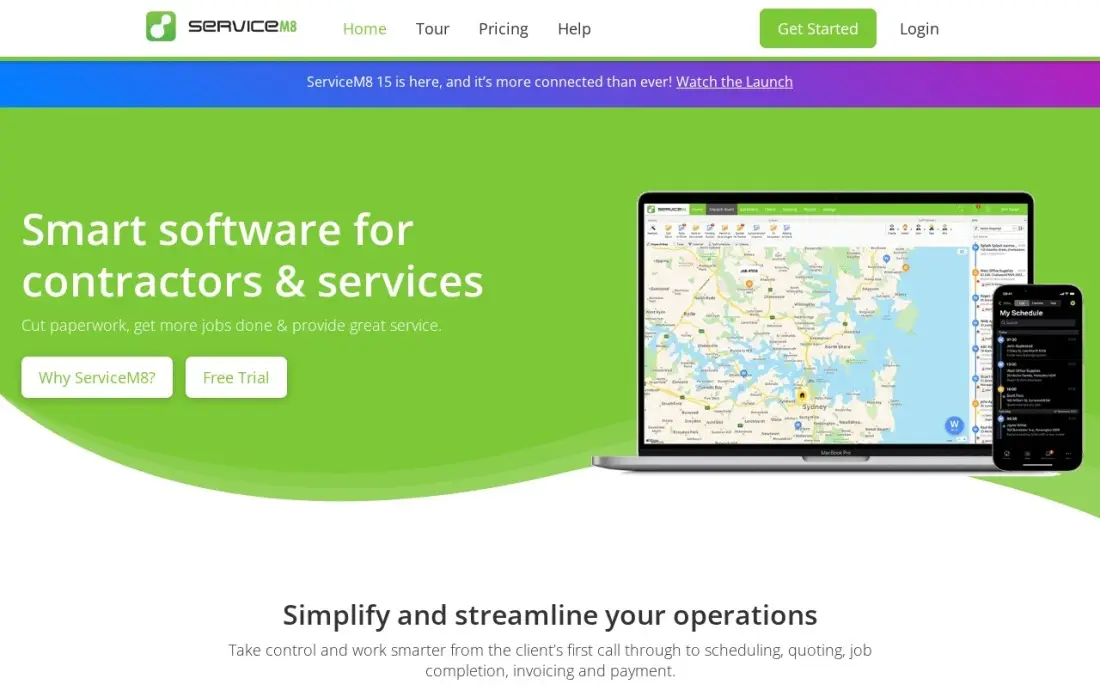
ServiceM8 prices job management the way a small trade business grows: by the number of jobs, not the number of people. The free plan covers one user and 30 jobs a month with scheduling, quoting, invoicing, payments and time tracking, and Starter costs $29 a month for 50 jobs. Every paid plan includes unlimited users, so hiring an apprentice does not raise the bill.
The review record is the weak point. G2 rates it 3.8 out of 5 from 16 reviews, with bugs and slow performance among the complaints, and the app is built iPhone-first. Texts cost 10 cents each on the free plan, and the phone system is $19 a month extra. Run a full month of real jobs through it before relying on it.
What we like
- The only genuinely free plan here, and paid plans include unlimited users
- Priced by jobs a month, so hiring a technician does not raise the subscription
- AI smart helpers included, with 10 uses a day on the free plan
- Strong iPhone and iPad app for technicians working in the field
Watch out for
- Free plan covers 1 user and 30 jobs a month, so a busy shop outgrows it fast
- Lowest G2 score here at 3.8 out of 5, with reviewers citing bugs and slow performance
- Text messages cost 10 cents each on the Free plan, and the phone system is $19/month extra
Tradify
Best for: Small trade crews that quote first and keep their books in Xero or QuickBooks
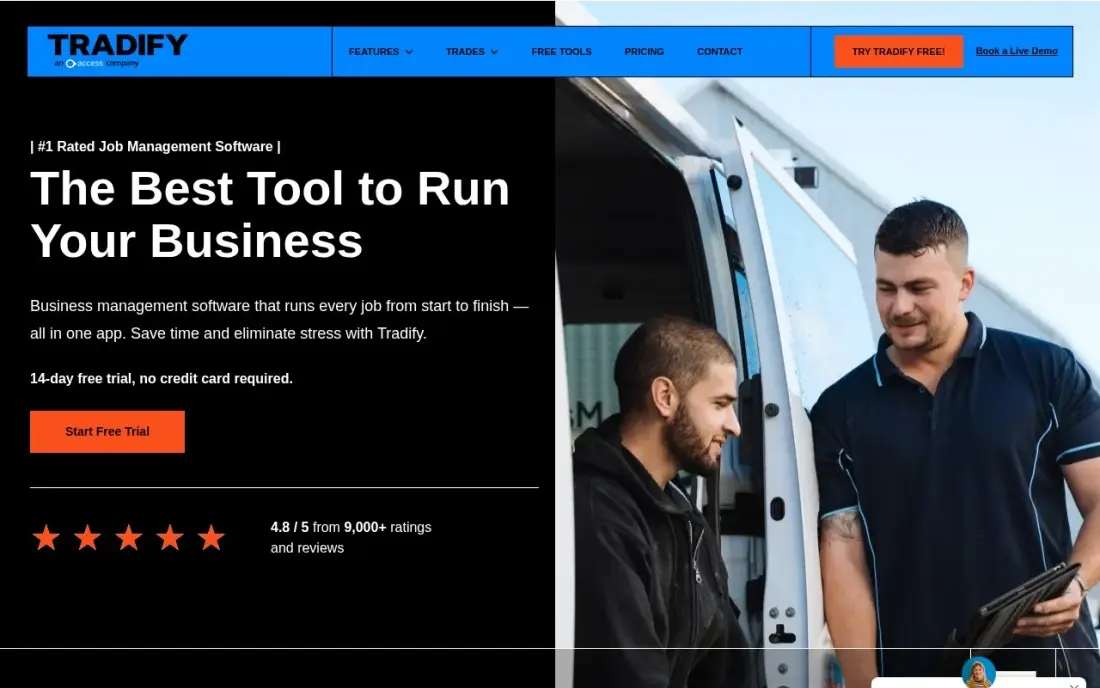
Tradify is job management that starts at the quote. Lite covers job management, scheduling with Google Calendar sync, quotes and invoices with markups, online card payments and, unusually for an entry plan, Xero and QuickBooks Online sync. For a plumbing or electrical firm that wins work on fast, accurate quotes and wants jobs flowing straight into the accounts, that is most of the job.
Every login is a paid seat at $47 a user a month on Lite, billed monthly, so a five-person crew pays $235 a month. Timesheets, job costing and recurring jobs need Pro at $51 a user, and AI tools, purchase orders and reporting need Plus at $61. There is a 14-day free trial.
What we like
- Quotes with markups, scheduling, invoicing and card payments on every plan
- Xero and QuickBooks Online sync included on Lite, not gated to a higher tier
- Google Calendar sync keeps the schedule visible outside the app
- Subcontractor scheduling included on Pro for firms that hand work out
Watch out for
- Every user is a paid seat, so a 5-person crew pays $235/month on Lite
- Timesheets, job costing and recurring jobs wait for Pro at $51/user/month
- AI SmartTools, purchase orders and reporting wait for Plus at $61/user/month
Fergus
Best for: Trade contractors that want job management month to month with no annual contract
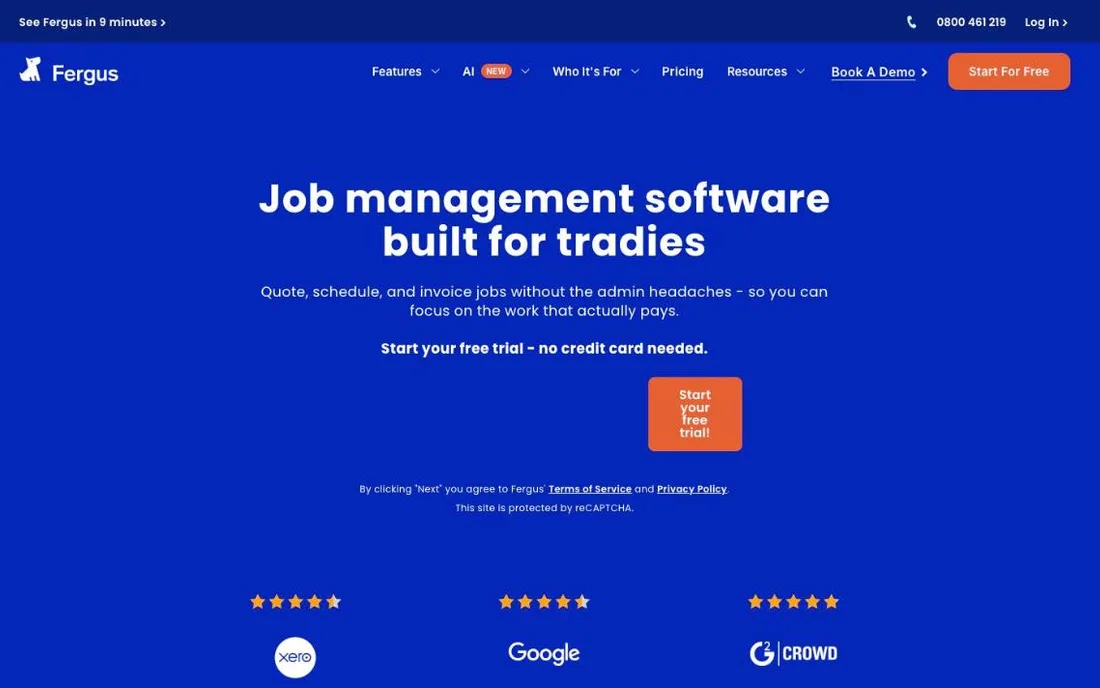
Fergus is job management software built for trade contractors, and it keeps commitment low: plans are billed month by month, there are no annual contracts, and the 14-day trial on Essentials needs no card and includes a free one-hour onboarding session. Essentials covers the core job management features, and Pro adds checklists, forms, enquiry management, job phases, tasks, purchase orders, tiered pricing, hazards, SWMS and the full advanced reports.
Essentials starts from $31 a month and Pro from $44, and Enterprise for firms over 10 staff is custom. Add-ons build the bill: timesheet users from $26 a month, SMS at $15 per 100 texts, and contractor users at $2.50 a day. Card payments cost 2.95% plus $0.30.
What we like
- Billed month to month with no annual plans, and you can cancel anytime
- Pro adds checklists, forms, enquiry management, job phases, purchase orders, hazards and SWMS
- 14-day trial includes a free one-hour onboarding session with a product specialist
Watch out for
- Prices are shown as 'from' figures, so confirm the total for your team before signing
- Timesheet users, SMS, certificates and contractor users are paid add-ons
- Essentials includes email and chat support only; phone support needs Pro
Jobber
Best for: Home-service businesses that want booking, quotes, scheduling and payments in one app
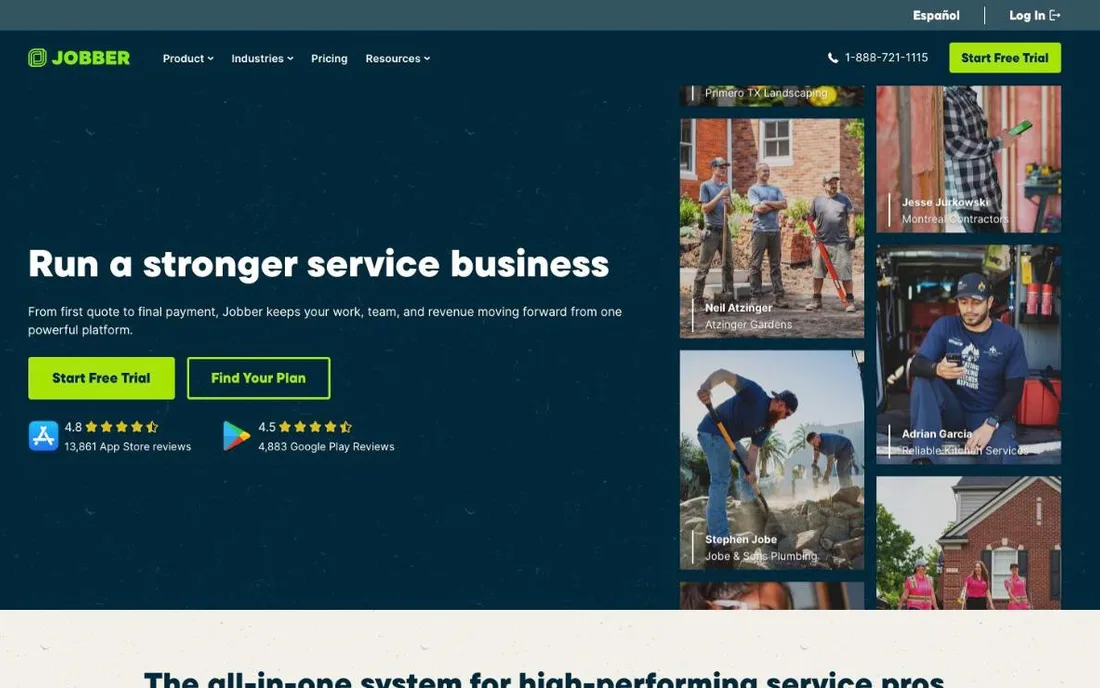
Jobber runs a home-service job from first contact to paid invoice. A client books online, you send a quote, schedule the visit, invoice and collect payment, and the client sees it all in a self-serve hub. Core also includes a basic website, and more than 100 integrations, including QuickBooks and Google Calendar, connect it to the rest of the business.
Core costs $49 a month billed monthly, or $29 billed annually, for one user, so a second person means Connect, which is priced by team size. The sales pipeline is a $49-a-month add-on, and card payments cost 2.9% plus 30 cents. It is the strongest pick for cleaning, lawn care and residential trades.
What we like
- Built for field service: quoting, scheduling, invoicing, online booking and payments in one place
- Core at $49/month covers a solo operator with no per-job fees
- Clients get a self-serve hub for booking, quotes and payments
- More than 100 integrations, including QuickBooks and Google Calendar
Watch out for
- Core covers one user only — a second person means Connect, which starts higher
- The sales pipeline is a $49/month add-on, not included on Core
- Card payments cost 2.9% plus 30 cents per transaction on top of the plan price
Simpro
Best for: Established trade firms running service calls, projects and maintenance in one system
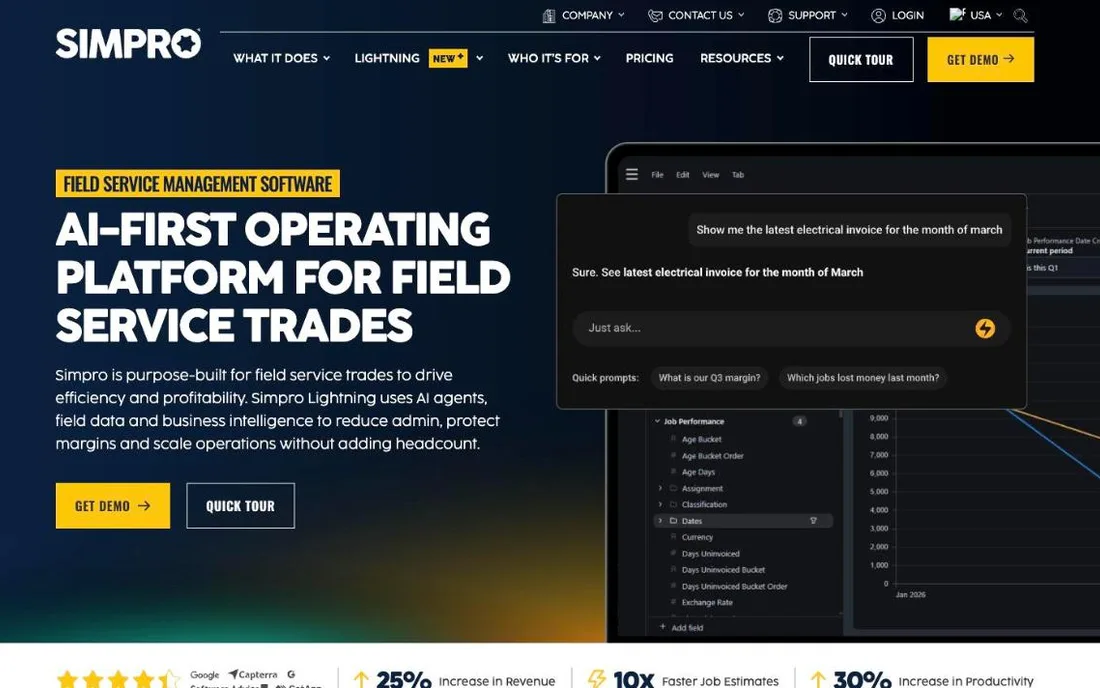
Simpro covers the whole job lifecycle for a larger trade firm: quoting, scheduling, job management, inventory, fleet tracking and asset maintenance. Estimates auto-populate from preset labour rates and supplier catalogues, which saves hours on bigger quotes, and service work and multi-stage projects run side by side. G2 rates it 4.1 out of 5 from 407 reviews.
Simpro publishes no rate card; every plan is priced per user after a discovery call, and setup is an implementation project. Customisation is complex enough that firms often pay for help, and reviewers call the quote templates clunky. Choose it when you have outgrown the small-business tools and run projects as well as call-outs.
What we like
- Quotes, scheduling, inventory and project work in one platform
- Estimates auto-populate from preset labor rates and vendor catalogs
- GPS fleet tracking with geofencing and IoT asset monitoring included
- Rated 4.1 out of 5 on G2 from 407 reviews, the second-largest review base here
Watch out for
- No published price, so you need a discovery call and an implementation project
- Customization is complex and often needs paid help from support
- Quote form templates are reported as clunky by reviewers
Joist
Best for: Solo contractors who mainly need estimates and invoices sent from a phone
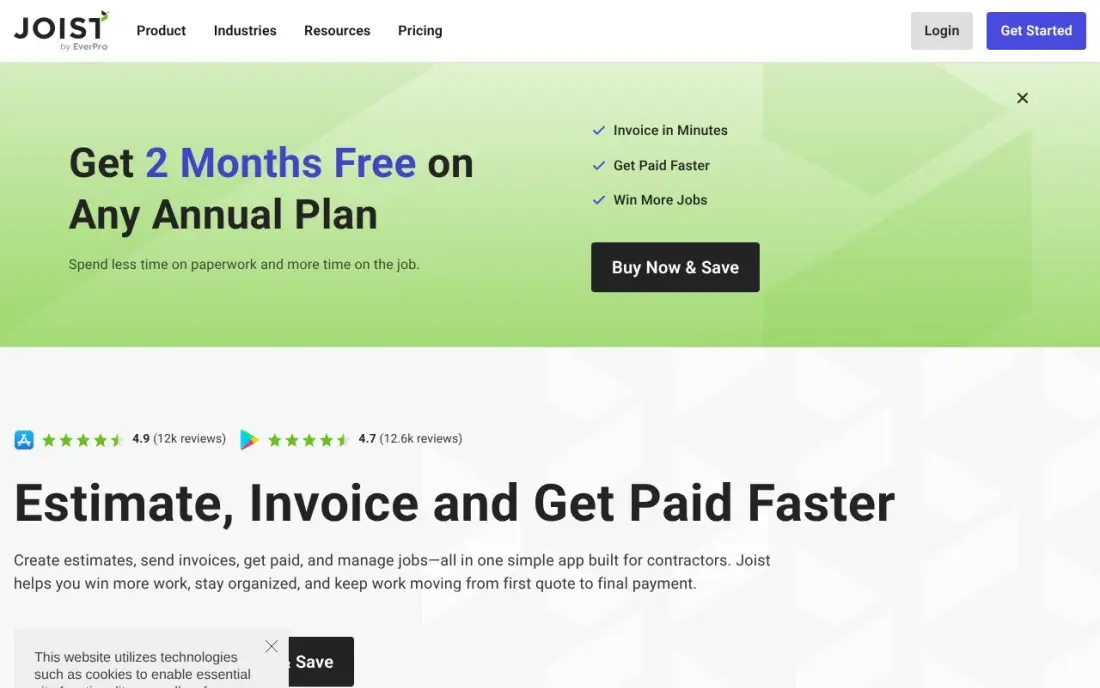
Joist is the lightest job tool here and the cheapest. You build an estimate with labour and materials on your phone, the client signs it, and it becomes an invoice with deposits and milestone payments. Basics costs $10 a month billed monthly, or $8.34 billed annually, and Run at $70 a month introductory adds jobs and scheduling.
Basics caps you at five documents a month, so most active contractors need Pro at $17 a month, which adds unlimited documents, work orders, expense tracking and QuickBooks Online sync. There is one login per account and no offline mode. It suits a one-person business that wants paperwork done on site.
What we like
- Built for contractors: estimates convert to invoices in a few taps, with deposits and milestone payments
- The cheapest contractor-first app here — Basics is $10/month with online payments and homeowner financing
- Mobile-first design means quotes and invoices go out from the jobsite, not the office
- Pro adds unlimited documents, work orders, expense tracking and QuickBooks Online sync for $17/month
Watch out for
- Basics caps at 5 documents a month — most active contractors need Pro at $17/month
- One login per account, so a crew cannot share a plan without separate accounts
- No offline mode; the app needs an internet connection on the jobsite
Service Fusion
Best for: Trade businesses of eight or more people that want one flat price with unlimited users
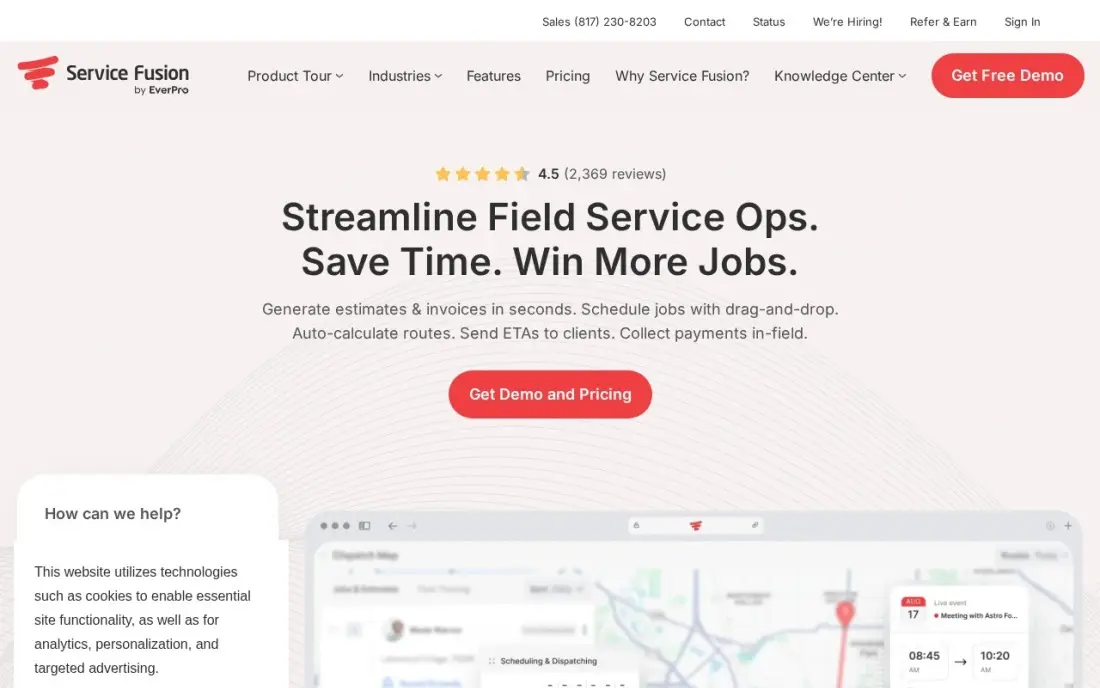
Service Fusion is the job management tool for growing teams that are tired of per-seat bills. Starter covers scheduling, dispatching, estimates, invoicing, payments and QuickBooks sync for the whole company, with unlimited office and field users, and billing is month to month with no contract. G2 rates it 4.1 out of 5 from 124 reviews.
Starter costs $245 a month billed monthly, or $208 billed annually, which is expensive for a solo tradesperson but cheaper than per-user tools once a team passes about eight people. Job costing, inventory and GPS tracking are paid add-ons, and there is no free trial, only a demo.
What we like
- Unlimited users on every plan, so the bill never moves when you hire
- Scheduling, dispatching, estimates, invoicing and QuickBooks sync on Starter
- Month-to-month billing with no contract, and 15% off for annual billing
- Flat pricing beats per-user tools once the crew passes about 8 people
Watch out for
- Starter at $245/month is dear for a solo operator or a 2-person shop
- Job costing, inventory and GPS fleet tracking are paid add-ons, not included
- No free trial, only a sales-led demo, so the first bill comes before a real test drive
The best job management software takes a trade job from enquiry to quote, schedule, completed work and paid invoice without a whiteboard or a pile of paper job sheets. We compared seven tools built for tradespeople and home-service businesses, from free and phone-first apps for sole traders to platforms that run projects and maintenance for established firms, and every price below comes from the vendor's pricing page as checked in November 2026.
How to choose the best job management software
- Match the pricing model to your team. Per-job, per-user and flat pricing each favour a different mix of people and job volume.
- Start from how you win work. If quotes win jobs, look for fast quoting with markups and supplier price lists; if bookings do, look for online booking.
- Check the accounting sync on your plan. Xero or QuickBooks sync saves hours each week, but some tools gate it to higher tiers.
- Test the mobile app on site. Your team will use the phone app more than the office screen, so try it in a basement or a loft.
- Count the add-ons. SMS, timesheets, phone systems and card fees can add as much as the plan itself.
- Avoid long contracts at the start. Fergus and Service Fusion bill month to month, which lowers the risk of a bad fit.
Job management keeps the work organised; it does not bring new customers in. Our local SEO service helps trade businesses show up in Google Maps when people search for their service nearby, and the free Google review link generator makes it easy to ask every finished job for a review.
Job management software pricing: what you will actually pay
Take a trade business with five people handling about 80 jobs a month. On Tradify Lite, five seats at $47 a user cost $235 a month billed monthly, or $2,820 a year, and job costing on Pro raises that to $255 a month. Jobber's Core plan covers one user only, so a team of five needs Connect, which is priced by team size. Fergus starts from $31 a month on Essentials, with timesheet users from $26 a month each as an add-on.
ServiceM8 prices by jobs, so the five people cost nothing extra; check its job tier that covers 80 jobs a month, since Starter at $29 covers 50. Service Fusion costs $245 a month billed monthly, or $208 billed annually, whatever the headcount, so it costs more than Tradify at five people but less once the team passes about eight. Joist suits a sole trader, at $17 a month on Pro, and Simpro is quote-only for larger firms.
Know the difference: job management vs project management software
Job management software is built for many short jobs: a boiler service today, a rewire tomorrow, ten call-outs this week. It is centred on the customer and the visit, with quotes, scheduling, on-site notes and photos, invoicing and payments, and it assumes each job is finished in hours or days.
Project management software is built for a few long jobs with phases, budgets, subcontractors and change orders running over weeks or months. Simpro and Fergus's Pro plan, with job phases and purchase orders, stretch into that territory. If most of your work is long builds, a construction project management tool may fit better; if it is call-outs and short installs, stay with job management.
Quick comparison: tool type by need
| Buyer | Best pick | Why |
|---|---|---|
| Sole traders on no budget | ServiceM8 | Free for 30 jobs a month, unlimited users on paid plans |
| Quote-led crews on Xero | Tradify | Xero and QuickBooks sync on Lite, $47/user/month |
| Contractors avoiding contracts | Fergus | From $31/month, billed month to month |
| Home-service businesses | Jobber | Booking to payment in one app, from $29/month billed annually |
| Established multi-trade firms | Simpro | Service, projects and maintenance in one system, quote only |
| Paperwork from the van | Joist | Estimates and invoices from $10/month |
| Teams of eight or more | Service Fusion | Flat $245/month with unlimited users |
Mistakes to avoid
- Paying for seats nobody uses. Office staff who only read the schedule may not need a full paid login on per-user tools.
- Skipping the price list import. Quotes are only fast if your materials and labour rates are loaded before you start.
- Running two calendars. If jobs live in the app and in a paper diary, one of them will be wrong by Friday.
- Ignoring payment fees. Card fees of around 3% on every invoice add up to more than the subscription for many firms.
- Choosing on features you will not use. A sole trader does not need a dispatch board; buy for the next two years, not the next ten.
Related comparisons: Local Job Search Platforms · Local Job Listings Apps
How we chose
We picked tools built for trades and home-service businesses that cover the core job flow — quote, schedule, complete, invoice — and grouped them by team size and pricing model. We checked starting prices on vendor pricing pages in November 2026 and recorded them exactly as shown, including annual and monthly figures; Simpro publishes no price, so it is listed as custom quote. Ratings come from G2 pages on the dates shown in the sources. No vendor paid for a place in this list, and none of the links here are affiliate links.
What to do next
Pick the two tools that match your team size and pricing model, and run the same week of real jobs through both trials — one quote, one schedule change, one invoice paid by card. If the jobs are organised but the phone is quiet, book a free local visibility check.
Frequently asked questions
What is the best job management software?
For most small trade businesses, Jobber is the best all-rounder, from $29 a month billed annually. ServiceM8 is the cheapest start with a free plan for 30 jobs a month, Tradify suits quote-led crews that use Xero or QuickBooks, and Simpro suits larger firms that run projects as well as service calls.
Is there free job management software?
ServiceM8 has a free plan for one user and 30 jobs a month, including scheduling, quoting, invoicing and payments. The other tools here offer free trials: 14 days on Jobber, Tradify, Fergus and Joist.
How much does job management software cost?
On published prices, Joist starts at $10 a month, ServiceM8 Starter at $29 a month, Jobber at $29 a month billed annually for one user, Fergus from $31 a month, Tradify at $47 a user a month and Service Fusion at $245 a month with unlimited users. Simpro is quote-only.
What is the difference between job management and field service management software?
They overlap heavily. Job management software usually describes tools for small trade firms that run each job from quote to invoice, such as Tradify, Fergus and ServiceM8. Field service management usually means larger platforms with dispatch boards, fleet tracking and service agreements for bigger teams.
Which job management software works with Xero?
Tradify includes Xero and QuickBooks Online sync on its entry Lite plan. Check the current integration list for any other tool before buying, since accounting sync is often limited to higher tiers.
Should I choose per-user or per-job pricing?
Per-job pricing, as on ServiceM8, suits teams with many people and modest job counts. Per-user pricing, as on Tradify, suits small teams with high job volume. A flat price, as on Service Fusion, suits larger teams that keep hiring.
What is the difference between job management and project management software?
Job management software handles many short jobs, such as service calls and small installs, with quotes, scheduling, site notes, invoicing and payments. Project management software handles a few long jobs with phases, budgets, subcontractors and change orders over weeks or months. Simpro and Fergus's Pro plan, with job phases and purchase orders, stretch toward project work, while ServiceM8, Jobber and Joist stay focused on short jobs.
Sources we checked (11)
- ServiceM8 — www.servicem8.com/pricing (checked November 10, 2026)
- ServiceM8 reviews on G2 (checked November 10, 2026)
- Tradify — www.tradifyhq.com/pricing (checked November 10, 2026)
- Fergus — fergus.com/us/pricing (checked November 16, 2026)
- Jobber — getjobber.com/pricing (checked November 12, 2026)
- Simpro — www.simprogroup.com (checked November 8, 2026)
- Simpro reviews on G2 (checked November 8, 2026)
- Joist — www.joist.com/pricing (checked November 8, 2026)
- Joist reviews on G2 (checked November 8, 2026)
- Service Fusion — www.servicefusion.com/pricing (checked November 10, 2026)
- Service Fusion reviews on G2 (checked November 10, 2026)
Make one of these tools?
We re-check this list every quarter. Send a correction, request a review, or ask about a clearly labeled sponsored spot.
Request a listingShamim
Founder of SerpAstra
A full-stack digital marketer and SEO strategist covering technical and local SEO, AI search visibility, paid ads and lead generation for local businesses, e-commerce brands and SaaS teams.
Free SEO and AI visibility audit
Find out what is holding your rankings back
Send us your site. Within 2 business days you get a written audit, an AI visibility check and a short fix list ranked by impact. Free, with no contract attached.
Request my free audit→Related buying guides
 Construction & Field Service8 Best Mobile Field Service Apps in 2026, ComparedCompare the 8 best mobile field service apps for trades and home-service crews on free plans, team pricing and real monthly cost, with prices checked in 2026.Read guide →
 Construction & Field ServiceBest Plumbing Service Software for 2026: 7 Providers Ranked by ValueCompare the 7 best plumbing service software options on price, dispatch, invoicing and QuickBooks sync, with every price checked November 8, 2026.Read guide →
 Construction & Field ServiceBest Invoice Apps for Contractors (2026): 11 Apps Worth DownloadingCompare the 11 best invoice app for contractors on price, free plans, mobile invoicing and payment fees, with every price checked November 8, 2026.Read guide →