
10 Best Learning Apps for Kids: Free Picks for 2026, Compared
Compare the 10 best learning apps for kids: free picks rated on ads, age range and subjects, with free tiers and paid upgrades checked on official pages.
 Shamim Mia, Founder, SerpAstraLast verified November 4, 202610 min read
We compare pricing pages, documentation and public reviews. We never accept payment for rankings.
Key takeaways
- Khan Academy Kids and Duolingo ABC are free in the fullest sense: no ads, no subscription and no in-app purchases.
- PBS KIDS Games and ScratchJr are also free, with hundreds of games for ages 2 to 8 and block coding for young children.
- Starfall, Epic, ABCmouse and Lingokids are freemium: the free tier is a sample, and the full app costs from $35 a year for Starfall.
- Teach Your Monster to Read is free in full on a computer; the mobile app is a one-time $8.99.
On this page
Quick comparison
| Tool | Best for | Starting price | Free plan |
|---|---|---|---|
| Khan Academy Kids | Families who want one complete, free early-learning app for ages 2 to 8 | Free | Yes (free) |
| Duolingo ABC | Parents who want a free, ad-free phonics app for a preschooler or first grader | Free | Yes (free) |
| PBS KIDS Games | Families who want hundreds of free games featuring characters children already know | Free | Yes, free |
| ScratchJr | Young children who are ready to try coding by building their own stories and games | Free | Yes, free |
| Teach Your Monster to Read | Children aged 3 to 6 who learn phonics best through a character-led game | Free on web; app $8.99 | Yes (free on web) |
| Starfall | Families who want a free start on classroom-tested phonics with a cheap upgrade | Free tier; $35/yr | Yes (free tier) |
| Epic | Children who can already read a little and need lots of books to practise on | Basic free; $9.99/mo | Yes (Basic) |
| ABCmouse | Parents who want to sample a full early-learning curriculum before paying | Basic free; $14.99/mo | Yes (Basic tier) |
| Lingokids | Parents of 2- to 8-year-olds who want ad-free play-based learning with a daily free allowance | Basic free; $13.49/mo | Yes (Basic tier) |
| Duolingo | Older children who want to learn a new language for free | Free; Super $12.99/mo | Yes (free plan) |
Make one of these tools?
We re-check this list every quarter. Send a correction, request a review, or ask about a clearly labeled sponsored spot.
Request a listingThe best free learning apps for kids

Khan Academy Kids
Best for: Families who want one complete, free early-learning app for ages 2 to 8
Khan Academy Kids is the best free learning app for young children, and it is free with no catch: more than 4,000 activities, videos and books with no ads, no subscription and no in-app purchases. It covers reading, phonics, maths and social-emotional skills for ages 2 to 8, built with the Stanford Graduate School of Education and aligned to Head Start and Common Core standards.
A parent dashboard shows what your child practised and which skills need more work. Because it covers several subjects, it is less focused than a phonics-only app, and the full library is not available offline on every device. Schools pay $5 per student a year for reporting; families pay nothing.
What we like
- Completely free for families: 4,000+ activities, videos and books with no ads, no subscriptions and no in-app purchases
- Built with the Stanford Graduate School of Education and aligned to Head Start and Common Core standards
- Covers reading, phonics, math and social-emotional skills in one app for ages 2 to 8
- Parent dashboard shows what the child practiced and which skills need more work
Watch out for
- Reading is one subject among several, so it is less focused than a phonics-only app
- No offline mode for the full library on every device
- School reporting costs $5 per student a year for districts, not for families
Duolingo ABC
Best for: Parents who want a free, ad-free phonics app for a preschooler or first grader
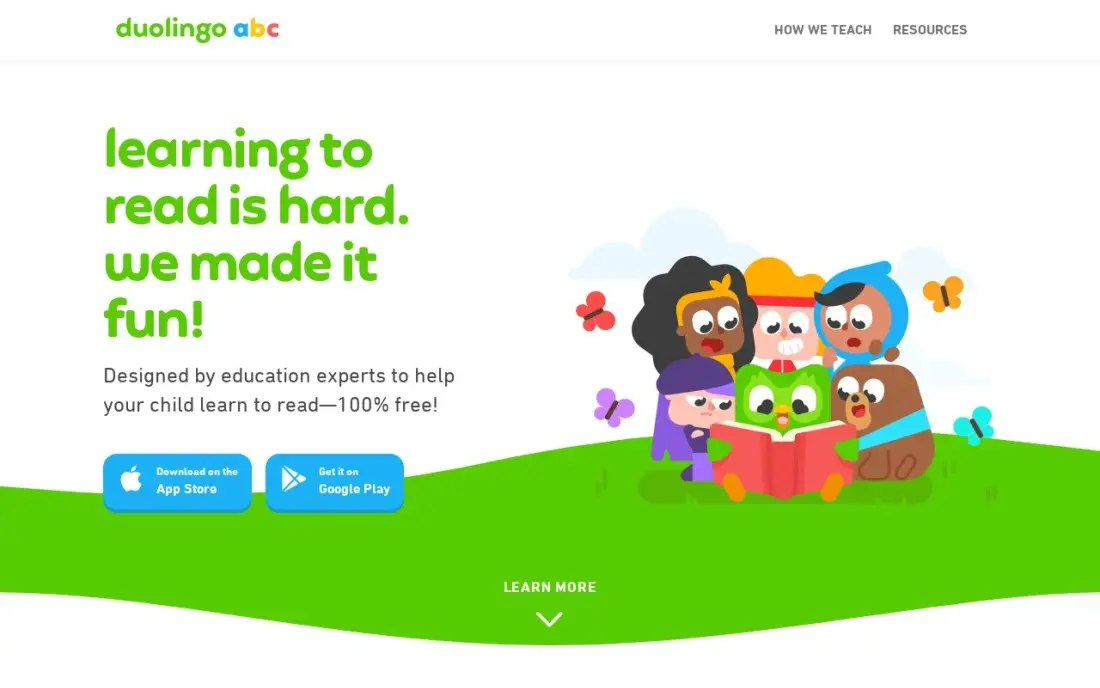
Duolingo ABC is a free reading app from the Duolingo team, with no ads, no in-app purchases and no subscription. Its 700+ short lessons teach the alphabet, phonics, sight words and early writing through stories and games, and the same reward loop that keeps adults on Duolingo keeps young children practising. Lessons work offline, which makes it a good app for car journeys.
The ceiling is low: content stops around first-grade level, so a confident reader will outgrow it within a year. There is no parent dashboard, and it runs on phones and tablets only, with no desktop version.
What we like
- Completely free with no ads and no in-app purchases — the whole app is the free tier
- 700+ bite-sized lessons covering the alphabet, phonics, sight words and early writing
- Works offline, so lessons travel without a connection
- Made by the Duolingo team, with the same game-like rewards that keep children practicing
Watch out for
- Covers only preschool to first grade, so children outgrow it fast
- No parent dashboard or detailed progress reports
- No desktop version; it runs on phones and tablets only

PBS KIDS Games
Best for: Families who want hundreds of free games featuring characters children already know
PBS KIDS Games collects hundreds of free educational games for children aged 2 to 8 in one app, built around characters from PBS KIDS shows, and PBS says new games are added all the time. Children recognise the characters, which makes it an easy first app for a preschooler, and the same games are free in a web browser at pbskids.org for families who prefer a laptop.
For parents, the app shows each show's intended age and learning goals, and lets you control how much device storage it uses. It is a collection of games rather than a step-by-step course, so it suits variety and play more than steady skill-building. The app page does not say whether games work offline.
What we like
- Hundreds of free educational games for ages 2 to 8 in one app
- Parents can see each show's intended age and learning goals
- The same games are also free in a web browser at pbskids.org
Watch out for
- A game collection rather than a structured curriculum with levels
- The app page does not say whether games play offline
ScratchJr
Best for: Young children who are ready to try coding by building their own stories and games
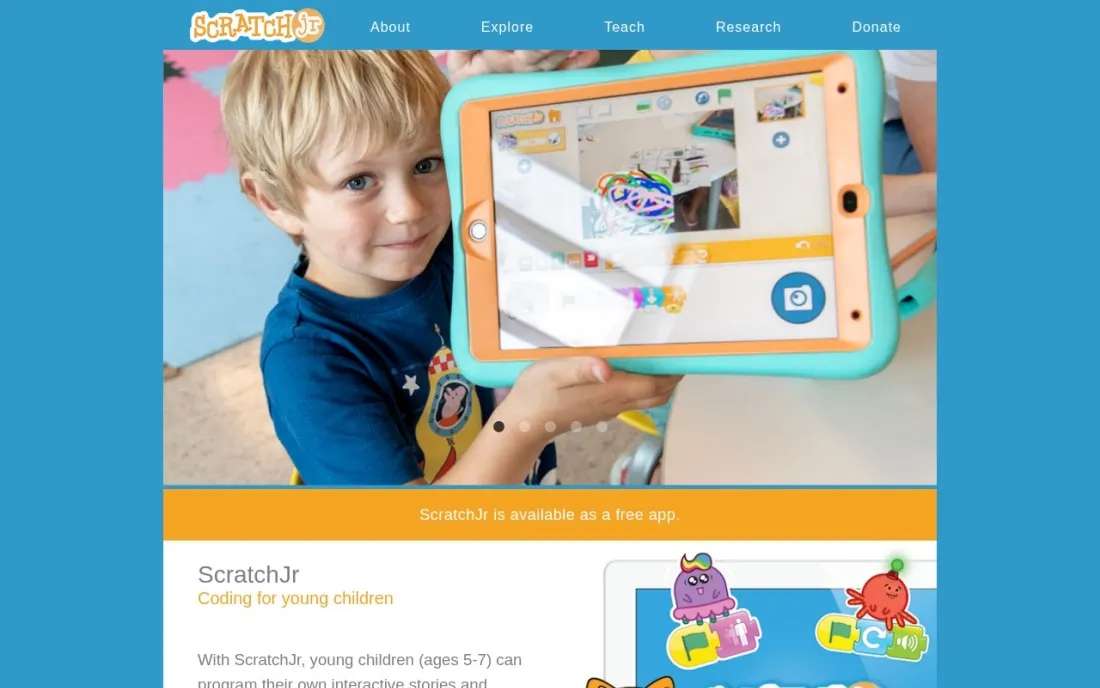
ScratchJr is the free way to introduce coding to young children. Kids snap graphical programming blocks together to build their own projects, and in doing so they learn to solve problems, design projects and express themselves creatively. The App Store listing describes it as made for children aged 5 to 7, and it also supports early maths and literacy skills.
It comes from the Scratch Foundation, a nonprofit, which asks for optional donations rather than charging for the app. The iPad listing is designed for tablets, and its App Store rating of 3.9 out of 5 from about 1,900 ratings is lower than the reading apps here, so sit with your child for the first few projects.
What we like
- Free coding app from the nonprofit Scratch Foundation
- Children snap graphical blocks together to build their own interactive projects
- Supports early maths and literacy as well as problem solving
Watch out for
- The App Store listing is designed for iPad, so a phone is a cramped fit
- Rated 3.9 out of 5 on the App Store, lower than the other free apps here
Teach Your Monster to Read
Best for: Children aged 3 to 6 who learn phonics best through a character-led game
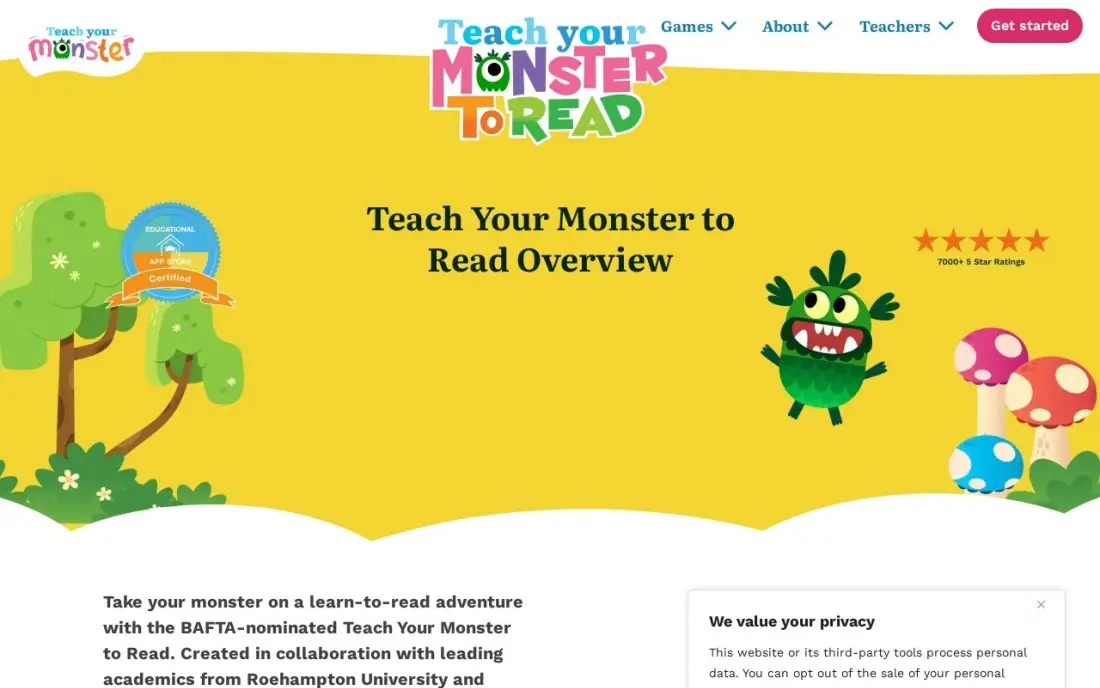
Teach Your Monster to Read is free to play in full on a computer, with no ads and no in-app purchases. Your child creates a monster and guides it through three phonics games — First Steps, Fun With Words and Champion Reader — built with academics from Roehampton University and made by a charity, the Usborne Foundation. More than 50 million children have used it.
On phones and tablets, the app costs $8.99 once for all three games. The makers say the app will move to a subscription model in early 2027, so the one-time price will not last. The game stops at early reading, and the current version has no detailed parent reports.
What we like
- Three phonics games (First Steps, Fun With Words, Champion Reader) built with Roehampton University academics
- Free to play in full on a computer, with no ads and no in-app purchases anywhere
- A single one-time app purchase covers all three games, with no subscription on the current version
- Made by a charity, the Usborne Foundation, and used by more than 50 million children
Watch out for
- The app moves to a subscription model in early 2027, so the one-time price will not last
- The game covers phonics and early reading only; there is no library for fluent readers
- No parent dashboard with detailed progress reports on the current version

Starfall
Best for: Families who want a free start on classroom-tested phonics with a cheap upgrade
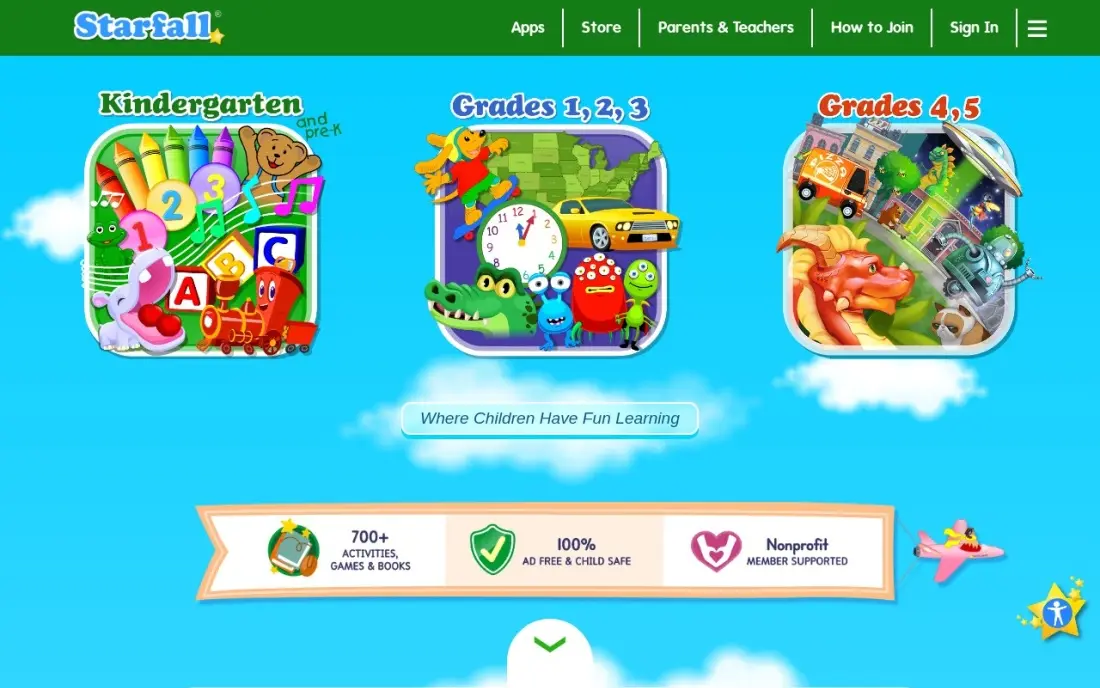
Starfall has taught phonics through songs, games and stories since 2002, and it is run by a nonprofit that teachers trust. The free tier covers the alphabet and basic reading games, which is enough for a preschooler to start, and the paid Home Membership unlocks 700+ activities for the whole household on any device.
If you upgrade, buy on the website: the Home Membership costs $35 a year there, while the in-app subscription costs $5.99 a month, more than twice as much over a year. The design feels older than newer apps and the maths section is thin, but the reading content is sound.
What we like
- The cheapest paid option here: a $35 a year Home Membership unlocks 700+ activities
- Nonprofit phonics program used in classrooms since 2002, trusted by teachers
- Free tier covers the alphabet and basic reading games, so you can try before paying
- Membership covers the whole household on any computer, tablet or phone
Watch out for
- The $35 a year Home Membership must be bought on the website, not in the app
- The app subscription costs $5.99 a month, which is more than twice the membership's monthly equivalent
- Design and games feel older than newer apps, and the math section is thin

Epic
Best for: Children who can already read a little and need lots of books to practise on
Epic is a digital children's library with more than 40,000 books, audiobooks and learning videos, plus Read-To-Me books and quizzes that build fluency. Epic Basic gives families a free, limited slice of the library, and Epic is free for educators.
Families who want the full library pay for Epic Unlimited at $9.99 a month billed monthly, after a 7-day free trial, and the App Store shows several different monthly prices. Epic has no phonics curriculum, so it suits a child who can already decode words rather than a complete beginner.
What we like
- 40,000+ books, audiobooks and learning videos — the largest library in this list
- Read-To-Me books, audiobooks and quizzes that build fluency and comprehension
- Up to 4 child profiles, with reading badges and a parent dashboard
- Free for educators, and the Basic tier lets a family sample the library at no cost
Watch out for
- It is a library, not a reading teacher: there is no phonics curriculum for a true beginner
- The App Store lists several monthly prices ($7.99 to $13.99), so what you pay depends on the plan shown to you
- Free for educators, but families pay — there is no free full tier for home use

ABCmouse
Best for: Parents who want to sample a full early-learning curriculum before paying
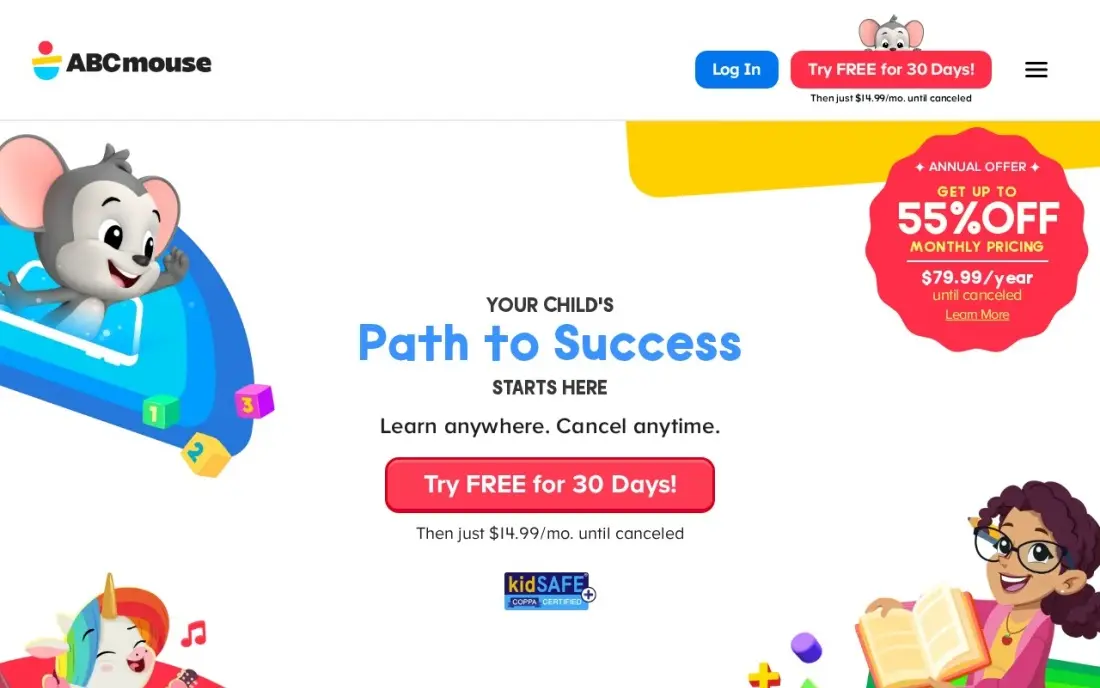
ABCmouse offers more than 13,000 activities across reading, maths, science, art and music for ages 2 to 8, arranged in personalised Reading and Math Learning Paths. Its free Basic tier allows up to 10 activities a day, which is enough to see whether your child engages with it, and the app is KidSAFE and COPPA certified with no third-party ads.
The full app is the most expensive here on monthly billing at $14.99 a month. Annual billing is $79.99 a year, with a $45 first-year price that renews at the full rate. Treat the free tier as a test, not a long-term free app.
What we like
- 13,000+ activities across reading, math, science, art and music for ages 2 to 8
- Personalized Reading and Math Learning Paths that adjust to the child's level
- Up to 3 child profiles on one subscription, with progress tracking for parents
- KidSAFE and COPPA certified, with no third-party ads in the paid app
Watch out for
- Monthly billing at $14.99 is the most expensive monthly rate in this list
- The $45 first-year annual price renews at $79.99 a year, so the second year costs more
- Reading sits inside a broad curriculum, so a child who only needs phonics pays for subjects they will not use

Lingokids
Best for: Parents of 2- to 8-year-olds who want ad-free play-based learning with a daily free allowance
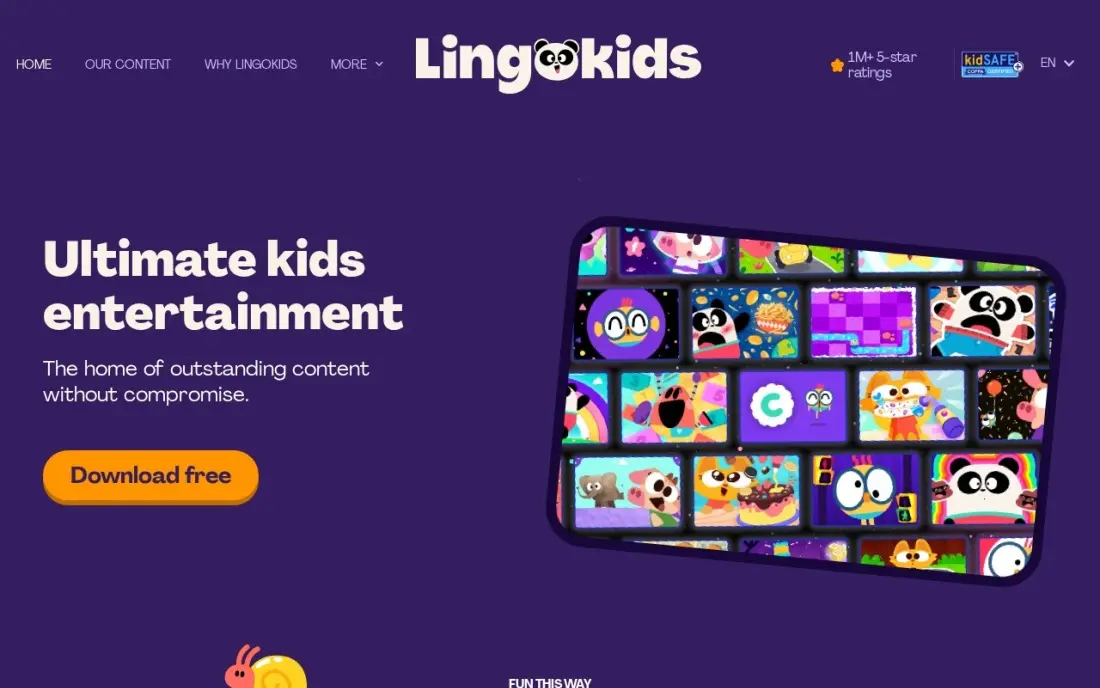
Lingokids mixes more than 4,000 games, songs and videos across 18 subjects for ages 2 to 8, with English and early reading woven through. The free Basic tier gives 10 games a day with no payment details needed, and the whole app is ad-free, which is rarer than it should be among free kids' apps.
Plus costs $13.49 a month on the website and adds up to 4 child profiles, offline mode, screen-time limits and a Progress Center, while App Store prices run higher. Ten games a day runs out quickly on a long trip, so expect the free tier to work as a daily treat.
What we like
- 4,000+ games, songs and videos for ages 2 to 8, with reading among 18 subjects
- Plus adds up to 4 child profiles, offline mode, screen-time limits and a Progress Center
- Free Basic tier gives 10 games a day with no payment details needed
- Ad-free throughout, with content reviewed for young children
Watch out for
- Plus costs $13.49 a month on the website, but App Store prices differ ($14.99 to $15.99 a month)
- Reading is one of 18 subjects, so it is broader and less reading-focused than the phonics apps
- The free Basic tier allows only 10 games a day, which runs out fast on a long car ride
Once a child can read comfortably, the main Duolingo app is a free way to start a second language. The free plan includes the full course, with short game-like lessons, streaks and rewards that keep older children practising a few minutes a day.
The free plan shows ads and uses energy limits that cap how much a child can practise in one sitting. Super removes those limits for $12.99 a month billed monthly, or $83.99 a year billed annually. For children under seven, Duolingo ABC is the better and gentler fit.
What we like
- Once a child can read comfortably, it is a free way to start a second language
- Free plan covers the full course, so you can learn for months without paying
- Streaks, leagues and short game-like lessons make daily practice easy to keep
- Super removes ads and the energy limit, with unlimited practice and review sessions
Watch out for
- Free plan has ads and an energy limit that stops practice after too many mistakes
- Lessons stay close to set patterns, so learners can score well in the app yet struggle in real conversation
- Super prices vary by account and test group — the app store lists $9.99 and $12.99 monthly and $83.99 to $119.99 yearly
The best free learning apps for kids teach real skills — reading, maths, coding or a language — without ads, paywalls in the middle of a lesson or pressure to buy. We compared ten apps on what is genuinely free, ads, age range and subjects, and split them into fully free apps and freemium apps with a usable free tier. Every free tier and price below was checked on official pages in November 2026.
How to choose the best learning apps for kids, free
- Separate free from freemium. Khan Academy Kids, Duolingo ABC, PBS KIDS Games and ScratchJr cost nothing; Starfall, Epic, ABCmouse and Lingokids give a limited free tier and sell the rest.
- Check for ads. Khan Academy Kids, Duolingo ABC and Lingokids are ad-free; the main Duolingo app shows ads on its free plan.
- Match the age. Most apps here target ages 2 to 8; Duolingo ABC stops around first grade, ScratchJr suits about 5 to 7, and the main Duolingo app fits confident readers.
- Pick one skill at a time. A phonics app, a coding app and a library app do different jobs; a child learning to read needs phonics before a library of books.
- Look for parent visibility. Khan Academy Kids has a parent dashboard and PBS KIDS Games shows learning goals; Duolingo ABC has no progress reports.
- Read free-tier caps. ABCmouse allows 10 activities a day and Lingokids 10 games a day on their free tiers.
Free apps are also a smart model for small education businesses. If you run a tutoring centre, preschool or kids' class and want local parents to find you, our local SEO service covers Google Maps visibility, and the free Google review link generator helps happy parents leave reviews.
Free learning apps for kids pricing: what you will actually pay
The fully free route costs $0: Khan Academy Kids, Duolingo ABC, PBS KIDS Games and ScratchJr, plus Teach Your Monster to Read on a computer. That combination covers early reading, phonics, maths, coding and general learning games for ages 2 to 8.
If one freemium app wins your child over, the upgrade costs vary widely. Starfall's Home Membership is $35 a year on the website, against $5.99 a month in the app, which is about $72 a year. Epic Unlimited costs $9.99 a month billed monthly, or about $120 a year. ABCmouse costs $14.99 a month billed monthly or $79.99 a year billed annually, with a $45 first year, and Lingokids Plus costs $13.49 a month on the website. Teach Your Monster to Read's mobile app is $8.99 once. Buy annual or website plans only after your child has used the free tier for a few weeks.
Know the difference: free apps vs freemium apps
A free app gives the whole product away. Khan Academy Kids, Duolingo ABC, PBS KIDS Games and ScratchJr are funded by nonprofits, public broadcasting or a larger company, so there is no lesson behind a paywall and no prompt to upgrade in the middle of play. Your child gets the same app on day 300 as on day one.
A freemium app offers a sample and sells the rest. Starfall, Epic, ABCmouse and Lingokids cap the free tier by content or by daily use, so a child who loves the app will hit a wall. That is fine if you treat the free tier as a trial, but it can cause frustration if a child expects the next level to unlock. Tell older children upfront which apps are free to keep.
Quick comparison: tool type by need
| Buyer | Best pick | Why |
|---|---|---|
| All-round, fully free | Khan Academy Kids | 4,000+ activities, no ads or purchases, ages 2-8 |
| Free phonics | Duolingo ABC | 700+ lessons, offline, no ads or purchases |
| Free games with familiar characters | PBS KIDS Games | Hundreds of free games for ages 2-8 |
| First steps in coding | ScratchJr | Free block coding from a nonprofit |
| Phonics on a computer | Teach Your Monster to Read | Free in full on the web, app $8.99 once |
| Cheap upgrade path | Starfall | Free tier, Home Membership $35/year |
| Children who can read | Epic | Free Basic library, 40,000+ titles on Unlimited |
| Sampling a full curriculum | ABCmouse | 10 free activities a day |
| Ad-free daily play | Lingokids | 10 free games a day, no ads |
| Older kids learning a language | Duolingo | Full courses free with ads |
Mistakes to avoid
- Assuming "free to download" means free. Many kids' apps lock most content after the first level; check the free tier before your child gets attached.
- Installing ten apps at once. Children bounce between apps and finish nothing; choose one or two with a clear goal.
- Skipping the privacy settings. Look for apps that collect little data and need no payment details, and turn off in-app purchases on the device.
- Letting the app replace reading together. Apps help practice, but reading aloud and talking about what the app taught matter more.
- Paying through the app store by default. Starfall and Lingokids cost less on their own websites than in the app.
Related comparisons: Spanish Learning Apps for Kids · Apps for Learning · Apps for Kids · Deep Learning Software Tools
How we chose
We checked each app's official pages in November 2026, recorded whether it is fully free, freemium or a one-time purchase, and noted free-tier limits and paid prices exactly as shown. We favoured apps with no ads, clear age ranges and real educational content over entertainment, and covered reading, maths, coding and languages across ages 2 to 8 and older. App Store ratings are noted only where we read the listing. No vendor paid for a place in this list, and none of the links here are affiliate links.
What to do next
Install Khan Academy Kids and one skill-specific free app — Duolingo ABC for reading or ScratchJr for coding — and let your child use them for two weeks before trying any freemium app. If you run a children's learning business and want more local families to find it, book a free local SEO consultation.
Frequently asked questions
What is the best free learning app for kids?
Khan Academy Kids is the best free learning app for kids aged 2 to 8, with more than 4,000 activities, videos and books and no ads, subscriptions or in-app purchases. Duolingo ABC is the best free option focused only on reading.
Are there learning apps for kids that are completely free?
Yes. Khan Academy Kids and Duolingo ABC have no paid tier at all, PBS KIDS Games and ScratchJr are free apps, and Teach Your Monster to Read is free in full on a computer.
Which free kids' learning apps have no ads?
Khan Academy Kids and Duolingo ABC have no ads and no in-app purchases, Teach Your Monster to Read has no ads, and Lingokids is ad-free including its free Basic tier. The main Duolingo app shows ads on its free plan.
What free app teaches young kids to code?
ScratchJr, from the nonprofit Scratch Foundation, is free and lets children snap graphical blocks together to build their own projects. Its App Store listing describes it as made for ages 5 to 7.
Is ABCmouse free?
ABCmouse has a free Basic tier with up to 10 activities a day. The full app costs $14.99 a month billed monthly or $79.99 a year billed annually, with a $45 first-year price that renews at the full rate.
How much screen time should a learning app take?
Short, regular sessions work best for young children. Many parents use one app for 15 to 20 minutes a day and sit with children under 5 for at least part of it, then talk about what they learned away from the screen.
What are the best free learning apps for an 8-year-old?
Khan Academy Kids still fits at 8: it is completely free, covers ages 2 to 8 and spans reading, math and social-emotional skills. For a child who already reads, Epic's Basic tier samples a library of 40,000+ books. PBS KIDS Games offers hundreds of free games up to age 8, and the main Duolingo app suits confident readers learning a language.
Sources we checked (10)
- Khan Academy Kids — www.khanacademy.org/kids/pricing (checked November 4, 2026)
- Duolingo ABC — www.duolingo.com/abc (checked November 4, 2026)
- PBS KIDS Games — pbskids.org/apps/pbs-kids-games (checked November 16, 2026)
- ScratchJr — apps.apple.com/app/id895485086 (checked November 16, 2026)
- Teach Your Monster to Read — www.teachyourmonster.org/teach-your-monster-to-read-overview (checked November 4, 2026)
- Starfall — store.starfall.com/membership (checked November 4, 2026)
- Epic — www.getepic.com/pricing (checked November 4, 2026)
- ABCmouse — www.abcmouse.com/learn/abcmouse/abcmouse-vs-homer/11387 (checked November 4, 2026)
- Lingokids — help.lingokids.com/hc/en-us/articles/115005120505-What-is-the-Price-and-currency-for-Lingokids-Plus (checked November 4, 2026)
- Duolingo — www.duolingo.com/super (checked November 4, 2026)
Make one of these tools?
We re-check this list every quarter. Send a correction, request a review, or ask about a clearly labeled sponsored spot.
Request a listingShamim
Founder of SerpAstra
A full-stack digital marketer and SEO strategist covering technical and local SEO, AI search visibility, paid ads and lead generation for local businesses, e-commerce brands and SaaS teams.
Free SEO and AI visibility audit
Find out what is holding your rankings back
Send us your site. Within 2 business days you get a written audit, an AI visibility check and a short fix list ranked by impact. Free, with no contract attached.
Request my free audit→Related buying guides
 Education & E-Learning10 Best Learn to Read Apps for Kids in 2026: Free and Paid Apps RankedCompare the 10 best learn to read apps for kids for ages 2 to 8 on price, free plans and phonics teaching, with every price checked November 4, 2026.Read guide →
 Business SoftwareBest Spanish Learning Apps for Kids (2026): 9 Apps Worth DownloadingCompare the 9 best spanish learning app for kids on price, free tiers, ages and speaking practice, with every price checked November 4, 2026.Read guide →
 IT Security11 Best Cross-Platform Parental Control Apps in 2026, ComparedCompare the 11 best cross-platform parental control apps on price, device coverage and monitoring, with every price checked November 7, 2026.Read guide →