
9 Best 3D Design Software in 2026, Compared
Compare the 9 best 3D design software for modeling, animation, product and architectural design, with free versions, licences and real yearly costs checked.
 Shamim Mia, Founder, SerpAstraLast verified November 4, 20268 min read
We compare pricing pages, documentation and public reviews. We never accept payment for rankings.
Key takeaways
- Blender is the best 3D design software for most people: free, open source and complete, from modeling and sculpting to animation and rendering.
- SketchUp Pro is the fastest route to architectural and interior models at $399 a year billed annually; Cinema 4D is the friendliest pro tool for motion design at $839 a year.
- Maya ($2,010 a year) and Houdini (Indie $299 a year) are studio tools for animation and VFX; ZBrush ($399 a year) is the sculpting standard.
- For product design that has to be manufactured, use precise CAD: Autodesk Fusion is free for personal use, Rhino 3D is a $995 one-time licence and Shapr3D brings CAD to the iPad.
On this page
Quick comparison
| Tool | Best for | Starting price | Free plan |
|---|---|---|---|
| Blender | Beginners, freelancers and indie studios that want a complete 3D design suite for $0 | Free | Yes (free) |
| SketchUp Pro | Architects, interior designers and builders who need quick 3D models to show clients | $399/yr; $99.99/mo | Yes (free web version) |
| Cinema 4D | Motion designers and marketers who want approachable professional 3D for animation and product shots | $839/yr | No (14-day trial) |
| Autodesk Maya | Film, TV and game studios building characters, rigs and animation in a production pipeline | $2,010/yr | No (30-day trial) |
| ZBrush | Character, creature and collectible artists who sculpt high-detail organic models | $399/yr | No (14-day trial) |
| Houdini | Technical artists and VFX studios that build procedural effects, environments and simulations | $299/yr | Yes (Apprentice) |
| Rhino 3D | Industrial, jewellery and architectural designers modeling complex curved surfaces | $995 one-time | No (90-day trial) |
| Autodesk Fusion | Product designers and makers who need precise parametric models for 3D printing and manufacturing | Free; $680/yr | Yes (personal use) |
| Shapr3D | Designers who want precise 3D modeling on an iPad with Apple Pencil, synced to Mac and Windows | Free; Pro $299/yr | Yes (Basic) |
Make one of these tools?
We re-check this list every quarter. Send a correction, request a review, or ask about a clearly labeled sponsored spot.
Request a listingThe best 3D design software

Blender
Best for: Beginners, freelancers and indie studios that want a complete 3D design suite for $0
Blender is the place to start for almost anyone learning 3D design. It is free and open source under the GNU GPL, with no paid tier, and one program covers modeling, sculpting, UVs, rigging, animation and rendering. Because so many people use it, the tutorial library is the largest in 3D, so most questions already have an answer.
The cost is time. The dense interface takes weeks to learn, and there is no commercial support, only documentation and the community. Sculpting is very good but not as deep as ZBrush at extreme polygon counts. For a freelancer or small studio, it does most jobs the paid tools do.
What we like
- Completely free and open source under the GNU GPL, with no paid tier or feature locks
- Sculpt mode includes multiresolution sculpting, dynamic topology, masking and dozens of brushes
- One program covers sculpting, retopology, UVs, rigging, animation and rendering
- Largest tutorial library in 3D, so most beginner questions already have an answer
Watch out for
- Sculpt mode is very good but not as deep as ZBrush at extreme polygon counts
- Dense interface takes weeks to learn, so the first projects go slowly
- No commercial support included; help comes from the community and documentation

SketchUp Pro
Best for: Architects, interior designers and builders who need quick 3D models to show clients
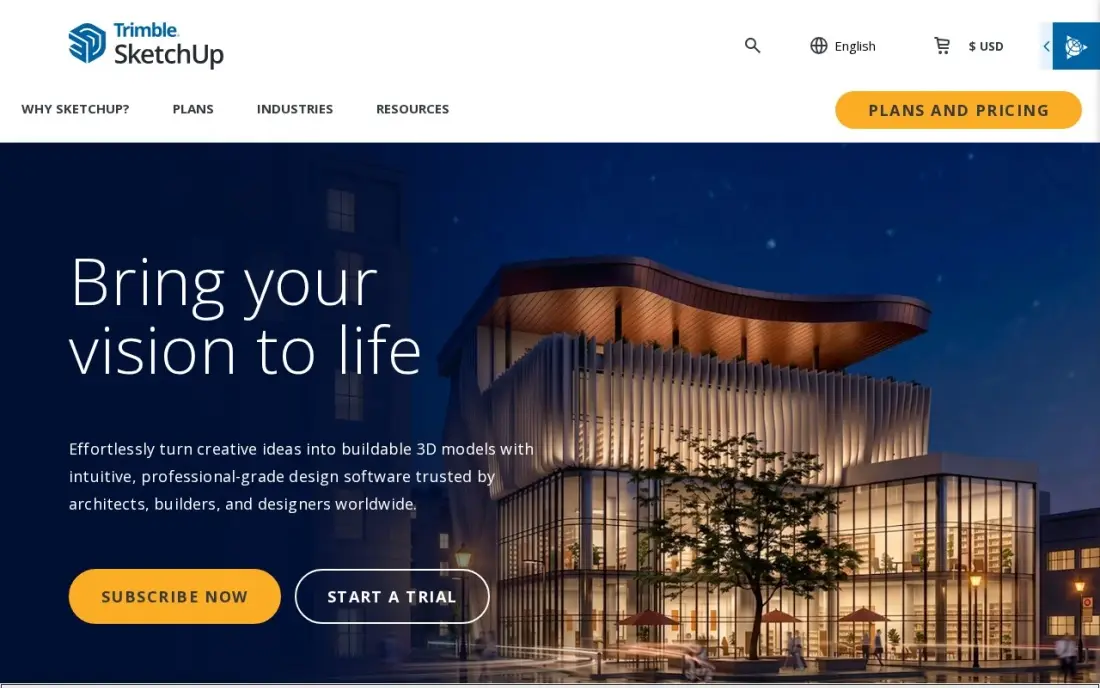
SketchUp is the fastest way to turn an idea for a room, building or garden structure into a 3D model a client can walk around. Pro costs $399 a year billed annually and includes LayOut for 2D presentation sheets, a large extension library and 150 AI credits a month for textures and concept images. SketchUp Free runs in the browser for personal use.
Monthly billing costs $99.99, three times the annual rate, so short projects pay a premium. Pro has no photorealistic rendering; that needs Studio at $859 a year or a separate renderer. LayOut sheets suit concept presentations but do not replace BIM construction documents.
What we like
- The fastest way to model a room or building and walk a client through it the same afternoon
- LayOut turns the model into 2D presentation sheets without a second program
- A huge extension library adds specialist tools the base program lacks
- 150 AI credits a month on Pro help generate textures and concept imagery
Watch out for
- Monthly billing costs $99.99, three times the annual rate, so short projects pay a steep premium
- No photorealistic rendering on Pro — that needs Studio at $859 a year or a separate renderer
- LayOut documentation is solid for concept sheets but not a substitute for BIM construction documents

Cinema 4D
Best for: Motion designers and marketers who want approachable professional 3D for animation and product shots
Cinema 4D has the friendliest interface among the professional 3D tools here and the strongest motion-graphics toolset, which is why it is common in advertising and broadcast design. Modeling, MoGraph, animation, simulation and sculpting sit in one program, and the Redshift GPU renderer is included. It costs $839 a year billed annually, or $109 monthly.
Maxon sells subscriptions only, with no perpetual licence. Generative AI features arrived in the 2026.4 release, first on a new iPad edition. There is a 14-day free trial. Choose it for animated product visuals, logos and social content rather than engineering parts or film-scale character work.
What we like
- Friendliest professional 3D interface here, with the strongest motion-graphics toolset
- Sculpting sits beside modelling, MoGraph, animation and simulation in one program
- Redshift GPU renderer and five Team Render nodes are included in the subscription
- Generative AI features arrived in the 2026.4 release, first on the new iPad edition
Watch out for
- Built for motion graphics and product visuals, not engineering parts or film-scale character work
- Subscription only — Maxon ended perpetual licences, so there is no buy-once option
- At $839 a year, or $109 monthly, it costs far more than free Blender for general 3D work

Autodesk Maya
Best for: Film, TV and game studios building characters, rigs and animation in a production pipeline
Maya is the studio standard for character rigging, animation and visual effects. Modeling, sculpting, UV mapping and Bifrost simulation come in one subscription, and the Arnold renderer is included for production-quality look development. It costs $2,010 a year billed annually, or $255 month to month, the highest price here.
Maya Indie offers a cheaper annual licence for qualifying artists earning under $100,000. The learning curve is steep, and the subscription price has risen several times in recent years. Buy it if you are aiming for studio animation work, where Maya skills are expected; for general 3D design, Blender covers most of the same ground for free.
What we like
- Studio standard for character rigging, animation and VFX, where Maya skills are expected
- Sculpting, modelling, UV mapping and Bifrost simulation ship in the same subscription
- Arnold renderer is included for production-quality look development
- Maya Indie offers a cheaper annual licence for qualifying artists under $100,000 revenue
Watch out for
- Most expensive entry price here at $2,010 a year, or $255 month to month
- Bought for studio animation work; for general 3D design, Blender covers most of the same ground free
- Steep learning curve, and the subscription price has risen repeatedly in recent years

ZBrush
Best for: Character, creature and collectible artists who sculpt high-detail organic models
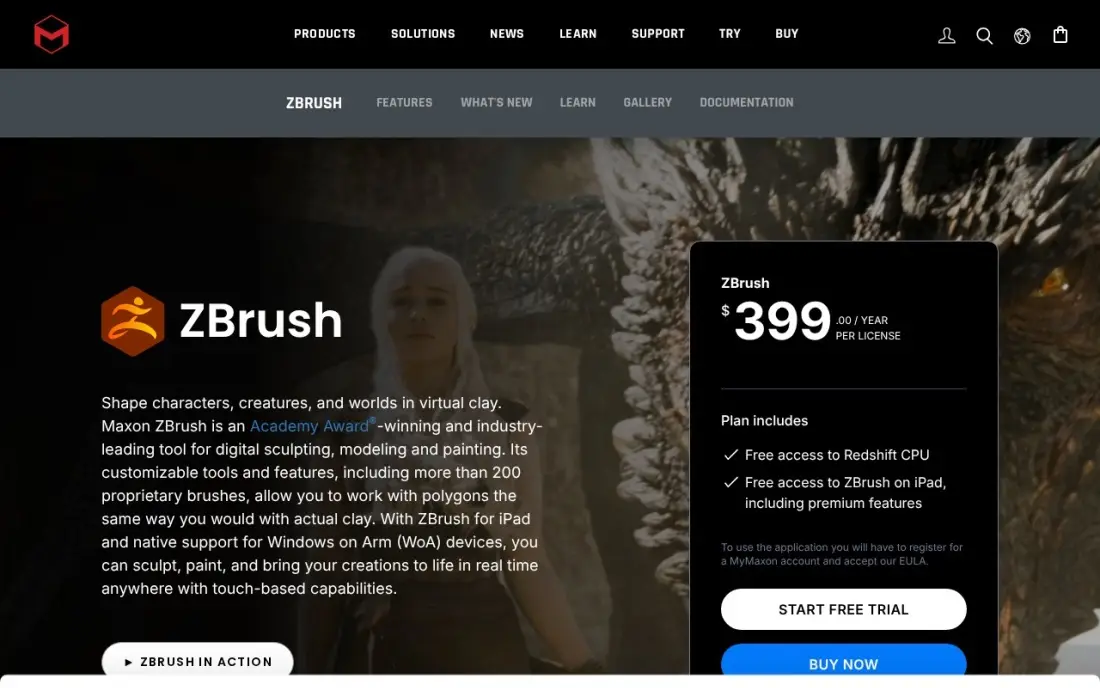
ZBrush is the sculpting tool the film, game and collectibles industries use. It handles tens of millions of polygons in real time, with more than 200 brushes plus ZRemesher, Dynamesh and Sculptris Pro for organic detail. One subscription covers desktop ZBrush and ZBrush for iPad with premium features, at $399 a year billed annually or $49 monthly.
It is subscription-only since December 2023, the learning curve is steep, and it does not animate or render full scenes on its own, so most artists pair it with Blender or Maya. The free iPad version cannot export models. G2 reviewers rate it 4.7 from more than 100 reviews.
What we like
- Handles tens of millions of polygons in real time, the highest sculpting headroom here
- Over 200 brushes plus ZRemesher, Dynamesh and Sculptris Pro for organic detail work
- One subscription covers desktop ZBrush plus ZBrush for iPad with premium features
- Industry standard for film, games and collectibles, so skills transfer to studio jobs
Watch out for
- Subscription only since December 2023 — no perpetual licence is sold any more
- Steep learning curve, and it does not animate or render full scenes on its own
- The free iPad version cannot export 3D models, so it is a trial of the workflow only

Houdini
Best for: Technical artists and VFX studios that build procedural effects, environments and simulations
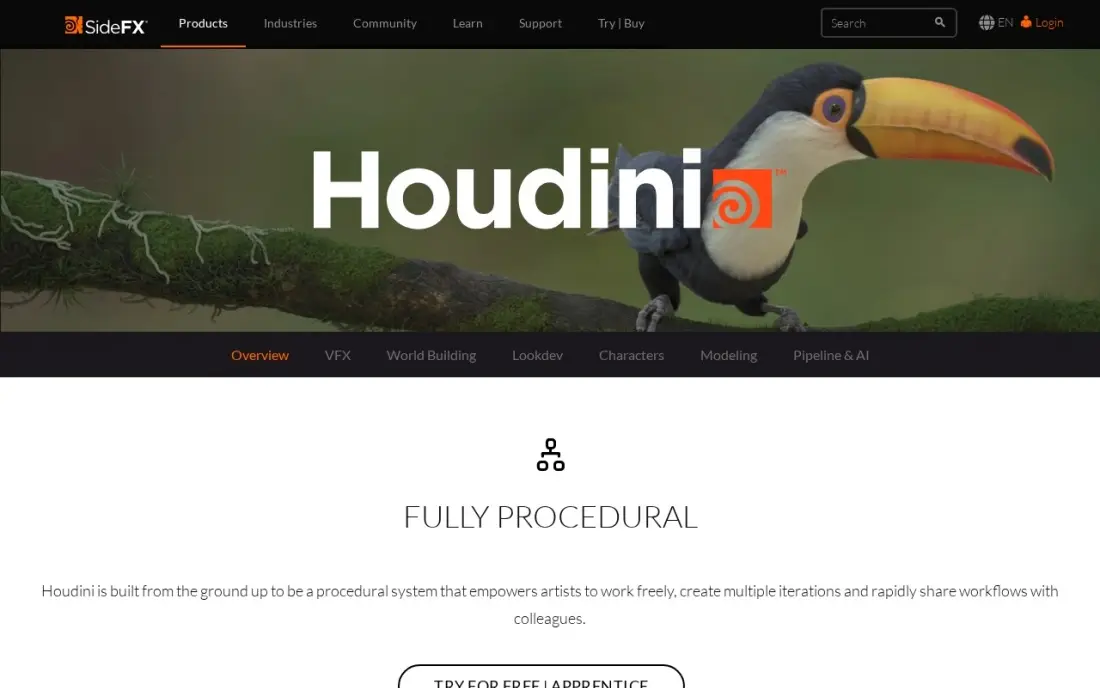
Houdini designs in nodes rather than by hand: every step stays editable, so a change early in the chain flows through the whole scene. It is the tool behind much of the water, smoke, destruction and crowd work in large films. Houdini Indie costs $299 a year for eligible small studios, and the free Apprentice tier gives the full toolset for learning and non-commercial work.
Indie caps at $100,000 in annual revenue and three seats; Core costs $1,475 a year and FX $3,505. The node workflow has the steepest learning curve here and takes weeks to grasp. It suits technical artists, not someone who wants to model a chair this afternoon.
What we like
- Procedural, node-based design where every step stays editable and non-destructive
- Indie at $299 a year gives eligible small studios near-full FX capability
- Same tool behind the water, smoke, destruction and crowd shots in big films
- Free Apprentice tier is the full toolset for learning and non-commercial work
Watch out for
- Steepest learning curve here — the node-based workflow takes weeks to grasp
- Suits technical artists, not someone who wants to model a simple object this afternoon
- Indie licence caps at $100,000 annual revenue and three seats; studios pay far more

Rhino 3D
Best for: Industrial, jewellery and architectural designers modeling complex curved surfaces
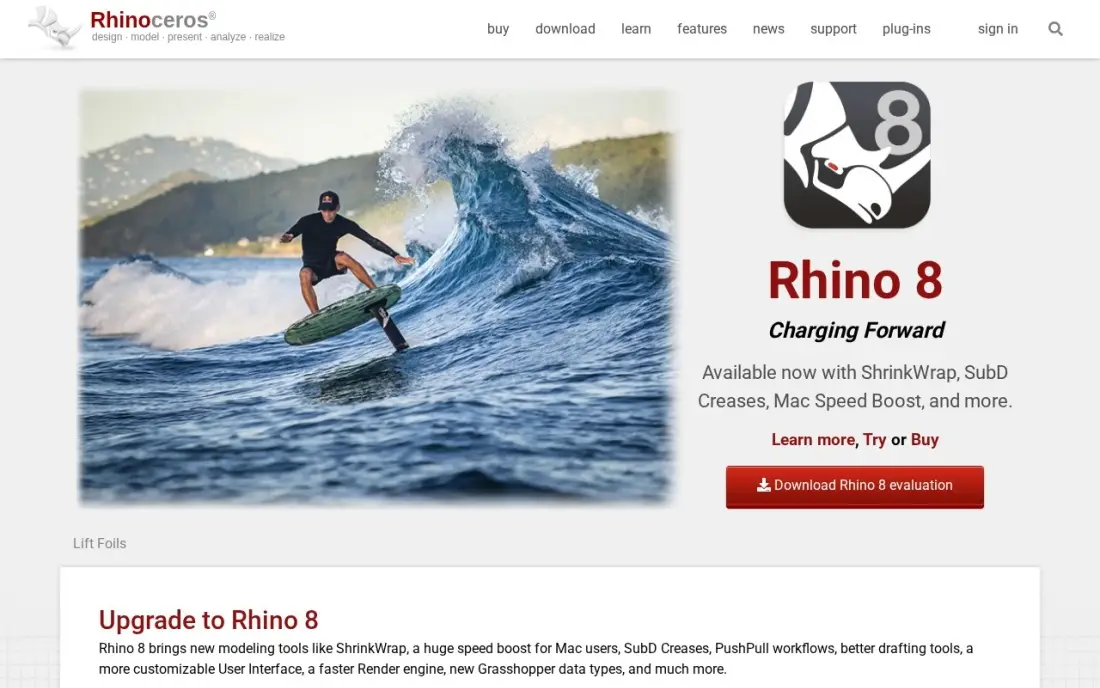
Rhino uses NURBS modeling, which handles smooth curves and freeform surfaces that polygon tools and parametric CAD struggle with, so it is common in jewellery, industrial design and architecture. Grasshopper visual programming turns repetitive geometry into a few sliders, and the plug-in library is large. A commercial licence costs $995 once, with no subscription.
That is the biggest single payment in this list, though a student licence costs $195 and upgrades $595. Changing a dimension often means rebuilding the shape, and machining needs a plug-in. The 90-day free trial is long enough to test it on a real project.
What we like
- One payment of $995 and the licence is yours forever — no subscription, no annual bill
- NURBS modelling handles curves and organic shapes that parametric CAD struggles with
- Grasshopper visual programming turns repetitive geometry into a few sliders
- Huge plug-in library and a 90-day full trial, so you can test it on a real project first
Watch out for
- $995 up front is the biggest single payment in this list
- Not parametric in the usual sense: changing a dimension often means rebuilding the shape
- No built-in CAM or sheet-metal tools — machining needs a plug-in

Autodesk Fusion
Best for: Product designers and makers who need precise parametric models for 3D printing and manufacturing
Fusion is 3D design for things that will be made. It combines parametric CAD with CAM, simulation and PCB tools, so a part goes from sketch to toolpath in one workspace, and cloud version history saves every change. The personal-use licence is free for non-commercial work, with a 10-document editable limit.
Earning more than $1,000 a year from your designs requires the paid subscription at $680 a year billed annually, or $85 monthly. Files live in the cloud, so a poor connection can block access, and advanced simulation and generative design need paid extensions. It is the right choice when dimensions and tolerances matter more than looks.
What we like
- Full parametric CAD plus CAM, simulation and PCB tools in one workspace, so a part can go from sketch to 3D-printer toolpath without leaving the app
- Free personal-use licence covers the core modelling tools hobbyists actually use, with a 10-document editable limit
- Cloud version history saves every change, so a failed experiment never loses the working model
- Large tutorial library and maker community, so most beginner questions already have a video answer
Watch out for
- Personal-use licence is non-commercial: earning over $1,000 a year from your designs means the $680/year subscription
- Cloud-based files and sign-in mean a poor connection can block access to your own designs
- Advanced simulation, generative design and some manufacturing tools need paid extensions on top of the subscription

Shapr3D
Best for: Designers who want precise 3D modeling on an iPad with Apple Pencil, synced to Mac and Windows
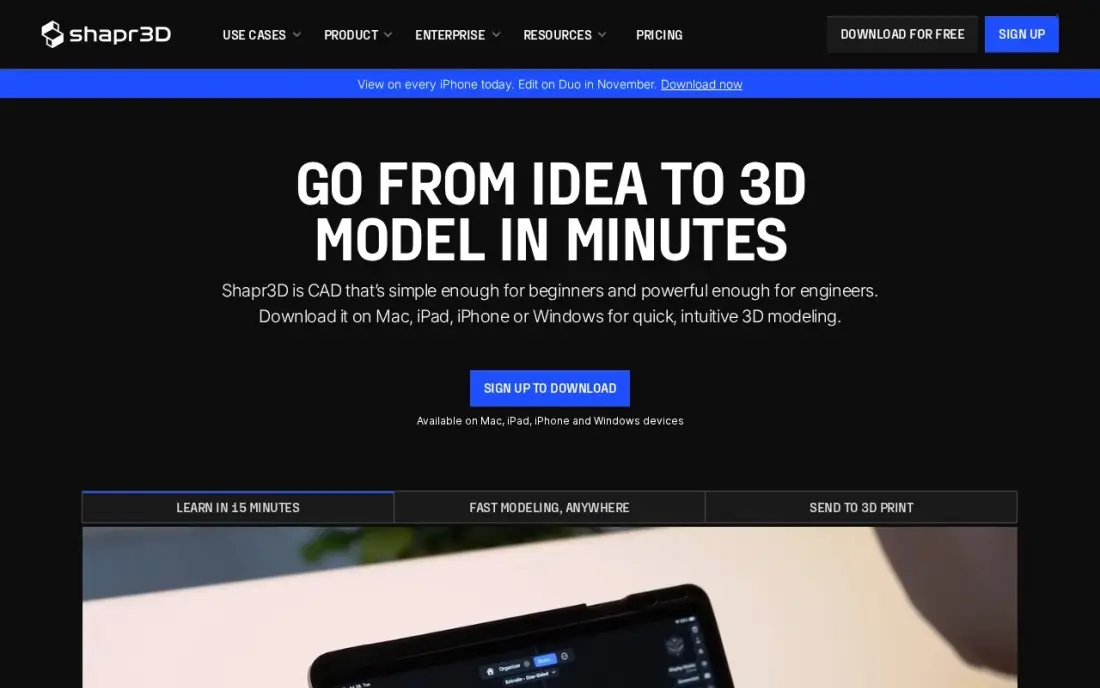
Shapr3D brings precise CAD to the tablet. You sketch directly on the model with Apple Pencil, the Siemens Parasolid kernel keeps geometry accurate enough for machining, and projects sync across iPad, Mac and Windows and work offline. Generative Render turns a model into a photo-like image, with 20 uses on the free plan.
The free Basic plan allows two projects and low-resolution STL and 3MF exports, so real work needs Pro at $299 a year billed annually, or $37.99 a month through the App Store. There are fewer tutorials and add-ons than older desktop tools. G2 reviewers rate it 4.8, the highest score in this list.
What we like
- The best tablet CAD experience: sketch directly on the model with Apple Pencil
- Runs on the Siemens Parasolid kernel, so the geometry is precise enough for machining
- Syncs across iPad, Mac and Windows, and works fully offline once installed
- Generative Render turns a model into a photo-like image, with 20 uses on the free plan
Watch out for
- Basic caps you at 2 projects with low-resolution STL exports, so real printing pushes you to Pro
- Pro at $299/year is steep for a hobbyist who only models occasionally
- Fewer community tutorials and add-ons than the older desktop CAD tools
The best 3D design software matches the kind of model you need to make: a room for a client, an animated product shot, a character for a game or a part for a 3D printer. We compared nine tools across general 3D suites, architectural modeling, animation and VFX, sculpting and precise CAD, and every price below comes from the vendor's own pricing page as checked in November 2026.
How to choose the best 3D design software
- Start with the output. Renders and animation, architectural models and manufacturable parts each favour a different kind of tool.
- Decide between look and precision. Polygon and sculpting tools shape how things look; CAD tools hold exact dimensions.
- Check the licence terms. Some tools are free only for non-commercial use, and others have revenue caps on indie licences.
- Compare subscription and one-time costs. Rhino sells a perpetual licence; Maya, Cinema 4D and ZBrush are subscription-only.
- Count the learning time. Blender, Maya and Houdini take weeks to learn; SketchUp and Shapr3D can be productive in days.
- Check your hardware. Sculpting and rendering need a capable GPU, while tablet tools trade polygon headroom for portability.
3D renders and product visuals sell better when the right people find them. If you sell 3D design services or products, our SEO audit checks that your portfolio and product pages can be found, and the free title tag checker helps each page show clearly in search results.
3D design software pricing: what you will actually pay
For one designer on annual billing, Blender costs $0. SketchUp Pro costs $399 a year, against $1,199.88 a year if paid at $99.99 a month. ZBrush costs $399 a year, or $588 at $49 a month. Cinema 4D costs $839 a year, or $1,308 at $109 a month. Autodesk Maya costs $2,010 a year, or $3,060 at $255 a month.
For product and CAD work, Shapr3D Pro costs $299 a year and Autodesk Fusion $680 a year, while Rhino 3D costs $995 once. Over three years Rhino costs $995 in total, against $2,040 for Fusion. Houdini Indie costs $299 a year for eligible studios under $100,000 in revenue.
Know the difference: polygon modeling vs parametric CAD
Polygon and sculpting tools such as Blender, Maya, Cinema 4D and ZBrush build surfaces from meshes you push and pull by eye. They are fast for organic shapes, characters and scenes, and their models are made to be rendered or animated. Dimensions are approximate unless you work carefully.
Parametric CAD tools such as Autodesk Fusion and Shapr3D build models from sketches and features with exact dimensions, and changing one value updates the part. Rhino sits between the two, with precise NURBS surfaces for freeform shapes. If the model will be machined, printed to a tolerance or built, use CAD; if it will be watched, use a polygon tool.
Quick comparison: tool type by need
| Buyer | Best pick | Why |
|---|---|---|
| Most people starting out | Blender | Free, complete 3D suite |
| Architecture and interiors | SketchUp Pro | Fast client models; $399/year billed annually |
| Motion design | Cinema 4D | MoGraph and Redshift; $839/year billed annually |
| Studio animation | Autodesk Maya | Rigging and animation standard; $2,010/year |
| High-detail sculpting | ZBrush | Tens of millions of polygons; $399/year |
| Procedural VFX | Houdini | Node-based; Indie $299/year |
| Freeform surfaces | Rhino 3D | NURBS modeling; $995 one-time |
| Products for manufacture | Autodesk Fusion | CAD plus CAM; free for personal use |
| Design on an iPad | Shapr3D | Pencil-based CAD; Pro $299/year |
Mistakes to avoid
- Buying a studio tool to learn 3D. Start on Blender or a free tier, then pay for Maya or Houdini once a job needs it.
- Using a polygon tool for manufactured parts. Meshes made by eye rarely hold tolerances; model those in CAD.
- Ignoring licence limits. Free personal and indie licences have non-commercial or revenue limits, so check before selling work.
- Paying monthly for a year of work. Monthly billing on SketchUp, Cinema 4D and Maya costs far more than the annual rate.
- Underestimating hardware. Rendering and sculpting on an old laptop will feel like a software problem when it is not.
Related comparisons: Free 3D Landscape Design Software · App Design Software · Banner Design Software · Brochure Design Software
How we chose
We checked each vendor's own pricing page in November 2026 and recorded the starting price as shown, with annual and monthly billing where both are listed. We grouped the tools by the kind of 3D work they do best and ranked them by fit for the most common buyer, a designer or small studio choosing a main 3D tool. Ratings come from G2 pages checked on the dates shown in the sources. No vendor paid for a place in this list, and none of the links here are affiliate links.
What to do next
Install Blender and the free or trial version of the specialist tool for your work, then build the same small project in both. Keep the one where you finish faster. If you sell 3D design work and want more enquiries, book a free strategy call.
Frequently asked questions
What is the best 3D design software?
For most people, Blender: it is free, open source and covers modeling, sculpting, animation and rendering. SketchUp Pro is best for quick architectural models, Cinema 4D for motion design, ZBrush for sculpting and Autodesk Fusion for products that will be manufactured.
What is the best free 3D design software?
Blender is completely free with no paid tier. Autodesk Fusion is free for personal, non-commercial use, SketchUp Free runs in a browser for personal use, Houdini Apprentice is free for learning and Shapr3D Basic allows two projects.
How much does 3D design software cost?
On published prices billed annually, SketchUp Pro costs $399 a year, ZBrush $399, Shapr3D Pro $299, Houdini Indie $299, Autodesk Fusion $680, Cinema 4D $839 and Autodesk Maya $2,010. Rhino 3D costs $995 once, and Blender is free.
What is the easiest 3D design software for beginners?
SketchUp is the quickest to learn for buildings and interiors, and Cinema 4D has the friendliest interface of the professional animation tools. Blender takes longer but has the most free tutorials, and Shapr3D is intuitive on an iPad.
What is the difference between 3D design software and CAD?
CAD tools such as Fusion, Rhino and Shapr3D model exact dimensions for manufacturing and construction. 3D design and animation tools such as Blender, Maya, Cinema 4D and ZBrush model how things look and move, for renders, games and video.
Can I sell work made with free 3D software?
With Blender, yes: it is open source and places no limits on commercial use. Fusion's personal licence and Houdini Apprentice are non-commercial, so selling work made with them requires a paid licence.
Is there free 3D design software on iOS?
Yes, on the iPad. Shapr3D's free Basic plan gives precise CAD with Apple Pencil, limited to two projects and low-resolution STL and 3MF exports; Pro costs $299 a year. ZBrush also has a free iPad version with 28 brushes but no export, so it suits practice rather than finished work. For full features on a tablet, Shapr3D Pro or a ZBrush subscription, which covers desktop and iPad, is the paid step.
What is the best 3D design software for woodworking?
For parts that must be cut to exact dimensions, use precise CAD. Autodesk Fusion is free for personal, non-commercial use and takes a model from sketch to toolpath in one workspace, with a paid licence at $680 a year. SketchUp Free runs in a browser for quick personal models, and SketchUp Pro at $399 a year adds LayOut for 2D sheets. Polygon tools such as Blender shape by eye and rarely hold tolerances.
Sources we checked (18)
- Blender — www.blender.org/download (checked November 10, 2026)
- Blender reviews on G2 (checked November 10, 2026)
- SketchUp Pro — www.sketchup.com/plans-and-pricing (checked November 8, 2026)
- SketchUp Pro reviews on G2 (checked November 8, 2026)
- Cinema 4D — www.maxon.net/en/buy (checked November 10, 2026)
- Cinema 4D reviews on G2 (checked November 10, 2026)
- Autodesk Maya — www.autodesk.com/products/maya/buy (checked November 10, 2026)
- Autodesk Maya reviews on G2 (checked November 10, 2026)
- ZBrush — www.maxon.net/en/buy (checked November 10, 2026)
- ZBrush reviews on G2 (checked November 10, 2026)
- Houdini — www.sidefx.com/buy (checked November 10, 2026)
- Houdini reviews on G2 (checked November 10, 2026)
- Rhino 3D — www.rhino3d.com/9 (checked November 4, 2026)
- Rhino 3D reviews on G2 (checked November 4, 2026)
- Autodesk Fusion — www.autodesk.com/products/fusion-360/subscribe (checked November 4, 2026)
- Autodesk Fusion reviews on G2 (checked November 4, 2026)
- Shapr3D — www.shapr3d.com/pricing (checked November 4, 2026)
- Shapr3D reviews on G2 (checked November 4, 2026)
Make one of these tools?
We re-check this list every quarter. Send a correction, request a review, or ask about a clearly labeled sponsored spot.
Request a listingShamim
Founder of SerpAstra
A full-stack digital marketer and SEO strategist covering technical and local SEO, AI search visibility, paid ads and lead generation for local businesses, e-commerce brands and SaaS teams.
Free SEO and AI visibility audit
Find out what is holding your rankings back
Send us your site. Within 2 business days you get a written audit, an AI visibility check and a short fix list ranked by impact. Free, with no contract attached.
Request my free audit→Related buying guides
 Graphic Design & Creative12 Best Digital Sculpting Software in 2026, ComparedCompare the 12 best digital sculpting software options on price, free plans and sculpting power for every budget, with prices checked November 10, 2026.Read guide →
 CAD, GIS & Engineering10 Best CAD Software for 3D Modeling in 2026, ComparedCompare the 10 best cad software for 3d modeling on price, free plans and fit for every budget, with every single price checked November 4, 2026.Read guide →
 CAD, GIS & Engineering10 Best 3D CAD Software for Hobbyist in 2026, ComparedCompare the 10 best 3d cad software for hobbyist makers on price, free plans and 3D-printing fit, with every price checked November 4, 2026.Read guide →