
7 Best Open Source Accounting Software in 2026, Compared
Compare the 7 best open source accounting software on licence, self-hosting, hosted plan prices and real setup effort, with every price checked on vendor pages.
 Shamim Mia, Founder, SerpAstraLast verified November 2, 20269 min read
We compare pricing pages, documentation and public reviews. We never accept payment for rankings.
Key takeaways
- ERPNext is the most complete open source pick: the whole ERP is free under GPLv3, and Frappe Cloud hosting starts at $5 a month per site, though production sites usually need the $40 a month server plan.
- Akaunting is the easiest open source ledger to start: free to self-host, or $12 a month on Standard Cloud if you do not want to run a server.
- GnuCash and LedgerSMB cost nothing at all, but neither has automatic bank feeds, so transactions arrive by hand or by file import.
- Free licence does not mean free accounting: self-hosting moves hosting, updates, backups and support onto you, so price that work before you choose.
On this page
Quick comparison
| Tool | Best for | Starting price | Free plan |
|---|---|---|---|
| ERPNext | Growing businesses that want open source accounting inside a full ERP with no per-user fees | Free; cloud from $5/mo | Yes (open source) |
| Akaunting | Small businesses that want a simple open source ledger with a cheap hosted fallback | Free; cloud $12/mo | Yes (free) |
| GnuCash | Owners and bookkeepers who want free double-entry books on their own computer | Free | Yes (free) |
| LedgerSMB | Technically confident teams that want a free server-based accounting system with orders and inventory | Free | Yes (free) |
| Invoice Ninja | Freelancers who mainly need open source invoicing and payments rather than full books | Free; Pro $14/mo | Yes (free) |
| Odoo | Businesses that want an open source core now with a paid hosted upgrade path later | Free (1 app); $24.90/user/mo (annual) | Yes (One App Free) |
| Dolibarr | Small firms that want open source invoicing, CRM and stock in one modular suite, hosted if needed | €14/user/mo (hosted) | No (30-day trial) |
Make one of these tools?
We re-check this list every quarter. Send a correction, request a review, or ask about a clearly labeled sponsored spot.
Request a listingThe best open source accounting software

ERPNext
Best for: Growing businesses that want open source accounting inside a full ERP with no per-user fees
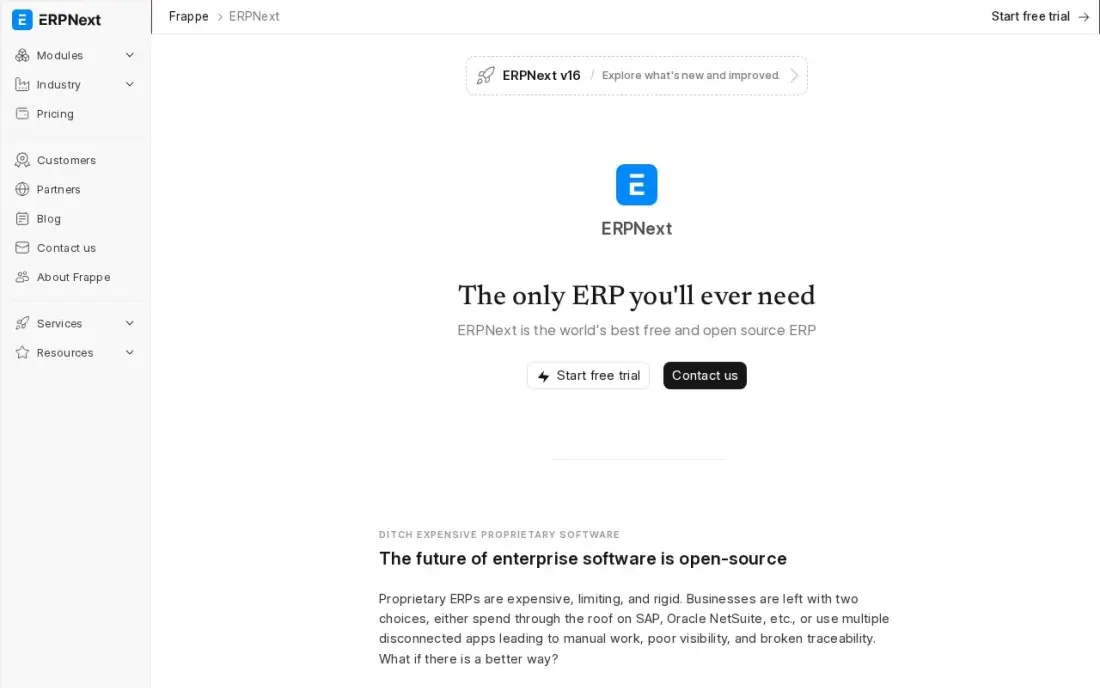
ERPNext is open source under GPLv3, and the accounting module ships in the same system as stock, manufacturing, CRM, HR, projects and assets. Multi-currency accounting, invoicing and purchasing all share one database, so a sales order becomes an invoice and a ledger entry without an integration. There is no per-user, per-module or annual licence fee at any size.
The cost is the setup. Frappe, the company behind it, does no implementation itself, so installation, migration and configuration need a partner or someone in-house. If you would rather not run a server, Frappe Cloud hosts a site from $5 a month, but that plan is shared hosting with CPU limits and a production site usually needs the $40 a month server plan.
What we like
- The software is free under GPLv3 — every module included, with no per-user, per-module or annual licence fees
- Full ERP scope: accounting, stock, manufacturing, CRM, HR, projects, assets and support in one system
- No per-user meter at any scale, so adding staff never raises the licence bill
- Frappe Cloud hosting starts at $5 a month for a site, with managed upgrades and backups
Watch out for
- Frappe does no implementation directly, so setup, migration and customisation all need a partner or in-house skill
- The $5/month site plan is shared hosting with CPU limits — a production site usually needs the $40/month server plan
- The implementation partner pool is smaller than Odoo's or Microsoft's, so local help can be harder to find

Akaunting
Best for: Small businesses that want a simple open source ledger with a cheap hosted fallback
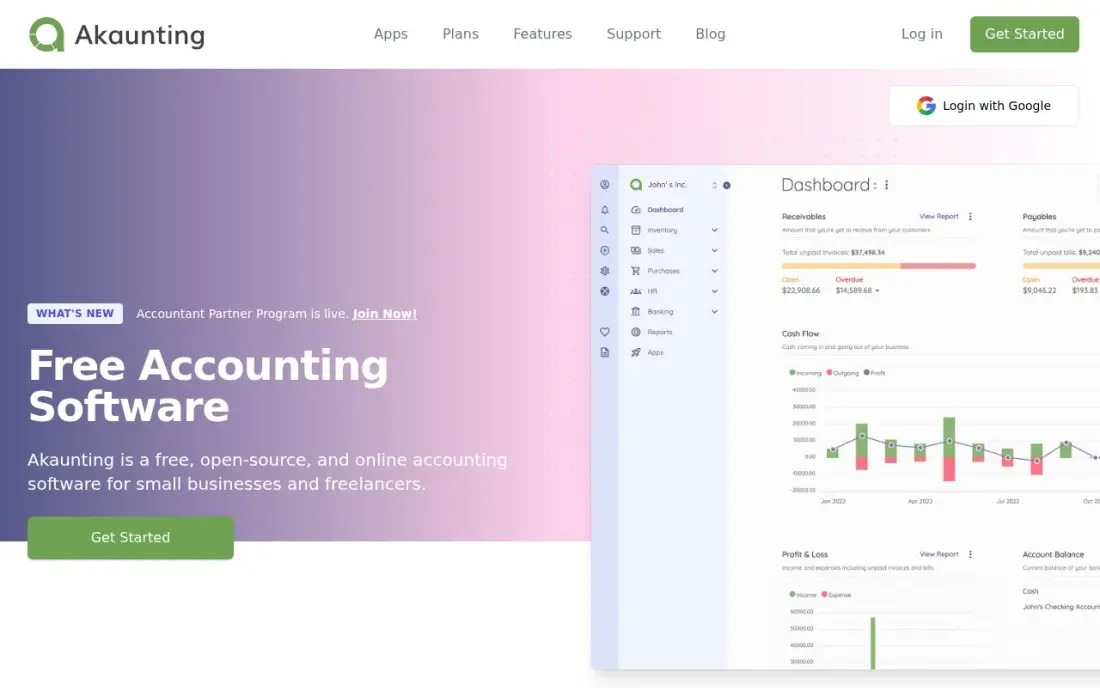
Akaunting is the open source ledger that feels closest to a modern cloud app. The self-hosted version is free, with invoicing, bills, expenses and bank reconciliation included and no caps on users or invoices. Extra features arrive as apps, so the base stays simple for an owner who only needs to send invoices and reconcile the bank.
If running a server is not appealing, Standard Cloud costs $12 a month for the same software hosted by Akaunting, with Premium at $36 and Elite at $84 for larger teams. Two catches: some features, including certain bank connections, are paid apps on top, and support on the free version comes from the community rather than a help desk.
What we like
- The self-hosted version is free and open source — a full ledger at $0 with no user or invoice caps
- Standard Cloud costs $12 a month, the cheapest hosted plan in this list after the free tools
- Invoicing, bills, expenses and bank reconciliation cover the core job without add-ons
- Apps extend it only when you need them, so the base stays simple
Watch out for
- The free version runs on your own server — you handle hosting, updates and backups
- Some features, including certain bank connections, need paid apps on top of the base price
- Support is community-led on the free version, and the interface is plainer than the hosted rivals

GnuCash
Best for: Owners and bookkeepers who want free double-entry books on their own computer
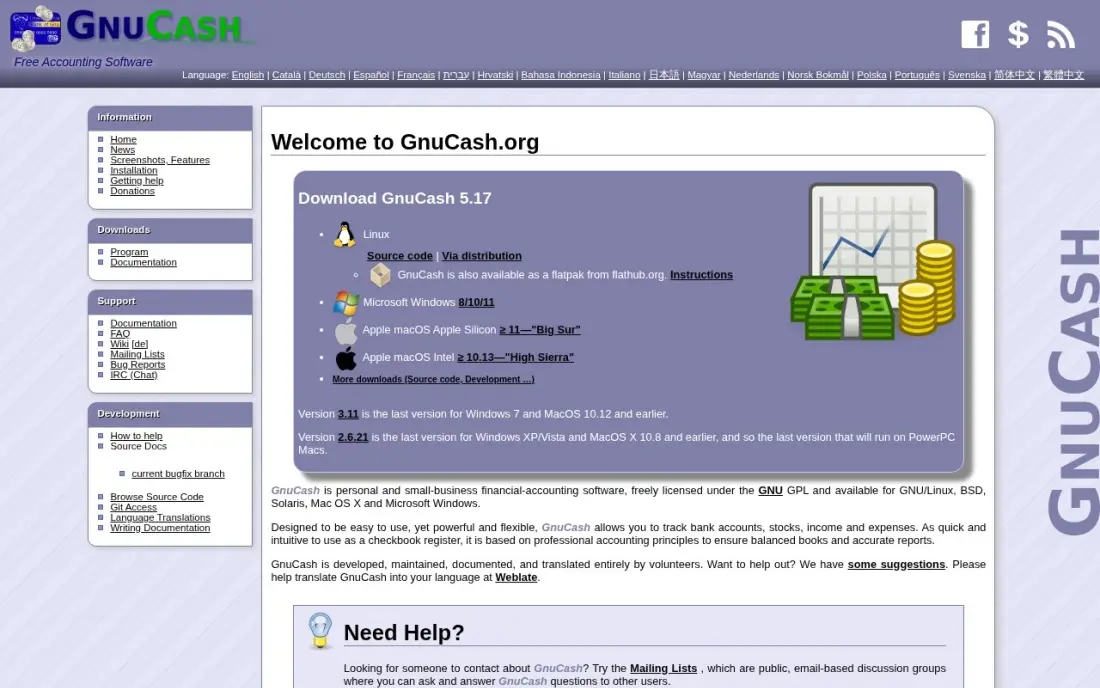
GnuCash is the long-running free option: open source under the GPL, maintained since 1998, with no subscription, no account and nothing behind a paywall. It is real double-entry bookkeeping with invoicing, budgets, scheduled transactions, investment accounts and multi-currency, and it runs on Windows, Mac and Linux. Your books are a file you own and can move.
It suits one person who understands debits and credits. It is single-user, with no built-in multi-user access or cloud sync, and there are no automatic bank feeds, so transactions are typed in or imported as OFX or QIF files. The interface looks dated, and the learning curve is steep if you have never kept double-entry books before.
What we like
- Completely free under the GPL — no subscription, no account, no feature locked behind a paywall
- Real double-entry bookkeeping with budgets, scheduled transactions and investment tracking
- Your data is a file on your computer, readable and portable, with no vendor lock-in
- Runs on Windows, Mac and Linux, and the 5.x releases are actively maintained
Watch out for
- No automatic bank feeds — transactions are entered by hand or imported as OFX/QIF files
- Single-user only, with no built-in multi-user access or cloud sync
- The interface looks dated and the learning curve is steep if you have never done double-entry bookkeeping
LedgerSMB
Best for: Technically confident teams that want a free server-based accounting system with orders and inventory
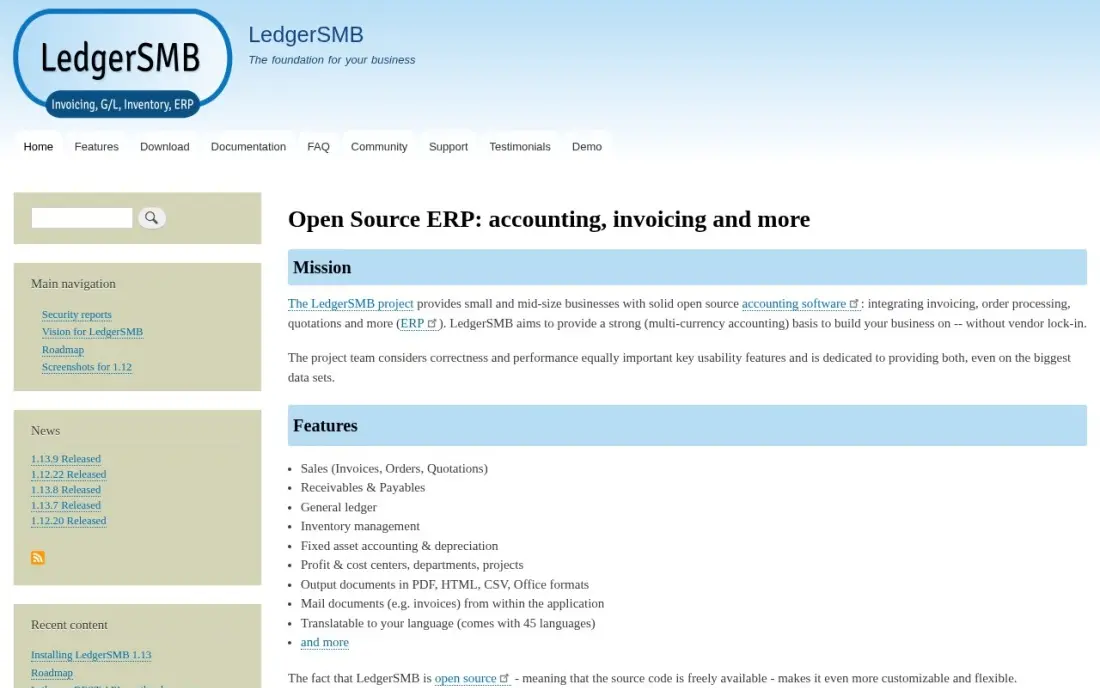
LedgerSMB is accounting-first open source ERP. Beyond the general ledger and invoicing, it covers sales and purchase orders, quotations, inventory and fixed assets, with multi-currency accounting in 45 languages and no per-user fees. The current stable release, 1.13, came out in October 2025 and is supported until October 2027, which matters when you plan years of books on it.
Unlike GnuCash, it runs on a server and serves several users through a browser, which also makes it harder to start. There is no guided signup and no vendor support desk, setup assumes comfort with servers and databases, bank transactions arrive by import rather than live feeds, and payroll needs an add-on.
What we like
- Free and open source, with general ledger, invoicing, orders, quotations, inventory and fixed assets
- Current stable version 1.13 was released in October 2025 and is supported until October 2027
- Multi-currency accounting in 45 languages, with no vendor lock-in and no per-user fees
Watch out for
- You install and run it on your own server, so there is no guided signup and no vendor support desk
- The interface is functional rather than friendly, and setup assumes comfort with servers and databases
- No automatic bank feeds: transactions arrive by import, and payroll needs an add-on

Invoice Ninja
Best for: Freelancers who mainly need open source invoicing and payments rather than full books
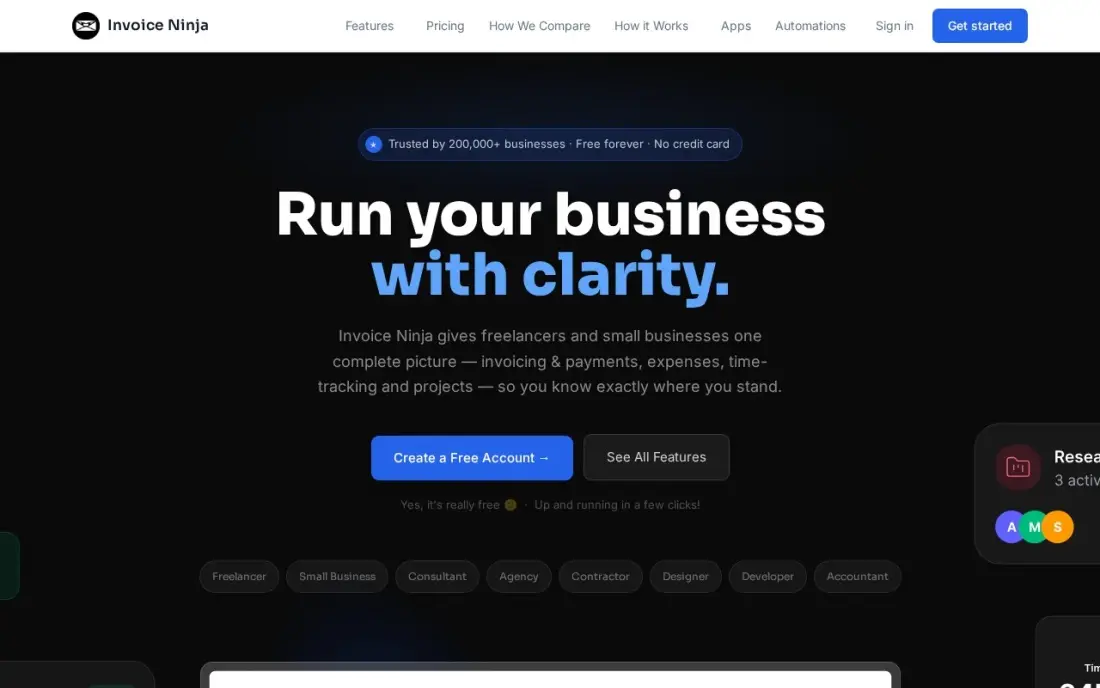
Invoice Ninja is open source invoicing with a hosted service on top. Recurring invoices, auto-billing, deposits and partial payments are included even on the free hosted plan, which covers up to 5 clients, and there are apps for macOS, Windows, Linux, iOS and Android plus a self-hosted option for those who want to run it themselves.
It is an invoicing tool, not a general ledger, so pair it with one of the ledgers above or an accountant's software. On the hosted service, a sixth client means Ninja Pro at $14 a month or $140 a year, which removes the client cap and branding; bank account sync and team users wait for Enterprise, from $18 a month.
What we like
- Free plan with unlimited invoicing for up to 5 clients — no trial clock, no card required
- Ninja Pro is a single $14/month upgrade that removes client caps and Invoice Ninja branding
- Recurring invoices, auto-billing, deposits and partial payments on every plan, including free
- Native apps for macOS, Windows, Linux, iOS and Android, plus an open-source self-hosted option
Watch out for
- Free plan caps at 5 clients — a sixth client forces Ninja Pro at $14/month
- Bank account sync and team users wait for Enterprise, which starts at $18/month
- Smaller support team than the big suites, and the interface feels more technical than Joist or FreshBooks

Odoo
Best for: Businesses that want an open source core now with a paid hosted upgrade path later
Odoo comes in two forms. Odoo Community is published under the LGPL-3.0 licence and can be self-hosted without paying Odoo, while the hosted plans add the full app set with hosting and support. One App Free gives a single app such as invoicing with unlimited users at $0, and every app shares one database, so inventory, CRM or e-commerce can be added later.
Paid Standard costs $24.90 a user a month billed annually for the first year, then renews at $31.10, and it runs on Odoo Online only, with no custom modules or external API access. Accounting depth also varies by country, so confirm your local tax reports and chart of accounts before you commit either edition.
What we like
- CRM and Accounting are two apps inside one system, sharing customers, invoices and payments
- Odoo Community is published under the LGPL-3.0 licence and can be self-hosted without paying Odoo
- Standard includes every app, hosting, maintenance and unlimited support in one per-user price
- The modular design means the business adds inventory, projects or e-commerce without re-platforming
Watch out for
- The $24.90 first-year price renews at $31.10 a user a month — budget year two, not year one
- Standard runs on Odoo Online only, with no custom modules and no external API access
- Accounting depth varies by country, so local tax and reporting need checking before buying

Dolibarr
Best for: Small firms that want open source invoicing, CRM and stock in one modular suite, hosted if needed
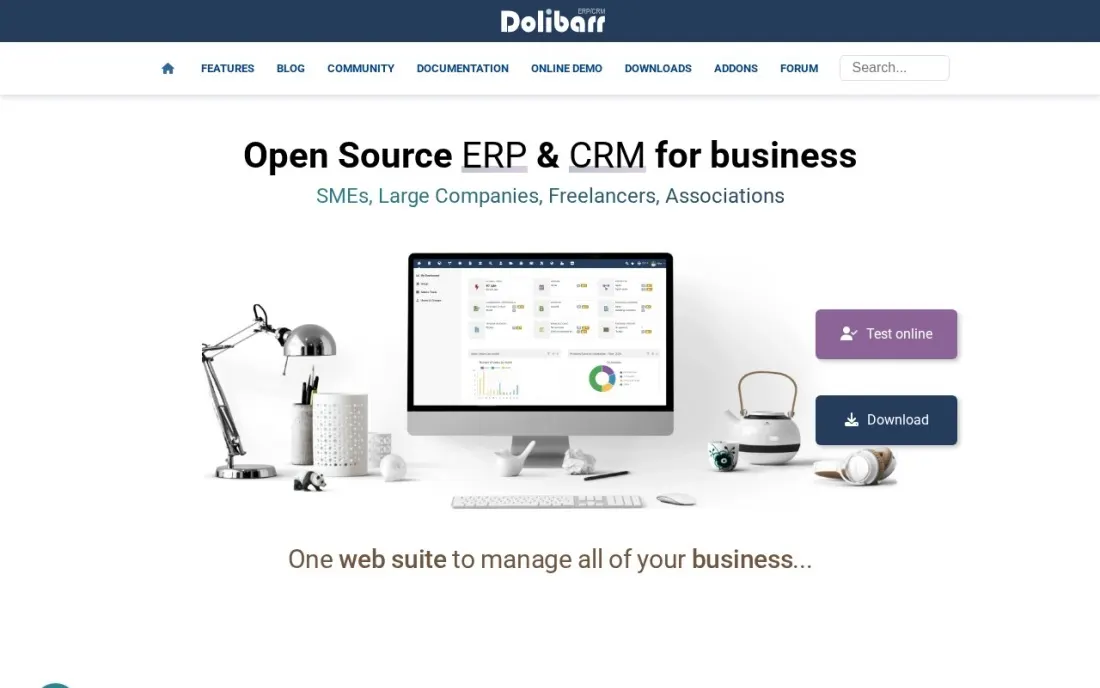
Dolibarr is an open source ERP and CRM suite built from modules: around 100 business and technical modules ship in the same solution, and you enable only the ones you need. For an accounting buyer the relevant pieces are invoices and payments, bank management and customer and supplier records, with stock management alongside for businesses that sell goods.
Its official hosted service, DoliCloud, prices Basic at €14 a user a month and Premium at €30 a month plus €15 a user, with 4 GB of storage on Basic and 20 GB on Premium. There is a 30-day free trial. The modular design is flexible, but nothing appears until a module is switched on, so plan the setup.
What we like
- An open source suite with around 100 business and technical modules you switch on as needed
- Invoices and payments, bank management, stock and customer and supplier records in one system
- DoliCloud hosting has a 30-day free trial with no commitment, billed monthly or yearly
Watch out for
- Hosted pricing is per enabled user, so a growing team pays more each month
- Basic hosting includes 4 GB of storage, with extra storage at €1 per GB
- Modules must be enabled and configured before they appear, so setup takes some planning
The best open source accounting software gives you books you can inspect, move and keep running even if the vendor changes course. We compared seven tools that publish their source code — from single-user desktop ledgers to full ERP systems — on licence, hosting options, bank feeds and what you actually pay to run them, and every price below was checked on the vendor's own pages in November 2026.
How to choose the best open source accounting software
- Decide who runs the server. Self-hosting is free in licence fees but not in time; if nobody on the team will patch and back up a server, price the vendor's hosted plan from the start.
- Check bank feeds before anything else. GnuCash and LedgerSMB import bank files rather than connecting live, which is fine for 50 transactions a month and painful for 1,000.
- Match the scope to the business. A freelancer needs invoicing, a shop needs stock, and a manufacturer needs an ERP; buying more system than you need means more setup and more to maintain.
- Confirm local tax support. Open source projects rely on community localisations, so check that your country's tax reports and chart of accounts exist before you load a year of data.
- Count the users. GnuCash is single-user; server-based tools like ERPNext, LedgerSMB and Dolibarr serve a team through a browser.
- Ask your accountant first. Many accountants work only in mainstream ledgers, so make sure they can accept exports from your chosen tool.
Open source books keep your data portable; getting customers to find you is a different job. If the business also needs more traffic from search, our SEO audit shows what is holding the site back, and our guide to desktop accounting software covers the paid tools that also keep data on your own machine.
Open source accounting software pricing: what you will actually pay
Take a five-person business that wants hosted books rather than its own server. ERPNext on Frappe Cloud costs $5 a month on the shared site plan, but a production site usually needs the $40 a month server plan, which is $480 a year with no per-user charge. Akaunting Standard Cloud costs $12 a month, or $144 a year. Dolibarr on DoliCloud Basic costs €14 a user a month, so five users pay €70 a month, or €840 a year. Odoo Standard costs $24.90 a user a month billed annually in the first year — $1,494 for five users — and then renews at $31.10, or $1,866 a year.
The fully free route is real too. GnuCash and LedgerSMB cost $0, and the self-hosted versions of ERPNext, Akaunting, Odoo Community and Dolibarr carry no licence fee. What you pay instead is a server, a few hours a month of maintenance and, for the ERP tools, an implementation partner if nobody in-house can configure them. For invoicing alone, Invoice Ninja's hosted free plan covers 5 clients and Ninja Pro costs $14 a month or $140 a year.
Know the difference: open source vs free accounting software
Open source means the code is published under a licence such as the GPL or LGPL that lets you run, read and change it. That gives you an exit: if the company behind ERPNext, Akaunting or Odoo raises prices or stops hosting, you can run the same software yourself and keep your books. It does not guarantee the hosted version is free.
Free accounting software is a price, not a licence. Some closed tools offer free plans that can be withdrawn or capped at any time, and your data stays on their servers in their format. When you compare the two, ask what happens to your books if the free plan ends tomorrow: with open source, the answer is that you can still run the software.
Quick comparison: tool type by need
| Buyer | Best pick | Why |
|---|---|---|
| Growing business needing a full ERP | ERPNext | Accounting, stock, CRM and HR free under GPLv3; hosting from $5/month |
| Simple small-business ledger | Akaunting | Free to self-host, Standard Cloud $12/month |
| One bookkeeper on a desktop | GnuCash | Free double-entry books in a file you own |
| Technical team wanting orders and inventory | LedgerSMB | Free server-based accounting in 45 languages |
| Freelancers who mostly invoice | Invoice Ninja | Free hosted plan for 5 clients, Pro $14/month |
| Open core with a hosted upgrade path | Odoo | Community under LGPL-3.0, One App Free at $0 |
| Modular suite with CRM and stock | Dolibarr | Around 100 modules, DoliCloud from €14/user/month |
Mistakes to avoid
- Treating the licence as the whole cost. Hosting, backups, upgrades and an implementation partner can cost more than a commercial subscription; add them up first.
- Skipping backups on a self-hosted ledger. Your books are your legal record. Automate off-site backups before the first invoice goes out.
- Ignoring bank reconciliation volume. A ledger without live feeds is fine at low volume, but hundreds of manual imports a month will eat the savings.
- Customising before you understand the defaults. Heavy changes to ERPNext or Odoo make every upgrade harder; run the standard setup for a quarter first.
- Choosing a tool your accountant cannot read. Agree on an export format, such as a trial balance or general ledger report, before year-end arrives.
Related comparisons: Open Source Ecommerce Platforms · AI Accounting Software · Fund Accounting Software · Accounting Software Australia Small Businesses Use
How we chose
We included only tools whose source code is published, then compared them on licence, hosting options, bank feeds, users and scope. Prices come from each vendor's own pricing page, checked in November 2026, and we state annual and monthly billing exactly as the vendor does; Dolibarr's hosted price is in euros because DoliCloud publishes it that way. Where a tool's free tier depends on self-hosting, we say so. Ratings are shown only where we checked a G2 page. No vendor paid for a place in this list, and none of the links here are affiliate links.
What to do next
Pick the two tools that match your scope, load one real month of transactions into each and run a bank reconciliation and a profit and loss report. Keep the one that took less effort. If the books are sorted and the next problem is getting more customers, book a free call with SerpAstra.
Frequently asked questions
What is the best open source accounting software?
ERPNext is the most complete, with accounting inside a full ERP that is free under GPLv3. Akaunting is the easiest to start, free to self-host or $12 a month on Standard Cloud. GnuCash is the best free pick for one person keeping double-entry books on a desktop.
Is open source accounting software really free?
The licence is free, but running it is not. Self-hosting means paying for a server and handling updates, backups and support yourself. Most projects sell hosting instead: Frappe Cloud for ERPNext from $5 a month, Akaunting Standard Cloud at $12 a month and DoliCloud for Dolibarr from €14 a user a month.
Which open source accounting software has bank feeds?
GnuCash and LedgerSMB have no automatic bank feeds, so transactions are typed in or imported from files. Akaunting offers bank connections, though some are paid apps, and Invoice Ninja's bank account sync is on its Enterprise plan from $18 a month.
Is Odoo open source?
Odoo Community is published under the LGPL-3.0 licence and can be self-hosted. Odoo's hosted plans are paid apart from One App Free, which gives one app with unlimited users at $0; Standard costs $24.90 a user a month billed annually in the first year, then $31.10.
Can a small business run its books on GnuCash?
Yes, if one person keeps the books and understands double-entry accounting. GnuCash is single-user with no cloud sync and no automatic bank feeds, so it suits a sole trader or a small firm with one bookkeeper rather than a team.
What is the difference between self-hosted and cloud open source accounting?
Self-hosted means you install the software on your own server or computer and own every update and backup. Cloud means the vendor runs the same open source software for a monthly fee, which removes the server work but brings back a subscription.
What is the best open source software for personal accounting?
GnuCash. It is completely free under the GPL, with no subscription or account, and runs on Windows, Mac and Linux. It offers real double-entry bookkeeping with budgets, scheduled transactions and investment tracking, and your data stays as a file on your own computer. It is single-user and imports bank files rather than connecting live, which suits household volumes.
Sources we checked (9)
- ERPNext — erpnext.com (checked November 10, 2026)
- ERPNext reviews on G2 (checked November 10, 2026)
- Akaunting — www.trustradius.com/products/akaunting/pricing (checked November 4, 2026)
- GnuCash — www.gnucash.org (checked November 4, 2026)
- GnuCash reviews on G2 (checked November 4, 2026)
- LedgerSMB — ledgersmb.org (checked November 2, 2026)
- Invoice Ninja — www.invoiceninja.com/pricing (checked November 8, 2026)
- Odoo — www.odoo.com/pricing (checked November 12, 2026)
- Dolibarr — www.dolicloud.com/en-pricing.php (checked November 16, 2026)
Make one of these tools?
We re-check this list every quarter. Send a correction, request a review, or ask about a clearly labeled sponsored spot.
Request a listingShamim
Founder of SerpAstra
A full-stack digital marketer and SEO strategist covering technical and local SEO, AI search visibility, paid ads and lead generation for local businesses, e-commerce brands and SaaS teams.
Free SEO and AI visibility audit
Find out what is holding your rankings back
Send us your site. Within 2 business days you get a written audit, an AI visibility check and a short fix list ranked by impact. Free, with no contract attached.
Request my free audit→Related buying guides
 Accounting & Finance7 Best Offline Accounting Software for Small Business in 2026, ComparedCompare the 7 best offline accounting software for small business on price, offline access and bank feeds, with every price checked November 4, 2026.Read guide →
 Manufacturing, Maintenance & ERP10 Best Small Business ERP Software in 2026, ComparedCompare the 10 best small business ERP software options on price, inventory, manufacturing and free plans, with every price checked November 10, 2026.Read guide →
 Accounting & Finance12 Best Simple Accounting Software for Small Business in 2026, ComparedCompare the 12 best simple accounting software for small business tools on price, free plans and simplicity, with every price checked November 4, 2026.Read guide →