
8 Best Payroll Software for Construction in 2026, Compared
Compare the 8 best payroll software for construction on certified payroll, union reporting, job costing, multi-state crews and cost, checked on vendor pages.
 Shamim Mia, Founder, SerpAstraLast verified November 7, 20269 min read
We compare pricing pages, documentation and public reviews. We never accept payment for rankings.
Key takeaways
- Contractors on public or union work need construction-specific payroll: Payroll4Construction, FOUNDATION, Sage 100 Contractor and Sage 300 CRE all handle certified payroll and union reporting.
- Small residential contractors with no prevailing-wage jobs can use general payroll: Patriot starts at $17 a month plus $4 per worker, Gusto at $49 plus $6 per person and QuickBooks Payroll at $50 plus $7 per employee.
- Every construction-specific tool here is quote-only, so ask for the full first-year cost, including setup and year-end fees, in writing.
- The real saving is in time capture: payroll that takes hours by job and cost code removes the re-keying that causes most construction payroll errors.
On this page
Quick comparison
| Tool | Best for | Starting price | Free plan |
|---|---|---|---|
| Payroll4Construction | Contractors on prevailing-wage and union jobs who want certified payroll done as a service | Custom quote | No |
| Foundation Software | Commercial contractors who want payroll, job costing and WIP reporting in one construction ledger | Custom quote | No (demo) |
| Sage 100 Contractor | Small and midsize contractors who want certified payroll and job costing in one package | Custom quote | No |
| Sage 300 Construction and Real Estate | Established union contractors who need prevailing wage, certified payroll and union reports | Custom quote | No |
| QuickBooks Payroll | Small contractors already keeping their books in QuickBooks Online | $50/mo | No |
| Gusto | Small residential contractors who want simple payroll with benefits and tax filing included | $49/mo + $6/person | No |
| ADP Run | Growing contractors who want a big-name provider with deep compliance support | Custom quote | No |
| Patriot Payroll | Owner-operated trades businesses that want the cheapest payroll with US phone support | $17/mo | No |
Make one of these tools?
We re-check this list every quarter. Send a correction, request a review, or ask about a clearly labeled sponsored spot.
Request a listingThe best payroll software for construction

Payroll4Construction
Best for: Contractors on prevailing-wage and union jobs who want certified payroll done as a service
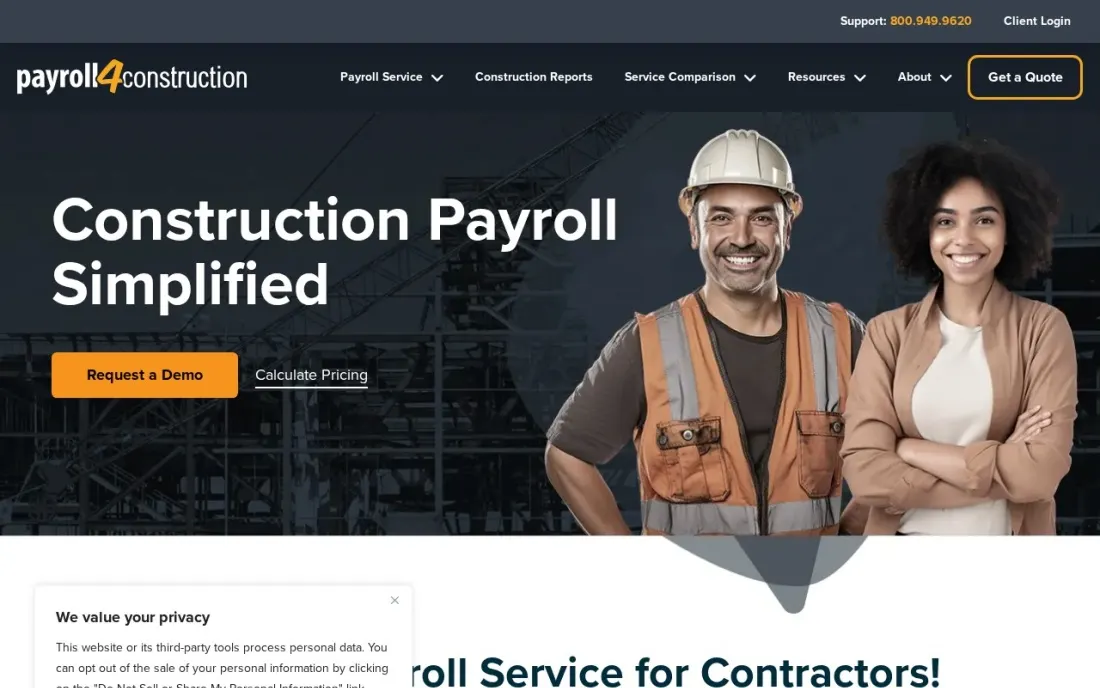
Payroll4Construction is a payroll service built only for contractors, and its reports show it: certified payroll, EEO and minority, union and job costing reports arrive after each pay period, and certified payroll can be filed electronically in LCPtracker, ECPR and eMars formats without re-entering data. One timecard can carry several jobs, states, trades and pay rates, with deductions and fringes tracked by union and by job.
There is no published price. The quote form returns a custom figure, and the company says it includes everything needed to run payroll with no add-ons. It connects to FOUNDATION, QuickBooks and Sage, which makes it a practical choice for a contractor who wants certified payroll handled without replacing the books.
What we like
- Built only for construction: certified payroll, EEO and minority, union and job costing reports after each pay period
- Creates electronic certified payroll files in formats such as LCPtracker, ECPR and eMars without re-entering data
- Handles multiple jobs, localities, states, trades and pay rates on one timecard, with multi-union fringe tracking
- Connects to FOUNDATION, QuickBooks and Sage, so it can sit beside the accounting you already run
Watch out for
- No published price — you see a custom figure only after submitting the quote form
- A payroll service, not an accounting system, so budgets and job cost ledgers stay in your other software
- No free trial or contract terms are stated on the quote page

Foundation Software
Best for: Commercial contractors who want payroll, job costing and WIP reporting in one construction ledger
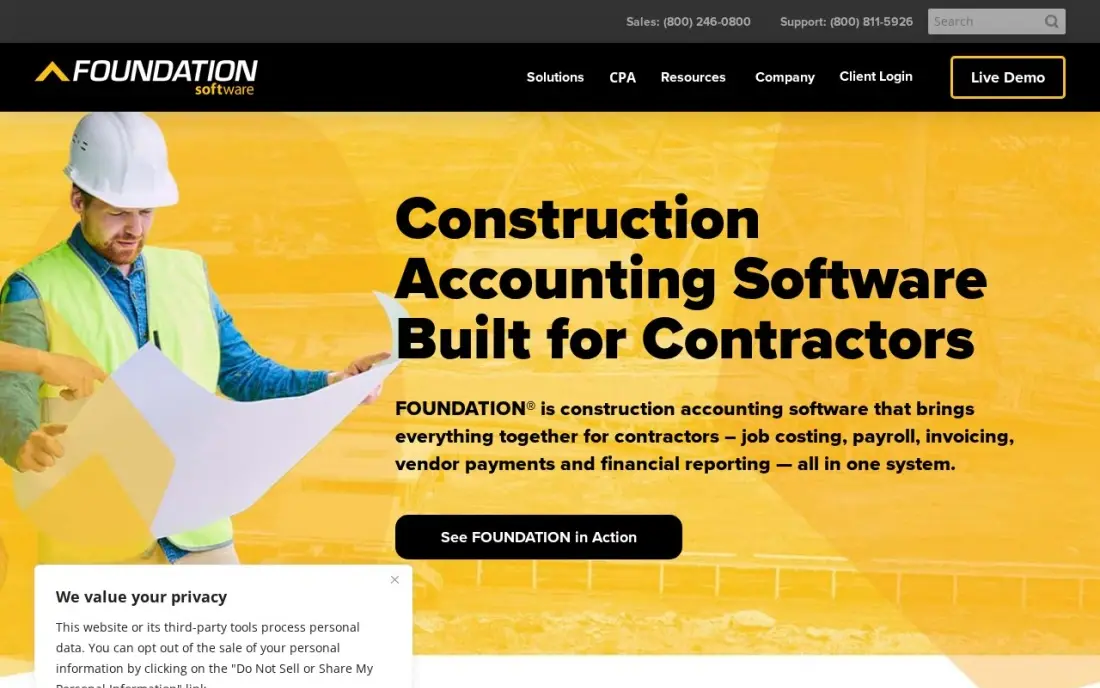
FOUNDATION puts construction payroll inside construction accounting, so wages, burden and fringes post to the job and cost code the moment payroll runs. That is the difference that matters to a commercial contractor: job cost reports, WIP and payroll come from the same numbers, and equipment and payables sit in the same system.
FOUNDATION publishes no price; it is sold per module and on concurrent users, meaning simultaneous logins rather than headcount. Reviewers praise its reporting and rate setup as the weak spot — it is rated 3.7 out of 5 on G2 from 24 reviews — so plan training time before your first payroll.
What we like
- Construction accounting built for contractors, not adapted from generic books
- Job costing, WIP reporting, payroll and equipment tracking in one system
- Concurrent-user licensing, so the price follows simultaneous logins rather than headcount
- Strong reporting, the feature reviewers praise most
Watch out for
- No published pricing — the price comes from a sales conversation, and modules add to the cost
- Reviewers rate setup as the weak spot, so budget time and training for rollout
- Desktop-first heritage means dispatch and field work still need another tool

Sage 100 Contractor
Best for: Small and midsize contractors who want certified payroll and job costing in one package
Sage 100 Contractor is built for construction accounting, and certified payroll is one of its stated strengths, alongside AIA billing, lien waivers and job costing. Payroll posts to the same ledger as the jobs, so labour cost lands on the right job without an export, and estimates export into budgets and subcontracts.
Sage publishes no starting price. Third-party estimates put subscriptions at roughly $115 to $200 per user per month, before implementation and training, and it is sold and set up through Sage partners. It is desktop-first, so pair it with a mobile time app if crews clock in from site.
What we like
- Purpose-built for contractors: job costing, AIA billing, certified payroll and lien waivers in one package
- Estimates export straight into budgets, proposals, subcontracts and purchase orders
- Service management module covers dispatch, service agreements, quotes and work orders
- A long track record with small to midsize contractors, sold through Sage partners who handle setup
Watch out for
- No published price — every quote depends on users, modules and deployment, so budgeting takes a sales call
- Desktop-first design with a heavier implementation and training load than a cloud add-on
- Add-on modules, including Sage Construction Management, are priced separately from the base quote
Sage 300 Construction and Real Estate
Best for: Established union contractors who need prevailing wage, certified payroll and union reports
Sage 300 Construction and Real Estate, formerly Timberline, is the heavyweight for union shops. Its construction payroll handles prevailing wage, certified payroll and union reporting without a separate system, and it sits beside job costing by phase and cost code, retainage and progress billing. Many contractors keep it for the payroll alone.
It is licensed per user and module by custom quote, and it runs on-premise, so remote staff need a VPN or hosted setup. Reviewers rate it 3.6 out of 5 on G2 from 42 reviews, citing cost and a dated interface, and Sage is steering customers toward Sage Intacct Construction, which makes the long-term roadmap uncertain.
What we like
- Job costing down to phase and cost code, with retainage, progress billing and committed-cost tracking built in
- Construction payroll handles prevailing wage, certified payroll and union reporting without a separate system
- A mature, stable platform with more than 40 years in construction and real estate firms
- Modules can be added as the firm grows, from accounting alone to a full project suite
Watch out for
- On-premise architecture: no cloud-native access, so remote teams need a VPN or a hosted workaround
- Rated 3.6/5 on G2, the lowest score here, with reviewers citing cost and a dated interface
- Sage is steering customers toward Sage Intacct Construction, so the long-term roadmap is uncertain

QuickBooks Payroll
Best for: Small contractors already keeping their books in QuickBooks Online
QuickBooks Payroll is the easy add-on for a contractor whose books already live in QuickBooks Online, because pay runs post straight to the ledger without journal entries. Core costs $50 a month plus $7 per employee and includes next-day direct deposit and automatic tax filings, and contractor-only payments start at $15 a month for up to 20 contractors.
Core covers one state; each extra state filing costs $12 a month, which adds up for crews that cross state lines. You also pay for a QuickBooks Online plan on top. For prevailing-wage work, confirm how certified reports would be produced before you rely on it.
What we like
- Payroll posts straight to QuickBooks Online — no journal entries to re-key
- Payroll AI collects time and attendance and flags inconsistencies for you
- Next-day direct deposit and automatic tax filings on the Core plan
- Contractor-only payments from $15 a month for up to 20 contractors
Watch out for
- Only makes sense with a paid QuickBooks Online plan, so you pay for two subscriptions
- Core covers one state filing; extra states cost $12 a month each
- Prices have risen repeatedly, and the plan is now sold as QuickBooks Workforce

Gusto
Best for: Small residential contractors who want simple payroll with benefits and tax filing included
Gusto is the simplest full-service payroll here for a small contractor: unlimited pay runs with federal, state and local tax filing on every plan, and a setup flow reviewers rate as easy. Simple costs $49 a month plus $6 per person, and it is rated 4.6 out of 5 on G2 from more than 10,000 reviews.
The construction gaps are real, though. Simple covers one state only, so a crew working across state lines needs Plus at $80 a month plus $12 per person, which is also where time tracking arrives. Gusto is a fit for residential and private work; it is not built around certified payroll.
What we like
- Unlimited payroll runs with federal, state and local tax filing included on every plan
- Time & Attendance Plus add-on syncs tracked hours straight into payroll
- Highest reviewer volume here — 4.6/5 across more than 10,000 G2 reviews — with an easy setup flow
Watch out for
- Time tracking is not on Simple — it needs Plus ($80/month + $12/person) or the Time & Attendance Plus add-on
- Simple covers payroll in one state only; hiring in a second state forces the Plus upgrade
- Per-person fees add up fast: a 25-person team pays $199/month on Simple before any add-on

ADP Run
Best for: Growing contractors who want a big-name provider with deep compliance support
ADP RUN suits a contractor that has outgrown small-business payroll and wants compliance depth: four packages from Essential Payroll to HR Pro cover payroll, tax filing, new-hire reporting and direct deposit, and the service handles multi-state payroll and garnishments. Reviewers rate its live-chat support highly.
ADP publishes no price for any RUN package, and W-2s, 1099s and off-cycle runs cost extra on top of the quote. Third-party estimates put a small team at $100 to $300 a month, but that is not an ADP price. Ask specifically how union fringes and certified payroll are handled before you sign.
What we like
- The deepest HR and compliance bench here, built for companies that keep growing
- Four packages from payroll-only to full HR, so the service grows with the company
- Highly rated support in this list, with live chat that reviewers praise
- Handles multi-state payroll, garnishments and complex tax situations without fuss
Watch out for
- No published price — every package needs a sales call and a custom quote
- W-2s, 1099s and off-cycle runs cost extra on top of the quote
- New-customer offers of free months come with terms that are easy to miss

Patriot Payroll
Best for: Owner-operated trades businesses that want the cheapest payroll with US phone support
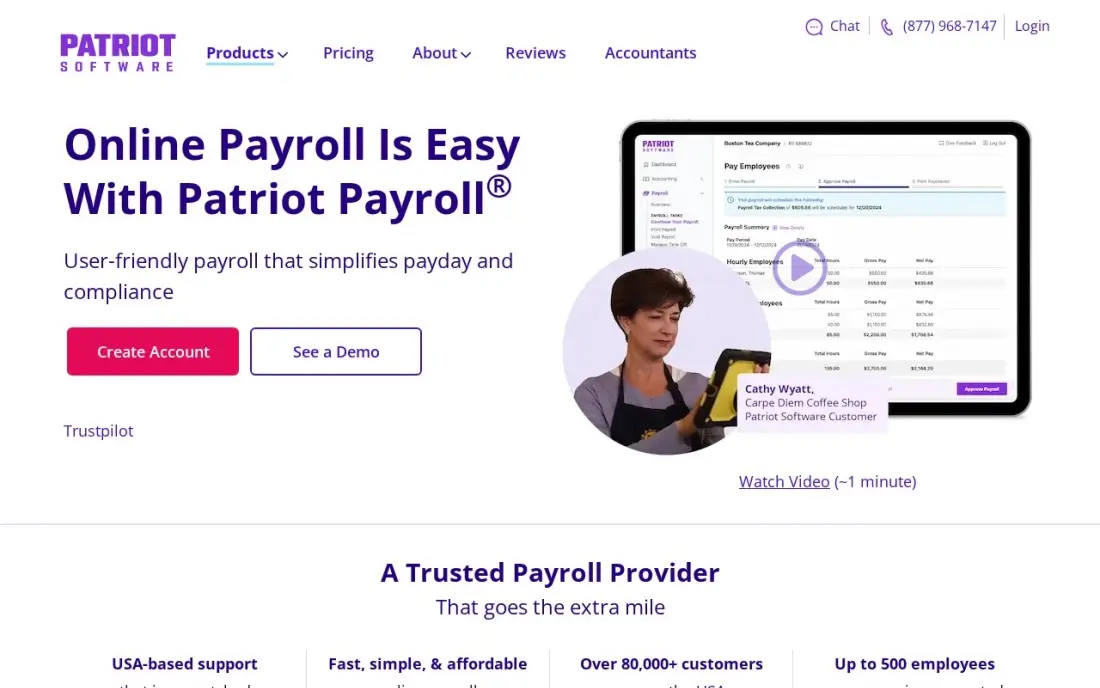
Patriot is the budget choice for a small trades business with a handful of employees and no public work. Basic Payroll costs $17 a month plus $4 per worker, with unlimited payroll runs, free direct deposit, a free employee portal and free setup, and US-based support that answers the phone quickly.
Basic does not file payroll taxes for you; that needs the higher full-service plan. There is no built-in time tracking for crews and no multi-state filing on Basic. If you run one crew in one state and want low cost, it works; once you bid public jobs, move to a construction tool.
What we like
- The lowest starting price here: $17 a month plus $4 per worker
- US-based support with a reputation for answering the phone quickly
- Unlimited payroll runs with free direct deposit and a free employee portal
- Free setup, and accounting from the same company if you want one login
Watch out for
- Basic Payroll does not file taxes for you — full-service filing costs extra on a higher plan
- No built-in time tracking or scheduling for field crews
- Fewer integrations than the bigger suites, and no multi-state tax filing on Basic
The best payroll software for construction pays crews correctly when one person works three jobs, two trades and two pay rates in a week — and, on public jobs, produces the certified payroll report that proves it. We compared eight options across construction payroll services, construction accounting systems and general small-business payroll, and every price below was checked on the vendor's own page in November 2026.
How to choose the best payroll software for construction
- Decide whether you need certified payroll. If you bid federally or state-funded jobs, prevailing-wage reporting is not optional, and that narrows the list to construction-built tools.
- Check multiple rates on one timecard. A carpenter who runs a machine for two hours should be paid the right rate for each, by job, without manual splits.
- Look for union fringe tracking. Union shops need fringes and deductions tracked by local and by job, with remittance reports for each union.
- Make sure wages post to job cost. Payroll that sends labour cost to the job and cost code gives you weekly labour-versus-budget figures.
- Count the states and localities. Crews that cross state lines add filings, and general payroll plans often charge for each extra state.
- Get every fee in writing. Setup, year-end forms, off-cycle runs and extra states are where quoted prices grow.
Payroll keeps crews paid; keeping crews busy depends on steady enquiries. If your company needs more local jobs, our local SEO service covers that side, and our guide to the best time tracking apps for contractors covers getting hours from site into payroll.
Construction payroll pricing: what you will actually pay
Take a contractor with 12 employees working private jobs in one state. Patriot Basic costs $17 a month plus $4 per worker, which is $65 a month or $780 a year, but it does not file payroll taxes for you. Gusto Simple costs $49 a month plus $6 per person, so $121 a month or $1,452 a year, with tax filing included. QuickBooks Payroll Core costs $50 a month plus $7 per employee, $134 a month or $1,608 a year, plus the QuickBooks Online subscription it depends on.
Add a second state and the numbers move. QuickBooks charges $12 a month per extra state, and Gusto requires Plus at $80 a month plus $12 per person, which takes the same 12-person crew to $224 a month, or $2,688 a year. For prevailing-wage or union work, Payroll4Construction, FOUNDATION, Sage 100 Contractor and Sage 300 CRE all price by quote. Third-party estimates for Sage 100 Contractor run $115 to $200 per user per month, but that is not a Sage price, so compare written quotes against the cost of an office manager's time spent on certified reports.
Know the difference: construction payroll vs general payroll
General payroll such as Gusto, QuickBooks Payroll, Patriot and ADP RUN is built for businesses where most people have one rate and one location. It handles tax filing, direct deposit and year-end forms well, and it is the cheaper choice for a residential contractor doing private work in one state.
Construction payroll is built around the job. Payroll4Construction, FOUNDATION, Sage 100 Contractor and Sage 300 CRE handle several rates per person, union fringes by local, prevailing-wage rules and certified payroll reports, and the accounting systems post labour straight to job cost. The cost is higher and setup is slower, but on public work the first missed certified report can hold up payment on the whole job.
Quick comparison: tool type by need
| Buyer | Best pick | Why |
|---|---|---|
| Prevailing-wage contractors | Payroll4Construction | Certified payroll as a service, electronic formats, quote-only |
| Commercial contractors | Foundation Software | Payroll, job costing and WIP in one construction ledger |
| Small and midsize contractors | Sage 100 Contractor | Certified payroll with job costing and AIA billing |
| Established union shops | Sage 300 Construction and Real Estate | Prevailing wage, certified payroll and union reporting |
| QuickBooks users | QuickBooks Payroll | Posts to QuickBooks Online, from $50/month plus $7 per employee |
| Small residential contractors | Gusto | Full-service payroll from $49/month plus $6 per person |
| Growing contractors | ADP Run | Deep compliance support and multi-state payroll, quote-only |
| Owner-operators on a budget | Patriot Payroll | From $17/month plus $4 per worker, US phone support |
Mistakes to avoid
- Bidding public work on general payroll. Find out how certified reports will be produced before you win the job, not when the first one is due.
- Paying one blended rate. Paying a single rate for mixed work under-pays on prevailing-wage jobs and over-pays on private ones.
- Re-typing timecards. Hours copied from paper or texts into payroll are the main source of errors; capture time by job and cost code at source.
- Forgetting the extra states. A single out-of-state job can add a filing fee or force a plan upgrade, so price the states you actually work in.
- Signing without the fee list. Ask for setup, year-end, off-cycle and per-state fees in writing before you compare quotes.
Related comparisons: Payroll Companies · Payroll Software for Enterprise · Construction CRM Software · Construction ERP Software
How we chose
We checked each vendor's own pricing or quote page in November 2026 and recorded starting prices exactly as shown. We scored each option on certified payroll, multiple pay rates, union fringe handling, multi-state support and how labour cost reaches the job. Where a vendor publishes no price, we list it as a custom quote and label any third-party figure as an estimate. Ratings come from G2 pages on the dates shown in the sources. No vendor paid for a place in this list, and none of the links here are affiliate links.
What to do next
Take one recent week of timecards — ideally with mixed rates or a public job — and run it through two shortlisted tools during a trial or demo. Compare the pay stubs, the job cost report and, if relevant, the certified report against what you produced by hand. If you also want more of the right jobs coming in, book a free local visibility check.
Frequently asked questions
What is the best payroll software for construction?
For prevailing-wage and union work, Payroll4Construction is the specialist service, and Sage 300 CRE, Sage 100 Contractor and FOUNDATION handle construction payroll inside construction accounting. For small private-work contractors, Gusto, QuickBooks Payroll and Patriot are simpler and publish their prices.
What is certified payroll?
Certified payroll is the weekly wage report, typically on form WH-347 or a state equivalent, that contractors on federally or state-funded jobs submit to prove they paid prevailing wages and fringes. Software built for construction produces it from the same timecards that drive payroll.
How much does construction payroll software cost?
General payroll publishes prices: Patriot from $17 a month plus $4 per worker, Gusto from $49 plus $6 per person and QuickBooks Payroll from $50 plus $7 per employee. Payroll4Construction, FOUNDATION, Sage 100 Contractor, Sage 300 CRE and ADP RUN are quote-only.
Can Gusto or QuickBooks handle certified payroll?
Neither lists certified payroll as a core feature in the plans we checked. Contractors on public jobs either use a construction payroll service such as Payroll4Construction, which connects to QuickBooks, or a construction accounting system with certified payroll built in.
Why does construction payroll need job costing?
Labour is usually the most variable cost on a job. When payroll posts wages, taxes and fringes to the job and cost code, you see real labour cost against the budget each week instead of finding the overrun at month-end.
What should a contractor look for in payroll software?
Multiple pay rates per employee, multi-state and local tax handling, union fringe tracking, certified payroll reports, and time capture by job and cost code. If you only do private residential work, the last two matter less and general payroll is usually cheaper.
What is the best payroll software for paying independent contractors?
QuickBooks Payroll offers contractor-only payments from $15 a month for up to 20 contractors, which suits a builder who pays subs and 1099 workers rather than employees. If you also run W-2 staff, Patriot Payroll is the cheapest full option at $17 a month plus $4 per worker. ADP Run charges extra for W-2s, 1099s and off-cycle runs on top of its quote.
How is construction payroll different from regular payroll?
Construction payroll has to pay several rates on one timecard, by job and trade, post wages to job cost codes, track union fringes by local, and produce certified payroll for prevailing-wage jobs. Payroll4Construction, Foundation Software, Sage 100 Contractor and Sage 300 are built for that. Gusto, QuickBooks Payroll and Patriot Payroll handle standard pay runs and tax filing well but are not construction-specific.
Sources we checked (11)
- Payroll4Construction — www.payroll4construction.com/payroll-quote (checked November 16, 2026)
- Foundation Software — www.foundationsoft.com/learn/construction-accounting-software-costs (checked November 7, 2026)
- Foundation Software reviews on G2 (checked November 7, 2026)
- Sage 100 Contractor — www.sage.com/en-us/products/sage-100-contractor (checked November 7, 2026)
- Sage 300 Construction and Real Estate — www.sage.com/en-us/products/sage-300-construction-and-real-estate (checked November 8, 2026)
- Sage 300 Construction and Real Estate reviews on G2 (checked November 8, 2026)
- QuickBooks Payroll — quickbooks.intuit.com/payroll/pricing (checked November 8, 2026)
- Gusto — gusto.com/product/pricing (checked November 10, 2026)
- Gusto reviews on G2 (checked November 10, 2026)
- ADP Run — www.adp.com/small-business/payroll (checked November 8, 2026)
- Patriot Payroll — www.patriotsoftware.com/payroll/pricing (checked November 8, 2026)
Make one of these tools?
We re-check this list every quarter. Send a correction, request a review, or ask about a clearly labeled sponsored spot.
Request a listingShamim
Founder of SerpAstra
A full-stack digital marketer and SEO strategist covering technical and local SEO, AI search visibility, paid ads and lead generation for local businesses, e-commerce brands and SaaS teams.
Free SEO and AI visibility audit
Find out what is holding your rankings back
Send us your site. Within 2 business days you get a written audit, an AI visibility check and a short fix list ranked by impact. Free, with no contract attached.
Request my free audit→Related buying guides
 Construction & Field Service10 Best Accounting Software for Contractors in 2026, ComparedCompare the 10 best accounting software for contractors on price, job costing, AIA billing and free plans, with every price checked November 7, 2026.Read guide →
 Construction & Field Service10 Best Landscaping Payroll Apps in 2026: Free and Paid Apps RankedCompare the 10 best landscaping payroll apps in 2026 on price, hourly pay, tax filing and crew features, with every price checked November 8, 2026.Read guide →
 Construction & Field Service7 Best Time Tracking Apps for Contractors in 2026The 7 best time tracking app for contractors options compared on price, GPS, geofencing and payroll sync — prices checked November 10, 2026.Read guide →