
9 Best Construction ERP Software in 2026, Compared
Compare the 9 best construction ERP software on job costing, payroll, project controls, deployment and pricing model, with every vendor page checked in 2026.
 Shamim Mia, Founder, SerpAstraLast verified November 4, 202610 min read
We compare pricing pages, documentation and public reviews. We never accept payment for rankings.
Key takeaways
- Every construction ERP in this list is sold by custom quote: none of the nine vendors publishes a list price, so the comparison comes down to scope, pricing model and implementation load.
- Viewpoint Vista and CMiC are the deepest construction-only ERPs for large self-performing contractors; Foundation and Sage 100 Contractor fit small to midsize firms.
- Pricing models differ more than prices: Procore and Acumatica do not charge per seat, Foundation licenses concurrent users, and Jonas Premier is priced per user.
- Sage Intacct and NetSuite are general cloud ERPs; they suit contractors with several entities or non-construction lines of business, usually with a construction partner add-on.
On this page
Quick comparison
| Tool | Best for | Starting price | Free plan |
|---|---|---|---|
| Viewpoint Vista | Large self-performing contractors that need job costing, union payroll and equipment in one database | Custom quote | No |
| CMiC | General contractors, subcontractors and heavy-highway firms that want financials and project controls from one vendor | Custom quote | No |
| Foundation Software | Small to midsize commercial contractors that want construction accounting with payroll and WIP reporting | Custom quote | No (demo) |
| Sage 100 Contractor | Small to midsize general contractors and subs that want accounting, job costing and certified payroll in one package | Custom quote | No |
| Jonas Premier | General contractors and developers that want cloud construction accounting with drill-down job costing | Custom quote | No |
| Procore | Commercial general contractors that want project management and financials with unlimited users | Custom quote | No (demo only) |
| Acumatica | Contractors with growing headcount that want an ERP priced on usage rather than users | Custom quote | No (demo only) |
| Sage Intacct | Multi-entity contractors and developers that need consolidation and dimensional reporting | Custom quote | No (demo only) |
| NetSuite | Large contractors with several business lines that want one Oracle ERP across all of them | Custom quote | No |
Make one of these tools?
We re-check this list every quarter. Send a correction, request a review, or ask about a clearly labeled sponsored spot.
Request a listingThe best construction ERP software

Viewpoint Vista
Best for: Large self-performing contractors that need job costing, union payroll and equipment in one database
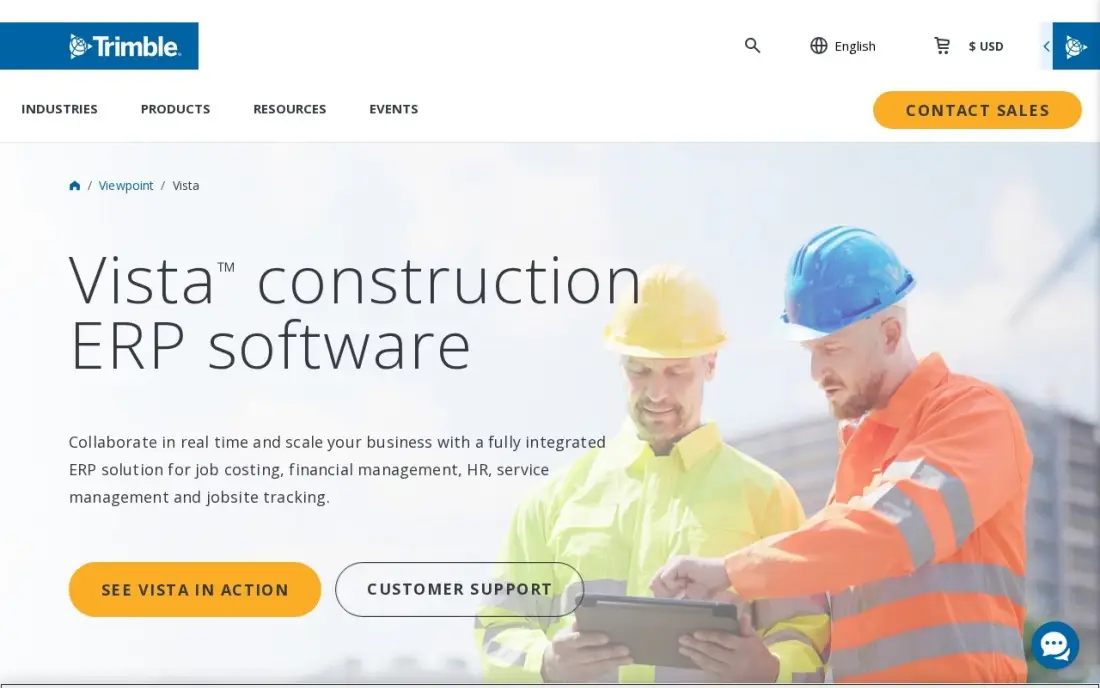
Viewpoint Vista is the construction ERP for firms that build at scale and self-perform. Job costing, payroll with union and certified reporting, equipment costing, accounts payable and project management share one database, and Trimble's estimating and field tools connect around that core. For prevailing-wage and public work, its compliance depth is the main reason contractors pick it.
It is also the heaviest rollout in this list. Trimble publishes no starting price, and G2 reviewers most often report going live in 6 to 12 months, usually with an experienced implementation partner. The interface still shows its on-premise roots. Choose Vista when payroll, equipment and job cost all need to live in one system and you have the staff to run it.
What we like
- Deep construction ERP with job costing, payroll, equipment and project management in one database
- Strong compliance and certified payroll for public or prevailing-wage work
- Backed by Trimble's construction technology ecosystem, including estimating and field tools
- Flexible customization for company-specific workflows and fields
Watch out for
- Implementation is expensive and typically takes 6–12 months to go live
- On-premise roots show in the interface and deployment options
- Best handled by experienced partners — not a self-serve purchase

CMiC
Best for: General contractors, subcontractors and heavy-highway firms that want financials and project controls from one vendor
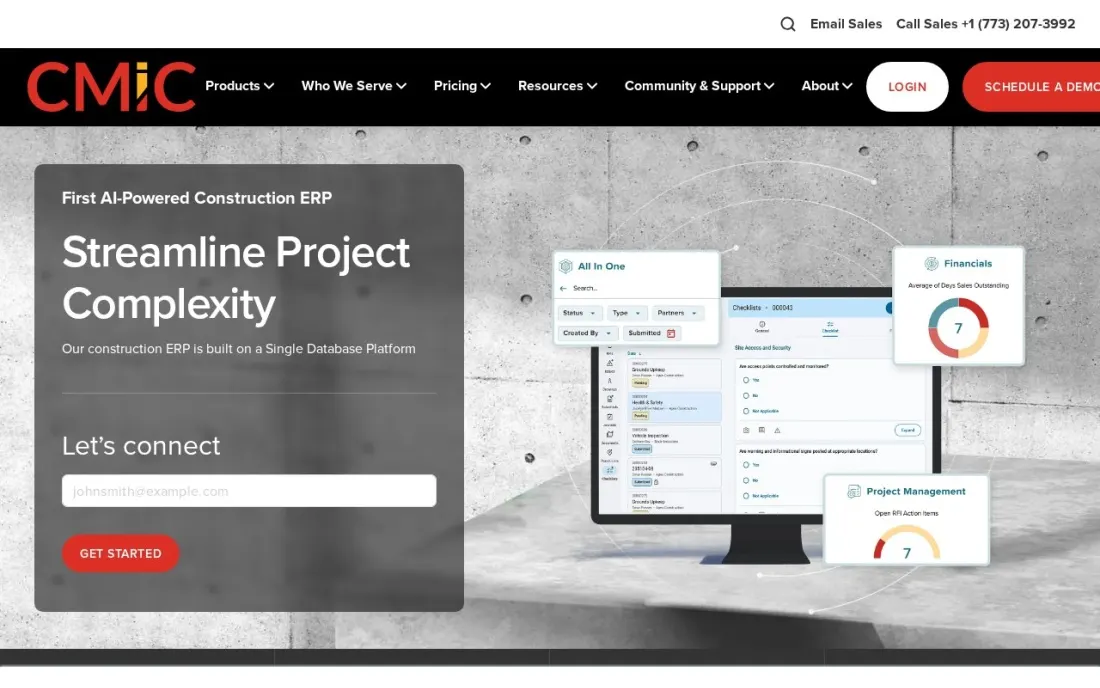
CMiC is a construction-only ERP from a vendor that sells nothing else. Its product line covers Construction ERP, Construction Financials for the accounting side and Project Management for project controls, with workflow, analytics, document management and drawing management sold around that core. The company aims it squarely at general contractors, subcontractors and heavy-highway firms.
Pricing is by quote only: the pricing page is a request form, and CMiC says a specialist responds within two business days. The page does not state deployment options, so confirm hosting, implementation services and which modules are in the quote before you compare it with Vista. Shortlist CMiC when you want accounting and project controls from one construction vendor rather than a general ERP plus add-ons.
What we like
- Built only for construction, with Construction ERP, Construction Financials and Project Management products
- Workflow, analytics, document and drawing management sold alongside the financial core
- Targets general contractors, subcontractors and heavy-highway firms specifically
- Developer portal plus CMiC-built and partner-built integrations
Watch out for
- No published pricing; a CMiC specialist responds to quote requests within two business days
- The pricing page does not say whether a deployment is cloud-hosted or on-premises, so ask
- Scope is broad, so smaller firms may pay for modules they will not use

Foundation Software
Best for: Small to midsize commercial contractors that want construction accounting with payroll and WIP reporting
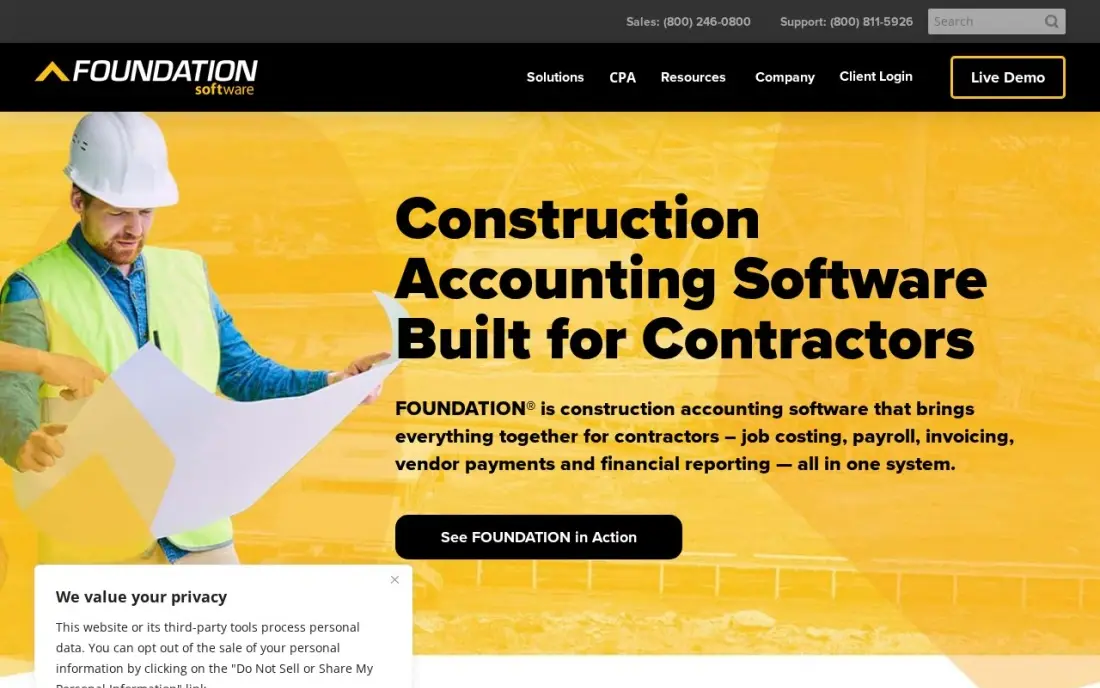
Foundation is construction accounting built for contractors rather than adapted from generic books, and it covers most of what a midsize firm wants from an ERP: general ledger, job costing, WIP reporting, payroll, equipment tracking, payables and receivables in one system. Licensing follows concurrent users, so the price tracks simultaneous logins instead of every employee who might open the system.
There is no published price, and modules add to the quote. G2 reviewers rate setup as the weak spot, so budget training time for the first quarter. It is a strong fit for a commercial contractor running its own payroll; field dispatch and daily logs still need another tool, which is where it stops short of the larger ERPs here.
What we like
- Construction accounting built for contractors, not adapted from generic books
- Job costing, WIP reporting, payroll and equipment tracking in one system
- Concurrent-user licensing, so the price follows simultaneous logins rather than headcount
- Strong reporting, the feature reviewers praise most
Watch out for
- No published pricing — the price comes from a sales conversation, and modules add to the cost
- Reviewers rate setup as the weak spot, so budget time and training for rollout
- Desktop-first heritage means dispatch and field work still need another tool

Sage 100 Contractor
Best for: Small to midsize general contractors and subs that want accounting, job costing and certified payroll in one package

Sage 100 Contractor is the established choice for smaller general contractors and subcontractors. The ledger, job costing, payroll and project management sit in one package, with AIA billing, certified payroll and lien waivers built in, and estimates flow straight into budgets, subcontracts and purchase orders. A service management module adds dispatch and work orders for firms with a service arm.
Sage publishes no starting price, so every quote depends on users, modules and deployment, and Sage Construction Management is priced as a separate add-on. The design is desktop-first, which means a heavier install and training load than a cloud tool. It suits firms that have outgrown QuickBooks but are not ready for a Vista-sized implementation.
What we like
- Purpose-built for contractors: job costing, AIA billing, certified payroll and lien waivers in one package
- Estimates export straight into budgets, proposals, subcontracts and purchase orders
- Service management module covers dispatch, service agreements, quotes and work orders
- A long track record with small to midsize contractors, sold through Sage partners who handle setup
Watch out for
- No published price — every quote depends on users, modules and deployment, so budgeting takes a sales call
- Desktop-first design with a heavier implementation and training load than a cloud add-on
- Add-on modules, including Sage Construction Management, are priced separately from the base quote

Jonas Premier
Best for: General contractors and developers that want cloud construction accounting with drill-down job costing
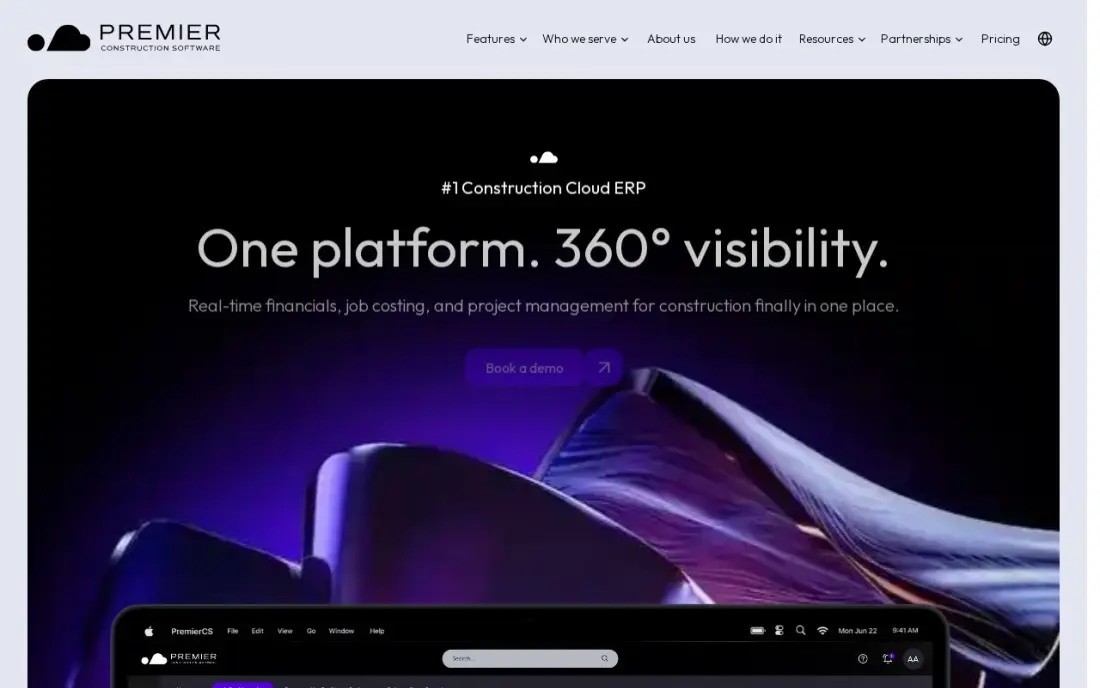
Jonas Premier, now sold as Premier Construction Software, is the cloud-native option among the construction-only ERPs. Job costing comes with drill-down views and forecast models, so a budget variance can be traced to the line that caused it, and dashboards keep retainage, AP aging, compliance documents and approvals visible in one place. It holds a 4.7 out of 5 rating on Capterra from 288 reviews.
Pricing is per user by custom quote. Third-party listings disagree widely on the figure and put implementation from $15,000, so get a written quote with setup included. Premier suits general contractors and developers who want office and field working from the same live data without a VPN or a server room.
What we like
- Drill-down job costing with forecast models, so a budget variance can be traced to the line that caused it
- Dashboards keep retainage, AP aging, compliance documents and approvals visible in one place
- Rated 4.7/5 on Capterra across 288 reviews, the highest review score in this list
- Cloud-native, so office and field teams work from the same live data without a VPN
Watch out for
- Quote-only pricing with conflicting third-party figures ($125 to $349 per user per month), so the real price needs a written quote
- Now sold as Premier Construction Software, so older Jonas Premier branding still turns up in search results
- Implementation starts at $15,000, according to third-party listings, which prices out the smallest firms

Procore
Best for: Commercial general contractors that want project management and financials with unlimited users
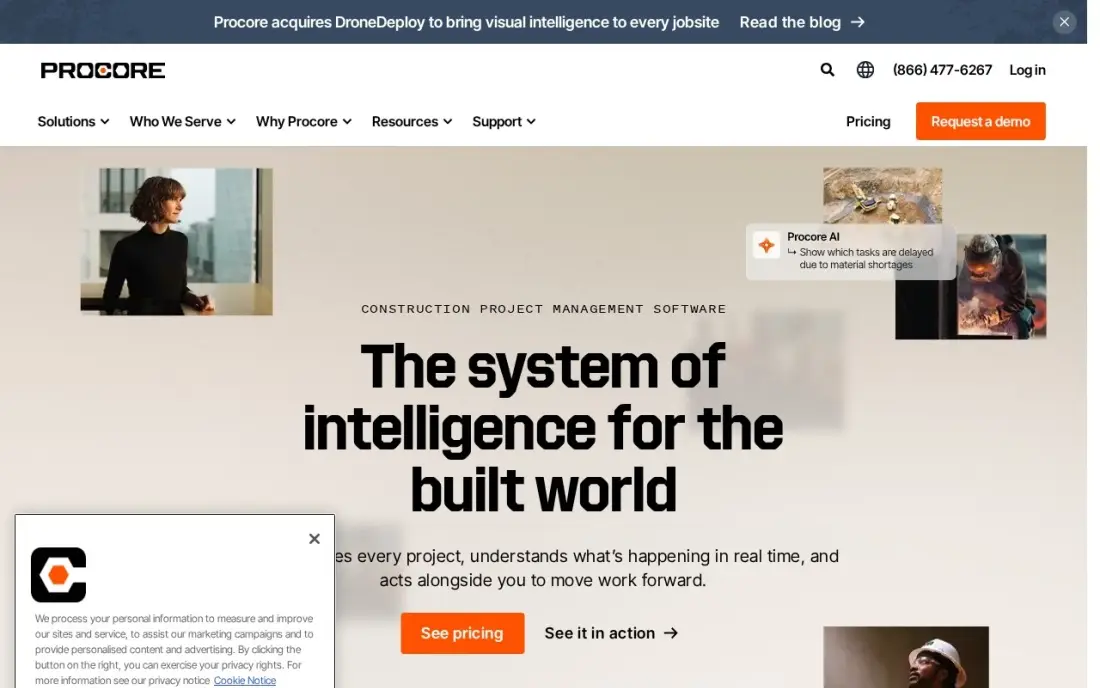
Procore is the project-side platform most commercial general contractors already know, and its financials and cost management tools push it toward ERP territory: budgets, change orders, commitments and invoicing sit beside project management, quality, safety and field tools. It is rated 4.6 out of 5 on G2 from more than 4,200 reviews, the largest review base in this list.
It does not charge per seat; pricing follows the products you select and your annual construction volume, so every subcontractor and field user can log in. Procore is not a general ledger or payroll system, though, so most contractors pair it with one of the accounting ERPs here through an integration. Buy it for project control, not to close the books.
What we like
- The enterprise default: project management, financials, field tools, BIM and preconstruction in one platform
- No per-seat fees — pricing is by products selected and annual construction volume, with unlimited users
- Bundled packages (Project Execution, Cost Management, Resource Management) added in February 2026 simplify buying
- Highest-rated tool here on G2 at 4.6/5 from more than 4,200 reviews
Watch out for
- No published price — quotes are sized to annual construction volume, and third-party estimates put small GC entry around $15,000–$30,000 a year
- Implementation is a real project: expect weeks of setup and training before the team is fluent
- The depth that makes it powerful also makes it heavy — small firms pay for capability they never use

Acumatica
Best for: Contractors with growing headcount that want an ERP priced on usage rather than users
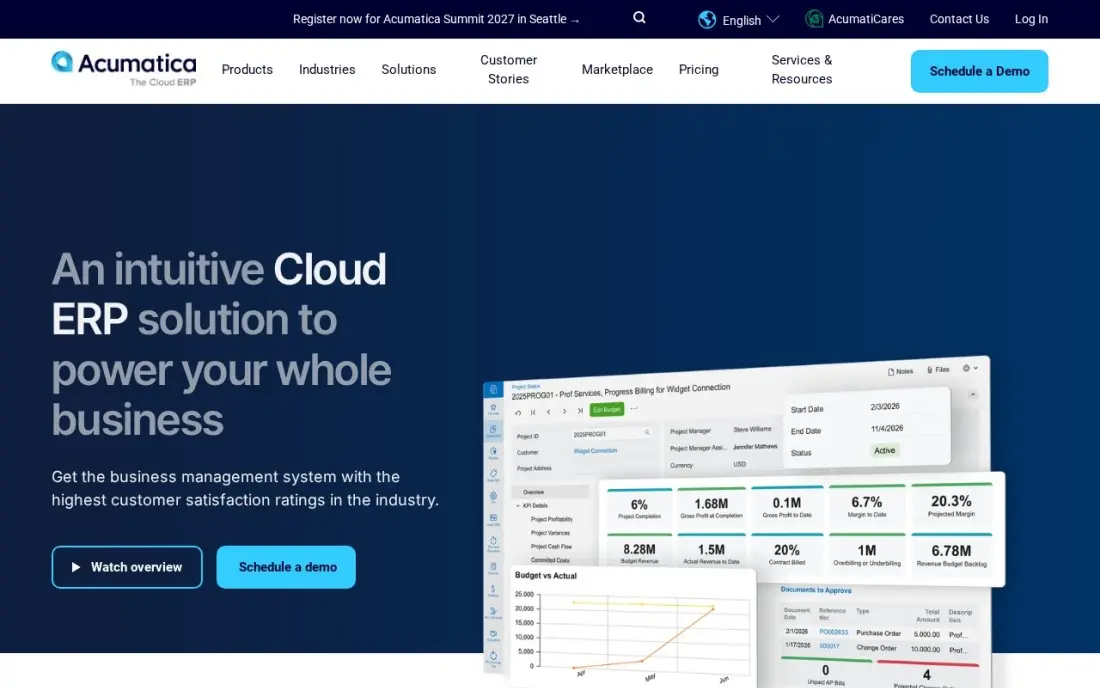
Acumatica is a general cloud ERP with a construction edition, and its pricing model is the selling point: subscriptions follow the applications you switch on and the transaction volume you run, with unlimited users on mid-market editions. For a contractor whose project managers, superintendents and office staff all need access, that removes the per-seat penalty the other ERPs charge.
Acumatica publishes no list price, so every figure comes from a partner quote, and consumption pricing is hard to budget before you know your volumes. Implementation and training are quoted separately. Its open API makes it easier to connect estimating, field and payroll tools, which matters because construction depth depends on the partner and the edition you buy.
What we like
- Unlimited users: pricing follows transaction volume and computing resources, not seat count
- Subscriptions follow the applications you switch on, so you pay for the modules you use
- Fully open API, so integrations with CRM, ecommerce and warehouse tools are straightforward
- Rated 4.4 out of 5 on G2, though the freshest indexed copy is months old, so we show no rating here
Watch out for
- Acumatica publishes no list price, so every figure comes from partners and varies by deal
- Consumption pricing is hard to budget: the bill follows transaction volume, not headcount
- Implementation and training are quoted separately and add materially to year one

Sage Intacct
Best for: Multi-entity contractors and developers that need consolidation and dimensional reporting

Sage Intacct is a finance-led cloud ERP, and its construction edition suits contractors that look more like a group of companies than a single builder: several entities, a real estate arm or a service business alongside the construction work. Dimensional reporting and multi-entity consolidation are built into the core, and the audit trails and approval workflows are the kind a controller asks for by name.
Every subscription is a custom annual quote built from modules, users and entities, and there is no self-service trial. Implementation is a separate partner project. Choose Intacct when financial reporting across entities is the problem to solve; if payroll and equipment costing are the priority, a construction-only ERP will need fewer add-ons.
What we like
- The strongest reporting in this list — G2 reviewers mention reporting in over 500 reviews, with dimensional reporting built in
- Multi-entity consolidation and inter-entity transactions without spreadsheets or a separate consolidation tool
- Sage Copilot AI is included at no extra charge on the platform
- AICPA-preferred financial management with audit trails and approval workflows finance teams trust
Watch out for
- Sage publishes no price list; every subscription is a custom annual quote from Sage or a partner
- No free plan and no self-service trial — evaluation runs through a demo with Sage or a partner
- Implementation is a separate partner project that partners typically price at roughly one to one-and-a-half times the annual subscription

NetSuite
Best for: Large contractors with several business lines that want one Oracle ERP across all of them
NetSuite puts accounting, CRM, inventory and project tools on one database, with multi-entity and multi-currency books for firms that operate across regions. For a contractor that also runs manufacturing, distribution or a materials business, one ERP across every line can replace three or four separate systems, and SuiteAnalytics reports across every subsidiary in real time.
Oracle publishes no price list; deployments are quoted on users, modules and transaction volume, and G2 reports implementation commonly takes 6 to 12 months with a partner. Construction-specific job costing and project billing usually come through partner solutions rather than the core product. It is the right buy only when the business is broader than construction alone.
What we like
- One database for accounting, CRM, inventory and project tools, so every business line reports from the same ledger
- One ERP can replace three or four systems for a contractor that also runs a manufacturing or materials business
- Multi-entity, multi-currency and multi-subsidiary books for firms that operate across regions
- SuiteAnalytics and saved searches give real-time reporting across every subsidiary
Watch out for
- No published price list — Oracle quotes every deployment, so two similar companies can pay very different amounts
- Implementation commonly takes 6–12 months, per G2, and usually needs an implementation partner
- Per-user and per-module pricing climbs steeply, and the interface has a real learning curve
The best construction ERP software runs the whole business of building in one place: job costing, payroll, equipment, project controls and the general ledger, with one set of numbers from the bid to the final invoice. We compared nine systems, from construction-only ERPs to general cloud ERPs with construction editions, and checked every vendor's pricing page in November 2026. None of them publishes a price, so this guide compares what you can see: scope, pricing model and how heavy the rollout is.
How to choose the best construction ERP software
- Decide what must share one database. If certified payroll, equipment costing and job cost all need to tie out, favour a construction-only ERP such as Vista, CMiC or Foundation over a general ERP with add-ons.
- Match the pricing model to your headcount. Per-user pricing punishes firms with many occasional users; Procore's volume pricing and Acumatica's usage pricing let field staff log in without a seat each.
- Ask about implementation before licence. Partners often price the rollout at a large share of the first-year subscription, and G2 reviewers report 6 to 12 months to go live on the largest systems.
- Check WIP and job cost reports with your own data. Ask for a demo built on one of your real jobs, not the vendor's sample company.
- Confirm cloud or on-premise. Several systems here have desktop roots; find out where the data lives, who maintains the servers and what remote access costs.
- Plan the field connection. Most ERPs need a project or field tool beside them, so price the integration as part of the decision.
An ERP keeps the numbers straight; it does not bring in the next contract. If your firm also needs more inbound bid requests from search, our local SEO service covers how commercial buyers find contractors on Google, and our guide to the best construction CRM software covers the pipeline side.
Construction ERP software pricing: what you will actually pay
Every system in this list is quote-only, so the honest worked example is about structure, not list prices. Take a contractor with 15 office staff and 60 field workers who all need to enter time or view jobs. On Procore, which prices on products and annual construction volume, those 75 people cost nothing extra per head. On Acumatica's mid-market editions, users are unlimited and the bill follows transaction volume instead. On Foundation, licences follow concurrent users, so you pay for the number of people logged in at once, not all 75. On Jonas Premier, pricing is per user, so the field team's access is the line to negotiate.
The second cost is implementation. Third-party listings put Jonas Premier implementation from $15,000, and Sage Intacct and NetSuite rollouts are separate partner projects quoted on top of the annual subscription. Ask each vendor for a written first-year total that includes licences, implementation, data migration and training, and a second-year figure so you know what renewal looks like. If the vendor will not separate the two, assume the first year is the expensive one.
Know the difference: construction-only ERP vs general ERP
A construction-only ERP such as Viewpoint Vista, CMiC, Foundation, Sage 100 Contractor or Jonas Premier is designed around the job. Job costing, retainage, AIA billing, certified payroll, union reporting and equipment costing are part of the core product, and the reports a surety or bank asks for — WIP schedules, over and under billing — come out of the box.
A general ERP such as Sage Intacct, NetSuite or Acumatica is designed around the company. It is stronger at multi-entity consolidation, inventory, distribution and reporting across several business lines, and it gets its construction features from a construction edition or a partner add-on. It is the better fit when construction is one part of a wider group; when construction is the whole business, a construction-only ERP usually needs fewer extras.
Quick comparison: tool type by need
| Buyer | Best pick | Why |
|---|---|---|
| Large self-performing contractors | Viewpoint Vista | Job cost, union payroll and equipment in one database |
| GCs, subs and heavy-highway firms | CMiC | Construction-only financials and project controls from one vendor |
| Midsize commercial contractors | Foundation Software | Construction accounting with payroll and WIP, concurrent-user licences |
| Smaller GCs leaving QuickBooks | Sage 100 Contractor | AIA billing, certified payroll and lien waivers in one package |
| Cloud-first GCs and developers | Jonas Premier | Drill-down job costing, 4.7/5 on Capterra |
| Project-heavy commercial GCs | Procore | Project financials with unlimited users, priced on volume |
| Growing headcount | Acumatica | Usage-based pricing with unlimited users |
| Multi-entity groups | Sage Intacct | Consolidation and dimensional reporting |
| Diversified contractors | NetSuite | One Oracle ERP across several business lines |
Mistakes to avoid
- Comparing licence quotes without implementation. The rollout can cost as much as the first year of software; compare first-year totals, not subscription lines.
- Buying a general ERP for a construction-only business. Job costing, retainage and certified payroll bolted on through add-ons cost more to maintain than a system built for them.
- Paying per seat for occasional field users. If 60 people only enter time, ask for a field licence or pick a pricing model that does not charge them as full users.
- Migrating every closed job. Bring open jobs, balances and a year of history; archive the rest, or the migration becomes the project.
- Skipping the reference call. Ask each vendor for a customer of your size and trade who went live in the last two years, and ask them how long it really took.
Related comparisons: CRM ERP Software · Construction Budget Software Tools · Construction Company Website Design Platforms · Payroll Software for Construction
How we chose
We read each vendor's own pricing or product page in November 2026 and recorded the pricing exactly as published — in every case here, a custom quote. We grouped the systems into construction-only ERPs, a project platform with financials, and general ERPs with construction editions, then ranked them for the most common buyer: a contractor that has outgrown basic accounting and needs payroll, job costing and project controls to tie out. Ratings come from the G2 and Capterra pages listed in the sources, checked on the dates shown; we omit ratings we could not verify. No vendor paid for a place in this list, and none of the links here are affiliate links.
What to do next
Pick two systems from the table that match your size and trade, and send each the same brief: headcount by role, number of active jobs, payroll type and the three reports you need every month. Ask for a first-year total in writing. If you also want more bid invitations coming from search, book a free local SEO review.
Frequently asked questions
What is the best construction ERP software?
For large self-performing contractors, Viewpoint Vista and CMiC are the deepest construction-only ERPs. Foundation and Sage 100 Contractor suit small to midsize firms, Jonas Premier is the cloud-native pick, and Sage Intacct or NetSuite fit contractors with several entities or business lines.
How much does construction ERP software cost?
None of the nine vendors in this list publishes a price; all of them quote. What you can compare is the pricing model: Procore prices on construction volume with unlimited users, Acumatica on usage, Foundation on concurrent users and Jonas Premier per user. Ask every vendor for a first-year total that includes implementation.
What is the difference between construction ERP and construction accounting software?
Construction accounting covers the ledger, job costing, payables and receivables. A construction ERP adds payroll, equipment, project controls, document management and reporting across the whole company in one database, which is why it costs more and takes longer to implement.
How long does a construction ERP implementation take?
For the larger systems, expect months rather than weeks. G2 reviewers most often report 6 to 12 months for Viewpoint Vista and NetSuite. Smaller systems such as Foundation and Sage 100 Contractor go live faster, but still need data migration and training.
Is Procore an ERP?
Not fully. Procore covers project management, field tools and project financials such as budgets, commitments and change orders, but it is not a general ledger or payroll system. Most contractors connect it to an accounting ERP such as Vista, Foundation or Sage Intacct.
Do small contractors need an ERP?
Usually not until payroll, job costing and equipment tracking outgrow a general ledger such as QuickBooks. A small contractor can often start with construction accounting such as Sage 100 Contractor or Foundation and move to a full ERP when headcount and project volume demand it.
Sources we checked (15)
- Viewpoint Vista — viewpoint.com/products/vista (checked November 7, 2026)
- Viewpoint Vista reviews on G2 (checked November 7, 2026)
- CMiC — cmicglobal.com/pricing (checked November 16, 2026)
- Foundation Software — www.foundationsoft.com/learn/construction-accounting-software-costs (checked November 7, 2026)
- Foundation Software reviews on G2 (checked November 7, 2026)
- Sage 100 Contractor — www.sage.com/en-us/products/sage-100-contractor (checked November 7, 2026)
- Jonas Premier — www.jonaspremier.com (checked November 8, 2026)
- Jonas Premier reviews on Capterra (checked November 8, 2026)
- Procore — www.procore.com/pricing (checked November 12, 2026)
- Procore reviews on G2 (checked November 12, 2026)
- Acumatica — www.acumatica.com/pricing (checked November 12, 2026)
- Sage Intacct — www.itqlick.com/sage-intacct-software/pricing (checked November 10, 2026)
- Sage Intacct reviews on G2 (checked November 10, 2026)
- NetSuite — www.netsuite.com/portal/products/pricing.shtml (checked November 4, 2026)
- NetSuite reviews on G2 (checked November 4, 2026)
Make one of these tools?
We re-check this list every quarter. Send a correction, request a review, or ask about a clearly labeled sponsored spot.
Request a listingShamim
Founder of SerpAstra
A full-stack digital marketer and SEO strategist covering technical and local SEO, AI search visibility, paid ads and lead generation for local businesses, e-commerce brands and SaaS teams.
Free SEO and AI visibility audit
Find out what is holding your rankings back
Send us your site. Within 2 business days you get a written audit, an AI visibility check and a short fix list ranked by impact. Free, with no contract attached.
Request my free audit→Related buying guides
 Construction & Field Service10 Best Accounting Software for Contractors in 2026, ComparedCompare the 10 best accounting software for contractors on price, job costing, AIA billing and free plans, with every price checked November 7, 2026.Read guide →
 Construction & Field Service8 Best Construction Budget Software Tools in 2026, ComparedCompare the 8 best construction budget software tools on job costing, estimate-to-budget flow, change orders and real cost, with prices checked on vendor pages.Read guide →
 Manufacturing, Maintenance & ERP10 Best Small Business ERP Software in 2026, ComparedCompare the 10 best small business ERP software options on price, inventory, manufacturing and free plans, with every price checked November 10, 2026.Read guide →