
7 Best Portrait Software in 2026, Compared
Compare the 7 best portrait software for skin retouching, batch editing, tethered shoots and RAW work, with free options and real costs checked on vendor pages.
 Shamim Mia, Founder, SerpAstraLast verified November 4, 202610 min read
We compare pricing pages, documentation and public reviews. We never accept payment for rankings.
Key takeaways
- Adobe Lightroom Classic is the default for most portrait photographers: the Photography Plan at $9.99 a month billed annually includes Photoshop for detailed retouching.
- Evoto is the fastest route to consistent AI skin and background retouching across a whole session, with annual credit plans from $80 a year.
- PortraitPro is the pay-once option for face-aware retouching, at $79.95 as a download at checkout.
- GIMP is the free choice, and Capture One is worth its higher price only for studio and tethered portrait work.
On this page
Quick comparison
| Tool | Best for | Starting price | Free plan |
|---|---|---|---|
| Adobe Lightroom Classic | Portrait photographers who want culling, RAW editing and presets in one catalog, with Photoshop included | $9.99/mo | No (7-day trial) |
| Adobe Photoshop | Retouchers who need pixel-level control for frequency separation, dodge and burn and composites | $22.99/mo | No (7-day trial) |
| Evoto | High-volume portrait, school and event photographers who want AI retouching applied consistently across a session | From $80/yr | No (7-day trial) |
| PortraitPro | Portrait photographers and hobbyists who want face-aware retouching without a subscription | $79.95 | No |
| Capture One | Studio and fashion portrait photographers who shoot tethered and need precise skin-tone colour | $26.25/mo (annual) | No (free trial) |
| Luminar Neo | Photographers who want quick AI portrait fixes and a one-time licence | $99 one-time | No (14-day trial) |
| GIMP | Photographers who want free, Photoshop-style portrait retouching on any operating system | Free | Yes (free) |
Make one of these tools?
We re-check this list every quarter. Send a correction, request a review, or ask about a clearly labeled sponsored spot.
Request a listingThe best portrait software

Adobe Lightroom Classic
Best for: Portrait photographers who want culling, RAW editing and presets in one catalog, with Photoshop included
Lightroom Classic is where most portrait sessions start and finish. You import, flag and rate the session, apply a skin-tone preset across every frame, then fine-tune exposure and colour per image without touching the original RAW file. Local adjustments handle small fixes, so many frames never need to leave the app.
The Photography Plan at $9.99 a month billed annually includes Photoshop and 20GB of cloud storage, which covers the frames that need detailed retouching. It is subscription only, so the catalog stops working if you cancel, and the 20GB fills fast if you sync originals.
What we like
- Catalog-based organization with collections, smart collections, keywords, flags and ratings
- Full non-destructive RAW development built in, so there is no round trip to another app
- Mature ecosystem of presets, plugins and mobile sync
- The Photography Plan also includes Photoshop and the cloud Lightroom app
Watch out for
- Subscription only — there is no perpetual license and the catalog stops working if you cancel
- The catalog lives on one machine, so moving between a desktop and a laptop takes planning
- The 20GB Photography Plan fills fast if you sync originals to the cloud

Adobe Photoshop
Best for: Retouchers who need pixel-level control for frequency separation, dodge and burn and composites
Photoshop is still the tool for the portrait that has to be perfect: frequency separation for skin, dodge and burn for shape, healing for stray hairs, and Generative Remove for distractions in the background. Layers and masks mean every change can be undone or adjusted later.
The single app costs $22.99 a month on an annual plan or $34.49 billed monthly, but check the bundle first: the Photography Plan includes Photoshop and Lightroom for less. The annual contract carries an early-termination fee of 50% of the remaining months, and the learning curve takes weeks rather than an afternoon.
What we like
- Generative Remove clears distractions from the background of a portrait in a few clicks
- Layers, masks and frequency separation give full control over every pixel of a portrait
- Every change sits on layers and masks, so it can be undone or adjusted later
- Runs as a Lightroom plugin, so the batch workflow and the retouching stay in one pipeline
Watch out for
- Costs more than the Photography plan while delivering less: $22.99 a month against $19.99 for Photoshop plus Lightroom and 1TB
- The annual contract carries an early-termination fee of 50% of the remaining months
- Steep learning curve — the full toolset takes weeks to learn, not an afternoon

Evoto
Best for: High-volume portrait, school and event photographers who want AI retouching applied consistently across a session
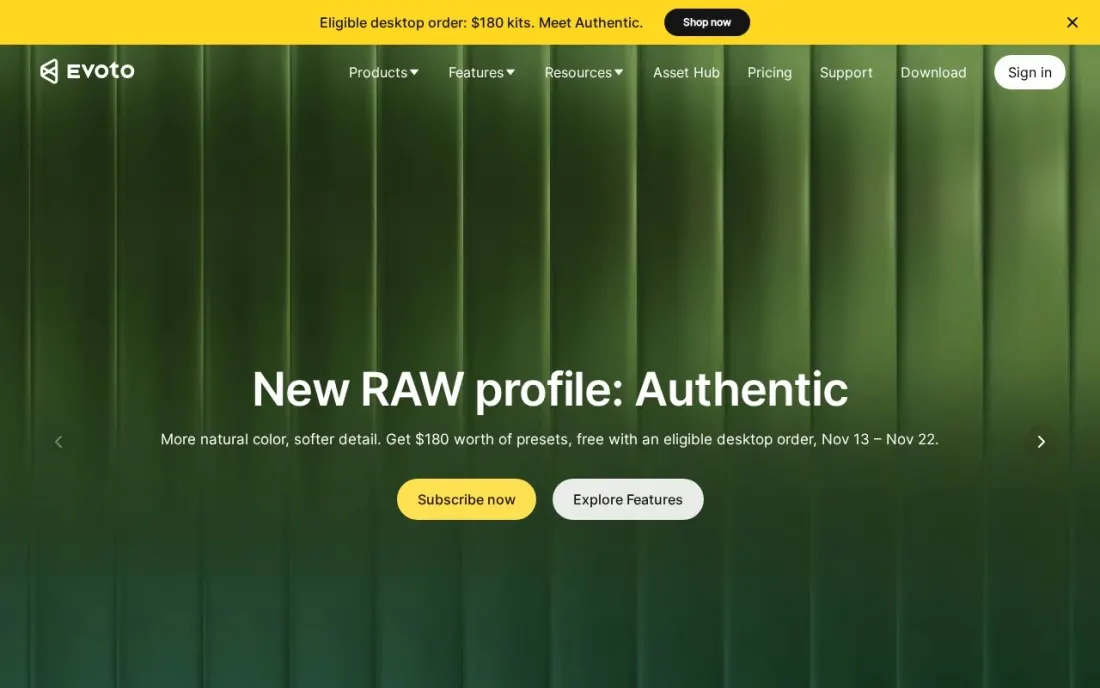
Evoto is built for photographers who deliver hundreds of portraits at a time — schools, events, corporate headshot days. Its AI applies portrait retouching and background adjustments across a session, so you set the look on one frame and get consistent skin, tone and backdrop on the rest instead of retouching each face by hand.
Pricing is by credit, from 1 credit per photo. Annual plans run from $80 a year for 800 credits to $521 for 9,000 and $1,205 for 24,000, and purchased credits expire after two years. A 7-day trial includes 50 free credits, so run a real session before you choose a plan size.
What we like
- AI portrait retouching and background adjustments in one app
- Credit plans scale from 800 credits at $80 a year to 24,000 credits at $1,205 a year
- 7-day free trial with 50 credits to test full features
Watch out for
- Credit-based pricing means cost rises with the number of exported photos
- Purchased credits expire after 2 years
- Only one free trial per account

PortraitPro
Best for: Portrait photographers and hobbyists who want face-aware retouching without a subscription
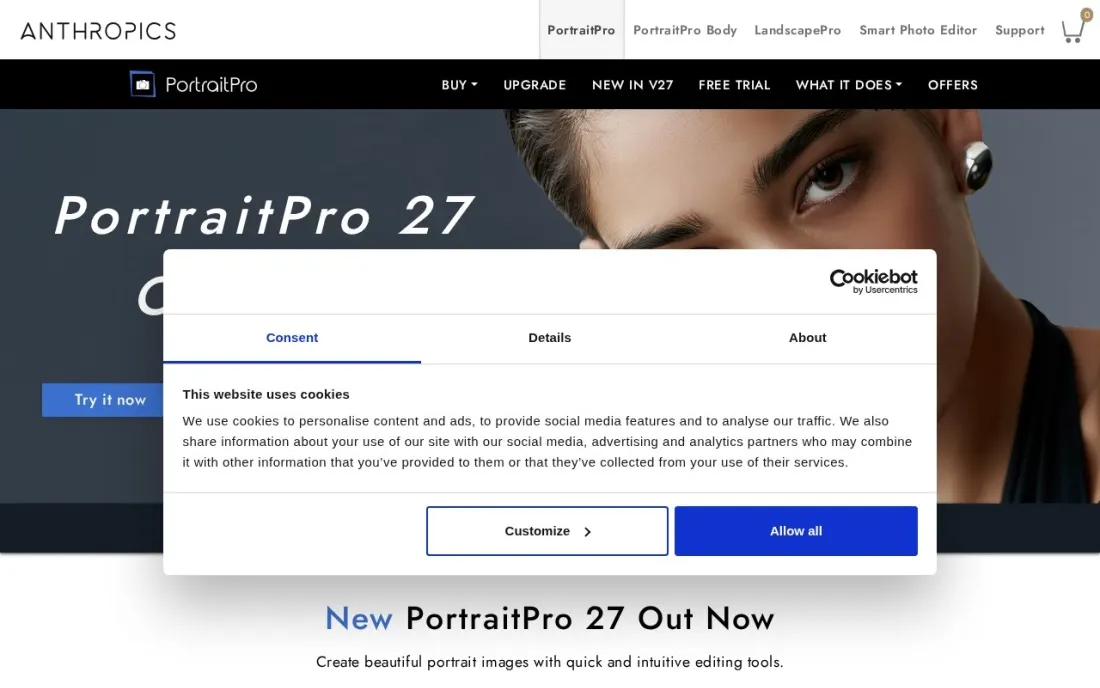
PortraitPro does one job: it finds the face in a portrait and gives you sliders for skin, eyes, mouth, hair and lighting, so a natural retouch takes minutes rather than a session of brushwork. It suits photographers who want consistent results without learning frequency separation, and hobbyists editing family portraits.
PortraitPro 27 costs $79.95 as an instant download, shown against $159.90 at checkout, and the checkout we saw had no subscription. Body reshaping is a separate product, PortraitPro Body. You will still need a RAW editor such as Lightroom or GIMP for the rest of the workflow.
What we like
- Face-aware retouching built specifically for portraits
- Charged once at checkout, with no subscription shown
- Download price of $79.95 is half the boxed list price shown
Watch out for
- The 50% discount applies only to the instant download, not physical copies
- A dedicated retouching tool, so you still need a separate RAW editor and organiser
- Body reshaping is a separate product, PortraitPro Body, at extra cost

Capture One
Best for: Studio and fashion portrait photographers who shoot tethered and need precise skin-tone colour
Capture One earns its price on a portrait set. Tethered shooting puts each frame on a large screen seconds after the shutter, so the client and the makeup artist see the result live, and the Color Editor's skin-tone controls handle complexion and hue with more precision than Lightroom offers.
Pro costs $26.25 a month billed annually, $40 billed monthly, or $508 for a perpetual licence. The price rose in 2026, so older roundups quoting lower figures are out of date. The learning curve is real, especially for photographers coming from Lightroom.
What we like
- Industry-leading tethered shooting with live view on set
- Color editing tools, including the Color Editor and skin-tone controls, that go beyond Lightroom
- Sessions and catalogs let you choose between project-based and archive-based organization
- A perpetual license is still sold for photographers who want to own a version
Watch out for
- The price rose again in 2026 — the $18/month figure in older roundups no longer matches the pricing page
- The organizing tools are competent but secondary to editing and capture
- The learning curve is real, especially coming from Lightroom

Luminar Neo
Best for: Photographers who want quick AI portrait fixes and a one-time licence
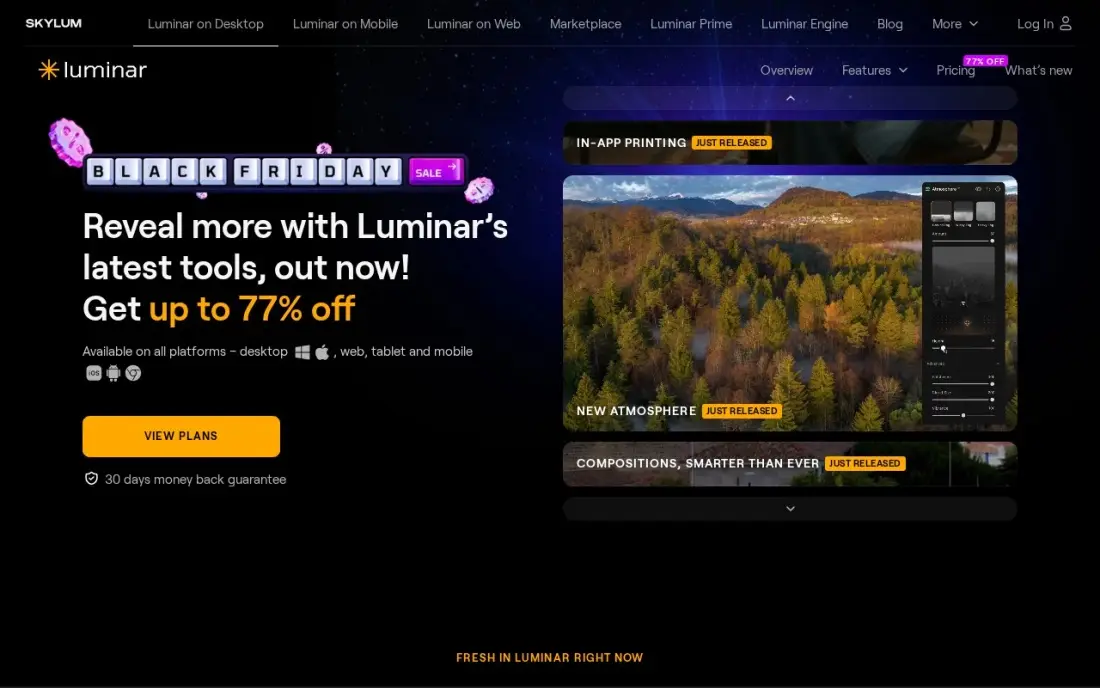
Luminar Neo is an AI-first editor, and its strength for portraits is speed: AI tools relight a dim subject, clean up backgrounds and add atmosphere without manual masking. For a photographer who edits a few portraits a week, that is often enough without a separate retoucher.
The Desktop Only licence costs $99 once, All Platforms $139 and Max $159. The generative tools, GenErase, GenSwap and GenExpand, are included for one year and then need Luminar Prime. It is heavy on older machines and has no catalog to match Lightroom for large archives.
What we like
- AI tools relight a dim subject, clean up backgrounds and add atmosphere without manual masking
- Quick enough for a few portraits a week, often without needing a separate retoucher
- One-time perpetual license — pay once and keep the app, with no subscription to maintain
- All Platforms ($139) and Max ($159) licences extend the one-time purchase beyond the desktop
Watch out for
- The generative tools (GenErase, GenSwap, GenExpand) are included for only one year, then need Luminar Prime
- Heavy on system resources — it lags on older machines with stacked AI effects on high-resolution RAW files
- No catalog or library depth to match Lightroom, so large portrait archives are harder to manage

GIMP
Best for: Photographers who want free, Photoshop-style portrait retouching on any operating system
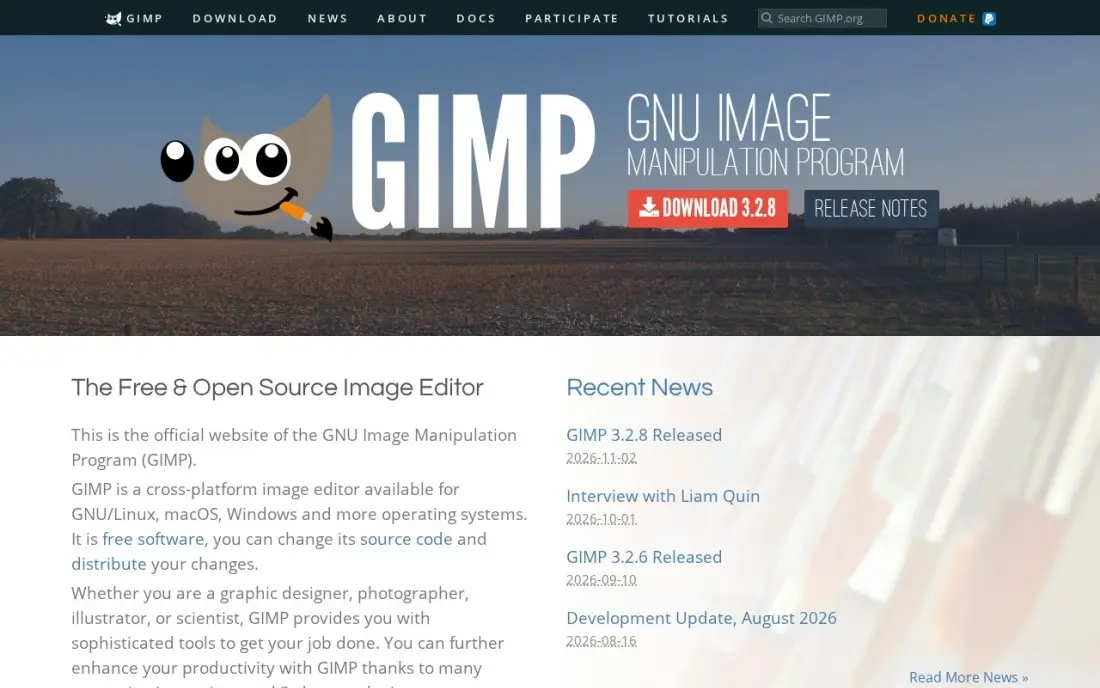
GIMP is the free, open-source answer to Photoshop. It handles the core portrait retouching techniques — healing, cloning, layers, masks and frequency separation through layers or community plug-ins — and runs on Windows, macOS and Linux. It also opens PSD files, so it fits alongside clients or retouchers who use Adobe tools.
There is no paid tier, no account and no trial: the whole program is free. The interface is less polished than Photoshop's, some workflows take more clicks, and non-destructive editing arrived later than in paid rivals. It has no RAW catalog, so pair it with a free RAW converter.
What we like
- Free and open source, with no paid tier, no account and no trial because it is all free
- Deep photo retouching, compositing and batch work through Script-Fu
- A large library of community plug-ins extends it for free
- Runs on Windows, macOS and Linux and supports PSD files
Watch out for
- The interface is less polished than Photoshop's, and some jobs take more clicks
- Non-destructive editing arrived later than in paid rivals
- No RAW catalog, so it needs a free RAW converter alongside it for the full workflow
The best portrait software makes skin look like skin, keeps colour consistent across a session and gets a gallery to the client without hours of brushwork. We compared seven tools — RAW editors, dedicated retouchers and AI batch tools — on skin and face retouching, session-wide consistency, tethered shooting, pricing model and learning curve, and every price below was checked on the vendor's own pricing or checkout page in November 2026.
How to choose the best portrait software
- Separate editing from retouching. A RAW editor handles exposure, colour and culling; a retoucher handles skin, eyes and blemishes. Many photographers need one of each.
- Think in sessions, not single images. If you deliver 50 to 500 portraits at a time, batch tools that copy a look across every frame matter more than any single slider.
- Check how natural skin looks. Zoom to 100% on pores and hairline; over-smoothed skin is the quickest way to make a portrait look cheap.
- Count the real cost of AI. Credit-based tools charge per exported photo, and some one-time licences need a subscription to keep AI features working.
- Match the tool to how you shoot. Studio photographers who tether need different software from wedding and event shooters editing on the road.
- Keep an exit route. Subscription catalogs stop working if you cancel, so export finished edits as files you own.
Great portraits still need clients who can find you. If you run a portrait studio, our local SEO service helps you show up in map results for searches like "portrait photographer near me", and the free local business schema generator tells Google your studio's hours and service area.
Which portrait software fits your situation
A working portrait photographer delivering edited galleries. Start with the Adobe Photography Plan at $9.99 a month billed annually. Lightroom Classic handles culling, presets and RAW editing for the whole session, and Photoshop is included for the few frames that need frequency separation or dodge and burn. Watch the exit: the catalog stops working if you cancel, so export finished edits as files you own.
A school, event or corporate headshot photographer. Add Evoto to your RAW editor so you set the look on one frame and get consistent skin, tone and backdrop across hundreds of portraits. It charges from 1 credit per photo, so size the plan to last year's real volume, and remember that purchased credits expire after two years. Use the 7-day trial with 50 credits on a real session first.
A studio or fashion photographer who shoots tethered. Capture One Pro puts each frame on a large screen seconds after the shutter, and its Color Editor gives finer skin-tone control than Lightroom. It costs $26.25 a month billed annually, $40 billed monthly or $508 for a perpetual licence. Expect a learning curve if you are coming from Lightroom.
A photographer or hobbyist who refuses subscriptions. PortraitPro 27 costs $79.95 as a download and gives face-aware sliders for skin, eyes and lighting, but you still need a separate RAW editor. Luminar Neo costs $99 once for quick AI relighting and background cleanup; its generative tools need Luminar Prime after the first year, and it runs slowly on older machines.
A beginner or side-business photographer with no budget. GIMP is free on Windows, macOS and Linux, with healing, cloning, layers, masks and frequency separation, and it opens PSD files. It has no RAW catalog, so pair it with a free RAW converter, and expect more clicks than in Photoshop.
Portrait software pricing: what you will actually pay
Take a portrait photographer who shoots 40 sessions a year and delivers 50 retouched images per session, so 2,000 images a year. On published prices, the Adobe Photography Plan at $9.99 a month billed annually costs $119.88 a year and includes both Lightroom Classic and Photoshop. Adding Evoto for AI retouching at 1 credit per photo needs about 2,000 credits; the 3,600-credit Basic Plus Plan at $242 a year covers that with room to spare, while the 1,600-credit Basic Plan at $134 would fall short.
Capture One Pro costs $26.25 a month billed annually, or $315 a year, and $40 a month billed monthly, or $480 a year. The pay-once tools cost less over time: Luminar Neo is $99 for the Desktop Only licence and PortraitPro 27 is $79.95 as a download, though Luminar's generative tools need Luminar Prime after the first year. GIMP costs nothing at all.
Know the difference: AI batch retouching vs manual retouching
AI batch retouching, the approach behind Evoto and to a lesser degree PortraitPro and Luminar Neo, detects faces and skin automatically and applies the same retouch to every image. It is fast and consistent, which suits school portraits, corporate headshots and events where the client wants 200 people to look equally polished by Friday.
Manual retouching in Photoshop or GIMP is slower but gives you full control: you decide which freckles stay, how much texture remains and where light falls on the face. It is the standard for beauty, fashion and fine-art portraits, where every frame is a showcase. Most working photographers combine the two, letting AI do the first pass and finishing the hero images by hand.
Quick comparison: tool type by need
| Buyer | Best pick | Why |
|---|---|---|
| Most portrait photographers | Adobe Lightroom Classic | Catalog, RAW editing and Photoshop for $9.99/month billed annually |
| Detailed retouchers | Adobe Photoshop | Pixel-level control with layers and masks |
| High-volume sessions | Evoto | AI retouching across a session, credit plans from $80/year |
| Pay-once retouching | PortraitPro | Face-aware sliders, $79.95 as a download |
| Studio and tethered shoots | Capture One | Tethering and skin-tone colour tools, $26.25/month billed annually |
| Quick AI fixes, no subscription | Luminar Neo | AI relighting and cleanup, $99 one-time |
| Free retouching | GIMP | Open-source layers, masks and healing for $0 |
Mistakes to avoid
- Over-smoothing skin. Keep texture; clients notice plastic skin before they notice a blemish you left.
- Retouching before culling. Pick the final selects first, or you will spend hours perfecting frames the client never sees.
- Ignoring colour consistency. A session where skin tones shift from frame to frame looks unprofessional even if each image is fine alone.
- Buying credits you will not use. Credit-based tools expire unused credits, so size the plan to last year's real volume.
- Editing on an uncalibrated screen. Skin tones that look right on a bright laptop can print orange; calibrate the monitor you edit on.
Related comparisons: Photo Organizing Software · Cheap Photo Editing Software · Photo Editing Software Without Subscription · Photo Collage Software
How we chose
We checked each vendor's own pricing or checkout page in November 2026 and recorded the price exactly as shown, including whether it is a subscription, a credit plan or a one-time purchase. We weighted skin and face retouching quality, batch consistency, RAW and tethering support, pricing model and learning curve, for the most common buyer: a working portrait photographer delivering edited galleries to clients. Ratings come from G2 pages checked on the dates shown in the sources. No vendor paid for a place in this list, and none of the links here are affiliate links.
What to do next
Take one recent session and edit it twice: once in your current workflow, once with a trial of the tool that fits your volume. Time both and show the client-facing results side by side. If your editing is fast but bookings are slow, see where your studio ranks locally, free.
Frequently asked questions
What is the best portrait software?
Adobe Lightroom Classic is the best all-round choice, and its Photography Plan at $9.99 a month billed annually includes Photoshop. Evoto is best for AI retouching across large sessions, PortraitPro is the pay-once retouching tool at $79.95, and GIMP is the best free option.
Is there free portrait editing software?
GIMP is completely free and open source, with layers, masks and healing tools for portrait retouching. Evoto offers a 7-day free trial with 50 credits, and the Adobe apps have 7-day free trials.
What software do professional portrait photographers use?
Most use Lightroom Classic or Capture One to cull and edit RAW files, then Photoshop for detailed retouching. High-volume studios increasingly add an AI retouching tool such as Evoto to apply consistent skin and background edits across a whole session.
How much does portrait software cost?
On published prices, the Adobe Photography Plan costs $9.99 a month billed annually, Photoshop alone $22.99 a month on an annual plan, Capture One Pro $26.25 a month billed annually, and Evoto from $80 a year. Luminar Neo costs $99 once, PortraitPro $79.95 as a download, and GIMP is free.
Can AI retouch portraits well?
For standard skin smoothing, blemish removal and background cleanup, AI tools now produce consistent results in seconds. Retouchers still step in for difficult lighting, composites and high-end beauty work, so most professionals use AI for the first pass and Photoshop for the final polish.
Should I buy a one-time licence or a subscription?
A one-time licence such as Luminar Neo or PortraitPro costs less over several years if you do not need every update. A subscription such as Adobe's keeps you on the latest version and includes cloud storage. Check whether AI features in a one-time product need a paid add-on later.
Sources we checked (11)
- Adobe Lightroom Classic — www.adobe.com (checked November 7, 2026)
- Adobe Lightroom Classic reviews on G2 (checked November 7, 2026)
- Adobe Photoshop — www.adobe.com/products/photoshop.html (checked November 8, 2026)
- Adobe Photoshop reviews on G2 (checked November 8, 2026)
- Evoto — www.evoto.ai/pricing (checked November 16, 2026)
- PortraitPro — www.portraitpro.com/buy (checked November 16, 2026)
- Capture One — www.captureone.com/en/pricing (checked November 7, 2026)
- Capture One reviews on G2 (checked November 7, 2026)
- Luminar Neo — skylum.com/luminar/pricing (checked November 8, 2026)
- Luminar Neo reviews on G2 (checked November 8, 2026)
- GIMP — www.gimp.org (checked November 4, 2026)
Make one of these tools?
We re-check this list every quarter. Send a correction, request a review, or ask about a clearly labeled sponsored spot.
Request a listingShamim
Founder of SerpAstra
A full-stack digital marketer and SEO strategist covering technical and local SEO, AI search visibility, paid ads and lead generation for local businesses, e-commerce brands and SaaS teams.
Free SEO and AI visibility audit
Find out what is holding your rankings back
Send us your site. Within 2 business days you get a written audit, an AI visibility check and a short fix list ranked by impact. Free, with no contract attached.
Request my free audit→Related buying guides
 Photo Editing & Photography9 Best Editing Software for Photography in 2026, ComparedCompare the 9 best editing software for photography on RAW quality, catalogs, AI tools and subscription vs one-time cost, with prices from vendor pages.Read guide →
 Photo Editing & PhotographyBest Headshot Apps (2026): 10 Apps Worth DownloadingCompare the 10 best headshot app options on price, free tiers and turnaround, with every price checked November 4, 2026 — from $17 packs to a free plan.Read guide →
 Photo Editing & Photography10 Best CRM Software for Photographers in 2026, ComparedCompare the 10 best CRM software for photographers on price, free plans and features for wedding and portrait studios, with prices checked November 12, 2026.Read guide →