
9 Best Editing Software for Photography in 2026, Compared
Compare the 9 best editing software for photography on RAW quality, catalogs, AI tools and subscription vs one-time cost, with prices from vendor pages.
 Shamim Mia, Founder, SerpAstraLast verified November 4, 202610 min read
We compare pricing pages, documentation and public reviews. We never accept payment for rankings.
Key takeaways
- Adobe Lightroom Classic is the best all-round photo editor for most photographers: catalog and RAW editing in one program, on the Photography Plan at $9.99 a month billed annually with Photoshop included.
- If you refuse a subscription, DxO PhotoLab ($159.99 once), ON1 Photo RAW ($99.99 once) and Luminar Neo ($99 once) are the strongest one-time-purchase editors.
- Capture One is the pick for studio and tethered work where color accuracy matters most, but Pro now costs $26.25 a month billed annually.
- GIMP is the only fully free editor here; it handles retouching well but is not a RAW workflow tool on its own.
On this page
Quick comparison
| Tool | Best for | Starting price | Free plan |
|---|---|---|---|
| Adobe Lightroom Classic | Working photographers who want to sort, cull and develop thousands of RAW files in one desktop program | $9.99/mo | No (7-day trial) |
| Adobe Lightroom | Photographers who edit across desktop, phone and tablet and want their library synced everywhere | $11.99/mo | No (7-day trial) |
| Adobe Photoshop | Retouchers and composite artists who need pixel-level control beyond what a RAW editor offers | $22.99/mo | No (7-day trial) |
| Capture One | Studio, fashion and product photographers who shoot tethered and need exact color | $26.25/mo (annual) | No (free trial) |
| DxO PhotoLab | Landscape, wildlife and event photographers who shoot at high ISO and want the cleanest RAW files | $159.99 one-time | No (30-day trial) |
| ON1 Photo RAW | Photographers who want organizing, RAW editing, layers and effects in one app with no subscription | $99.99 one-time | No (30-day trial) |
| Luminar Neo | Hobbyists and travel photographers who want fast AI edits without learning masks and layers | $99 one-time | No (14-day trial) |
| Adobe Photoshop Elements | Beginners and family photographers who want guided edits and no monthly subscription | $99.99 (3-year licence) | No (7-day trial) |
| GIMP | Photographers on a zero budget who need free retouching and compositing | Free | Yes (free) |
Make one of these tools?
We re-check this list every quarter. Send a correction, request a review, or ask about a clearly labeled sponsored spot.
Request a listingThe best editing software for photography

Adobe Lightroom Classic
Best for: Working photographers who want to sort, cull and develop thousands of RAW files in one desktop program
Lightroom Classic is the default choice for most photographers because the library and the darkroom live in one program. You import a shoot, flag and rate the keepers, apply a preset to a whole set and then fine-tune frame by frame, all without leaving the app. The Photography Plan costs $9.99 a month billed annually and includes Photoshop and 20GB of cloud storage, which covers the retouching jobs Lightroom cannot do.
The trade-offs are ownership and portability. It is subscription only, so stop paying and the catalog stops working as before, and the catalog lives on one machine, so moving between a desktop and a laptop takes planning. For anyone shooting weddings, events or portraits in volume, it is still the workflow to beat.
What we like
- Catalog-based organization with collections, smart collections, keywords, flags and ratings
- Full non-destructive RAW development built in, so there is no round trip to another app
- Mature ecosystem of presets, plugins and mobile sync
- The Photography Plan also includes Photoshop and the cloud Lightroom app
Watch out for
- Subscription only — there is no perpetual license and the catalog stops working if you cancel
- The catalog lives on one machine, so moving between a desktop and a laptop takes planning
- The 20GB Photography Plan fills fast if you sync originals to the cloud
Adobe Lightroom
Best for: Photographers who edit across desktop, phone and tablet and want their library synced everywhere
Adobe Lightroom is the cloud version of Lightroom: the same RAW engine, AI masking for skies and subjects, Generative Remove for clutter and presets that sync to mobile and web. The Lightroom plan costs $11.99 a month on an annual plan, or $119.88 a year prepaid, and includes 1TB of cloud storage plus Lightroom Classic, so you can switch to the desktop catalog later.
It suits photographers who edit on an iPad on the train and finish at a desk. The limits are the same as Classic: it is subscription only, and 1TB fills quickly if you sync every RAW original from a busy month of shoots. Choose it over the Photography Plan when cloud storage matters more than having Photoshop.
What we like
- Batch editing with presets and sync keeps a whole shoot matched in minutes
- AI masking selects skies and subjects automatically, and Generative Remove erases clutter
- Non-destructive edits with a catalog, so the original RAW files are never touched
- Lightroom Classic is included, which is the desktop catalog most working photographers already use
Watch out for
- Subscription only — stop paying and the app stops working, with no perpetual license to fall back on
- Cloud storage caps bite fast: 1TB fills quickly if you sync every RAW original from a busy month of shoots
- Lightroom Classic's catalog workflow takes real setup before batch editing feels fast

Adobe Photoshop
Best for: Retouchers and composite artists who need pixel-level control beyond what a RAW editor offers
Photoshop is not a RAW workflow tool; it is where a photo goes when a preset is not enough. Layers, masks and frequency separation handle skin retouching, Generative Fill and Remove rebuild backgrounds or extend a crop, and the plugin ecosystem is the largest of any editor here. The single-app plan costs $22.99 a month billed annually, or $34.49 a month billed monthly.
Check the bundle before buying it alone: Photoshop is included in Adobe's Photography Plan with Lightroom Classic for less money. The annual contract also carries an early-termination fee of 50% of the remaining months, and the full toolset takes weeks to learn. Buy the single app only if you already own a RAW editor you like.
What we like
- Generative Fill and Remove rebuild backgrounds or extend a crop from a text prompt
- Layers, masks and frequency separation give full control over every pixel of a hero shot
- The largest plugin ecosystem of any editor here, so the toolset can grow beyond the built-in features
- Runs as a Lightroom plugin, so the batch workflow and the retouching stay in one pipeline
Watch out for
- Costs more than the Photography plan while delivering less: $22.99 a month against $19.99 for Photoshop plus Lightroom and 1TB
- The annual contract carries an early-termination fee of 50% of the remaining months
- Steep learning curve — the full toolset takes weeks to learn, not an afternoon

Capture One
Best for: Studio, fashion and product photographers who shoot tethered and need exact color
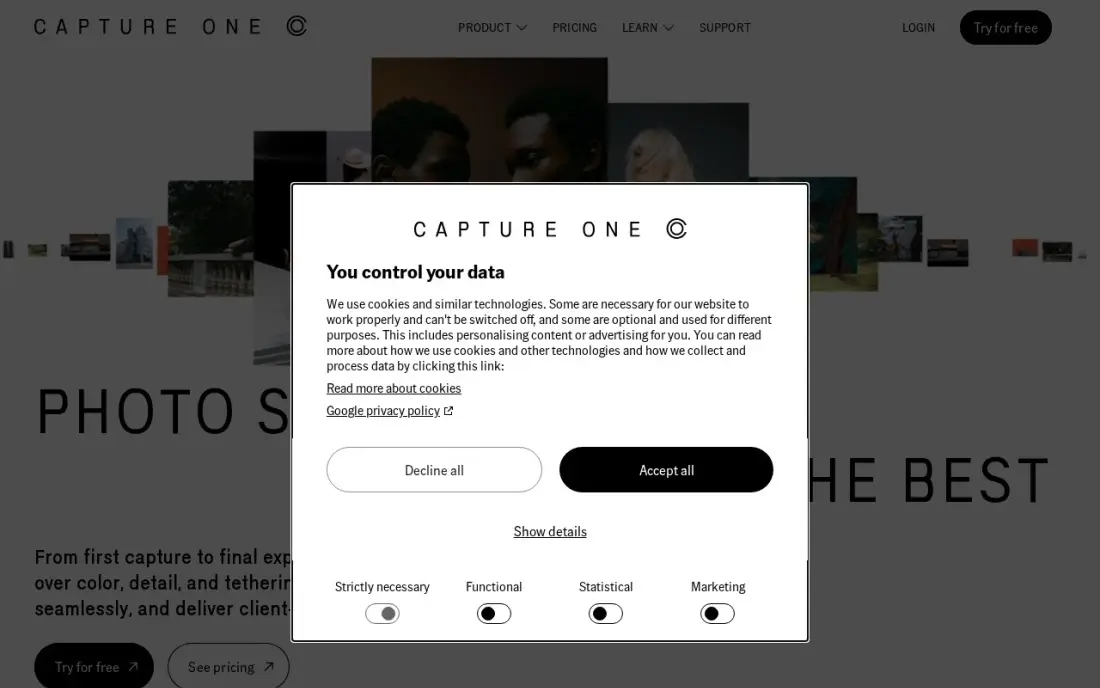
Capture One is the editor professionals reach for when a client is watching the screen. Tethered shooting puts each frame on the monitor seconds after the shutter fires, and the color tools, including skin-tone controls, go further than Lightroom's. You can run each job as a self-contained session or keep a long-term catalog, so it fits both commercial shoots and personal archives.
The price is the obstacle. Pro costs $26.25 a month billed annually or $40 billed monthly, and the perpetual license lists at $508, well above older guides' figures. The learning curve is real for anyone coming from Lightroom. For studio and tethered work it earns the money; for travel or family photography it is more tool than you need.
What we like
- Industry-leading tethered shooting with live view on set
- Color editing tools, including the Color Editor and skin-tone controls, that go beyond Lightroom
- Sessions and catalogs let you choose between project-based and archive-based organization
- A perpetual license is still sold for photographers who want to own a version
Watch out for
- The price rose again in 2026 — the $18/month figure in older roundups no longer matches the pricing page
- The organizing tools are competent but secondary to editing and capture
- The learning curve is real, especially coming from Lightroom

DxO PhotoLab
Best for: Landscape, wildlife and event photographers who shoot at high ISO and want the cleanest RAW files
DxO PhotoLab is the image-quality specialist. DeepPRIME noise reduction recovers clean detail from high-ISO files better than any other editor in this list, which matters for indoor events, astro and wildlife at dusk, and the optical modules correct distortion, vignetting and softness for your exact camera and lens. PhotoLab 10 Essential costs $159.99 once, and Elite costs $249.99.
It is an editor more than an organizer: the library is thin next to Lightroom, and there is no cloud sync or mobile app at any price. The one-time license also covers one version only, so the next major release is a paid upgrade. Many photographers run it alongside a cataloging tool purely for its RAW processing.
What we like
- DeepPRIME noise reduction recovers clean detail from high-ISO files of indoor events, astro and dusk wildlife better than anything else here
- Optical modules correct distortion, vignetting and soft corners per camera-and-lens pair
- AI masks and control points make local adjustments without layers
- No subscription: buy PhotoLab 10 once and keep using it
Watch out for
- One-time license covers one version only — the next major release is a separate paid upgrade
- Thin library and catalog tools next to Lightroom, so it suits editing more than organizing
- No cloud sync, mobile app or collaboration features at any price

ON1 Photo RAW
Best for: Photographers who want organizing, RAW editing, layers and effects in one app with no subscription
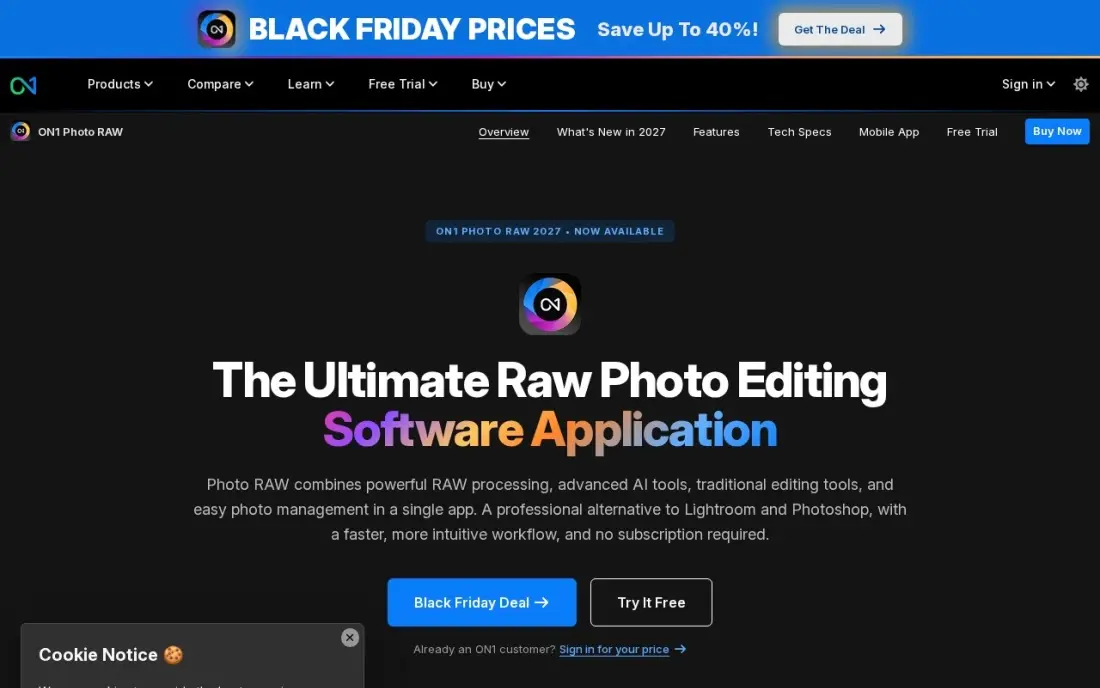
ON1 Photo RAW is the closest one-time-purchase replacement for the Lightroom-plus-Photoshop pair. One app browses and organizes the shoot, develops the RAW files, and adds layers, effects and retouching, with NoNoise AI and Sky Swap AI built in. Photo RAW 2027 costs $99.99 once, and the license installs on two computers.
The catch is the tier split. The AI Culling Assistant, Restore AI and the Photoshop and Lightroom plugins wait for MAX at $169.99 once or $89.99 a year, and the preset and tutorial community is smaller than Adobe's. The interface packs a lot in and feels crowded at first, but for a photographer leaving Adobe it covers the whole job for one payment.
What we like
- One app covers organizing, RAW editing, layers, effects and retouching — no second tool needed
- NoNoise AI and Sky Swap AI are built in, so noise and dull skies are fixed without a second tool
- One-time purchase with no subscription, and the license installs on 2 computers
- Brilliance AI and Portrait AI give one-slider starting points for whole images and portraits
Watch out for
- The best extras (Restore AI, AI Culling Assistant, Photoshop and Lightroom plugins) wait for MAX at $169.99
- Smaller preset and tutorial community than Lightroom, so ready-made looks are harder to find
- Interface packs a lot in and feels crowded until the layout is learned

Luminar Neo
Best for: Hobbyists and travel photographers who want fast AI edits without learning masks and layers
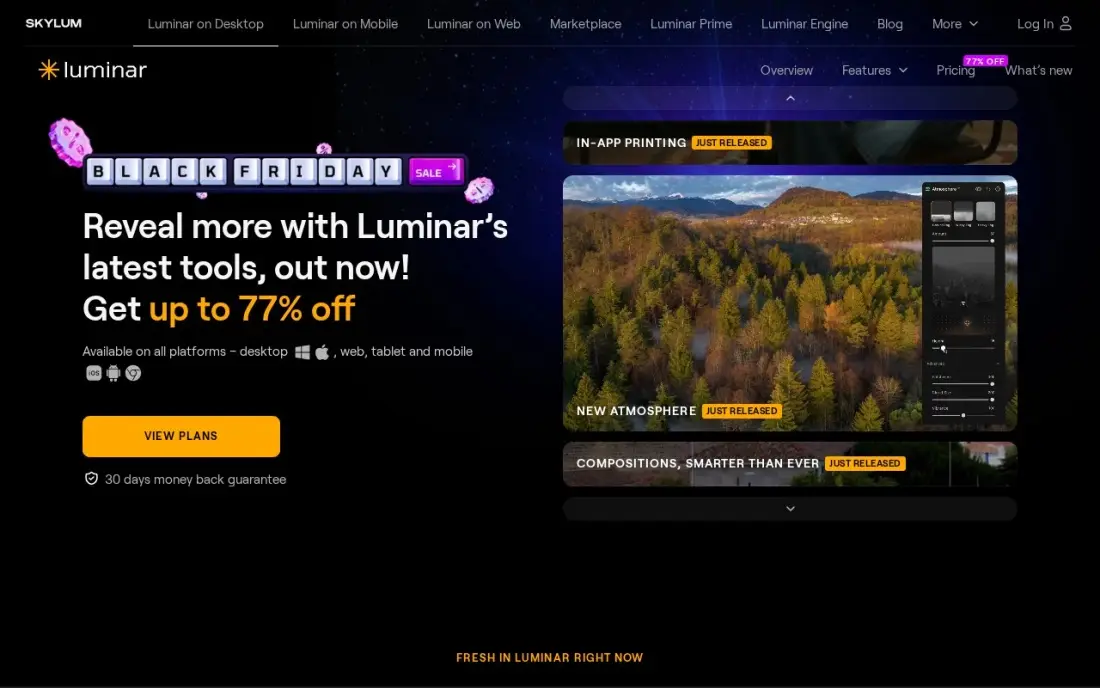
Luminar Neo is built around one-click AI tools. Sky AI replaces a washed-out sky, Relight AI brightens a dark foreground and Atmosphere AI adds haze or fog, so a travel photo can look finished in a minute without manual masking. The Desktop Only license costs $99 once, with All Platforms at $139 and Max at $159, and there is no monthly bill.
Read the fine print on the generative tools: GenErase, GenSwap and GenExpand are included for one year, then need the Luminar Prime subscription. The app is heavy on older computers, and there is no catalog to match Lightroom for managing a large archive. It is the quickest route to a striking image, not a full professional workflow.
What we like
- Sky AI replaces a washed-out sky in one click, so a travel photo can look finished in a minute
- Relight AI brightens a dark foreground and Atmosphere AI adds haze or fog without manual masking or layers
- One-time perpetual license — pay once and keep the app, with no subscription to maintain
- Preset and extension marketplace covers looks, skies and LUTs
Watch out for
- The generative tools (GenErase, GenSwap, GenExpand) are included for only one year, then need Luminar Prime
- Heavy on system resources — it lags on older machines with stacked AI effects on high-resolution RAW files
- No catalog or library depth to match Lightroom, so large photo archives are harder to manage
Adobe Photoshop Elements
Best for: Beginners and family photographers who want guided edits and no monthly subscription
Photoshop Elements is the guided editor in this list. Guided Edits walk a beginner through jobs such as replacing a sky or removing an object step by step, full layer support is there when you are ready for it, and the Organizer keeps years of family photos sorted. The 2026 version adds generative AI with 25 credits a month.
The $99.99 payment buys a three-year licence, not a lifetime one: when the term ends, the app stops opening until you buy again, and an upgrade costs $79.99. It also needs Windows 11 version 24H2 or later on Intel or AMD, so Windows 10 and Arm laptops are out. For a newcomer who wants to learn editing without a subscription, it is the gentlest start.
What we like
- Guided Edits walk beginners through each step, from sky replacement to double exposure
- Full layer support and an Organizer for sorting thousands of photos
- Generative AI can create images and backgrounds from a text prompt
- No monthly bill: one $99.99 payment covers three years of use
Watch out for
- The $99.99 licence lasts 3 years, then the app stops opening until you buy again
- Needs Windows 11 version 24H2 or later on Intel or AMD; Windows 10 and Arm laptops are not supported
- Only 25 generative AI credits a month, with more needing a separate Firefly subscription

GIMP
Best for: Photographers on a zero budget who need free retouching and compositing
GIMP is the free and open-source image editor that has served as the no-cost Photoshop alternative since 1995. It handles retouching, compositing, cropping and batch work, runs on Windows, macOS and Linux, opens PSD files and can be extended with community plug-ins. There is no paid tier, no account and no trial, because the whole program is free.
It is a pixel editor rather than a RAW workflow tool, so most photographers pair it with a free RAW converter or their camera maker's software. The interface is less polished than Photoshop's and some jobs take more clicks. For a student or hobbyist who needs layers and retouching without spending anything, it does the job.
What we like
- Free and open source, with no paid tier, no account and no trial because it is all free
- Deep photo retouching, compositing and batch work through Script-Fu
- A large library of community plug-ins extends it for free
- Runs on Windows, macOS and Linux and supports PSD files
Watch out for
- The interface is less polished than Photoshop's, and some jobs take more clicks
- Non-destructive editing arrived later than in paid rivals
- Not a RAW workflow tool, so RAW shooters need to pair it with a free RAW converter
The best editing software for photography does two jobs: it develops RAW files without throwing away quality, and it lets you get through a whole shoot fast enough that editing does not eat your week. We compared nine editors across subscription and one-time-purchase models, from Adobe's Lightroom family to DxO, ON1, Luminar and the free GIMP, and every price below comes from the vendor's own pricing page as checked in November 2026.
How to choose the best editing software for photography
- Decide whether you need a catalog. If you shoot hundreds of frames per job, an editor with a library for culling, rating and keywording (Lightroom Classic, Lightroom, ON1, Capture One) saves more time than any single AI tool.
- Test your own RAW files. Every editor demosaics differently. Run the same high-ISO and backlit frames through two or three free trials and compare noise and color at 100%.
- Choose subscription or ownership deliberately. Adobe and Capture One's monthly plans include updates; one-time licenses from DxO, ON1 and Luminar cost less over three years but charge for major upgrades.
- Check what the AI features really cost. Some generative tools are included for a year or capped by monthly credits, then need a separate subscription.
- Match the tool to your genre. Tethered studio work, high-ISO events and quick travel edits each favour a different program.
- Look at your computer, not just the software. AI-heavy editors run slowly on older laptops, and Photoshop Elements now needs Windows 11 version 24H2 or later.
Great edits only pay off if clients can find them. If you run a photography business, our guide to the best website platforms for photographers covers where to show the work, and our local SEO service helps your studio show up when people search for a photographer nearby.
Editing software for photography pricing: what you will actually pay
Take one photographer over three years. Adobe's Photography Plan at $9.99 a month billed annually comes to $359.64, with Lightroom Classic and Photoshop included. The Lightroom plan at $11.99 a month billed annually is $431.64 over the same period, and Capture One Pro at $26.25 a month billed annually is $945, or $1,440 at the $40 monthly rate.
The one-time options look cheaper on day one: Luminar Neo Desktop Only is $99, ON1 Photo RAW 2027 is $99.99 and DxO PhotoLab 10 Essential is $159.99. The real comparison is upgrades. A DxO license covers one version, so if you upgrade each major release, budget for that on top. Photoshop Elements costs $99.99 for a three-year licence, which works out at $2.78 a month. Photoshop on its own at $22.99 a month billed annually, or $34.49 billed monthly, is the most expensive way to buy Adobe's editing tools.
Know the difference: RAW editor vs pixel editor
A RAW editor works on the sensor data your camera recorded. Edits are instructions stored alongside the file, so you can change exposure, white balance and color as often as you like without degrading the original, and you can apply the same edits to hundreds of photos at once. Lightroom Classic, Lightroom, Capture One, DxO PhotoLab, ON1 Photo RAW and Luminar Neo are RAW editors.
A pixel editor works on the finished image, one layer at a time. That is where you remove a stray hair, swap a background or build a composite. Photoshop, Photoshop Elements and GIMP are pixel editors. Most photographers need a RAW editor every day and a pixel editor occasionally, which is why Adobe bundles the two and why ON1 tries to do both in one app.
Quick comparison: tool type by need
| Buyer | Best pick | Why |
|---|---|---|
| Most working photographers | Adobe Lightroom Classic | Catalog plus RAW editing, Photography Plan $9.99/month billed annually |
| Editing on several devices | Adobe Lightroom | Cloud sync with 1TB, $11.99/month billed annually |
| Detailed retouching | Adobe Photoshop | Layers, masks and Generative Fill, $22.99/month billed annually |
| Studio and tethered shoots | Capture One | Tethering and color tools, Pro $26.25/month billed annually |
| High-ISO image quality | DxO PhotoLab | DeepPRIME noise reduction, $159.99 one-time |
| Leaving Adobe | ON1 Photo RAW | Organize, edit and layer in one app, $99.99 one-time |
| Fast AI edits | Luminar Neo | One-click sky and light tools, $99 one-time |
| Beginners | Adobe Photoshop Elements | Guided Edits, $99.99 for a three-year licence |
| Zero budget | GIMP | Free and open-source pixel editor |
Mistakes to avoid
- Buying Photoshop alone. For most photographers the Photography Plan includes Photoshop and Lightroom Classic for less than the single app.
- Choosing on AI demos. One-click sky swaps look impressive, but the time you save every week comes from culling and batch editing.
- Ignoring the upgrade cycle. A one-time license is only cheaper if you skip some major versions; price three years, not one.
- Locking edits into a catalog without a backup. Back up the catalog file as well as the photos, or a dead drive takes years of edits with it.
- Skipping the trial with your own camera. Noise, color and lens corrections vary by camera body, so judge on your files, not sample images.
Related comparisons: AI Video Editing Software · Desktop Video Editing Software · Real Estate Video Editing Software · AI-Powered Video Ad Editing Software
How we chose
We checked each vendor's own pricing page in November 2026 and recorded the starting price exactly as shown, with annual and monthly billing stated separately where the vendor lists both. We grouped the editors by job — RAW workflow, retouching, image quality and beginner use — and ranked them by fit for the most common buyer, a photographer editing several shoots a month. Ratings come from G2 pages checked on the dates shown in the sources; tools without a verified rating show none. No vendor paid for a place in this list, and none of the links here are affiliate links.
What to do next
Download two trials that fit your genre, run the same 50 RAW files through each and time how long the whole set takes from import to export. Keep the one that finishes faster with results you like. If you are a working photographer who wants more bookings from search, book a free local visibility check.
Frequently asked questions
What is the best editing software for photography?
For most photographers it is Adobe Lightroom Classic, which combines a catalog and RAW editing in one program on the Photography Plan at $9.99 a month billed annually, with Photoshop included. Capture One is better for tethered studio work, and DxO PhotoLab produces the cleanest high-ISO files.
What is the best photo editing software without a subscription?
DxO PhotoLab 10 Essential ($159.99 once), ON1 Photo RAW 2027 ($99.99 once) and Luminar Neo Desktop Only ($99 once) are the strongest one-time-purchase editors. Capture One also sells a perpetual license at $508. Photoshop Elements costs $99.99 but the licence lasts three years.
Is there free editing software for photography?
Yes. GIMP is free and open source with no paid tier, and it covers retouching, layers and compositing on Windows, macOS and Linux. It is not a RAW workflow tool, so pair it with a free RAW converter if you shoot RAW.
Is Lightroom or Photoshop better for photography?
Lightroom is better for most photography because it organizes and edits whole shoots in batches. Photoshop is better for detailed retouching and composites on single images. Adobe's Photography Plan includes both, which is why most photographers buy the bundle rather than Photoshop alone at $22.99 a month.
Do professional photographers use Capture One or Lightroom?
Both. Lightroom Classic dominates wedding, event and portrait work where volume matters, while Capture One is common in studio, fashion and product photography because of its tethered shooting and color tools. Capture One Pro costs $26.25 a month billed annually.
What editing software is best for beginners?
Photoshop Elements is the easiest start thanks to Guided Edits, at $99.99 for a three-year licence. Luminar Neo is also beginner-friendly with one-click AI tools at $99 once. Beginners who expect to go pro should start on Lightroom, since it is what most working photographers use.
What is the best photo editing software for PC?
For a desktop PC, Lightroom Classic is the pick for working photographers who sort, cull and develop thousands of RAW files, from $9.99 a month with Photoshop included. GIMP is free and runs on Windows, macOS and Linux. Check system requirements before you buy: Photoshop Elements needs Windows 11 version 24H2 or later on Intel or AMD, so Windows 10 and Arm laptops are out.
Sources we checked (14)
- Adobe Lightroom Classic — www.adobe.com (checked November 7, 2026)
- Adobe Lightroom Classic reviews on G2 (checked November 7, 2026)
- Adobe Lightroom — www.adobe.com/products/photoshop-lightroom.html (checked November 8, 2026)
- Adobe Photoshop — www.adobe.com/products/photoshop.html (checked November 8, 2026)
- Adobe Photoshop reviews on G2 (checked November 8, 2026)
- Capture One — www.captureone.com/en/pricing (checked November 7, 2026)
- Capture One reviews on G2 (checked November 7, 2026)
- DxO PhotoLab — www.dxo.com/dxo-photolab (checked November 8, 2026)
- DxO PhotoLab reviews on G2 (checked November 8, 2026)
- ON1 Photo RAW — www.on1.com/products/photo-raw (checked November 8, 2026)
- Luminar Neo — skylum.com/luminar/pricing (checked November 8, 2026)
- Luminar Neo reviews on G2 (checked November 8, 2026)
- Adobe Photoshop Elements — www.adobe.com/products/photoshop-elements.html (checked November 10, 2026)
- GIMP — www.gimp.org (checked November 4, 2026)
Make one of these tools?
We re-check this list every quarter. Send a correction, request a review, or ask about a clearly labeled sponsored spot.
Request a listingShamim
Founder of SerpAstra
A full-stack digital marketer and SEO strategist covering technical and local SEO, AI search visibility, paid ads and lead generation for local businesses, e-commerce brands and SaaS teams.
Free SEO and AI visibility audit
Find out what is holding your rankings back
Send us your site. Within 2 business days you get a written audit, an AI visibility check and a short fix list ranked by impact. Free, with no contract attached.
Request my free audit→Related buying guides
 Photo Editing & Photography7 Best Digital Asset Management Software for Photographers in 2026, ComparedCompare the 7 best digital asset management software for photographers on price, catalogs, culling speed and free plans, with prices checked November 7, 2026.Read guide →
 Photo Editing & Photography7 Best Photo Editing Software for Real Estate Photography in 2026, ComparedCompare the 7 best photo editing software for real estate photography on price, batch editing, sky swaps and free plans, with prices checked November 8, 2026.Read guide →
 Website Builders & Hosting7 Best Website Platforms for Photographers in 2026, ComparedCompare the 7 best website platforms for photographers on galleries, client proofing, print sales and real yearly cost, with prices from vendor pages.Read guide →