
8 Best Project Accounting Software in 2026, Compared
Compare the 8 best project accounting software for job costing, project budgets, billing and profitability, with every price and plan checked on vendor pages.
 Shamim Mia, Founder, SerpAstraLast verified November 4, 20268 min read
We compare pricing pages, documentation and public reviews. We never accept payment for rankings.
Key takeaways
- Pick by industry first: Deltek Ajera and BQE CORE for architecture and engineering, Unanet for government contractors, Sage 100 Contractor and FOUNDATION for construction, Productive for agencies.
- Business Central is the only ERP here with a published price: $80 a user a month on Essentials, paid yearly, with projects included.
- Most specialist project accounting tools are quote-only, so ask for a three-year total including implementation.
- Productive is the cheapest way to see project profitability, from $10 a user a month with a 3-seat minimum.
On this page
Quick comparison
| Tool | Best for | Starting price | Free plan |
|---|---|---|---|
| Deltek Ajera | Small and midsize architecture and engineering firms that want project accounting built for their workflow | Custom quote | No |
| BQE CORE | Architecture, engineering and consulting firms that want time, billing and project management with accounting as an add-on | Custom quote | No |
| Unanet | Government contractors that need DCAA-ready project accounting, labor distribution and indirect rates | Custom quote | No |
| Business Central | Project-based firms on Microsoft 365 that want projects, finance and inventory in one ERP with a published price | $80/user/mo | No (trial available) |
| Acumatica | Mid-market project businesses that want project accounting with unlimited users | Custom quote | No (demo only) |
| Sage 100 Contractor | General contractors and subcontractors that need job costing, AIA billing and certified payroll | Custom quote | No |
| Foundation Software | Commercial contractors that want job costing, WIP reporting and payroll priced by concurrent users | Custom quote | No (demo) |
| Productive | Agencies and consultancies that want project budgets and profitability without a full ERP | $10/user/mo | No (14-day trial) |
Make one of these tools?
We re-check this list every quarter. Send a correction, request a review, or ask about a clearly labeled sponsored spot.
Request a listingThe best project accounting software

Deltek Ajera
Best for: Small and midsize architecture and engineering firms that want project accounting built for their workflow
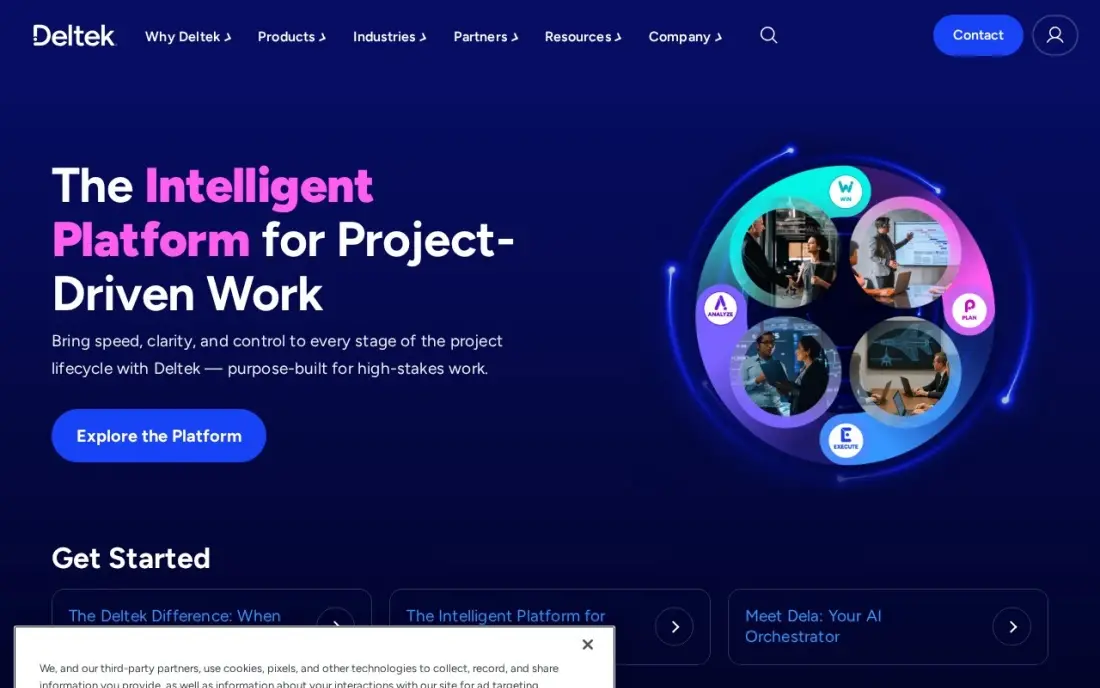
Deltek Ajera is project accounting designed for architecture and engineering firms. Time and expense entry, billing and reporting all feed the same project records, so a principal can see fees earned, hours spent and budget remaining without exporting to a spreadsheet. Budgets can be built top-down or bottom-up, and contract amounts can be calculated from a rate table.
It also covers the planning side: projects can be scheduled by employee type and then refined to named staff, with an interactive Gantt chart tied to the work breakdown structure, and reports on workload and future revenue. Deltek publishes no price, so ask for a quote with implementation included. It fits A&E firms more naturally than general professional services.
What we like
- Built for architecture and engineering firms, with time, expense, billing and reporting on one set of project data
- Top-down and bottom-up project budgets, with contract amounts calculated from a rate table
- Resource scheduling by employee type or named staff, with a Gantt chart tied to the work breakdown structure
Watch out for
- Deltek publishes no price, so every figure comes from a quote
- Designed around A&E firms, so other professional services firms may find the templates a poor fit

BQE CORE
Best for: Architecture, engineering and consulting firms that want time, billing and project management with accounting as an add-on
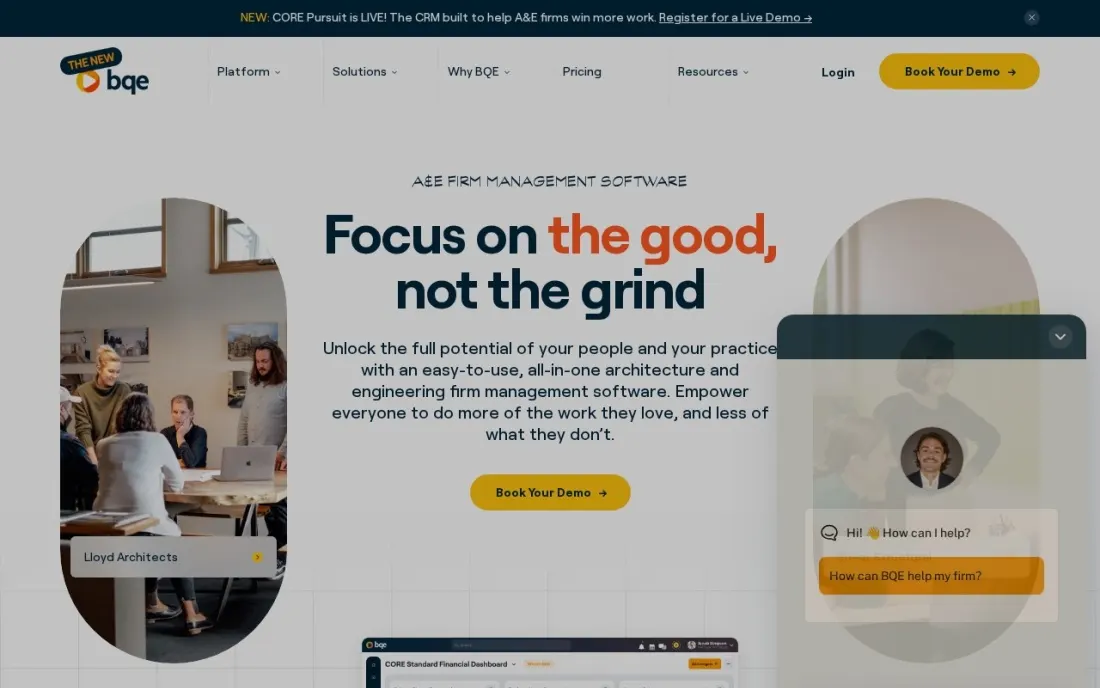
BQE CORE is built for architecture, engineering and consulting firms that bill for time. The Foundations module covers time and expense tracking with pre-populated timesheets, manual and batch invoicing, recurring invoices, online payments, project budgets, estimates, fee schedules and phased billing, with real-time KPIs and native iOS and Android apps.
The general ledger lives in a separate Accounting module, with auto-reconciliation, a customisable chart of accounts and project and company budgeting; CRM, HR and Payroll are further modules, and payroll posts straight into the ledger. BQE describes its pricing as per user but publishes no figures, so every module needs a quote. Price the full set you need, not just Foundations.
What we like
- Foundations covers time and expense, billing and invoicing, project budgets, fee schedules and phased billing
- Accounting module adds the general ledger, auto-reconciliation and project and company budgeting
- Payroll module posts automatically to CORE Accounting, with US tax filing powered by Gusto
Watch out for
- BQE publishes per-user pricing but no dollar amounts; every module is quoted
- The general ledger is a separate Accounting module, not part of Foundations

Unanet
Best for: Government contractors that need DCAA-ready project accounting, labor distribution and indirect rates

Unanet is the project accounting pick for government contractors. Its timekeeping and accounting are built to be DCAA-ready, with audit trails and segregation of direct and indirect costs, and it automates labor distribution, indirect rate management and cost pools — the work that turns into spreadsheet risk once a firm wins cost-reimbursable or time-and-materials contracts.
Contract billing, revenue recognition, project and financial reporting, mobile time and expense entry and business development tools sit in the same system, with add-ons for AR and vendor invoice automation. Unanet aims it at small contractors outgrowing QuickBooks as well as larger firms, but publishes no price, so get a quote that includes implementation.
What we like
- DCAA-ready timekeeping and accounting, with audit trails and direct and indirect cost segregation
- Automated labor distribution, indirect rate management and cost pools
- Contract billing, revenue recognition and project reporting in one system
Watch out for
- No published price; quotes come through a sales conversation
- Built around government contracting, so commercial firms get features they will not use

Business Central
Best for: Project-based firms on Microsoft 365 that want projects, finance and inventory in one ERP with a published price
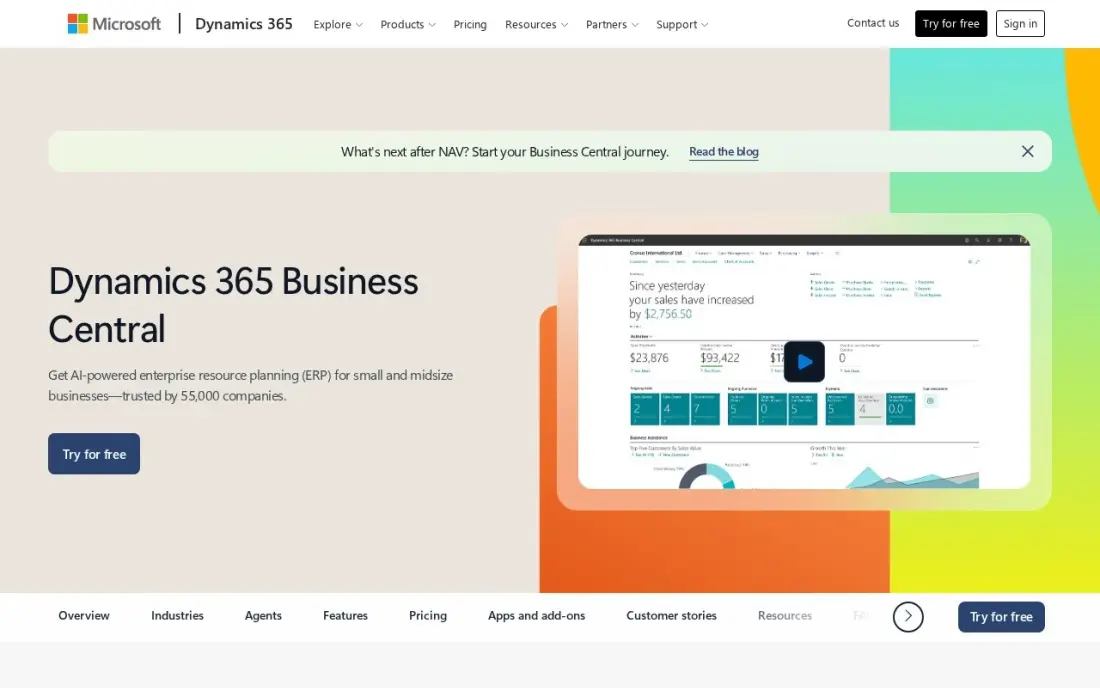
Business Central suits project-based companies that also buy, stock and sell physical goods. Projects sit in the same Essentials licence as finance, sales, purchasing, inventory and basic warehousing, so project costs, purchase orders and the ledger share one database. Copilot is included, and the system links into Outlook, Excel, Teams and Power BI.
It is the only ERP here with a published price: Essentials costs $80 a user a month and Premium $110, both paid yearly, and Team Member licences at $8 a user a month cover staff who only approve or view. Implementation is a separate partner quote, and a 10-user team pays $800 a month in licences before that work begins.
What we like
- Microsoft Copilot is included, and the system plugs straight into Outlook, Excel, Teams and Power BI
- Essentials covers finance, sales, purchasing, inventory, projects and basic warehousing in one licence
- Team Member licences at $8/user/month cover staff who only approve, view reports or raise requisitions
- Per-named-user licensing with unlimited transactions inside each seat, so volume never raises the licence bill
Watch out for
- At $80/user/month, a 10-user team pays $800 a month before implementation or add-ons
- Manufacturing and service management need Premium at $110/user/month, not Essentials
- Implementation is quoted separately by a Microsoft partner — the licence is only the start of the bill

Acumatica
Best for: Mid-market project businesses that want project accounting with unlimited users
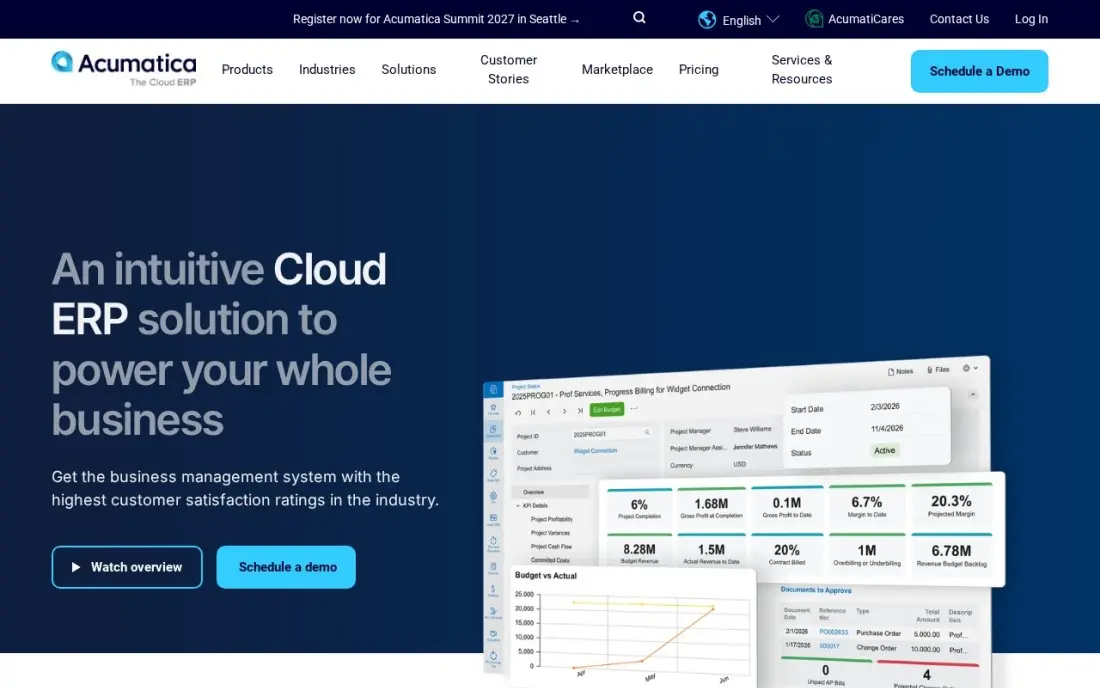
Acumatica includes native project accounting alongside its distribution and manufacturing modules, and its mid-market and enterprise editions include unlimited users. That matters for project firms, because the people who log time and costs — field staff, engineers, site managers — can all have logins without adding a per-user charge.
Acumatica prices on the applications you use and your transaction volume, and publishes no list price. Third-party guides put most mid-sized businesses at $25,000 a year or more, with implementation and training quoted separately. The open API makes it straightforward to connect estimating, CRM or field tools. Choose it when many people need access but transaction volume is moderate.
What we like
- Unlimited users: pricing follows transaction volume and computing resources, not seat count
- Native project accounting sits alongside distribution and manufacturing modules in one system
- Fully open API, so integrations with CRM, ecommerce and warehouse tools are straightforward
- Rated 4.4 out of 5 on G2, though the freshest indexed copy is months old, so we show no rating here
Watch out for
- Acumatica publishes no list price, so every figure comes from partners and varies by deal
- Consumption pricing is hard to budget: the bill follows transaction volume, not headcount
- Implementation and training are quoted separately and add materially to year one

Sage 100 Contractor
Best for: General contractors and subcontractors that need job costing, AIA billing and certified payroll

Sage 100 Contractor is construction project accounting in one package: the general ledger, job costing, payroll and project management, with certified payroll, AIA billing and lien waivers among its strengths. Estimates export into budgets, proposals, subcontracts and purchase orders, so the number you bid becomes the budget you track against.
Sage publishes no price, and third-party estimates put subscriptions at roughly $115 to $200 a user a month, with implementation, training and add-on modules extra. It is desktop-first, which means a heavier rollout than a cloud tool. Buy it when the contractor runs payroll in-house and needs job costing and compliance in the same system.
What we like
- Purpose-built for contractors: job costing, AIA billing, certified payroll and lien waivers in one package
- Estimates export straight into budgets, proposals, subcontracts and purchase orders
- Service management module covers dispatch, service agreements, quotes and work orders
- A long track record with small to midsize contractors, sold through Sage partners who handle setup
Watch out for
- No published price — every quote depends on users, modules and deployment, so budgeting takes a sales call
- Desktop-first design with a heavier implementation and training load than a cloud add-on
- Add-on modules, including Sage Construction Management, are priced separately from the base quote

Foundation Software
Best for: Commercial contractors that want job costing, WIP reporting and payroll priced by concurrent users
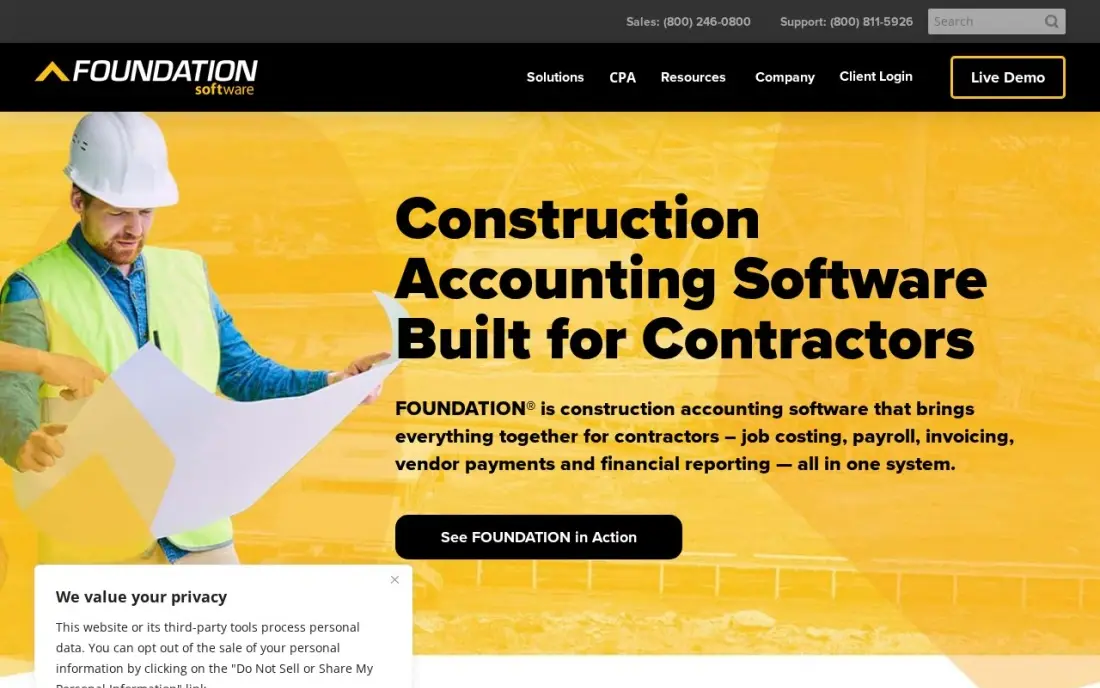
FOUNDATION is construction accounting built for contractors rather than adapted from general bookkeeping. It covers the general ledger, job costing, work-in-progress reporting, payroll, equipment tracking and payables and receivables in one system, and reviewers praise its reporting most. Licensing is by concurrent user, so the price follows simultaneous logins rather than headcount.
There is no published price; the quote comes from sales, and modules add to it. Reviewers rate setup as the weak spot, so budget time for training, and dispatch and field work still need another tool. It is rated 3.7 out of 5 on G2 from 24 reviews. Shortlist it for commercial contractors who want WIP reporting and payroll in one place.
What we like
- Construction accounting built for contractors, not adapted from generic books
- Job costing, WIP reporting, payroll and equipment tracking in one system
- Concurrent-user licensing, so the price follows simultaneous logins rather than headcount
- Strong reporting, the feature reviewers praise most
Watch out for
- No published pricing — the price comes from a sales conversation, and modules add to the cost
- Reviewers rate setup as the weak spot, so budget time and training for rollout
- Desktop-first heritage means dispatch and field work still need another tool

Productive
Best for: Agencies and consultancies that want project budgets and profitability without a full ERP
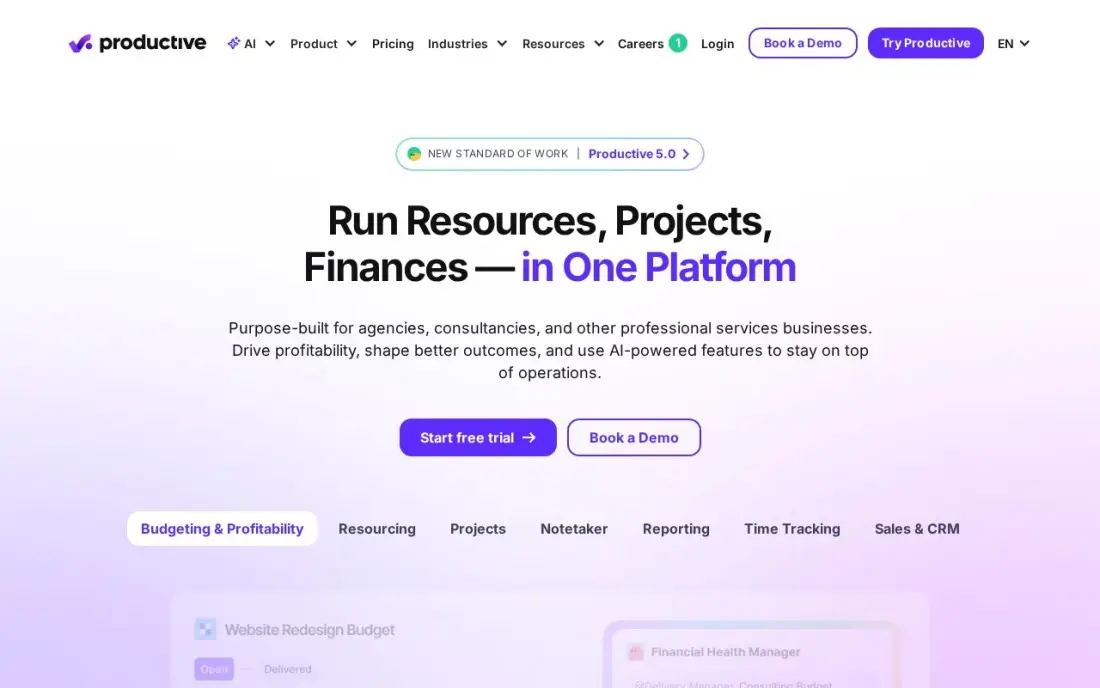
Productive is project accounting from the agency side: budgets, cost rates and resource planning sit together from the Essential plan, so a project lead can see whether a job is profitable while it is still running, not after the invoice. An AI Assistant is included, and client access is free, so inviting clients does not add seats.
Essential costs $10 a user a month billed monthly or $9 billed annually, with a 3-seat minimum, so the smallest bill is $30 a month. It is not a general ledger, so pair it with your accounting system, and revenue forecasting and the scenario builder sit on the top tier. It is the cheapest serious way to see project margins.
What we like
- Budgets and cost rates sit next to resource planning from the entry plan
- AI Assistant is included on Essential, and client access is free
- Lowest starting price among the agency-built tools here at $10/user/month
Watch out for
- The vendor's own pricing page shows conflicting per-user figures — the $9 annual rate comes from the per-10-user totals, not the headline
- Revenue forecasting and the scenario builder sit on the most expensive tier, not Essential
- 3-seat minimum, so the smallest bill is $30/month
The best project accounting software shows whether each project makes money while there is still time to act: hours and costs against budget, what can be billed today, and margin by client, phase and person. We compared eight tools across the industries where project accounting matters most — architecture and engineering, government contracting, construction, agencies and project-based ERP — on job costing, billing, compliance, licensing and cost. Every price was checked on vendor pages in November 2026.
How to choose the best project accounting software
- Start with your industry. A&E firms, government contractors, builders and agencies each need different billing rules and reports, and the best tools are built for one of them.
- Map your billing types. Fixed fee, time and materials, phased billing, AIA progress billing and cost-plus contracts all need specific support.
- Check how time and costs arrive. Timesheets, expenses, purchase orders and subcontractor bills should post to projects without re-keying.
- Decide whether you need the general ledger. Some tools are full accounting systems; others track project finances and post to separate books.
- Ask for the compliance features by name. DCAA, certified payroll, lien waivers and WIP reporting are either built in or a costly workaround.
- Get the full quote. Most tools here are quote-only, so price every module, user type and implementation day you need.
Project firms win most of their work from referrals and search, and buyers check a firm's website before they call. If your firm's site is not bringing in enquiries, our local SEO service helps professional services firms show up in their area.
Project accounting software pricing: what you will actually pay
Only two tools here publish prices. Business Central Essentials costs $80 a user a month, paid yearly: a firm with 10 full users and 15 Team Members at $8 each pays $800 plus $120, or $920 a month, which is $11,040 a year before partner implementation. Productive Essential costs $10 a user a month billed monthly or $9 billed annually: 15 users on annual billing cost $135 a month, or $1,620 a year, but it still needs a separate accounting system.
Deltek Ajera, BQE CORE, Unanet, Acumatica, Sage 100 Contractor and FOUNDATION are quote-only. Third-party estimates put Sage 100 Contractor at roughly $115 to $200 a user a month and most mid-sized Acumatica customers at $25,000 a year or more. BQE prices per user and module, so a firm adding Accounting and Payroll to Foundations should expect three quoted lines rather than one. Compare all quotes over three years, including implementation and training.
Know the difference: project accounting vs job costing
Job costing is the construction term for tracking labour, materials, equipment and subcontractor costs against each job and comparing them to the estimate. Sage 100 Contractor and FOUNDATION are built around it, with WIP reporting that shows over- and under-billing across all open jobs.
Project accounting is the broader professional services version. It adds fee types, billing rates, phased and milestone billing, utilisation and revenue recognition, and for government contractors, indirect rates and DCAA rules. Deltek Ajera, BQE CORE and Unanet are built for that world. Both approaches answer the same question — is this project profitable — with different rules.
Quick comparison: tool type by need
| Buyer | Best pick | Why |
|---|---|---|
| Architecture and engineering firms | Deltek Ajera | A&E project accounting with budgets and resource scheduling |
| A&E and consulting firms | BQE CORE | Time, billing and projects with accounting as a module |
| Government contractors | Unanet | DCAA-ready accounting, labour distribution and indirect rates |
| Microsoft 365 project firms | Business Central | Projects in the ERP, $80/user/month paid yearly |
| Mid-market, many users | Acumatica | Project accounting with unlimited users |
| General contractors | Sage 100 Contractor | Job costing, AIA billing and certified payroll |
| Commercial contractors | Foundation Software | WIP reporting and payroll, concurrent-user licensing |
| Agencies | Productive | Project budgets and profitability from $9/user/month annual |
Mistakes to avoid
- Buying general accounting software for project billing. A ledger without fee schedules or WIP reporting pushes the real work back into spreadsheets.
- Ignoring how staff enter time. If timesheets are hard to fill in, project costs will be late and wrong, whatever the reports look like.
- Pricing only the base module. Accounting, payroll, CRM and HR are often separate modules with separate quotes.
- Assuming compliance comes out of the box. DCAA and certified payroll depend on configuration; involve your auditor or accountant in setup.
- Migrating every historical project. Move open projects and opening balances, and keep closed projects in an archive.
Related comparisons: Project Management Software · Marketing Project Management Tools · CRM and Project Management Software · Fund Accounting Software
How we chose
We read each vendor's own pricing, product or help page in November 2026 and recorded published prices and billing terms exactly. Where a vendor publishes no price, we say so and cite only clearly labelled third-party estimates. We compared job costing and project budgets, billing types, compliance features, licensing and implementation effort, and matched each tool to the industry it serves best. Ratings come from G2 pages checked on the dates shown in the sources. No vendor paid for a place in this list, and none of the links here are affiliate links.
What to do next
Pull your three most recent projects and write down how each was billed and what you needed to know mid-project; send that to two vendors from your industry row above and ask them to demo those exact projects. If your firm also needs more enquiries from its website, book a free SEO consultation.
Frequently asked questions
What is the best project accounting software?
It depends on the industry. Deltek Ajera and BQE CORE are built for architecture and engineering firms, Unanet for government contractors, Sage 100 Contractor and FOUNDATION for construction, and Productive for agencies. Business Central and Acumatica suit project firms that need a full ERP.
What is project accounting?
Project accounting tracks revenue, costs, time and budgets for each project rather than only for the company as a whole. It answers whether each job is profitable, how much budget remains and what can be billed, using time, expenses, purchases and contract terms.
How much does project accounting software cost?
Most specialist tools are quote-only, including Deltek Ajera, BQE CORE, Unanet, Acumatica, Sage 100 Contractor and FOUNDATION. Business Central costs $80 a user a month on Essentials, paid yearly, and Productive costs $10 a user a month billed monthly or $9 billed annually.
Can QuickBooks do project accounting?
QuickBooks can track simple job income and costs, but firms that need fee schedules, phased billing, labour distribution, WIP reporting or DCAA compliance usually move to a specialist tool. Unanet, for example, aims its government contracting product at firms outgrowing QuickBooks.
Which project accounting software is DCAA compliant?
Unanet describes its timekeeping and accounting as DCAA-ready, with audit trails and direct and indirect cost segregation. Confirm the setup with your auditor, since compliance depends on how the system is configured and used.
What is the difference between project accounting software and a PSA tool?
Project accounting software includes or posts to the general ledger, as Deltek Ajera, Unanet, Sage 100 Contractor and FOUNDATION do. A PSA tool such as Productive tracks project budgets, time and profitability but relies on a separate accounting system for the books.
What accounting software handles multiple projects at once?
Every tool here tracks each project on its own budget, but they suit different firms. Deltek Ajera feeds time, expenses and billing into the same project records, so a principal sees fees earned and budget remaining per project. Productive shows whether each job is profitable while it is still running, from $10 a user a month. Contractors running many jobs should look at FOUNDATION's WIP reporting.
Sources we checked (11)
- Deltek Ajera — help.deltek.com/Product/Ajera/8/Content/About_Ajera.htm (checked November 16, 2026)
- BQE CORE — bqe.com/pricing (checked November 16, 2026)
- Unanet — unanet.com/erp-for-growing-govcons (checked November 16, 2026)
- Business Central — www.microsoft.com/en-us/dynamics-365/products/business-central (checked November 10, 2026)
- Business Central reviews on G2 (checked November 10, 2026)
- Acumatica — www.acumatica.com/pricing (checked November 12, 2026)
- Sage 100 Contractor — www.sage.com/en-us/products/sage-100-contractor (checked November 7, 2026)
- Foundation Software — www.foundationsoft.com/learn/construction-accounting-software-costs (checked November 7, 2026)
- Foundation Software reviews on G2 (checked November 7, 2026)
- Productive — productive.io/pricing (checked November 4, 2026)
- Productive reviews on G2 (checked November 4, 2026)
Make one of these tools?
We re-check this list every quarter. Send a correction, request a review, or ask about a clearly labeled sponsored spot.
Request a listingShamim
Founder of SerpAstra
A full-stack digital marketer and SEO strategist covering technical and local SEO, AI search visibility, paid ads and lead generation for local businesses, e-commerce brands and SaaS teams.
Free SEO and AI visibility audit
Find out what is holding your rankings back
Send us your site. Within 2 business days you get a written audit, an AI visibility check and a short fix list ranked by impact. Free, with no contract attached.
Request my free audit→Related buying guides
 Construction & Field Service10 Best Accounting Software for Contractors in 2026, ComparedCompare the 10 best accounting software for contractors on price, job costing, AIA billing and free plans, with every price checked November 7, 2026.Read guide →
 Accounting & Finance8 Best Enterprise Accounting Software in 2026, ComparedCompare the 8 best enterprise accounting software on multi-entity books, consolidation, controls and real cost, with every price checked on vendor pages.Read guide →
 Marketing10 Best Ad Agency Software (2026): Who to Hire and What It Costs10 best ad agency software tools compared on price, features and agency fit — real 2026 prices checked on vendor pages, ranked for small and mid-size agencies.Read guide →