
8 Best Creative Project Management Software in 2026, Compared
Compare the 8 best creative project management software for design teams and agencies on proofing, briefs, resourcing and real cost, with prices checked.
 Shamim Mia, Founder, SerpAstraLast verified November 4, 20269 min read
We compare pricing pages, documentation and public reviews. We never accept payment for rankings.
Key takeaways
- Wrike is the best all-round creative project management software: request forms, proofing and resource management sit together on Business at $25 a user a month, with Team from $10 billed annually.
- monday.com and Asana are the easiest for in-house design and content teams to adopt; both have free plans and paid seats from $9 and $10.99 a month billed annually.
- Ziflow and Filestage are not full project tools; they handle the review and approval stage that general tools do badly, from $199 a month each.
- Workamajig is the only agency-built system here, with briefs, time, budgets and invoicing in one place from $49 a user a month for 10 or more users.
On this page
Quick comparison
| Tool | Best for | Starting price | Free plan |
|---|---|---|---|
| Wrike | Creative and marketing teams that want intake forms, proofing and resourcing in one tool | $10/user/mo (annual) | Yes (free plan) |
| monday.com | In-house creative teams that want visual boards that non-project people adopt quickly | $12/seat/mo | Yes (free plan) |
| Asana | Content and design teams that plan campaigns on timelines and take requests through forms | $13.49/user/mo | Yes (free plan) |
| Airtable | Content studios and production teams that track assets, shoots and deliverables as records | $24/seat/mo | Yes (free plan) |
| ProofHub | Growing creative teams that want proofing and project management at one flat price | $50/mo flat | No (14-day trial) |
| Workamajig | Creative and ad agencies of 10 or more that want projects, time, budgets and billing in one system | $49/user/mo | No (demo only) |
| Ziflow | Agencies and brand teams that need multi-stage creative approvals with an audit trail | $199/mo | Yes (free plan) |
| Filestage | Marketing teams and small agencies that want simple client review with free reviewers | $199/mo | Yes (free plan) |
Make one of these tools?
We re-check this list every quarter. Send a correction, request a review, or ask about a clearly labeled sponsored spot.
Request a listingThe best creative project management software

Wrike
Best for: Creative and marketing teams that want intake forms, proofing and resourcing in one tool
Wrike covers more of the creative workflow than any other general tool in this list. Business adds request forms, so briefs arrive in a fixed format, plus built-in proofing for marking up images and PDFs, time tracking and resource management to see which designer is overloaded. Team costs $10 a user a month billed annually, and Business costs $25.
The pricing rules are the catch. Wrike sells seats in blocks of five, so a six-person studio pays for ten, and there is no monthly-billing price. Most creative teams will need Business, because forms and proofing are the reason to pick Wrike. The free plan covers basic tasks only.
What we like
- Team adds shareable dashboards, interactive Gantt charts, custom fields and workflows from $10 a user a month
- AI essentials are included on Team, for summaries and task help
- Free plan covers basic task work with unlimited users
- Business adds request forms, proofing, time tracking and resource management from $25 a user
Watch out for
- Wrike sells seats in blocks of 5, so a 6-person team pays for 10 seats
- No monthly-billing price is published — Team is an annual commitment at $10 a user a month
- Custom fields and request forms wait for Business, a 2.5x jump from Team

monday.com
Best for: In-house creative teams that want visual boards that non-project people adopt quickly
monday.com is the easiest tool here to get a design or content team to actually use. Colour-coded status columns show at a glance which assets are in draft, in review or approved, and Standard at $12 a seat a month billed annually adds timeline and Gantt views, guest access for freelancers and 250 automation actions a month.
Two rules shape the bill. Every paid plan has a three-seat minimum, and Basic at $9 a seat billed annually has no automations at all, so most teams start on Standard. Time tracking and private boards wait for Pro at $19 a seat. The free plan covers two seats and three boards.
What we like
- The most visual boards here: color-coded statuses, automations and dashboards that non-technical teams pick up fast
- Standard adds timeline and Gantt views, guest access and 250 automation actions a month from $12 a seat
- 1,000 to 3,000 AI credits a month on paid plans, for summaries and formula help
- More than 200 integrations, including Slack, Google Workspace and Zoom
Watch out for
- Every paid plan has a 3-seat minimum, so a solo user pays $27 a month on Basic annual billing
- Basic has no automations at all — the automation that makes monday.com worth it starts on Standard
- Time tracking and private boards wait for Pro at $19 a seat a month

Asana
Best for: Content and design teams that plan campaigns on timelines and take requests through forms
Asana suits creative teams that work in campaigns. The same project shows as a board, a list, a timeline or a calendar, so the producer plans on a Gantt view while designers work from the board. Starter at $10.99 a user a month billed annually, or $13.49 monthly, adds forms for creative requests, custom fields, dashboards and unlimited automations.
Free guests are a real saving for agencies and in-house teams that share work with freelancers and clients. The limits show at scale: approvals, workload and portfolios wait for Advanced at $24.99 a user a month, and time tracking is a $5.99 add-on on Starter. The free Personal plan covers only two people.
What we like
- Board, list, timeline and calendar views in one project, so the same work reads as a kanban board or a Gantt chart
- Starter adds Timeline and Gantt, dashboards, forms, custom fields and unlimited automations from $10.99 a user
- Unlimited free guests, so clients and contractors can follow work without a paid seat
- Asana AI is included on Starter, with writing help and smart summaries
Watch out for
- Portfolios, goals, workload and approvals wait for Advanced at $24.99 a user a month
- The free Personal plan covers only two people, so any real team pays from the first seat
- Time tracking needs a $5.99 add-on or the Advanced plan

Airtable
Best for: Content studios and production teams that track assets, shoots and deliverables as records
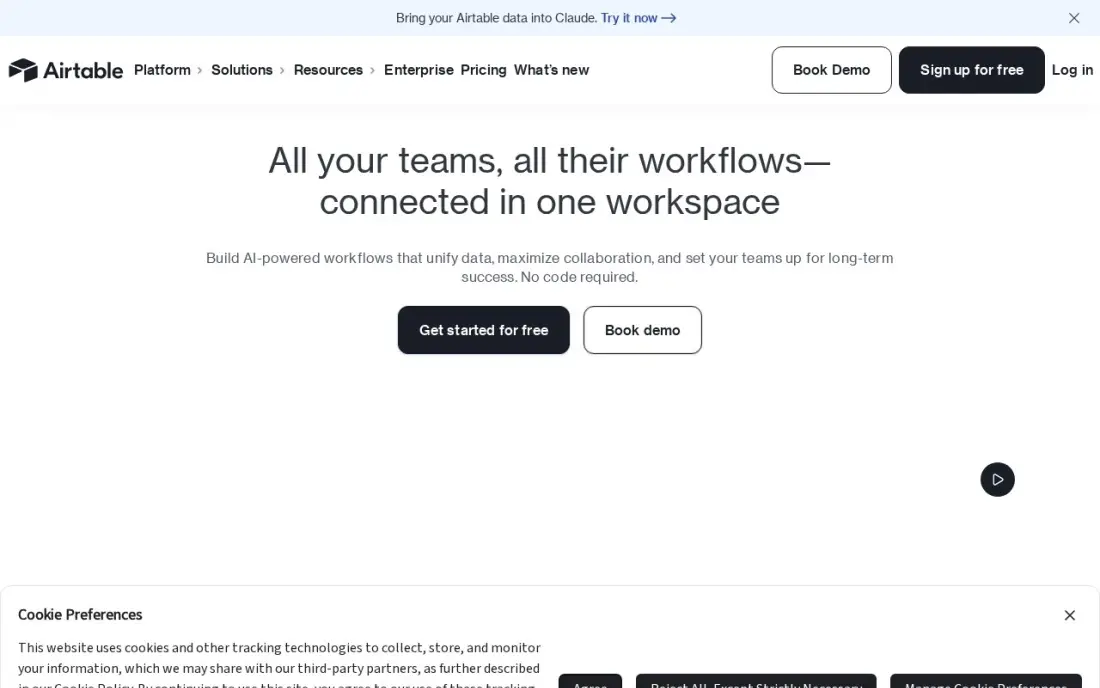
Airtable fits creative work that is really a catalogue: a content calendar, a shot list, a product photo library or a pipeline of video deliverables. Each asset is a record with its own fields, attachments and status, shown as a kanban, calendar or gallery view. Team costs $20 a seat a month billed annually, or $24 monthly, and adds Gantt and timeline views.
It is the dearest per-seat price here, and anyone with comment access counts as a paid seat on Team, which hurts when clients review. There is no native proofing or time tracking. The free plan's 1,000 records per base is enough to build and test the tracker first.
What we like
- A database you shape into a tracker: kanban, calendar and gallery views over the same records
- Team adds Gantt and timeline views, extensions and 15,000 AI credits per seat a month from $20 a seat
- Free plan covers 1,000 records per base, enough to prove the setup before paying
- Interfaces let a team build a simple front end for clients without code
Watch out for
- The dearest per-seat price here at $20, and Team bills Commenters as paid seats
- No native time tracking or workload planning — those need extensions or another tool
- Performance slows on very large bases, and two-way sync waits for Business at $45 a seat

ProofHub
Best for: Growing creative teams that want proofing and project management at one flat price
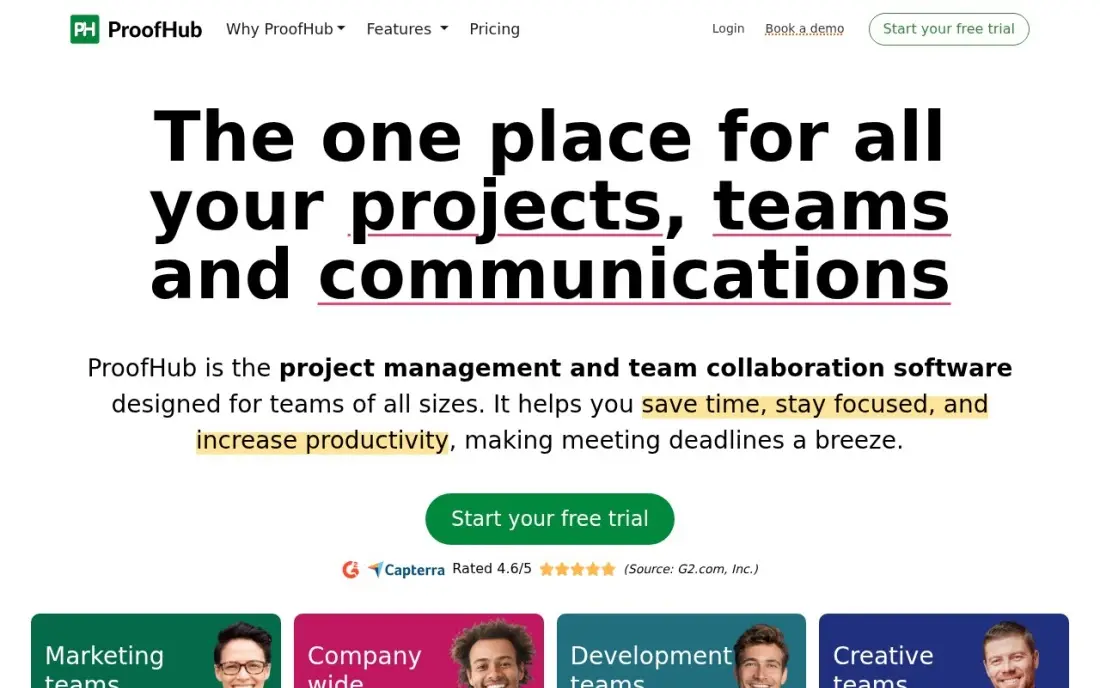
ProofHub puts boards, Gantt charts, chat, time tracking and file proofing in one subscription with no per-user fee. Essential costs $45 a month billed annually, or $50 monthly, for unlimited users, so a studio that adds freelancers or interns does not see the bill move. Designers can mark up images and PDFs in the same tool where the task lives.
Essential caps you at 40 projects and 15 GB of storage, which a busy agency outgrows quickly, and there is no free plan, only a 14-day trial. The integration library is smaller than Asana's or monday.com's. For a team of ten or more paying per seat today, it is worth pricing.
What we like
- Flat pricing: Essential costs $45 a month for unlimited users, so the 11th hire costs nothing extra
- Boards, Gantt, discussions, group chat, file proofing and time tracking in one subscription
- 40 projects and 15 GB of storage on Essential, with no per-user fee at any tier
- White labelling and custom roles wait for the top plan, but the flat model stays
Watch out for
- No free plan — only a 14-day trial before the subscription starts
- Essential caps at 40 projects, so a busy team outgrows it and jumps to the top plan
- Smaller integration library than Asana, monday.com or ClickUp

Workamajig
Best for: Creative and ad agencies of 10 or more that want projects, time, budgets and billing in one system
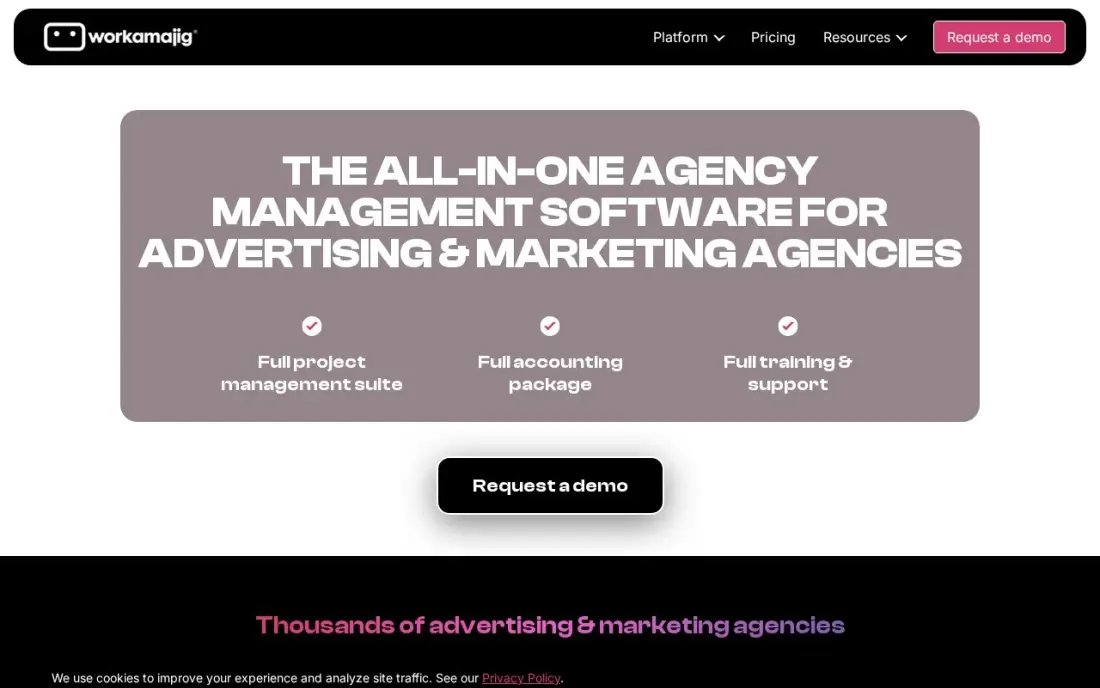
Workamajig is the one tool here built only for creative and ad agencies. Projects, timesheets, budgets, resourcing and invoicing share one database, so a producer can see that a job is over budget before the invoice goes out, and unlimited client portals let clients check status without a login to your project tool.
The Team plan costs $49 a user a month for 10 or more users, falling to $47 at 25 and $45 at 50, so a 10-person studio pays about $490 a month. There is no free plan or trial, only a demo, and it has the lowest G2 score in this list, with reviewers citing a dated interface.
What we like
- Built specifically for creative and ad agencies — project management, time tracking, budgets, resourcing and invoicing in one system
- Unlimited client portals included, so clients see project status without another tool
- Volume pricing rewards growth: $49/user at 10 seats, $47 at 25, $45 at 50
Watch out for
- No free plan and no free trial — the only way in is a demo
- Lowest-rated tool in this list on G2 (3.9/5), with reviewers citing a dated interface and a long setup
- Entry price is per user with no free tier, so a 10-person team pays about $490/month before any discount

Ziflow
Best for: Agencies and brand teams that need multi-stage creative approvals with an audit trail
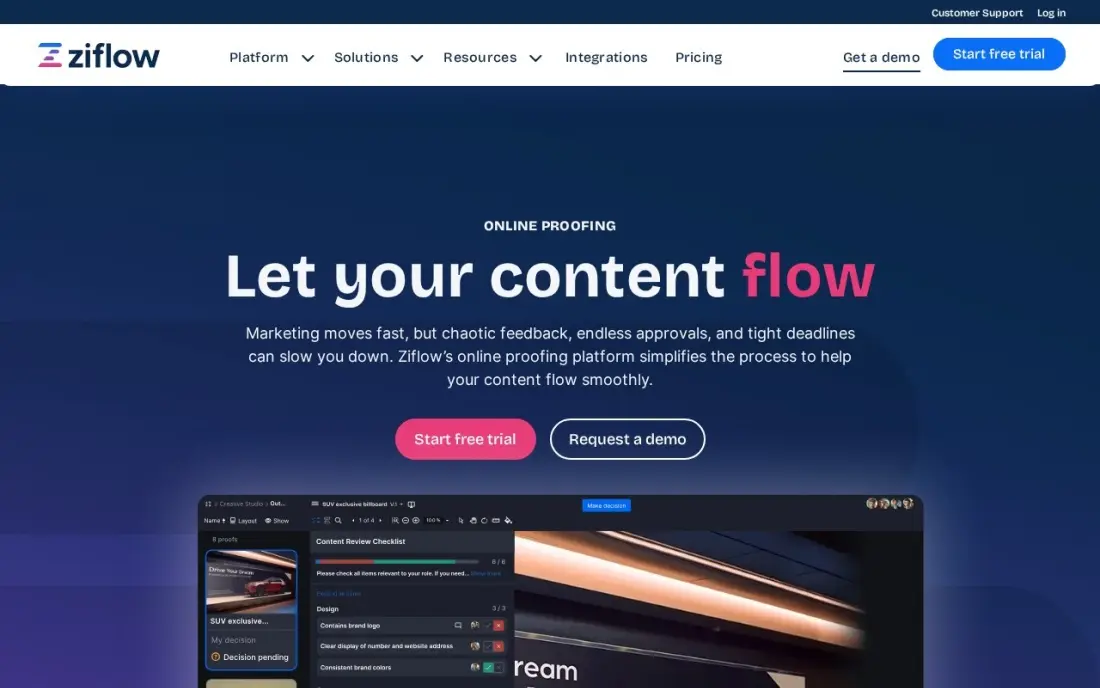
Ziflow handles the stage that general project tools do worst: getting creative approved. Proofs move through defined review stages with their own reviewers, deadlines and decisions, and every comment is logged. It handles more than 1,200 file types, including video, HTML5 banners and live websites, with unlimited proofs and reviewers on paid plans.
Standard costs $199 a month billed annually and covers 15 users, and a 16th user moves you to Pro at $329 a month. It is not a replacement for a project tool, so most teams pair it with Asana, monday.com or Wrike. The free plan covers two users and one workflow stage.
What we like
- Multi-stage approval workflows with a full audit trail on every proof
- Supports more than 1,200 file types, including video, HTML5, 3D files and live websites
- Unlimited proofs and unlimited reviewers on every paid plan
- SOC 2 compliance suits teams in regulated industries
Watch out for
- Standard covers 15 users, so a 16th user means Pro at $329 a month
- ReviewAI automated checking is Enterprise only, not on Standard or Pro
- The free plan allows only 2 users, 2 GB of storage and a single workflow stage

Filestage
Best for: Marketing teams and small agencies that want simple client review with free reviewers
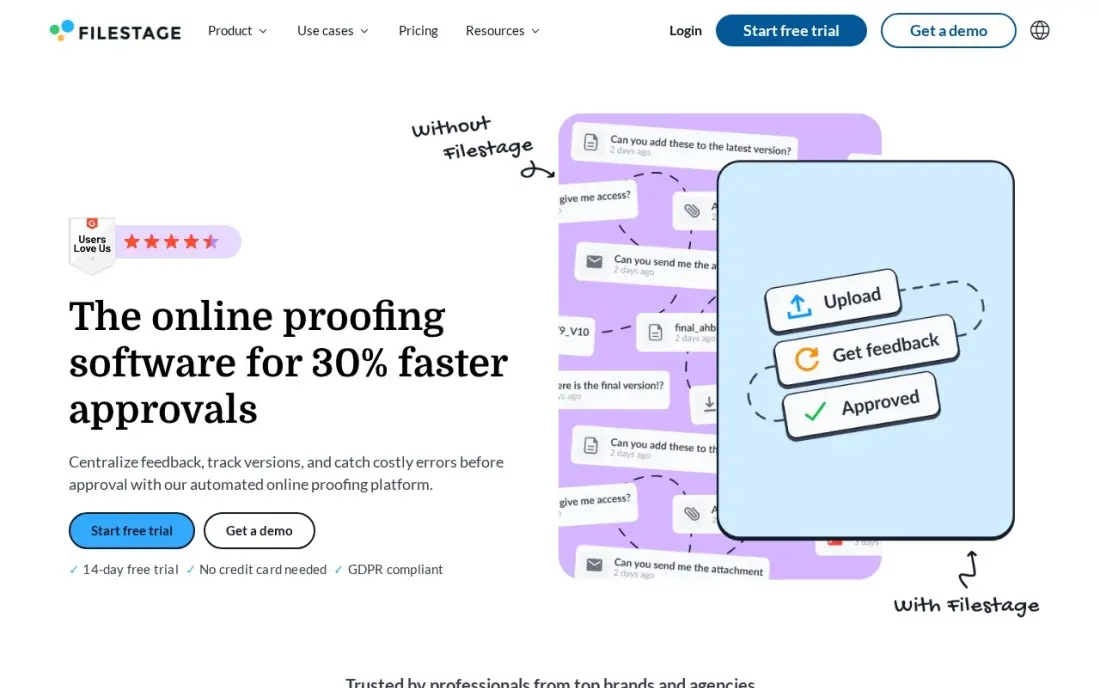
Filestage is the simpler review option. Clients and stakeholders comment on videos, images, PDFs, websites and audio in one place, and reviewers are free on every plan, so a client never needs a paid seat. Starter costs $199 a month flat with 10 team members, unlimited projects, version comparison, due dates and reminders included.
The flat price is the trade-off: a solo designer pays the same $199 as a ten-person team. AI reviewers and automations wait for Business at $329 a month, and recent reviewers mention price rises. The free plan covers one active project and five new files a month, enough to test it with a real client.
What we like
- Flat pricing with 10 team members included, so the bill does not grow with every hire
- Unlimited reviewers on every plan, including the free plan, so clients never need a paid seat
- Covers video, images, PDFs, live websites, audio and HTML banners in one review flow
- Version comparison, due dates and reminders are included on Starter, not held for Business
Watch out for
- Starter is a flat $199 a month, so a solo user pays the same as a ten-person team
- AI reviewers and automations wait for Business at $329 a month
- Recent G2 reviewers mention price increases and a learning curve for new reviewers
The best creative project management software gets a brief into the team, a design through review rounds and a final file signed off without anyone hunting through email for the latest version. We compared eight tools for design teams, content studios and creative agencies: five project tools with creative features, one agency-built system and two dedicated proofing platforms. Every price below was checked on the vendor's own pricing page in November 2026.
How to choose the best creative project management software
- Start with intake. If requests arrive by Slack and email, look for request forms that force a proper brief; Wrike Business and Asana Starter both have them.
- Decide where review happens. Built-in proofing in Wrike Business or ProofHub covers simple rounds; multi-stage approvals with legal or brand sign-off need Ziflow or Filestage.
- Count the people who only review. Clients and stakeholders who comment can be free guests or paid seats depending on the tool, and that rule changes the bill more than the list price.
- Check how the tool shows workload. Creative teams fail on capacity, not on task lists, so resource and workload views matter once you pass five designers.
- Price time tracking and billing if you are an agency. If you bill clients by the hour, a tool that ties timesheets to budgets, like Workamajig, saves a second system.
- Test with one real campaign. Run a live job from brief to sign-off in the free plan or trial before you move the whole team.
A smooth production process helps the work go out on time; getting that work found is a separate job. If your studio publishes content for clients, our SEO audit checks whether those pages can rank, and our guide to marketing project management tools covers the campaign side in more depth.
Creative project management software pricing: what you will actually pay
Take a creative team of eight people: five designers, two writers and a producer. On annual billing, monday.com Standard costs $12 a seat, or $96 a month. Asana Starter costs $10.99 a user, or $87.92 a month. Wrike sells seats in blocks of five, so eight people pay for ten: $100 a month on Team or $250 on Business, which is the plan with forms and proofing. Airtable Team costs $20 a seat, or $160 a month, before counting commenters. ProofHub Essential stays at $45 a month however many people join.
Add review and the gap widens. A team that pairs Asana Starter with Ziflow Standard pays about $87.92 plus $199, or roughly $287 a month, and the same team on Filestage Starter pays the same $199 for review. An agency of ten on Workamajig pays about $490 a month, but that one bill also covers timesheets, budgets and invoicing. Monthly billing raises most of these prices: Asana Starter rises to $13.49 a user and ProofHub Essential to $50 a month.
Know the difference: project tools vs proofing tools
A project tool answers who is doing what by when. Wrike, monday.com, Asana, Airtable and ProofHub track tasks, timelines and workload, and some of them add a basic way to comment on an image or PDF. They are where the brief lives and where the producer plans the week.
A proofing tool answers whether this version is approved. Ziflow and Filestage put the file at the centre, with frame-accurate comments on video, side-by-side version comparison, review stages with deadlines and a record of who approved what. They do not plan your work. Teams with one or two quick review rounds can live with built-in proofing; agencies juggling client, brand and legal sign-off usually need both kinds of tool.
Quick comparison: tool type by need
| Buyer | Best pick | Why |
|---|---|---|
| All-round creative teams | Wrike | Request forms, proofing and resourcing on Business at $25/user/month |
| In-house design teams | monday.com | Visual boards that non-project people adopt, Standard from $12/seat/month |
| Campaign-based content teams | Asana | Timelines, request forms and free guests from $10.99/user/month |
| Asset and content catalogues | Airtable | Every asset as a record with gallery and kanban views, $20/seat/month |
| Growing teams on a budget | ProofHub | Proofing and project tools for unlimited users at $45/month |
| Creative and ad agencies | Workamajig | Projects, time, budgets and invoicing from $49/user/month |
| Multi-stage approvals | Ziflow | Review stages with an audit trail, $199/month for 15 users |
| Simple client review | Filestage | Free reviewers on every plan, Starter $199/month for 10 members |
Mistakes to avoid
- Buying a project tool and expecting it to run approvals. Comment threads on a task are not version control; if clients review three rounds, test the proofing before you commit.
- Paying seats for reviewers. Check whether clients and stakeholders count as paid users; Airtable bills commenters on Team, while Asana and Filestage keep reviewers free.
- Skipping the brief. A request form with required fields saves more hours than any automation, so set it up on day one.
- Ignoring workload. Teams that track tasks but not capacity keep missing deadlines; turn on a workload or resource view before you add more projects.
- Moving everything at once. Migrate one client or campaign first, then the rest, so the team learns the tool on real work without stopping production.
Related comparisons: Project Budget Management Software · Project Manager Software Free Plans · Project Management Software for Digital Agencies · Project Management Software for Real Estate Development
How we chose
We checked each vendor's own pricing page in November 2026 and recorded starting prices exactly as shown, with annual and monthly billing stated where the vendor lists both. We scored each tool on the stages creative teams actually go through: intake, planning, production, review and sign-off, and for agencies, time and billing. Ratings come from G2 pages checked on the dates shown in the sources. No vendor paid for a place in this list, and none of the links here are affiliate links.
What to do next
Pick the two tools that fit your team type from the table above, run one live campaign through each free plan or trial, and count how many review rounds it took to reach sign-off. If you also want the finished work to bring in leads, book a free SEO consultation.
Frequently asked questions
What is the best creative project management software?
Wrike is the best all-round pick for creative teams, because request forms, proofing, time tracking and resource management sit together on Business at $25 a user a month. monday.com and Asana are easier to adopt, and Workamajig is the pick for agencies that also want budgets and invoicing.
What is the difference between creative project management and normal project management software?
Creative work adds three stages that general tools handle poorly: taking in briefs, reviewing visual files and getting sign-off through several rounds. Creative project management software adds request forms, proofing and markup, version history and approval workflows on top of tasks and timelines.
Is there free creative project management software?
Yes. Wrike, monday.com, Asana and Airtable all have free plans, monday.com's covering two seats and Asana's two users. Ziflow and Filestage have free proofing plans with tight limits. Free plans lack proofing and approvals, so most creative teams pay once they have clients reviewing work.
How much does creative project management software cost?
On published prices, monday.com starts at $9 a seat a month billed annually, Wrike at $10 a user, Asana at $10.99 a user, Airtable at $20 a seat and ProofHub at $45 a month flat for unlimited users. Workamajig costs $49 a user a month for 10 or more users, and Ziflow and Filestage cost $199 a month.
Do creative agencies need a separate proofing tool?
Only if review rounds are a real bottleneck. Wrike Business and ProofHub include proofing, which is enough for many studios. Agencies with several approval stages, regulated clients or video-heavy work usually add Ziflow or Filestage alongside their project tool.
Which creative project management software is best for freelancers and small studios?
A small studio usually does best on Asana or monday.com, both with free plans, or ProofHub if the team is growing and wants one flat price. Workamajig and Ziflow are built for larger teams and are priced that way.
What is the easiest project management software to use?
monday.com is the easiest for most creative teams: its color-coded boards, automations and dashboards are the most visual here, and people outside project roles pick them up fast. The free plan covers two seats and three boards, and Basic costs $9 a seat a month billed annually. Asana is a close second, with board, list, timeline and calendar views of the same project and a free plan for up to two users.
Is creative project management software better than Excel?
For a team, usually yes. A spreadsheet tracks tasks but has no request forms, proofing, approvals or workload views. If you like working in rows, Airtable keeps the record format and adds kanban, calendar, gallery and timeline views over the same data, with a free plan of 1,000 records per base. Wrike and Asana add intake forms, and Ziflow or Filestage handle review and sign-off that a spreadsheet cannot.
Sources we checked (16)
- Wrike — www.wrike.com/pricing (checked November 12, 2026)
- Wrike reviews on G2 (checked November 12, 2026)
- monday.com — monday.com/pricing (checked November 12, 2026)
- monday.com reviews on G2 (checked November 12, 2026)
- Asana — asana.com/pricing (checked November 12, 2026)
- Asana reviews on G2 (checked November 12, 2026)
- Airtable — airtable.com/pricing (checked November 12, 2026)
- Airtable reviews on G2 (checked November 12, 2026)
- ProofHub — www.proofhub.com/pricing (checked November 12, 2026)
- ProofHub reviews on G2 (checked November 12, 2026)
- Workamajig — www.workamajig.com/blog/bonsai-software-reviews (checked November 4, 2026)
- Workamajig reviews on G2 (checked November 4, 2026)
- Ziflow — www.ziflow.com/pricing (checked November 8, 2026)
- Ziflow reviews on G2 (checked November 8, 2026)
- Filestage — filestage.io/pricing (checked November 8, 2026)
- Filestage reviews on G2 (checked November 8, 2026)
Make one of these tools?
We re-check this list every quarter. Send a correction, request a review, or ask about a clearly labeled sponsored spot.
Request a listingShamim
Founder of SerpAstra
A full-stack digital marketer and SEO strategist covering technical and local SEO, AI search visibility, paid ads and lead generation for local businesses, e-commerce brands and SaaS teams.
Free SEO and AI visibility audit
Find out what is holding your rankings back
Send us your site. Within 2 business days you get a written audit, an AI visibility check and a short fix list ranked by impact. Free, with no contract attached.
Request my free audit→Related buying guides
 Project & Product Management10 Best Project Management Software in 2026, ComparedCompare the 10 best project management software on views, free plans, seat minimums and real monthly cost, with every price checked on the vendor's own pages.Read guide →
 Graphic Design & Creative12 Best Online Proofing Software in 2026, ComparedCompare the 12 best online proofing software tools on price, free plans, file support and approvals, with every price checked November 8, 2026.Read guide →
 Marketing10 Best Ad Agency Software (2026): Who to Hire and What It Costs10 best ad agency software tools compared on price, features and agency fit — real 2026 prices checked on vendor pages, ranked for small and mid-size agencies.Read guide →