
8 Best Software for Bookkeepers in 2026, Compared
Compare the 8 best software for bookkeepers across ledgers, receipt capture, bill pay and practice management, with annual costs and prices checked in 2026.
 Shamim Mia, Founder, SerpAstraLast verified November 4, 20269 min read
We compare pricing pages, documentation and public reviews. We never accept payment for rankings.

Key takeaways
- Most bookkeepers need three layers: the client's ledger (QuickBooks Online, Xero or Zoho Books), a capture tool such as Dext, and practice management to track the work.
- Financial Cents is the cheapest practice management start for a solo bookkeeper at $19 a month billed annually, on a 12-month agreement.
- Karbon suits growing firms that run on client email, from $59 a user a month billed annually; TaxDome suits firms that want a branded client portal at $800 a seat a year.
- Xero includes unlimited users on every plan, so adding the bookkeeper to a client's file costs nothing extra.
On this page
Quick comparison
| Tool | Best for | Starting price | Free plan |
|---|---|---|---|
 QuickBooks Online | US bookkeepers whose clients expect the ledger their accountant already knows | $38/mo | Yes (Free plan) |
 Xero | Bookkeepers who want unlimited users on every client file at no extra cost | $27/mo | No (30-day trial) |
 Zoho Books | Bookkeepers serving very small clients that want a free ledger | $15/mo (annual) | Yes (free plan) |
 Dext | Bookkeepers who want client receipts and bills captured and coded before they reach the ledger | $302.50/yr per business | No (14-day trial) |
 BILL | Bookkeepers who run accounts payable and approvals for their clients | $49/user/mo | No (free trial) |
 Karbon | Bookkeeping firms of five or more staff whose client work arrives by email | $79/user/mo | No (14-day trial) |
 Financial Cents | Solo and small bookkeeping firms that want workflows, client requests and billing at a low price | $19/mo (Solo, annual) | No (14-day trial) |
 TaxDome | Bookkeeping and tax firms that want a branded client portal and e-signatures in one seat price | $800/seat/yr | No (14-day trial) |
Make one of these tools?
We re-check this list every quarter. Send a correction, request a review, or ask about a clearly labeled sponsored spot.
Request a listingThe best software for bookkeepers
QuickBooks Online
Best for: US bookkeepers whose clients expect the ledger their accountant already knows
QuickBooks Online is the ledger most US bookkeepers work in every day, because it is what most clients and their tax accountants already use. Every paid plan covers invoicing, bills, bank feeds and reporting, and Simple Start costs $38 a month for one user, with 50% off for three months for new customers.
For a bookkeeper the user caps matter: Simple Start is single-user, so a client who also wants access moves to Essentials at $85 a month, and prices rose again for renewals from August 1, 2026. Payroll is a paid add-on. Choose it when client familiarity and accountant hand-off matter more than price.
What we like
- The software most US accountants already use, so finding help and switching accountants is easy
- Full double-entry accounting with invoicing, bills, bank feeds and reporting on every paid plan
- Simple Start costs $38 a month for one user, with 50% off for three months for new customers
- Intuit Intelligence AI features are included on Simple Start, not held for the top tier
Watch out for
- The free plan allows only 1 user and 2 invoices a month, so it suits only the smallest clients
- Hard user caps force upgrades: a second user means Essentials at $85/month, and payroll is a paid add-on
- Price rises most years — Essentials, Plus and Advanced all went up again for renewals from August 1, 2026
Xero
Best for: Bookkeepers who want unlimited users on every client file at no extra cost

Xero's biggest advantage for a bookkeeper is that every plan includes unlimited users, so the bookkeeper, the client and the tax accountant can all log in without a per-user fee. Early costs $27 a month, with bank feeds, reconciliation, sales tax and 1099 handling; there is no annual billing option.
Early caps a client at 20 invoices and 5 bills a month, so most active businesses need Growing at $59, and automatic bank reconciliation costs $5 a month extra on Early. Xero's US prices rose on October 1, 2026. It suits bookkeepers whose clients have modest volume and several people who need access.
What we like
- Unlimited users on every plan with no per-user fee, so an accountant costs nothing extra
- Full double-entry accounting with bank feeds, sales tax and 1099 handling
- Early at $27 a month undercuts QuickBooks Simple Start at $38 for the same job
Watch out for
- Early caps a client at 20 invoices and 5 bills a month, so most active businesses land on Growing at $59
- No tax filing — Xero keeps the books and the return is filed elsewhere
- Automatic bank reconciliation costs $5 a month extra on Early
Zoho Books
Best for: Bookkeepers serving very small clients that want a free ledger
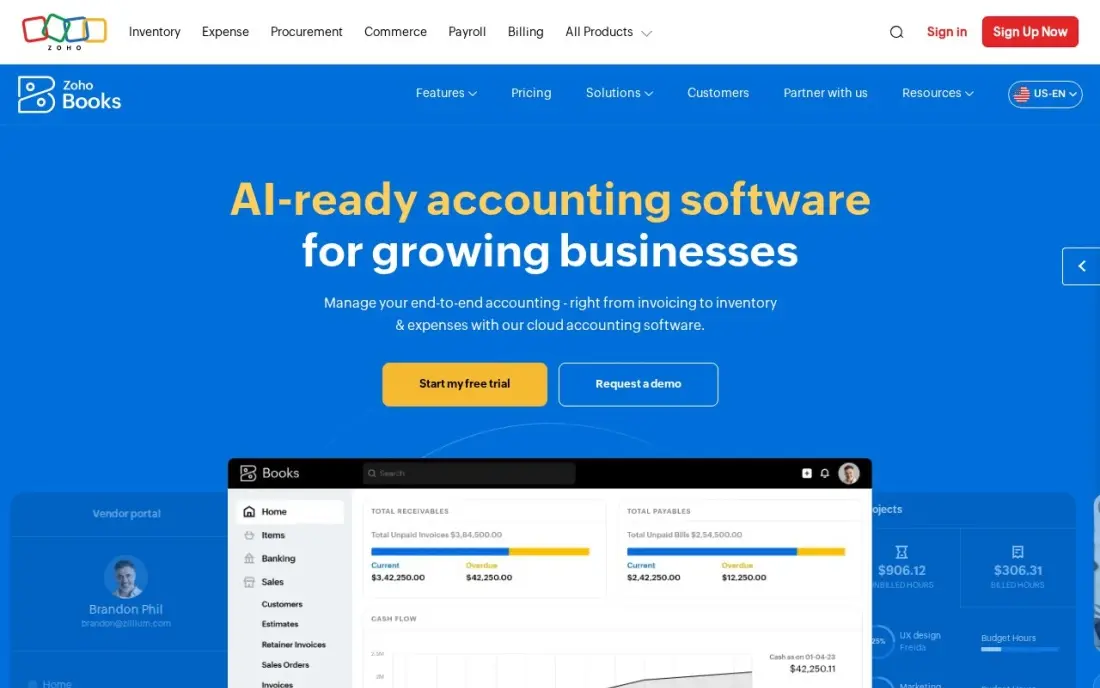
Zoho Books has a genuinely free plan: full double-entry accounting, invoicing and bank reconciliation at $0 while a client's revenue stays under $50,000 a year, capped at 1,000 invoices a year. Standard costs $20 a month billed monthly, or $15 billed annually, for 3 users and 5,000 invoices a year.
Extra users cost $3 a month each, there is no payroll module on any plan, and accountants recommend it less often than QuickBooks Online or Xero. For a bookkeeper with micro-business and side-business clients, it keeps their software bill at zero while the books stay proper.
What we like
- A real free plan: full double-entry accounting, invoicing and bank reconciliation at $0 while revenue stays under $50,000 a year
- Cheapest paid step up here — Standard is $20/month for 3 users and 5,000 invoices a year
- Deep Zoho ecosystem: CRM, Inventory, Expense and Payroll connect without third-party tools
- Client portal and payment reminders included, so clients can pay from the invoice itself
Watch out for
- Free plan stops at 1,000 invoices a year and only while annual revenue stays under $50,000
- Multi-currency and inventory wait for Professional at $50/month, and there is no payroll module on any plan
- Accountants recommend it less often than QuickBooks Online or Xero, so finding outside help takes more effort
Dext
Best for: Bookkeepers who want client receipts and bills captured and coded before they reach the ledger
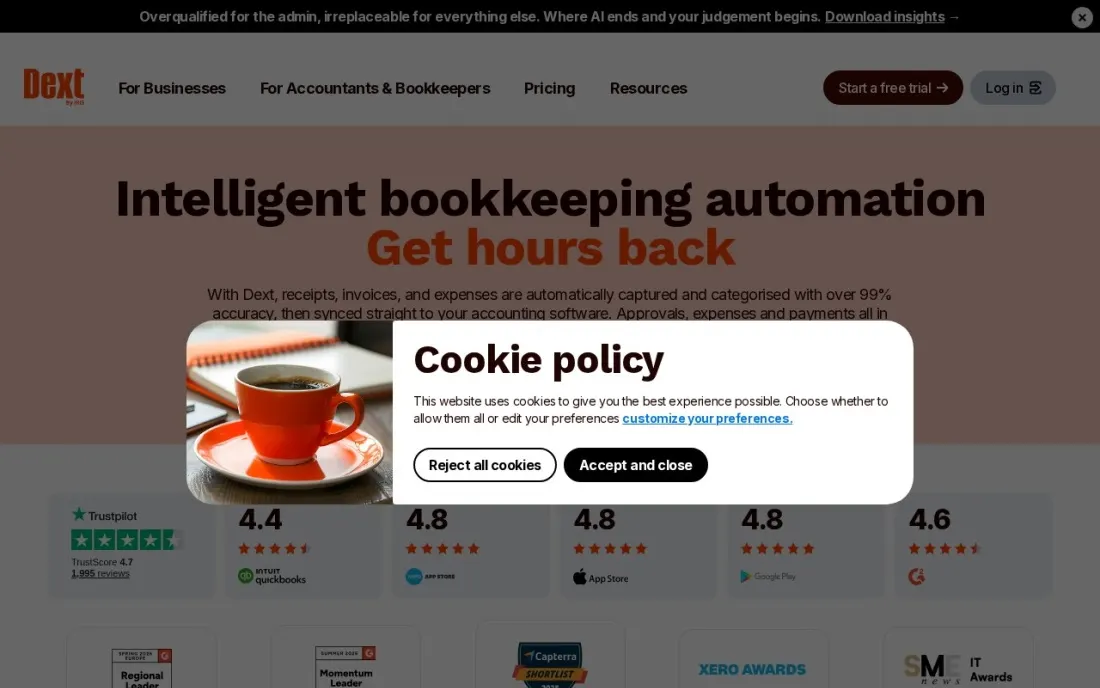
Dext takes the most tedious part of bookkeeping off the desk: clients photograph or forward receipts and bills, and Dext extracts the data, applies supplier rules and publishes to the ledger through more than 36 integrations, including QuickBooks Online and Xero. A single business plan costs $302.50 a year for 250 documents a month and 5 users, with a 14-day trial.
Bookkeeping firms buy differently. Practice Essentials and Practice Advanced are priced per client per month with a 10-client minimum, on a partner pricing page, so ask for that figure. Line item and supplier statement extraction are paid add-ons. For a bookkeeper drowning in shoeboxes of receipts, it pays for itself in hours.
What we like
- Captures receipts, bills and statements, extracts the data and publishes to more than 36 accounting integrations
- Practice plans cover every client under one subscription, with bank feeds, supplier rules, approvals and expense claims
- Practice Advanced adds workflows and practice-level insights for standardising recurring client work
Watch out for
- Practice plans are priced per client per month with a 10-client minimum, and the per-client price is on a separate partner page
- Line item and supplier statement extraction are add-ons from $20.50 a month, or $0.50 a document pay-as-you-go
- Once the monthly document limit is reached, uploads wait for extraction until the next bill date or an upgrade
BILL
Best for: Bookkeepers who run accounts payable and approvals for their clients
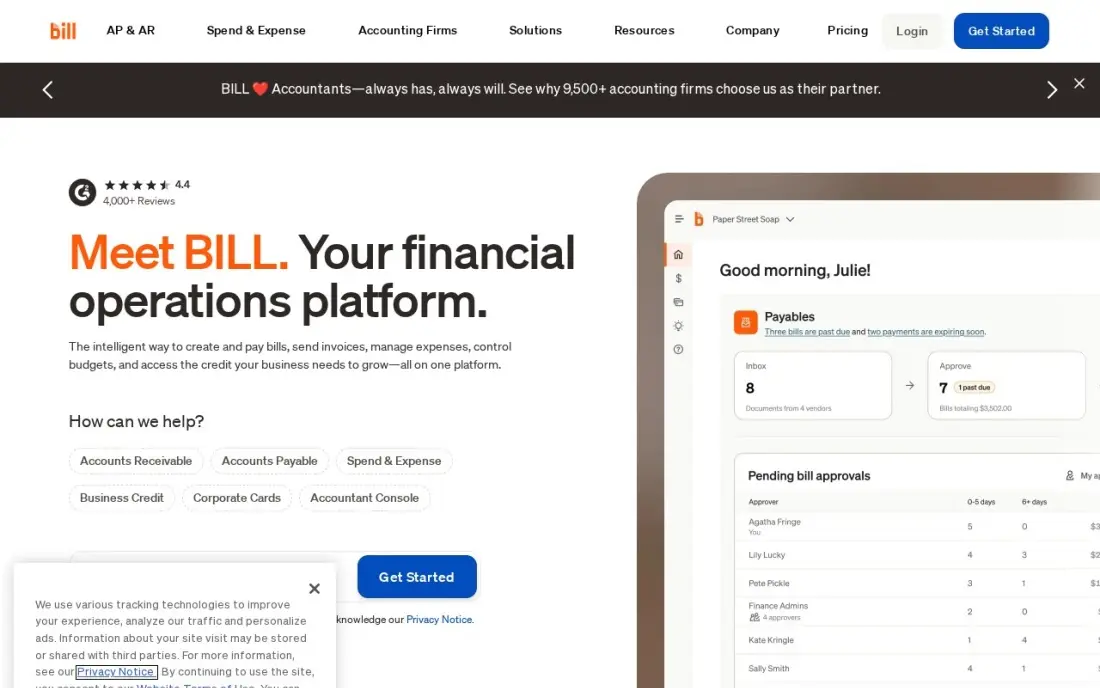
BILL handles the part of bookkeeping that involves moving money: bill entry, approval workflows, vendor payments, invoicing and payment reminders. Essentials costs $49 per user a month, ACH payments cost $0.59, mailed checks $1.99 and virtual-card payments nothing, and API access and six user roles come on Essentials.
The catch for a bookkeeper is the sync. Essentials connects to QuickBooks Online and Xero by manual CSV import and export only, and automatic two-way sync starts at Team for $65 per user a month. Per-payment fees sit on top of seats. Add it for clients who pay many vendors every week.
What we like
- Automates the whole pay-and-get-paid loop: bill entry, approval workflows, invoicing and payment reminders in one place
- ACH payments cost $0.59, mailed checks $1.99, and virtual-card payments are free
- BILL Spend & Expense is $0 per user a month, with corporate cards, budgets and expense tracking included
- API access and six standard user roles are included on Essentials, not held for higher tiers
Watch out for
- Essentials syncs with accounting software by manual CSV import and export only — automatic two-way sync starts at Team, $65 per user a month
- Per-payment fees sit on top of the seats: ACH $0.59, a mailed check $1.99, an international USD wire $19.99
- No free plan — only a free trial in most cases — and the AI bill-coding agent is not included on Essentials
Karbon
Best for: Bookkeeping firms of five or more staff whose client work arrives by email
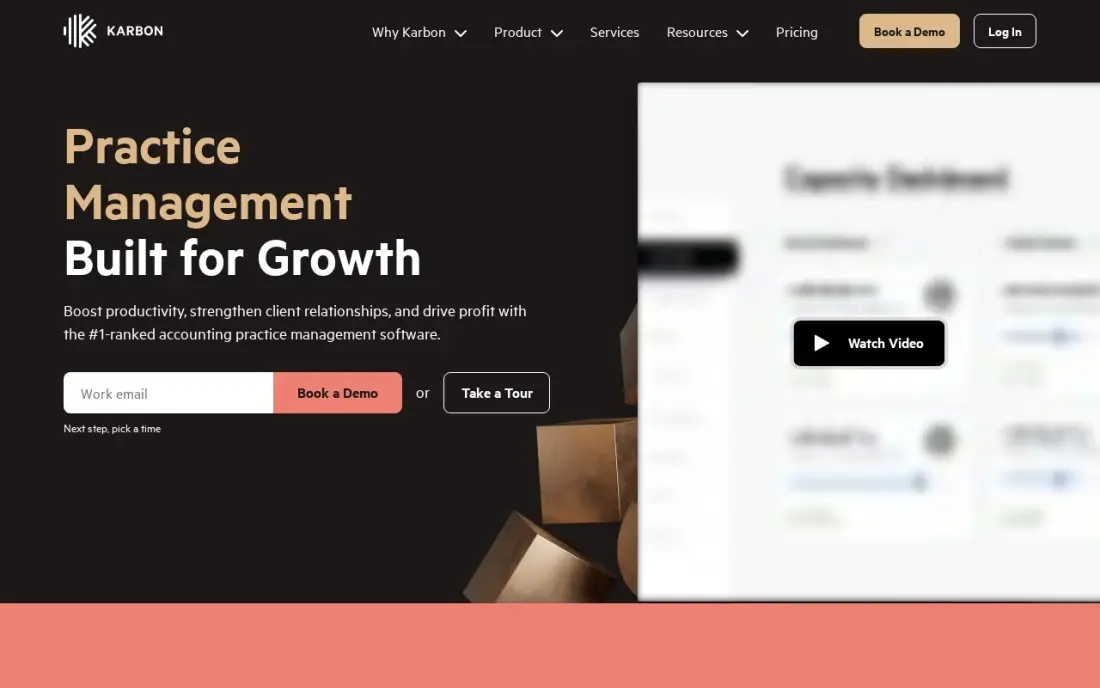
Karbon is practice management built around the inbox. Its shared Triage inbox turns client emails into jobs anyone can pick up, and workflow templates, time tracking, budgets and billing sit alongside QuickBooks Online and Xero integrations. Team costs $79 a user a month billed monthly, or $59 billed annually, and it ranked first on G2's Accounting Practice Management grids for Fall 2025 and Winter 2026.
Task automation and automatic client reminders need Business at $89 a user a month billed annually, and monthly billing is only open to teams of four or more. Reviewers report a real implementation curve. It suits firms where email volume, not the ledger, is the bottleneck.
What we like
- Shared Triage inbox turns client emails into assignable, trackable work instead of a mailbox one person owns
- Workflow templates, time tracking, budgets and billing in one place, with QuickBooks Online and Xero integrations
- Ranked #1 on G2's Accounting Practice Management grids for Fall 2025 and Winter 2026
Watch out for
- Task automation and automatic client reminders need Business at $89/user/month billed annually, not Team
- Monthly billing is only available to teams of four or more, so firms of one to three must commit annually
- Reviewers report a real implementation curve and weaker reporting than the category leader should have
Financial Cents
Best for: Solo and small bookkeeping firms that want workflows, client requests and billing at a low price
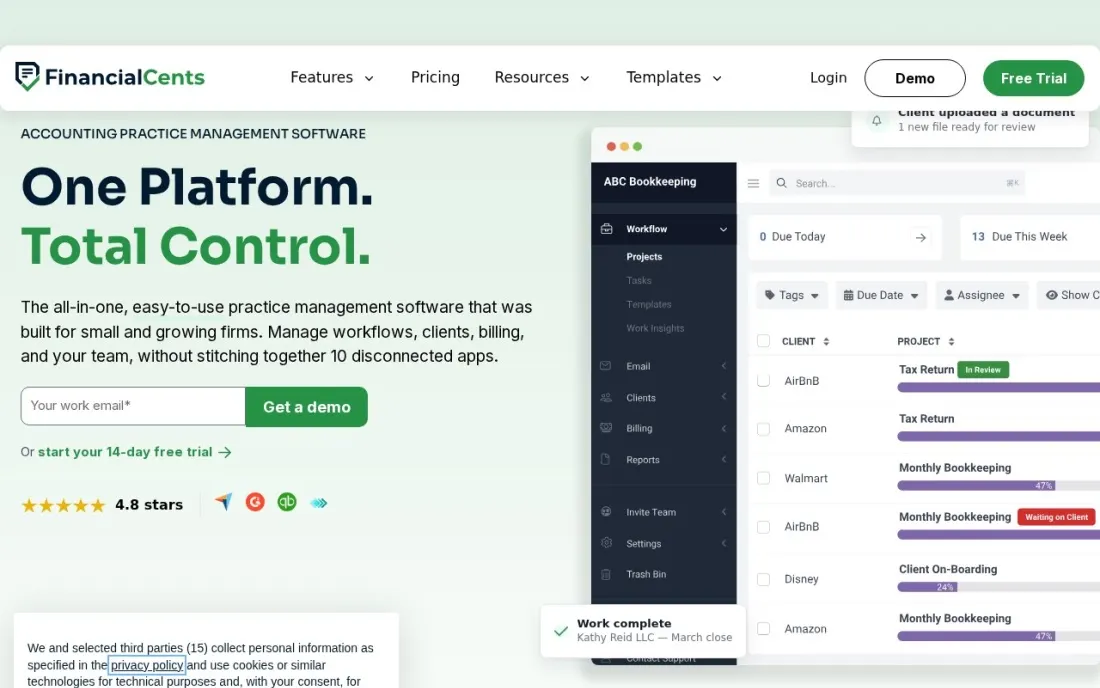
Financial Cents is practice management sized for bookkeepers. Solo costs $19 a month billed annually for one user and already includes workflows, automations, client requests and a portal, document management, time tracking, invoicing, proposals and QuickBooks Online integration. Team costs $49 a user a month billed annually, or $69 billed monthly with a five-user minimum.
Every plan is a 12-month agreement, and features such as auto-follow-ups, a branded portal, Zapier and profitability reports wait for Scale at $69 a user a month billed annually. A Month-End Close add-on costs $5 per client a month. For a solo bookkeeper replacing a spreadsheet checklist, it is the lowest-cost serious option.
What we like
- Solo at $19 a month billed annually is the cheapest practice management start in this list
- Even Solo includes workflows, automations, a client portal and requests, document management, time tracking, invoicing and QuickBooks Online integration
- Month-End Close add-on at $5 per client per month, billed annually, is aimed at recurring bookkeeping
Watch out for
- All plans are 12-month agreements, even when billed monthly
- Monthly billing on Team and Scale needs at least 5 users
- Auto-follow-ups, a branded client portal, Zapier and profitability reports wait for Scale at $69 a user a month billed annually
TaxDome
Best for: Bookkeeping and tax firms that want a branded client portal and e-signatures in one seat price
TaxDome packs a branded client portal and mobile app, secure chat, unlimited e-signatures and storage, CRM, documents, workflows, proposals and payments into one per-seat price. Essentials costs $800 a seat a year for a solo firm, and Pro costs $1,000 a seat a year and adds seasonal monthly seats at $100 for busy-season staff.
Billing is upfront and annual on every plan, so a ten-person firm on Pro pays $10,000 on day one, and Essentials is solo-only. New users report a steep learning curve. It fits a firm that also prepares returns and wants clients to upload, sign and pay in one portal.
What we like
- Branded client portal and mobile app with secure chat, plus unlimited e-signatures and storage on every plan
- One per-seat price covers CRM, documents, workflows, e-signatures, proposals and payments
- Pro adds seasonal monthly seats at $100/seat/month for tax-season staff
Watch out for
- Every plan bills upfront annually with no monthly option, so a 10-person firm pays $10,000 on day one on Pro
- Essentials is solo-only, so a second person forces the $1,000 Pro tier
- Reviewers note a steep learning curve from the breadth of features
The best software for bookkeepers is rarely one product. A working bookkeeping practice runs on a ledger for each client, a way to get receipts and bills in without retyping them, and a system to track which client's books are done this month. We compared eight tools across those layers on price, how they handle multiple clients and how well they connect, and every price below comes from the vendor's own pricing page, checked in November 2026.
How to choose the best software for bookkeepers
- Follow your clients' ledger. If most clients use QuickBooks Online, build around it; if they use Xero, every plan's unlimited users makes your access free.
- Automate data entry first. Receipt and bill capture saves more hours than any other tool; check it publishes cleanly to every ledger you use.
- Track work, not just numbers. Practice management shows which month-end closes are overdue and which clients still owe documents.
- Check how each tool charges. Some charge per user, some per client and some per seat a year upfront; price them at your real client and staff count.
- Read the contract length. Financial Cents is a 12-month agreement, TaxDome bills annually upfront, and Karbon's monthly billing needs four or more users.
- Keep client access simple. A portal where clients upload, approve and sign saves dozens of emails a month.
Bookkeepers win most new clients through referrals and local search. If you want more enquiries from business owners nearby, our local SEO service covers that, and the free local business schema generator helps Google understand your services and area.
Software for bookkeepers pricing: what you will actually pay
Take a solo bookkeeper with 15 small-business clients. On the practice side, Financial Cents Solo costs $19 a month billed annually, so $228 a year; Karbon Team costs $59 a user a month billed annually, so $708 a year; and TaxDome Essentials costs $800 a year, billed upfront. Dext's practice plans are priced per client with a 10-client minimum on its partner page, so get that quote; a single business on Dext's base plan pays $302.50 a year.
Ledger costs usually sit with the client. QuickBooks Online Simple Start costs $38 a month, Xero Early $27 a month and Zoho Books $0 for clients under $50,000 in annual revenue, or $15 a month billed annually on Standard. BILL Essentials adds $49 per user a month plus per-payment fees for clients who need bill pay.
Grow to a three-person firm and the practice layer changes. Financial Cents Team costs 3 × $49 × 12, so $1,764 a year; Karbon Team costs $2,124 a year; and TaxDome Pro costs $3,000 a year, all billed annually.
Know the difference: accounting software vs practice management
Accounting software holds a single business's books. QuickBooks Online, Xero and Zoho Books record transactions, reconcile bank feeds and produce the reports a business owner and tax accountant need. Each client normally has its own file and subscription, and the bookkeeper is a user on it.
Practice management software runs the bookkeeper's own business. Karbon, Financial Cents and TaxDome track every client, every recurring job and every deadline, collect documents through a portal, record time and send invoices. It never holds the client's ledger; it tells you which ledger needs work next. Firms that skip this layer usually manage it in a spreadsheet until a deadline is missed.
Quick comparison: tool type by need
| Buyer | Best pick | Why |
|---|---|---|
| US clients and accountants | QuickBooks Online | The ledger most clients know, Simple Start $38/month |
| Clients with several users | Xero | Unlimited users on every plan, Early $27/month |
| Micro-business clients | Zoho Books | Free under $50,000 revenue a year |
| Receipt and bill capture | Dext | Extracts and publishes to 36+ integrations |
| Client bill pay | BILL | Approvals and vendor payments, $49/user/month |
| Email-heavy firms of 5+ | Karbon | Triage inbox and workflows, $59/user/month annual |
| Solo bookkeepers | Financial Cents | Solo $19/month annual with workflows and portal |
| Firms that also do tax | TaxDome | Branded portal and e-signatures, $800/seat/year |
Mistakes to avoid
- Paying for the client's ledger yourself. Unless it is priced into your fee, keep the ledger subscription in the client's name so they own the data.
- Skipping capture rules. Dext and similar tools save time only once supplier rules are set; spend the first month building them.
- Running deadlines from memory. Recurring month-end and payroll tasks belong in a practice tool, not in your head or inbox.
- Signing annual terms untested. Use the 14-day trials with three real clients before committing to a 12-month agreement.
- Mixing client files. Keep one ledger per client entity; combining entities in one file causes tax and reporting problems later.
Related comparisons: Open Source Accounting Software · Spend Management Platforms for Enterprise · Software for Financial Modeling · Receipt Software Tools
How we chose
We chose tools for each layer of a bookkeeping practice — ledger, capture, payments and practice management — from our database of verified tools, and researched Dext and Financial Cents on their own pricing pages on November 16, 2026. We recorded prices exactly as shown, kept monthly and annual billing separate and noted where a price, such as Dext's per-client practice rate, sits on a page we did not read. Ratings come from G2 pages checked on the dates shown in the sources. No vendor paid for a place in this list, and none of the links here are affiliate links.
What to do next
List your clients by ledger and monthly document volume, then trial one capture tool and one practice management tool with your three busiest clients for two weeks. Keep the pair that cuts the most hours from month-end. If you also want more business owners to find your practice, book a free visibility check.
Frequently asked questions
What is the best software for bookkeepers?
Most bookkeepers need a ledger, a capture tool and practice management. QuickBooks Online or Xero for the ledger, Dext for receipts and bills, and Financial Cents or Karbon to track client work is a common, well-supported stack.
What software do most bookkeepers use?
In the US, QuickBooks Online is the ledger most bookkeepers and accountants know, with Xero a strong alternative because every plan includes unlimited users. Practice management tools such as Karbon, Financial Cents and TaxDome sit on top to track deadlines and client requests.
Is there free software for bookkeepers?
Zoho Books has a free plan for clients with revenue under $50,000 a year and up to 1,000 invoices a year, and QuickBooks offers a free tier for one user and two invoices a month. Practice management tools here offer 14-day trials rather than free plans.
How much does practice management software cost for a solo bookkeeper?
Billed annually, Financial Cents Solo costs $19 a month, or $228 a year, Karbon Team costs $59 a user a month, or $708 a year, and TaxDome Essentials costs $800 a year.
Does Xero charge for adding a bookkeeper as a user?
No. Every Xero plan includes unlimited users with no per-user fee, so a bookkeeper and accountant can be added to a client's file at no extra cost.
What does Dext cost for a bookkeeping firm?
Dext's practice plans are priced per client per month with a 10-client minimum, listed on its partner pricing page. A single business plan costs $302.50 a year for 250 documents a month and 5 users.
What software helps bookkeepers onboard new clients?
Practice management tools with client portals do most of the onboarding work. TaxDome includes a branded portal and mobile app with secure chat, unlimited e-signatures and proposals in one seat price. Financial Cents includes client requests and a client portal even on its $19 Solo plan, and Karbon's shared Triage inbox turns client emails into trackable work.
Sources we checked (11)
- QuickBooks Online — quickbooks.intuit.com/pricing (checked November 12, 2026)
- Xero — www.xero.com/us/pricing-plans (checked November 10, 2026)
- Xero reviews on G2 (checked November 10, 2026)
- Zoho Books — www.zoho.com/us/books/pricing (checked November 8, 2026)
- Dext — dext.com/business/pricing (checked November 16, 2026)
- BILL — www.bill.com/pricing (checked November 4, 2026)
- Karbon — karbonhq.com/pricing (checked November 12, 2026)
- Karbon reviews on G2 (checked November 12, 2026)
- Financial Cents — financial-cents.com/pricing (checked November 16, 2026)
- TaxDome — taxdome.com/pricing (checked November 12, 2026)
- TaxDome reviews on G2 (checked November 12, 2026)
Make one of these tools?
We re-check this list every quarter. Send a correction, request a review, or ask about a clearly labeled sponsored spot.
Request a listingShamim
Founder of SerpAstra
A full-stack digital marketer and SEO strategist covering technical and local SEO, AI search visibility, paid ads and lead generation for local businesses, e-commerce brands and SaaS teams.
Free SEO and AI visibility audit
Find out what is holding your rankings back
Send us your site. Within 2 business days you get a written audit, an AI visibility check and a short fix list ranked by impact. Free, with no contract attached.
Request my free audit→Related buying guides
 Accounting & Finance12 Best CRM Software for Accountants in 2026, ComparedCompare the 12 best CRM software for accountants on price, QuickBooks sync and client portals, with every price checked on November 12, 2026.Read guide →
 HR & Payroll10 Best Bookkeeping and Payroll Software for Small Business in 2026, ComparedThe 10 best bookkeeping and payroll software for small business, compared on real 2026 prices, per-employee payroll fees and free plans at your headcount.Read guide →
 Accounting & Finance11 Best Small Business Accounting Software in 2026, ComparedCompare the 11 best small business accounting software tools on price, free plans, bank feeds and payroll, with every price checked November 4, 2026.Read guide →