
8 Best Receipt Software Tools in 2026, Compared
Compare the 8 best receipt software tools for scanning, storing and matching receipts, with free plans, scan limits and yearly cost checked on vendor pages.
 Shamim Mia, Founder, SerpAstraLast verified November 2, 20269 min read
We compare pricing pages, documentation and public reviews. We never accept payment for rankings.

Key takeaways
- Expensify is the fastest receipt scanner for teams, with SmartScan and a flat $5 per member a month on Collect with no annual commitment.
- Shoeboxed is the only pick here that scans paper receipts you post in, from $9 a month on Starter or $97 a year, which suits anyone with a shoebox of paper.
- Zoho Expense is the best free start, covering up to 3 users with receipt auto-scan, though Standard caps autoscans at 20 per user a month.
- Companies that want receipts matched to card spend for free should look at Ramp or BILL Spend & Expense, both $0 for the core expense tools in the US.
On this page
Quick comparison
| Tool | Best for | Starting price | Free plan |
|---|---|---|---|
 Expensify | Small teams that want the fastest receipt capture and simple expense reports | $5/mo | Yes (Submit) |
 Shoeboxed | Freelancers and small businesses with piles of paper receipts they want scanned for them | $9/mo; $97/yr | No (30-day trial) |
 Zoho Expense | Very small teams that want free receipt auto-scan, especially those using Zoho Books | $3/mo (annual) | Yes (up to 3 users) |
 Wave | Sole traders who want receipts attached to free double-entry books | $0 | Yes (free forever) |
 Ramp | US companies that want receipts matched to corporate card spend on a free plan | $15/user/mo (Plus) | Yes (procurement add-on) |
 BILL Spend & Expense | US businesses that want free cards and expense receipts alongside bill pay | $0/mo | Yes (free) |
 Sage Expense Management | Finance teams on Sage that want receipt capture billed only for active users | $11.99/mo | No (trial) |
 SAP Concur | Larger companies with many occasional filers who want per-report pricing | $7/report | No |
Make one of these tools?
We re-check this list every quarter. Send a correction, request a review, or ask about a clearly labeled sponsored spot.
Request a listingThe best receipt software
Expensify
Best for: Small teams that want the fastest receipt capture and simple expense reports
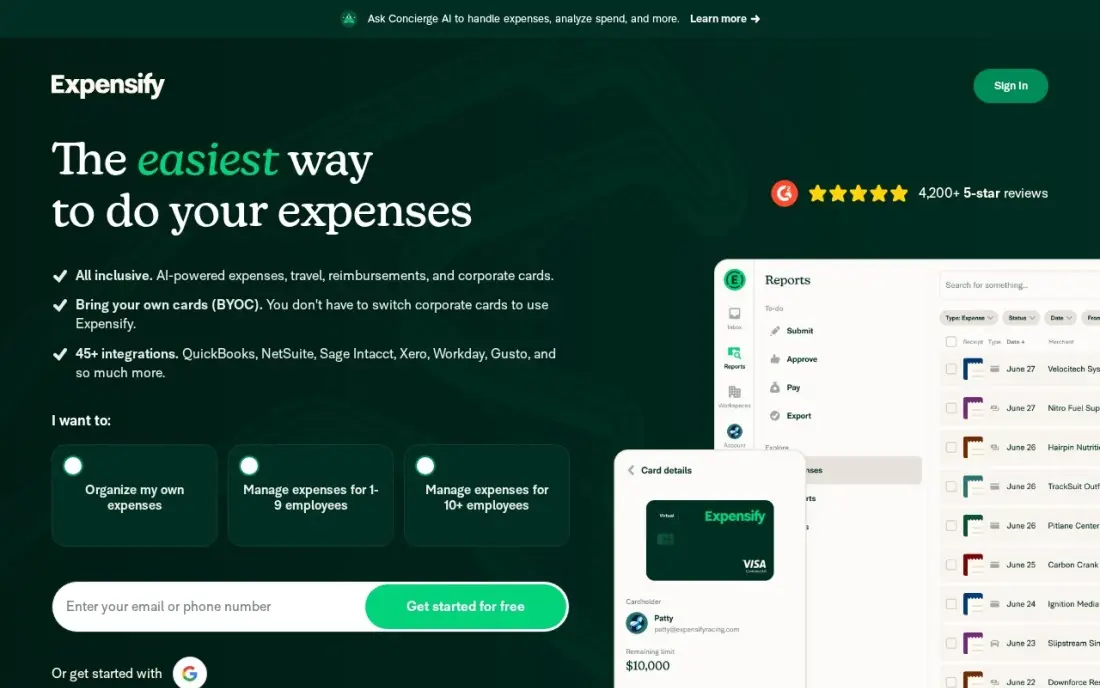
Expensify built its name on receipt capture. SmartScan reads a photo of a receipt in seconds and turns it into an expense line with the merchant, date and amount filled in, and the result flows into an approval workflow and your accounting system. It works with your own cards as well as the Expensify Card, and the Submit plan is free for individuals.
Collect costs a flat $5 a member a month with no annual commitment, which suits a small team. Control costs $9 an active member a month with the Expensify Card but $18 without it, so the price doubles if you keep your existing cards.
What we like
- SmartScan reads receipts in seconds — the fastest capture in this list
- Collect is a flat $5/member/month with no annual commitment
- Works with your own cards as well as the Expensify Card
Watch out for
- Control costs $9/active member/month with the Expensify Card — $18 without it — so the price doubles off-card
- Advanced controls and support sit on Control, not Collect
- Per-active-member billing means the monthly bill moves with how many people file expenses
Shoeboxed
Best for: Freelancers and small businesses with piles of paper receipts they want scanned for them
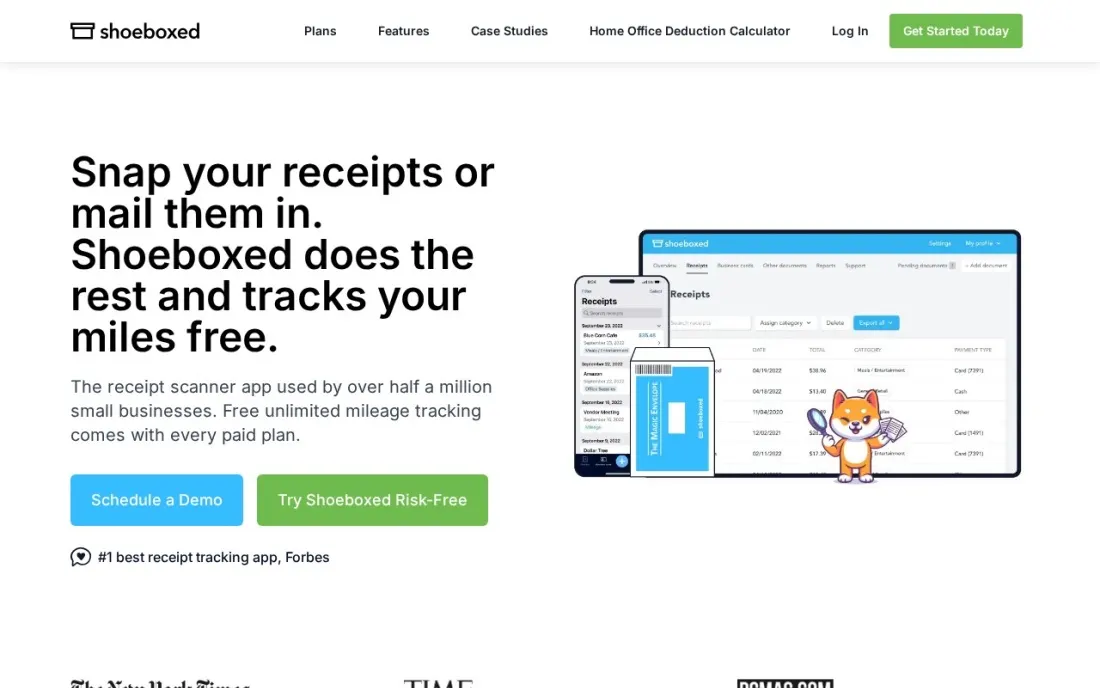
Shoeboxed is the only tool in this list that does the scanning for you. You fill a prepaid Magic Envelope with paper receipts, post it, and the receipts come back as searchable digital records, alongside anything you snap in the mobile app or forward by email. Every plan includes unlimited mileage tracking and audit-ready reports with CSV export.
Starter costs $9 a month or $97 a year for 50 digital scans a month, 20 paper scans a year and one envelope a year, with no accounting integrations. Pro at $29 a month or $297 a year adds 50 paper scans a month, Gmail receipt sync and QuickBooks Online and Xero integrations. There is a 30-day trial, but the card is charged at signup.
What we like
- Magic Envelope service scans paper receipts you post in, on every plan
- Unlimited mileage tracking, mobile apps and audit-ready reports on all plans
- Pro adds Gmail receipt sync plus QuickBooks Online and Xero integrations
Watch out for
- Starter allows only 20 paper scans a year and has no accounting integrations
- No free plan, and refunds stop once a Magic Envelope has shipped
- Overage fees apply above each plan's scan limits
Zoho Expense
Best for: Very small teams that want free receipt auto-scan, especially those using Zoho Books

Zoho Expense is the most generous free start for receipt capture: the free plan covers up to 3 users with receipt auto-scan, mileage tracking and accounting integrations. Snap a receipt and it becomes an expense ready for approval, with policy checks and per-diem rules on paid plans.
Standard costs $3 a user a month billed annually, or $4 billed monthly, but caps autoscans at 20 per user a month, so a heavy traveller will hit the limit and need Premium. Bank feeds live in Zoho Books rather than in Expense, which adds cost for teams outside Zoho.
What we like
- Standard is $3/user/month billed annually, the cheapest paid entry plan in this list
- Free plan covers up to 3 users with receipt auto-scan, mileage tracking and accounting integrations
- Mileage, per-diem and multi-level approvals included from the Standard plan
Watch out for
- Receipt autoscans are capped at 20 per user a month on Standard, so heavy scanners need Premium
- Bank feeds live in Zoho Books rather than in Expense itself, which adds cost for non-Zoho users
- Every user, including accountants, counts as a paid seat
Wave
Best for: Sole traders who want receipts attached to free double-entry books
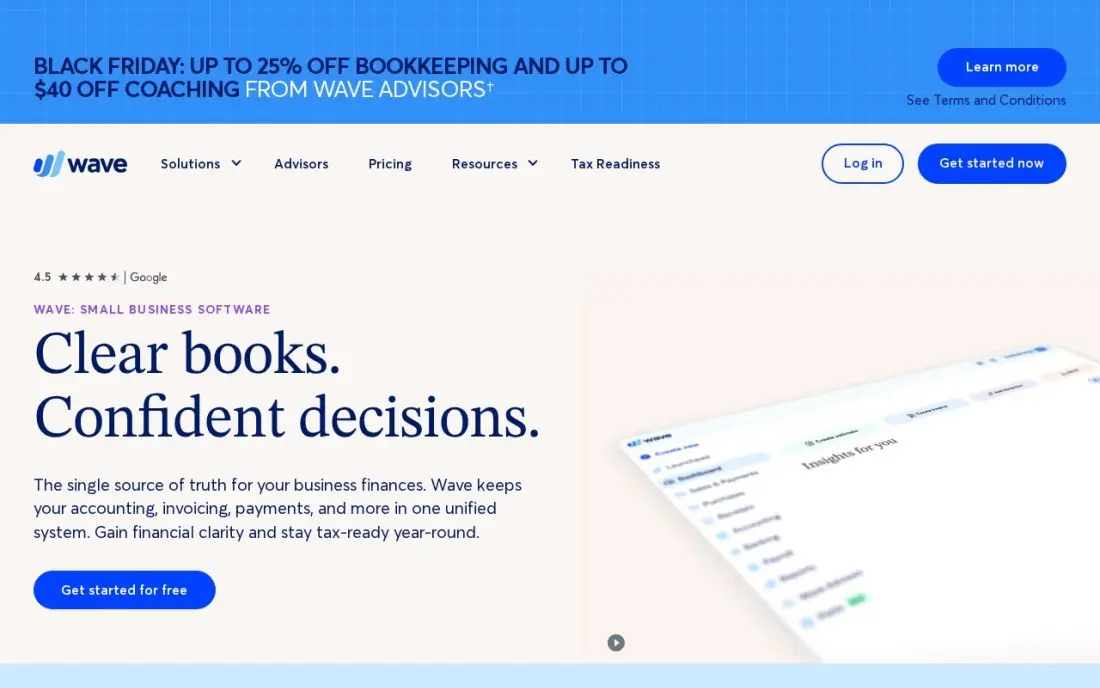
Wave fits a sole trader who wants receipts and bookkeeping in one place without a separate expense app. The Starter plan is free forever, with unlimited invoices, bills and double-entry bookkeeping records, so receipts can be matched to real accounts rather than a spreadsheet.
Unlimited receipt capture, automatic bank import and extra users all need Pro at $19 a month. On Starter you enter more by hand, and card payments you take cost 2.9% plus $0.60 each. For a one-person business that wants receipts and books together at the lowest cost, Pro is the plan to price.
What we like
- Genuinely free core: unlimited invoices, estimates, bills and bookkeeping records at $0
- Pro at $19/month adds bank auto-import, unlimited receipts and multi-user access
- No invoice or bill caps on either plan, unlike the capped entry plans elsewhere
Watch out for
- Automatic bank import, unlimited receipt capture and extra users need Pro at $19/month
- No inventory tracking and no built-in payroll on the core plans
- Card payments cost 2.9% plus $0.60 per transaction on the free Starter plan
Ramp
Best for: US companies that want receipts matched to corporate card spend on a free plan
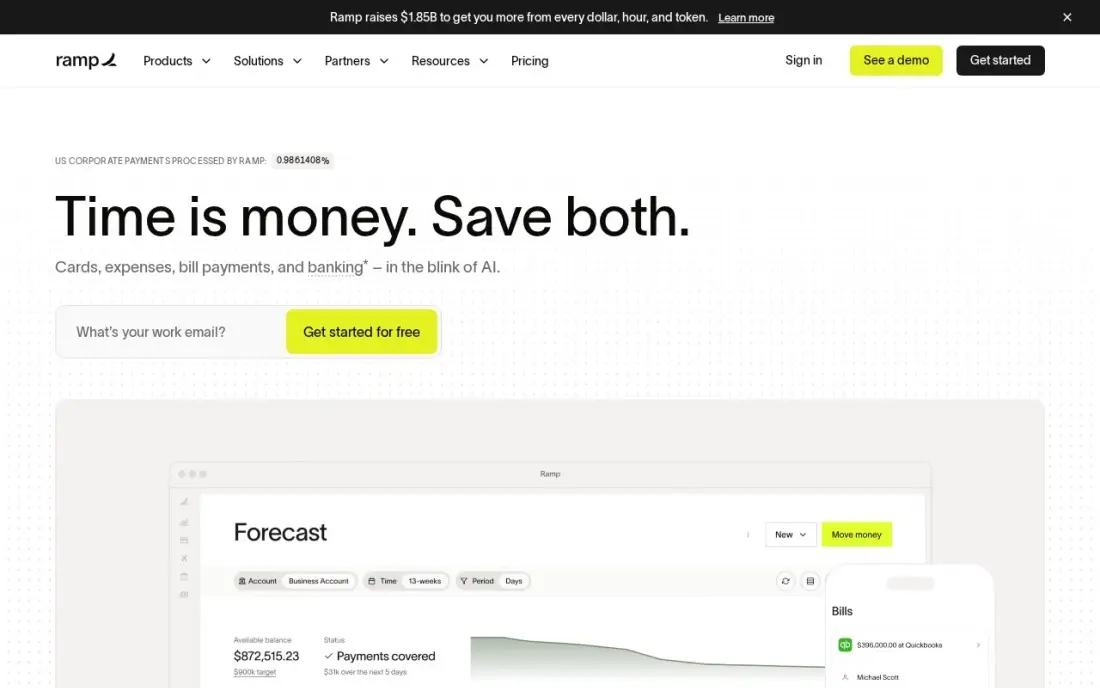
Ramp treats receipts as part of card spend. The free plan costs $0 with no per-user fee and covers corporate cards, expense management, bill pay and basic approvals, so cardholders attach receipts to transactions as they happen and finance sees missing ones before month end.
Eligibility is the catch: only US-registered corporations, LLCs and limited partnerships qualify, with a $25,000 minimum bank balance. Plus costs $15 a user a month plus a platform fee that is not published, so get a quote if you need its procurement and multi-entity features.
What we like
- Free plan costs $0 and covers cards, expense management, bill pay and basic approvals with no per-user fee
- Plus at $15 per user a month adds custom procurement approvals, multi-entity management and HRIS integrations
- Cardholders attach receipts to transactions as they happen, so finance sees missing ones before month end
Watch out for
- Procurement is a paid add-on to Plus or Enterprise, and the platform fee on Plus is not published, so the real price needs a quote
- Only US-registered corporations, LLCs and limited partnerships qualify, and the account needs a $25,000 minimum bank balance
- It starts from the card and asks for the receipt afterwards, so it suits card spend more than standalone receipt scanning
BILL Spend & Expense
Best for: US businesses that want free cards and expense receipts alongside bill pay
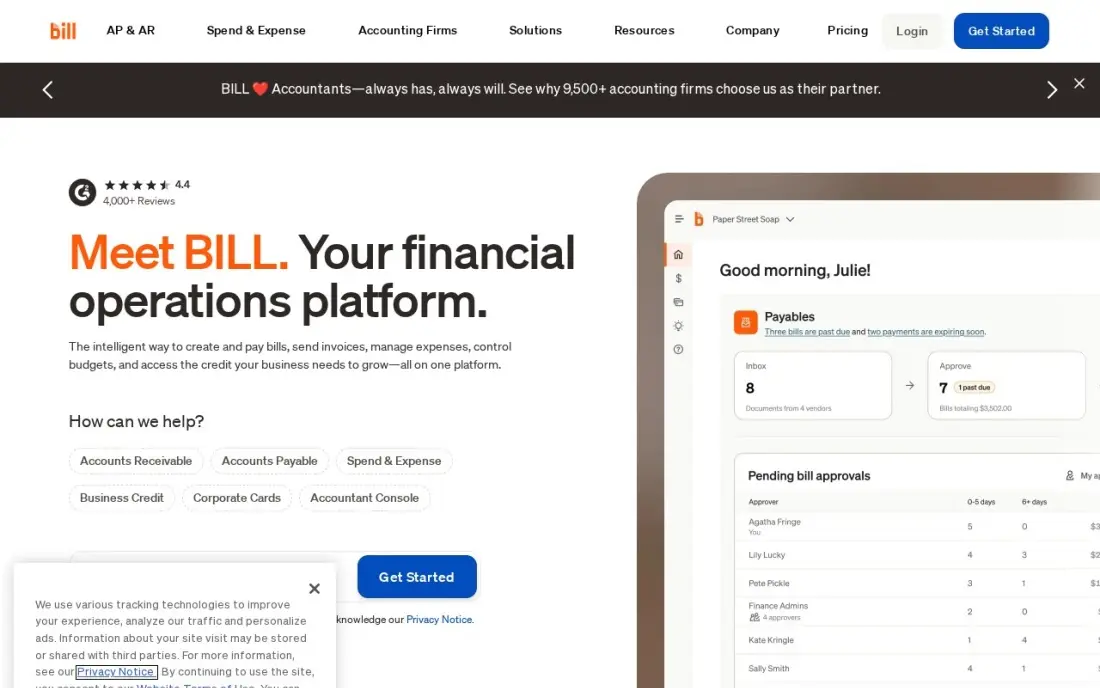
BILL Spend & Expense is free at $0 a user a month for virtual and physical cards, budgets, expense management and real-time spend visibility, with credit lines from $1,000 to $5 million subject to approval. Receipts are collected against card transactions, so finance spends less time chasing paper.
The free part is only the spend side. AP and AR are separate products, with Essentials from $49 a user a month, and payments carry fees such as $0.59 per ACH and $1.99 per check. International coverage is narrower than European spend tools, so it suits US-based teams best.
What we like
- Spend & Expense is free — no subscription or per-user fees
- Credit lines from $1,000 to $5M, subject to approval
- The same login covers AP, AR and payments if you add those products
Watch out for
- AP and AR are separate paid products — Essentials starts at $49/user/month
- Per-transaction fees apply to ACH ($0.59), checks ($1.99) and card payments (2.9%)
- Free spend features are US-focused; international coverage is narrower than Pleo or Spendesk
Sage Expense Management
Best for: Finance teams on Sage that want receipt capture billed only for active users
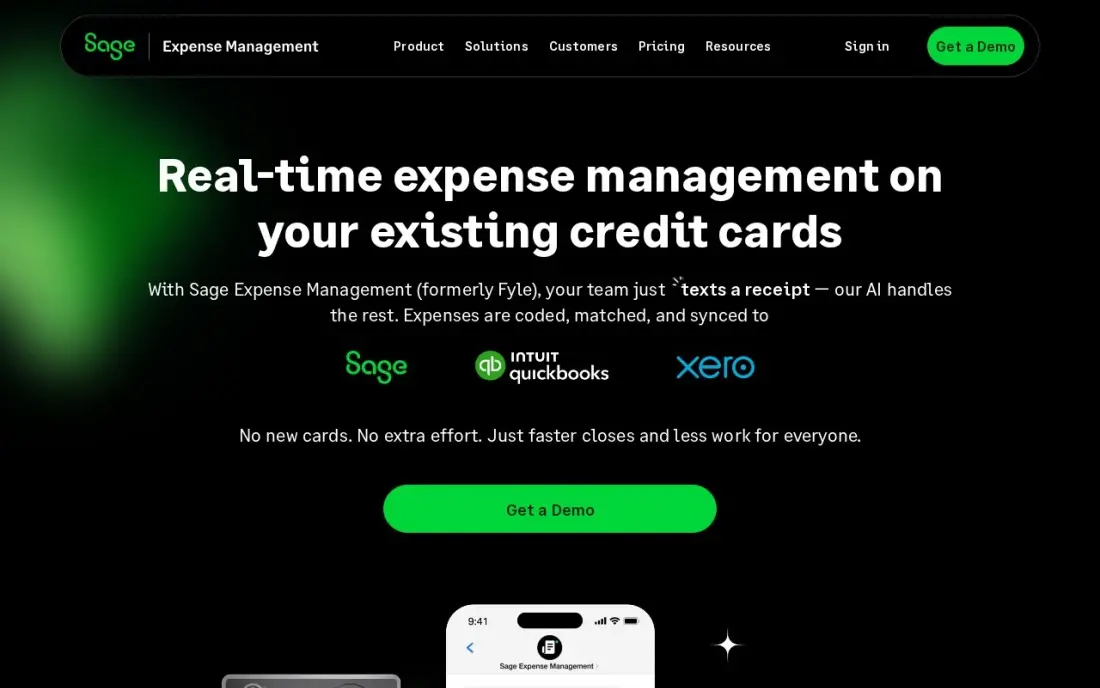
Sage Expense Management, formerly Fyle, captures receipts and card feeds and syncs approved expenses into Sage accounting. Growth costs $11.99 an active user a month billed annually, with unlimited expense reports, real-time card feeds and AI spend insights, and you pay only for people who file an expense that month.
The $11.99 rate is annual only, with no published monthly price, and Growth carries a 5-user minimum, rising to 10 users on Business. It makes most sense for a company already running Sage; outside that ecosystem, cheaper receipt tools above cover the same ground.
What we like
- Active-user billing means you only pay for people who file expenses that month
- AI-powered spend insights (Copilot) are on the Growth plan
- Deep Sage accounting integrations — a natural fit if you already run Sage
Watch out for
- $11.99 is the annual-billing rate; no monthly-billed price is published
- Growth needs a 5-user minimum; Business needs a 10-user minimum
- The Fyle name still lives on the fylehq.com domain, so the rebrand can confuse
SAP Concur
Best for: Larger companies with many occasional filers who want per-report pricing
SAP Concur is priced per expense report rather than per user: Base costs $7 a report and Plus $11, both with unlimited users. Plus adds ExpenseIt, Concur's receipt capture, along with reporting and a user support desk. That model suits a company where many employees file a few reports a year.
For a small business that files monthly, per-report pricing usually costs more than a per-user tool. Implementation runs long, and public reviews often describe the interface as dated. Premium, which adds Concur Travel and Intelligence, is custom-priced with no list price, so a growing company should compare it against per-user tools first.
What we like
- Per-report pricing suits companies where many employees file rarely, since unused seats cost nothing
- Base and Plus both cover unlimited users, with Plus adding ExpenseIt, reporting and a user support desk
- Deep policy controls, audit tools and integrations with most major card issuers and ERPs
Watch out for
- The bill grows with report volume, so a whole company filing monthly can cost more than per-user tools
- Premium, which adds Concur Travel and Intelligence, is custom-priced with no list price
- Public reviews regularly mention a dated interface, long implementation and heavy administration
The best receipt software turns a crumpled slip into a searchable record with the date, vendor and amount filled in, then gets it to your books or your approver without anyone retyping it. We compared eight tools, from a paper scanning service to card-linked expense platforms, on how they capture receipts, what each plan allows and what the yearly bill comes to, with every price checked on the vendor's own pricing page in November 2026.
How to choose the best receipt software
- Count your receipts per month. Several plans cap scans, such as 20 autoscans per user a month on Zoho Expense Standard or 50 digital scans on Shoeboxed Starter.
- Decide what happens to paper. If you have a backlog of paper receipts, a mail-in scanning service saves hours; if everything is new, a phone app is enough.
- Check the accounting connection. The receipt should land against the right account in QuickBooks, Xero or your ledger, not in a folder you export by hand.
- Match the pricing model to your team. Flat per-member, active-user and per-report pricing all change the bill as more people file.
- Look at card matching. If staff pay on company cards, tools that match receipts to card transactions stop missing receipts at month end.
- Confirm storage terms. Ask how long scans are kept and whether you can export them if you leave.
Clean expense data also helps when you start measuring marketing spend. If you are tracking campaign costs against results, the free UTM builder keeps your links consistent, and our guide to the best expense management software for small business goes deeper on approvals and reimbursements.
Receipt software pricing: what you will actually pay
Take a business with four people who each submit about 15 receipts a month. On Expensify Collect at $5 a member a month, that is $20 a month or $240 a year with no annual commitment. Zoho Expense Standard costs $3 a user a month billed annually, so $144 a year, or $192 a year at $4 billed monthly, and 15 receipts each stays under the 20-autoscan cap.
A sole trader with a box of paper receipts pays $97 a year on Shoeboxed Starter, or $108 at $9 billed monthly, but Starter allows only 20 paper scans a year; Pro at $297 a year allows 50 paper scans a month and adds QuickBooks and Xero sync. Wave Pro, for receipts plus bookkeeping, costs $228 a year at $19 a month.
Larger companies price differently. Sage Expense Management Growth costs $11.99 an active user a month billed annually with a 5-user minimum, so at least $719.40 a year. SAP Concur Plus costs $11 per report, so 200 reports a year come to $2,200 with unlimited users. Ramp's and BILL's core expense tools cost $0 for eligible US companies.
Know the difference: receipt capture vs expense management
Receipt capture is about the record. A receipt tool reads the merchant, date and amount, stores the image and makes it searchable, so you can find a hotel bill from last March in seconds. Shoeboxed is the clearest example, and Wave Pro adds receipts to free double-entry books.
Expense management adds people and rules. It routes each expense to an approver, checks it against policy, reimburses the employee and, on card platforms, matches the receipt to the card charge. Expensify, Zoho Expense, Sage Expense Management and SAP Concur are expense tools with receipt capture built in, while Ramp and BILL start from the card and ask for the receipt afterwards.
Quick comparison: tool type by need
| Buyer | Best pick | Why |
|---|---|---|
| Small teams | Expensify | SmartScan receipt reading, Collect at $5/member/month |
| Paper receipt backlog | Shoeboxed | Mail-in Magic Envelope scanning from $9/month |
| Free for up to 3 users | Zoho Expense | Free plan with receipt auto-scan and mileage |
| Sole traders | Wave | Free books; unlimited receipts on Pro at $19/month |
| US card spend, free | Ramp | $0 plan with cards, expenses and bill pay |
| US cards plus bill pay | BILL Spend & Expense | $0 per user for cards and expense management |
| Sage users | Sage Expense Management | $11.99/active user/month billed annually |
| Many occasional filers | SAP Concur | Per-report pricing with ExpenseIt on Plus |
Mistakes to avoid
- Scanning without categorising. A receipt image with no category or account is still a filing job; set default categories per merchant from day one.
- Ignoring scan caps. Overage fees on Shoeboxed and autoscan caps on Zoho Expense Standard catch busy months; size the plan for your peak.
- Paying for paper scanning you do not need. If almost every receipt is digital or emailed, a phone app plan is cheaper than a mail-in service.
- Keeping receipts in two places. If the expense tool and the accounting tool both store copies that never sync, you will reconcile twice.
- Forgetting the minimums. Sage Expense Management has a 5-user minimum and Ramp needs a $25,000 bank balance, so check eligibility before you plan a switch.
Related comparisons: Open Source Accounting Software · Software for Bookkeepers · Project Accounting Software · Procurement Software
How we chose
We read each vendor's own pricing page in November 2026 and recorded starting prices exactly as shown, noting annual and monthly billing where both are listed. We judged each tool on receipt capture first, then storage, accounting sync and how the price changes as more people file, and ranked them for a small business or small team. Ratings come from G2 pages checked on the dates shown in the sources; we omit ratings we did not verify. No vendor paid for a place in this list, and none of the links here are affiliate links.
What to do next
Pick the tool that matches where your receipts come from, then put one full month of receipts through it and check how many needed manual fixes. When the books are in order and you are ready to grow the top line, book a free call about search visibility.
Frequently asked questions
What is the best receipt software?
Expensify is the best receipt software for most small teams, with SmartScan and Collect at $5 per member a month. Shoeboxed is best if you have paper receipts to post in, from $9 a month, and Zoho Expense is the best free option for up to 3 users.
Is there free receipt scanning software?
Yes. Zoho Expense is free for up to 3 users with receipt auto-scan, Expensify's Submit plan is free for individuals, and Ramp and BILL Spend & Expense are free for eligible US businesses. Wave's free plan covers bookkeeping, but unlimited receipt capture needs Pro at $19 a month.
Can software scan paper receipts for me?
Shoeboxed does. Every plan includes Magic Envelopes you fill with paper receipts and post in for scanning: one a year on Starter at $9 a month, one a quarter on Pro at $29 a month. Paper scans above the plan limit cost extra.
How long should I keep receipts for taxes?
It depends on your country and the type of record, so check with your tax authority or accountant. Whatever the period, a scanned copy is only useful if it is legible and stored with the date, amount and vendor, and Shoeboxed's Pro plan keeps digital scans for as long as the account is active.
Which receipt software works with QuickBooks?
Expensify, Zoho Expense, Ramp and BILL all sync expenses to accounting systems including QuickBooks. On Shoeboxed, QuickBooks Online and Xero integrations start on Pro at $29 a month; Starter has no accounting integrations.
What is the difference between receipt software and expense software?
Receipt software focuses on capturing and storing receipts as searchable records. Expense software adds approvals, policies, reimbursements and card controls on top. Shoeboxed is mainly receipt software; Expensify, Zoho Expense and SAP Concur are expense software with strong receipt capture.
What is the best receipt OCR software?
Expensify is the pick for the fastest capture: SmartScan reads a photo of a receipt in seconds and fills in the merchant, date and amount, and the Submit plan is free for individuals. Zoho Expense auto-scans receipts free for up to 3 users, though Standard caps autoscans at 20 per user a month. If you have a backlog of paper, Shoeboxed scans receipts for you from $9 a month.
Sources we checked (13)
- Expensify — www.expensify.com/pricing (checked November 4, 2026)
- Expensify reviews on G2 (checked November 4, 2026)
- Shoeboxed — www.shoeboxed.com/pricing (checked November 16, 2026)
- Zoho Expense — www.zoho.com/expense/pricing.html (checked November 2, 2026)
- Wave — www.waveapps.com/pricing (checked November 10, 2026)
- Wave reviews on G2 (checked November 10, 2026)
- Ramp — ramp.com/pricing (checked November 10, 2026)
- Ramp reviews on G2 (checked November 10, 2026)
- BILL Spend & Expense — www.bill.com (checked November 4, 2026)
- BILL Spend & Expense reviews on G2 (checked November 4, 2026)
- Sage Expense Management — www.fylehq.com/pricing (checked November 4, 2026)
- Sage Expense Management reviews on G2 (checked November 4, 2026)
- SAP Concur — www.concur.com/en-us/pricing (checked November 2, 2026)
Make one of these tools?
We re-check this list every quarter. Send a correction, request a review, or ask about a clearly labeled sponsored spot.
Request a listingShamim
Founder of SerpAstra
A full-stack digital marketer and SEO strategist covering technical and local SEO, AI search visibility, paid ads and lead generation for local businesses, e-commerce brands and SaaS teams.
Free SEO and AI visibility audit
Find out what is holding your rankings back
Send us your site. Within 2 business days you get a written audit, an AI visibility check and a short fix list ranked by impact. Free, with no contract attached.
Request my free audit→Related buying guides
 Accounting & Finance10 Best Expense Management Software for Small Business in 2026, Compared10 best expense management software for small business options compared on price, cards and receipt automation, with real prices checked November 2, 2026.Read guide →
 Accounting & Finance9 Best Expense Software for Small Business in 2026, Compared9 best expense software for small business compared on price, free plans, cards and AI receipt capture — with real prices checked November 2, 2026.Read guide →
 Accounting & Finance11 Best SAAS Spend Management Software in 2026, ComparedCompare the 11 best saas spend management software tools on price, free plans, cards and AI features, with every price checked November 4, 2026.Read guide →