
7 Best Video Platforms for Enterprises in 2026, Compared
Compare the 7 best video platforms for enterprises on town halls, internal video libraries, security, AI search and pricing, checked on vendor pages.
 Shamim Mia, Founder, SerpAstraLast verified November 2, 20269 min read
We compare pricing pages, documentation and public reviews. We never accept payment for rankings.

Key takeaways
- Kaltura is the broadest enterprise video platform, covering a video portal, town halls, webinars, virtual events and classrooms, but every product is quote-only.
- Panopto includes its complete video CMS, AI, accessibility and security features in every enterprise agreement, priced by users and storage rather than tiers.
- Vimeo Enterprise adds SSO with SCIM, audit logs, eCDN for large live events and AI library search, with storage starting at 5x other Vimeo plans.
- Marketing-led video teams can start self-serve: Wistia from $19 a month billed annually and Vidyard from $59 a seat a month billed annually.
On this page
Quick comparison
| Tool | Best for | Starting price | Free plan |
|---|---|---|---|
| Kaltura | Large organisations that want one vendor for video portals, town halls, webinars and virtual classrooms | Custom quote | No (trial on some products) |
| Panopto | Enterprises building a searchable training and knowledge video library with accessibility built in | Custom quote | No (demo only) |
| Vimeo Enterprise | Enterprises that want a familiar video platform with SSO, governance and large live events | Custom quote | No (demo only) |
| Brightcove | Media companies and large brands streaming externally at scale with monetisation and DRM | Custom quote | No (free trial) |
| Wistia | Enterprise marketing teams that use video to generate leads on the website | $19/mo | Yes (free plan) |
| Vidyard | Enterprise sales and marketing teams that want video engagement data in the CRM | $59/seat/mo | Yes (free plan) |
| Dacast | Organisations that stream live events externally and need a paywall and white-label player | $39/mo (annual) | No (14-day trial) |
Make one of these tools?
We re-check this list every quarter. Send a correction, request a review, or ask about a clearly labeled sponsored spot.
Request a listingThe best enterprise video platforms

Kaltura
Best for: Large organisations that want one vendor for video portals, town halls, webinars and virtual classrooms
Kaltura covers more enterprise video jobs than any other vendor here: a branded video portal for the internal library, town halls and webinars for live communication, virtual events and classrooms for training, plus video messaging and meetings. Media Services and a Video Management Console sit underneath for teams building their own workflows.
No prices or allowances are published; each product leads to a quote, and the products can be combined into one agreement. The Video Management Console has a free trial, and the Video Portal and Media Services have limited trials, so IT can test the library side before procurement starts.
What we like
- Products for video portals, town halls, webinars, virtual events, virtual classrooms, video messaging and meetings
- Free trial of the Video Management Console before talking to sales
- Solutions can be mixed and matched into one agreement
Watch out for
- No published prices or allowances for users, storage or hours
- Town hall, webinar and event products have no labelled trial
- The breadth means more setup than a single-purpose tool

Panopto
Best for: Enterprises building a searchable training and knowledge video library with accessibility built in
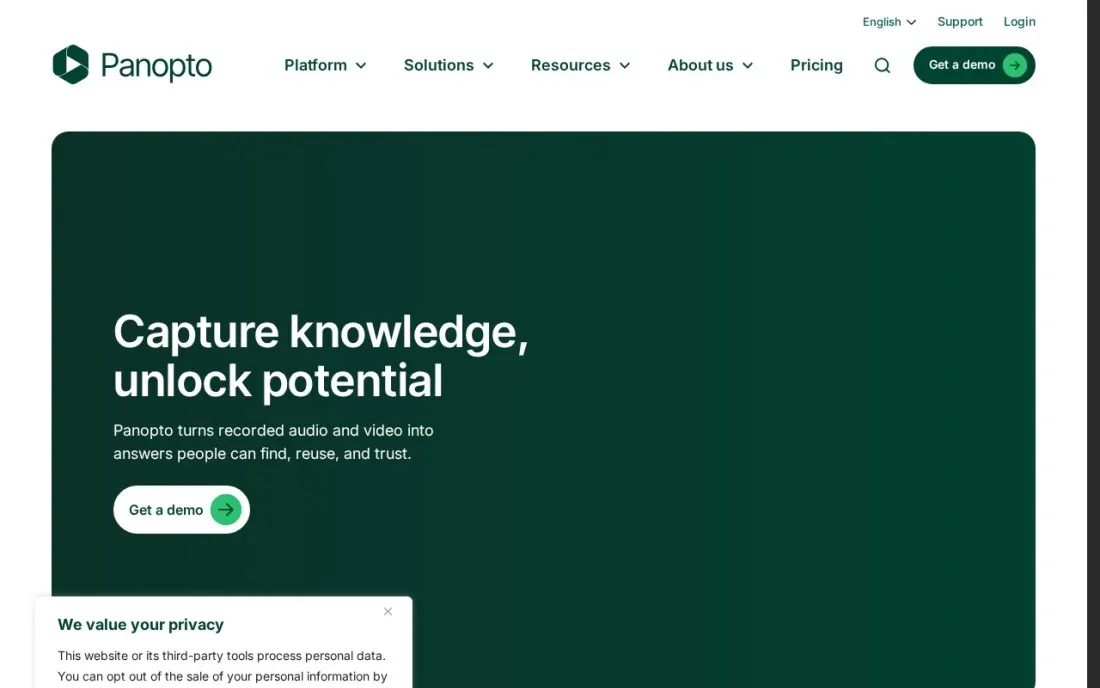
Panopto is built around the video library: recorded training, meetings and presentations become a searchable knowledge base. Its pricing page says every enterprise agreement includes the complete video CMS, AI capabilities, content creation tools, security and compliance, accessibility features and integrations with implementation support, rather than splitting them into tiers.
Price depends on user count and storage volume, and there is no published price, free plan or trial, only demos. Some of the newer AI products, AI Video Studio, Access AI, Knowledge Insights and Panopto Connect, are optional add-ons priced separately, so ask for them as separate quote lines.
What we like
- Every enterprise agreement includes the complete video CMS, AI capabilities and content creation tools
- Security, compliance and accessibility features included rather than tiered
- Integrations come with implementation support
Watch out for
- No published prices, free plan or trial
- AI Video Studio, Access AI, Knowledge Insights and Panopto Connect are priced separately
- Storage and user limits are set in the quote, not published

Vimeo Enterprise
Best for: Enterprises that want a familiar video platform with SSO, governance and large live events
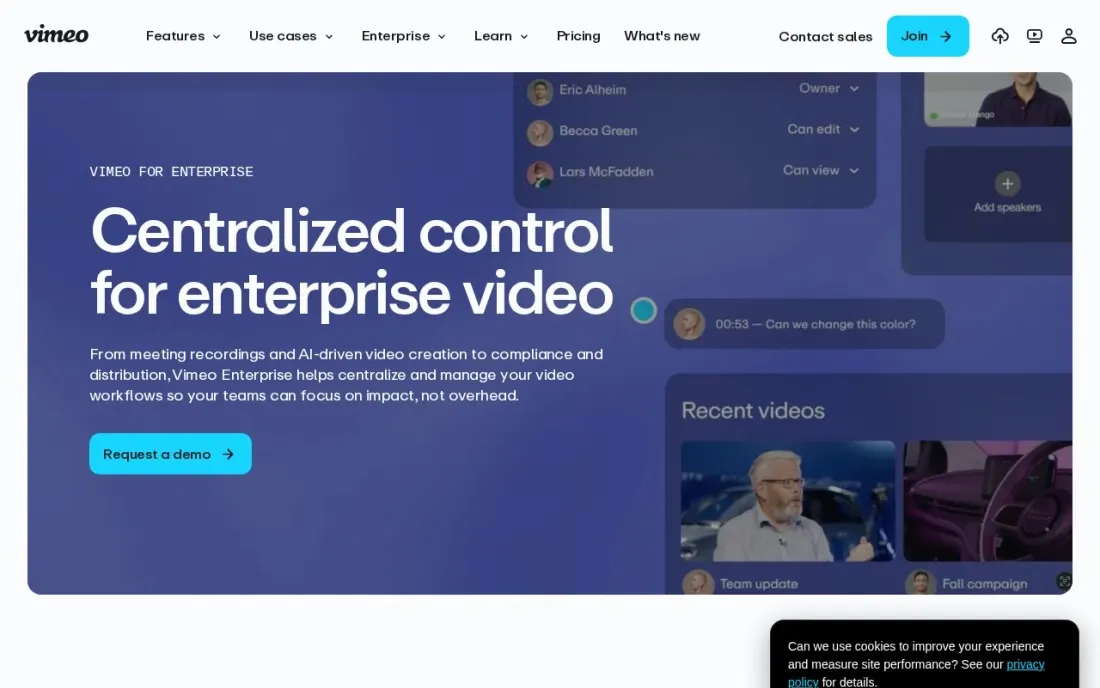
Vimeo Enterprise takes the player most employees already know and adds the controls IT needs: SSO with SAML and SCIM for Okta and Azure, audit logs, advanced user and content management, and a SOC 2, HIPAA-capable setup. Large live events get eCDN, backup streams and moderated Q&A, and Ask AI lets people deep-search the video library.
Storage starts at 5x and bandwidth at 50x other Vimeo plans. No price is published, and Vimeo says AI and governance features such as geo-blocking, EU data residency and DRM vary by plan, so list the ones you need in the quote request. Discounts are offered to US non-profits and education.
What we like
- SSO (SAML) and SCIM with Okta and Azure, audit logs and advanced user and content management
- eCDN, backup streams and moderated live Q&A for large live events
- Storage starts at 5x and bandwidth at 50x other Vimeo plans; Ask AI searches the library
Watch out for
- No published Enterprise price
- AI and governance features vary by plan
- Governance options such as DRM and EU data residency need confirming in the quote

Brightcove
Best for: Media companies and large brands streaming externally at scale with monetisation and DRM
Brightcove is the enterprise platform for external, audience-facing video: live, on-demand and OTT delivery with broadcast-grade analytics, advertising, subscription and pay-per-view monetisation, DRM and global CDN delivery. Integrations with marketing automation and CMS platforms, and dedicated support on enterprise plans, suit large media and brand teams.
There is no published pricing; every deal is a custom quote, and buyers report contracts above $20,000 a year. G2 reviewers report implementation averaging about three months. A free trial is available. For internal communications and training libraries, Kaltura, Panopto or Vimeo Enterprise are a closer fit.
What we like
- Broadcast-grade analytics with audience insights across live, on-demand and OTT delivery
- Monetization built in — advertising, subscriptions and pay-per-view — with DRM and global CDN delivery
- Integrations with marketing automation and CMS platforms, plus dedicated support on enterprise plans
Watch out for
- No published pricing — every deal is a custom quote, and buyers report $20,000-plus annual contracts
- Implementation averages three months on G2, with a 28-month average payback period
- Overkill and overpriced for a small team that only needs hosting and basic analytics

Wistia
Best for: Enterprise marketing teams that use video to generate leads on the website
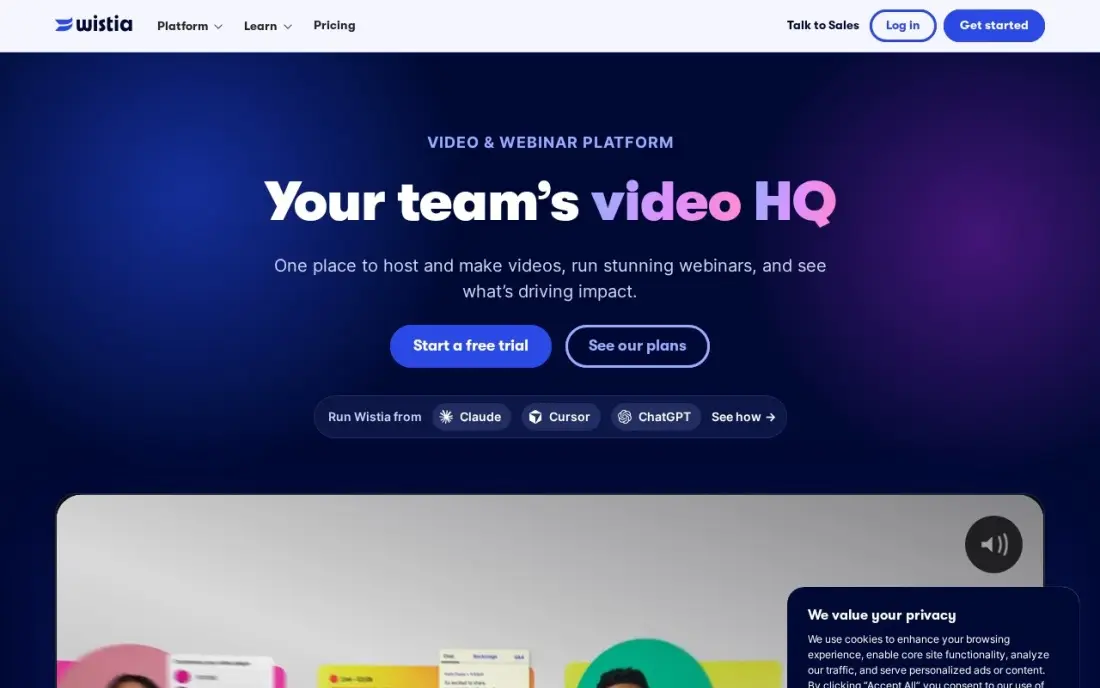
Wistia is the marketing team's enterprise video tool rather than IT's: a branded player, in-video calls to action and analytics that show which viewers watched to the end and which became leads, with marketing automation integrations that push viewing data into the pipeline.
Plus costs $19 a month billed annually but caps the video count. Lead capture forms and heatmaps need Pro at $79 a month, and Advanced at $319 adds webinars and an account manager. The free plan covers 10 videos. It suits a marketing department with a website video library, not company-wide internal communications.
What we like
- Built for marketing: lead capture, CTAs and viewer analytics are core, not add-ons
- Custom player colours and no Wistia branding from the Plus plan
- Turns viewer behaviour into pipeline with marketing automation integrations
- Free plan covers 10 videos, enough to test hosting properly
Watch out for
- Plus caps the video count, so a growing library pushes you to Pro at $79/month
- Lead capture forms and heatmaps wait for Pro, not Plus
- Per-video pricing means the bill grows with every video you add

Vidyard
Best for: Enterprise sales and marketing teams that want video engagement data in the CRM
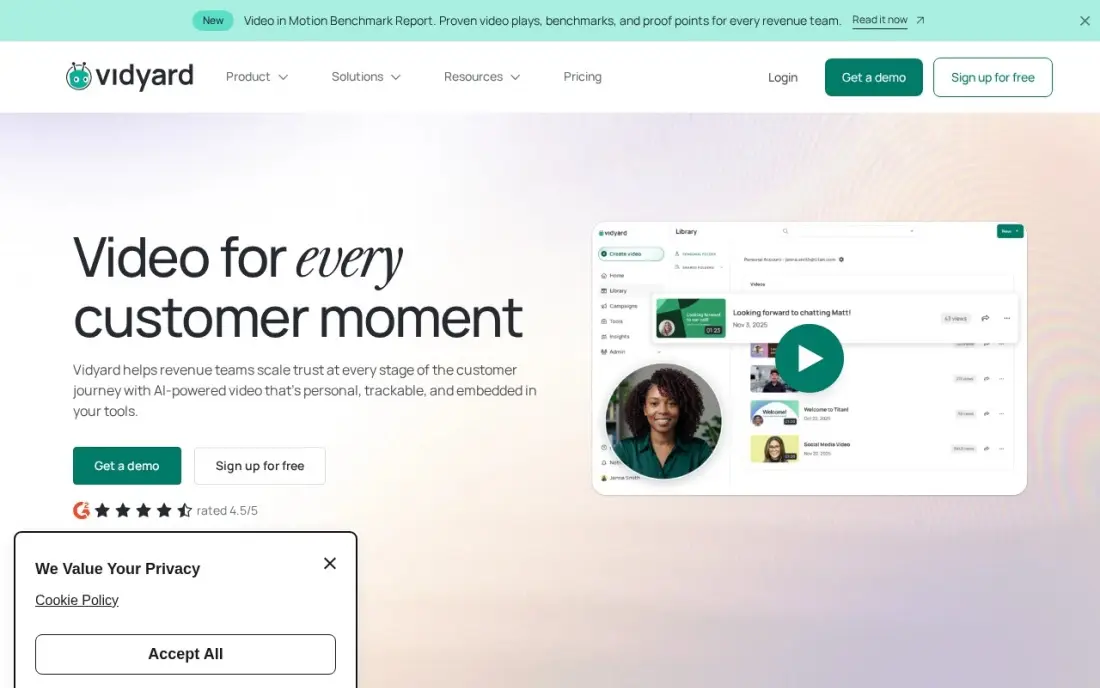
Vidyard is built for revenue teams: reps record personal video messages and drop them into Gmail, Outlook, HubSpot, Salesforce, Outreach, Salesloft and Apollo, and viewing data flows back into the CRM to score leads and time follow-ups. AI avatars and a Video Agent extend it into video marketing.
Starter costs $59 a seat a month billed annually, with no monthly option, and the free plan covers 25 videos. Teams and Enterprise are custom-priced and add the sales engagement integrations. Per-seat pricing adds up quickly across a large sales organisation, so roll it out to one team first.
What we like
- Deepest CRM and sales-engagement integrations in this list, with watch data flowing back into HubSpot and Salesforce
- Animated thumbnails and video hosting built for sales outreach, not just recording
- AI avatars and a Video Agent extend it from one-to-one messages into video marketing
- Free plan lets a single rep test video email before the team pays
Watch out for
- Starter at $59/seat a month is billed annually only, with no monthly-billing option
- Sales engagement integrations and the Video Agent wait for Teams, Enterprise or a paid add-on
- Per-seat pricing adds up fast once the whole sales team is on it

Dacast
Best for: Organisations that stream live events externally and need a paywall and white-label player
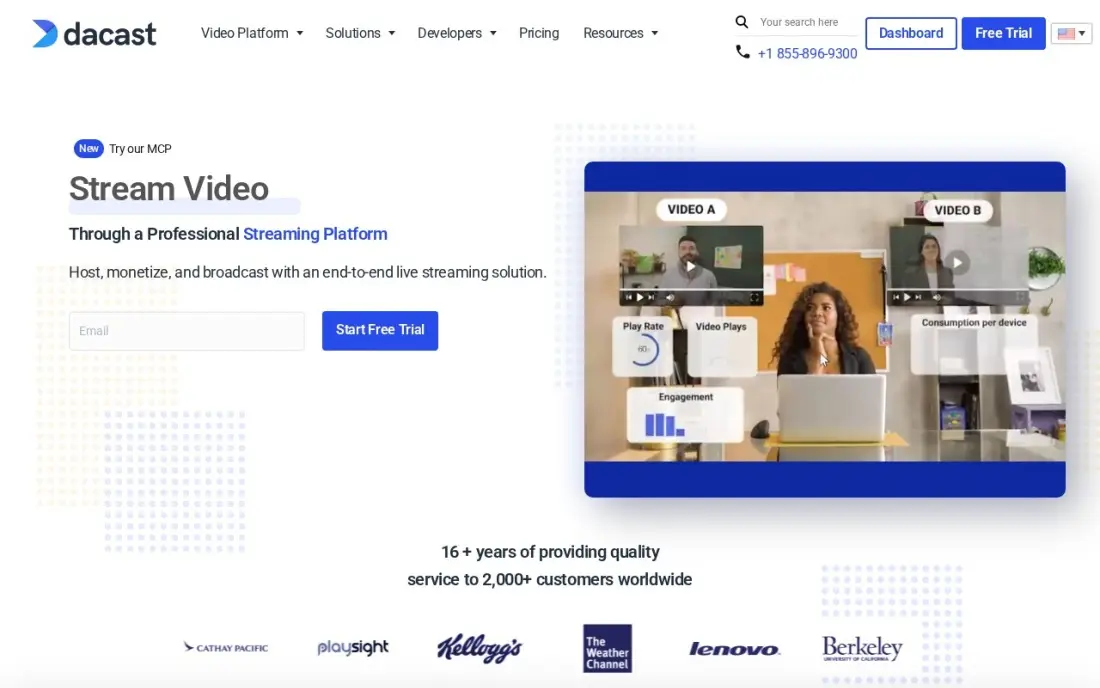
Dacast is the budget route to enterprise-style live streaming: live and on-demand hosting with a white-label player on every plan, pay-per-view and subscription monetisation and real-time analytics for concurrent viewers and geography during an event. Starter includes 2.4TB of bandwidth a year and 500GB of storage.
Starter costs $39 a month billed annually, with no month-to-month option, so $468 is paid upfront, and G2 reviewers report auto-renewal charges without a reminder. A 14-day trial is available. It handles external live events well but lacks the SSO, governance and internal library features of the enterprise platforms above.
What we like
- Live streaming, VOD hosting, paywall and analytics in one plan from $39/month billed annually
- Fully white-label player on every plan, with monetization through pay-per-view and subscriptions
- Real-time analytics cover concurrent viewers, geography and engagement during live events
Watch out for
- Starter is billed annually only — $468 up front — with no month-to-month option
- G2 reviewers report auto-renewal charges with no reminder, and mixed support experiences
- The dashboard and API feel dated next to Wistia and Vimeo, per G2 reviewers
The best video platforms for enterprises give a large organisation one secure place to stream town halls, store training and meeting recordings, and find the right clip months later, with the access controls IT and compliance teams require. We compared seven platforms on internal and external use cases, live event capacity, security and governance, AI search and how each one is priced. Details were checked on vendor pages in November 2026.
How to choose the best video platforms for enterprises
- Separate internal and external video. Town halls and training libraries need permissions and SSO; customer-facing video needs a fast player, analytics and sometimes monetisation.
- Check identity and provisioning. SSO alone is not enough at scale; look for SCIM provisioning, as Vimeo Enterprise lists for Okta and Azure.
- Plan for your largest live event. Thousands of concurrent employees on one network need an eCDN or similar delivery.
- Test search on your own recordings. AI search, captions and transcripts decide whether the library gets used.
- Ask what is included versus add-on. Panopto includes its full CMS but prices some AI products separately.
- Confirm compliance needs. Audit logs, data residency and DRM vary by plan and vendor.
External video only earns its cost when people find it. Our video SEO guide explains how to get public videos indexed and ranking in Google and YouTube.
Which enterprise video platform fits your situation
A global company that wants one vendor for every video job. Kaltura is the only platform here that covers a video portal, town halls, webinars, virtual events, virtual classrooms and video messaging, and the products can be combined into one agreement. Start with the free Video Management Console trial so IT can test the library side, but expect more setup than a single-purpose tool, and note the town hall and event products have no labelled trial.
An L&D or knowledge team building a training library. Panopto fits best because every enterprise agreement includes the complete video CMS, AI capabilities, accessibility, security and integrations with implementation support. The catch is that AI Video Studio, Access AI, Knowledge Insights and Panopto Connect are priced separately, and storage and user limits are only set in the quote, so ask for each as its own line.
An IT team that needs SSO and large internal live events. Vimeo Enterprise brings SAML SSO with SCIM for Okta and Azure, audit logs, eCDN, backup streams and moderated Q&A, plus Ask AI to search the library. Storage starts at 5x other Vimeo plans. Because AI and governance features vary by plan, put DRM, geo-blocking and EU data residency in writing before you sign.
A media company or brand streaming to outside audiences. Brightcove is built for live, on-demand and OTT delivery with advertising, subscriptions, pay-per-view, DRM and a global CDN. Budget for a custom contract that buyers report above $20,000 a year and roughly three months of implementation. If you only need external live events with a paywall, Dacast Starter at $39 a month billed annually covers a white-label player and monetisation, though G2 reviewers report auto-renewals without a reminder.
A marketing or sales department buying on its own. Wistia suits website lead generation, from $19 a month on Plus, but lead capture forms and heatmaps need Pro at $79. Vidyard suits sales teams that want watch data in HubSpot or Salesforce, at $59 a seat a month billed annually, so start with one team and use the free plans of both to test first.
Enterprise video platforms pricing: what you will actually pay
Four of the seven platforms here, Kaltura, Panopto, Vimeo Enterprise and Brightcove, publish no prices, so the budget comes from quotes. Ask each for the same inputs: number of viewers and publishers, hours of storage, expected live event size and contract term, and get add-ons such as eCDN, AI products and DRM listed separately. Buyers report Brightcove contracts above $20,000 a year. For a marketing or sales team that only needs part of this, self-serve plans are a fraction of that: Wistia Pro at $79 a month adds lead capture, Dacast Starter costs $468 a year upfront, and 20 Vidyard Starter seats at $59 a seat a month billed annually cost $1,180 a month.
Know the difference: internal enterprise video vs external video platforms
Internal enterprise video is about employees. It streams the CEO town hall to every office, records training and all-hands meetings into a searchable library and controls who can watch what through SSO and permissions. Kaltura, Panopto and Vimeo Enterprise are built for this, and the success measure is that people find and watch the right recording.
External video platforms are about audiences. Brightcove, Wistia, Vidyard and Dacast focus on player performance, analytics, lead capture, paywalls and monetisation. Some enterprises run one of each: an internal platform owned by IT and communications, and an external one owned by marketing.
Quick comparison: tool type by need
| Buyer | Best pick | Why |
|---|---|---|
| One vendor for every video job | Kaltura | Portal, town halls, webinars and classrooms, quote-only |
| Training and knowledge libraries | Panopto | Full CMS, AI and accessibility in every agreement |
| Familiar platform with IT controls | Vimeo Enterprise | SSO with SCIM, eCDN and Ask AI search |
| External media at scale | Brightcove | Monetisation, DRM and OTT delivery |
| Marketing lead generation | Wistia | In-video CTAs and lead capture, from $19/month annual |
| Sales video at scale | Vidyard | CRM-connected video, $59/seat/month annual |
| External live events on a budget | Dacast | Paywall and white-label player, $39/month annual |
Mistakes to avoid
- Testing with a small live event. Load-test with your real audience size and office networks before the first company-wide town hall.
- Ignoring captions and transcripts. Accessibility is often a legal requirement, and it also makes the library searchable.
- Letting every department buy its own tool. Duplicate platforms split the library and multiply security reviews.
- Skipping retention rules. Decide how long recordings are kept before the library fills with outdated content.
- Signing before checking add-ons. eCDN, AI and DRM are often priced separately from the base agreement.
Related comparisons: Tools for Enterprises to Integrate Apps · Video Collaboration Software · Text to Video Software · Social Media Analytics Tools for Enterprises · Reels Apps
How we chose
We read each vendor's own pricing or enterprise page in November 2026 and recorded exactly what it shows, including when no price is published. We compared internal and external use cases, live event features, identity and governance controls, AI search and pricing models, and ranked platforms by fit for an organisation of 1,000 or more employees. Ratings come from G2 pages checked on the dates shown in the sources. No vendor paid for a place in this list, and none of the links here are affiliate links.
What to do next
Write down your three main video jobs, such as town halls, training and marketing, request quotes from two platforms per job and run a pilot town hall on the shortlisted internal platform. For your public video and website visibility, book a free SEO consultation.
Frequently asked questions
What is the best video platform for enterprises?
Kaltura is the broadest, covering video portals, town halls, webinars and virtual classrooms. Panopto is best for searchable training and knowledge libraries, Vimeo Enterprise for a familiar platform with SSO and large live events, and Brightcove for external media streaming with monetisation.
How much does an enterprise video platform cost?
Kaltura, Panopto, Vimeo Enterprise and Brightcove all quote per deal; buyers report Brightcove contracts above $20,000 a year. Self-serve options start at $19 a month billed annually for Wistia Plus, $39 a month billed annually for Dacast Starter and $59 a seat a month billed annually for Vidyard Starter.
What features does an enterprise video platform need?
Single sign-on and user provisioning, granular permissions, audit logs, a searchable library with captions and transcripts, reliable live streaming for town halls, often with an eCDN, and integrations with your LMS, intranet and collaboration tools.
What is an eCDN and do I need one?
An enterprise content delivery network spreads a live stream across the corporate network so thousands of employees in one office do not each pull the stream over the internet link. You need one for large internal live events; Vimeo Enterprise lists eCDN as a premium feature.
Can I try an enterprise video platform for free?
Kaltura offers a free trial of its Video Management Console and limited trials of its Video Portal and Media Services. Brightcove offers a free trial, Dacast a 14-day trial, and Wistia and Vidyard have free plans. Panopto and Vimeo Enterprise offer demos.
What is the difference between enterprise video platforms and video hosting?
Video hosting serves videos on a website. An enterprise video platform also manages who inside the company can see what, streams live events to thousands of employees, makes recordings searchable and meets security and compliance requirements.
Sources we checked (10)
- Kaltura — corp.kaltura.com/pricing (checked November 16, 2026)
- Panopto — www.panopto.com/pricing (checked November 16, 2026)
- Vimeo Enterprise — vimeo.com/enterprise (checked November 16, 2026)
- Brightcove — www.brightcove.com (checked November 2, 2026)
- Brightcove reviews on G2 (checked November 2, 2026)
- Wistia — wistia.com/pricing (checked November 5, 2026)
- Vidyard — www.vidyard.com/pricing (checked November 6, 2026)
- Vidyard reviews on G2 (checked November 6, 2026)
- Dacast — www.dacast.com/pricing (checked November 2, 2026)
- Dacast reviews on G2 (checked November 2, 2026)
Make one of these tools?
We re-check this list every quarter. Send a correction, request a review, or ask about a clearly labeled sponsored spot.
Request a listingShamim
Founder of SerpAstra
A full-stack digital marketer and SEO strategist covering technical and local SEO, AI search visibility, paid ads and lead generation for local businesses, e-commerce brands and SaaS teams.
Free SEO and AI visibility audit
Find out what is holding your rankings back
Send us your site. Within 2 business days you get a written audit, an AI visibility check and a short fix list ranked by impact. Free, with no contract attached.
Request my free audit→Related buying guides
 Video Editing & Streaming8 Best Video Hosting Platforms for Business in 2026, ComparedCompare the 8 best video hosting platforms for business on player branding, lead capture, analytics, bandwidth and price, with every plan checked.Read guide →
 Video Editing & Streaming8 Best Private Video Hosting Platforms in 2026, ComparedCompare the 8 best private video hosting platforms on password protection, white-label players, paywalls, bandwidth and real cost, prices from vendor pages.Read guide →
 IT SecurityBest Video Analytics Software for 2026: 9 Options Compared by Use Case9 best video analytics software tools compared on price, engagement analytics and free plans. Prices checked on the vendor pricing page, November 2, 2026.Read guide →