
7 Best Reels Apps in 2026, Compared
Compare the 7 best reels apps for editing Instagram Reels on your phone, from Edits and CapCut to AI clipping tools, with free tiers and prices checked in 2026.
 Shamim Mia, Founder, SerpAstraLast verified November 5, 20268 min read
We compare pricing pages, documentation and public reviews. We never accept payment for rankings.

Key takeaways
- Edits, Instagram's own editor, is the best free reels app for iPhone users: 4K export with no watermark, clips up to 10 minutes, auto captions and green screen.
- CapCut remains the most complete reels editor on phone and desktop, with a free plan and Pro at $19.99 a month or $179.99 a year, though regional prices vary.
- InShot is the simple all-rounder with a one-off lifetime purchase option; OpusClip is the pick for turning long videos into reels automatically.
- Instagram's built-in editor is free and fine for quick posts, while Adobe Express and VEED suit brands that need templates, brand kits or captions in a browser.
On this page
Quick comparison
| Tool | Best for | Starting price | Free plan |
|---|---|---|---|
| Edits | iPhone creators who want a free, watermark-free reels editor made by Instagram | Free | Free |
| CapCut | Creators who want the deepest reels templates, effects and captions on phone and desktop | $19.99/mo | Yes |
| InShot | Beginners who want a simple, all-round mobile editor with a one-off lifetime option | Free; Pro in-app | Free |
| Anyone posting quick reels who does not want another app | Free | Yes (free) | |
| OpusClip | Podcasters and talking-head creators who turn long videos into reels automatically | $15/mo | Yes (free plan) |
| Adobe Express | Small brands that want branded reels with Adobe Stock, fonts and Firefly AI | $9.99/mo | Yes (free plan) |
| VEED | Teams that need accurate captions and translations on reels from a browser | $24/mo | Yes (free plan) |
Make one of these tools?
We re-check this list every quarter. Send a correction, request a review, or ask about a clearly labeled sponsored spot.
Request a listingThe best reels apps

Edits
Best for: iPhone creators who want a free, watermark-free reels editor made by Instagram
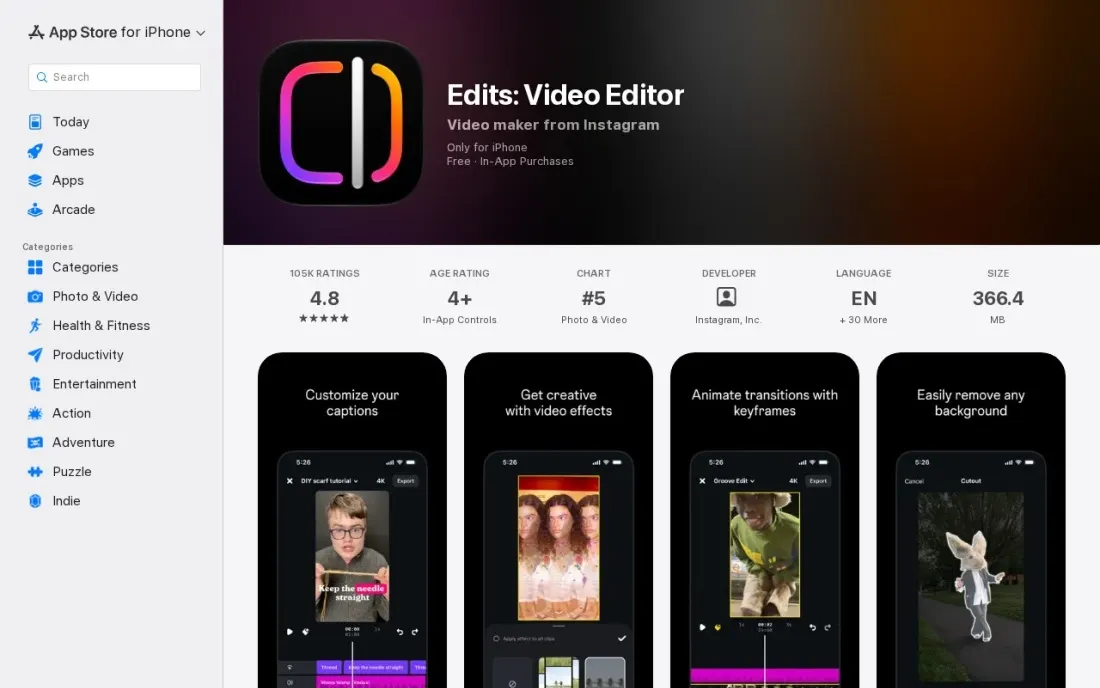
Edits is Instagram's own video editor, and for most iPhone creators it is the first reels app to try. It is free, records clips up to 10 minutes, generates captions automatically with styles you can change, and supports green screen, cutouts and video overlays. Exports go out in 4K with no watermark and can be shared to any platform, not only Instagram, and an AI feature animates still images.
The App Store listing we checked is iPhone-only and needs iOS 16.3 or later, and it carries in-app purchases. Some user reviews report freezes and failed exports, so save your project before long sessions. With a 4.8 out of 5 App Store rating from 105,000 ratings, it is the strongest free starting point for reels.
What we like
- Free app from Instagram with 4K export and no watermark, shareable to any platform
- Records clips up to 10 minutes long
- Automatic captions, green screen, cutouts, overlays and AI animation for still images
Watch out for
- The App Store listing used for this review is iPhone-only and needs iOS 16.3 or later
- Some App Store reviews report freezing, crashes and export failures
- In-app purchases exist, so check what is paid before relying on a feature

CapCut
Best for: Creators who want the deepest reels templates, effects and captions on phone and desktop
CapCut is still the fastest route from phone footage to a finished Reel for many creators. Templates, auto-captions, effects and a music library are built for short vertical video, and the same projects work on phone and desktop. The free plan covers the core editor, with exports capped at 1080p, so you can build a full workflow before paying anything.
Pro costs $19.99 a month or $179.99 a year and adds 4K 60fps export with HDR, 1 TB of cloud storage and about 1,200 AI credits a month. CapCut publishes no fixed global price, so your checkout may differ by region and device, and features have moved from free to paid over time. Trustpilot scores it 1.2 out of 5, mostly over billing.
What we like
- Fastest path from phone footage to a finished Reel: templates, auto-captions, effects and a music library built for short video
- Pro adds 4K export at 60fps with HDR, 1 TB of cloud storage and about 1,200 AI credits a month
- Free plan covers the core editor, so you can test the workflow before paying
Watch out for
- No G2 rating is published, and Trustpilot scores it 1.2 out of 5, mostly over billing and paywalls
- CapCut publishes no fixed global price, so the figure at your checkout can differ by region, device and promotion
- Features keep moving from free to paid, and the free plan caps exports at 1080p

InShot
Best for: Beginners who want a simple, all-round mobile editor with a one-off lifetime option
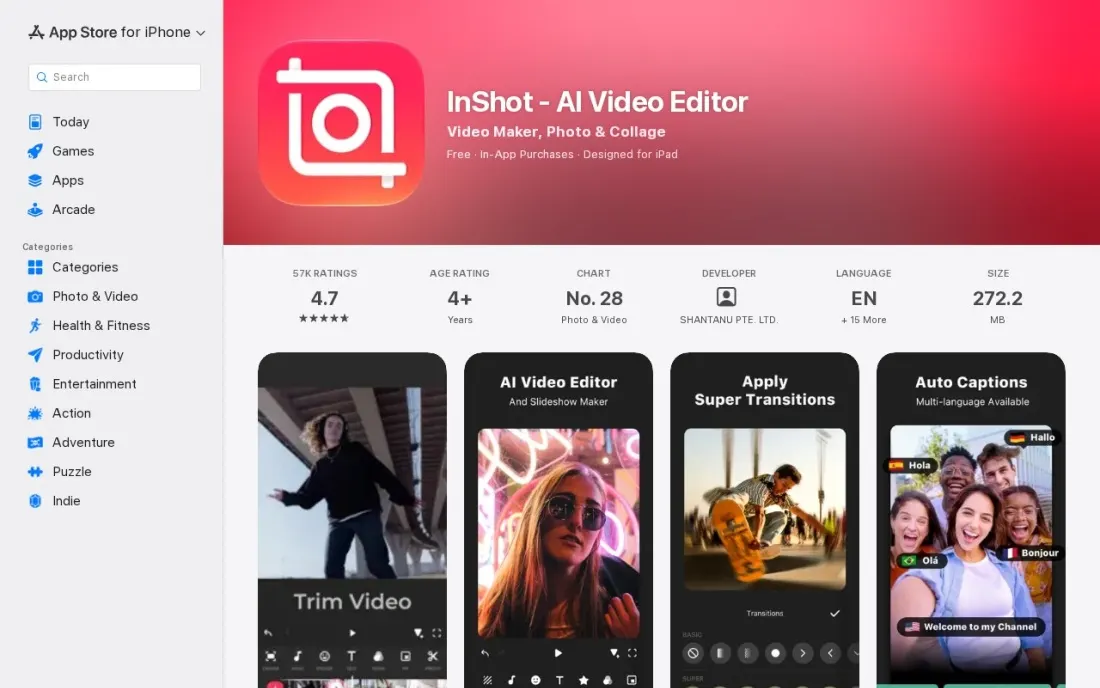
InShot is the friendly all-rounder: trim and merge clips, change speed with ramps, add keyframes, text, stickers, music and voice-overs, and use chroma key and picture-in-picture, all in an app that most people learn in an afternoon. AI tools add automatic captions from speech, background removal and smart tracking, and exports reach 4K at 60fps.
InShot Pro is an in-app purchase sold monthly, yearly or for life. On the Singapore App Store it lists at S$6.98 a month, S$24.98 a year or S$69.98 lifetime, and prices differ by country, so check your own store. Some filter, effect and transition packs are sold separately. The lifetime option suits anyone who dislikes subscriptions.
What we like
- Free app with trimming, speed ramping, keyframes, chroma key, picture-in-picture and voice-overs
- AI auto captions, background removal and smart tracking for text and stickers
- Exports up to 4K at 60fps
- InShot Pro sold monthly, yearly or as a lifetime purchase
Watch out for
- App Store prices vary by country; we read them on the Singapore store
- Some effects, filters and transitions are sold as separate packs

Instagram's own Reels camera and editor are free and already on your phone. For a quick reel — a product shot, a behind-the-scenes clip, a short talking-head tip — you can record, trim, add music, text and effects and post without exporting anything. Reels are also where small accounts reach people who do not follow them yet, which is why the format matters.
The in-app editor is basic next to Edits or CapCut, so multi-clip edits with captions and effects are easier elsewhere. Meta Verified Standard, at $11.99 a month on the web or $14.99 in the app, is optional and adds verification rather than editing tools. Feed captions have no clickable links, so point viewers to your bio link.
What we like
- The Reels camera and editor are free and already in the app, so you can record, trim and post without exporting
- Reels give small accounts a real chance to reach people who do not follow them yet
- Music, text and effects can be added to a reel in the app before it is posted
- Meta AI is built into search and chat on the free plan
Watch out for
- Reach for business posts depends heavily on Reels, and feed posts get less attention than they used to
- Meta Verified Standard costs $11.99 a month on the web or $14.99 in the app, per profile
- No clickable links in feed captions, so traffic has to go through the bio link or Stories

OpusClip
Best for: Podcasters and talking-head creators who turn long videos into reels automatically
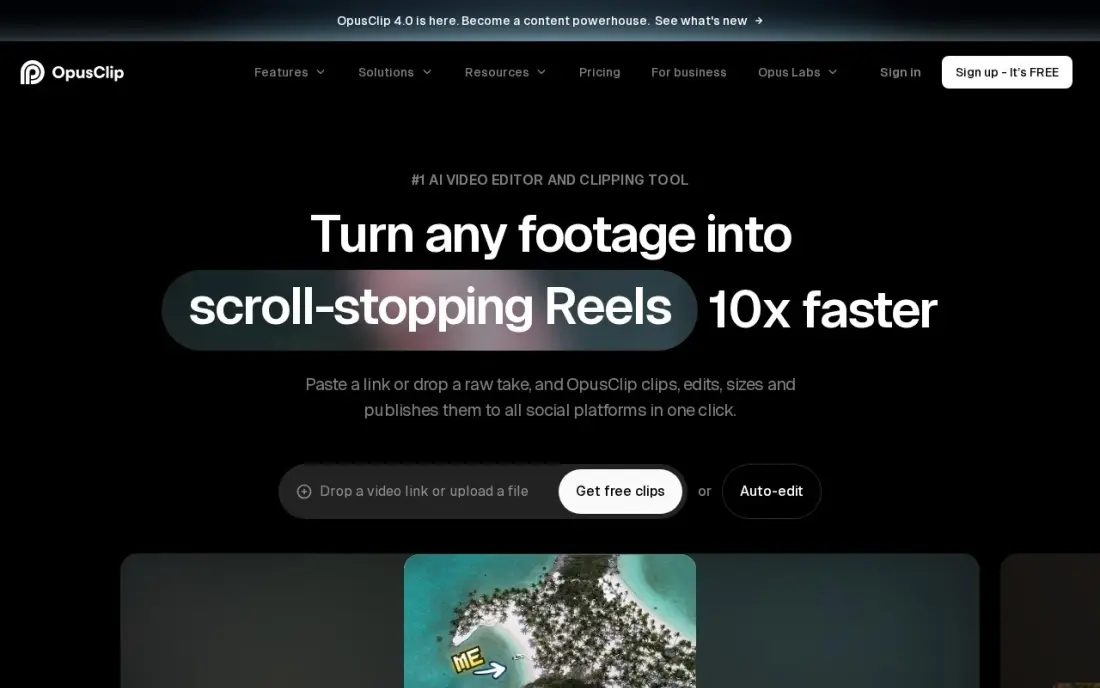
OpusClip makes reels without editing. Upload a podcast episode, webinar or long video and its AI finds the strongest moments, cuts them into vertical clips with captions, and ranks each with a virality score. Starter can auto-post clips to Reels, TikTok and Shorts, so one recording becomes a week of posts.
One credit equals one minute of source video, and the free plan gives 60 credits a month with watermarked exports. Starter costs $15 a month, billed monthly only, and scheduling starts on Pro. Credits expire after 60 days, and some Trustpilot reviewers report difficult cancellations. It suits creators who already record long-form content.
What we like
- One credit is one minute of source video, so the cost of a clip run is easy to predict
- Virality score ranks every clip before you publish it
- Auto-posts clips to Shorts, TikTok and Reels from the Starter plan
- Exports to Premiere Pro and DaVinci Resolve on Pro for a final polish pass
Watch out for
- Starter is monthly-only and has no social scheduler — scheduling starts on Pro
- Credits expire after 60 days, so a quiet month wastes paid minutes
- Trustpilot reviewers report difficult cancellations and refund disputes

Adobe Express
Best for: Small brands that want branded reels with Adobe Stock, fonts and Firefly AI
Adobe Express suits a small business making reels that need to look on-brand. Brand Kits keep logos and colours consistent, Adobe Stock photos and Adobe Fonts are included in Premium, and Firefly AI generates images and text effects from a prompt. It works on the web and on mobile with the same files, so a design started at a desk can be finished on a phone.
Premium costs $9.99 a month, and the free plan covers basic templates and tools. Express has no scheduling or publishing, so reels still need to be posted from Instagram or a scheduler. Choose it over CapCut when brand consistency matters more than trend effects.
What we like
- Adobe Stock photos and Adobe Fonts are included in the price
- Firefly AI generates images and text effects from a prompt
- Brand Kits keep logos and colors consistent across every design
- Works on web and mobile with the same files
Watch out for
- No scheduling or publishing — designs still need a scheduler
- Fewer trend effects than CapCut, since it is built for brand consistency
- $9.99 a month buys design only, not distribution

VEED
Best for: Teams that need accurate captions and translations on reels from a browser
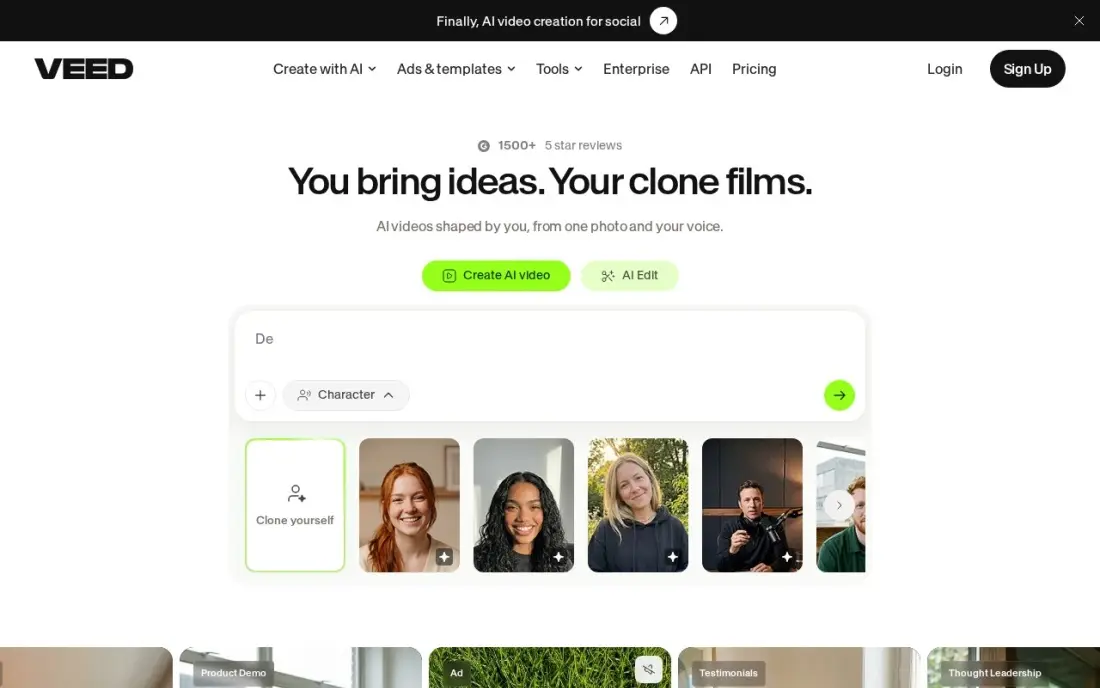
VEED is the browser editor for reels where captions matter, such as videos watched with the sound off or posted in several languages. Automatic subtitles are its core strength, Pro adds translation into 50-plus languages, and Eye Contact AI and Clean Audio fix common talking-head problems in one click. Nothing needs installing.
Lite costs $12 a month billed annually, or $24 monthly, with watermark-free 1080p export and 120 subtitle minutes a year, which runs out fast for weekly posters. Free exports are watermarked at 720p, and 4K needs Pro. Use VEED alongside a phone app when captioning is the bottleneck.
What we like
- Automatic subtitles are the core strength, with 120 minutes a year on Lite and translation in 50-plus languages on Pro
- Lite costs $12 a month billed annually, half the monthly-billing price
- The browser editor needs no install, and stock audio and video are included on paid plans
- Eye Contact AI and Clean Audio fix the two most common talking-head problems in one click
Watch out for
- Subtitling minutes are capped per year — 120 minutes on Lite runs out fast for weekly publishers
- Monthly billing doubles the price: Lite is $24 a month monthly against $12 billed annually
- Free exports are watermarked at 720p, and 4K export waits for the Pro plan
The best reels app turns raw phone footage into a short vertical video that holds attention for the first three seconds and looks native on Instagram. We compared seven apps across three ways of making reels — phone-first editors, AI tools that cut long videos into clips, and template editors for brands — on free features, watermarks, export quality and real cost, checking every price on the vendor's own page or app store listing in November 2026.
How to choose the best reels app
- Check the free export. Watermarks and resolution caps decide whether a free plan is usable; Edits exports 4K free, CapCut caps free exports at 1080p.
- Match the app to your device. Edits' listing is iPhone-only, CapCut works on phone and desktop, and VEED runs in a browser.
- Test captions on your own voice. Most viewers watch muted, so auto captions need to be accurate and easy to style.
- Decide whether you edit or repurpose. If you record long podcasts or webinars, an AI clipper like OpusClip saves more time than any editor.
- Look at regional pricing. CapCut and app-store purchases such as InShot Pro vary by country, so check your own checkout.
- Keep brand assets handy. Brand kits in Adobe Express keep fonts and colours consistent across a team.
Reels build reach on Instagram, but search brings buyers who are ready to act. If you want your videos and your website to show up in Google and AI answers, our AI search optimization service covers that, and our guide to editing software for social media compares desktop editors for longer projects.
Reels app pricing: what you will actually pay
Take a small business posting three reels a week. The free route costs $0: shoot and edit in Edits on an iPhone, or in Instagram's own editor, and post directly. Upgrading to CapCut Pro costs $19.99 a month, $239.88 a year, or $179.99 a year on annual billing, for 4K HDR export, cloud storage and AI credits. InShot Pro is cheaper still where a lifetime purchase is offered; on the Singapore App Store it lists at S$69.98 once.
For brands and repurposing, Adobe Express Premium is $9.99 a month, $119.88 a year. VEED Lite is $12 a month billed annually, $144 a year, or $24 a month billed monthly. OpusClip Starter is $15 a month, $180 a year, billed monthly only. A creator who records a weekly podcast and uses OpusClip for clips plus Edits for polish spends $180 a year; one who edits everything in CapCut on annual Pro spends $179.99.
Know the difference: phone editors vs AI clippers
Phone editors — Edits, CapCut, InShot and Instagram's own editor — are for footage you shoot as reels. You arrange clips on a timeline, add captions, music, text and effects, and control every cut. They give the most creative control and suit product demos, trends, tutorials and behind-the-scenes content.
AI clippers — OpusClip, and to a degree VEED's caption tools — start from long recordings. They find the best moments, crop them to vertical, add captions and hand you a batch of clips to review. They save hours for podcasters and webinar hosts but give less control over each cut. Many creators use both: an AI clipper for volume and a phone editor for the reels that need a personal touch.
Quick comparison: tool type by need
| Need | Best pick | Why |
|---|---|---|
| Free editing on iPhone | Edits | Instagram's editor, 4K export with no watermark |
| Most features, phone and desktop | CapCut | Templates and effects, Pro $19.99/month or $179.99/year |
| Simple editor, no subscription | InShot | Free app with a lifetime Pro purchase option |
| Quick posts | Free built-in Reels editor | |
| Long video to reels | OpusClip | AI clipping with virality score, Starter $15/month |
| Branded reels | Adobe Express | Brand Kits, Adobe Stock and fonts, Premium $9.99/month |
| Captions and translations | VEED | Auto subtitles in the browser, Lite $12/month billed annually |
Mistakes to avoid
- Posting with another app's watermark. Export clean files; a visible watermark from one app can look careless on another platform.
- Skipping captions. Many viewers scroll muted, so add captions to every talking reel.
- Paying before using the free tier. Edits, CapCut, InShot and Instagram all let you make full reels for free.
- Using only AI clips. Auto-clipped reels need a quick human check for awkward cuts and wrong captions.
- Ignoring licensed music rules. Use music from the platform's library or royalty-free sources so reels are not muted.
Related comparisons: Text to Video Software · Subtitle Software Tools · Video Platforms for Enterprises · Video Collaboration Software
How we chose
We checked each app's own pricing page or app store listing in November 2026 and recorded the price exactly as shown, including the store and currency where prices vary by country. We grouped the apps by how they make reels and ranked them by fit for the most common buyer, a creator or small business posting several reels a week. Ratings come from G2 pages checked on the dates shown in the sources; app store ratings are mentioned in the text where we read them. No vendor paid for a place in this list, and none of the links here are affiliate links.
What to do next
Shoot your next reel on your phone and edit it once in Edits or CapCut's free plan, then compare the time it took and the result. Keep the one that feels faster. If those reels should also send people to your website and Google profile, book a free SEO review.
Frequently asked questions
What is the best reels app?
For iPhone users, Edits is the best free reels app: Instagram's own editor exports 4K with no watermark, records clips up to 10 minutes and adds captions automatically. CapCut is the most complete option on phone and desktop, with Pro at $19.99 a month or $179.99 a year.
Is there a free reels editing app without a watermark?
Yes. Edits exports in 4K with no watermark for free. CapCut's free plan covers the core editor with exports capped at 1080p. VEED's and OpusClip's free plans add watermarks.
Is Edits better than CapCut?
Edits is free, made by Instagram and exports 4K without a watermark, which makes it the easier default for Instagram creators on iPhone. CapCut has more templates and effects and works on desktop too, but its best features need Pro at $19.99 a month.
Can I edit reels inside Instagram?
Yes. Instagram's Reels editor lets you record, trim, add music, text and effects for free. It is fine for quick posts, but multi-clip edits with styled captions are easier in Edits, CapCut or InShot.
What app turns long videos into reels?
OpusClip uses AI to cut long videos into vertical clips with captions and a virality score, and Starter at $15 a month can auto-post them to Reels, TikTok and Shorts. Its free plan gives 60 credits a month, one credit per minute of source video.
How much does InShot Pro cost?
InShot Pro is an in-app purchase with monthly, yearly and lifetime options, and prices vary by country. On the Singapore App Store it lists at S$6.98 a month, S$24.98 a year or S$69.98 for life.
What is the best reels app for Android?
CapCut is the strongest pick on Android, because Edits' listing is iPhone-only. CapCut's free plan covers templates, auto-captions, effects and a music library, with exports capped at 1080p, and the same projects open on desktop. Pro costs $19.99 a month for 4K export. VEED runs in a browser for accurate captions, and Instagram's own Reels editor handles quick posts for free.
Sources we checked (10)
- Edits — apps.apple.com/us/app/id6738967378 (checked November 16, 2026)
- CapCut — www.capcut.com/pricing (checked November 10, 2026)
- InShot — apps.apple.com/sg/app/id997362197 (checked November 16, 2026)
- Instagram — www.instagram.com (checked November 6, 2026)
- OpusClip — www.opus.pro/pricing (checked November 5, 2026)
- OpusClip reviews on G2 (checked November 5, 2026)
- Adobe Express — www.adobe.com/express/pricing (checked November 12, 2026)
- Adobe Express reviews on G2 (checked November 12, 2026)
- VEED — www.veed.io/pricing (checked November 6, 2026)
- VEED reviews on G2 (checked November 6, 2026)
Make one of these tools?
We re-check this list every quarter. Send a correction, request a review, or ask about a clearly labeled sponsored spot.
Request a listingShamim
Founder of SerpAstra
A full-stack digital marketer and SEO strategist covering technical and local SEO, AI search visibility, paid ads and lead generation for local businesses, e-commerce brands and SaaS teams.
Free SEO and AI visibility audit
Find out what is holding your rankings back
Send us your site. Within 2 business days you get a written audit, an AI visibility check and a short fix list ranked by impact. Free, with no contract attached.
Request my free audit→Related buying guides
 Video Editing & Streaming9 Best Editing Software for Social Media in 2026, ComparedCompare the 9 best editing software for social media on price, free plans, captions and AI tools, with every price checked November 5, 2026.Read guide →
 Video Editing & Streaming10 Best AI Tools for YouTube Automation in 2026, ComparedCompare the 10 best ai tools for youtube automation on price, free plans and AI features, with every starting price checked November 5, 2026.Read guide →
 Marketing12 Best Social Media Apps in 2026: Free and Paid Apps RankedCompare the 12 best social media apps for 2026 on price, free plans and standout features, ranked by use case and all checked November 6, 2026.Read guide →