
6 Best Vision Board Apps in 2026, Compared
Compare the 6 best vision board apps for goals, mood boards and daily reminders on free plans, templates, devices and yearly cost, with prices checked Nov 2026.
 Shamim Mia, Founder, SerpAstraLast verified November 6, 202610 min read
We compare pricing pages, documentation and public reviews. We never accept payment for rankings.

Key takeaways
- Canva is the best vision board app for most people: the free plan includes templates and photos, and you can print the board or set it as a phone wallpaper.
- Pinterest is the free way to collect images for a board, but its boards are idea lists rather than one designed page, so many people collect on Pinterest and design in Canva.
- Trello turns each goal into a card with a cover image and a checklist, free for up to 10 boards per Workspace; Miro is the pick for a board shared by a couple, family or team.
- If the vision board is the start of a plan, Notion and GoodNotes turn goals into trackers and journal pages; both have free plans.
On this page
Quick comparison
| Tool | Best for | Starting price | Free plan |
|---|---|---|---|
| Canva | Anyone who wants a designed vision board to print or use as a phone or desktop wallpaper | Free; Pro $144/yr | Yes (free plan) |
| People who want a free, endless source of images and ideas to build a board from | Free | Yes (free) | |
| Trello | People who want each goal as a picture card with a checklist they can move from dream to done | Free; Standard $5/user/mo (annual) | Yes (free plan) |
| Miro | Couples, families and teams who want to build a shared vision board on one canvas | Free; Starter $8/member/mo (annual) | Yes (free plan) |
| Notion | Planners who want the vision board linked to goals, habits and progress tracking | Free; Plus $10/member/mo (annual) | Yes (free plan) |
| GoodNotes | iPad users who want a handwritten, collage-style vision board in a digital journal | Free; Essential $11.99/yr | Yes (3 notebooks) |
Make one of these tools?
We re-check this list every quarter. Send a correction, request a review, or ask about a clearly labeled sponsored spot.
Request a listingThe best vision board apps
Canva
Best for: Anyone who wants a designed vision board to print or use as a phone or desktop wallpaper
Canva is the easiest way to make a vision board that looks finished. Start from a vision board or mood board template, drop in photos, quotes and goal words, and export it as an image for your lock screen, a desktop wallpaper or a print. The free plan includes 250,000+ templates and 5 GB of storage, which covers a personal board.
Pro costs $144 a year or $18 billed monthly and adds Brand Kit, the background remover and Magic Resize, which turns one board into phone and desktop sizes in a click. Most people never need it. Canva does not remind you of your goals or track them, so pair it with a planner if you want follow-through.
What we like
- Start from a vision board or mood board template, then drop in photos, quotes and goal words with drag-and-drop editing
- Magic Resize on Pro turns one board into phone and desktop sizes in a click
- Export the finished board as an image for your lock screen or desktop wallpaper, or as a print
Watch out for
- Canva does not remind you of your goals or track them, so follow-through needs a separate planner
- Brand Kit, background remover and Magic Resize all need Pro, so the free plan is template-only for branding
- Pro billed monthly at $18 costs $216 a year, against $144 billed annually

Best for: People who want a free, endless source of images and ideas to build a board from
Pinterest is where most vision boards begin. Search a goal such as a home office, a marathon or a trip, save the images that feel right to a board, and the app keeps suggesting more. Boards can be private or shared, and visual search finds similar pictures from a photo. It is completely free, with no paid tier.
The weakness is that a Pinterest board is a scrolling list of saved pins, not one composed page you look at every morning. Many people use it to collect and Canva to design the final board. It is also a social feed, so it is easy to lose twenty minutes browsing instead of planning.
What we like
- Search any goal, such as a home office, a marathon or a trip, and the app keeps suggesting more images
- Completely free, with no paid tier to unlock boards or features
- Boards can be kept private or shared with someone else
- Visual search finds similar pictures from a photo instead of a keyword
Watch out for
- A Pinterest board is a scrolling list of saved pins, not one composed page you look at every morning
- No design tools, so many people collect on Pinterest and build the final board in Canva
- It is also a social feed, so it is easy to lose twenty minutes browsing instead of planning

Trello
Best for: People who want each goal as a picture card with a checklist they can move from dream to done
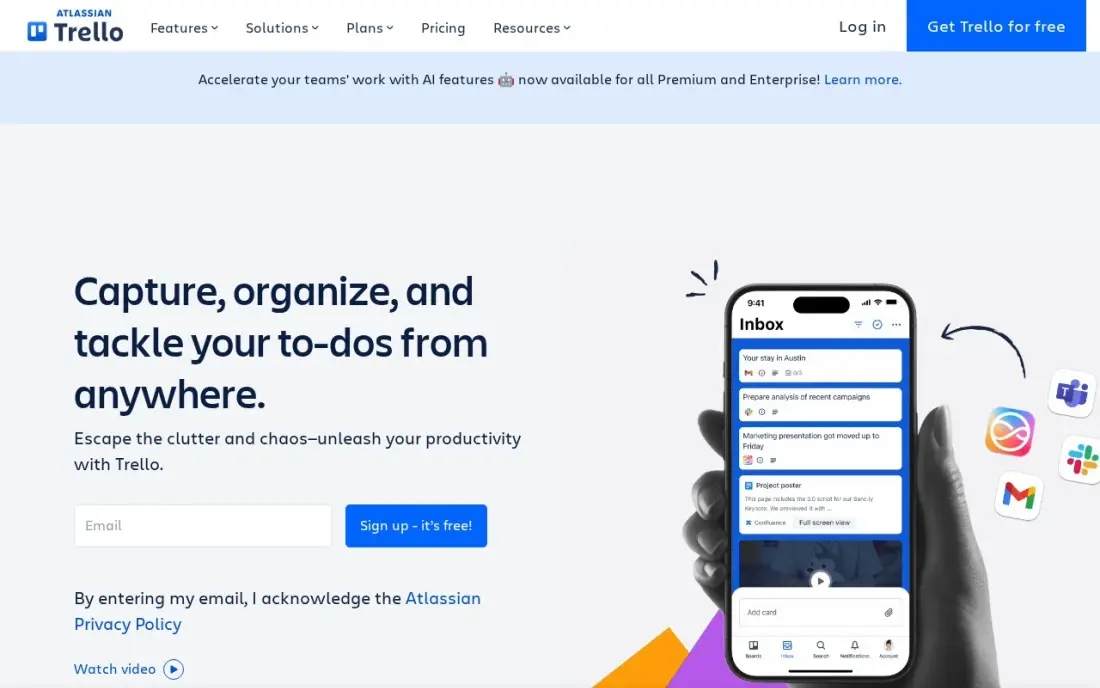
Trello makes a vision board you can act on. Each goal becomes a card with a cover image, so the board looks like a wall of pictures, and each card holds a checklist, a due date and notes. Move cards across lists such as Someday, This Year and Done, and the board shows progress as well as the dream.
The free plan covers 10 boards and 10 collaborators per Workspace, far more than a personal board needs, with a 10 MB file limit. Standard costs $5 a user a month billed annually, or $6 monthly. It is less pretty than Canva, but better if you want to see goals move.
What we like
- The purest kanban here: boards, lists and cards with drag-and-drop, and nothing to learn before the first board works
- Free plan covers 10 boards and 10 collaborators per Workspace, far more than a personal board needs
- Standard adds unlimited boards, custom fields, card mirroring and 1,000 automation runs a month from $5 a user
- Power-Ups connect Trello to Slack, Google Drive, Jira and hundreds of other tools
Watch out for
- Calendar, Timeline, Table and Dashboard views need Premium at $10 a user a month — double the Standard price
- No built-in time tracking or dependencies, so heavier project planning needs another tool
- The free plan caps files at 10 MB and automations at 250 runs a month

Miro
Best for: Couples, families and teams who want to build a shared vision board on one canvas
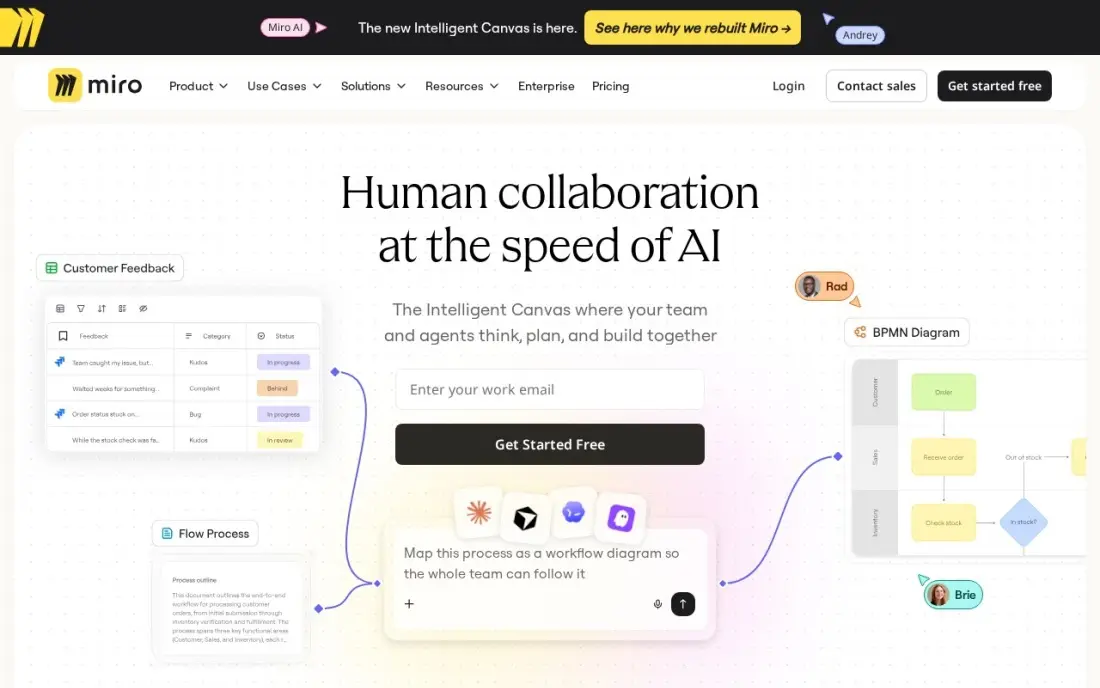
Miro is a shared whiteboard, which makes it the best pick for a vision board two or more people build together: a couple planning a year, a family planning a move, or a team setting goals at an offsite. Everyone adds images, sticky notes and links on an infinite canvas at the same time, and timers and voting help agree on priorities.
The free plan covers 3 editable boards, enough for a personal or family vision board. Starter costs $8 a member a month billed annually, or $10 monthly, for unlimited boards. It is more tool than a solo board needs, and large boards get messy without someone keeping them tidy.
What we like
- An infinite canvas where everyone adds images, sticky notes and links at the same time
- Starter unlocks unlimited boards, private boards, visitor editing and high-resolution exports
- Thousands of integrations connect Miro to Jira, Asana, Slack, Zoom and more
- Timers and voting help a couple, family or team agree on which goals come first
Watch out for
- The free plan stops at 3 editable boards, so active teams hit the limit fast
- Business costs $20 a member a month billed annually, two and a half times Starter, for SSO and deeper integrations
- Large boards get messy without someone keeping them tidy, and finding one sticky note in a huge board is slow
Notion
Best for: Planners who want the vision board linked to goals, habits and progress tracking
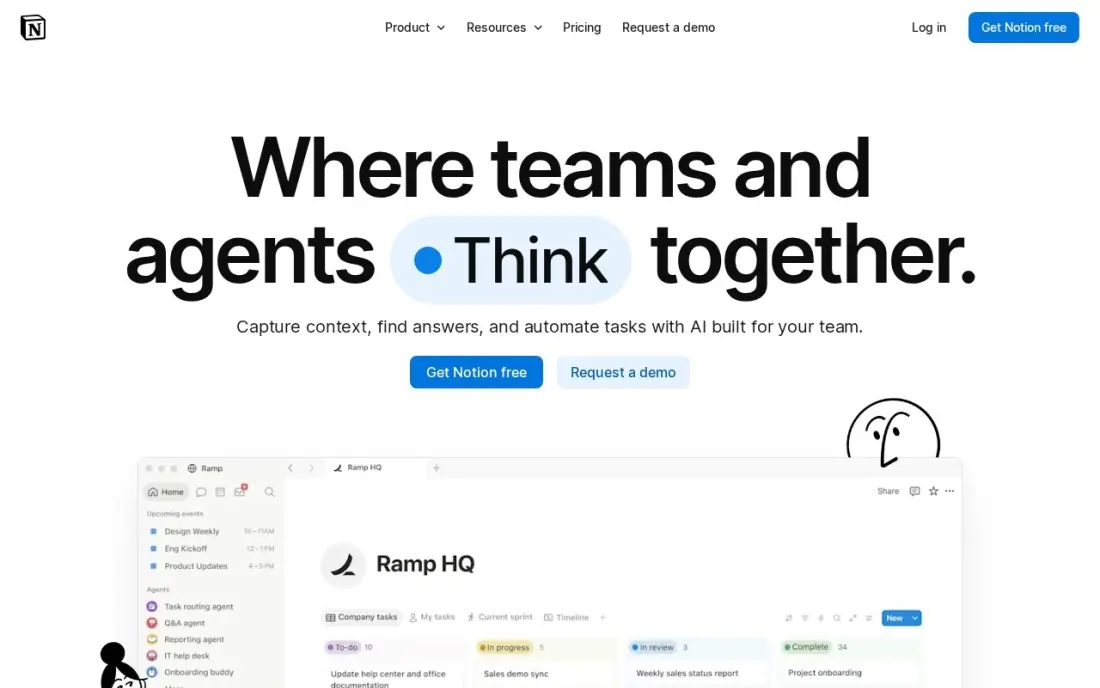
Notion turns a vision board into a plan. A gallery view shows each goal as a card with a cover image, and each card opens into a page with steps, deadlines, a habit tracker and notes, so the picture of the goal and the work toward it live together. Templates for vision boards and goal trackers are free to copy.
The free plan is unlimited for one person and syncs on every device. Plus costs $10 a member a month billed annually, or $12 monthly, and adds unlimited uploads and page history, which a personal board rarely needs. Expect setup time: a blank Notion page does nothing until you build it.
What we like
- Databases, calendars, kanban boards and templates combine into any planner you can design
- Free plan is genuinely unlimited for one person, with sync on every device
- Plus adds unlimited file uploads, 30-day page history and unlimited guests
- Rated 4.6/5 on G2 from 13,975 reviews, the largest review base in this list
Watch out for
- Full Notion AI sits on Business ($20/member/month), not Plus — Plus gets an AI trial only
- Per-member pricing means a 5-person team pays $50 a month on Plus
- Blank-page freedom is a learning curve: building a good planner takes setup time

GoodNotes
Best for: iPad users who want a handwritten, collage-style vision board in a digital journal
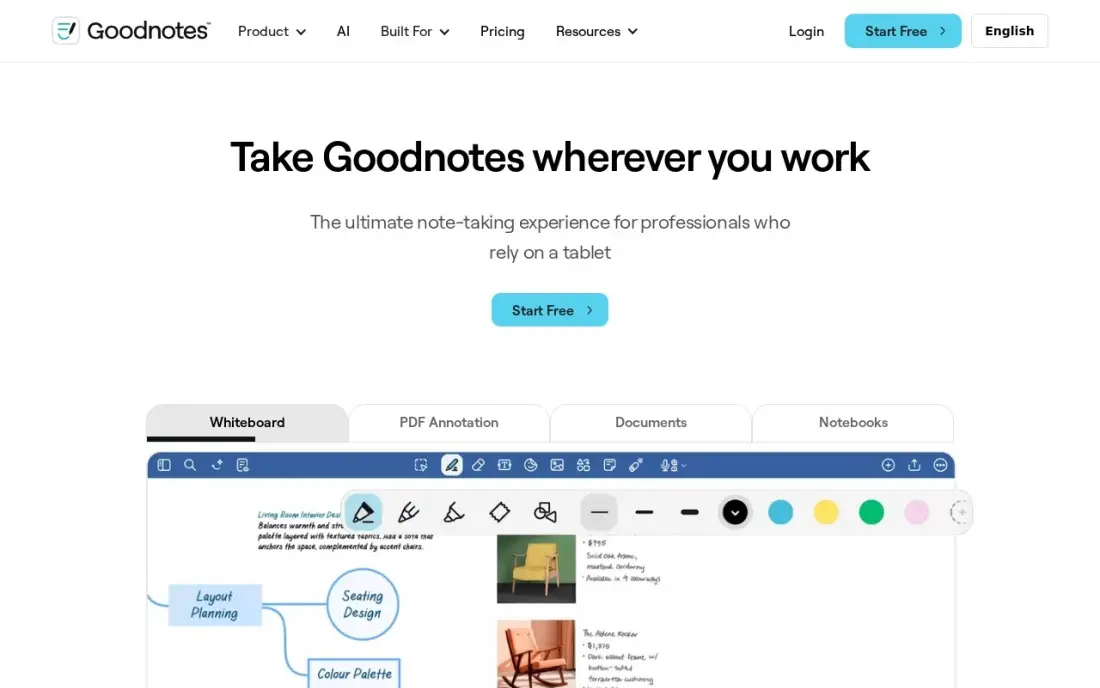
GoodNotes suits people who like the paper version of a vision board but want it on an iPad. Paste in photos and stickers, handwrite goals with a stylus, and keep the board as the first page of a planner or journal you open every day, with weekly pages that check progress. The template library includes planner layouts to build around it.
The free plan covers 3 notebooks, enough for one board and one planner. Essential costs $11.99 a year and Pro $35.99 a year, and a one-time Special Edition at $35.99 covers Apple devices only. It runs on more platforms with a subscription, but it shines on an iPad with a pencil.
What we like
- The deepest PDF annotation toolkit on iPad, with handwriting search and a huge template library
- Essential costs $11.99 a year, the cheapest paid start among the dedicated handwriting apps here
- Syncs across iOS, iPadOS, macOS, Windows, Android and the web on the subscription
- A one-time Special Edition purchase ($35.99) exists for buyers who refuse subscriptions
Watch out for
- The best AI features sit on Pro ($35.99/year) or the $9.99/month AI Pass add-on, not Essential
- The one-time Special Edition ($35.99) covers Apple devices only and leaves out Goodnotes Cloud
- Free plan stops at 3 notebooks, so heavy users pay from the start
The best vision board app makes your goals easy to see every day: images, words and plans in one place you actually look at, on your phone, your desktop or your wall. We compared six apps, from design tools to idea boards and planners, and every price below comes from the vendor's pricing page or our database records, checked in November 2026.
How to choose the best vision board app
- Decide where you will see it. A lock-screen image, a desktop wallpaper, a printed poster and an app you open daily each suit a different tool.
- Choose design or collection. Canva and GoodNotes build one composed page; Pinterest and Trello collect many images you arrange or scroll.
- Check the free plan first. Every app here has a free option, and a personal vision board rarely needs a paid plan.
- Think about sharing. A board for a couple, family or team needs real-time editing, which Miro and Trello handle well.
- Link pictures to action. If you want the board to change what you do, pick a tool such as Notion or GoodNotes that holds steps and check-ins beside each goal.
- Keep it portable. Make sure you can export the board as an image or PDF, so it is not locked inside one app.
Business owners use the same idea for brand and campaign mood boards, and the step after the board is often a website that matches it. If yours needs to rank, our monthly SEO service handles the search side.
Which vision board app fits your situation
Someone who wants one good-looking board on their phone. Canva is the pick. Start from a vision board template on the free plan, add photos and goal words, and export the board as a lock-screen or desktop image. The free plan's 250,000+ templates and 5 GB of storage cover a personal board; Pro at $144 a year is only worth it if you want Magic Resize to make phone and desktop versions in a click. Canva will not remind you or track progress, so pair it with a planner.
A collector who is not sure what they want yet. Pinterest is free with no paid tier. Search a goal, save images to a private board, and let visual search find more. Treat it as the gathering stage: a Pinterest board is a scrolling list of pins, not one page to look at, so move the best images into Canva once the picture is clear. Watch the time you spend browsing the feed.
A person who wants goals to move from dream to done. Trello turns each goal into a card with a cover image, checklist and due date, and the free plan's 10 boards per Workspace is more than one person needs. If you also want habits, deadlines and notes behind each picture, Notion's gallery view does the same job in more depth, free and unlimited for one person, but expect setup time before it works.
A couple, family or team building one board together. Miro lets everyone add images, sticky notes and links on the same canvas at once, with timers and voting to agree on priorities. The free plan's 3 editable boards cover a household board; Starter costs $8 a member a month billed annually once you need more.
An iPad user who likes the paper version. GoodNotes lets you paste photos and stickers, handwrite goals with a stylus and keep the board as the first page of a journal you open daily. The free plan covers 3 notebooks, and Essential costs $11.99 a year, the cheapest upgrade in this list.
Vision board app pricing: what you will actually pay
For one person, a vision board costs $0. Pinterest is free, Canva's free plan has the templates, Notion's free plan is unlimited for one person, Trello's covers 10 boards per Workspace, Miro's free plan covers 3 editable boards and GoodNotes' free plan covers 3 notebooks.
The paid upgrades are small but differ in billing. Canva Pro costs $144 a year, or $216 a year if paid monthly at $18. GoodNotes Essential is $11.99 a year, the cheapest upgrade here. Notion Plus costs $10 a member a month billed annually, or $12 monthly, so $120 or $144 a year for one person. Miro Starter costs $8 a member a month billed annually, so a couple sharing a board pays $192 a year, or $240 at the $10 monthly rate.
The cheapest sensible setup is free: collect images on Pinterest, design the board in Canva's free plan and track the steps in Notion or Trello. Only pay when a limit actually gets in the way, such as needing Canva's Magic Resize for several screen sizes, more Miro boards for a team, or GoodNotes' extra features on an iPad you use every day.
Know the difference: vision board vs goal tracker
A vision board is about direction and motivation. It shows what you want, the house, the trip, the healthier routine, in images that are quick to take in. Canva and Pinterest are good at this because they make arranging pictures fast and pleasant.
A goal tracker is about progress. It breaks a goal into steps, dates and habits and shows whether you are on track. Notion and GoodNotes can do both jobs: a board of images on the first page and the tracking pages behind it. Most people do best with both, a board to look at and a tracker to act on.
Quick comparison: tool type by need
| Buyer | Best pick | Why |
|---|---|---|
| Designed boards and wallpapers | Canva | Free templates, Pro $144/year |
| Collecting ideas for free | Free boards and visual search, no paid tier | |
| Goals you can act on | Trello | Picture cards with checklists, free for 10 boards |
| Shared family or team boards | Miro | Free for 3 boards, Starter $8/member/month billed annually |
| Boards linked to goal tracking | Notion | Free for one person, Plus $10/member/month billed annually |
| Handwritten iPad boards | GoodNotes | Free for 3 notebooks, Essential $11.99/year |
Mistakes to avoid
- Making a board you never see. Export it to your lock screen or wallpaper, or it disappears into an app you forget to open.
- Filling it with other people's goals. Pick images that match what you want, not what looks good on a feed.
- Skipping the first step. Next to each image, write one action you can take this week.
- Paying before you need to. Every app here has a free plan that covers a personal board.
- Never updating it. Review the board every few months and replace goals you have reached or no longer want.
Related comparisons: Load Board Software · Digital Menu Board Software · Audiobook Apps · Apps to Lose Weight
How we chose
We picked apps people actually use to build vision and mood boards, covering design, collection, collaboration and planning, and checked each price on the vendor's pricing page or our records in November 2026. Ratings come from G2 pages on the dates shown in the sources. No vendor paid for a place in this list, and none of the links here are affiliate links.
What to do next
Open Canva's free plan, pick a vision board template, add five images and one written goal for each, and set the result as your phone wallpaper tonight. If one of those goals is growing your business online, book a free SEO review.
Frequently asked questions
What is the best vision board app?
Canva is the best vision board app for most people, with free templates and exports for wallpapers and prints. Pinterest is the best free place to collect images, Miro suits shared boards, and Notion links the board to goal tracking.
Is there a free vision board app?
Yes. Pinterest is completely free, and Canva, Trello, Miro, Notion and GoodNotes all have free plans. Trello's covers 10 boards per Workspace, Canva's free plan includes 250,000+ templates, Miro's covers 3 editable boards and GoodNotes' covers 3 notebooks.
Can I make a vision board on my phone?
Yes. Canva, Pinterest, Notion and Miro all have phone apps, and Canva can export a board sized for your lock screen so you see it every time you pick up the phone.
How do I keep looking at my vision board?
Set it as your phone lock screen or desktop wallpaper, pin it as the first page of your planner, or print it and put it where you work. A board you never see does not help, so make it part of a daily routine.
Should a vision board include goals and deadlines?
Images set the direction, but a goal with a date and a first step is more likely to happen. Notion and GoodNotes make it easy to put steps and check-ins next to each image.
What is the best free vision board app for iPhone?
Canva is the best free pick for iPhone: its free plan includes 250,000+ templates, and Magic Resize on Pro or a lock-screen export puts the board on your phone. Pinterest is completely free for collecting images, and Notion's free plan is unlimited for one person and syncs on every device. GoodNotes' free plan covers 3 notebooks and syncs with iOS and iPadOS.
Is there a vision board app for PC or Mac?
Yes. Canva exports a board as a desktop wallpaper as well as a phone lock screen, and Notion's free plan syncs on every device, including a computer. GoodNotes syncs across macOS, Windows and the web on its subscription, from $11.99 a year. Miro and Trello also suit a laptop, with Miro's infinite canvas best for a board several people build together.
Sources we checked (10)
- Canva — www.canva.com/pricing (checked November 12, 2026)
- Canva reviews on G2 (checked November 12, 2026)
- Pinterest — www.pinterest.com (checked November 6, 2026)
- Trello — trello.com/pricing (checked November 12, 2026)
- Trello reviews on G2 (checked November 12, 2026)
- Miro — miro.com/pricing (checked November 10, 2026)
- Notion — www.notion.com/pricing (checked November 12, 2026)
- Notion reviews on G2 (checked November 12, 2026)
- GoodNotes — www.goodnotes.com/pricing (checked November 12, 2026)
- GoodNotes reviews on G2 (checked November 12, 2026)
Make one of these tools?
We re-check this list every quarter. Send a correction, request a review, or ask about a clearly labeled sponsored spot.
Request a listingShamim
Founder of SerpAstra
A full-stack digital marketer and SEO strategist covering technical and local SEO, AI search visibility, paid ads and lead generation for local businesses, e-commerce brands and SaaS teams.
Free SEO and AI visibility audit
Find out what is holding your rankings back
Send us your site. Within 2 business days you get a written audit, an AI visibility check and a short fix list ranked by impact. Free, with no contract attached.
Request my free audit→Related buying guides
 Productivity & OfficeBest Digital Planner Apps (2026): 12 Apps Worth DownloadingCompare the 12 best digital planner app options for iPad, Android and desktop on price, free plans and features, with every price checked November 12, 2026.Read guide →
 Personal & Lifestyle Apps6 Best Journal Apps in 2026, ComparedCompare the 6 best journal apps on privacy, encryption, sync, mood tracking and real yearly cost, with prices checked on vendor pages and app store listings.Read guide →
 Productivity & Office8 Best Day Planner Apps in 2026, ComparedCompare the 8 best day planner apps for time-blocking, daily rituals and AI scheduling, on free plans, platforms and real yearly cost, with prices checked.Read guide →