
6 Best Journal Apps in 2026, Compared
Compare the 6 best journal apps on privacy, encryption, sync, mood tracking and real yearly cost, with prices checked on vendor pages and app store listings.
 Shamim Mia, Founder, SerpAstraLast verified November 12, 20268 min read
We compare pricing pages, documentation and public reviews. We never accept payment for rankings.

Key takeaways
- Day One is the most complete journal app, with end-to-end encrypted sync on Silver at $49.99 a year and AI prompts and summaries on Gold at $74.99 a year.
- Diarium is the best value: a one-time $14.99 Pro purchase on iOS unlocks sync through your own iCloud, OneDrive, Google Drive or Dropbox.
- Daylio suits people who want to track mood in two taps rather than write long entries, and it keeps entries on the device by default.
- Obsidian and Notion work as journals if you already use them, but neither is built for daily writing out of the box.
On this page
Quick comparison
| Tool | Best for | Starting price | Free plan |
|---|---|---|---|
| Day One | People who want the most polished journal with encrypted sync across iPhone, Mac and Android | Free; Silver $49.99/yr | Yes (Basic) |
| Journey | Journalers who want an AI companion and apps on mobile, desktop and the web | $6.99/mo; $49.99/yr | Yes (limited) |
| Diarium | Privacy-minded journalers who want a one-time price and sync through their own cloud storage | Free; Pro $14.99 once | Yes (basic) |
| Daylio | People who want to track mood and habits in seconds rather than write long entries | Free; Premium from $4.99 | Yes |
| Obsidian | Private journalers who want entries as plain files they own forever | Free; Sync $5/mo | Yes (free app) |
| Notion | People who want their journal in the same workspace as notes, plans and goals | $10/member/mo | Yes (free plan) |
Make one of these tools?
We re-check this list every quarter. Send a correction, request a review, or ask about a clearly labeled sponsored spot.
Request a listingThe best journal apps

Day One
Best for: People who want the most polished journal with encrypted sync across iPhone, Mac and Android
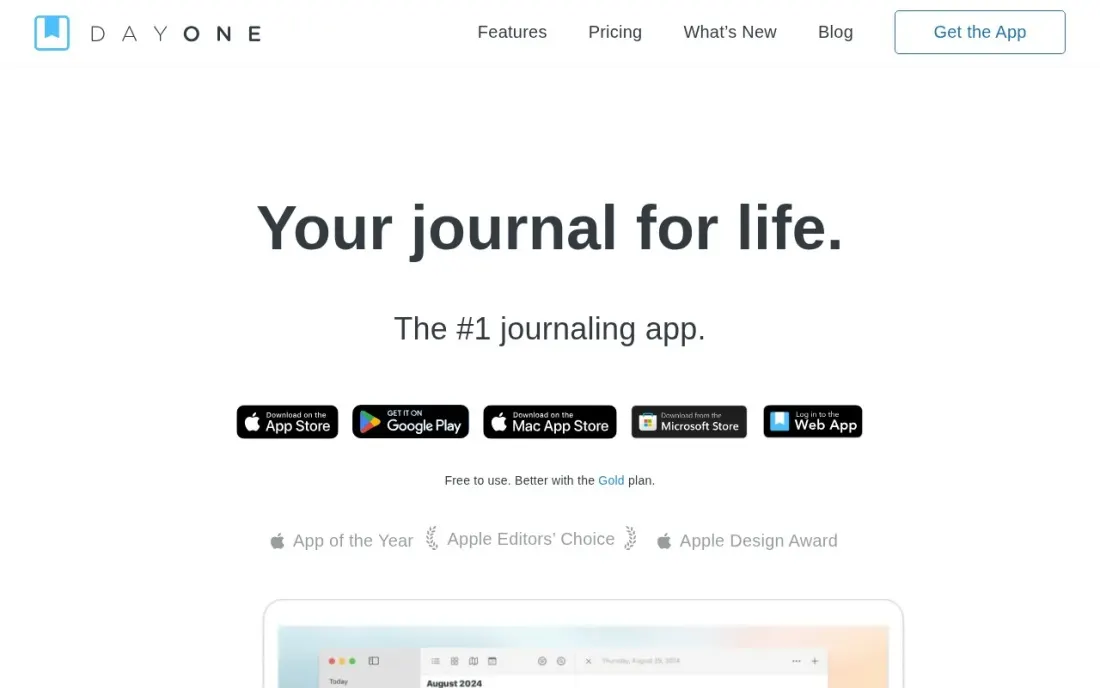
Day One is the journal app most people mean when they ask for the best one. Entries can hold photos, video, audio, scanned documents and drawings, and location, weather and dates are added automatically. The free Basic plan includes unlimited journals and entries, templates, daily prompts and end-to-end encrypted backup, but it allows one photo per entry and backup from one active device.
Silver costs $49.99 a year, with no monthly option, and adds unlimited sync across Mac, iOS and Android plus up to 30 media items per entry. Gold at $74.99 a year adds AI tools such as Daily Chat, Entry Highlights and multi-entry summaries. You can also print entries as a book. It suits anyone who journals on more than one device.
What we like
- Free Basic plan includes unlimited journals and entries, templates, prompts and end-to-end encrypted backup
- Silver at $49.99 a year adds unlimited sync across Mac, iOS and Android and up to 30 media items per entry
- Gold at $74.99 a year adds Daily Chat, Entry Highlights, multi-entry summaries and AI image generation
Watch out for
- Free Basic allows only one photo per entry and backup from one active device
- No monthly billing; Silver and Gold are yearly only
- The subscription cannot be shared through Family Sharing

Journey
Best for: Journalers who want an AI companion and apps on mobile, desktop and the web
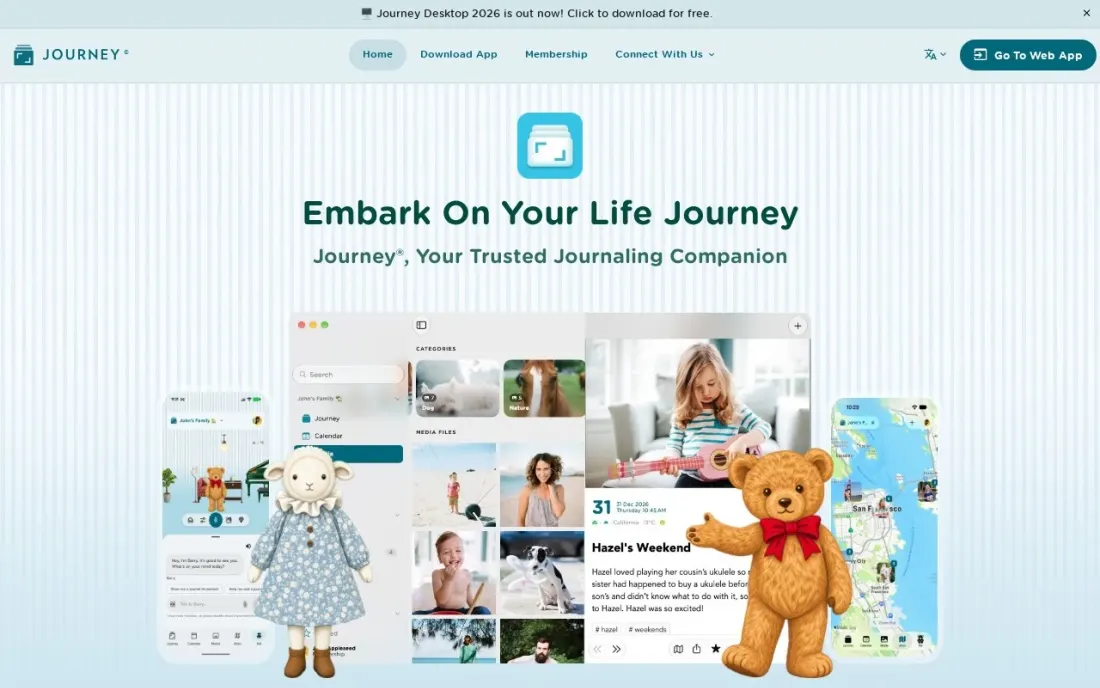
Journey is the most AI-forward journal app here. Pal is a companion you can talk to by text or voice, and Reflections asks follow-up questions about your entries using on-device, offline AI on iPhones that support Apple Intelligence. Apps run on iPhone, iPad, Mac, Android, desktop and the web, with mood tracking, templates and DOCX and PDF export.
Journey Cloud membership costs $6.99 a month or $49.99 a year on the US App Store, and that is what turns on end-to-end encryption and shared journals; a lifetime membership is listed at $199. It rates 4.6 out of 5 from about 5,100 ratings on the US App Store. Choose it if you want help reflecting rather than a blank page.
What we like
- Available on mobile, desktop and the web, so you can write wherever you are
- Pal, a text or voice companion, and on-device Reflections that ask follow-up questions
- End-to-end encryption and shared journals with Journey Cloud Sync
Watch out for
- End-to-end encryption and shared journals need the paid Cloud membership
- The App Store lists several overlapping prices, so check the price shown in your region
- Reflections needs iOS 26 with Apple Intelligence

Diarium
Best for: Privacy-minded journalers who want a one-time price and sync through their own cloud storage
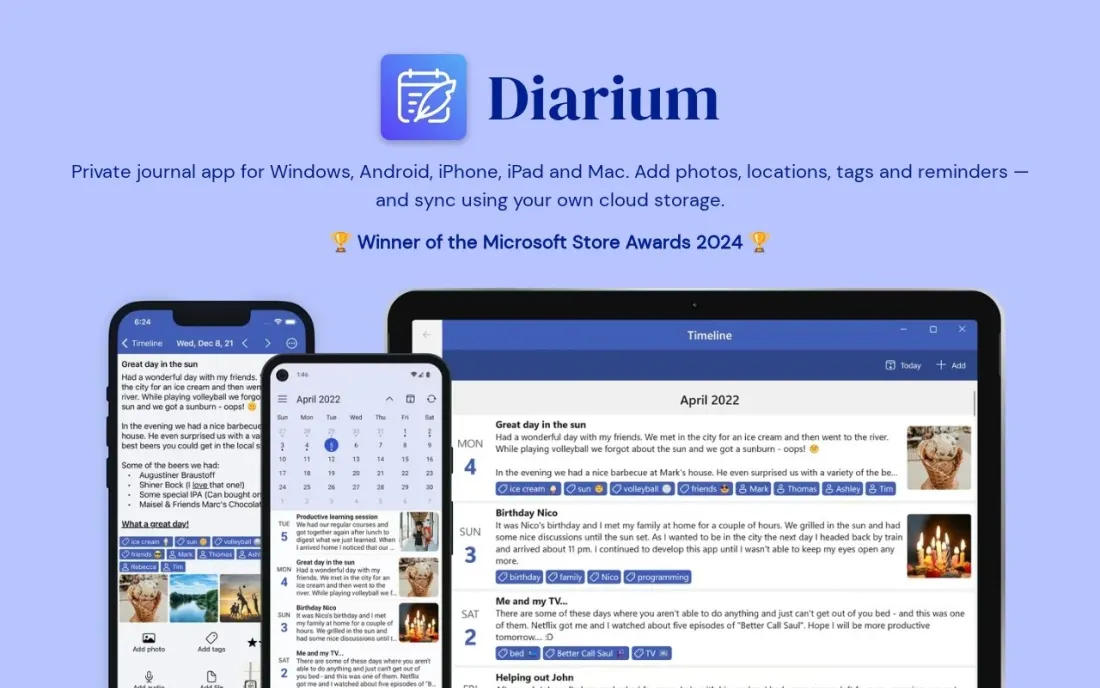
Diarium is the journal app for people who dislike subscriptions and accounts. The app is free to download, and Pro is a one-time $14.99 purchase on iOS that unlocks sync, unlimited attachments per entry, Word export, connected feeds, custom fonts, widgets and weather in entries. Sync runs through your own iCloud, OneDrive, Google Drive, Dropbox or WebDAV storage, so there is no Diarium account to create.
Entries can be locked with a password, PIN, Face ID or Touch ID. It rates 4.8 out of 5 from about 2,100 ratings on the US App Store. The catch is that each platform may need its own Pro purchase, and the listing does not describe encryption, so keep your cloud account secure.
What we like
- Pro is a one-time $14.99 purchase on iOS, not a subscription
- Syncs through your own iCloud, OneDrive, Google Drive, Dropbox or WebDAV with no Diarium account
- Pulls in connected feeds such as weather, and exports to Word
Watch out for
- Pro may need buying again on each platform
- The App Store listing does not describe encryption of entries

Daylio
Best for: People who want to track mood and habits in seconds rather than write long entries
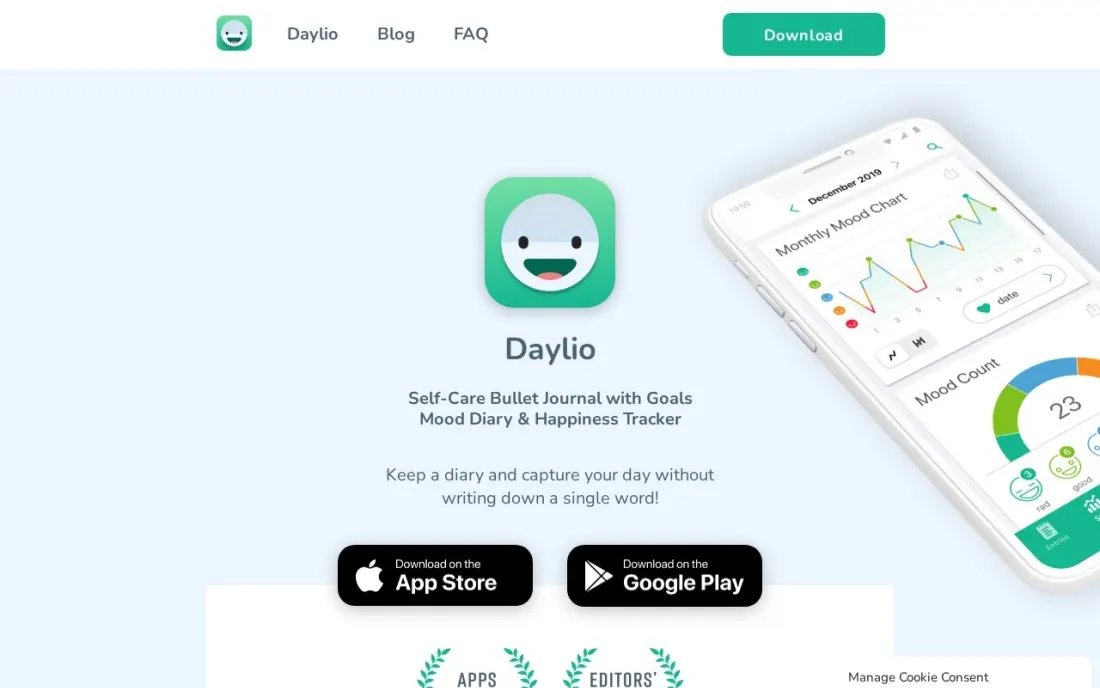
Daylio is a micro-journal: instead of a blank page, you pick a mood and the activities that filled your day, then add a note or photo if you want. Over weeks it turns those taps into charts, a calendar, a Year in Pixels and statistics that show which activities go with your better days. Goals and habit tracking sit alongside, and you can export to PDF or CSV.
The developer says entries stay on your phone, with scheduled backups to Google Drive or iCloud Drive and a PIN lock. Premium is an in-app purchase, with US App Store options from $4.99 and Lifetime Premium at $59.99. It rates 4.8 out of 5 from about 62,000 ratings.
What we like
- Log mood and activities in two taps, with optional notes and photos
- Weekly, monthly and yearly charts, Year in Pixels and goal tracking
- Entries are stored on the phone, with scheduled backups to Google Drive or iCloud Drive
Watch out for
- Not built for long-form writing
- The App Store does not say which term each Premium price covers

Obsidian
Best for: Private journalers who want entries as plain files they own forever
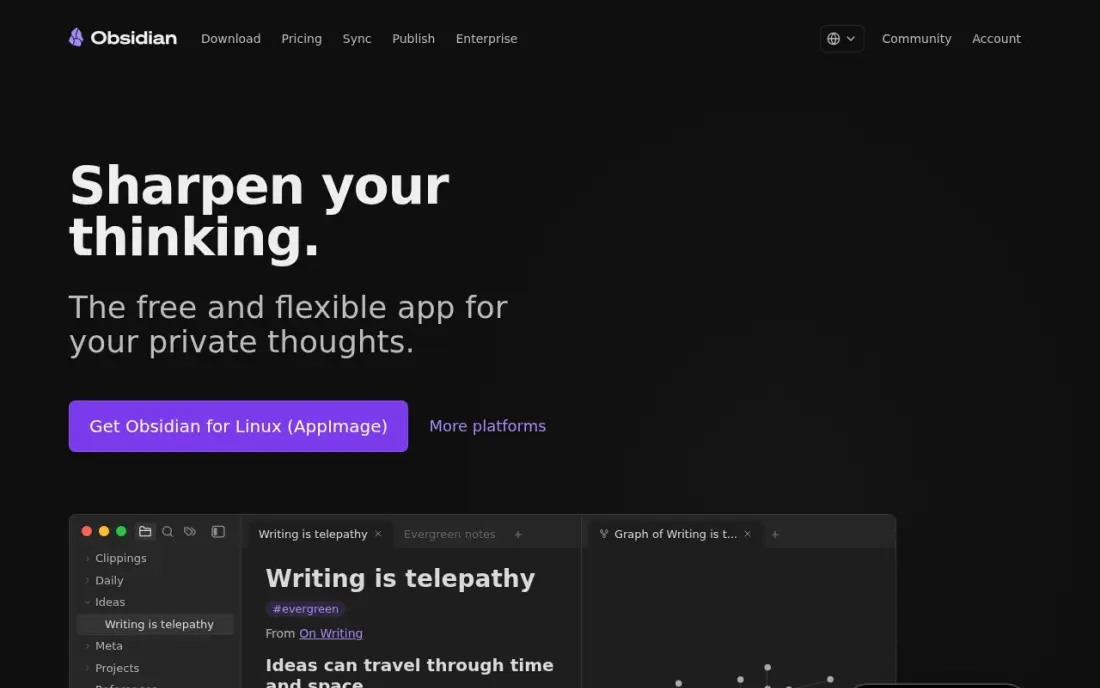
Obsidian is not a journal app, but it makes an excellent private one. Every entry is a Markdown file in a folder on your own device, readable in any text editor even if Obsidian disappears, and the free app needs no account. Its built-in Daily Notes feature creates a dated page each day from a template, and backlinks connect entries to people, projects and ideas over time.
You build the system yourself, so expect an evening of setup with templates and plugins. There is no free sync between devices; Obsidian Sync costs $4 a month billed annually, or $5 monthly, or you can point the folder at a cloud drive you already use. Choose it if ownership of your writing matters most.
What we like
- Every note is a plain Markdown file on your own device, readable in any text editor even if Obsidian disappears
- Backlinks connect journal entries to people, projects and ideas over time, with no subscription
- More than 2,700 community plugins add tasks, calendars, databases and AI without a paid plan
Watch out for
- No built-in sync on the free app — Sync costs $4 a month billed annually, or you arrange your own cloud folder
- Blank-canvas setup takes an evening with templates and plugins before it works as a journal
- No real-time collaboration, so shared editing needs another tool

Notion
Best for: People who want their journal in the same workspace as notes, plans and goals
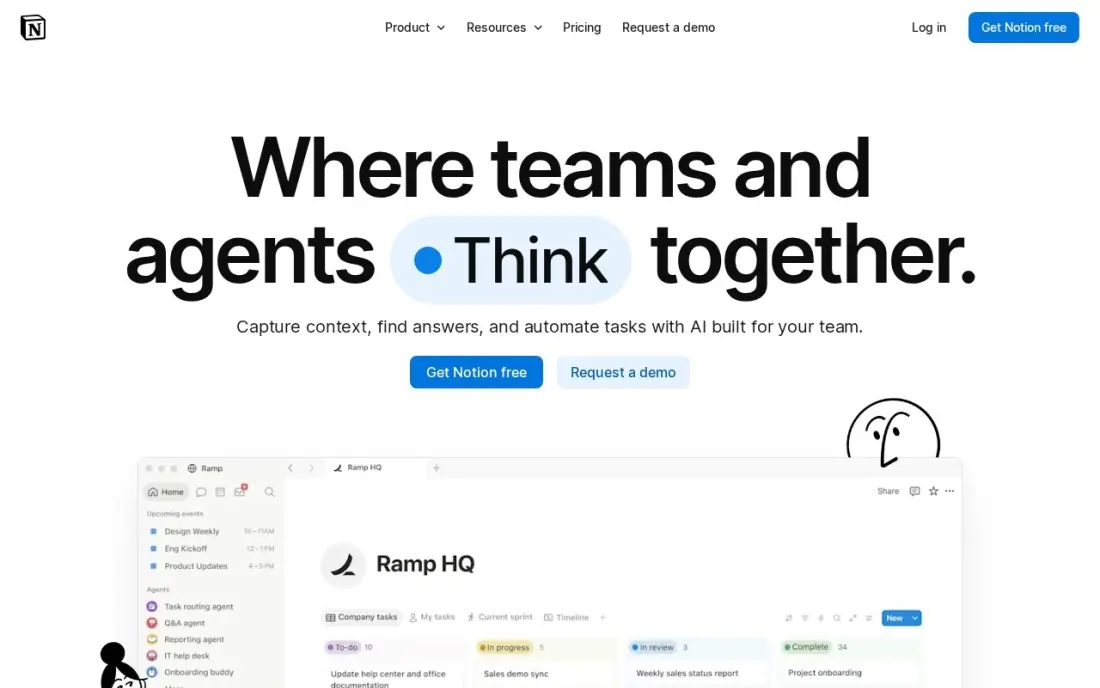
Notion works as a journal when you already plan your life in it. A journal database with a template gives you a dated entry each day with prompts, mood or gratitude fields, and views by week or month, and you can link entries to goals and projects in the same workspace. The free plan is unlimited for one person and syncs on every device.
It is not private in the way Day One or Diarium are: there is no end-to-end encryption, and a blank page takes setup before it feels like a diary. Plus at $10 a member a month billed annually, or $12 monthly, adds file uploads and page history that a solo journaler rarely needs. Use the free plan if Notion is already home.
What we like
- A journal database with a template gives a dated entry each day, with prompts, mood or gratitude fields
- Free plan is genuinely unlimited for one person, with sync on every device
- Plus adds unlimited file uploads, 30-day page history and unlimited guests
- Rated 4.6/5 on G2 from 13,975 reviews, the largest review base in this list
Watch out for
- Full Notion AI sits on Business ($20/member/month), not Plus — Plus gets an AI trial only
- No end-to-end encryption, so entries are less private than in Day One or Diarium
- Blank-page freedom is a learning curve: a new page takes setup before it feels like a diary
The best journal app makes it easy to write a few lines every day and keeps those lines private for years. We compared six apps across three styles of journaling — full diaries with photos and sync, quick mood journals and general note apps set up as journals — and every price below comes from the vendor's own pricing page or its US App Store listing as checked in November 2026.
How to choose the best journal app
- Start with privacy. Check whether entries are end-to-end encrypted, stored only on your device or synced through your own cloud, and whether the app needs an account.
- Check the devices you write on. If you write on a phone and read on a laptop, sync across both platforms is the feature you are paying for.
- Decide how you like to write. Long entries need a good editor and media support; busy days suit mood taps and prompts.
- Look at export. Years of entries are hard to replace, so make sure the app exports to a format you can open without it.
- Compare subscription and one-time prices. A $50 yearly plan costs $250 over five years; a one-time unlock may suit a long-term habit better.
- Be honest about AI. Prompts and summaries can help a stalled habit, but they mean your writing is processed by a model, so read how it is handled.
If your journal sits next to other notes and plans, our guide to the best digital planner apps covers tools for the planning side, and our round-up of digital note-taking tools compares the wider note apps that Obsidian and Notion belong to.
Journal app pricing: what you will actually pay
Take one person who journals on an iPhone and a laptop for five years. Day One Silver costs $49.99 a year, or $249.95 over five years, and Gold costs $74.99 a year, or $374.95. Journey's Cloud membership costs $49.99 a year on the US App Store, the same $249.95 over five years, or $6.99 a month if you want to stop anytime; its lifetime membership is listed at $199.
The one-time options are far cheaper over time. Diarium Pro costs $14.99 once on iOS, though another platform may need its own purchase. Daylio lists Lifetime Premium at $59.99. Obsidian is free, and adding its Sync at $4 a month billed annually costs $240 over five years, or nothing if you use a cloud folder you already pay for. Notion's free plan covers a personal journal at $0.
Know the difference: diary apps vs mood journals
A diary app is built for writing. Day One, Journey and Diarium give you a full editor, photos, locations and dates, and the value builds as you reread entries from a year ago. They suit people who want to record what happened and think it through in sentences.
A mood journal is built for patterns. Daylio asks you to tap a mood and a few activities, which takes seconds, and over months its charts show what lifts or drags your days. It suits people who have tried a diary and stopped because a blank page felt like work. Many people use one of each: a mood log every day and a longer entry when there is something worth writing.
Quick comparison: tool type by need
| Buyer | Best pick | Why |
|---|---|---|
| Most complete journal | Day One | Free Basic plan, encrypted sync on Silver at $49.99/year |
| AI-assisted reflection | Journey | Pal companion and Reflections, $49.99/year membership |
| No subscription | Diarium | Pro $14.99 one-time on iOS, sync through your own cloud |
| Quick mood tracking | Daylio | Two-tap entries, charts and Year in Pixels |
| Own your files | Obsidian | Free, entries are plain Markdown files on your device |
| Journal inside your workspace | Notion | Free for one person, links entries to goals and projects |
Mistakes to avoid
- Choosing on features you will not use. The best journal is the one you open daily; a simple app used every night beats a powerful one used twice.
- Skipping the export test. Export a week of entries on day one so you know your writing can leave with you.
- Writing private thoughts in an unencrypted shared workspace. Keep personal entries out of team tools that colleagues or admins can reach.
- Forgetting the lock. Turn on the PIN, Face ID or Touch ID lock so anyone holding your phone cannot read your journal.
- Paying yearly before the habit sticks. Use the free tier for a month first, then pay once you know you will keep writing.
Related comparisons: Vision Board Apps · Trip Planner Apps · Streaming Services for Families · RV Apps
How we chose
We checked each vendor's own pricing page, or its US App Store listing where the app sells through in-app purchases, in November 2026 and recorded prices exactly as shown, including whether they are yearly, monthly or one-time. App Store prices can vary by country. We compared privacy, sync, media support, export and the effort needed to write a daily entry, and ranked the apps for a person starting or restarting a daily journaling habit. App Store ratings are quoted as shown on the listings on the day we checked; G2 ratings for Obsidian and Notion come from pages checked on the dates in the sources. No vendor paid for a place in this list, and none of the links here are affiliate links.
What to do next
Install the free version of the app that fits how you like to write, set a reminder for the same time each evening and write for seven days before paying for anything. If you run a business and want your own writing to reach more readers, that is where we can help. Book a free SEO review.
Frequently asked questions
What is the best journal app?
Day One is the best all-round journal app, with a free Basic plan, encrypted sync on Silver at $49.99 a year and AI features on Gold at $74.99 a year. Diarium is the best one-time purchase at $14.99 for Pro on iOS, and Daylio is best for quick mood tracking.
Is there a good free journal app?
Yes. Day One's Basic plan is free with unlimited entries, Diarium and Daylio are free to download, and Obsidian and Notion are free for personal use. Free tiers usually limit photos, sync between devices or statistics.
Which journal app is the most private?
Day One and Journey offer end-to-end encryption on their sync services, with Journey's on the paid Cloud membership. Obsidian keeps entries as files on your device, Daylio stores entries on the phone, and Diarium syncs only through your own cloud storage.
Is there a journal app with no subscription?
Diarium Pro is a one-time $14.99 purchase on iOS. Daylio lists Lifetime Premium at $59.99 and Journey lists a lifetime membership at $199 on the US App Store. Obsidian is free, with paid sync optional.
Do journal apps use AI?
Some do. Day One Gold adds Daily Chat, Entry Highlights and summaries across entries, and Journey has Pal, a chat companion, plus on-device Reflections. Diarium, Daylio and Obsidian work without AI unless you add plugins.
Can I move my journal to another app later?
Usually. Day One exports to PDF, JSON and plain text, Journey to DOCX and PDF, Diarium to Word, Daylio to PDF and CSV, and Obsidian entries are already plain Markdown files. Export a test month before you commit years of writing.
What is the best journal app for Windows or PC?
Journey is the clearest pick for writing on a PC: its apps run on desktop and the web as well as iPhone and Android, with mood tracking, templates and DOCX and PDF export, from $49.99 a year for the Cloud membership. Diarium syncs through OneDrive and other clouds you already use, though Pro may need a separate purchase outside iOS. Day One's paid sync covers Mac, iOS and Android.
Sources we checked (8)
- Day One — dayoneapp.com/guides/premium-subscription/day-one-pricing-features-guide (checked November 16, 2026)
- Journey — apps.apple.com/app/id1300202543 (checked November 16, 2026)
- Diarium — apps.apple.com/us/app/diarium-journal-private-diary/id1436044299 (checked November 16, 2026)
- Daylio — apps.apple.com/us/app/daylio-journal-mood-tracker/id1194023242 (checked November 16, 2026)
- Obsidian — obsidian.md/pricing (checked November 12, 2026)
- Obsidian reviews on G2 (checked November 12, 2026)
- Notion — www.notion.com/pricing (checked November 12, 2026)
- Notion reviews on G2 (checked November 12, 2026)
Make one of these tools?
We re-check this list every quarter. Send a correction, request a review, or ask about a clearly labeled sponsored spot.
Request a listingShamim
Founder of SerpAstra
A full-stack digital marketer and SEO strategist covering technical and local SEO, AI search visibility, paid ads and lead generation for local businesses, e-commerce brands and SaaS teams.
Free SEO and AI visibility audit
Find out what is holding your rankings back
Send us your site. Within 2 business days you get a written audit, an AI visibility check and a short fix list ranked by impact. Free, with no contract attached.
Request my free audit→Related buying guides
 Productivity & OfficeBest Digital Planner Apps (2026): 12 Apps Worth DownloadingCompare the 12 best digital planner app options for iPad, Android and desktop on price, free plans and features, with every price checked November 12, 2026.Read guide →
 Productivity & Office7 Best Tools for Digital Note Taking in 2026 (Free and Paid, Compared)Compare the 7 best tools for digital note taking on price, free plans, sync, storage and handwriting, with every price checked November 12, 2026.Read guide →
 Productivity & Office10 Best Cross-Platform Note Taking Apps in 2026, ComparedCompare the 10 best cross-platform note taking apps on price, sync, free plans and AI features, with every price checked on November 10, 2026.Read guide →