
7 Best Banner Design Software in 2026, Compared
Compare the 7 best banner design software for web ads, social headers and print banners on templates, resizing, free plans and annual cost, checked Nov 2026.
 Shamim Mia, Founder, SerpAstraLast verified November 4, 20268 min read
We compare pricing pages, documentation and public reviews. We never accept payment for rankings.
Key takeaways
- Canva is the best banner design software for most small businesses: a large template library on the free plan and Pro at $144 a year, which adds Magic Resize for every ad size.
- VistaCreate is the budget pick for animated banners, with Pro at $120 a year covering a team of up to 10.
- Adobe Express at $9.99 a month is the pick for teams that want Adobe Stock photos and Adobe Fonts in their banners.
- For print banners and fully custom work, Affinity is now free for individuals, and Figma's free plan suits web banner sets built by a designer.
On this page
Quick comparison
| Tool | Best for | Starting price | Free plan |
|---|---|---|---|
| Canva | Small businesses that need web, social and print banners from templates without a designer | $18/mo | Yes (free plan) |
| VistaCreate | Small teams that want animated web banners and social headers at the lowest annual price | $10/mo (annual) | Yes (free plan) |
| Adobe Express | Marketing teams that want Adobe Stock photos, Adobe Fonts and Firefly AI in their banners | $9.99/mo | Yes (free plan) |
| Snappa | Beginners who need quick social and blog banners with no learning curve | $15/mo | Yes (free plan) |
| Figma | Designers building full web banner sets in many sizes from shared components | Free; $12/mo | Yes |
| Affinity | Designers making large-format print banners and custom vector artwork at no cost | Free | Yes |
| Picsart | Creators who make social banners and channel art on a phone with AI help | $15/mo | Yes |
Make one of these tools?
We re-check this list every quarter. Send a correction, request a review, or ask about a clearly labeled sponsored spot.
Request a listingThe best banner design software

Canva
Best for: Small businesses that need web, social and print banners from templates without a designer
Canva is the default banner tool for non-designers, and for good reason: pick a template for a website hero, a Facebook cover, a YouTube channel art or a roll-up print banner, swap the text and photos, and export. The free plan includes more than 250,000 templates and 5GB of storage, which covers occasional banners.
Pro costs $144 a year billed annually, or $18 a month billed monthly, and adds the features that matter for banner campaigns: Magic Resize to turn one design into every ad size, Brand Kit for consistent colours and logos, and the background remover. Without Pro, each size has to be rebuilt by hand, so anyone running display ads should budget for it.
What we like
- Templates for website heroes, Facebook covers, YouTube channel art and roll-up print banners, edited by drag and drop
- Magic Studio AI tools and Brand Kit come with Pro, so a small team can stay on-brand without a designer
- Magic Resize on Pro turns one banner design into every ad size
Watch out for
- Without Pro, each banner size has to be rebuilt by hand
- Brand Kit, background remover and Magic Resize all need Pro, so the free plan is template-only for branding
- Pro costs $18 a month billed monthly, so anyone running display ads should budget for it

VistaCreate
Best for: Small teams that want animated web banners and social headers at the lowest annual price
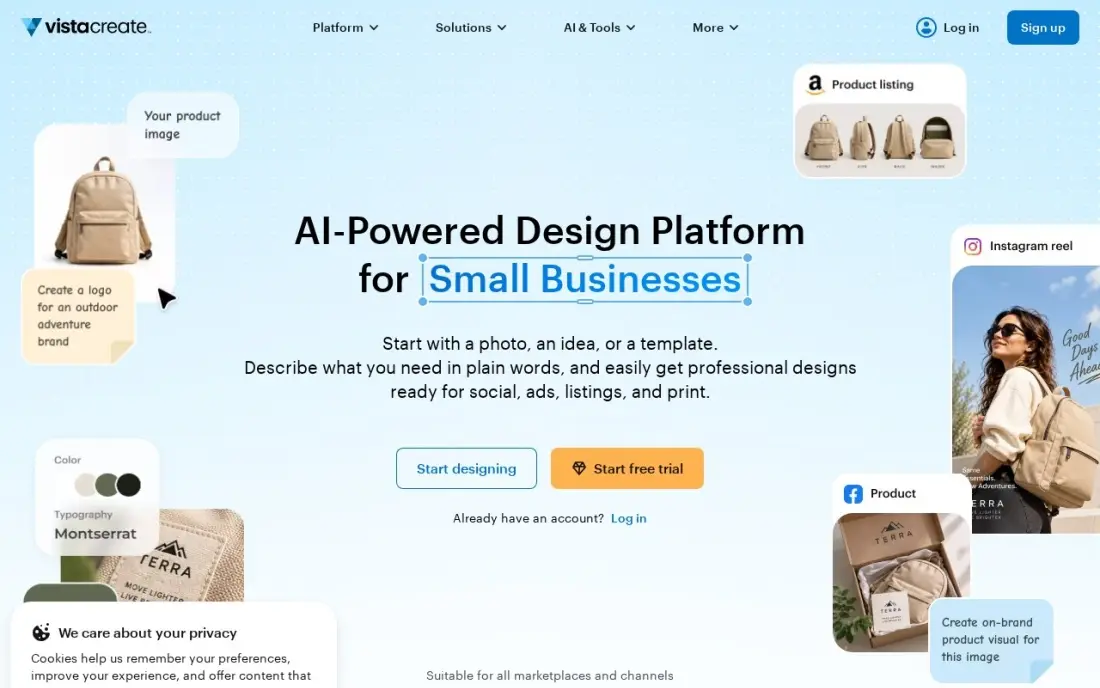
VistaCreate is the cheapest full-featured way to make animated banners. Its templates include animated designs, and the built-in animation editor lets you move text and objects without a separate motion tool, which suits display ads and social headers that need to catch the eye. The library holds 200,000+ templates and 170M+ stock assets.
Pro costs $120 a year billed annually, which works out to $10 a month, or $13 billed monthly, and one plan covers a team of up to 10. It adds the AI Image Generator with 100 generations a month and background removal. The free Starter plan has no AI tools, and the template range is smaller than Canva's, but for a small team the price is hard to beat.
What we like
- AI Image Generator (100 generations a month), AI Writer and background and object removal all on Pro
- 200,000+ templates and 170M+ stock assets, with animated designs and a built-in animation editor
- Cheapest full-featured Pro plan here at $10/month billed annually, covering a team of up to 10
Watch out for
- Starter has no AI tools at all, so the free plan cannot test the AI features
- Smaller template and integration range than Canva, and no ad-performance scoring

Adobe Express
Best for: Marketing teams that want Adobe Stock photos, Adobe Fonts and Firefly AI in their banners
Adobe Express gives banner work the Adobe toolkit in a simple editor: premium templates, Adobe Stock photos, Adobe Fonts and Brand Kits, plus Firefly AI to generate images and text effects from a prompt when you have no suitable photo. Files sync between web and mobile, so a banner started on a laptop can be finished on a phone.
Premium costs $9.99 a month, and the free plan covers basic templates and tools. Its template library is thinner than Canva's in some categories, and each person needs their own subscription. Choose it when your brand already lives in Adobe, or when licensed stock photos and fonts matter more than the size of the template library.
What we like
- Adobe Stock photos and Adobe Fonts are included in the price
- Firefly AI generates images and text effects from a prompt
- Brand Kits keep logos and colors consistent across every design
- Works on web and mobile with the same files
Watch out for
- No scheduling or publishing — designs still need a scheduler
- Fewer ready-made retail templates than Canva
- $9.99 a month buys design only, not distribution

Snappa
Best for: Beginners who need quick social and blog banners with no learning curve
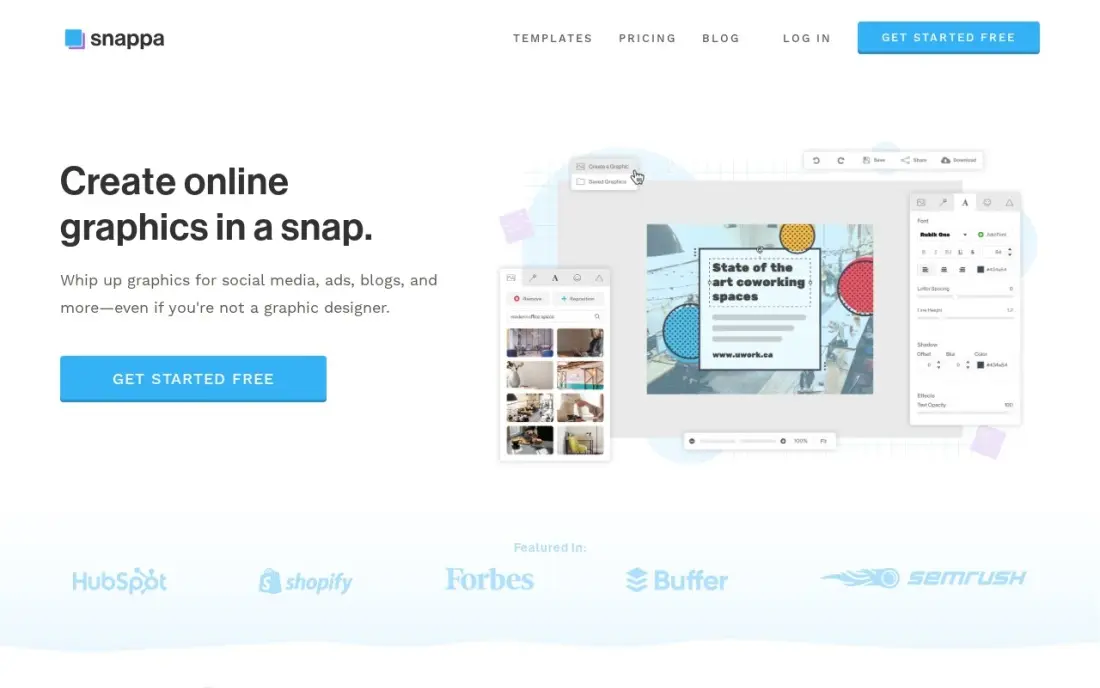
Snappa is the simplest editor here. Choose a preset size for a blog header, a Twitter or LinkedIn banner or a display ad, drop in a photo, change the text and download. The editor never asks you to learn layers or masks, and Pro includes background removal and one-click resizing for reusing a banner across sizes.
Pro costs $120 a year billed annually, or $15 a month billed monthly, with unlimited downloads. The free Starter plan stops at 3 downloads a month, which is enough to try it but not for a campaign. Snappa has no AI image generation and no animation, so it suits static banners where speed matters more than effects.
What we like
- The simplest editor here — pick a preset banner size, swap the text and export
- Unlimited downloads on Pro, so there is no per-banner meter to watch
- Background removal and one-click resize are included on Pro
- The free Starter plan lets you download 3 banners a month at $0
Watch out for
- No AI image generation — Snappa edits templates and photos, it does not create art from a prompt
- The free plan stops at 3 downloads a month, which is enough to try it but not for a campaign
- No animation, so it suits static banners where speed matters more than effects
Figma
Best for: Designers building full web banner sets in many sizes from shared components
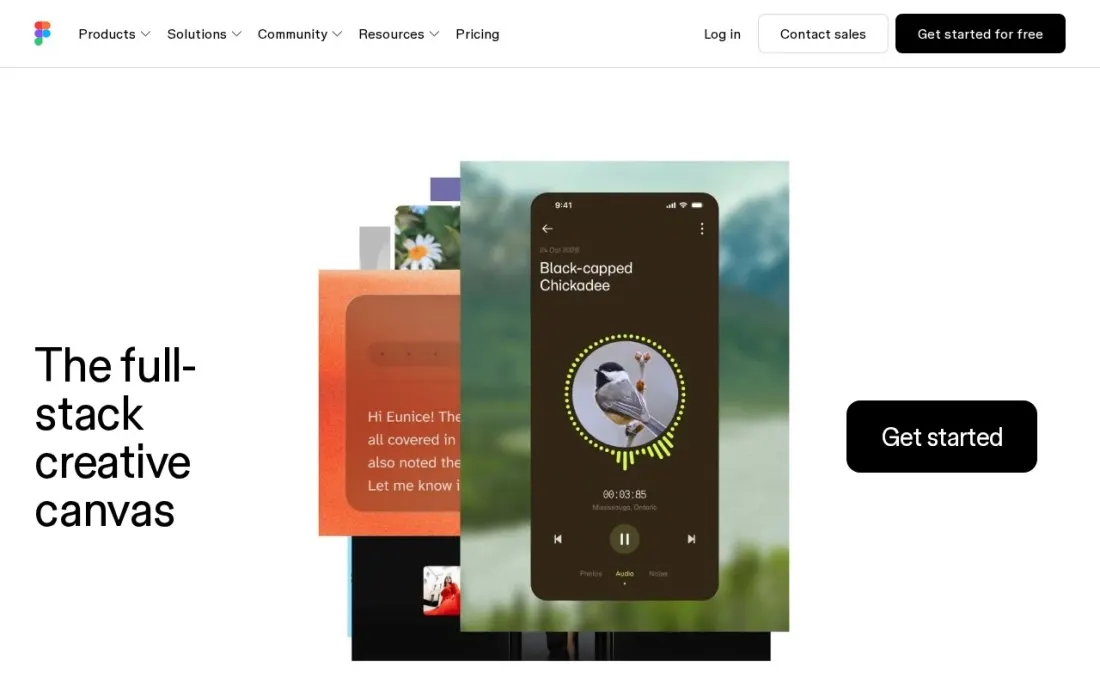
Figma is the tool designers use when a banner campaign means fifteen sizes that must stay identical. Build the banner once with components and auto layout, then reuse it across every size, and a headline change flows through the whole set. Clients review in the browser and leave comments on the exact spot they want changed.
The free plan includes unlimited file storage, 3 projects and 30-day version history. Professional costs $12 a month per editor billed annually, or $15 billed monthly. Figma assumes design skills and offers far fewer ready-made banner templates than Canva, and it is built for screens rather than print. Pick it when a designer owns the banners and consistency across sizes matters.
What we like
- Components and auto layout keep a set of banner sizes consistent when the copy changes
- Runs in the browser, so clients and teammates can review banners without installing anything
- Free plan with unlimited file storage and 30-day version history
- Professional adds unlimited free viewers at $12 a month per editor billed annually
Watch out for
- No ready-made banner template library on the scale of Canva's
- The free plan is limited to 3 projects
- Built for screens, so print banners need another tool

Affinity
Best for: Designers making large-format print banners and custom vector artwork at no cost
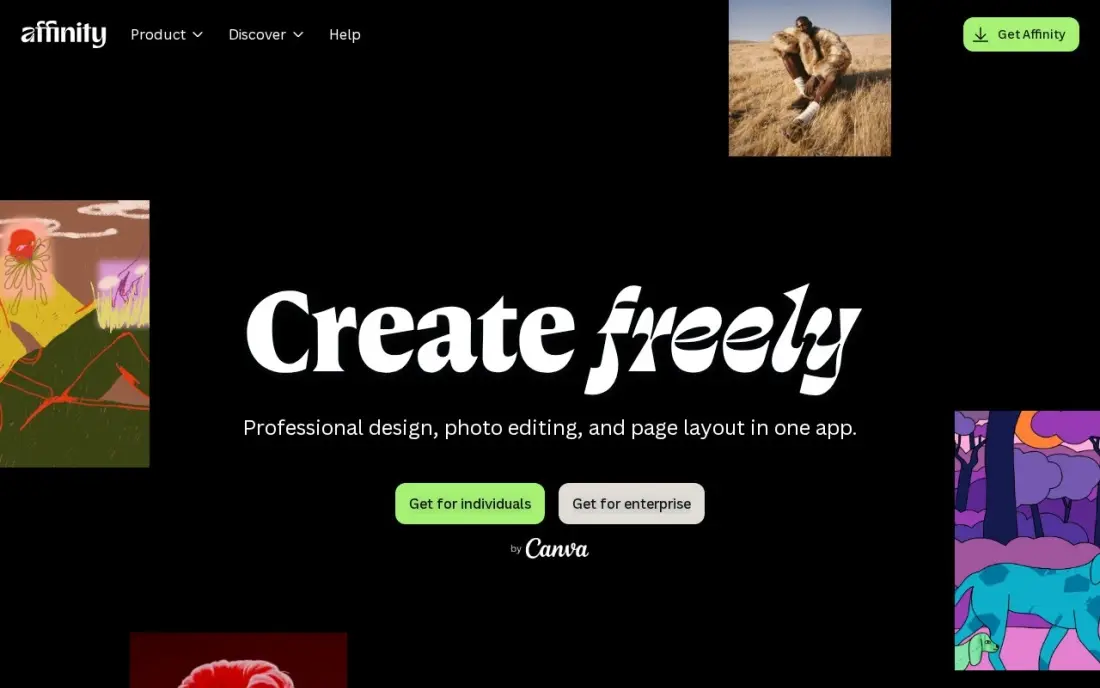
Affinity, now part of Canva, is a professional desktop app that combines vector illustration, photo editing and page layout, and it is free for individuals. That makes it the strongest free option for print banners, trade-show backdrops and signage, where vector artwork scales to large sizes without losing quality, and for custom designs that templates cannot produce.
It runs natively on Mac, Windows and iPad and imports PSD and AI files with layers preserved, so artwork from other designers opens cleanly. There are no banner templates, so expect to start from a blank canvas, and the AI tools need a Canva premium plan. Use it when the banner is going to a printer or needs real design work.
What we like
- Free for individuals, described by Affinity as free forever
- Vector, pixel and layout tools in one app for print-ready banner artwork
- Imports PSD, AI, IDML and DWG files with layers preserved
- Native apps for macOS, Windows and iPad
Watch out for
- No banner template library; you design from scratch
- The download goes through a Canva sign-in, and AI tools need a Canva premium plan
- No Linux version

Picsart
Best for: Creators who make social banners and channel art on a phone with AI help
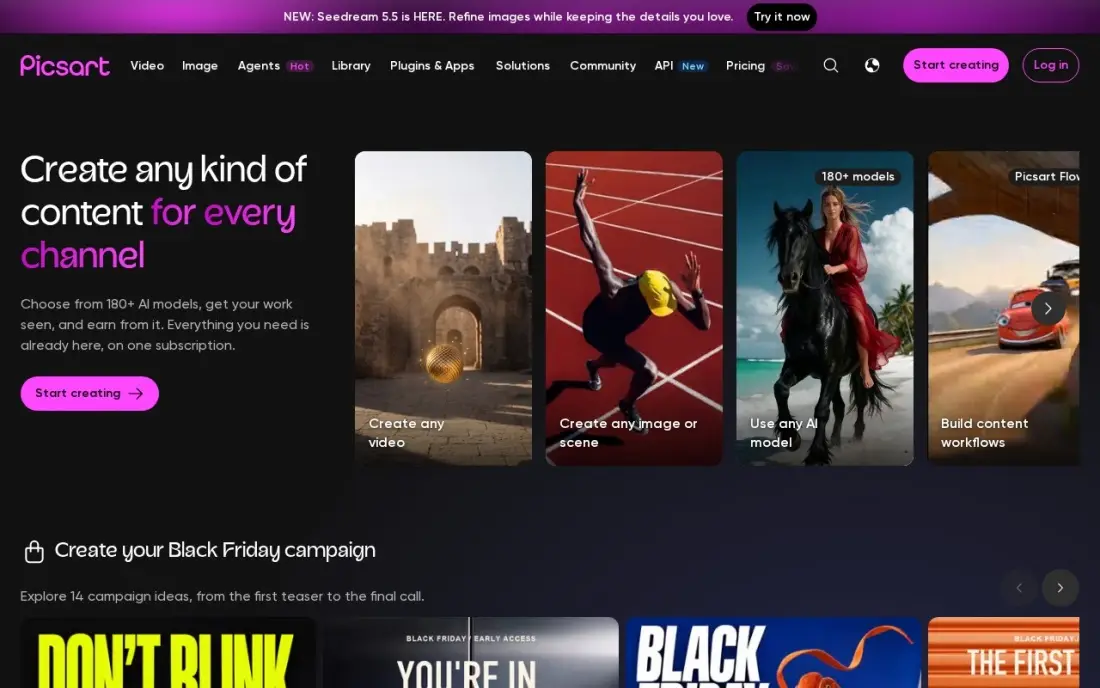
Picsart is the phone-first banner tool. It combines photo editing, templates and AI image generation in one app, so a creator can build a YouTube channel banner, a Facebook cover or a story graphic on a phone, with advanced background and object removal and a one-tap enhancer for product and portrait photos.
Pro costs $126 a year billed annually, or $15 a month billed monthly, on the website; the App Store sells Pro from $13.99 a month, so prices differ by where you buy. Pro includes 500 AI credits a month and three brand kits. The free tier shows ads and locks several features, and desktop users will find Canva easier.
What we like
- Photo and video editing plus AI image and video generation in one app, with 500 AI credits a month on Pro
- Pro includes advanced background and object removal, a one-tap enhancer, premium templates and 100 GB of storage
- Bulk editing handles 50 images at once, and three brand kits come with Pro
Watch out for
- AI generation is capped at 500 credits a month on Pro, so heavy AI use hits the ceiling fast
- In-app prices differ from the website: the App Store sells Pro from $13.99 a month, cheaper on yearly billing
- Free tier locks several desirable features behind the paywall and shows ads
The best banner design software helps you produce web ads, website headers, social covers and print banners that look professional and come out at exactly the size each placement needs. We compared seven tools, from template editors for non-designers to professional tools for print and multi-size ad campaigns, on templates, resizing, animation, free plans and real annual cost. Every price below comes from the vendor's own pricing page, checked in November 2026.
How to choose the best banner design software
- List every size you need. A display campaign can need a dozen sizes; tools with one-click resizing, such as Canva Pro, or components, such as Figma, save hours.
- Decide whether banners move. Animated web banners need animation tools, which VistaCreate includes; Snappa produces static banners only.
- Separate web from print. Print banners need vector artwork and print-ready exports, which Affinity handles better than template editors.
- Check brand controls. Brand kits for logos, colours and fonts keep banners consistent when several people make them.
- Count downloads on free plans. Snappa's free plan allows 3 downloads a month; Canva's and VistaCreate's free plans are broader but lock key features.
- Compare annual and monthly billing. Canva Pro costs $144 a year billed annually against $18 a month billed monthly, and most tools here show the same gap.
A banner is only worth the clicks it brings to a page that converts and ranks. Our monthly SEO service improves the landing pages your banners point to, and the free UTM builder tags each banner link so you can see which design brings visitors in analytics.
Banner design software pricing: what you will actually pay
Take a small business making banners every month for ads, social media and the website. On annual billing, VistaCreate Pro costs $120 a year and covers up to 10 people; Snappa Pro costs $120 a year; Picsart Pro costs $126 a year; and Canva Pro costs $144 a year. Adobe Express Premium is $9.99 a month, or $119.88 over twelve months.
Monthly billing costs more. Canva Pro at $18 a month is $216 a year, Snappa Pro at $15 a month is $180, VistaCreate at $13 is $156, and Picsart at $15 is $180. Figma Professional is $12 a month per editor billed annually, or $144 a year, against $15 billed monthly. Affinity costs nothing for individuals. For most small businesses, one annual template-editor plan plus a free tool for print covers every banner they make.
Know the difference: template editors vs design tools
Template editors such as Canva, VistaCreate, Adobe Express, Snappa and Picsart start you from a finished design. You change the words, swap the photo and export, and the tool handles layout, fonts and sizing. That is the fastest route for a business owner or marketer without design training, and it is how most social and display banners are made today.
Design tools such as Figma and Affinity start you from a blank canvas. They take longer and assume design skills, but they give you full control over every element, produce consistent multi-size sets for large campaigns, and output vector artwork for print. Teams often use both: a designer builds the master banner in a design tool, and marketers adapt it in a template editor.
Quick comparison: tool type by need
| Buyer | Best pick | Why |
|---|---|---|
| Small businesses | Canva | Huge template library, Pro $144/year billed annually |
| Animated banners on a budget | VistaCreate | Animation editor, Pro $120/year for up to 10 people |
| Adobe-based brands | Adobe Express | Adobe Stock and Fonts, Premium $9.99/month |
| Quick static banners | Snappa | Simplest editor, Pro $120/year billed annually |
| Multi-size ad campaigns | Figma | Components keep every size in sync; free plan |
| Print banners | Affinity | Free vector and layout tools for individuals |
| Phone-first creators | Picsart | Mobile editing with AI, Pro $126/year billed annually |
Mistakes to avoid
- Cramming in too much text. A banner is seen for a second or two; one headline, one image and one call to action work better than a paragraph.
- Exporting oversized files. Heavy banner images slow pages and some ad networks reject them, so compress every export.
- Using the wrong colour mode for print. Screen banners use RGB, while printers usually want CMYK files with bleed; check with the printer first.
- Ignoring licence terms. Free stock images and fonts in some tools are licensed only for certain uses, so check before using them in paid ads.
- Not tracking which banner works. Without tagged links, you cannot tell which design or size brings clicks.
Related comparisons: Brochure Design Software · Landscape Design Software · Free Landscaping Design Apps · Software for Newsletter Design
How we chose
We checked each vendor's own pricing or product page in November 2026 and recorded starting prices exactly as listed, with annual and monthly billing where both are shown. We included tools that can produce web, social or print banners in standard sizes, and ranked them by fit for the most common buyer: a small business or marketer without a full-time designer. Ratings come from G2 pages checked on the dates shown in the sources; where no rating is shown, we did not verify one. No vendor paid for a place in this list, and none of the links here are affiliate links.
What to do next
Make one banner in your most-used size on Canva's or VistaCreate's free plan, then test whether the paid resize and brand features would save you time before upgrading. When those banners are driving traffic to your site, book a free call and we will show you how to turn more of those visitors into customers.
Frequently asked questions
What is the best banner design software?
Canva is the best banner design software for most small businesses, with a free plan of more than 250,000 templates and Pro at $144 a year billed annually for Magic Resize and Brand Kit. VistaCreate is the budget pick for animated banners, and Figma suits designers building full banner sets.
Is there free banner design software?
Yes. Canva, VistaCreate, Adobe Express and Picsart all have free plans, Snappa's free plan allows 3 downloads a month, and Figma has a free plan with 3 projects. Affinity is free for individuals and handles print banners.
What software is best for animated web banners?
VistaCreate includes animated templates and a built-in animation editor on a Pro plan of $120 a year billed annually. For banners that need complex motion, a motion graphics tool is the next step, but most small-business display ads only need simple text and object animation.
What size should a website banner be?
It depends on where it appears. Display ads use standard sizes such as 300x250, 728x90 and 160x600 pixels, and website hero banners are often 1920 pixels wide. Canva, Snappa and Figma all offer preset sizes, and Canva Pro's Magic Resize converts one design into several.
What software is best for print banners?
Affinity is the best free option for print banners because it works in vectors and exports print-ready files. Canva can also export print PDFs from its banner templates. Always check the printer's size, bleed and file requirements before you export.
Do banner ads affect SEO?
Banners do not help rankings directly, but large banner images can slow a page, which hurts user experience. Compress banners, set width and height, and use descriptive alt text so the page stays fast and accessible.
What is the best poster design software?
Canva is the easiest choice for posters built from templates, and it exports print-ready PDFs; Pro costs $18 a month or $144 a year. Affinity is the free choice for custom vector artwork and print-ready layouts, with native apps for Windows, macOS and iPad. Adobe Express adds Adobe Stock photos and Adobe Fonts for $9.99 a month.
Sources we checked (10)
- Canva — www.canva.com/pricing (checked November 12, 2026)
- Canva reviews on G2 (checked November 12, 2026)
- VistaCreate — create.vista.com/plans (checked November 4, 2026)
- Adobe Express — www.adobe.com/express/pricing (checked November 12, 2026)
- Adobe Express reviews on G2 (checked November 12, 2026)
- Snappa — snappa.com/pricing (checked November 5, 2026)
- Figma — www.figma.com/pricing (checked November 16, 2026)
- Affinity — www.affinity.studio (checked November 16, 2026)
- Picsart — www.picsart.com/pricing (checked November 10, 2026)
- Picsart reviews on G2 (checked November 10, 2026)
Make one of these tools?
We re-check this list every quarter. Send a correction, request a review, or ask about a clearly labeled sponsored spot.
Request a listingShamim
Founder of SerpAstra
A full-stack digital marketer and SEO strategist covering technical and local SEO, AI search visibility, paid ads and lead generation for local businesses, e-commerce brands and SaaS teams.
Free SEO and AI visibility audit
Find out what is holding your rankings back
Send us your site. Within 2 business days you get a written audit, an AI visibility check and a short fix list ranked by impact. Free, with no contract attached.
Request my free audit→Related buying guides
 Marketing7 Best AI Platforms for Ad Design in 2026 (Pros, Cons and Pricing)The 7 best ai platform for ad design options compared on price, AI generation and ad formats, with real 2026 prices checked on each vendor pricing page.Read guide →
 Graphic Design & Creative8 Best Tools for Creative Design in 2026, ComparedCompare the 8 best tools for creative design, from Canva to Illustrator and GIMP, on vector vs raster work, free plans and real cost, checked at the source.Read guide →
 Photo Editing & Photography10 Best AI YouTube Thumbnail Generator Tools in 2026, ComparedCompare the 10 best ai youtube thumbnail generator tools on price, free plans, AI generation and A/B testing, with every price checked November 5, 2026.Read guide →