
8 Best Employee Communication Apps in 2026, Compared
Compare the 8 best employee communication apps for office and frontline staff on chat, news feeds, frontline reach and per-user price, checked in November 2026.
 Shamim Mia, Founder, SerpAstraLast verified November 6, 20268 min read
We compare pricing pages, documentation and public reviews. We never accept payment for rankings.
Key takeaways
- Slack and Microsoft Teams are the best employee communication apps for desk-based teams, from $7.25 and $4 a user a month billed annually.
- Connecteam and Blink are the picks for frontline and deskless staff: both work by phone number, with Connecteam free for up to 10 users and Blink from $3.75 a user a month.
- Staffbase and Workvivo suit large employers that need a branded app, news feed and reach to every site, but both are quote-only.
- Pick by who you need to reach: chat tools serve people at desks, while employee apps reach staff who have no company email.
On this page
Quick comparison
| Tool | Best for | Starting price | Free plan |
|---|---|---|---|
| Slack | Desk-based teams that want channels, huddles and searchable conversation history | $8.75/user/mo | Yes (free plan) |
| Microsoft Teams | Companies on Microsoft 365 that want chat, meetings and calls in the tools they already pay for | $4/mo (annual) | Yes (free plan) |
| Connecteam | Frontline and field teams that need chat, updates, scheduling and a time clock on their phones | $35/hub/mo | Yes (free plan) |
| Blink | Deskless workforces in retail, care and logistics that need news, chat and a knowledge hub by phone | $3.75/mo (annual) | No (free trial) |
| Staffbase | Large employers that need one branded employee app, intranet, email and signage channel | Custom quote | No |
| Workvivo | Companies whose main problem is adoption and want a social feed employees actually open | Custom quote | No (demo) |
| Jostle | Mid-size organisations that want news, a directory and recognition with published prices | $2.77/user/mo | No (30-day trial) |
| Zoho Connect | Budget-conscious teams of 25 to 100 that want feeds, forums and manuals for about a dollar a user | $0.80/mo (annual) | Yes (up to 5 users) |
Make one of these tools?
We re-check this list every quarter. Send a correction, request a review, or ask about a clearly labeled sponsored spot.
Request a listingThe best employee communication apps

Slack
Best for: Desk-based teams that want channels, huddles and searchable conversation history
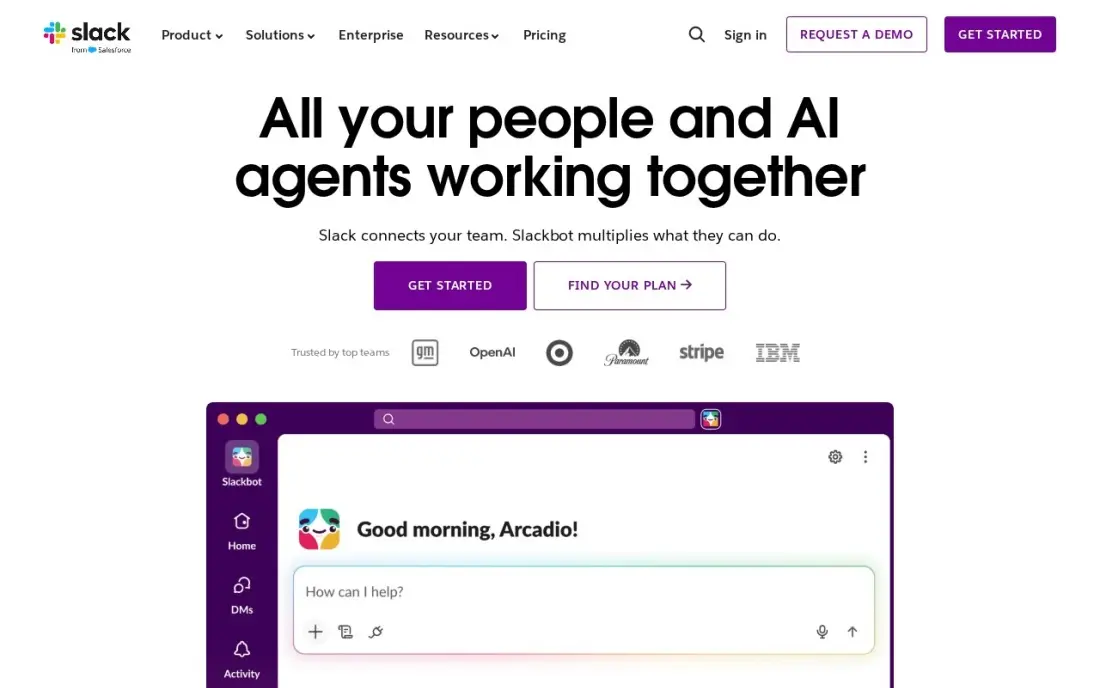
Slack is the default for teams that work at computers. Channels organise conversation by team, project or topic, huddles replace quick meetings, and every message is searchable, so decisions stop disappearing into email threads. More than 2,600 apps connect to it, from Google Drive to Jira, so alerts and approvals land where people already talk.
Pro costs $7.25 a user a month billed annually, or $8.75 monthly, with unlimited history and apps, and fair billing charges only for members active in the last 28 days. The free plan keeps 90 days of history. Slack is chat, not a company news channel, so announcements can get lost in busy channels.
What we like
- Channels replace long email threads and keep every conversation findable by topic
- Pro adds unlimited message history, unlimited apps and group huddles
- Fair billing means the business pays only for members active in the last 28 days
- More than 2,600 apps in the Slack Marketplace, including Google Drive, Jira and Zoom
Watch out for
- Slack is chat, not task management: deadlines and ownership still need another tool
- The free plan keeps only 90 days of message history, so old decisions disappear
- Per-user billing rises with every hire, and inactive users still count unless deactivated

Microsoft Teams
Best for: Companies on Microsoft 365 that want chat, meetings and calls in the tools they already pay for
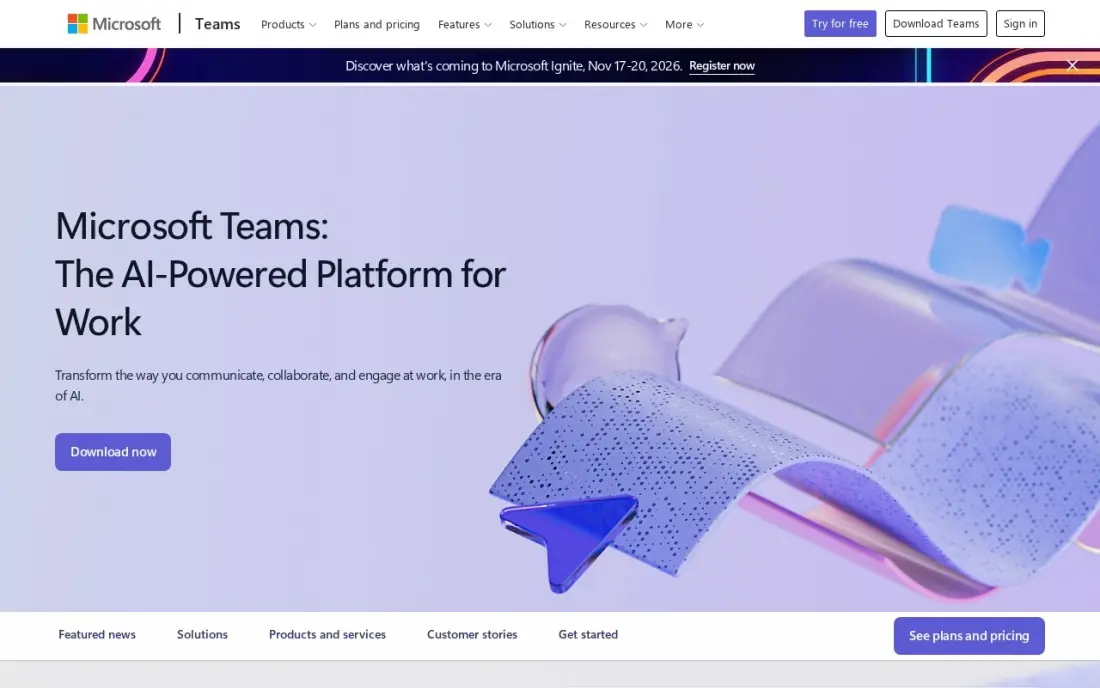
Microsoft Teams is the obvious employee communication app for a company already on Microsoft 365. Chat, channels, calls and meetings sit in one window, files open from SharePoint and OneDrive, and meetings on Essentials run up to 30 hours for 300 people with recordings and transcripts. The free plan covers unlimited chat and 60-minute group meetings.
Teams Essentials costs $4 a user a month billed annually, and Microsoft 365 Business Basic at $7 adds business email, 1 TB of storage and web Office apps. Copilot AI is a paid add-on. New users can find the crowded interface confusing, so set up teams and channels before launch.
What we like
- The cheapest paid start in this list at $4 a user a month on annual billing
- Comes with Microsoft 365 Business Basic at $7 a user a month, adding business email, 1 TB of storage and web Office apps
- Group meetings run up to 30 hours for 300 people on Essentials, with recordings and transcripts
- The free plan covers unlimited chat and 60-minute group meetings, so a team can try it for real before paying
Watch out for
- Teams Essentials has no business email — that needs the $7 Business Basic bundle
- Copilot AI is a paid add-on, not included in Essentials or Business Basic
- The interface packs chat, files, apps and meetings into one window, and new users take time to find things

Connecteam
Best for: Frontline and field teams that need chat, updates, scheduling and a time clock on their phones
Connecteam is built for staff who never sit at a desk. Employees join with a phone number, not a company email, and one mobile app covers team chat alongside scheduling, a GPS time clock, forms and basic HR tools. The free Small Business plan covers up to 10 users across all hubs.
Pricing is per hub, not per seat. Basic costs $29 a month billed annually, or $35 monthly, for the first 30 users, but each hub is priced separately, and past 30 users the plan jumps a full tier. A business that wants communication, scheduling and HR pays for three hubs.
What we like
- A genuinely free Small Business plan: up to 10 users with access to all three hubs
- Flat pricing per hub, not per seat — Basic covers the first 30 users for $29 a month billed annually
- Scheduling, GPS time clock, forms, team chat and basic HR tools in one mobile-first app
- No corporate email needed: deskless staff join with a phone number
Watch out for
- Each hub is priced separately, so a business wanting Operations, Communications and HR pays three times
- The price jumps a full tier at 31 users — Basic $29 to Advanced $49 — with no per-user overage option
- No built-in payroll; paying staff needs a separate provider through integrations
Blink
Best for: Deskless workforces in retail, care and logistics that need news, chat and a knowledge hub by phone
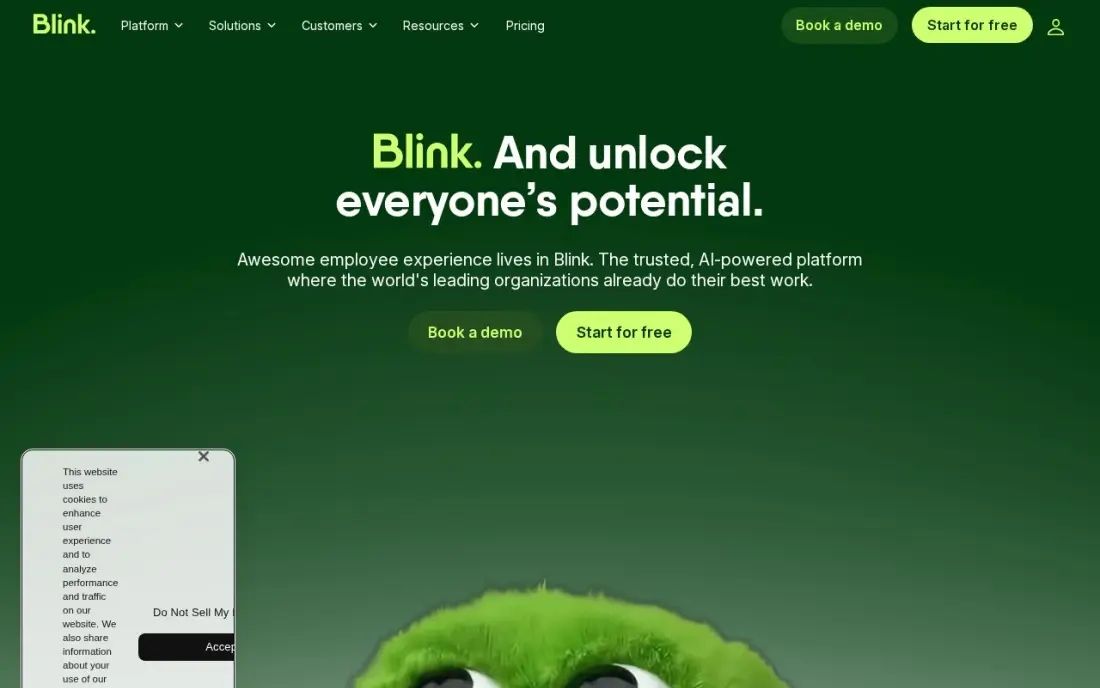
Blink reaches the staff most tools miss: shop, warehouse, care and delivery workers with no desk and often no company email. Employees sign up by phone number or QR code and get a news feed, chat and a Hub knowledge base in one mobile app with company branding. There is no seat minimum, so a 10-person team can start straight away.
Core costs $3.75 a user a month billed annually, or $5.60 monthly. Blink IQ, live streaming, voice and video, and white-label branding are paid add-ons, and the desktop experience is secondary to the phone app. There is a free trial but no free plan.
What we like
- Core costs $3.75 a user a month billed annually, with a news feed, chat, Hub and custom branding included
- Mobile-first by design: staff join by phone number or QR code with no corporate email required
- No minimum seat count and a self-serve trial, so a 10-person team can start today
Watch out for
- Blink IQ, live streaming, voice and video, and white-label branding are paid add-ons on top of the per-user price
- No free plan, only a free trial, and the desktop experience is secondary to the mobile app

Staffbase
Best for: Large employers that need one branded employee app, intranet, email and signage channel
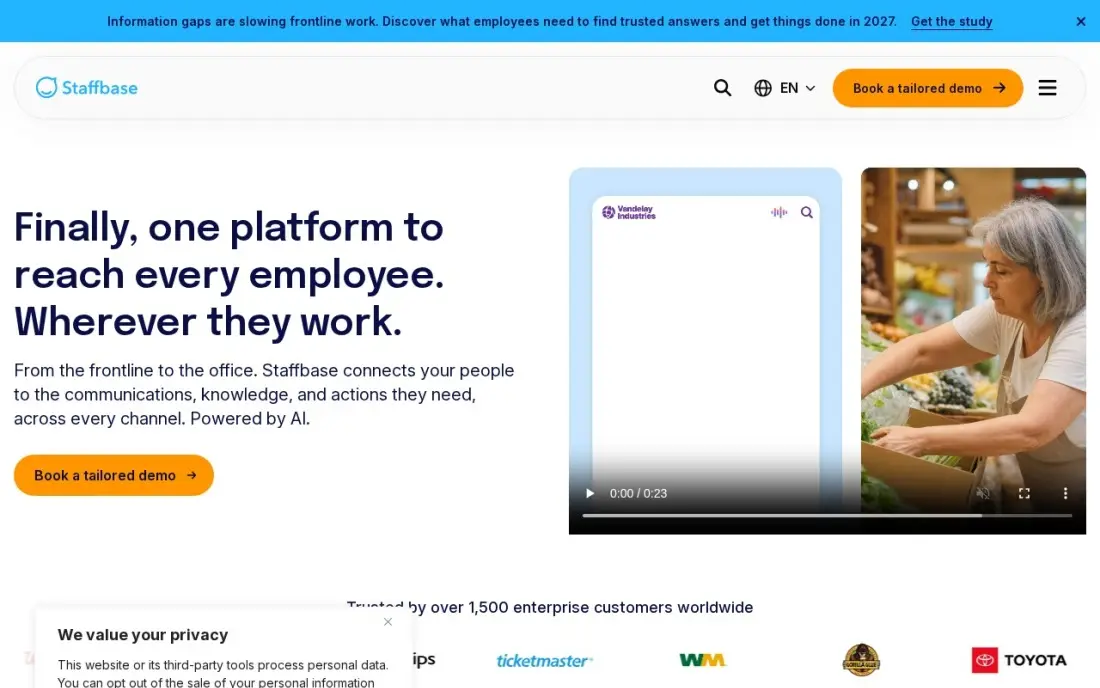
Staffbase is the enterprise platform for company-wide communication. One system runs a branded employee app, intranet, email, SMS and digital signage, so a message reaches office staff, shift workers and site teams in the channel each one uses. Frontline-specific pricing makes deskless seats cheaper than full licences, and HRIS integrations keep audiences in sync.
There is no published price; Staffbase quotes by workforce size and modules, billed annually. The vendor says a typical launch takes 90 days from contract, so it is a program, not a quick fix. Buy it when internal communication has an owner and a budget.
What we like
- The most complete dedicated platform here: employee app, intranet, email, SMS and digital signage in one system
- Frontline-specific pricing means deskless staff cost less than full enterprise licences
- Staffbase reports 87% average app adoption among frontline customers in the first year
- Trusted by more than 1,500 enterprise customers, with 24/7 support and deep HRIS integrations
Watch out for
- No published price — you cannot budget without a sales conversation and a tailored proposal
- Enterprise pricing puts it out of reach for small teams; frontline-only pricing is a separate quote
- Typical go-live is 90 days from signed contract, so it is not a quick fix for next week's newsletter

Workvivo
Best for: Companies whose main problem is adoption and want a social feed employees actually open
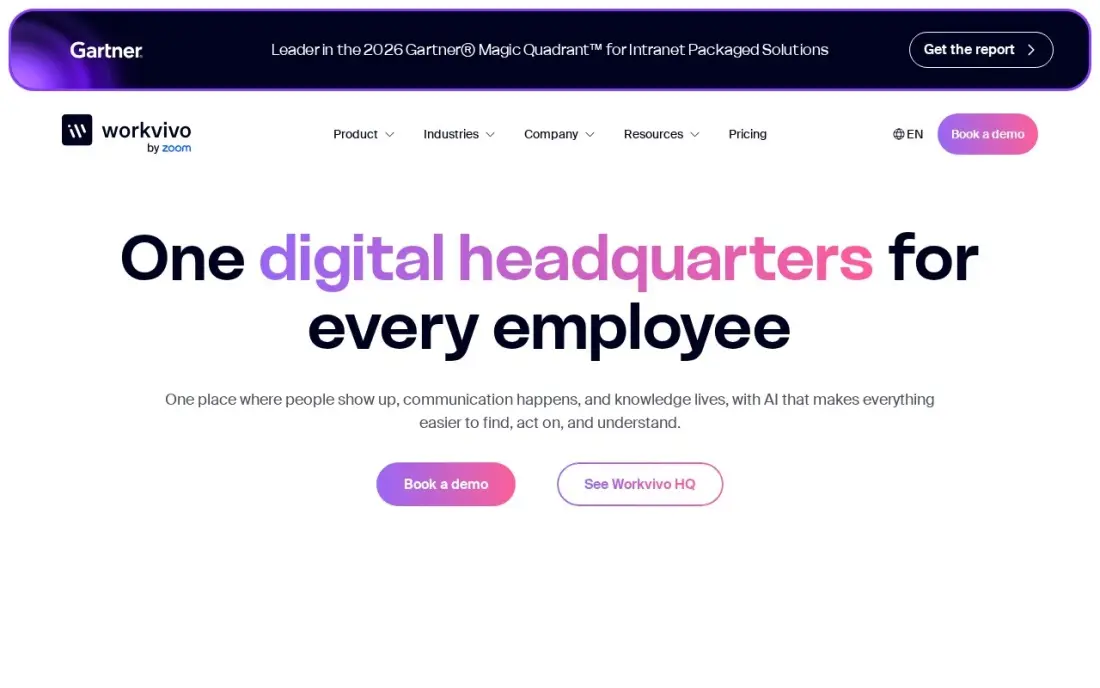
Workvivo, now part of Zoom, wins on engagement. Its social-style feed, peer recognition, livestreams and knowledge hubs feel familiar, so employees open it without training, and AI catch-up summaries help people who missed a week. More than 60 integrations connect HR tools, Google Workspace, Microsoft 365 and Slack.
It carries a 4.8 rating from 2,663 G2 reviews, the highest here. Pricing is quote-only by licence count, with no free trial, and some reviewers report notification overload. Smaller companies may pay for more platform than they need, so ask for a quote early.
What we like
- Familiar social feed that drives strong adoption and peer recognition
- More than 60 integrations with HR tools, Google Workspace, Microsoft 365 and Slack
- Named a Leader in the 2026 Gartner Magic Quadrant for Intranet Packaged Solutions
- AI features include natural-language answers and automatic catch-up summaries
Watch out for
- Quote-only pricing with no public per-user rates, so the real number needs a sales conversation
- Smaller companies may pay for more platform than they need
- Some reviewers report notification overload and mobile app performance issues

Jostle
Best for: Mid-size organisations that want news, a directory and recognition with published prices
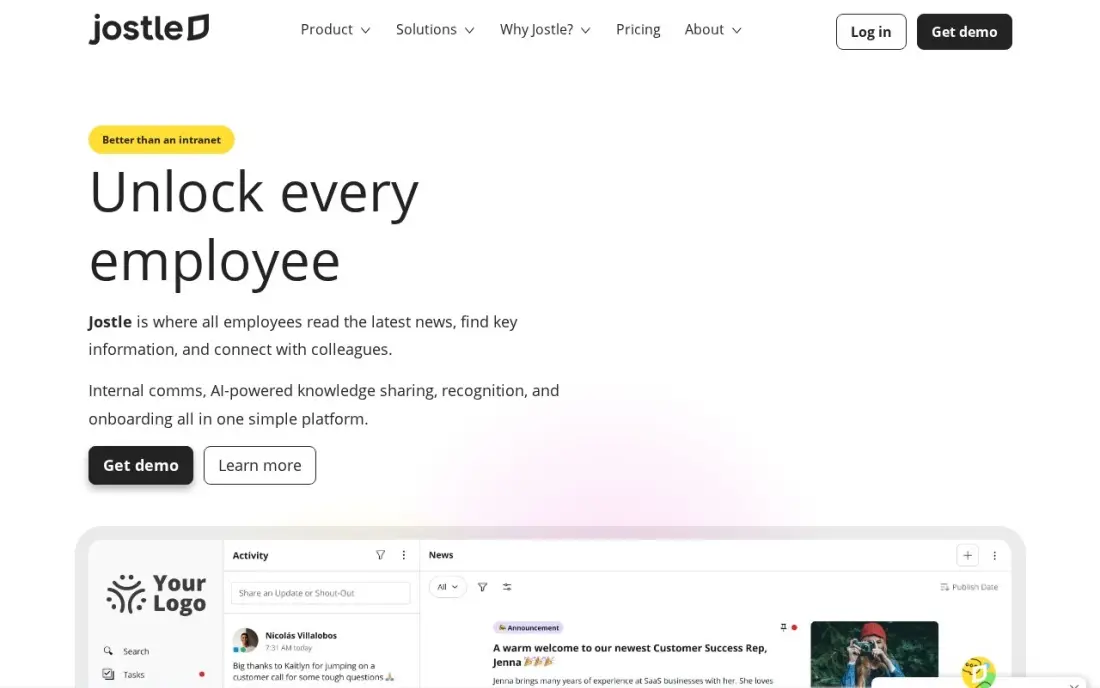
Jostle combines targeted news with read-tracking, a staff directory with org charts, shout-outs, discussions and weekly digest emails, which covers most of what a mid-size company needs to keep people informed. Mobile apps, SSO and integrations with Google Workspace and Microsoft 365 come on every plan, and onboarding is free.
Prices are published and fall as headcount grows: Bronze costs $5.00 a user a month at 25 to 50 users and $2.77 at 500, prepaid annually, but $7.50 at 10 people. There is a 30-day free trial. Global companies with heavy customisation needs may find it too simple.
What we like
- Published per-user prices starting at $2.77 a month on Bronze at 500 users
- Free implementation and onboarding on every plan
- SSO, mobile apps, custom branding and integrations included at all tiers
- Per-user price falls as headcount grows, so growth lowers the rate
Watch out for
- Per-user price rises sharply for small teams — $7.50 a month at 10 people against $2.77 at 500
- Less suited to global enterprises with heavy customisation needs
- Advanced modules such as Teams org charts are add-ons above the base tiers

Zoho Connect
Best for: Budget-conscious teams of 25 to 100 that want feeds, forums and manuals for about a dollar a user
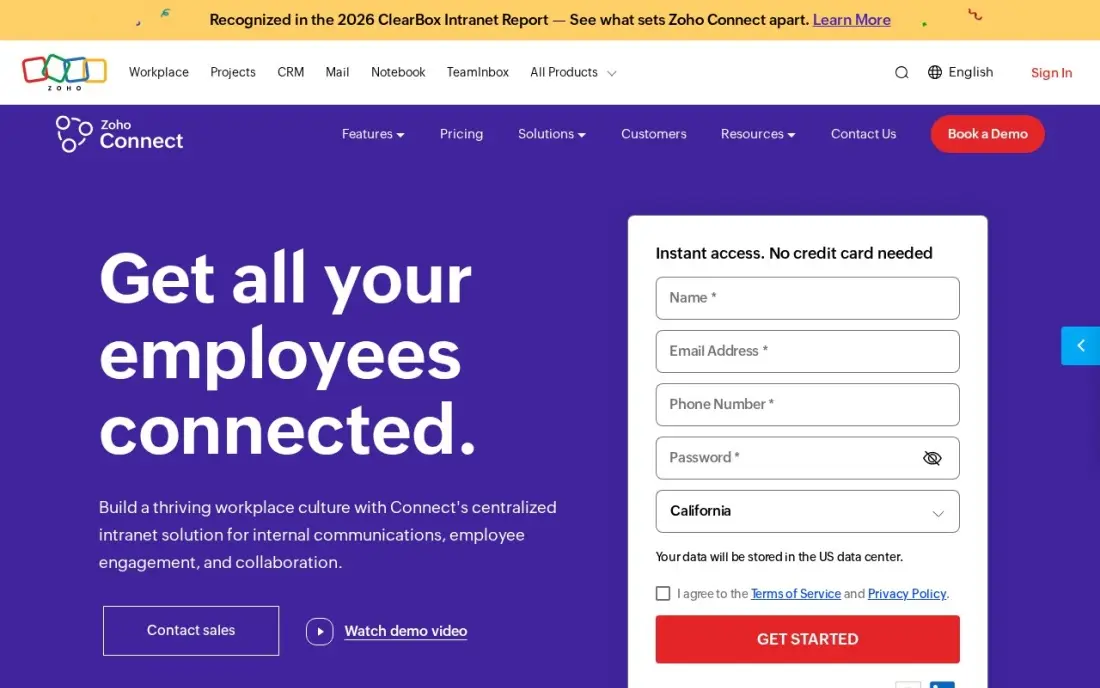
Zoho Connect gives a small company a private social network for under a dollar a user. Feeds, forums, manuals, tasks, boards and events are included, and an external network can bring clients or partners into the same space. For a team already on other Zoho apps, it slots in without another vendor.
The internal network costs $1 a user a month, or $0.80 billed annually, for the first 100 users, with a 25-user minimum, so a 10-person team pays for 25 seats. The free plan covers up to five users. Its rating rests on 98 G2 reviews, a smaller base than rivals.
What we like
- The cheapest paid intranet here: $1 a user a month, or $0.80 billed annually, for the first 100 users
- Feeds, forums, manuals, tasks, boards and events are all included, with an external network for clients and partners
- Free plan covers up to 5 users with feeds, polls, manuals and tasks
Watch out for
- A 25-user minimum order means a 10-person team pays for 25 seats, or $25 a month at the monthly rate
- Only 98 G2 reviews, so the 4.5 rating rests on a much smaller base than the suites here
The best employee communication apps get the right message to every worker — whether they sit at a laptop all day or spend their shift on a shop floor — and make it easy to reply, find documents and stay in the loop. We compared eight apps on chat, company news, frontline reach, adoption and real cost per user, and every price below was checked on the vendor's own pricing page in November 2026.
How to choose the best employee communication apps
- Map who you need to reach. Desk staff live in chat; deskless staff need a mobile app they can join with a phone number, not a company email.
- Separate chat from announcements. Chat suits teamwork, but company news gets buried there; a feed or news channel keeps important updates visible.
- Check read-tracking. For policy changes and safety notices, you need to know who saw the message, which Jostle and the enterprise platforms provide.
- Price by your headcount. Connecteam charges per hub for blocks of users, Zoho Connect has a 25-user minimum and Jostle's rate falls as you grow.
- Look at integrations. HRIS sync keeps groups current when people join, move or leave, so nobody is messaged about the wrong site.
- Test adoption before signing. Run a trial with one team and measure how many people open the app in week two.
Internal and external communication often share the same people and calendar. If your team also handles the company's online presence, our monthly SEO service takes search work off their plate, and our guide to the best internal newsletter software covers email-first internal comms.
Employee communication apps pricing: what you will actually pay
Take a company of 30 employees on annual billing. A year costs about $288 on Zoho Connect at $0.80 a user, $348 on one Connecteam hub at $29 a month, $1,350 on Blink Core at $3.75 a user, $1,440 on Teams Essentials at $4, $1,800 on Jostle at $5.00 and $2,610 on Slack Pro at $7.25.
On monthly billing the gap widens: Slack Pro costs $8.75 a user, Blink $5.60, Connecteam $35 a month per hub and Zoho Connect $1 a user. Connecteam's flat hub price is the cheapest for a 30-person frontline team, but adding scheduling and HR hubs triples it to $87 a month on annual billing. Staffbase and Workvivo publish no prices, so budget for a sales process and a rollout project.
Know the difference: team chat vs employee apps
Team chat apps such as Slack and Microsoft Teams are built for collaboration. Conversations happen in channels and direct messages, people reply in real time, and the value comes from fast back-and-forth between colleagues who are online during the same hours.
Employee apps such as Blink, Connecteam, Staffbase and Workvivo are built for reach. They push news, documents and updates to every worker's phone, track who has read them and give frontline staff a place to ask questions. Many companies run both: chat for office teams and an employee app for everyone, with the app as the official channel for company news.
Quick comparison: tool type by need
| Need | Best pick | Why |
|---|---|---|
| Desk-based team chat | Slack | Channels and huddles, Pro from $7.25/user/month |
| Microsoft 365 companies | Microsoft Teams | Chat and meetings from $4/user/month |
| Frontline teams, all-in-one | Connecteam | Free for 10 users, $29/month per hub |
| Deskless news and chat | Blink | Phone sign-up, from $3.75/user/month |
| Enterprise multichannel reach | Staffbase | App, intranet, email and signage; custom quote |
| High adoption social feed | Workvivo | 4.8 on G2, quote-only |
| Mid-size with published prices | Jostle | News, directory and recognition from $2.77/user/month |
| Lowest cost | Zoho Connect | $0.80/user/month billed annually, 25-user minimum |
Mistakes to avoid
- Buying a desk tool for a deskless workforce. If staff have no company email, a tool that needs one will never reach them.
- Running too many channels. Pick one official home for company news, or people will miss updates spread across chat, email and the app.
- Launching without content owners. An app with no regular posts dies in a month; name who posts what and how often.
- Ignoring notification fatigue. Too many alerts train staff to mute the app, so set rules for what triggers a push notification.
- Skipping offboarding. Remove leavers promptly; HRIS sync or SSO provisioning makes this automatic.
Related comparisons: Communication Software for Small Business · Employee Monitoring Software · Employee Experience Platforms · Digital Employee Experience Software
How we chose
We read each vendor's own pricing page in November 2026 and recorded starting prices exactly as shown, including annual and monthly billing where both appear. We ranked apps by fit for companies of 10 to 1,000 employees, weighting reach to desk and frontline staff, news and chat features, read-tracking, integrations and the cost of the plan that covers them. Ratings come from G2 pages checked on the dates shown in the sources. No vendor paid for a place in this list, and none of the links here are affiliate links.
What to do next
List who you need to reach and on which device, then trial one chat tool and one employee app with a pilot team for two weeks. When you want the same clarity in how customers find you, book a free SEO audit.
Frequently asked questions
What is the best employee communication app?
Slack is the best fit for desk-based teams, from $7.25 a user a month billed annually, and Microsoft Teams is the pick for companies on Microsoft 365 from $4. For frontline staff, Connecteam and Blink reach employees who have no company email.
What is the best communication app for frontline employees?
Connecteam and Blink. Connecteam is free for up to 10 users and costs $29 a month per hub billed annually for the first 30 users. Blink costs $3.75 a user a month billed annually, and both let staff join with a phone number.
Is there a free employee communication app?
Yes. Slack and Microsoft Teams have free plans, Connecteam's Small Business plan is free for up to 10 users, and Zoho Connect is free for up to five users.
How much do employee communication apps cost for 30 employees?
On annual billing, 30 users cost about $288 a year on Zoho Connect, $348 on one Connecteam hub, $1,350 on Blink, $1,440 on Teams Essentials, $1,800 on Jostle and $2,610 on Slack Pro. Staffbase and Workvivo are quoted.
What is the difference between Slack and an employee app?
Slack is real-time chat for people at computers. An employee app such as Blink, Connecteam or Staffbase pushes company news, documents and updates to every worker's phone, including those without company email.
Do employee communication apps replace email?
For daily coordination, mostly yes. Chat and feeds replace internal email threads, but most companies still keep email for external contacts and formal notices.
What are the best employee messaging apps?
For desk-based teams, Slack and Microsoft Teams are the standard chat apps: Slack Pro is $8.75 a user a month with unlimited history, and Teams has a free plan with unlimited chat and Teams Essentials at $4 a user a month. For deskless staff, Connecteam and Blink combine chat with company updates, and staff join with a phone number.
Sources we checked (15)
- Slack — slack.com/pricing (checked November 12, 2026)
- Slack reviews on G2 (checked November 12, 2026)
- Microsoft Teams — www.microsoft.com/en-us/microsoft-teams (checked November 10, 2026)
- Connecteam — connecteam.com/pricing (checked November 12, 2026)
- Connecteam reviews on G2 (checked November 12, 2026)
- Blink — www.joinblink.com/pricing (checked November 10, 2026)
- Blink reviews on G2 (checked November 10, 2026)
- Staffbase — staffbase.com/pricing (checked November 6, 2026)
- Staffbase reviews on G2 (checked November 6, 2026)
- Workvivo — www.workvivo.com (checked November 6, 2026)
- Workvivo reviews on G2 (checked November 6, 2026)
- Jostle — jostle.me/pricing (checked November 6, 2026)
- Jostle reviews on G2 (checked November 6, 2026)
- Zoho Connect — www.zoho.com/connect/pricing.html (checked November 10, 2026)
- Zoho Connect reviews on G2 (checked November 10, 2026)
Make one of these tools?
We re-check this list every quarter. Send a correction, request a review, or ask about a clearly labeled sponsored spot.
Request a listingShamim
Founder of SerpAstra
A full-stack digital marketer and SEO strategist covering technical and local SEO, AI search visibility, paid ads and lead generation for local businesses, e-commerce brands and SaaS teams.
Free SEO and AI visibility audit
Find out what is holding your rankings back
Send us your site. Within 2 business days you get a written audit, an AI visibility check and a short fix list ranked by impact. Free, with no contract attached.
Request my free audit→Related buying guides
 Communication & Community9 Best Intranet Software for Small Business in 2026, Compared9 best intranet software for small business picks compared on price, free plans and setup, with real starting prices checked November 10, 2026.Read guide →
 Marketing9 Best Internal Newsletter Software in 2026, ComparedCompare the 9 best internal newsletter software tools on price, free plans, read analytics and Outlook integration, with prices checked November 6, 2026.Read guide →
 HR & Payroll10 Best Employee Portal Software Reviews in 2026, ComparedCompare the 10 best employee portal software reviews side by side on price, free trials and AI features, with every price checked November 6, 2026.Read guide →