
6 Best Engineering AI Platforms in 2026, Compared
Compare the 6 best engineering AI platforms for software teams on coding agents, code review, admin controls and per-seat cost, with prices checked by hand.
 Shamim Mia, Founder, SerpAstraLast verified November 6, 202610 min read
We compare pricing pages, documentation and public reviews. We never accept payment for rankings.
Key takeaways
- GitHub Copilot is the default engineering AI platform for teams on GitHub, with a $0 Free plan and Pro at $10 a user a month, but heavy agent and review use draws on extra AI credits.
- Cursor and Windsurf are AI-first editors: Windsurf Teams costs $40 a seat a month, and Cursor, now sold through The X Subscription, offers Teams seats at $30, $100 or $200 a month.
- Gemini Code Assist suits Google Cloud teams, at about $19 a user a month for Standard on a 12-month commitment, worked out from Google's hourly rate.
- Add a review layer: CodeRabbit ($24 a user a month billed annually) and Qodo ($30 a month for a pooled credit pack) check pull requests that the coding assistants help write.
On this page
Quick comparison
| Tool | Best for | Starting price | Free plan |
|---|---|---|---|
| GitHub Copilot | Engineering teams on GitHub that want AI in the editor, pull requests and code review | Free; Pro $10/mo | Yes (Free plan) |
| Cursor | Developers who want an AI-first code editor with agents and in-editor review | Free; Plus $8/mo | Yes |
| Windsurf | Teams that want an agentic AI editor with simple per-seat team billing | Free; Pro $20/mo | Yes |
| Gemini Code Assist | Engineering teams on Google Cloud that want AI coding help billed through their cloud account | ~$19/mo (annual) | Yes (individuals) |
| CodeRabbit | Engineering teams that want AI review on every pull request across GitHub, GitLab, Bitbucket and Azure DevOps | $24/user/mo | Yes (free tier) |
| Qodo | Small engineering teams that want code review and test generation from one pooled plan | $30/mo (credit pack) | No (14-day trial) |
Make one of these tools?
We re-check this list every quarter. Send a correction, request a review, or ask about a clearly labeled sponsored spot.
Request a listingThe best engineering AI platforms

GitHub Copilot
Best for: Engineering teams on GitHub that want AI in the editor, pull requests and code review
GitHub Copilot is the AI platform most engineering teams already have access to. It works inside VS Code and JetBrains, explains code, writes pull request descriptions, helps resolve merge conflicts and reviews pull requests on github.com, so AI help follows the code from editor to merge without another vendor. The Free plan costs $0 with limited completions and premium requests, and Pro costs $10 a user a month.
The limits are platform and metering. Copilot's review features work on GitHub only, so teams with GitLab or Bitbucket repositories need a second tool, and agent and review work consume GitHub AI credits, so heavy users cost more than the seat price. On some plans review context is diff-only, which can miss issues across the wider codebase.
What we like
- Code review is included on every plan, including the $0 Free plan, with no separate reviewer to install
- Reviews live where the code lives — pull requests on github.com and file diffs in VS Code and JetBrains
- Also writes PR descriptions, explains code in the IDE and fixes merge conflicts
- Pro is $10 a user a month, the lowest paid entry price in this list
Watch out for
- GitHub only — no GitLab, Bitbucket or Azure DevOps support at any price
- Review and agent work consume GitHub AI Credits, so heavy use costs more than the $10 seat price
- Context is diff-only on some plans, so it can miss issues that span the wider codebase

Cursor
Best for: Developers who want an AI-first code editor with agents and in-editor review
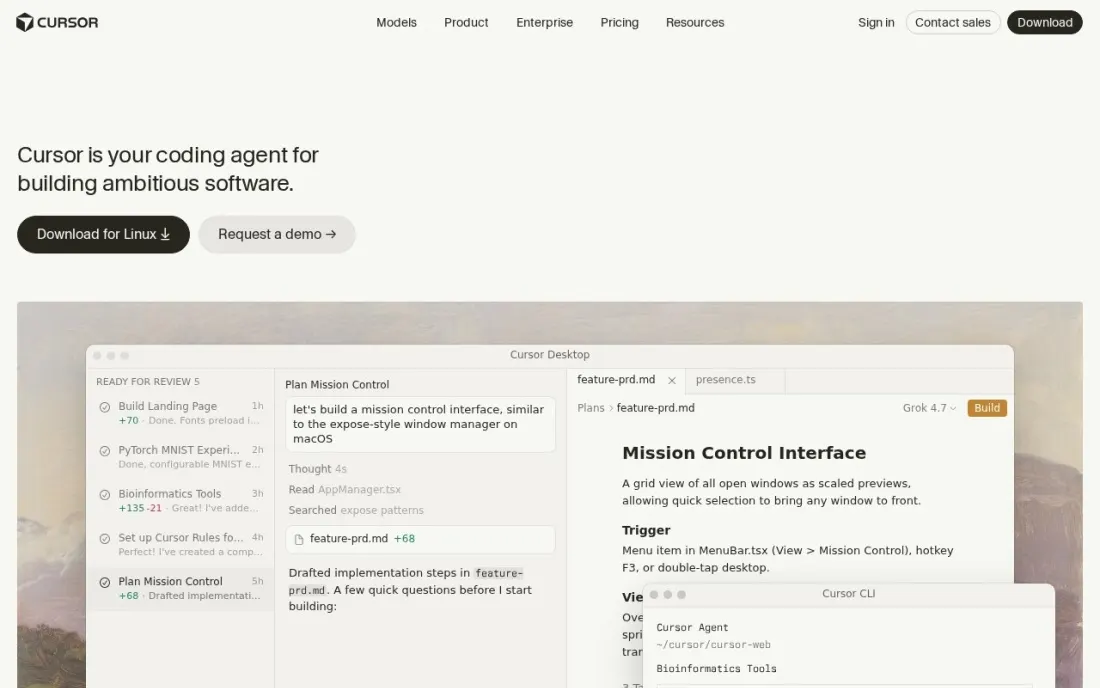
Cursor is an AI-first code editor built around agents that edit across a codebase, plus Bugbot for automated review. New customers now buy it through The X Subscription, one subscription for Grok, Cursor and X. Plus costs $8 a month or $80 a year but runs models at fixed settings without Cloud Agents, Automations, Bugbot or third-party models.
Premium at $30 a month or $300 a year adds those features, with third-party models paid from prepaid credit at API list price. Teams seats cost $30, $100 or $200 a month depending on usage tier, and Enterprise adds SCIM, audit logs and invoice billing. Existing subscribers can stay on legacy plans such as Pro at $20 a month.
What we like
- Plus starts at $8 a month, or $80 a year, with a weekly usage pool for Cursor models
- Premium at $30 a month adds Cloud Agents, Automations, Bugbot and third-party models
- Teams seats come at $30, $100 or $200 a month to match each developer's usage
- Enterprise adds SCIM provisioning, audit logs, advanced admin controls and invoice billing
Watch out for
- New plans are sold through The X Subscription, shared with Grok and X, which some companies will need to review
- Plus runs models at fixed settings and leaves out Cloud Agents, Bugbot and third-party models
- Third-party models on Premium and above are paid from prepaid credit at API list price

Windsurf
Best for: Teams that want an agentic AI editor with simple per-seat team billing
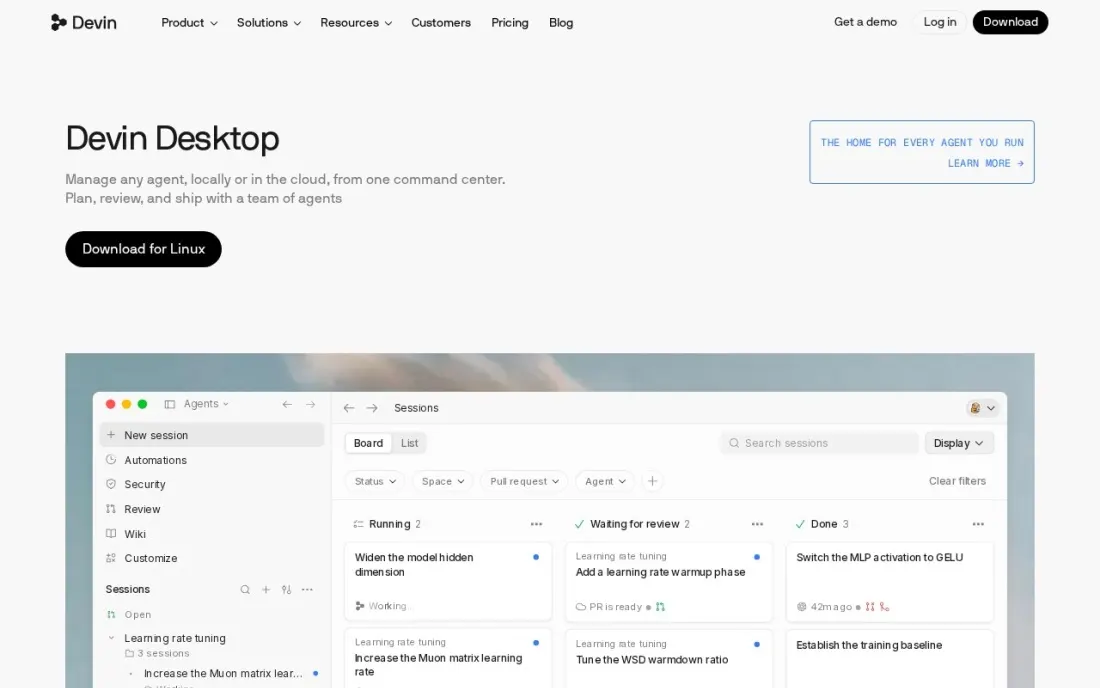
Windsurf is an AI code editor centred on agents that plan and make changes across a project, alongside fast Tab completions. Its owner announced simpler plans in March 2026: Free at $0 with a light agent quota and unlimited inline edits and Tab completions, Pro at $20 a month with full model availability, and Max at $200 a month for much higher quotas.
Teams costs $40 a seat a month and adds centralized billing, an admin dashboard and automated zero data retention, which matters for companies that cannot let code be stored by a model provider. Usage runs on daily and weekly quotas rather than credits, and extra usage is bought at API pricing. Enterprise pricing is not published.
What we like
- Free plan includes unlimited inline edits and Tab completions plus a light agent quota
- Pro at $20 a month unlocks full model availability, with extra usage at API pricing
- Teams at $40 a seat adds centralized billing, an admin dashboard and automated zero data retention
Watch out for
- Usage is set by daily and weekly quotas that vary with model and task, so heavy days can hit limits
- Enterprise pricing is not published
- Prices come from the vendor's March 2026 plan announcement, so confirm them before buying

Gemini Code Assist
Best for: Engineering teams on Google Cloud that want AI coding help billed through their cloud account
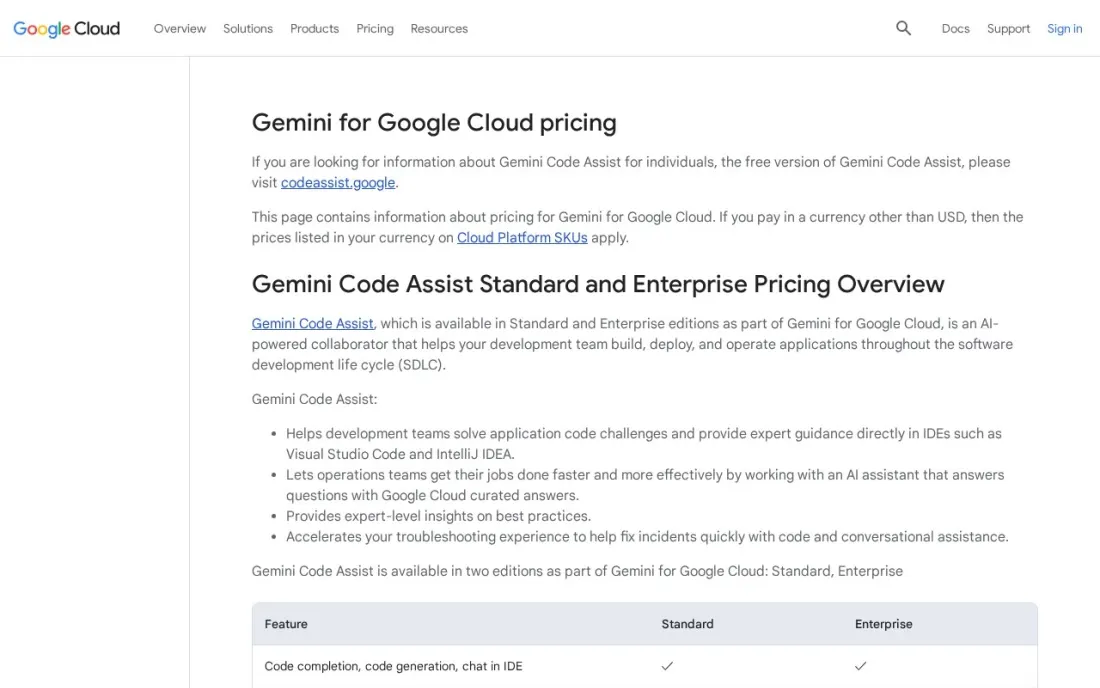
Gemini Code Assist is Google's AI coding assistant, and its strength is fit for teams already running on Google Cloud: licences are bought from the Gemini Admin console and billed with the rest of the cloud account. A free version is available for individual developers, which makes it easy to trial before buying seats.
Google lists the licence per hour, which works out to about $19 a user a month for Standard on a 12-month commitment, or about $22.80 on a monthly commitment. Enterprise works out to about $45 a user a month on a 12-month commitment, or about $54 monthly. All subscriptions are billed monthly whichever term you choose, and sales can quote larger deals.
What we like
- Standard works out to about $19 a user a month on a 12-month commitment
- A free version is available for individual developers
- Licences are bought from the Gemini Admin console and billed through Google Cloud
- Enterprise edition for larger organizations at about $45 a user a month on a 12-month commitment
Watch out for
- Google lists the price per hour, so the monthly figure has to be worked out
- Enterprise costs about $54 a user a month on a monthly commitment
- Most useful for teams already on Google Cloud

CodeRabbit
Best for: Engineering teams that want AI review on every pull request across GitHub, GitLab, Bitbucket and Azure DevOps
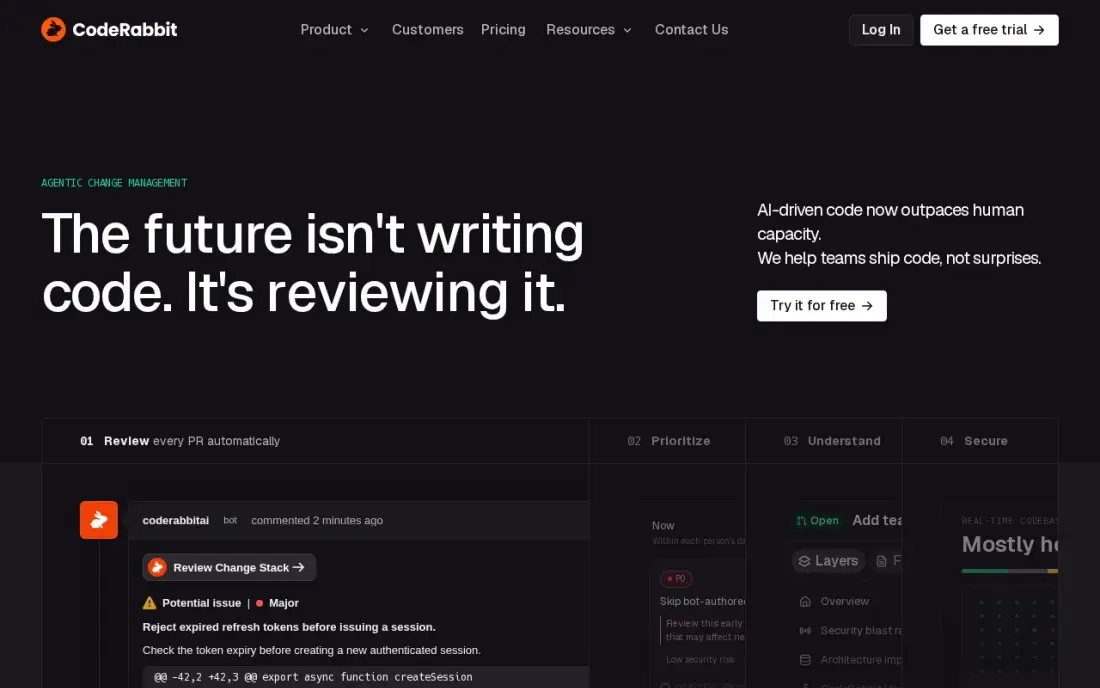
CodeRabbit is the review layer for an engineering AI stack. It reads every pull request line by line, writes a summary and a diagram of the change, and posts specific comments with one-click fixes, on GitHub, GitLab, Bitbucket and Azure DevOps. As coding assistants raise the volume of code, an automated first review keeps human reviewers focused on design and risk.
Essentials costs $24 a user a month billed annually, or $30 billed monthly, and only developers who open pull requests are charged. A free tier covers public and private repositories with rate limits. Independent tests put its noise near 28 percent, and Essentials caps reviews at five per developer per hour, so tune its instructions early.
What we like
- The most detailed line-by-line analysis here, with PR summaries, diagrams and one-click fixes
- Works across GitHub, GitLab, Bitbucket and Azure DevOps — the widest platform coverage in this list
- Charges only developers who create pull requests, so reviewers and managers cost nothing
- Free tier covers public and private repos, and open-source projects get the full product free
Watch out for
- Independent tests put noise near 28% — more than a quarter of comments add little value
- Essentials caps reviews at 5 per developer per hour, with a $0.25-per-file overage above the cap
- No stacked-PR workflow, so teams that chain pull requests need a second tool

Qodo
Best for: Small engineering teams that want code review and test generation from one pooled plan
Qodo, formerly CodiumAI, pairs pull request review with test generation, so one tool checks the change and writes tests for it. It reviews against the full codebase, team history and linked tickets rather than only the diff, and it runs on GitHub, GitLab, Bitbucket and Azure DevOps, with on-premises and air-gapped options on Enterprise.
Pricing is pooled credits, not seats: Pro Team costs $30 a month for 2,500 credits, about 18 reviews, shared by the whole team. That is cheap for a small team and hard to forecast for a busy one, since credits expire monthly. There is no permanent free tier, only a 14-day trial, and cross-repo features wait for Enterprise.
What we like
- Pairs review with test generation, so one tool covers both halves of pre-merge quality
- One $30 credit pack covers the whole team — small teams pay far less than per-seat rivals
- Reviews against the full codebase, team history and linked tickets, not just the diff
- Runs on GitHub, GitLab, Bitbucket and Azure DevOps, with on-prem and air-gapped options on Enterprise
Watch out for
- No permanent free tier on the current pricing page — only a 14-day trial
- Credit billing is hard to forecast: about 18 reviews per $30 pack, then overage at the same rate
- Cross-repo features and merge blocking wait for Enterprise, priced for teams of 30 or more
The best engineering AI platform helps developers write, change, test and review code faster without creating more work for reviewers or risk for the business. We compared six platforms, from AI coding assistants and AI-first editors to pull request reviewers, on what each plan includes, how usage is metered and what admin controls companies get. Prices for GitHub Copilot, CodeRabbit and Qodo were checked in November 2026, and Cursor, Windsurf and Gemini Code Assist pages were read on November 16, 2026.
How to choose the best engineering AI platform
- Start where your code lives. Copilot's review works on GitHub only, while CodeRabbit and Qodo cover GitHub, GitLab, Bitbucket and Azure DevOps.
- Decide between an add-on and a new editor. Copilot and Gemini Code Assist plug into editors your team already uses; Cursor and Windsurf ask developers to switch editors.
- Read the usage model. Seats are only part of the bill: Copilot draws on AI credits, Windsurf uses daily and weekly quotas, Cursor uses weekly pools and Qodo uses pooled credits.
- Check data and admin controls. Zero data retention, SCIM, audit logs and on-premises options matter more to security teams than model names.
- Plan for review. More generated code means more pull requests; an AI reviewer or tighter review rules keep quality from slipping.
- Pilot with one team. Measure cycle time and defects for a month before rolling out to every developer.
AI changes how software is built and how it is found. If your product's docs and pages need to show up in AI answers as well as Google, our AI search optimization service covers that, and the free llms.txt generator helps AI tools read your documentation.
Which engineering AI platform fits your situation
A small team whose code is all on GitHub. GitHub Copilot is the obvious first step. The Free plan costs $0 with limited completions, Pro costs $10 a user a month, and code review on pull requests is included on every plan, so there is no separate reviewer to install. Watch the AI credits that agent and review work consume, because heavy users cost more than the seat price.
Developers who want an editor built around agents. Cursor and Windsurf both ask the team to switch editors. Cursor Plus costs $8 a month but leaves out Cloud Agents, Bugbot and third-party models, which start on Premium at $30 a month; new plans are sold through The X Subscription, which some companies will need to review. Windsurf Pro costs $20 a month, and Teams at $40 a seat adds centralized billing and automated zero data retention. Its daily and weekly quotas can run out on heavy days.
A company already running on Google Cloud. Gemini Code Assist bills licences through the Google Cloud account, at about $19 a user a month for Standard on a 12-month commitment, and individuals can try the free version first. Google lists the price per hour, so work out the monthly total before comparing it with per-seat rivals.
A team with repositories on GitLab, Bitbucket or Azure DevOps. Copilot's review does not reach those platforms, so add CodeRabbit, which reviews every pull request on all four and charges only developers who open them, at $24 a user a month billed annually. Expect some noise and tune its instructions early.
A small team that wants review and tests from one budget. Qodo pairs pull request review with test generation, and one $30 Pro Team pack covers the whole team for about 18 reviews. That suits a team with few pull requests; a busy team will buy several packs, and there is only a 14-day trial, not a free tier.
Engineering AI platform pricing: what you will actually pay
Take a team of ten developers. GitHub Copilot Pro costs ten times $10, or $100 a month and $1,200 a year, before extra AI credits for heavy agent and review use. Windsurf Teams costs ten times $40, or $400 a month and $4,800 a year. Cursor Teams seats at the $30 tier come to $300 a month, and heavier users on $100 or $200 seats push that up quickly. Gemini Code Assist Standard works out to about $190 a month on a 12-month commitment, based on Google's hourly rate.
Adding a reviewer changes the total. CodeRabbit Essentials for ten developers who open pull requests costs $240 a month billed annually, or $2,880 a year. Qodo's Pro Team pack costs $30 a month for about 18 reviews shared across the team, so a team opening dozens of pull requests a month needs more packs. A realistic stack, Copilot Pro plus CodeRabbit, costs about $340 a month for ten developers before usage overages.
Know the difference: coding assistants vs AI code reviewers
Coding assistants such as GitHub Copilot, Cursor, Windsurf and Gemini Code Assist work alongside the developer. They complete lines, answer questions about the codebase, and increasingly run agents that change many files at once. Their value shows up as faster first drafts and less time on boilerplate.
AI code reviewers such as CodeRabbit and Qodo work after the code is written. They read each pull request, flag bugs, risky changes and missing tests, and suggest fixes before a human approves the merge. As assistants raise the amount of code, reviewers protect quality and stop senior engineers from becoming a bottleneck. Most teams that adopt one end up wanting the other.
Quick comparison: tool type by need
| Buyer | Best pick | Why |
|---|---|---|
| Teams on GitHub | GitHub Copilot | Free plan, Pro $10/user/month, review on pull requests |
| AI-first editor with agents | Cursor | Plus $8/month, Premium $30/month, Teams from $30/seat |
| Agentic editor with team controls | Windsurf | Teams $40/seat with zero data retention |
| Google Cloud teams | Gemini Code Assist | About $19/user/month on a 12-month commitment |
| Multi-platform pull request review | CodeRabbit | $24/user/month billed annually, free tier |
| Review plus test generation | Qodo | $30/month pooled credit pack, 14-day trial |
Mistakes to avoid
- Budgeting on seat price alone. Credits, quotas and overages can double the bill for heavy users; check usage reports after the first month.
- Skipping the security review. Confirm data retention, training use and admin controls in writing before code goes through any AI tool.
- Rolling out to everyone at once. A pilot team with clear metrics shows whether the tool helps before every developer is licensed.
- Letting review slip. Generated code still needs review; without an AI reviewer or stricter rules, defects rise with output.
- Ignoring developer preference. An editor switch that half the team resists will cost more in lost time than the licence saves.
Related comparisons: Data Engineering Tools · AI Companies · AI App Builders · AI Tools for Software Developers
How we chose
We started from tools already priced in our AI code review guide and rechecked those vendors' pricing pages in November 2026, then read the Cursor, Windsurf and Gemini Code Assist pricing pages on November 16, 2026. Windsurf's prices come from its owner's March 2026 plan announcement, and Gemini's monthly figures are worked out from Google's published hourly rates. We compared coding and review features, usage metering, admin and data controls, and real cost for a ten-person team. We left out tools whose current prices we could not confirm on the vendor's own pages. No vendor paid for a place in this list, and none of the links here are affiliate links.
What to do next
Pick one team and one platform, set baseline numbers for cycle time and review time, and run a four-week pilot with a code reviewer switched on. If your product also needs to be found in AI answers and search, book a free strategy call.
Frequently asked questions
What is the best engineering AI platform?
GitHub Copilot is the best starting point for most software teams, with a $0 Free plan and Pro at $10 a user a month. Teams that want an AI-first editor should compare Cursor and Windsurf, and Google Cloud teams should look at Gemini Code Assist.
Is there a free AI coding assistant?
Yes. GitHub Copilot, Cursor and Windsurf all have free plans with limited usage, Gemini Code Assist has a free version for individuals, and CodeRabbit has a rate-limited free tier for pull request review.
How much do engineering AI platforms cost per developer?
On published prices, GitHub Copilot Pro costs $10 a user a month, Windsurf Pro $20 and Teams $40 a seat, Cursor Teams seats $30 to $200 a month, and Gemini Code Assist Standard about $19 a user a month on a 12-month commitment. CodeRabbit Essentials adds $24 a user a month billed annually.
Do engineering teams need both a coding assistant and a code review tool?
Many do. Coding assistants increase the amount of code written, and an AI reviewer such as CodeRabbit or Qodo catches issues before human review. Some assistants include review features, such as Copilot code review and Cursor's Bugbot on Premium plans.
Is it safe to use AI coding tools on private code?
Check the data terms before rollout. Look for zero data retention, admin controls and audit logs, which Windsurf Teams and Cursor Enterprise list, and for on-premises options such as Qodo Enterprise if code cannot leave your network.
How should we measure the value of an engineering AI platform?
Track cycle time, pull request review time, defect rates and developer satisfaction for a pilot team against a control group for at least a month. Seat counts and suggestion acceptance rates alone do not show whether delivery improved.
What is the best AI coding platform for engineering students?
Start with the free plans. GitHub Copilot has a $0 Free plan with limited completions that still includes code review, Windsurf's free plan gives unlimited Tab completions and a light agent quota, and Cursor's free plan has limited usage. Gemini Code Assist offers a free version for individual developers. If you outgrow them, Cursor Plus costs $8 a month and Copilot Pro $10.
Sources we checked (8)
- GitHub Copilot — github.com/features/copilot/plans (checked November 6, 2026)
- GitHub Copilot reviews on G2 (checked November 6, 2026)
- Cursor — cursor.com/help/account-and-billing/pricing (checked November 16, 2026)
- Windsurf — devin.ai/blog/windsurf-pricing-plans (checked November 16, 2026)
- Gemini Code Assist — cloud.google.com/gemini/pricing (checked November 16, 2026)
- CodeRabbit — coderabbit.ai/pricing (checked November 6, 2026)
- CodeRabbit reviews on G2 (checked November 6, 2026)
- Qodo — www.qodo.ai/pricing (checked November 6, 2026)
Make one of these tools?
We re-check this list every quarter. Send a correction, request a review, or ask about a clearly labeled sponsored spot.
Request a listingShamim
Founder of SerpAstra
A full-stack digital marketer and SEO strategist covering technical and local SEO, AI search visibility, paid ads and lead generation for local businesses, e-commerce brands and SaaS teams.
Free SEO and AI visibility audit
Find out what is holding your rankings back
Send us your site. Within 2 business days you get a written audit, an AI visibility check and a short fix list ranked by impact. Free, with no contract attached.
Request my free audit→Related buying guides
 Developer ToolsBest AI Code Review Tools for 2026: 12 Picks Ranked by What You NeedCompare the 12 best ai code review tools on price, free plans, Git platforms and AI review depth, with every price checked November 6, 2026.Read guide →
 Developer Tools8 Best Software Development Analytics Tools in 2026, ComparedCompare the 8 best software development analytics tools for 2026 on price, DORA metrics and AI features, with every price checked November 7, 2026.Read guide →
 Developer Tools10 Best Software Development Tools in 2026, ComparedCompare the 10 best software development tools, from editors and Git hosting to app development frameworks, on free plans and real per-seat cost in 2026.Read guide →