
7 Best Enterprise Automation Software in 2026, Compared
Compare the 7 best enterprise automation software on RPA, integration, governance, free editions and real cost, with every price checked on vendor pages.
 Shamim Mia, Founder, SerpAstraLast verified November 2, 20269 min read
We compare pricing pages, documentation and public reviews. We never accept payment for rankings.
Key takeaways
- UiPath and Automation Anywhere are the RPA leaders for automating legacy screens and back-office work; both sell their full platforms by quote, but each has a free edition to test on.
- Workato is the integration-led pick for IT teams that connect SaaS apps at scale; it bills by usage and publishes no dollar prices, though a Workato Free plan exists.
- Microsoft Power Automate is the cheapest enterprise starting point for Microsoft 365 shops: standard flows are included, and Premium costs $15 per user per month billed annually.
- Zapier, Make and n8n start far cheaper and suit departments, but check governance, SSO and audit needs before letting them run company-wide processes.
On this page
Quick comparison
| Tool | Best for | Starting price | Free plan |
|---|---|---|---|
| UiPath | Large organisations that need RPA robots for legacy desktop and back-office processes at scale | From $25/mo | Free plan |
| Automation Anywhere | Enterprises that want cloud-native RPA with document automation and a free edition to start | Custom quote | Free edition |
| Workato | IT and operations teams that integrate many SaaS apps under central governance | Usage-based | Free plan |
| Microsoft Power Automate | Microsoft 365 enterprises that want approvals, document flows and desktop RPA under one licence | $15/user/mo yearly | Yes (M365) |
| Zapier | Business teams that need fast app-to-app automation without waiting for IT | $19.99/mo yearly | Yes (free plan) |
| Make | Operations teams that build complex branching workflows on a tight budget | $9/mo yearly | Yes (1,000 credits) |
| n8n | Engineering-led teams that want self-hosted automation and AI agents under their own control | $20/mo yearly | Yes (self-hosted) |
Make one of these tools?
We re-check this list every quarter. Send a correction, request a review, or ask about a clearly labeled sponsored spot.
Request a listingThe best enterprise automation software

UiPath
Best for: Large organisations that need RPA robots for legacy desktop and back-office processes at scale
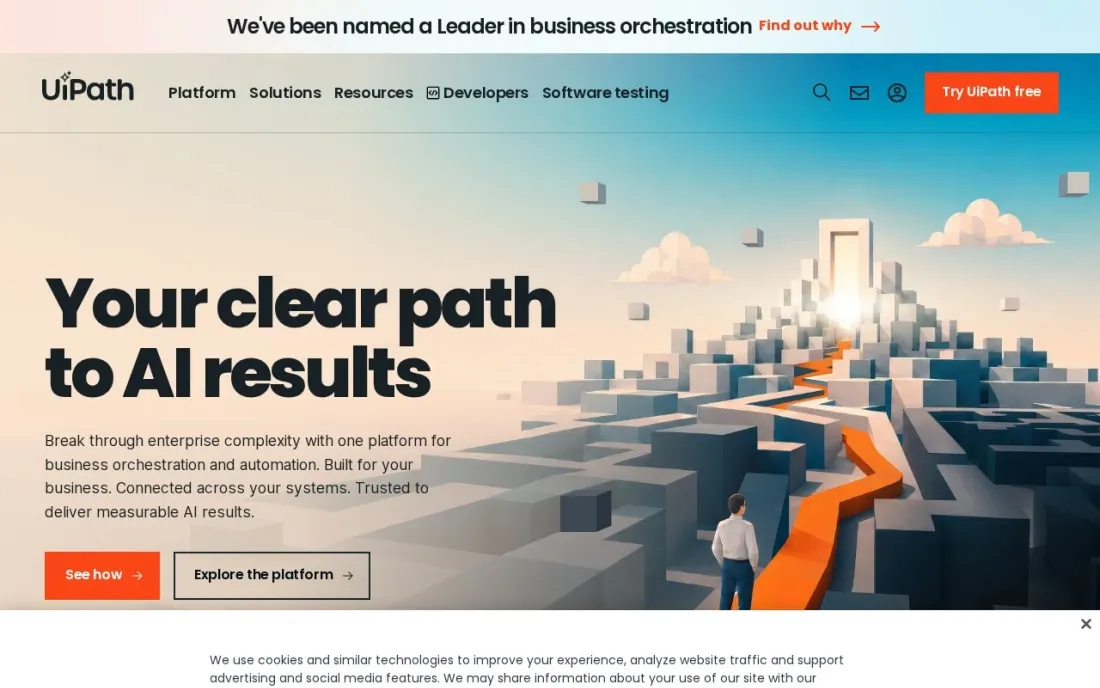
UiPath is the RPA platform most large enterprises shortlist first. Its robots work through the same screens a person uses, which makes it the practical way to automate old ERP, mainframe and desktop systems that have no API. The Community plan is free forever, and Standard comes with a 60-day trial and no limits on users, robots or scale.
The published price is only a starting point. Basic starts at $25 a month but includes just 2 robots and a handful of users, and UiPath says it is changing. Standard and Enterprise are by quote, and robots and users are sold separately with no list prices. Budget for a sales cycle and a centre of excellence to run it.
What we like
- Community plan is free forever, so teams can build and test real automations before buying
- Standard has no limits on users, robots or scale and comes with a 60-day free trial
- Standard can be hosted in one of several regions or on your own premises
- Enterprise adds self-healing UI automation and bring-your-own encryption keys and credential vaults
Watch out for
- Standard and Enterprise are quote-only, so the real enterprise price is unknown until you talk to sales
- Basic is small (2 robots) and UiPath says the offering is changing
- Users and robots are sold separately with no published unit prices

Automation Anywhere
Best for: Enterprises that want cloud-native RPA with document automation and a free edition to start
Automation Anywhere competes with UiPath for the same enterprise RPA budget, with a cloud-native platform where bots are built by drag-and-drop or described in plain language through Prompt-to-Automate. Document extraction with generative AI is built in, which matters for invoice, claims and onboarding work that starts as a PDF.
There is no published price for paid editions, so treat it as a custom quote. The free Community Edition is a useful test bed, but it is restricted to small businesses under 250 users, 250 machines or $5 million in revenue, to five machines, and to 100 document pages a month. Run your pilot there, then price production with sales.
What we like
- Cloud-native platform with drag-and-drop and natural-language bot building (Prompt-to-Automate)
- Generative AI document extraction is part of the platform, not a separate product
- Free Community Edition runs on Windows and Mac with no credit card required
Watch out for
- No published price for paid editions, so every enterprise deal is a negotiation
- Community Edition is limited to organisations under 250 users, 250 machines or $5 million revenue, and to 5 machines
- Document Automation in the free edition is capped at 100 pages a month

Workato
Best for: IT and operations teams that integrate many SaaS apps under central governance
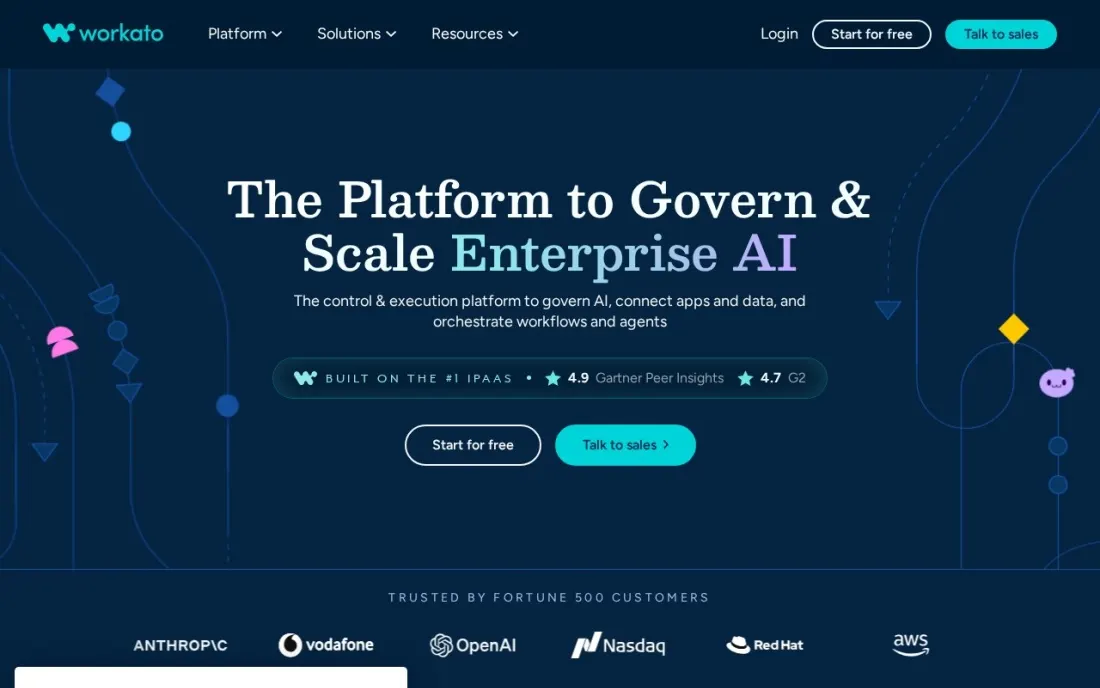
Workato sits between iPaaS and workflow automation: it connects SaaS systems such as CRM, ERP, HR and finance apps and runs the processes that move data between them, under controls an IT team can manage. Where RPA drives screens, Workato works through APIs, which is faster and less brittle when the apps support it.
Pricing is usage-based and Workato publishes no dollar figures, so you will need a quote. Workato Free and Workato Pro can be started online, though the pricing page does not spell out the free plan's limits. Customers who signed before February 2024 are on an older model, so ask peers which model their price reflects.
What we like
- Self-service sign-up for Workato Free or Workato Pro, so teams can start without a sales call
- Usage-based billing means cost follows what actually runs rather than a fixed seat count
- Built for app-to-app integration across CRM, ERP, HR and finance systems
Watch out for
- Workato publishes no dollar prices, so budgeting needs a quote
- Customers who joined before February 2024 sit on a separate pricing model, so peer price comparisons can mislead
- The free plan's limits are not described on the pricing page

Microsoft Power Automate
Best for: Microsoft 365 enterprises that want approvals, document flows and desktop RPA under one licence
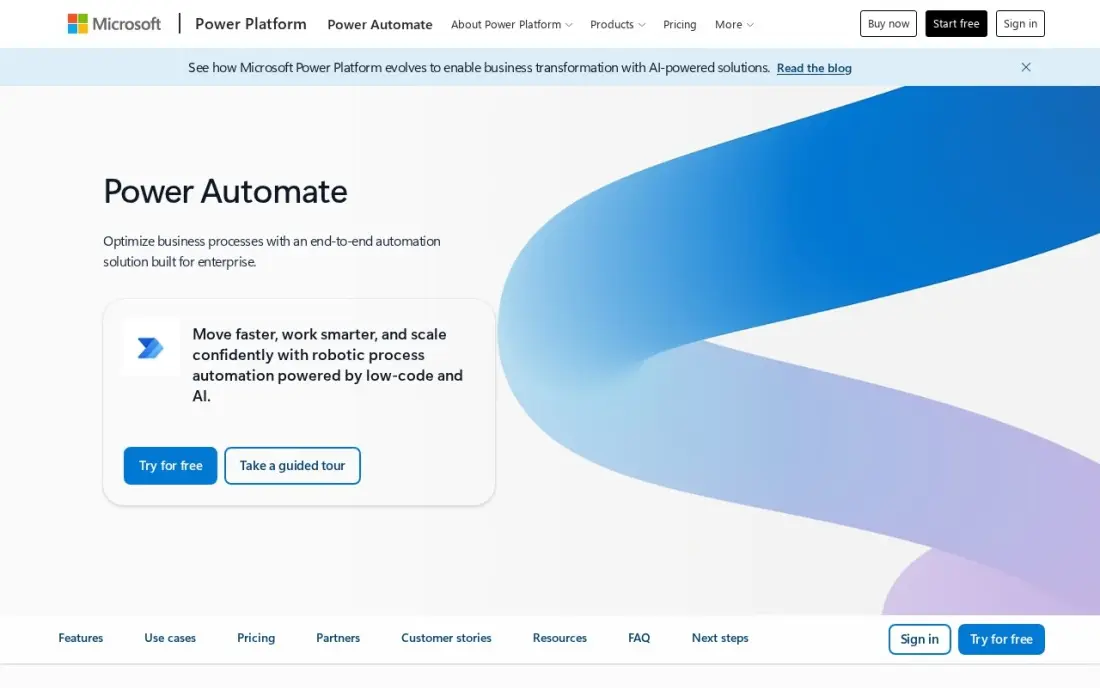
Power Automate is the enterprise automation tool many companies already own. Cloud flows with standard connectors come with most Microsoft 365 plans, so approvals, SharePoint document routing and Teams alerts can run at no extra cost. Premium at $15 per user per month billed annually adds premium connectors, attended desktop RPA and AI Builder credits.
Its weakness at scale is licensing. An instant flow needs a Premium licence for every person who runs it, so a 200-person approval process can cost far more than the pilot suggested, and debugging errors is slow work. For Outlook, Teams and SharePoint-heavy processes, though, nothing here fits more naturally.
What we like
- Already included with most Microsoft 365 plans for standard connectors, so many teams pay nothing extra
- Premium adds premium connectors, attended desktop RPA and AI Builder credits in one licence
- Approval flows, SharePoint and Teams triggers are native, not bolted on
Watch out for
- Per-user licensing multiplies fast: every person running an instant premium flow needs a licence
- Debugging is hard work; error messages are vague and trigger delays hit time-sensitive flows
- Works best inside Microsoft tools; non-Microsoft apps connect, but less smoothly than on Zapier

Zapier
Best for: Business teams that need fast app-to-app automation without waiting for IT
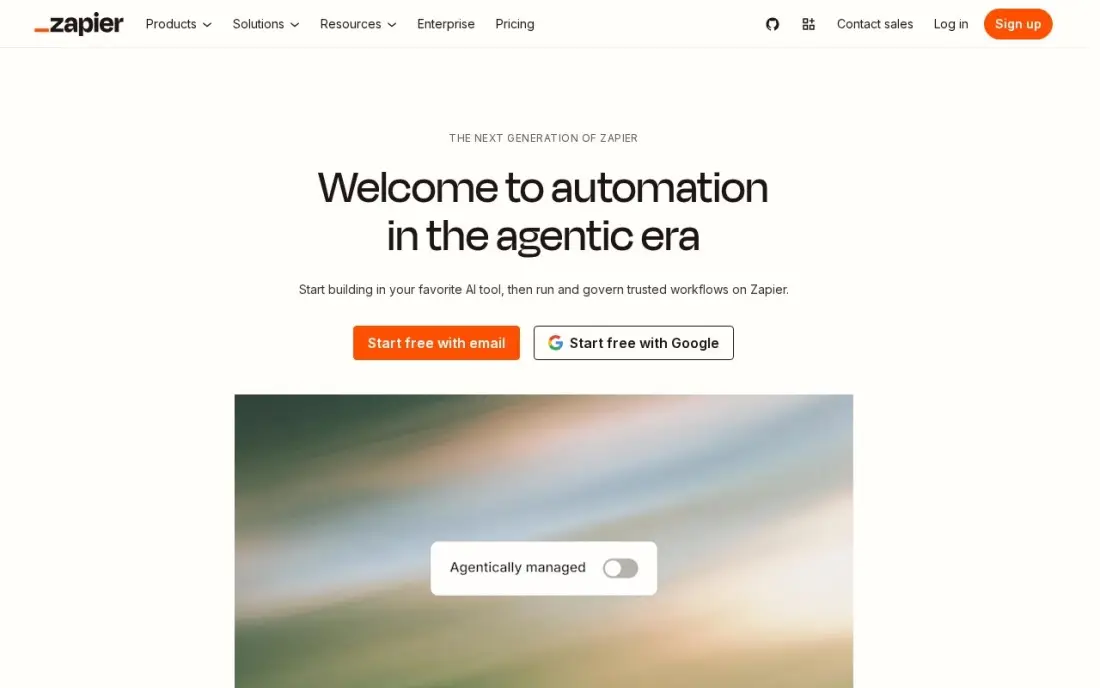
Zapier is the tool departments reach for when IT has a queue. It connects thousands of apps, and Professional at $19.99 a month billed annually, or $29.99 monthly, covers 750 tasks with multi-step Zaps, webhooks, filters and AI by Zapier. The Free plan covers 100 tasks a month for testing.
For enterprise use, the bill and the controls are the points to check. Billing follows task volume, so a busy three-step Zap can move a team up the tiers quickly, and Professional covers one user, with Team at $69 a month for shared building. Use it for departmental workflows and keep core finance processes on a governed platform.
What we like
- Connects thousands of apps, so the tools a business already uses can share data
- Multi-step Zaps, webhooks, filters and paths come with Professional
- AI by Zapier is included, so workflows can draft, summarise and route work
- 2-minute polling on Professional keeps automations close to real time
Watch out for
- The bill is set by task volume, not seats: a busy workflow can jump from $19.99 to $89 a month
- Professional covers only 1 user, so a team that builds Zaps together needs Team at $69 a month
- No free plan beyond 100 tasks a month, so real automation starts on a paid tier

Make
Best for: Operations teams that build complex branching workflows on a tight budget
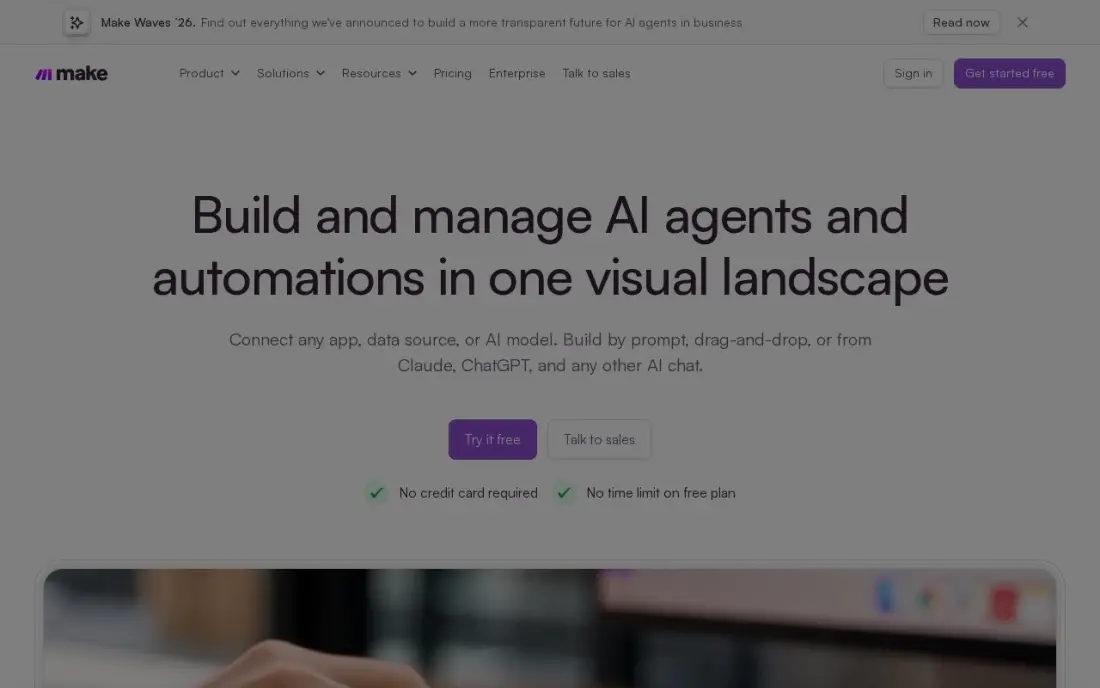
Make gives the most automation volume per dollar in this list. Core costs $9 a month billed annually, or $10.59 billed monthly, for 10,000 credits, and the free plan includes 1,000 credits a month. The visual canvas handles branching, loops and error routes, and Make AI Agents connect to more than 3,500 apps.
It is a department-level tool rather than an enterprise platform. Each module that runs uses a credit, so long scenarios burn the allowance quickly, and human approval steps are Enterprise-only and were still in closed beta in mid-2026. Choose it for an ops team that needs real logic before the budget for UiPath or Workato exists.
What we like
- Cheapest volume here: 10,000 credits a month from $9/month billed annually, against 750 tasks at Zapier
- Visual canvas with branching, loops and error routes that simpler builders cannot do
- Make AI Agents and an AI toolkit are included, with 3,500+ apps connected
Watch out for
- The visual canvas has a real learning curve; branching, routers and error routes take a day to learn
- Every module that runs costs one credit, so a long scenario burns credits faster than the headline suggests
- Human-in-the-loop approval steps are Enterprise-only and were still in closed beta in mid-2026

n8n
Best for: Engineering-led teams that want self-hosted automation and AI agents under their own control
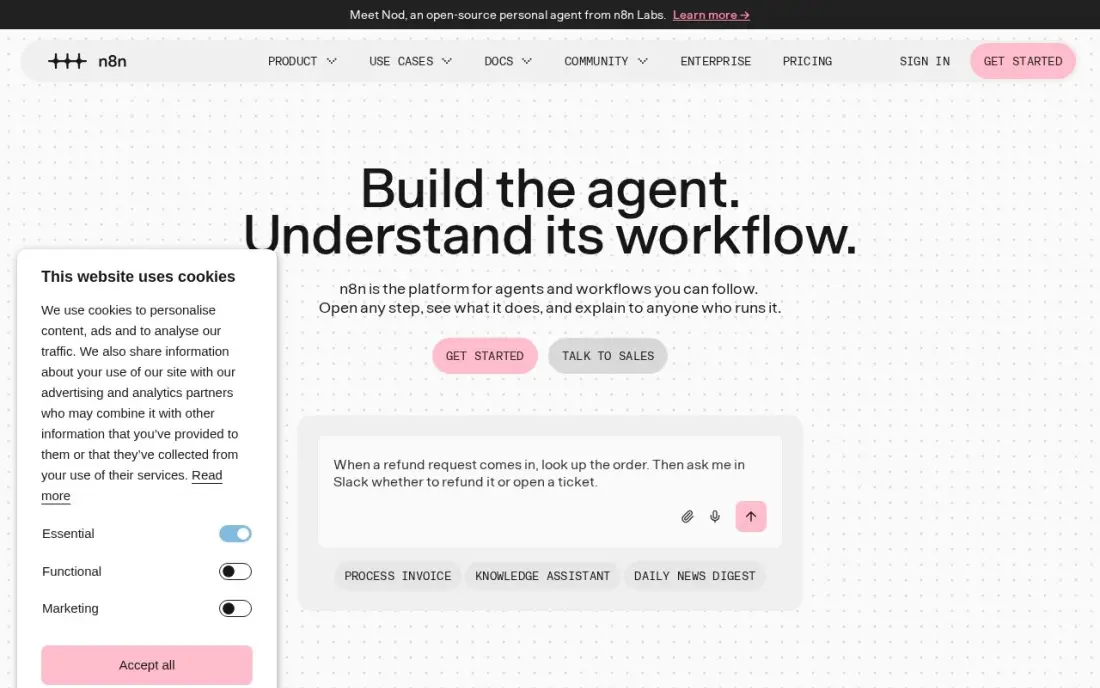
n8n appeals to enterprises for one reason above others: the Community Edition can be self-hosted for free with unlimited executions, so data stays inside your own infrastructure. Hosted Starter costs $20 a month billed annually, or $24 monthly, for 2,500 executions, and billing counts workflow runs rather than steps, so long AI agent flows stay cheap.
The cost is skills. Code nodes, webhooks and hosting are part of the deal, and Starter allows only five active workflows and five concurrent executions. It fits an engineering or data team that would otherwise write scripts; business users will find Power Automate or Zapier quicker to learn.
What we like
- Billed per workflow run, not per step, so a 20-step flow costs the same as a 2-step one
- Self-hosted Community Edition is free with unlimited executions, under a fair-code licence
- Native AI agent nodes and a large integration library, with code when the visual builder runs out
Watch out for
- Needs technical confidence: code nodes, webhooks and self-hosting are part of the appeal, not optional extras
- Starter caps at 5 active workflows and 5 concurrent executions, so busy teams outgrow it fast
- A flow that fires every minute eats the 2,500 monthly executions in under two days
The best enterprise automation software takes repetitive work out of finance, HR, IT and operations without creating a tangle of scripts nobody can maintain. We compared seven tools across the three kinds buyers usually mix up — RPA platforms that drive screens, integration platforms that connect apps through APIs, and lighter workflow builders that departments adopt on their own — on governance, free editions and real cost. Every price below comes from the vendor's own pricing page as checked in November 2026.
How to choose the best enterprise automation software
- Map the systems first. If the work runs through old desktop or mainframe screens, you need RPA such as UiPath or Automation Anywhere; if every app has an API, an integration platform is faster and cheaper to maintain.
- Decide who builds. A central automation team can handle UiPath or Workato; business users will get further with Power Automate, Zapier or Make.
- Check governance before scale. SSO, role-based access, audit logs and environment separation matter more than features once fifty people are building flows.
- Understand the billing unit. Seats, robots, tasks, credits and executions all count differently, and the unit decides what a growing process costs.
- Test on a free edition. UiPath, Automation Anywhere, Workato, Make and n8n all let you build something real before you sign.
- Plan for maintenance. Screen-based bots break when a UI changes; budget time for upkeep or prefer API connections where they exist.
Automation frees up hours; how those hours turn into growth is the next question. If part of the saved time goes into marketing, our monthly SEO service covers search visibility, and the UTM builder keeps campaign tracking consistent when automated emails and posts send traffic to your site.
Enterprise automation software pricing: what you will actually pay
Take a team of 20 people who each need to run a premium approval flow. On Power Automate Premium that is 20 × $15 = $300 a month billed annually, or $3,600 a year, on top of the Microsoft 365 licences you already pay for. The same team on Zapier pays by task volume instead of seats: Professional starts at $19.99 a month billed annually for 750 tasks, but it covers one builder, so shared building needs Team at $69 a month.
For a single operations team running heavy scenarios, Make Core costs $9 a month billed annually for 10,000 credits, or $108 a year, and n8n Starter costs $20 a month billed annually for 2,500 executions, or $240 a year. A self-hosted n8n Community Edition costs nothing in licences, though you pay for the server and the engineer.
The enterprise platforms are different. UiPath Basic starts at $25 a month with two robots, but Standard and Enterprise are quote-only, and Automation Anywhere and Workato publish no dollar prices at all. For these three, ask for the full first-year cost in writing, including robots or usage, support tier and implementation, before comparing them with the published figures above.
Know the difference: RPA vs integration platforms
RPA platforms such as UiPath and Automation Anywhere automate the user interface. A robot logs in, reads a screen, copies a value and types it somewhere else, exactly as a person would. That makes RPA the only option for many legacy systems, but it also means a moved button or a new login page can stop a bot, so RPA programmes need monitoring and maintenance.
Integration platforms such as Workato, and workflow builders such as Zapier, Make, n8n and Power Automate cloud flows, connect systems through their APIs. They are faster, cheaper to run and less fragile, but they only work where an API exists. Most large companies end up with both: integration for modern SaaS apps, and RPA for the older systems that cannot be connected any other way.
Quick comparison: tool type by need
| Buyer | Best pick | Why |
|---|---|---|
| Large RPA programmes | UiPath | Free Community plan, Standard with 60-day trial, enterprise by quote |
| RPA plus document work | Automation Anywhere | Generative AI document extraction, free Community Edition |
| SaaS integration at scale | Workato | Usage-based integration platform with a free plan |
| Microsoft 365 companies | Microsoft Power Automate | Standard flows included, Premium $15/user/month yearly |
| Departments without IT help | Zapier | Thousands of apps, Professional from $19.99/month yearly |
| Complex logic on a budget | Make | 10,000 credits from $9/month yearly |
| Self-hosted and engineering-led | n8n | Free self-hosted edition, billed per run not per step |
Mistakes to avoid
- Automating a broken process. A bot that copies a bad process just makes mistakes faster; fix the steps before you automate them.
- Using RPA where an API exists. Screen bots cost more to maintain than API connections, so reserve them for systems that cannot be reached any other way.
- Ignoring per-user licensing. Tools billed per person who runs a flow can cost ten times the pilot once the whole company uses them.
- Letting shadow automation spread. Dozens of personal Zaps and flows with shared passwords become a security and continuity risk; register them and give each an owner.
- Skipping the exit plan. Ask how flows, bots and logs export before signing a multi-year enterprise contract.
Related comparisons: Enterprise Software · Enterprise AI Platforms · Enterprise Marketing Platforms · Marketing Automation Tools
How we chose
We checked each vendor's own pricing page in November 2026 and recorded starting prices exactly as shown, with annual and monthly figures where both are listed. UiPath, Automation Anywhere and Workato publish no prices for their enterprise editions, so we list them as quote-based rather than repeating third-party estimates. We ranked the tools by fit for a mid-size or large company choosing its first or second automation platform, and weighed system coverage, governance, free editions and billing model. Ratings come from G2 pages checked on the dates shown in the sources. No vendor paid for a place in this list, and none of the links here are affiliate links.
What to do next
Pick one process that costs your team at least ten hours a week, map whether its systems have APIs, and build it on the matching free edition before you talk to sales. If marketing is one of the teams you are freeing up, book a free SEO consultation to see where search could use those hours.
Frequently asked questions
What is the best enterprise automation software?
UiPath is the most complete choice for RPA across legacy systems, with a free Community plan and Standard by quote. Workato is the pick for API-based integration across SaaS apps, and Microsoft Power Automate is the cheapest start for Microsoft 365 companies at $15 per user per month billed annually.
What is the difference between RPA and workflow automation?
RPA robots operate software through its screens, the way a person clicks and types, so they can automate systems with no API. Workflow and integration tools such as Workato, Zapier and Make connect apps through their APIs, which is faster and less fragile but only works where an API exists.
Is there free enterprise automation software?
Yes, for testing and small use. UiPath has a free Community plan, Automation Anywhere has a free Community Edition for small businesses on up to five machines, Workato has Workato Free, Make has a free plan with 1,000 credits a month, and n8n's Community Edition is free to self-host.
How much does enterprise automation software cost?
Published starting prices run from $9 a month for Make Core billed annually to $15 per user per month for Power Automate Premium and $25 a month for UiPath Basic. Full enterprise editions of UiPath, Automation Anywhere and Workato are priced by quote, so ask for a written first-year cost.
Can Zapier be used as enterprise automation software?
For departmental workflows, yes, but check the controls first. Confirm SSO, audit logs, user management and data residency against your security policy, and keep processes such as payments or payroll on a platform your IT team governs.
Should enterprise automation be self-hosted?
Only if data rules or security policy require it. Self-hosting n8n or running UiPath on your own premises keeps data in-house, but your team then owns upgrades, uptime and security patches, which cloud editions handle for you.
What is the best automation software for a startup or small business?
Start with a tool that has a free plan and needs no IT team. Zapier's free plan covers 100 tasks a month and suits fast app-to-app automation. Make is cheaper for complex branching workflows, from $9 a month billed annually with a free plan of 1,000 credits. Teams with an engineer can self-host n8n's Community Edition for free. Power Automate is included with Microsoft 365 for standard connectors.
What are examples of enterprise automation tools?
They fall into three groups. RPA tools such as UiPath and Automation Anywhere run software robots that work through desktop and legacy screens like a person would. Integration platforms such as Workato connect many SaaS apps under central governance. Workflow tools such as Microsoft Power Automate, Zapier, Make and n8n link apps through their APIs, with approvals, document flows and AI steps built in.
Sources we checked (11)
- UiPath — www.uipath.com/pricing (checked November 16, 2026)
- Automation Anywhere — www.automationanywhere.com/products/community-edition (checked November 16, 2026)
- Workato — docs.workato.com/en/pricing.html (checked November 16, 2026)
- Microsoft Power Automate — powerautomate.microsoft.com/en-us/pricing (checked November 2, 2026)
- Microsoft Power Automate reviews on G2 (checked November 2, 2026)
- Zapier — zapier.com/pricing (checked November 12, 2026)
- Zapier reviews on G2 (checked November 12, 2026)
- Make — www.make.com/en/pricing (checked November 2, 2026)
- Make reviews on G2 (checked November 2, 2026)
- n8n — n8n.io/pricing (checked November 2, 2026)
- n8n reviews on G2 (checked November 2, 2026)
Make one of these tools?
We re-check this list every quarter. Send a correction, request a review, or ask about a clearly labeled sponsored spot.
Request a listingShamim
Founder of SerpAstra
A full-stack digital marketer and SEO strategist covering technical and local SEO, AI search visibility, paid ads and lead generation for local businesses, e-commerce brands and SaaS teams.
Free SEO and AI visibility audit
Find out what is holding your rankings back
Send us your site. Within 2 business days you get a written audit, an AI visibility check and a short fix list ranked by impact. Free, with no contract attached.
Request my free audit→Related buying guides
 IT Management10 Best Workload Automation Tools in 2026 (Free and Paid, Compared)10 best workload automation tools compared on price, platforms and scheduling depth in 2026. Only two publish a price; the rest are custom quote.Read guide →
 Productivity & Office10 Best AI Automation Tools for Small Business in 2026, Compared10 best ai automation tools for small business compared on price, free plans and AI features, with real starting prices checked November 2, 2026.Read guide →
 Productivity & Office10 Best Automation Apps for Small Business in 202610 best automation apps for small business compared on price, free plans and billing units, with starting prices checked on vendor pages, November 2, 2026.Read guide →