
8 Best Enterprise Budgeting Software in 2026, Compared
Compare the 8 best enterprise budgeting software on driver-based planning, consolidation, Excel fit, rollout time and real cost, checked on vendor pages.
 Shamim Mia, Founder, SerpAstraLast verified November 2, 20269 min read
We compare pricing pages, documentation and public reviews. We never accept payment for rankings.

Key takeaways
- Anaplan and Workday Adaptive Planning lead for large enterprises that plan across finance, sales and workforce; both are quote-only, and Adaptive is the only one here with a 30-day free trial.
- Cube is the only platform in this list with published prices, from $1,500 a month on Go and $2,800 a month on Pro, sold in the US and Canada.
- Vena and Datarails keep Excel as the planning interface with a governed database behind it, which shortens the learning curve for finance teams that live in spreadsheets.
- Implementation is a real cost: third-party estimates put Prophix rollouts at 0.7 to 1.3 times the first-year subscription, and Vena reviewers report around five months to go live.
On this page
Quick comparison
| Tool | Best for | Starting price | Free plan |
|---|---|---|---|
| Anaplan | Large enterprises that budget across finance, sales, supply chain and workforce in one connected model | Custom quote | No (demo) |
| Workday Adaptive Planning | Mid-size and large companies that want driver-based budgets and workforce planning with a free trial | Custom quote | No (30-day trial) |
| Planful | Finance teams that want budgeting, consolidation and close in one governed platform | Custom quote | No (demo) |
| Vena | Mid-market and enterprise finance teams that want to keep budgeting in Excel with governance behind it | Custom quote | No (demo) |
| Prophix | Mid-market finance teams that want planning, consolidation and reporting with a spreadsheet-style interface | Custom quote | No (free trial) |
| Cube | Finance teams that budget in Excel or Google Sheets and want published pricing and fast setup | $1,500/mo | No (demo) |
| Datarails | Finance teams that live in Excel and want automated consolidation feeding the budget | Custom quote | No (demo) |
| SAP Analytics Cloud | Companies already running SAP that want budgeting, BI and forecasting in one SAP tool | Quote via SAP sales | No (30-day trial) |
Make one of these tools?
We re-check this list every quarter. Send a correction, request a review, or ask about a clearly labeled sponsored spot.
Request a listingThe best enterprise budgeting software

Anaplan
Best for: Large enterprises that budget across finance, sales, supply chain and workforce in one connected model
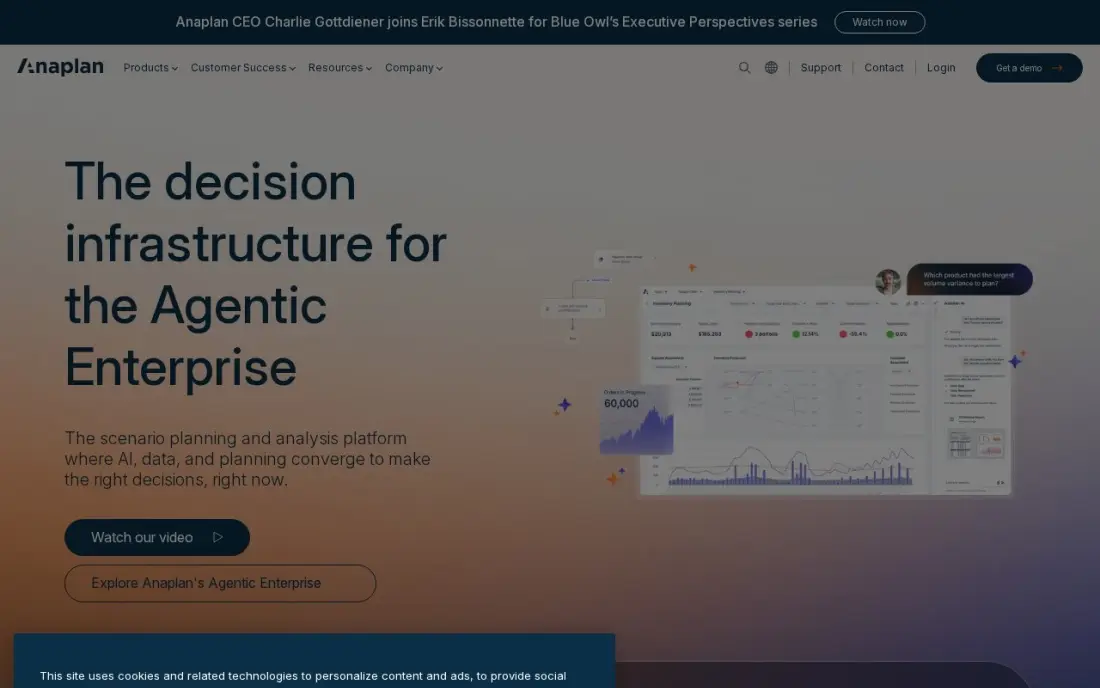
Anaplan is built for companies that want one plan rather than a finance budget and a separate set of departmental spreadsheets. Its connected planning links finance, sales, supply chain and workforce models, so a change in headcount or quota flows through the budget in real time, and the Hyperblock engine handles driver-based forecasting at a scale spreadsheets cannot. A network of more than 250 certified partners supports large rollouts.
Anaplan publishes no price and treats pricing as confidential. Implementations span months and need certified model builders, and contracts are non-cancelable and non-refundable with seat counts fixed mid-term, so size the first order carefully.
What we like
- Connected planning links finance, sales, supply chain and workforce models in real time
- Hyperblock engine handles territory, quota, incentive and driver-based forecasting at enterprise scale
- A 250-plus certified partner network supports large deployments
Watch out for
- No published pricing, and the vendor classifies pricing as confidential information
- Implementations span months and need certified modeling expertise or a partner
- Contracts are non-cancelable and non-refundable, with seat counts fixed mid-term

Workday Adaptive Planning
Best for: Mid-size and large companies that want driver-based budgets and workforce planning with a free trial
Workday Adaptive Planning is a cloud budgeting platform with driver-based models, unlimited versions and unlimited what-if scenarios, plus machine learning that builds predictive forecasts and flags anomalies in the plan. It connects to any ERP or general ledger, so it suits companies that do not run Workday Financial Management as well as those that do.
It is the only enterprise platform in this list with a 30-day free trial. Pricing is quote-only and built from a forecast of seats and modules, which is where buyers tend to overspend: first quotes often count more modelers than will still be building budgets a year later.
What we like
- Native-cloud planning with driver-based models, unlimited versions and unlimited what-if scenarios
- Machine learning creates predictive forecasts and flags anomalies in the plan
- Connects to any ERP or general ledger, and a 30-day free trial lets you test it first
Watch out for
- No published pricing; both Adaptive Planning editions are listed as pricing varies
- Quote sizing depends on a forecast of seats and modules, which is where overspend usually comes from
- Full value needs model administration skill in-house or from a partner

Planful
Best for: Finance teams that want budgeting, consolidation and close in one governed platform
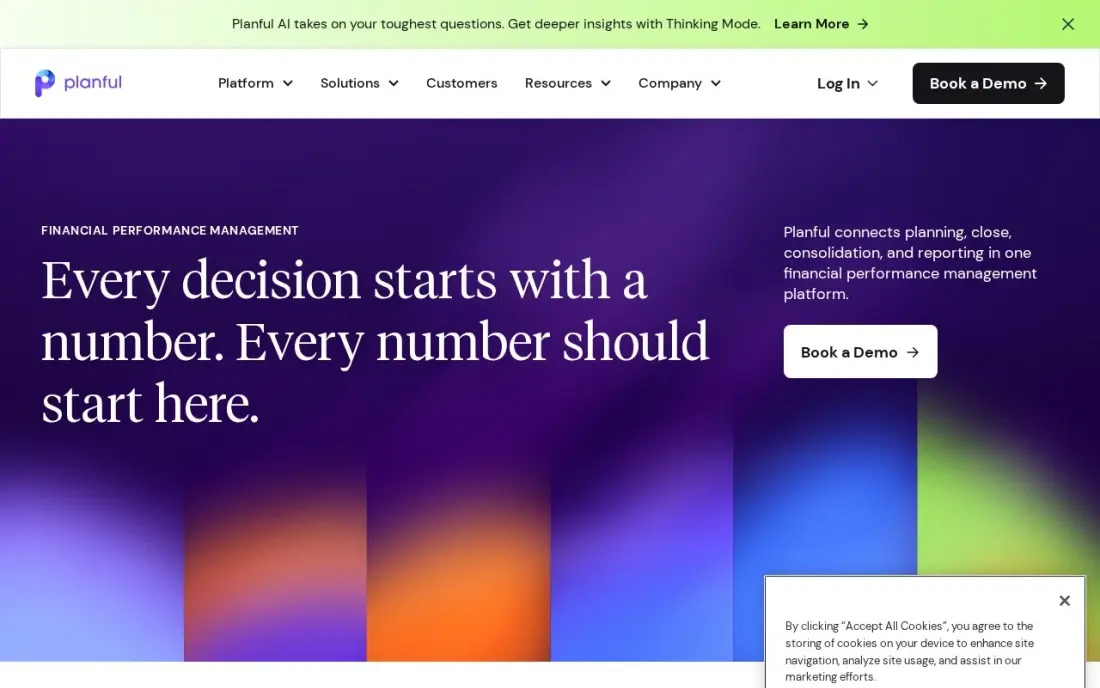
Planful covers the whole finance cycle rather than budgeting alone: structured planning, multi-entity consolidation, close management, reporting and scenario modeling in one cloud platform. More than 200 pre-built connectors pull data from ERP, CRM and HCM systems, and Planful Predict adds machine-learning forecasts and anomaly detection to the budget workflow.
Pricing is quote-only, and the subscription is only part of the cost: implementation, data preparation, training and administration all add up. Reviewers rate its dashboards below newer tools. Choose Planful when consolidation and close need to sit with the budget, not in a separate system.
What we like
- One cloud platform for structured planning, consolidation, close, reporting and scenario modeling
- Planful Predict adds ML forecasting and anomaly detection to planning workflows
- 200-plus pre-built connectors for ERP, CRM and HCM systems
Watch out for
- No published pricing, so every deal starts with a scoped quote
- Implementation, training and administration add real cost on top of the subscription
- Dashboard capabilities draw mixed reviewer feedback next to newer tools

Vena
Best for: Mid-market and enterprise finance teams that want to keep budgeting in Excel with governance behind it
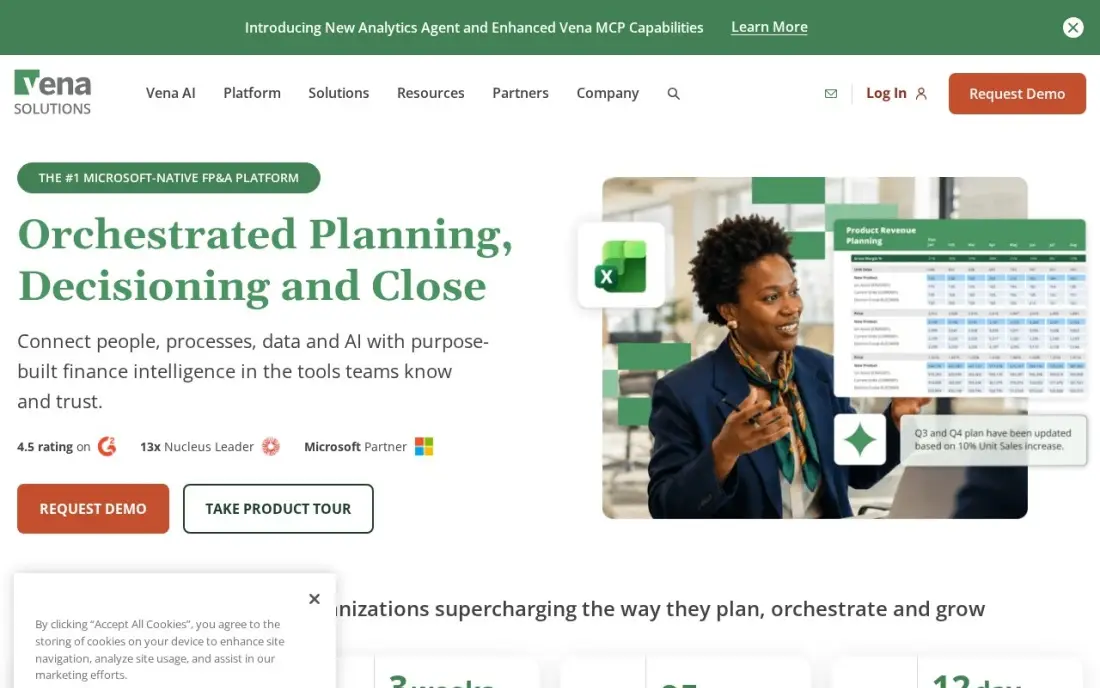
Vena keeps Excel as the place where budgets are built, then adds a governed database with version control, workflow approvals and an audit trail underneath. Department heads submit budgets in familiar templates, and finance gets one controlled source of numbers instead of dozens of emailed files. It covers budgeting, forecasting, reporting and account reconciliation.
There are two plans, Professional and Complete, and only Complete includes the Vena Insights AI layer, premium support and a sandbox. Vena publishes no price, and reviewers report a typical implementation of around five months, so plan the budget cycle around the rollout.
What we like
- Excel stays the planning interface, with a governed database, workflow and audit trail behind it
- Covers budgeting, forecasting, reporting and account reconciliation in one platform
- Two plans, Professional and Complete, with Complete adding Vena Insights, premium support and a sandbox
Watch out for
- No published pricing, so budgeting starts with a sales conversation
- Setup is complex and time-consuming, with a five-month typical implementation reported by reviewers
- AI features (Vena Insights) sit on the Complete plan, not the entry Professional plan

Prophix
Best for: Mid-market finance teams that want planning, consolidation and reporting with a spreadsheet-style interface
Prophix One combines planning, consolidation, close, reporting and analytics in one cloud product, with a spreadsheet-style interface, pre-built templates and drag-and-drop workflows that finance users pick up quickly. Its reporting goes deep on the reports controllers use every month, such as departmental cost reports and salary variance analysis. A free trial is available, which is rare in this category.
Pricing is quote-only. Third-party estimates put implementation at 0.7 to 1.3 times the first-year subscription, and customers report renewal prices rising faster than the category norm, so negotiate multi-year caps up front.
What we like
- Prophix One unifies planning, consolidation, close, reporting and analytics in one cloud platform
- Spreadsheet-style interface with pre-built templates and drag-and-drop workflows
- Strong reporting depth, including departmental cost reports and salary variance analysis
Watch out for
- No published pricing, so you cannot compare costs without a quote
- Implementation runs 0.7 to 1.3 times the first-year subscription, per third-party estimates
- Renewal prices have risen faster than the category norm, per customer reports

Cube
Best for: Finance teams that budget in Excel or Google Sheets and want published pricing and fast setup
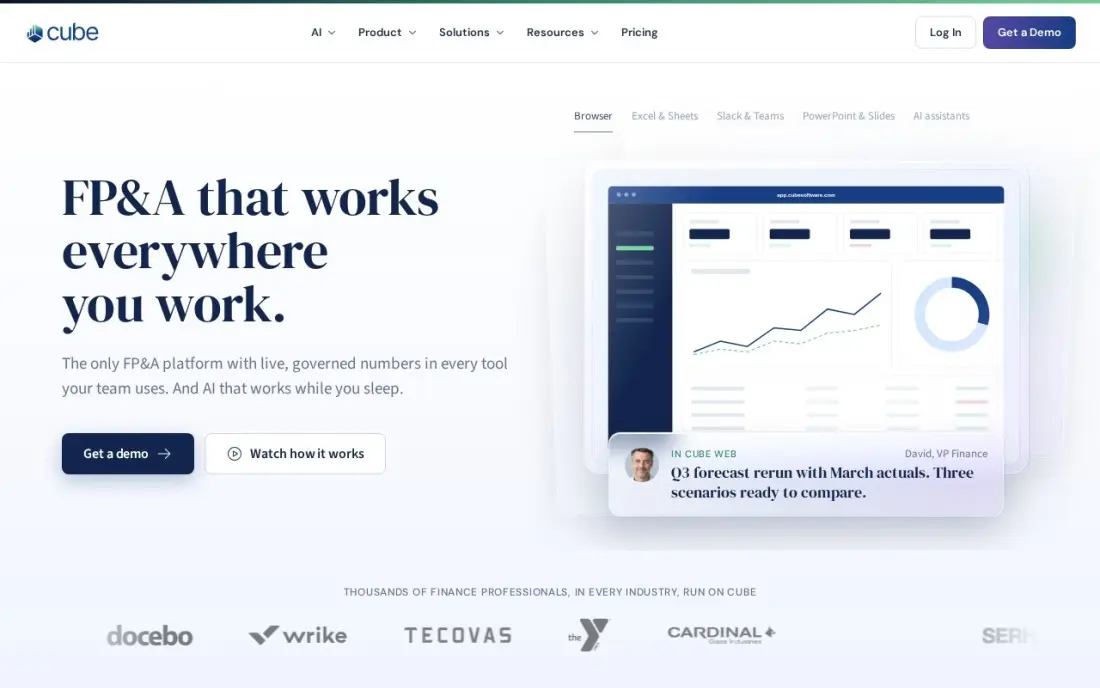
Cube is the only budgeting platform in this list that prints its prices: Go costs $1,500 a month and Pro $2,800 a month on the vendor's own site. It is spreadsheet-native, so budget owners work in Excel or Google Sheets with live two-way sync, and AI forecasting builds driver-based projections from your own history. Apps for Slack and Microsoft Teams bring budget numbers into chat.
Implementation and onboarding fees sit on top of the subscription, and Cube sells only in the US and Canada. It fits a mid-market team or a division of a larger company better than a global enterprise with complex consolidation.
What we like
- The only FP&A platform here with published pricing: Go from $1,500/month, Pro from $2,800/month
- Spreadsheet-native planning in Excel and Google Sheets with two-way sync
- AI-powered forecasting and scenario planning, with apps for Slack and Microsoft Teams
Watch out for
- Entry price of $1,500/month is steep for startups and very small teams
- Sold in the US and Canada only, so teams elsewhere cannot buy it
- Implementation and onboarding fees sit on top of the subscription

Datarails
Best for: Finance teams that live in Excel and want automated consolidation feeding the budget
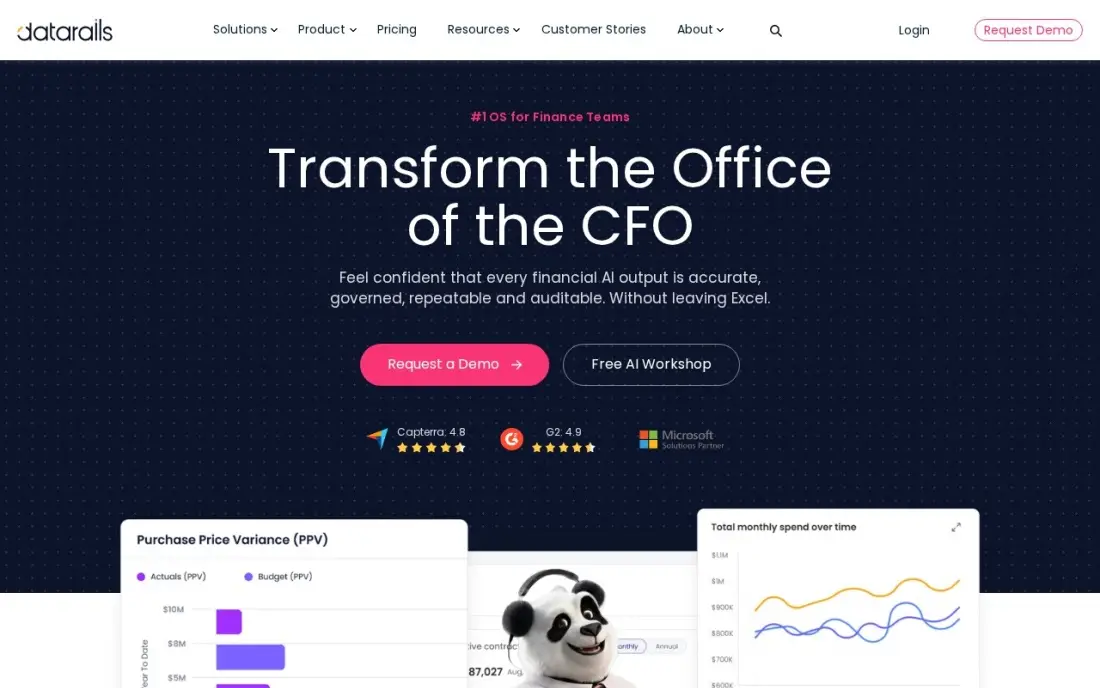
Datarails removes the copy-and-paste part of spreadsheet budgeting without taking the spreadsheet away. Teams keep working in Excel while Datarails pulls actuals from QuickBooks, NetSuite, Xero, Sage Intacct and more than 200 other sources, consolidates entities and produces board-ready budget-versus-actual reports. An AI assistant, cash management, spend control and month-end close sit in the same workspace.
There is no published price, and implementation is a real project rather than a same-day setup. Teams that want to move away from Excel entirely will find it familiar rather than new; teams that want to keep Excel will find that is the point.
What we like
- Stays inside Excel while a governed database consolidates the numbers behind it
- Automated data consolidation from QuickBooks, NetSuite, Xero, Sage Intacct and 200+ other sources
- AI assistant plus cash management, spend control and month-end close in one workspace
Watch out for
- No published pricing, so you cannot budget without a sales conversation
- Excel-native design means teams that want to leave spreadsheets behind will find the workflow familiar rather than new
- Implementation and onboarding are a real project, not a same-day setup

SAP Analytics Cloud
Best for: Companies already running SAP that want budgeting, BI and forecasting in one SAP tool
SAP Analytics Cloud combines dashboards, financial planning and prediction in one product, with live connections to S/4HANA so budget actuals come straight from the SAP ledger without an extraction step. Smart Predict forecasts future values and Key Driver Analysis explains what moves them, which gives budget owners a starting forecast rather than a blank sheet. It rates 4.2 out of 5 from 910 G2 reviews.
SAP now quotes through sales, and planning seats cost several times more than BI seats in third-party lists, so get a quote for the planning edition. Reviewers say advanced modeling gets complex. Outside an SAP estate, the other tools here are a better fit.
What we like
- Smart Predict and Key Driver Analysis add forecasting without a separate modeling tool
- Deep, live integration with S/4HANA and SAP data — no extraction step for SAP shops
- One tool for BI, planning and prediction, with 910 G2 reviews behind it
Watch out for
- SAP now quotes through sales, so the $36 figure is third-party sourced and may not match your quote
- Planning seats cost several times more (about $157/user/month in third-party lists)
- Reviewers say advanced modeling gets complex, and licensing feels expensive outside SAP
The best enterprise budgeting software replaces the annual round of emailed spreadsheets with one governed plan that department heads can edit, finance can control and leadership can trust. We compared eight platforms across three approaches: connected planning suites, finance-cycle platforms that include consolidation and close, and spreadsheet-native tools that keep Excel at the front. We checked every vendor's pricing page in November 2026; most publish no price, and we say so rather than repeat estimates.
How to choose the best enterprise budgeting software
- Decide how far the plan reaches. If sales quotas, supply chain and workforce plans must flow into the budget, a connected planning suite such as Anaplan fits; if the budget is a finance process, a narrower tool is cheaper.
- Be honest about Excel. If budget owners will not give up spreadsheets, Vena, Datarails or Cube will be adopted faster than a new interface.
- Check consolidation and close. Multi-entity groups often want budgeting, consolidation and close together, which is where Planful and Prophix fit.
- Size seats on real modelers. Quotes are built on seat and module forecasts, and first quotes often count more model builders than you will need.
- Price the implementation, not just the licence. Partner fees, data preparation and training can match the first-year subscription.
- Read the contract terms. Anaplan contracts are non-cancelable with seat counts fixed mid-term, so negotiate flexibility before signing.
Budgeting software shows which spend earns its keep, and marketing is often the line under the most pressure. If your team needs search to show measurable return, our monthly SEO service reports on it every month, and the guide to financial analytics software covers the reporting side of the same platforms.
Enterprise budgeting software pricing: what you will actually pay
Cube is the only platform here with list prices, so it makes a useful benchmark. Go costs $1,500 a month, or $18,000 a year, and Pro costs $2,800 a month, or $33,600 a year, before implementation and onboarding fees. Every other vendor in this list prices by quote, built from seats, modules and in some cases data volume.
Implementation changes the first-year total more than the licence does. Third-party estimates put Prophix implementation at 0.7 to 1.3 times the first-year subscription, so a $50,000 subscription would carry $35,000 to $65,000 of rollout cost on top, a first year of $85,000 to $115,000. Vena reviewers report around five months to go live, and Anaplan rollouts need certified model builders. Ask every vendor for a written first-year total that includes implementation, training and support, and for a renewal cap, since Prophix customers report renewals rising faster than the norm.
Know the difference: connected planning suite vs spreadsheet-native platform
A connected planning suite, such as Anaplan or Workday Adaptive Planning, replaces spreadsheets with its own modeling engine. Finance, sales and workforce plans live in one model, so a change in one place flows through the rest, and the system scales to thousands of users and complex scenarios. The cost is a new interface for every budget owner and a rollout that needs trained modelers.
A spreadsheet-native platform, such as Vena, Datarails or Cube, keeps Excel or Google Sheets as the front end and adds a governed database, workflow and audit trail behind it. Budget owners keep the templates they know, which speeds adoption, while finance gets version control and one source of truth. These platforms suit companies whose budget is mainly a finance process rather than a company-wide connected plan.
Quick comparison: tool type by need
| Buyer | Best pick | Why |
|---|---|---|
| Large enterprises, connected plans | Anaplan | Finance, sales, supply chain and workforce in one model, quote-only |
| Driver-based planning with a trial | Workday Adaptive Planning | Unlimited scenarios and ML forecasts, 30-day free trial |
| Budget plus consolidation and close | Planful | One governed platform with 200+ connectors, quote-only |
| Excel-first finance teams | Vena | Excel interface with workflow and audit trail, quote-only |
| Mid-market, easy interface | Prophix | Planning, consolidation and reporting, free trial |
| Published pricing | Cube | Spreadsheet-native, Go from $1,500/month |
| Automated Excel consolidation | Datarails | 200+ data sources feeding Excel budgets, quote-only |
| SAP customers | SAP Analytics Cloud | Planning, BI and Smart Predict on live S/4HANA data |
Mistakes to avoid
- Buying for the org chart you hope to have. Seat counts locked into a non-cancelable contract cost the same whether people use them or not.
- Rebuilding every spreadsheet in the new tool. Use the rollout to simplify the chart of accounts and budget templates, not to copy years of workarounds.
- Leaving department heads out of the demo. The people who submit budgets decide whether the tool gets used; let a few try it before you sign.
- Ignoring the data connection. A budget platform is only as current as its actuals feed, so test the ERP integration on a real month of data.
- Forgetting the renewal. Negotiate a cap on renewal increases in the first contract, when you have the most leverage.
Related comparisons: Enterprise Software · Enterprise Accounting Software · Enterprise AI Platforms · Enterprise Automation Software
How we chose
We checked each vendor's pricing page in November 2026 and recorded what was published, which for seven of eight platforms was no price at all. We list those as quote-only rather than repeating third-party figures as fact, and we name third-party estimates as such where we use them. We compared the platforms on driver-based planning, consolidation, Excel support, trials and rollout effort, and grouped them by the kind of company they suit. Ratings come from G2 pages where we show them. No vendor paid for a place in this list, and none of the links here are affiliate links.
What to do next
Write down how many people build budget models today and how many only submit numbers, then ask two or three vendors from the matching row of the table for a written first-year total on that basis. When the plan is set and growth targets need a channel to deliver them, book a free SEO review.
Frequently asked questions
What is the best enterprise budgeting software?
Anaplan is the best fit for large enterprises that plan across finance, sales and workforce in one model, and Workday Adaptive Planning is the strongest alternative, with a 30-day free trial. Both are quote-only. Cube is the best option with published prices, from $1,500 a month.
How much does enterprise budgeting software cost?
Most vendors do not publish prices. Cube is the exception, at $1,500 a month on Go and $2,800 a month on Pro. Anaplan, Workday Adaptive Planning, Planful, Vena, Prophix and Datarails are quote-only, and implementation is extra on every platform.
How long does it take to implement enterprise budgeting software?
Expect months, not weeks. Reviewers report around five months for Vena, and Anaplan rollouts commonly run for months with certified partners. Spreadsheet-native tools such as Cube and Datarails tend to be faster because budget owners keep their existing templates.
Can we keep budgeting in Excel?
Yes. Vena, Datarails and Cube all keep Excel as the planning interface and add a governed database, version control and workflow behind it. Cube also supports Google Sheets.
What is driver-based budgeting?
It builds the budget from operating drivers, such as headcount, units sold or price per unit, instead of typing a number into each line. Change a driver and every line that depends on it updates. Anaplan, Workday Adaptive Planning and Cube all support driver-based models.
Which enterprise budgeting software has a free trial?
Workday Adaptive Planning offers a 30-day free trial, and Prophix and SAP Analytics Cloud offer trials. Anaplan, Planful, Vena, Cube and Datarails are demo-only.
What is the difference between enterprise budgeting software and personal budgeting software?
Enterprise budgeting software plans a whole company's numbers across departments and entities, with driver-based models, workforce planning, consolidation and governed workflows for many budget owners. Personal budgeting apps track one person's spending. The price shows the gap: Cube starts at $1,500 a month, most tools here such as Anaplan, Planful and Vena are sold by custom quote, and implementation fees come on top.
Sources we checked (9)
- Anaplan — www.anaplan.com (checked November 2, 2026)
- Workday Adaptive Planning — www.workday.com (checked November 2, 2026)
- Planful — planful.com (checked November 2, 2026)
- Vena — www.venasolutions.com (checked November 2, 2026)
- Prophix — www.prophix.com (checked November 2, 2026)
- Cube — www.cubesoftware.com/blog/financial-planning-software (checked November 2, 2026)
- Datarails — www.datarails.com (checked November 2, 2026)
- SAP Analytics Cloud — www.selecthub.com/business-intelligence-tools/qlik-sense-vs-sap-analytics-cloud (checked November 2, 2026)
- SAP Analytics Cloud reviews on G2 (checked November 2, 2026)
Make one of these tools?
We re-check this list every quarter. Send a correction, request a review, or ask about a clearly labeled sponsored spot.
Request a listingShamim
Founder of SerpAstra
A full-stack digital marketer and SEO strategist covering technical and local SEO, AI search visibility, paid ads and lead generation for local businesses, e-commerce brands and SaaS teams.
Free SEO and AI visibility audit
Find out what is holding your rankings back
Send us your site. Within 2 business days you get a written audit, an AI visibility check and a short fix list ranked by impact. Free, with no contract attached.
Request my free audit→Related buying guides
 Accounting & Finance11 Best Financial Analytics Software in 2026, Compared11 best financial analytics software options compared on price, planning depth and reporting, with prices checked on the vendor's own page on November 2, 2026.Read guide →
 Accounting & Finance7 Best Financial Consolidation Software in 2026, ComparedCompare the 7 best financial consolidation software on multi-entity close, eliminations, currency and real first-year cost, checked on vendor sites.Read guide →
 Accounting & Finance10 Best Budgeting Software for Small Business in 2026, ComparedCompare the 10 best budgeting software for small business options on price, budgeting depth and bank sync, with real prices checked November 2, 2026.Read guide →