
8 Best Home Builder Software in 2026, Compared
Compare the 8 best home builder software for estimates, schedules, selections, job costing and house plans, with every price checked on vendor pages for 2026.
 Shamim Mia, Founder, SerpAstraLast verified November 7, 20269 min read
We compare pricing pages, documentation and public reviews. We never accept payment for rankings.

Key takeaways
- Buildertrend is the most complete system for residential builders, covering schedules, selections, change orders and warranty, but it publishes no price.
- JobTread is the job-costing pick at $199 a month plus $20 per extra internal user, or $159 a month billed annually.
- Contractor Foreman is the cheapest full platform at $49 a month billed annually for one user, though most builder features start on Plus at $166 a month.
- Chief Architect Premier and Cedreo draw the house itself; pair one of them with a management platform rather than expecting either to run the job.
On this page
Quick comparison
| Tool | Best for | Starting price | Free plan |
|---|---|---|---|
| Buildertrend | Production and custom home builders who want schedules, selections, change orders and warranty in one system | Custom quote | No (demo only) |
| JobTread | Custom home builders who want every estimate tied to a budget and tracked against actual cost | $199/mo | No (no free trial) |
| Buildxact | Small home builders who price houses from plans and want live supplier pricing in each estimate | $199/mo | Yes (free Go plan) |
| Buildern | Growing builders who want published pricing and free logins for site crews, subcontractors and buyers | $250/mo | No (7-day trial) |
| Houzz Pro | Custom and design-build home builders who want homeowner leads, 3D plans and a CRM together | $99/mo | Yes (free plan) |
| Contractor Foreman | Small home builders on a tight budget who want scheduling, bids and invoicing for a flat price | $49/mo | No (30-day trial) |
| Chief Architect Premier | Home builders who draw their own house plans and want framing and materials lists from the model | $229/mo; $1,995/yr | No (trial) |
| Cedreo | Builders who sell homes from plans and need fast floor plans, elevations and renderings for buyers | $129/mo | Yes (free plan) |
Make one of these tools?
We re-check this list every quarter. Send a correction, request a review, or ask about a clearly labeled sponsored spot.
Request a listingThe best home builder software

Buildertrend
Best for: Production and custom home builders who want schedules, selections, change orders and warranty in one system
Buildertrend is built around the way a residential builder actually runs a house: a lead becomes an estimate and proposal, the signed job gets a Gantt schedule shared with subcontractors, and the homeowner makes selections, approves change orders and pays draws in a client portal. Warranty requests after closing sit in the same system, and every tier includes unlimited users and projects. It absorbed CoConstruct in 2021.
The drawback is that you cannot budget it from a web page. Buildertrend stopped publishing prices and quotes on construction volume; its last published plans started at $499 a month, and long-term users report renewal increases of 50 to 75%. Onboarding averages about two months. It is rated 4.3 out of 5 on G2 from 232 reviews.
What we like
- The residential default: estimating, scheduling, change orders, selections, warranty and payments in one subscription
- A client portal homeowners actually use, cutting the back-and-forth on selections and change orders
- Unlimited users and unlimited projects on every tier — no per-seat math as the team grows
- Absorbed CoConstruct in 2021, so the residential market's two biggest names are now one company
Watch out for
- No published price — every quote comes from a sales call, so budgeting starts with a demo
- Renewal increases of 50–75% are reported by long-term users, with no notice in some cases
- Onboarding takes about two months on average, and the interface feels dated to some users

JobTread
Best for: Custom home builders who want every estimate tied to a budget and tracked against actual cost
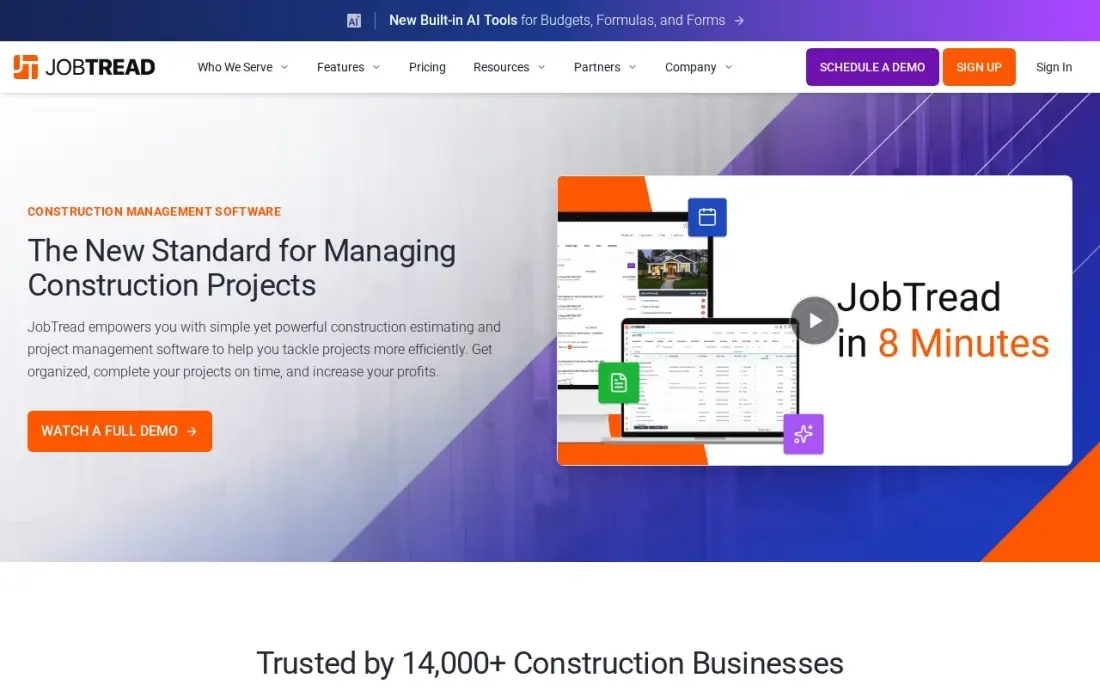
JobTread suits builders whose margin depends on knowing, mid-build, whether framing or cabinets are running over. Estimates link to budgets, purchase orders, invoices and daily logs, so the number that won the contract becomes the number the job is tracked against, with estimate-to-actual visible on every house. One plan includes every feature, and it is rated 5.0 out of 5 on G2 from 97 reviews.
Pricing is $199 a month with one internal user included and $20 a month for each extra internal user, or $159 a month base and $16 per extra user billed annually. Anyone who tracks time counts as an internal user, so a site supervisor adds to the bill. There is no free trial; you book a demo first.
What we like
- The cleanest pricing here: one plan, every feature included, $199 a month plus $20 per internal user
- Estimates link to budgets, purchase orders, invoices and job costing, so the number that wins the job becomes the number you track
- Per-user rates step down after 10 users ($15, then $10, then $5), so growth gets cheaper per seat
- Highest-rated tool in this list on G2 at 5.0/5, with customer support the top reviewer-cited strength
Watch out for
- No free trial — you book a demo, and the 30-day money-back guarantee covers monthly plans only
- The $199 base fee is heavy for a solo operator: one person pays the same base as a nine-seat office
- Anyone who tracks time counts as an internal user, so field staff add $20 a month each

Buildxact
Best for: Small home builders who price houses from plans and want live supplier pricing in each estimate
Buildxact starts where a small builder's week starts: pricing a house from a set of plans. Digital takeoff runs from uploaded drawings, live dealer material pricing feeds the estimate, and the winning estimate becomes the cost baseline once the build starts. Every plan includes unlimited users, and the free Go plan includes five AI estimating credits so you can test the workflow on a real plan.
Foundation costs $199 a month billed monthly, or $169 billed annually, but it is mainly an estimating tool; scheduling and job management wait for Pro at $399 a month. The Blu AI tools are add-ons on lower plans, and monthly plans reportedly carry a 12-month initial contract, so confirm the term. It is rated 4.3 out of 5 on G2 from 66 reviews.
What we like
- Digital takeoff runs from uploaded plans, and live dealer material pricing feeds the quote
- The winning estimate becomes the cost baseline, with estimate-to-actual costing in one workflow
- Every plan includes unlimited users, so the crew can grow without repricing the account
- Free Go plan gives five complimentary AI estimating credits to test the style before paying
Watch out for
- Job management and scheduling wait for Pro at $399 a month — Foundation is estimating-heavy
- AI tools (Blu) are add-ons at $99–$149 a month on lower plans, included only on Master
- Monthly plans reportedly carry a 12-month initial contract, so confirm before signing

Buildern
Best for: Growing builders who want published pricing and free logins for site crews, subcontractors and buyers
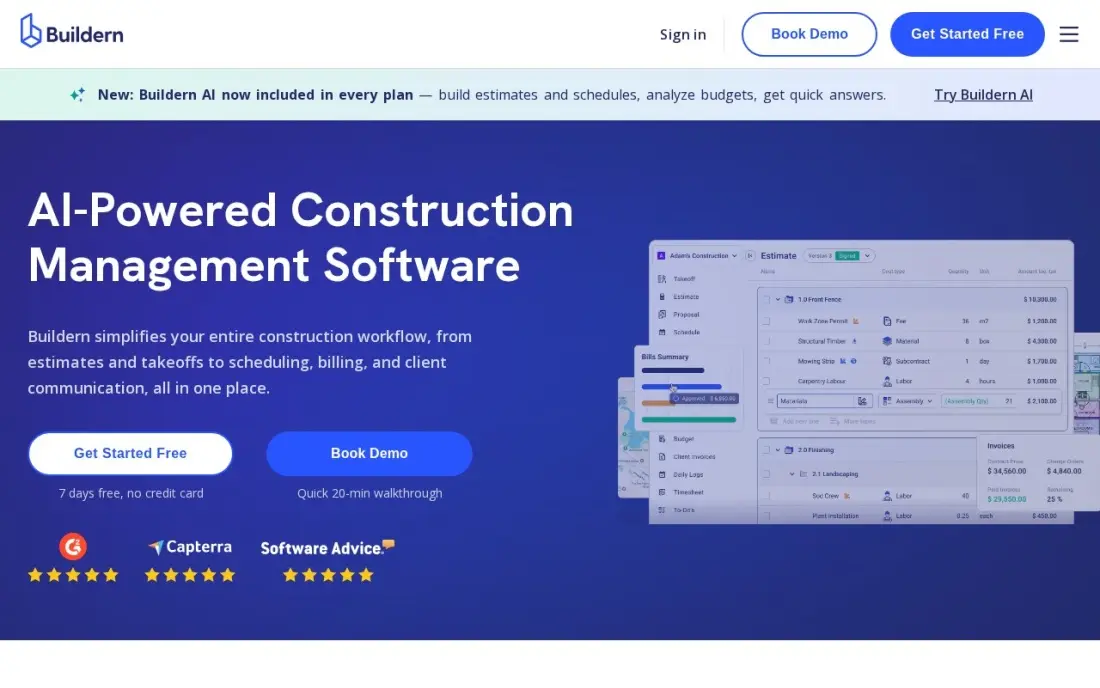
Buildern publishes its prices and lets field workers, subcontractors, vendors and homeowners join free, which matters to a builder with more people on site than in the office. Estimates flow into budgets, purchase orders, bills and invoices without retyping, and Gantt scheduling with AI-drafted schedules, allowance selections and schedule-of-values billing are included.
Starter costs $250 a month for two seats, or $225 billed annually, and Professional costs $400 a month for four seats. That is a real cost for a builder doing two houses a year, the free trial lasts only seven days, and the integration list is thinner than Buildertrend's. It is rated 4.9 out of 5 on G2 from 23 reviews.
What we like
- Published pricing with no sales call needed: Starter $250 a month for 2 seats, Professional $400 for 4
- Field workers, subcontractors, vendors and clients join free and never count as seats
- Estimates flow into budgets, purchase orders, bills and invoices without re-entering the same numbers
- Gantt scheduling with AI-drafted schedules, allowance selections and schedule-of-values billing included
Watch out for
- At $250 a month billed monthly, the entry price is real money for a one-person remodeling shop
- The 7-day free trial is short for a proper evaluation of a full project cycle
- A newer platform with a thinner integration ecosystem than Buildertrend or JobTread

Houzz Pro
Best for: Custom and design-build home builders who want homeowner leads, 3D plans and a CRM together
Houzz Pro is the only tool here that sells software and a lead source together. Plans include estimates, proposals, invoicing, online payments, a CRM and 3D floor plans, plus a profile on Houzz, where homeowners browse finished projects before calling a builder. A free plan covers the 3D floor planner, estimates and invoicing, which is enough to test it.
Design costs $99 a month for one user, billed annually after a 30-day trial, but contracts, takeoffs and schedules need Pro at $199 a month. Each extra person costs $50 a month until Teams at $399 a month adds unlimited users, and advertising on Houzz is a separate $499 a month. It is rated 4.2 out of 5 on G2 from 78 reviews.
What we like
- The only tool here that pairs the CRM with a Houzz profile where homeowners actually search for pros
- Design at $99 a month includes 3D floor plans, mood boards, selections, a CRM, estimates and online payments
- A real free plan covers the 3D floor planner, estimates and invoicing at $0
- Teams from $399 a month adds unlimited users, AI note-taking, email marketing and a custom website
Watch out for
- Design and Pro each cover one user — every extra person costs $50 a month until Teams at $399
- Contracts, takeoffs and schedules wait for Pro at $199 a month, not the $99 Design plan
- The advertising package is a separate $499 a month on top of any software plan

Contractor Foreman
Best for: Small home builders on a tight budget who want scheduling, bids and invoicing for a flat price
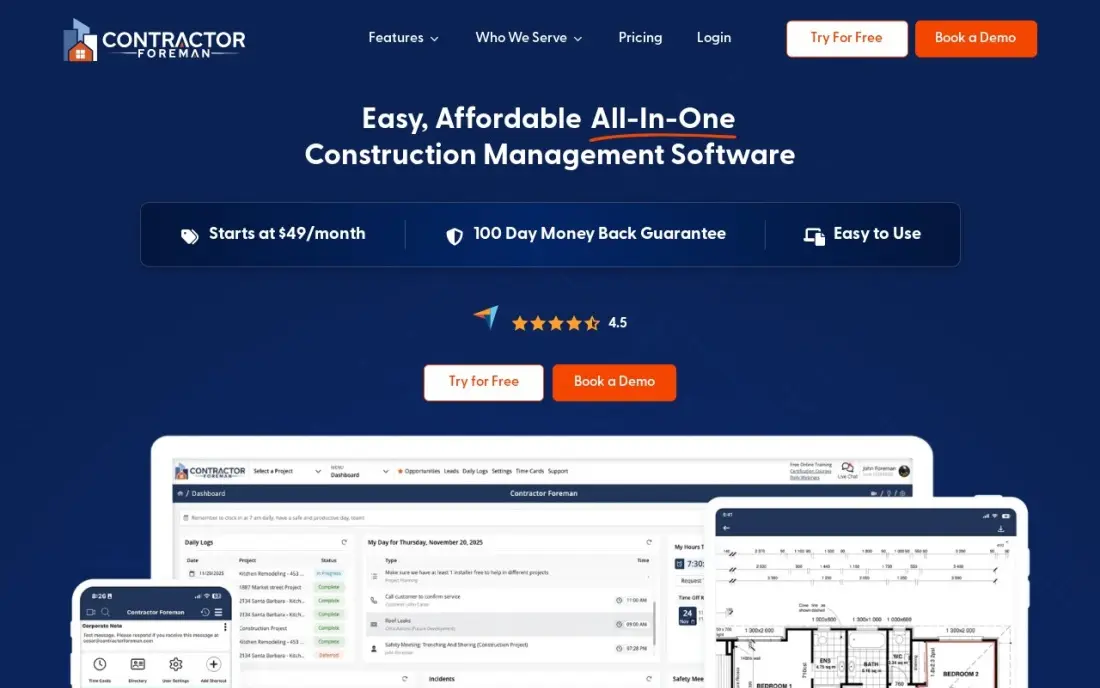
Contractor Foreman fits the small builder who wants project management without a Buildertrend-sized bill. Tiers are priced by how many users they include, not per seat: Basic costs $49 a month for one user, Standard $105 for up to three, Plus $166 for up to eight and Unlimited $332, all billed annually. There is a 30-day free trial, and annual plans carry a 100-day money-back guarantee.
Basic leaves out daily logs, change orders, time cards, the client portal and QuickBooks, which most builders need, so budget for Plus at $166 a month. Basic is annual-only at $588 a year, there is no free plan, and the interface takes time to learn. It is rated 4.5 out of 5 on G2 from 374 reviews.
What we like
- Cheapest full platform here: Basic is $49 a month billed annually for estimates, bids, invoices and scheduling
- Flat per-tier pricing by user count, not per seat, so adding a foreman does not reprice the whole account
- 30-day free trial and a 100-day money-back guarantee on annual plans — the longest in this list
- Unlimited plan at $332 a month covers unlimited users and every feature, including a dedicated success manager
Watch out for
- Basic at $49 covers one user and strips out daily logs, change orders, time cards, the client portal and QuickBooks
- Plans are capped by user count, so a growing crew climbs the ladder from $49 to $332
- No free plan and a busy interface that takes time to learn

Chief Architect Premier
Best for: Home builders who draw their own house plans and want framing and materials lists from the model
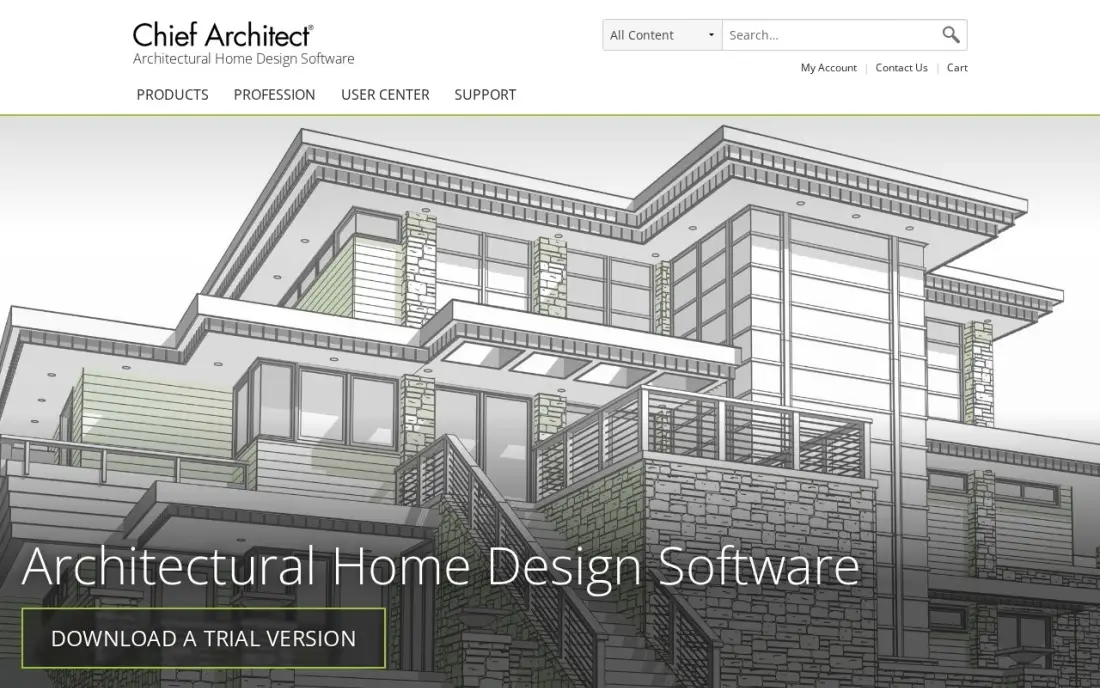
Chief Architect Premier is not a project management tool; it designs the house. You draw walls in plan, and it builds the 3D model, generates the roof, lays out framing and produces a materials list with the drawings, which shortens takeoff for a builder who designs in-house. Cabinets, stairs and terrain tools are built for houses.
It costs $229 a month billed monthly, or $1,995 a year billed annually, with support and new releases bundled. That is expensive if you only redraw an architect's plans now and then, and it is weak for commercial buildings. The free trial disables saving, printing and exporting. It is rated 4.6 out of 5 on G2 from 18 reviews.
What we like
- Draw walls in plan and the software builds the 3D model, generates the roof and lays out the framing
- Produces a materials list at the same time as the drawings, which speeds up estimating
- Cabinet layouts, stairs and terrain tools are built for houses, not adapted from industrial CAD
- Support and Software Assurance, including new releases and priority support, are bundled in
Watch out for
- Residential focus limits its use for commercial work such as warehouses or strip malls
- At $1,995 a year it costs nearly as much as AutoCAD while doing far less outside houses
- The automatic building tools are powerful but demand learning the software's way of working

Cedreo
Best for: Builders who sell homes from plans and need fast floor plans, elevations and renderings for buyers
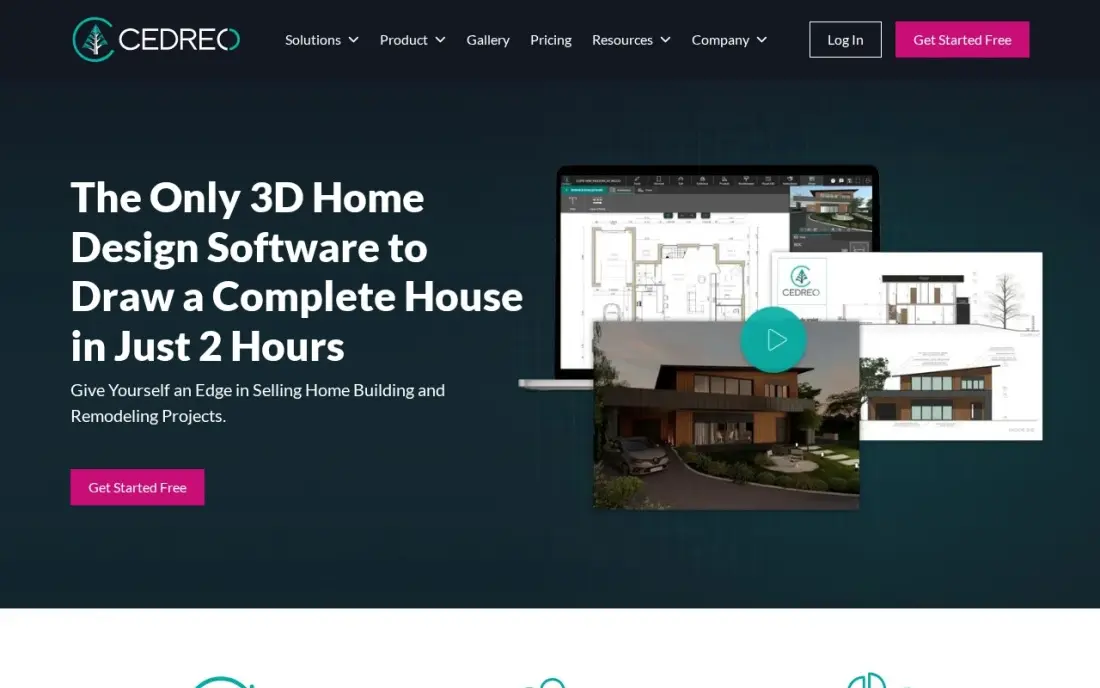
Cedreo is the faster, browser-based way for a builder to produce what buyers see: floor plans, sections, elevations, roofs, terrain and photo-style renderings, all from one tool. Builders who sell from a plan catalogue or offer customised versions of standard models use it to turn a change request into new drawings and a rendering the same day.
Pro costs $79 a month billed annually, or $129 billed monthly, with 40 realistic renderings and 10 AI renderings a month and unlimited projects. The free plan covers one user and one project without renderings. Prices vary by visitor location, so check the checkout total, and curved shapes and custom materials are limited. It is rated 4.6 out of 5 on G2 from 8 reviews.
What we like
- Draws a full plan set: floor plans, sections, elevations, roofs, terrain and site plans in one tool
- Pro includes 40 realistic 3D renderings a month and 10 AI renderings, with unlimited projects
- Free plan covers 1 user and 1 project, so the drawing tools can be tested before paying
- Turns a buyer's change request into new drawings and a rendering the same day
Watch out for
- Pro at $129 a month billed monthly is the priciest subscription here after Chief Architect
- Prices vary by visitor location, so the checkout total can differ from the US list price
- Customization is limited for curved lines and importing custom materials or shapes
The best home builder software keeps a house on schedule and on budget: it prices the build, shares the schedule with every subcontractor, records the homeowner's selections and change orders, and tracks what each phase really cost. We compared eight tools, six that run the business and two that draw the house, and every price below comes from the vendor's own pricing page as checked in November 2026.
How to choose the best home builder software
- Start with job costing. A builder's margin is lost in overruns, so check that each estimate becomes a budget you can compare with actual costs while the house is still going up.
- Test the homeowner portal. Selections, allowances and change orders cause most disputes; buyers should approve them in writing inside the system, not by text message.
- Check how subcontractors get the schedule. Look for free logins or schedule notifications for trades, so a slipped drywall date reaches the painter automatically.
- Count who becomes a paid user. Some tools charge for every person who tracks time; others let field crews and subs in free.
- Confirm the accounting link. Make sure purchase orders, bills and draws sync with your accounting software rather than being entered twice.
- Ask about contract terms and renewals. Quote-only tools often sign annual contracts, and renewal increases are a common complaint, so get the second-year price in writing.
Software runs the builds you have; the next ones still come from buyers finding you online. Our local SEO service helps builders show up when people search for new homes or custom builders in their area, and our guide to SEO for home services explains what makes trades businesses rank.
Home builder software pricing: what you will actually pay
Take a custom builder with four office and site staff. On JobTread, the base is $199 a month with one user, plus three extra users at $20, for $259 a month or $3,108 a year billed monthly; billed annually it is $159 plus three users at $16, or $207 a month. Buildern Professional covers four seats at $400 a month, or $4,800 a year, with subs and clients free. Contractor Foreman Standard covers only three users, so four people need Plus at $166 a month billed annually, or $1,992 a year.
Buildxact Foundation costs $169 a month billed annually with unlimited users, or $2,028 a year, but scheduling needs Pro at $399 a month. Houzz Pro's Pro plan costs $199 a month for one user plus $50 for each extra person. Buildertrend is quote-only; its last published plans started at $499 a month, or $5,988 a year, before any increase. If you also design in-house, Chief Architect Premier adds $1,995 a year, or Cedreo Pro adds $948 a year at $79 a month billed annually.
Know the difference: builder management software vs home design software
Builder management software runs the job. Buildertrend, JobTread, Buildxact, Buildern, Houzz Pro and Contractor Foreman handle estimates, contracts, schedules, purchase orders, selections, change orders, invoices and job costing. They answer questions such as who is on site Thursday, which selections are still open and whether the house is still making money.
Home design software draws the house. Chief Architect Premier and Cedreo produce floor plans, elevations, roofs and 3D renderings, and Chief Architect also generates framing and a materials list from the model. Neither schedules a subcontractor or tracks a budget. Builders who design homes need one of each, linked by exporting the plans or materials list into the estimate.
Quick comparison: tool type by need
| Buyer | Best pick | Why |
|---|---|---|
| Established residential builders | Buildertrend | Schedules, selections, change orders and warranty in one system, by quote |
| Builders focused on margin | JobTread | Estimate-to-actual job costing, $199/month plus $20 per extra user |
| Builders who price from plans | Buildxact | Takeoff and live dealer pricing, Foundation $169/month billed annually |
| Builders with large site crews | Buildern | Published pricing, free logins for crews, subs and clients |
| Custom and design-build | Houzz Pro | Houzz profile, CRM and 3D plans, Design from $99/month |
| Small builders on a budget | Contractor Foreman | Basic $49/month billed annually, flat tiers by user count |
| Builders who design in-house | Chief Architect Premier | 3D model, framing and materials list, $1,995/year |
| Selling from plans | Cedreo | Fast plans and renderings, Pro $79/month billed annually |
Mistakes to avoid
- Buying commercial software for residential work. Platforms built for commercial general contractors are priced and designed for big multi-trade projects; a home builder pays for features it will not use.
- Moving every active job at once. Start new houses in the new system and finish current ones in the old process, or the switch stalls mid-build.
- Leaving selections outside the system. If allowances and finish choices stay in email, the portal never becomes the record buyers and staff trust.
- Ignoring per-user charges for site staff. Price the tool with every supervisor who will clock time, not just the office team.
- Skipping the second-year quote. With quote-only tools, ask in writing what the renewal will cost before you commit.
Related comparisons: App Builders · Budget Software for Home · Offline Website Builder Software · Deals on Website Builder Software
How we chose
We drew every tool from our verified database, with prices recorded from each vendor's own pricing page in November 2026, including the annual-billing figure where the vendor shows one. We ranked the tools by fit for the most common buyer, a custom or small production builder completing a few to a few dozen houses a year, and weighed job costing, scheduling, homeowner portal, design tools and total cost. Buildertrend publishes no current price, so we state its last published starting price as history rather than a quote. Ratings come from G2 pages checked on the dates shown in the sources. No vendor paid for a place in this list, and none of the links here are affiliate links.
What to do next
Pick two management tools from the table, book demos in the same week, and run one real house through both: estimate, schedule, one selection and one change order. Choose the one your site supervisor will actually use. If the next problem is getting more buyers to call, book a free local visibility check.
Frequently asked questions
What is the best home builder software?
Buildertrend is the most complete platform for residential builders, covering schedules, selections, change orders and warranty, but it is quote-only. JobTread is the best for job costing at $199 a month, and Contractor Foreman is the budget option from $49 a month billed annually.
How much does home builder software cost?
On published prices, Contractor Foreman starts at $49 a month billed annually, Houzz Pro Design at $99 a month, JobTread and Buildxact Foundation at $199 a month billed monthly, and Buildern Starter at $250 a month. Buildertrend publishes no price; its last published plans started at $499 a month.
Is there free software for home builders?
There are free plans, but none that run a whole build. Houzz Pro's free plan covers 3D floor plans, estimates and invoicing, Buildxact's free Go plan includes five AI estimating credits, and Cedreo's free plan covers one project without renderings.
What is the difference between Buildertrend and CoConstruct?
They are now one company. Buildertrend absorbed CoConstruct in 2021, so a builder comparing the two today is really looking at Buildertrend.
Do home builders need design software as well as management software?
Only if you draw plans in-house. Builders who use outside architects can manage jobs with Buildertrend or JobTread alone, while builders who design or customise homes add Chief Architect Premier or Cedreo for drawings, renderings and materials lists.
What features matter most in home builder software?
Scheduling shared with subcontractors, a homeowner portal for selections and change orders, estimate-to-actual job costing, draw or progress billing, and warranty tracking after closing. Check that the tool connects to your accounting software before you sign.
What is the best home design software for beginners?
Cedreo is the easiest start here: it runs in a browser and produces floor plans, elevations and photo-style renderings from one tool. Its free plan covers 1 user and 1 project without renderings, and Personal at $139 a project suits a homeowner drawing a single house. Houzz Pro's free plan also includes a 3D floor planner. Chief Architect Premier is the deeper, pricier option for builders.
Sources we checked (16)
- Buildertrend — buildertrend.com/pricing (checked November 12, 2026)
- Buildertrend reviews on G2 (checked November 12, 2026)
- JobTread — www.jobtread.com/pricing (checked November 12, 2026)
- JobTread reviews on G2 (checked November 12, 2026)
- Buildxact — www.buildxact.com/pricing (checked November 12, 2026)
- Buildxact reviews on G2 (checked November 12, 2026)
- Buildern — buildern.com/pricing (checked November 8, 2026)
- Buildern reviews on G2 (checked November 8, 2026)
- Houzz Pro — www.houzz.com/pro/pricing (checked November 12, 2026)
- Houzz Pro reviews on G2 (checked November 12, 2026)
- Contractor Foreman — www.contractorforeman.com/pricing (checked November 12, 2026)
- Contractor Foreman reviews on G2 (checked November 12, 2026)
- Chief Architect Premier — www.chiefarchitect.com/offers (checked November 7, 2026)
- Chief Architect Premier reviews on G2 (checked November 7, 2026)
- Cedreo — www.cedreo.com/pricing (checked November 12, 2026)
- Cedreo reviews on G2 (checked November 12, 2026)
Make one of these tools?
We re-check this list every quarter. Send a correction, request a review, or ask about a clearly labeled sponsored spot.
Request a listingShamim
Founder of SerpAstra
A full-stack digital marketer and SEO strategist covering technical and local SEO, AI search visibility, paid ads and lead generation for local businesses, e-commerce brands and SaaS teams.
Free SEO and AI visibility audit
Find out what is holding your rankings back
Send us your site. Within 2 business days you get a written audit, an AI visibility check and a short fix list ranked by impact. Free, with no contract attached.
Request my free audit→Related buying guides
 Construction & Field Service7 Best Software for Remodeling Contractors in 2026, ComparedCompare the 7 best software for remodeling contractors on price, free plans, estimating and client portals, with every price checked November 8, 2026.Read guide →
 Construction & Field Service12 Best Construction CRM Software in 2026, ComparedCompare the 12 best construction crm software options for builders and remodelers on price, free plans and fit, with every price checked November 12, 2026.Read guide →
 Construction & Field Service9 Best CAD Software for Construction in 2026, ComparedCompare the 9 best cad software for construction tools on price, DWG and BIM support, and free plans, with every price checked November 7, 2026.Read guide →