
7 Best Budget Software for Home in 2026, Compared
Compare the 7 best budget software for home use on bank sync, budgeting method, partner sharing and yearly cost, from free desktop tools to $109 apps.
 Shamim Mia, Founder, SerpAstraLast verified November 2, 20269 min read
We compare pricing pages, documentation and public reviews. We never accept payment for rankings.
Key takeaways
- YNAB is the strictest home budget, with zero-based budgeting and sharing for up to six people, at $109 a year or $14.99 a month after a 34-day free trial.
- Quicken Simplifi is the cheapest app with bank sync here, at $3.99 a month billed annually in the first year against a regular $6.99.
- Monarch costs $99.99 a year or $14.99 a month and suits couples who want spending, investments and goals in one view.
- GnuCash and Money Manager Ex are free, open source desktop tools that keep your data on your own computer, but you enter or import transactions yourself.
On this page
Quick comparison
| Tool | Best for | Starting price | Free plan |
|---|---|---|---|
| YNAB | Households that want strict zero-based budgeting and are willing to check in every week | $14.99/mo | No (34-day trial) |
| Monarch | Couples and families who want spending, investments and goals in one shared view | $99.99/yr | No |
| Quicken Simplifi | Households that want an affordable app with spending plans, savings goals and cash flow projections | $3.99/mo (annual) | No (30-day refund) |
| Tiller | Spreadsheet lovers who want bank transactions flowing into their own budget sheet | $99/yr | No (30-day trial) |
| GnuCash | Households that want free, detailed double-entry tracking with data stored on their own computer | Free | Yes (free) |
| Money Manager Ex | Households that want a simple free budget tracker without bank logins or subscriptions | Free | Yes (free) |
| Quicken Classic Business & Personal | Households with a side business or rental income that want home and business money in one desktop app | $149.88/yr | No (30-day refund) |
Make one of these tools?
We re-check this list every quarter. Send a correction, request a review, or ask about a clearly labeled sponsored spot.
Request a listingThe best home budget software

YNAB
Best for: Households that want strict zero-based budgeting and are willing to check in every week
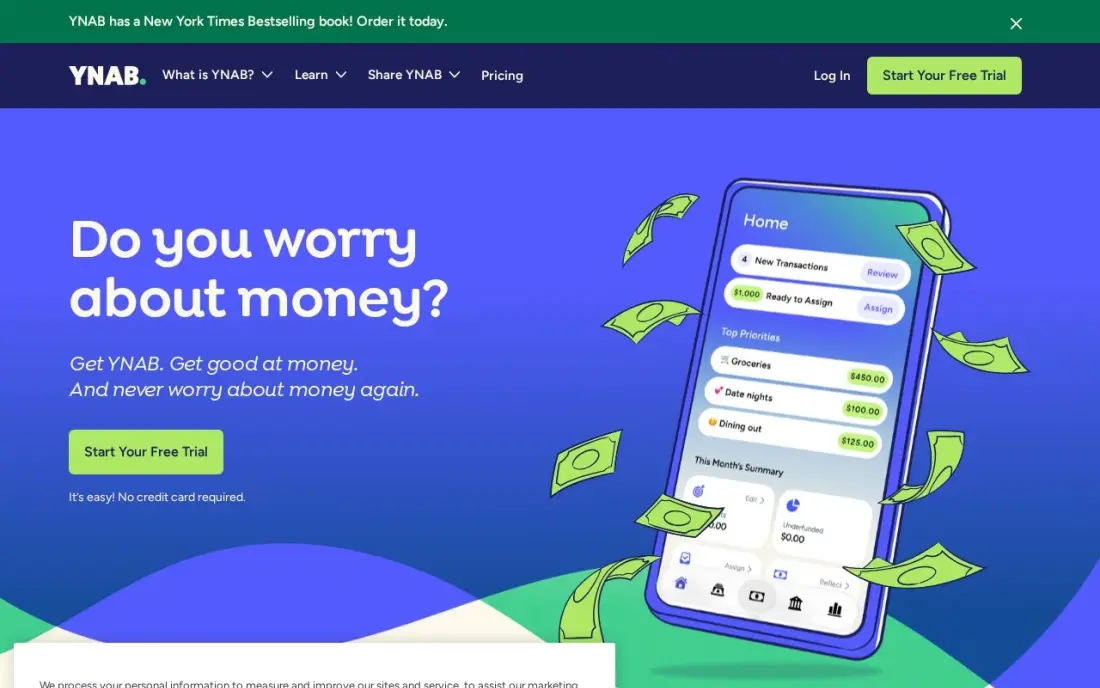
YNAB, short for You Need A Budget, is built on one rule: give every dollar a job before you spend it. You budget only the money you have, move money between categories when plans change, and set targets for bills and savings so irregular costs such as car insurance stop being surprises. Bank sync, loan payoff planning and sharing with up to six people are included in the single plan.
It costs $14.99 a month or $109 a year billed annually, after a 34-day free trial. The method takes regular hands-on work and has a learning curve, and bank connections sometimes need reconnecting. It rates 4.5 out of 5 from 30 G2 reviews.
What we like
- The strictest budgeting method here: every dollar gets a job before it is spent
- Bank sync included in the single $14.99/month plan, with targets, loan payoff planning and sharing for up to six people
- Rated 4.5/5 on G2, with reviewers calling it the most user-friendly budgeting tool they have used
Watch out for
- One plan only, at $14.99 a month or $109 a year billed annually, with no cheaper tier
- The zero-based method demands weekly hands-on work, and G2 reviewers flag the learning curve
- Bank connections can break and need fixing, and there is no free plan after the 34-day trial

Monarch
Best for: Couples and families who want spending, investments and goals in one shared view

Monarch is a budgeting app for households that want the whole picture: bank and card spending, investments and savings goals in one dashboard, with real-time account syncing. It suits couples who want to see the same numbers rather than run separate apps, and its Plus plan adds forecasting, tracking for multiple income sources and deeper investment features.
It costs $99.99 a year or $14.99 a month, and new users can take 30% off the first year of the annual Core plan with a welcome code. The pricing page does not split features clearly between Core and Plus, so check what you need before upgrading.
What we like
- Real-time account syncing across banks, cards and investments
- Annual plan works out cheaper than YNAB's annual price
- Plus plan adds forecasting, multiple income sources and deeper investment tracking
- Cancel anytime, with a money-back guarantee
Watch out for
- The pricing page does not say which features sit on Core and which on Plus
- Trial terms are not spelled out on the pricing page
- No free plan

Quicken Simplifi
Best for: Households that want an affordable app with spending plans, savings goals and cash flow projections
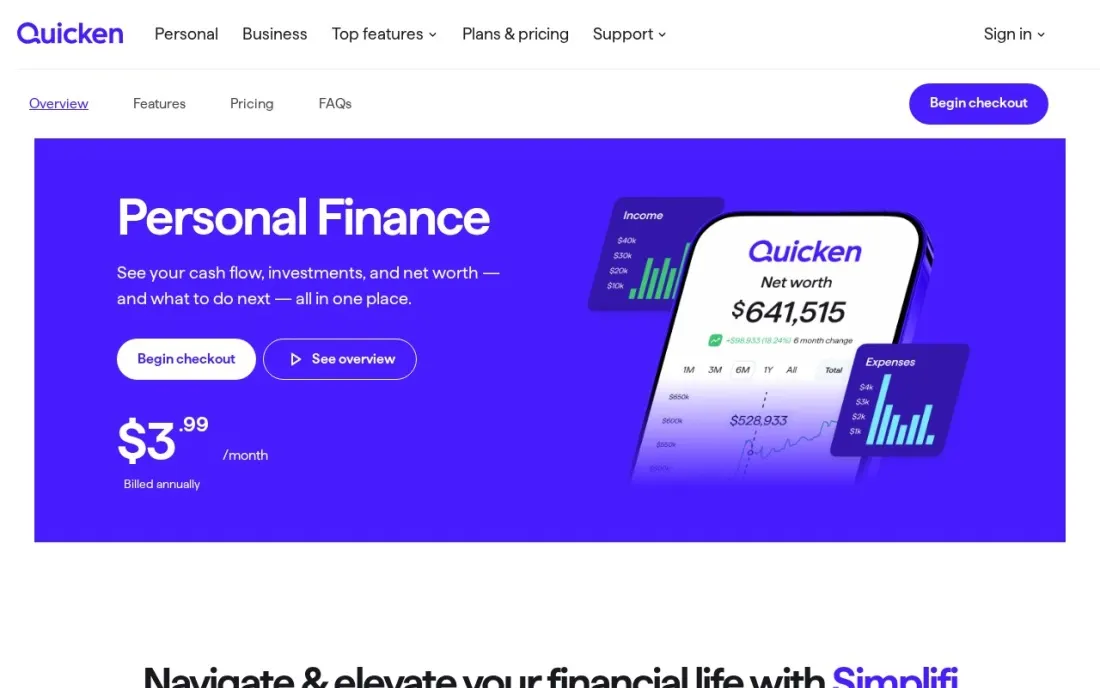
Quicken Simplifi is Quicken's modern budgeting app, built for the web and phones rather than the desktop. It brings spending, savings and investments into one view, projects cash flow so you can see whether the account will cover upcoming bills, and tracks savings goals and retirement plans. Quicken also describes AI-driven guidance in the app.
It costs $3.99 a month billed annually in the first year, against a regular $6.99 a month billed annually, for new members ordering direct by December 13, 2026. Subscriptions renew at the then-current price, there is no free trial, and Quicken says its products are not designed for use outside the US and Canada.
What we like
- Cheapest bank-connected budgeting app in this list
- Spending, savings and investment views with cash flow projections
- Savings goals and retirement planning included
- Works on web, iOS and Android
Watch out for
- First-year price rises to the regular rate on renewal
- Designed for the US and Canada only
- No free trial, only a 30-day refund window

Tiller
Best for: Spreadsheet lovers who want bank transactions flowing into their own budget sheet
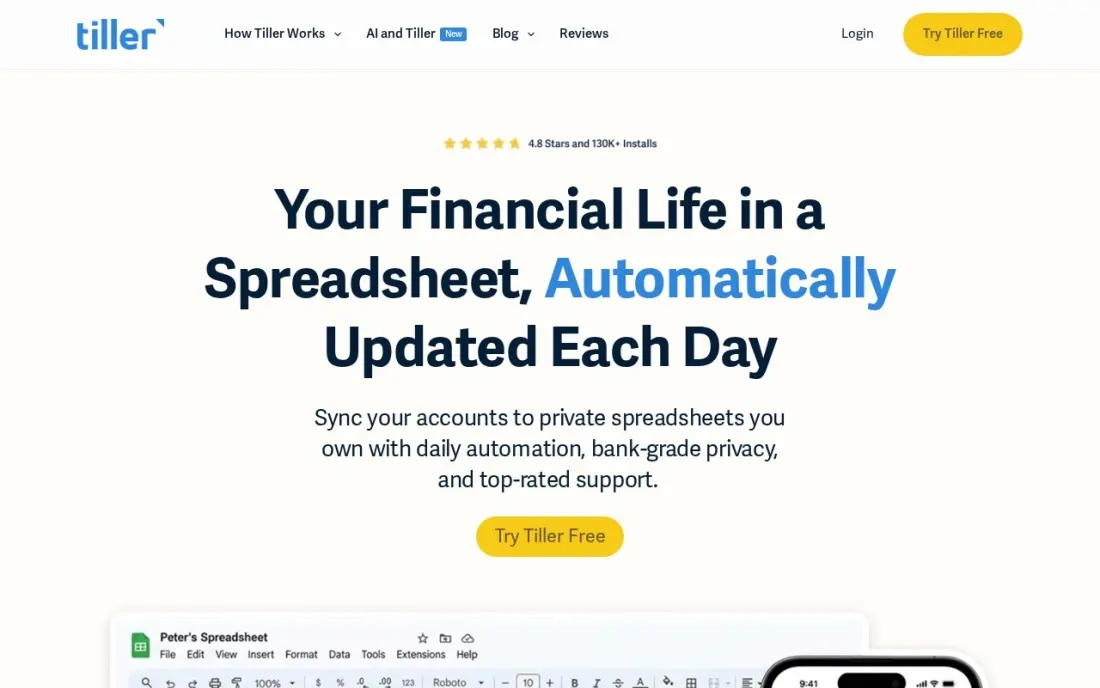
Tiller is for people who already budget in a spreadsheet and are tired of copying transactions in by hand. It connects to your bank accounts and drops transactions into your own sheet every day, starting from a Foundation Template you can change as much as you like. AutoCat rules categorise transactions, and a daily email shows balances and recent spending.
It costs $99 a year, with a 30-day free trial and a further 30-day full refund, so you have up to 60 days to decide. Sign-up uses a Microsoft or Google account. If you do not enjoy spreadsheets, a ready-made app will feel easier.
What we like
- Automatic bank connections feed transactions into a spreadsheet you control
- AutoCat rules categorise transactions automatically
- Daily email summary of balances and spending
- Up to 60 risk-free days with the trial and refund window
Watch out for
- You need to be comfortable building or adapting spreadsheets
- The pricing page does not state whether it supports Google Sheets, Excel or both
- No mobile budgeting app on the pricing page

GnuCash
Best for: Households that want free, detailed double-entry tracking with data stored on their own computer
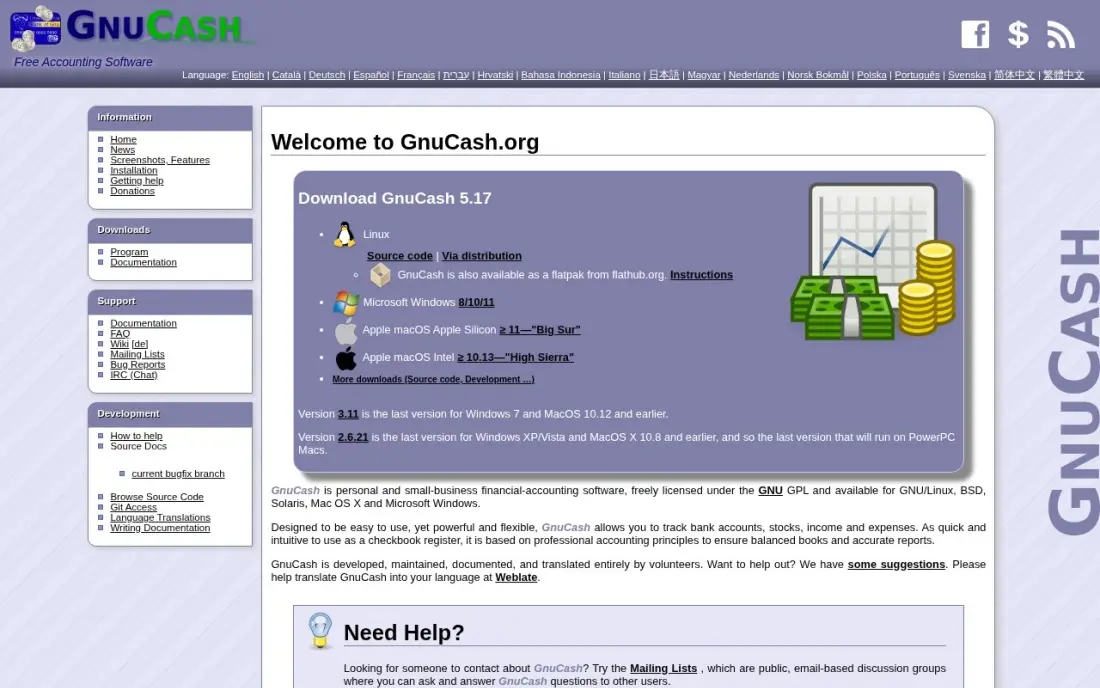
GnuCash is free, open source accounting software that works just as well for a household as for a small business. It uses double-entry bookkeeping, so every pound or dollar is traced from one account to another, and includes budgets, scheduled transactions for recurring bills and investment tracking. Your data is a file on your computer, with no account and no vendor lock-in.
There are no automatic bank feeds, so you type transactions in or import OFX or QIF files from your bank, and it is single-user with no cloud sync. The interface looks dated and the learning curve is steep, but it costs nothing and runs on Windows, Mac and Linux.
What we like
- Completely free under the GPL — no subscription, no account, no feature locked behind a paywall
- Real double-entry bookkeeping with budgets, scheduled transactions and investment tracking
- Your data is a file on your computer, readable and portable, with no vendor lock-in
- Runs on Windows, Mac and Linux, and the 5.x releases are actively maintained
Watch out for
- No automatic bank feeds — transactions are entered by hand or imported as OFX/QIF files
- Single-user only, with no built-in multi-user access or cloud sync
- The interface looks dated and the learning curve is steep if you have never done double-entry bookkeeping

Money Manager Ex
Best for: Households that want a simple free budget tracker without bank logins or subscriptions
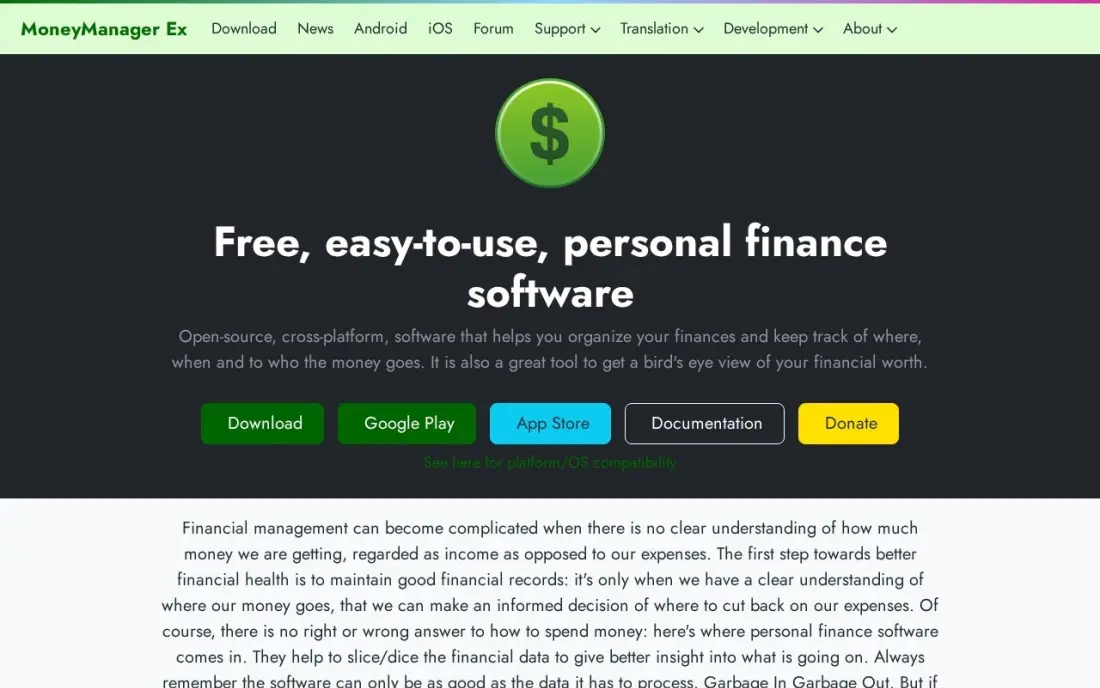
Money Manager Ex is a free, open source money tracker that is simpler than GnuCash and closer to a classic home budget program. It covers budgets, scheduled-bill reminders and cash flow forecasting, keeps your data in an encrypted file you own, and runs on Windows, Mac and Linux, with companion apps for Android and iOS and a portable version for a USB key.
There are no bank feeds, so every transaction is typed in or imported from CSV or QIF files, and there is no multi-user access. For a household that wants privacy and no monthly bill, and does not mind ten minutes of data entry a week, it is a good free choice.
What we like
- Completely free and open source, with no account, no ads and no subscription
- Data sits in an encrypted SQLite file you own, and a portable build runs from a USB key
- Budgets, scheduled-bill reminders and cash-flow forecasting cover the basics well
- Runs on Windows, Mac and Linux, with Android and iOS companion apps
Watch out for
- Staying current takes about ten minutes of manual data entry a week
- No bank feeds — every transaction is typed in or imported from CSV or QIF files
- No multi-user access, so two partners cannot each work on the budget from their own login

Quicken Classic Business & Personal
Best for: Households with a side business or rental income that want home and business money in one desktop app
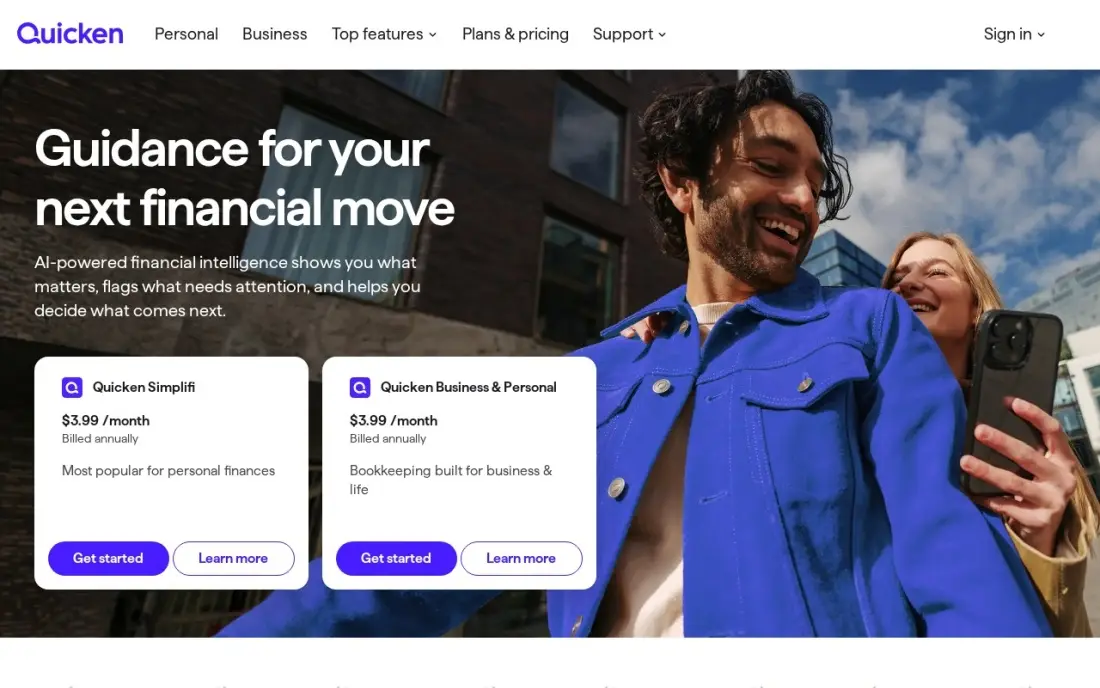
Quicken Classic Business & Personal is the desktop option for a household where the money is not purely personal: a freelance side business, a rental property or a small farm. It tracks home budgets and spending alongside invoicing and Schedule C, E and F tax reports, connects to more than 14,000 financial institutions and runs on Windows and Mac.
It costs $149.88 a year, shown as $12.49 a month billed annually, with $10.99 a month in the first year and a 30-day money-back guarantee. It is more than a purely personal household needs; for those, Simplifi costs far less.
What we like
- The only tool here that manages business and personal finances together, with invoicing and Schedule C, E and F tax reports
- Connects to more than 14,000 financial institutions and manages up to 10 businesses on one subscription
- A true Windows and Mac desktop app, with automatic transaction downloads and a 30-day money-back guarantee
Watch out for
- Built for sole proprietors, not for businesses with employees, inventory or multiple users
- The $12.49 a month figure is billed annually, so the real outlay is $149.88 a year in one payment
- More than a purely personal household needs; for those, Quicken Simplifi costs far less
The best budget software for home shows where your money went last month, what is due next month and how much you can safely spend before payday. We compared seven tools across three styles: bank-connected budgeting apps, a spreadsheet-based option and free desktop programs that keep everything on your own computer. Every price below comes from the vendor's own pricing page, checked in November 2026.
How to choose the best budget software for home
- Pick a method you will stick to. YNAB's zero-based method suits people who want rules; Monarch and Simplifi suit people who want to see spending without assigning every dollar.
- Decide on bank sync. Connected apps save typing but rely on bank links that occasionally break; GnuCash and Money Manager Ex trade automation for privacy.
- Check sharing if you budget as a couple. YNAB covers up to six people on one plan, and Monarch is built for shared household views.
- Compare the annual price, not the monthly. YNAB and Monarch both cost $14.99 a month but $109 and $99.99 a year billed annually.
- Watch first-year offers. Quicken Simplifi and Monarch discount the first year, so price the renewal before you commit.
- Confirm where it works. Quicken says its products are not designed for use outside the US and Canada.
- Want desktop software instead of an app? GnuCash and Money Manager Ex are free desktop programs for Windows, Mac and Linux, and Quicken Classic Business & Personal is a paid Windows and Mac desktop app with automatic downloads.
If the household budget includes a side business, the same discipline applies to its marketing. Our guide to budgeting software for small business covers business tools, and our local SEO service helps a small local business get found without paying for ads every month.
Home budget software pricing: what you will actually pay
Over a year, the free desktop tools cost nothing: GnuCash and Money Manager Ex are open source with no paid tier. Quicken Simplifi costs $3.99 a month billed annually in the first year, about $48, rising to the regular $6.99 a month billed annually, about $84, on renewal. Tiller costs $99 a year, Monarch $99.99 a year and YNAB $109 a year.
Paying monthly costs more. YNAB and Monarch are both $14.99 a month, or $179.88 a year, so the annual plan saves $70.88 on YNAB and $79.89 on Monarch. Quicken Classic Business & Personal costs $149.88 a year, with a lower first-year rate, and only makes sense if you also track a side business or rental. Most paid apps offer a way to test before paying: YNAB a 34-day free trial, Tiller 30 days free plus a 30-day refund, and Quicken a 30-day refund.
Know the difference: budgeting app vs personal accounting software
A budgeting app, such as YNAB, Monarch or Quicken Simplifi, starts from your plan. It connects to your bank, sorts spending into categories and compares it with what you meant to spend, with phone apps so you can check before buying. It is quick to set up and built for weekly decisions rather than precise records.
Personal accounting software, such as GnuCash, Money Manager Ex or Quicken Classic, starts from the ledger. It records every account, transfer and asset in detail, often with double-entry bookkeeping, which is useful for net worth, investments, rental income or a side business. It takes more effort and usually runs on a desktop, but gives a more complete record. Many households use one of each, or pick the style that matches how much detail they want.
Quick comparison: tool type by need
| Buyer | Best pick | Why |
|---|---|---|
| Strict budgeters | YNAB | Zero-based method, sharing for 6, $109/year |
| Couples and families | Monarch | Spending, investments and goals together, $99.99/year |
| Lowest price with bank sync | Quicken Simplifi | $3.99/month billed annually in year one |
| Spreadsheet fans | Tiller | Bank transactions into your own sheet, $99/year |
| Detailed free tracking | GnuCash | Free double-entry ledger on your computer |
| Simple free tracker | Money Manager Ex | Free budgets and bill reminders, no bank login |
| Home plus side business | Quicken Classic Business & Personal | Personal and business books, $149.88/year |
Mistakes to avoid
- Building a budget you never open. A weekly 15-minute check does more than a perfect setup you abandon in March.
- Forgetting irregular bills. Car insurance, annual subscriptions and gifts break most budgets; set aside a monthly amount for each.
- Paying monthly when you will stay a year. Annual billing on YNAB or Monarch saves more than $70 a year.
- Ignoring renewal prices. First-year discounts end, so check the regular rate before you set up auto-renew.
- Splitting the household across apps. If partners use different tools, nobody sees the whole picture; agree on one shared system.
Related comparisons: Project Budget Management Software · Construction Budget Software Tools · Home Builder Software · Marketing Tools for Small Businesses Budget
How we chose
We read each vendor's pricing page in November 2026 — Monarch, Quicken and Tiller on November 16 — and recorded prices exactly as shown, including billing terms and first-year offers. We compared bank sync, budgeting method, sharing, privacy and yearly cost for a typical household. Free tools were included because many households do not need a subscription. Ratings come from G2 pages where we show them; most consumer apps here had no G2 page we could verify. No vendor paid for a place in this list, and none of the links here are affiliate links.
What to do next
Download last month's bank statement and try one free tool and one trial side by side for a week, then keep the one you actually opened. If you also run a small business on the side and want more customers to find it, book a free SEO review.
Frequently asked questions
What is the best budget software for home?
YNAB is the best for households that want strict zero-based budgeting, at $109 a year after a 34-day free trial. Quicken Simplifi is the best low-cost app with bank sync, at $3.99 a month billed annually in the first year, and Monarch is the best for couples who want investments in the same view.
Is there free home budget software?
Yes. GnuCash and Money Manager Ex are both free and open source, run on Windows, Mac and Linux, and keep your data on your own computer. Neither connects to your bank automatically, so you enter or import transactions yourself.
How much does budgeting software cost?
On published prices, Quicken Simplifi costs $3.99 a month billed annually in the first year and $6.99 regularly, Tiller $99 a year, Monarch $99.99 a year and YNAB $109 a year. Monthly billing costs more: YNAB and Monarch are both $14.99 a month.
What is zero-based budgeting?
It means assigning every dollar of income to a category, such as bills, food or savings, until nothing is left unassigned. You spend only what you have budgeted and move money between categories when plans change. YNAB is built around this method.
Can couples share a budget app?
Yes. YNAB includes sharing for up to six people on one subscription, and Monarch is designed for households that want one shared view of accounts and goals. Desktop tools such as GnuCash are single-user.
Is it safe to connect my bank to a budgeting app?
Read the app's security page before connecting, and check whether the connection can only read transactions or can also move money. If you would rather not connect accounts at all, GnuCash and Money Manager Ex work entirely from files on your own computer.
What is the best home budget software for PC?
For budgeting on a PC rather than in a phone app, GnuCash and Money Manager Ex are both free, open-source desktop programs that run on Windows, Mac and Linux, with your data kept in a file on your own computer. Quicken Classic Business & Personal is the paid desktop option at $149.88 a year, with automatic transaction downloads from more than 14,000 financial institutions.
Sources we checked (10)
- YNAB — www.ynab.com/pricing (checked November 2, 2026)
- YNAB reviews on G2 (checked November 2, 2026)
- Monarch — www.monarch.com/pricing (checked November 16, 2026)
- Quicken Simplifi — www.quicken.com/compare (checked November 16, 2026)
- Tiller — tiller.com/pricing (checked November 16, 2026)
- GnuCash — www.gnucash.org (checked November 4, 2026)
- GnuCash reviews on G2 (checked November 4, 2026)
- Money Manager Ex — moneymanagerex.org (checked November 4, 2026)
- Quicken Classic Business & Personal — www.quicken.com (checked November 2, 2026)
- Quicken Classic Business & Personal reviews on G2 (checked November 2, 2026)
Make one of these tools?
We re-check this list every quarter. Send a correction, request a review, or ask about a clearly labeled sponsored spot.
Request a listingShamim
Founder of SerpAstra
A full-stack digital marketer and SEO strategist covering technical and local SEO, AI search visibility, paid ads and lead generation for local businesses, e-commerce brands and SaaS teams.
Free SEO and AI visibility audit
Find out what is holding your rankings back
Send us your site. Within 2 business days you get a written audit, an AI visibility check and a short fix list ranked by impact. Free, with no contract attached.
Request my free audit→Related buying guides
 Accounting & Finance10 Best Budgeting Software for Small Business in 2026, ComparedCompare the 10 best budgeting software for small business options on price, budgeting depth and bank sync, with real prices checked November 2, 2026.Read guide →
 Personal Finance & InvestingBest Micro Investing Apps (2026): 7 Apps Worth DownloadingCompare the 7 best micro investing apps on price, minimums and automation, with every price checked November 5, 2026 — from free trading to $12 a month.Read guide →
 Personal Finance & Investing10 Best Investing Apps in 2026, ComparedCompare the 10 best investing apps on commissions, account minimums, monthly fees and robo-advisor costs, with every fee checked on official pages in Nov 2026.Read guide →