
7 Best Apps for Learning in 2026, Compared
Compare the 7 best apps for learning languages, job skills and school subjects, with free plans, subscription prices and who each app suits, checked Nov 2026.
 Shamim Mia, Founder, SerpAstraLast verified November 4, 202610 min read
We compare pricing pages, documentation and public reviews. We never accept payment for rankings.
Key takeaways
- Start free: Duolingo, Quizlet, Anki and Khan Academy Kids all let you learn for weeks before paying anything.
- Coursera is the best app for learning job skills with certificates, at $59 a month with a 7-day free trial.
- Babbel suits adults who want grammar explained, and its 12-month plan works out at $8.95 a month.
- Udemy Business is the pick when an employer is paying for a team's learning, at $360 a user a year.
On this page
Quick comparison
| Tool | Best for | Starting price | Free plan |
|---|---|---|---|
| Coursera | Adults learning job skills who want university and company certificates | $59/mo; $399/yr | Free courses + trial |
| Duolingo | Anyone learning a new language who wants a free daily habit | $12.99/mo | Yes (free plan) |
| Quizlet | Students revising for tests with ready-made flashcard sets | $7.99/mo | Yes (free plan) |
| Anki | Serious learners who need to remember large amounts of material for years | Free | Yes (free) |
| Babbel | Adults who want structured language lessons with grammar explained | $17.95/mo | No (first lesson free) |
| Khan Academy Kids | Parents who want a free learning app for children aged 2 to 8 | Free | Yes (free) |
| Udemy Business | Employers giving a team access to a large library of ready courses | $30/user/mo | No (free trial) |
Make one of these tools?
We re-check this list every quarter. Send a correction, request a review, or ask about a clearly labeled sponsored spot.
Request a listingThe best learning apps

Coursera
Best for: Adults learning job skills who want university and company certificates
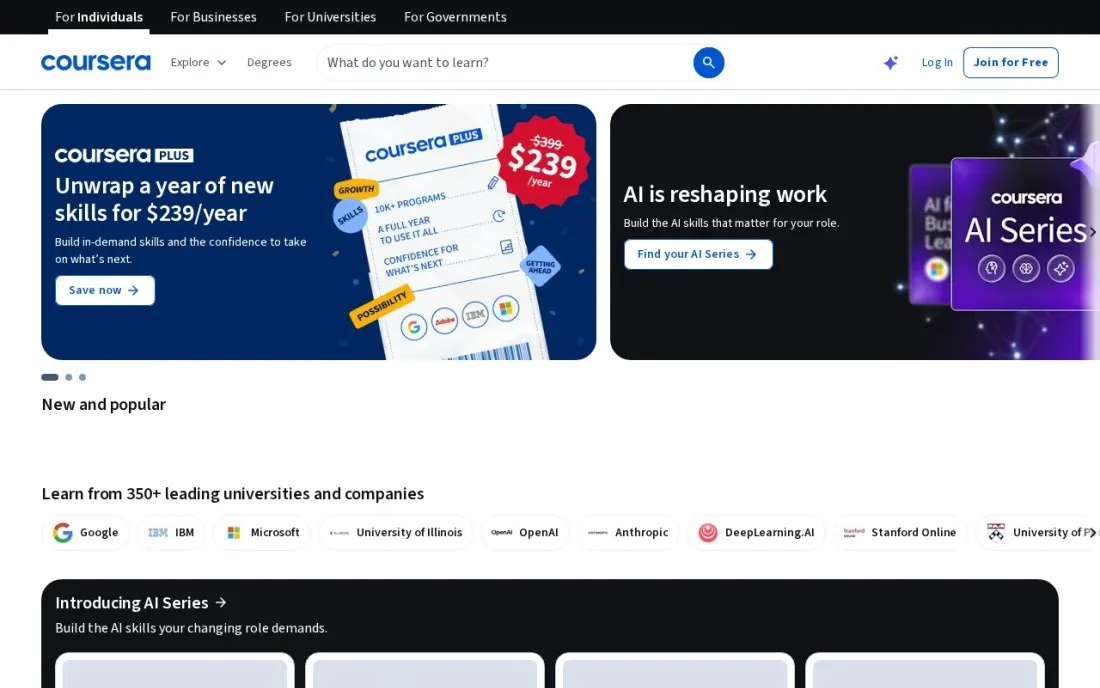
Coursera is the learning app for career skills. Courses and Professional Certificates come from universities and companies, and Coursera Plus unlocks more than 10,000 of them, from data analysis and project management to programming and health, with a certificate for each one you finish. You can browse a list of free courses first to see whether the format suits you.
Coursera Plus costs $59 a month after a 7-day free trial, or $399 a year; in November 2026 new subscribers were offered the first year at $239 in many countries, renewing at $399. Degrees and some certificates are excluded. If you will finish two or more certificates in a year, the annual plan is the better deal.
What we like
- Coursera Plus covers more than 10,000 courses, projects, Specializations and Professional Certificates
- Unlimited certificates for every included course or certificate you complete
- Monthly plan starts with a 7-day free trial, and the annual plan has a 14-day refund window
- A list of free courses lets you try the format without paying
Watch out for
- Degrees, MasterTrack certificates and some courses are not included in Coursera Plus
- The annual plan renews at $399 a year after any promotional first-year price
- Courses follow a set pace and length, so short daily practice is not its strength
Duolingo
Best for: Anyone learning a new language who wants a free daily habit
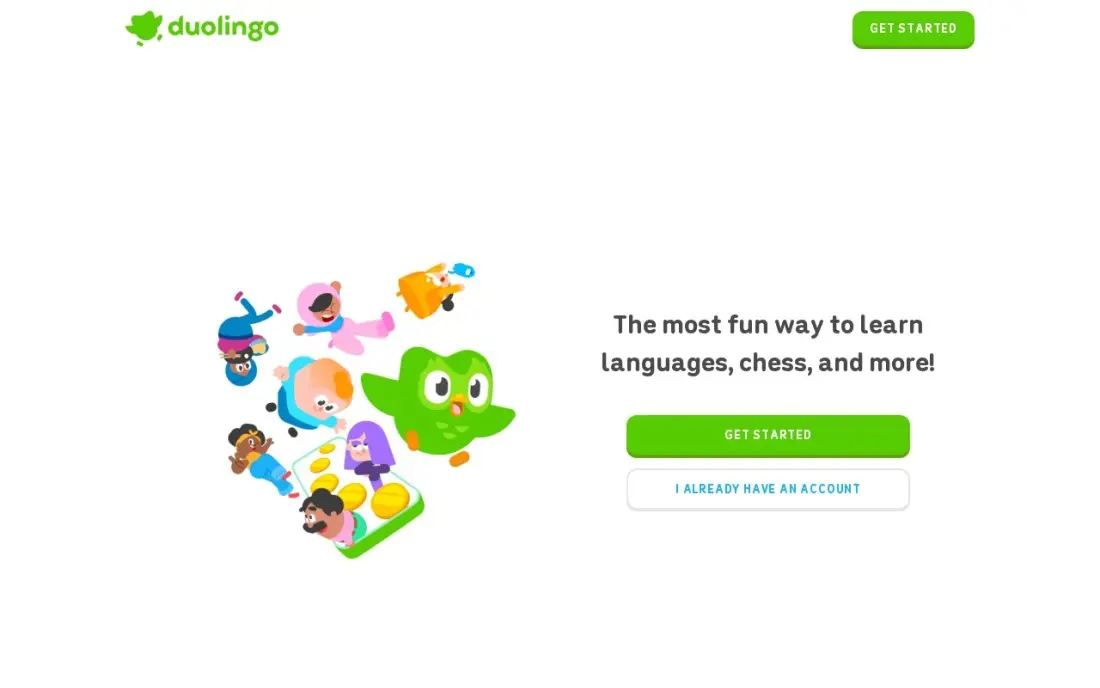
Duolingo is the most popular learning app for a reason: lessons take a few minutes, streaks and leagues bring you back every day, and the free plan covers whole courses. It is the easiest way to start a language and keep going long enough to see progress.
The free plan shows ads and uses an energy limit that pauses practice after too many mistakes. Super removes both for $12.99 a month or $83.99 a year, though Duolingo tests different prices on different accounts. Lessons follow set patterns, so pair it with real conversation once you reach the basics.
What we like
- Lessons take only a few minutes, so it is the easiest way to start a new language
- Free plan covers the full course, so you can learn for months without paying
- Streaks, leagues and short game-like lessons make daily practice easy to keep
- Super removes ads and the energy limit, with unlimited practice and review sessions
Watch out for
- Free plan has ads and an energy limit that stops practice after too many mistakes
- Lessons stay close to set patterns, so learners can score well in the app yet struggle in real conversation
- Super prices vary by account and test group — the app store lists $9.99 and $12.99 monthly and $83.99 to $119.99 yearly

Quizlet is the learning app most students already know. Its shared library holds flashcard sets for almost every textbook, exam and language course, so you can often start revising in minutes, and Learn, Test, Match and Write turn the same set into different kinds of practice. Magic Notes turns your own notes into flashcards.
The free plan covers creating and studying flashcards, with ads and daily limits on Learn rounds. Plus costs $7.99 a month or $35.99 a year, and still caps practice tests and textbook solutions at three a month. Shared sets vary in quality, so check a set against your course before trusting it.
What we like
- Largest shared deck library here, with sets for almost every textbook and exam
- Learn, Test, Match and Write modes make the same deck feel like four different tools
- Magic Notes turns notes into flashcards, with AI practice tests on Plus
- The free plan covers creating and studying flashcards, so you can try it properly before paying
Watch out for
- Plus still caps practice tests and textbook solutions at 3 a month; unlimited needs Plus Unlimited at $44.99/year
- The free plan shows ads and caps daily Learn rounds
- Shared decks vary in quality, and popular sets can contain errors

Anki
Best for: Serious learners who need to remember large amounts of material for years
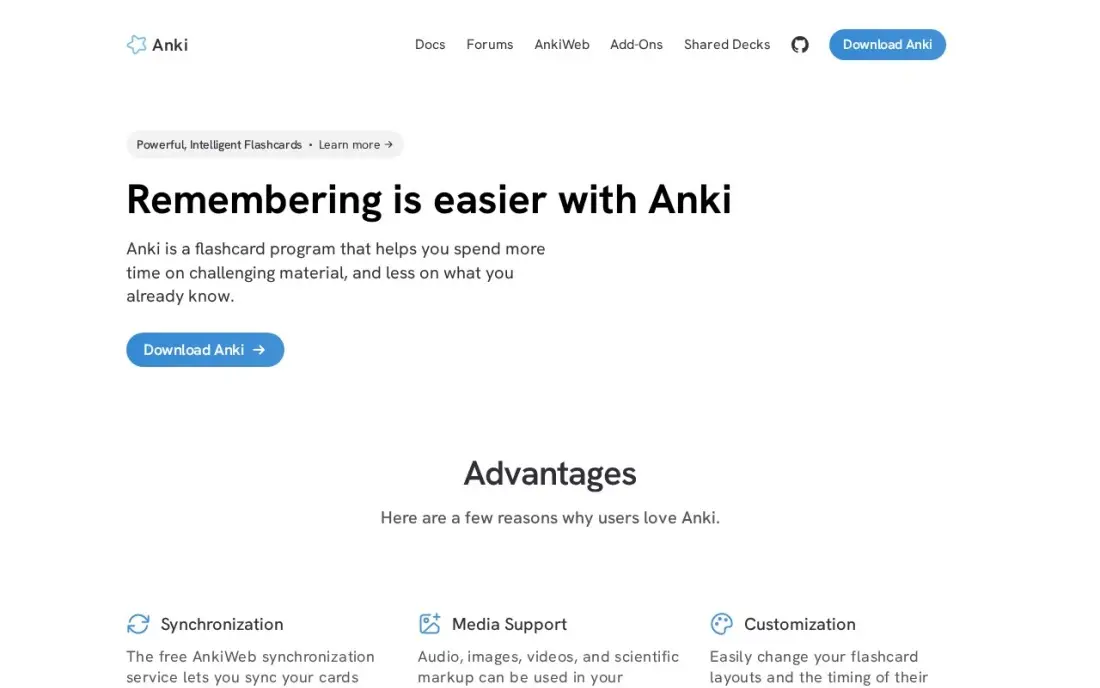
Anki is the free, open-source flashcard app that medical students, language learners and exam candidates rely on when forgetting is not an option. Its FSRS scheduler shows each card just before you would forget it, and it handles very large decks without slowing down. Shared decks cover medicine, law, history and many languages.
Anki is free on Windows, Mac, Linux, Android and the web, with free sync; the iPhone and iPad app costs $24.99 once. The interface looks dated and the settings take time to learn, and there is no ready-made course. It rewards learners who will study every day and build or curate their own decks.
What we like
- Free and open source on Windows, Mac, Linux, Android and the web, with no card or deck limits
- FSRS scheduling adapts intervals to your memory, and the shared-deck library covers medicine, law and languages
- Add-ons extend it with image occlusion, extra stats and bulk import
- Free AnkiWeb sync keeps desktop, Android and the web in step
Watch out for
- The interface looks dated and the settings take a weekend to learn
- You build or find your own decks; there is no ready-made course or content
- AnkiMobile for iPhone and iPad costs $24.99 once, the only paid piece
Babbel
Best for: Adults who want structured language lessons with grammar explained
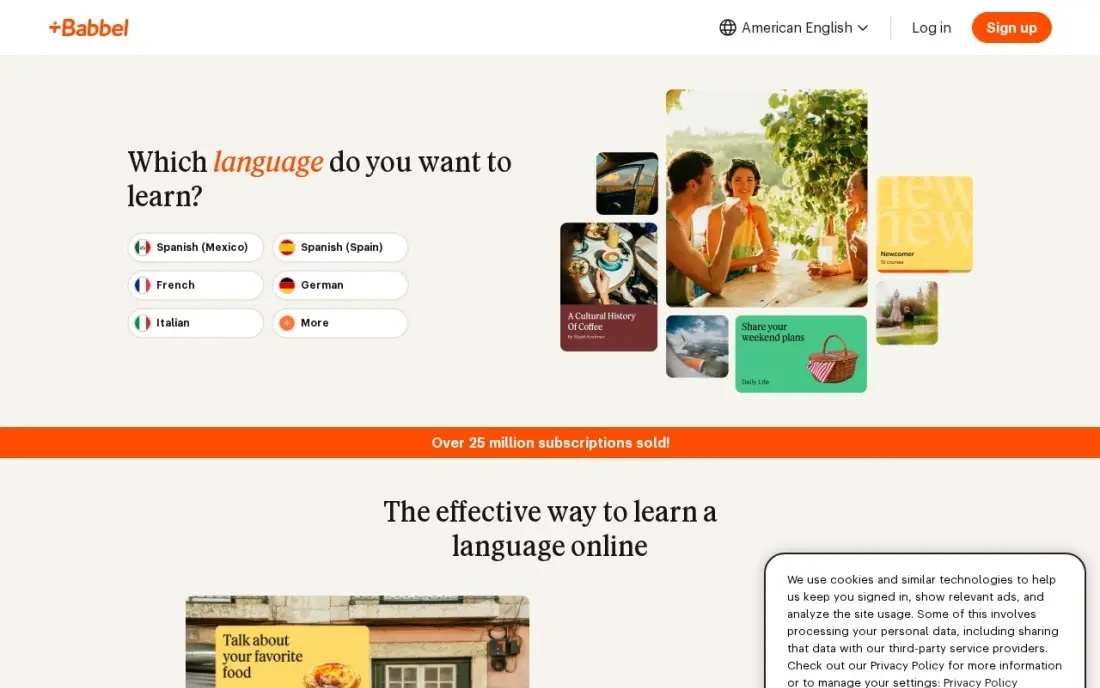
Babbel teaches a language the way a good class would: short 10 to 15 minute lessons pair a dialogue with grammar notes, so you learn why a sentence works rather than just repeating it. Review sessions bring words back on a spaced schedule, and Babbel Speak adds AI conversation practice.
There is no free plan beyond the first lesson of each course. One month costs $17.95, and the 12-month plan costs $107.40 upfront, which is the $8.95 a month figure you see advertised. It suits adults who prefer a teacher-style course to a game, and who want to understand the rules behind what they say.
What we like
- Teacher-style courses for adults who want to understand the rules behind what they say
- Short 10–15 minute lessons pair dialogues with grammar notes, so you learn why a sentence works
- Review sessions bring words back on a spaced schedule, so earlier lessons stick
- Babbel Speak adds AI conversation practice to rehearse real dialogues
Watch out for
- No free plan — only the first lesson of each course is free, so you pay before knowing if the style fits
- The teacher-style format suits learners who want rules explained more than those who want a quick game
- The $8.95 monthly figure is the 12-month plan paid upfront ($107.40); month-to-month costs $17.95

Khan Academy Kids
Best for: Parents who want a free learning app for children aged 2 to 8
Khan Academy Kids is the best free learning app for young children. It holds more than 4,000 activities, videos and books covering reading, phonics, math and social-emotional skills, built with the Stanford Graduate School of Education, and it has no ads, subscriptions or in-app purchases. A parent dashboard shows what your child practised.
It is completely free for families; schools pay $5 per student a year only for reporting. The curriculum is broad rather than deep, so a child who needs intensive phonics help may need a focused program as well. Start here before paying for any children's learning app.
What we like
- Completely free for families: 4,000+ activities, videos and books with no ads, no subscriptions and no in-app purchases
- Built with the Stanford Graduate School of Education and aligned to Head Start and Common Core standards
- Covers reading, phonics, math and social-emotional skills in one app for ages 2 to 8
- Parent dashboard shows what the child practiced and which skills need more work
Watch out for
- Reading is one subject among several, so it is less focused than a phonics-only app
- No offline mode for the full library on every device
- School reporting costs $5 per student a year for districts, not for families

Udemy Business
Best for: Employers giving a team access to a large library of ready courses
Udemy Business is the learning app for teams. It opens 28,000-plus ready courses to employees, covering software, data, leadership and office skills, with certification prep for more than 200 exams on the Team plan. Learning paths group courses for a role, and adoption reports show who is actually finishing them.
Team costs $30 a user a month billed annually, or $360 a user a year, for 2 to 50 people, and there is no monthly option. A free trial lets you test the library first. Reviewers flag the cost as teams grow, so start with the staff who will use it most and expand once completion rates prove it.
What we like
- 28,000-plus ready courses, so training starts without authoring anything
- Certification prep for more than 200 exams is included on the Team plan
- Learning paths and adoption reports show who is actually finishing courses
- Free trial lets a team test the library before the annual commitment
Watch out for
- Team is annual-billing only at $360 a user a year, with no monthly option
- Enterprise starts above 20 users, so a 30-person team pays the Team rate or negotiates
- Reviewers flag high costs for international users and growing teams
The best apps for learning make it easy to practise a little every day, show you real progress and do not lock the basics behind a paywall. Learning apps cover very different jobs, so we compared seven apps across the main reasons people install one: picking up a language, gaining job skills, revising for exams, remembering material long term, teaching young children and training a team. We looked at free plans, subscription prices and who each app really suits, with every price checked on the vendor's own page in November 2026.
How to choose the best apps for learning
- Start with the goal, not the app. A language, a certificate, an exam and a child's early reading each need a different tool.
- Use the free plan for two weeks. Duolingo, Quizlet, Anki and Khan Academy Kids all let you test the habit before paying.
- Check monthly against annual. Babbel's 12-month plan halves the monthly price, and Coursera's annual plan beats paying month by month after about seven months.
- Look for spaced review. Apps that bring material back just before you forget, such as Anki and Quizlet's Learn mode, make study time count.
- Value proof over streaks. Certificates, practice tests and real conversation show learning; a long streak only shows habit.
- Mind ads for children. Khan Academy Kids has none; check any free app a child uses.
If you make or sell courses yourself, being found matters as much as the lessons. Our AI search optimization service helps course creators get named when learners ask AI assistants where to study, and our guide to the best study apps covers note-taking and planning tools for students.
Which learning app fits your situation
An adult changing careers or adding a job skill. Coursera fits best, because Coursera Plus unlocks more than 10,000 courses and Professional Certificates from universities and companies, with a certificate for each one you finish. Try the free courses first, then use the 7-day trial on the $59 monthly plan. If you expect to finish two or more certificates in a year, the $399 annual plan is better value, but degrees and MasterTrack certificates are not included.
A beginner starting a new language on no budget. Duolingo's free plan covers whole courses, so you can learn for months without paying, at the cost of ads and an energy limit. Adults who want grammar explained rather than games should look at Babbel instead, with 10 to 15 minute lessons and $107.40 for the 12-month plan, though only the first lesson of each course is free.
A student revising for exams. Quizlet's shared library has flashcard sets for almost every textbook and exam, and the free plan covers creating and studying them. Check any shared set against your course, since quality varies. If you have years of material to remember, such as medicine or law, Anki is free on desktop, Android and the web with FSRS scheduling, but expect a dated interface and settings that take time to learn.
A parent of a child aged 2 to 8. Khan Academy Kids is completely free for families, with more than 4,000 activities, videos and books, no ads and no in-app purchases, plus a parent dashboard. Its curriculum is broad rather than deep, so a child who needs intensive phonics help may need a focused program as well.
A manager buying training for a team of 2 to 50. Udemy Business opens 28,000-plus courses and certification prep for more than 200 exams at $360 a user a year, billed annually with no monthly option. Use the free trial, start with the staff who will use it most, and check the adoption reports before adding seats.
Learning apps pricing: what you will actually pay
Take one adult learning a language and a job skill over a year. Duolingo Super costs $83.99 a year, or $155.88 if paid at $12.99 a month. Babbel costs $107.40 for the 12-month plan against $215.40 for twelve single months at $17.95. Coursera Plus costs $399 a year, or $708 at $59 a month, with a lower first-year price offered to new subscribers in November 2026. Quizlet Plus adds $35.99 a year.
Free options go further than most people expect. Anki costs nothing on desktop, Android and the web, Khan Academy Kids is free for families, and the free plans of Duolingo and Quizlet are enough to learn for months. For a team, Udemy Business costs $360 a user a year, so ten staff cost $3,600.
Know the difference: course apps vs practice apps
Course apps such as Coursera, Babbel and Udemy Business teach you something new in order. They have a curriculum, lessons that build on each other and, often, a certificate at the end. They are the right choice when you need to cover a subject from the start.
Practice apps such as Quizlet and Anki help you keep what you have learned. They bring back facts, words and definitions at the right time, but they assume you already have the material from a class, a book or a course. Many learners use one of each: a course to learn and a flashcard app to remember.
Quick comparison: tool type by need
| Need | Best pick | Why |
|---|---|---|
| Job skills and certificates | Coursera | 10,000+ courses, $59/month or $399/year |
| Starting a language free | Duolingo | Full courses free, Super $83.99/year |
| School revision | Quizlet | Huge shared flashcard library, free plan |
| Long-term memory | Anki | Free and open source, FSRS scheduling |
| Structured language course | Babbel | Grammar explained, $107.40 for 12 months |
| Young children | Khan Academy Kids | Completely free, no ads, ages 2 to 8 |
| Team training | Udemy Business | 28,000+ courses, $360/user/year |
Mistakes to avoid
- Paying for a year on day one. Use the free plan or trial for two weeks first, then buy the annual plan once the habit sticks.
- Collecting apps instead of studying. Pick one main app per goal and give it a month.
- Confusing streaks with skill. Test yourself with a practice exam, a conversation or a small project.
- Trusting every shared deck. Community flashcards can contain errors; check them against your course material.
- Forgetting renewals. Promotional first-year prices renew at the full rate, so set a reminder before the renewal date.
Related comparisons: Learning Apps for Kids · Spanish Learning Apps · Deep Learning Software Tools · AI Spanish Learning Apps
How we chose
We checked each app's own pricing page in November 2026, or our verified pricing records from the same month, and recorded prices exactly as listed, including monthly and annual billing. We picked one strong app for each common learning goal rather than seven apps that do the same job, and weighted free access, teaching quality, price and who each app suits. Ratings, where shown, come from G2 pages on the dates in the sources. No vendor paid for a place in this list, and none of the links here are affiliate links.
What to do next
Choose one goal for the next 30 days, install the matching free app and schedule ten minutes a day for it; decide on a paid plan only after the month is done. If you run a school, tutoring business or course brand and want more learners to find you, book a free call and we will show you where search can help.
Frequently asked questions
What is the best app for learning?
It depends on the subject. Duolingo is best for starting a language free, Coursera is best for job skills with certificates, Quizlet is best for school revision, and Khan Academy Kids is the best free app for young children.
What is the best free app for learning?
Khan Academy Kids is completely free with no ads, and Anki is free on desktop, Android and the web. Duolingo and Quizlet also have free plans, with ads and daily limits.
Is Coursera Plus worth it?
It is worth it if you will finish more than one course or certificate. Coursera Plus costs $59 a month after a 7-day trial or $399 a year, with a promotional first-year price offered to new subscribers in November 2026.
Duolingo or Babbel: which is better?
Duolingo is better for a free daily habit, with Super at $12.99 a month. Babbel is better for adults who want grammar explained, at $17.95 a month or $107.40 for 12 months, but it has no free plan.
Can you really learn with an app?
Yes, if you practise most days and add real use. Apps are strongest for vocabulary, recall and structured lessons; conversation, projects and feedback from a person fill the gaps.
Which learning app is best for employees?
Udemy Business gives a team 28,000-plus courses for $30 a user a month billed annually. Coursera Plus, by contrast, is a plan for one learner.
What is the best app for learning a language?
Duolingo is the best free start: the free plan covers whole courses, with ads and an energy limit, and Super costs $12.99/month. Babbel suits adults who want grammar explained, with 10 to 15 minute lessons from $17.95/month or $107.40 for 12 months. Anki adds free spaced-repetition flashcards, with shared decks covering many languages. Check that your target language has a full course before paying.
Is there a free app for learning coding?
None of the apps here is built only for coding, but Coursera comes closest. Its catalogue runs from data analysis and project management to programming, and a list of free courses lets you try the format without paying. Coursera Plus unlocks more than 10,000 courses and certificates for $59/month after a 7-day free trial, or $399/year. Anki is free for drilling the terms and concepts you need to remember.
Sources we checked (10)
- Coursera — www.coursera.org/courseraplus (checked November 16, 2026)
- Duolingo — www.duolingo.com/super (checked November 4, 2026)
- Quizlet — quizlet.com/upgrade (checked November 4, 2026)
- Quizlet reviews on G2 (checked November 4, 2026)
- Anki — apps.ankiweb.net (checked November 4, 2026)
- Anki reviews on G2 (checked November 4, 2026)
- Babbel — www.babbel.com/pricing (checked November 4, 2026)
- Khan Academy Kids — www.khanacademy.org/kids/pricing (checked November 4, 2026)
- Udemy Business — business.udemy.com/pricing (checked November 12, 2026)
- Udemy Business reviews on G2 (checked November 12, 2026)
Make one of these tools?
We re-check this list every quarter. Send a correction, request a review, or ask about a clearly labeled sponsored spot.
Request a listingShamim
Founder of SerpAstra
A full-stack digital marketer and SEO strategist covering technical and local SEO, AI search visibility, paid ads and lead generation for local businesses, e-commerce brands and SaaS teams.
Free SEO and AI visibility audit
Find out what is holding your rankings back
Send us your site. Within 2 business days you get a written audit, an AI visibility check and a short fix list ranked by impact. Free, with no contract attached.
Request my free audit→Related buying guides
 Education & E-Learning9 Best Study Apps in 2026, ComparedCompare the 9 best study apps for flashcards, note-taking and planning, with free plans, student-friendly prices and limits checked on each vendor's own pages.Read guide →
 Business Software9 Best Spaced Repetition Apps in 2026: Free and Paid Apps RankedCompare the 9 best spaced repetition apps on price, free plans and scheduling, with every price checked November 4, 2026 — from Anki to $24.99/month Memrise.Read guide →
 Education & E-Learning12 Best Spanish Learning Apps for 2026, Tested on Features and PriceCompare the 12 best spanish learning app picks for 2026 on price, free plans and speaking practice, with every price checked November 4, 2026.Read guide →