
8 Best Deep Learning Software Tools in 2026, Compared
Compare the 8 best deep learning software tools: frameworks, cloud platforms, model hubs and experiment tracking, with free tiers and GPU prices checked.
 Shamim Mia, Founder, SerpAstraLast verified November 2, 20269 min read
We compare pricing pages, documentation and public reviews. We never accept payment for rankings.
Key takeaways
- PyTorch is the best deep learning software to build models in: free, open source and the framework most new research and tutorials use; TensorFlow remains the stronger pick for mobile, browser and production pipelines.
- Hugging Face is where most teams start from a pretrained model rather than from scratch — the Hub is free, PRO is $9 a month and a T4 GPU endpoint costs $0.50 an hour.
- Amazon SageMaker AI and Azure Machine Learning charge no platform fee and bill compute by usage; SageMaker's free tier gives 250 notebook hours a month for the first two months.
- Kaggle is the cheapest way to learn: free notebooks with about 30 GPU hours a week.
On this page
Quick comparison
| Tool | Best for | Starting price | Free plan |
|---|---|---|---|
| PyTorch | Researchers and engineers who want the most widely used open-source framework for building models | Free | Yes (open source) |
| TensorFlow | Teams that need to ship models to phones, browsers, edge devices or production pipelines | Free | Yes (open source) |
| Hugging Face | Teams that want to fine-tune or deploy a pretrained model instead of training from scratch | Free; PRO $9/mo | Yes |
| Amazon SageMaker AI | Teams on AWS that want managed notebooks, training jobs and model hosting in one service | Pay as you go | Yes (2-month tier) |
| Azure Machine Learning | Microsoft-stack teams that want managed GPU training and MLOps with no platform fee | Pay as you go | Yes ($200 credit) |
| Databricks | Data teams that train deep learning models on the same lakehouse as their data | Custom quote | Yes (free plan) |
| Weights & Biases | Teams that need experiment tracking and model comparison across many training runs | Free; Pro $60/mo | Yes (5 seats) |
| Kaggle | Learners and solo practitioners who want free GPU notebooks to practise deep learning | Free | Yes (free) |
Make one of these tools?
We re-check this list every quarter. Send a correction, request a review, or ask about a clearly labeled sponsored spot.
Request a listingThe best deep learning software

PyTorch
Best for: Researchers and engineers who want the most widely used open-source framework for building models
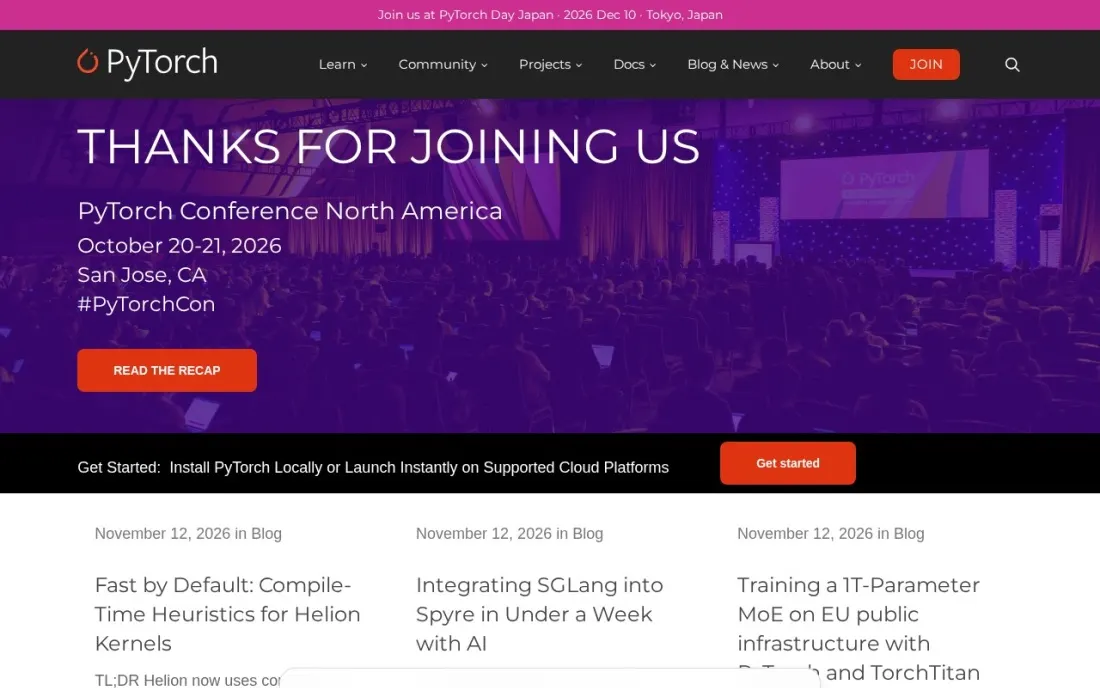
PyTorch is the framework most deep learning work starts in. It is free and open source, hosted by the PyTorch Foundation under the Linux Foundation, and its eager mode means a model runs line by line like normal Python, which makes debugging far easier than older graph-first tools. Graph execution through TorchScript and torch.distributed cover deployment and multi-GPU training.
Builds exist for Linux, Mac and Windows on CUDA, AMD's ROCm or plain CPU, and torchvision and torchaudio install alongside it. What PyTorch does not give you is infrastructure: GPUs, storage and experiment tracking come from the cloud platforms and tools further down this list.
What we like
- Free and open source, hosted by the PyTorch Foundation under the Linux Foundation
- Eager execution makes debugging feel like ordinary Python, with graph mode available for deployment
- Runs on Linux, Mac and Windows with CUDA, ROCm or CPU builds, plus torchvision, torchaudio and torch.distributed
Watch out for
- A framework, not a platform: you supply the GPUs, data pipeline and experiment tracking
- Mobile and browser deployment is less mature than TensorFlow's LiteRT and TensorFlow.js
TensorFlow
Best for: Teams that need to ship models to phones, browsers, edge devices or production pipelines
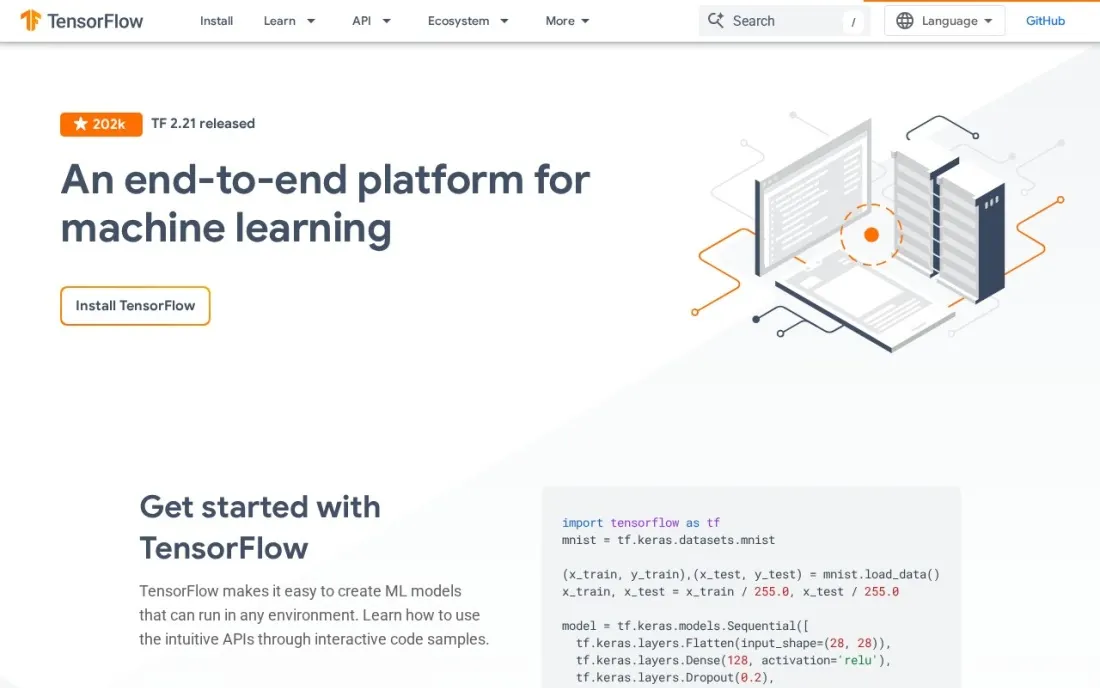
TensorFlow is the end-to-end option: an open-source platform from Google with Keras as the high-level API, tf.data for input pipelines and TensorBoard for watching training. Where it still leads is deployment. LiteRT, formerly TensorFlow Lite, runs models on Android, iOS, Raspberry Pi, Edge TPU devices and microcontrollers, and TensorFlow.js runs them in a browser or on Node.js.
TFX adds production pipelines and MLOps on top. The trade-off is momentum: most new research code and courses now target PyTorch first. Pick TensorFlow when the model has to live on a phone, in a web page or inside a long-running production pipeline.
What we like
- Free, open-source platform with Keras as its high-level API for building models quickly
- LiteRT runs models on Android, iOS, Raspberry Pi, Edge TPU and microcontrollers
- TensorFlow.js trains and runs models in the browser or Node.js, and TFX builds production pipelines
Watch out for
- Fewer new research papers and tutorials target it than PyTorch
- The wide toolset takes longer to learn than a single framework

Hugging Face
Best for: Teams that want to fine-tune or deploy a pretrained model instead of training from scratch
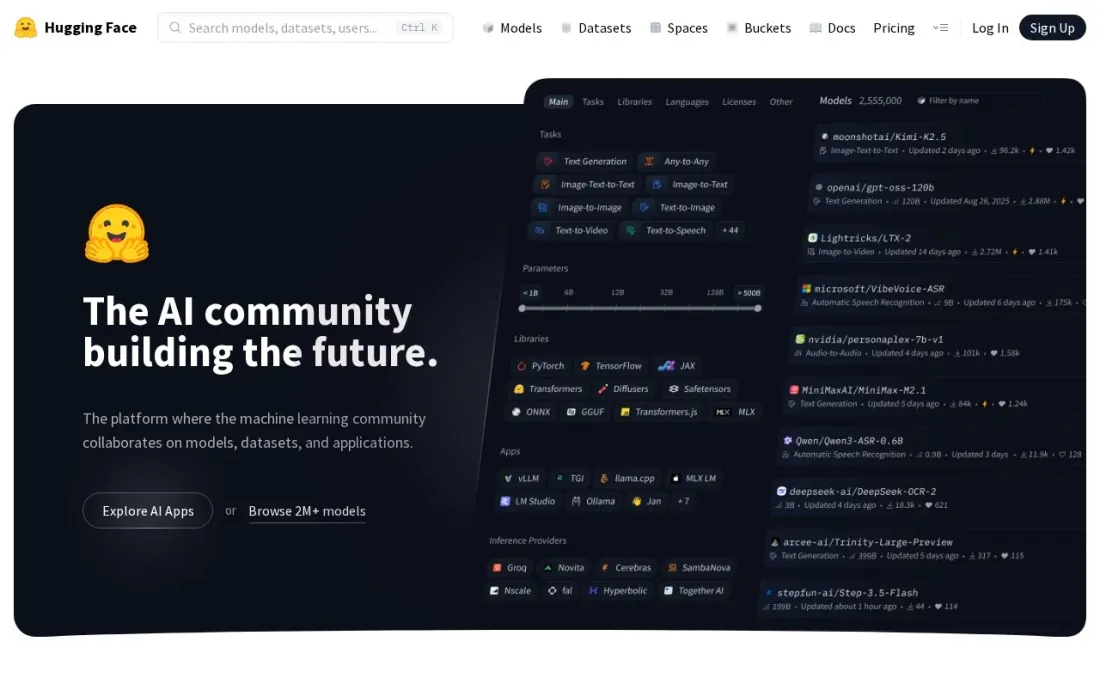
Hugging Face is the model hub most deep learning projects pass through. The free Hub holds pretrained models and datasets you can download into PyTorch or TensorFlow and fine-tune, and Spaces host demos on free CPU Basic or ZeroGPU hardware. PRO costs $9 a month, Team $20 a user a month and Enterprise $50 a user a month.
Paid compute is hourly. Inference Endpoints start at $0.033 an hour, an NVIDIA T4 GPU endpoint is $0.50 an hour, or $360 a month left running, and Spaces hardware ranges from a T4 at $0.40 an hour to an A100 at $2.50. Start here whenever a pretrained model already does most of the job.
What we like
- Free Hub of pretrained models and datasets, with free CPU Basic and ZeroGPU Spaces for demos
- Inference Endpoints start at $0.033 an hour, with an NVIDIA T4 GPU at $0.50 an hour
- PRO at $9 a month for individuals and Team at $20 a user a month for groups
Watch out for
- Larger GPU hardware gets expensive fast — an A100 Space is $2.50 an hour
- It hosts and serves models but is not a full training platform with data pipelines

Amazon SageMaker AI
Best for: Teams on AWS that want managed notebooks, training jobs and model hosting in one service
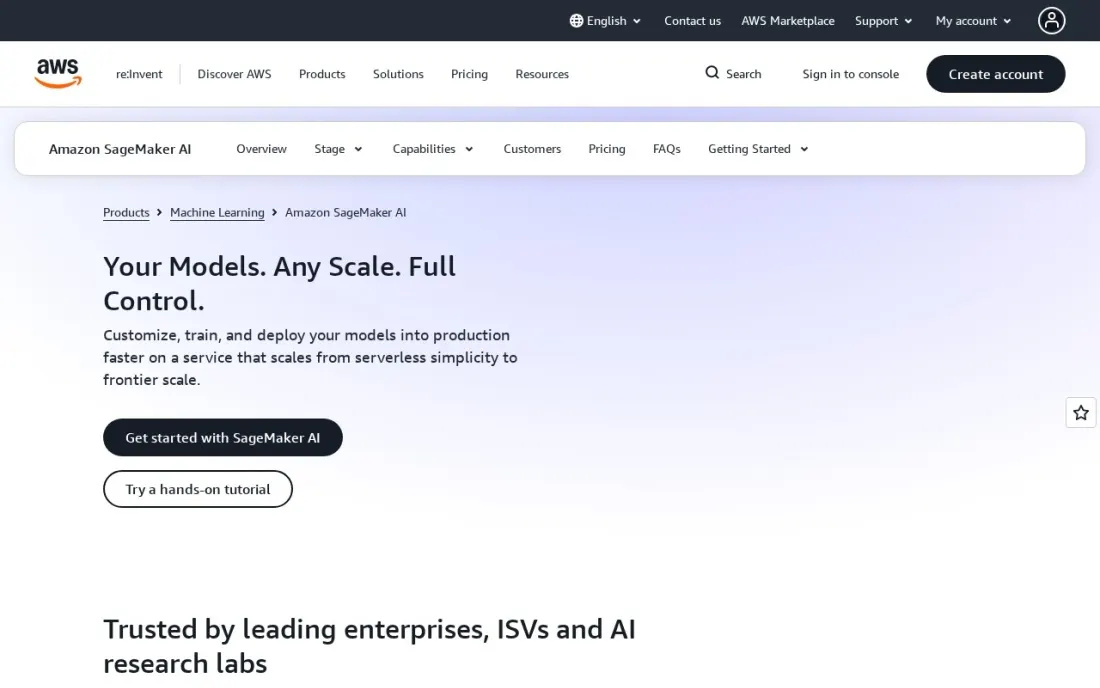
Amazon SageMaker AI is AWS's managed home for deep learning: notebooks, distributed training jobs, model hosting and pipelines, with PyTorch and TensorFlow containers ready to use. There is no platform fee or minimum; you pay for the instances you run, such as an ml.g5.2xlarge GPU instance at $1.52 an hour in US East, as listed in AWS's pricing examples.
The free tier covers your first two months: 250 hours a month of ml.t3.medium notebooks, 50 hours of m4 or m5.xlarge training and 125 hours of real-time inference. Savings Plans can cut prices by up to 64% for steady use. Set budget alerts on day one, because an idle endpoint bills around the clock.
What we like
- No minimum fees or upfront commitment; you pay only for the instances you run
- Free tier for two months: 250 notebook hours, 50 training hours and 125 inference hours a month
- Savings Plans can cut usage prices by up to 64% for steady workloads
Watch out for
- Per-instance billing is hard to forecast, and a forgotten endpoint keeps charging
- Best value only if your data and team already live on AWS
Azure Machine Learning
Best for: Microsoft-stack teams that want managed GPU training and MLOps with no platform fee
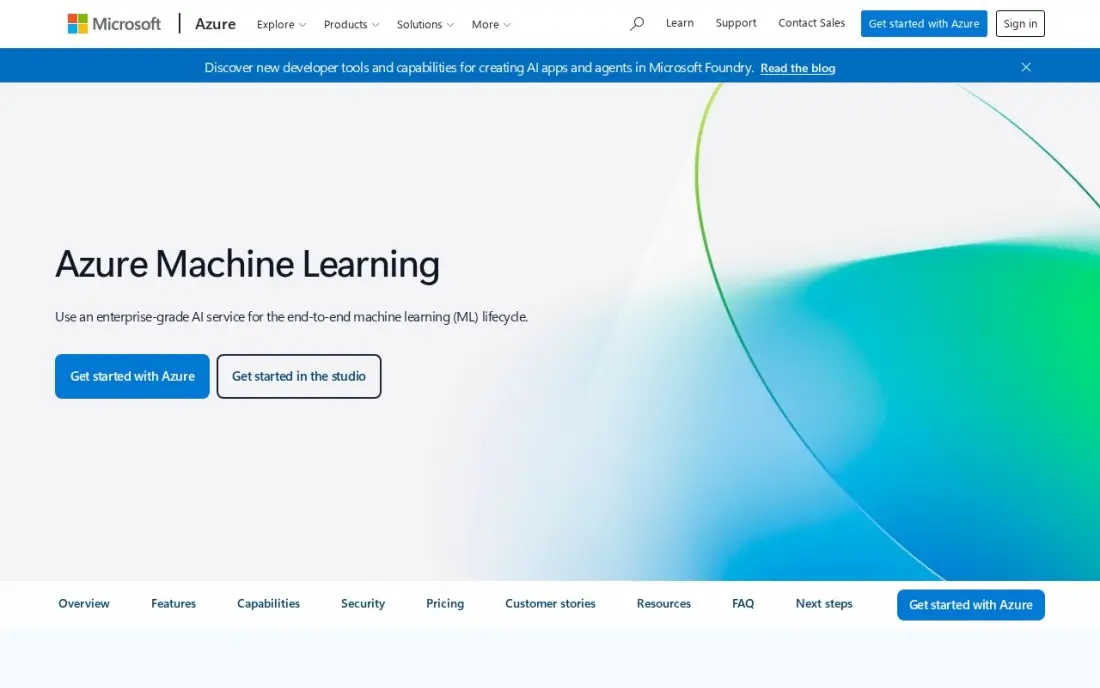
Azure Machine Learning is Microsoft's equivalent of SageMaker. There is no platform fee: you pay for the compute and storage your training and inference use, billed by the second, and a free Azure account comes with $200 of credit to try it. Notebooks, pipelines, a model registry and managed endpoints cover the full deep learning lifecycle, and Automated ML plus a designer serve non-coders.
It is rated 4.3 out of 5 on G2 from 90 reviews, where users praise the Microsoft 365 and Power BI integration but cite a steep learning curve. As with any usage-based cloud, a large GPU run or an idle endpoint can surprise you, so set spending limits first.
What we like
- No platform fee — the service itself is free, and you pay only for compute and storage used
- Automated ML plus a drag-and-drop designer, so both coders and non-coders can build models
- Enterprise MLOps, responsible-AI tooling and deep Power BI and Microsoft 365 integration
Watch out for
- Usage-based billing is hard to forecast — an idle endpoint or large training run can surprise you
- Reviewers cite a steep learning curve and a complex, hard-to-navigate interface
- Full value needs Azure skills; teams outside the Microsoft stack pay a learning tax

Databricks
Best for: Data teams that train deep learning models on the same lakehouse as their data
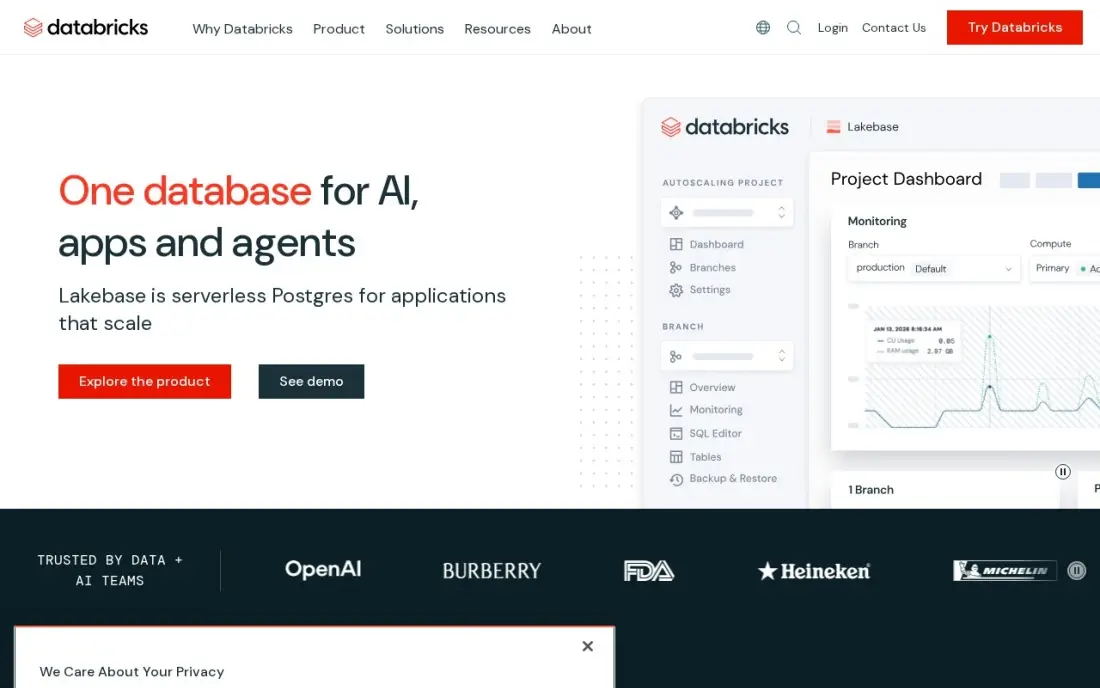
Databricks suits teams whose real problem is the data, not the model. Training runs next to the tables they read, on Spark-backed compute, and Unity Catalog governs datasets and models in one place. MLflow, which Databricks created, tracks experiments and registers models without another tool. Rated 4.6 out of 5 on G2 from 1,366 reviews.
Pricing is consumption-based in DBUs: Jobs Compute starts at $0.15 per DBU on the Premium tier in AWS US East, and classic compute bills the cloud infrastructure separately. A Free Edition covers learning and small experiments. It is overkill for a single researcher but saves real time once several teams share data.
What we like
- One platform for warehousing, engineering and machine learning on open formats, with Apache Spark underneath
- Unity Catalog governs data and AI assets in one place, from tables to models
- Serverless compute removes cluster management, and the ecosystem spans ingestion to BI
- Free Edition covers learning and small experiments at $0
Watch out for
- Consumption pricing needs active cost management, or bills climb fast
- Classic compute bills cloud infrastructure separately, on top of the DBU rate
- Rewards Spark and Python skills; pure SQL teams face a learning curve

Weights & Biases
Best for: Teams that need experiment tracking and model comparison across many training runs
Weights & Biases, now sold under CoreWeave, solves the problem every deep learning team hits after a few weeks: which of 200 runs was the good one, and what settings produced it? It logs metrics, hyperparameters, system usage and model files from PyTorch, TensorFlow and other frameworks into dashboards you can compare side by side.
The Free plan covers up to 5 model seats and 5 GB of storage a month. Pro starts at $60 a month, billed monthly upfront, for up to 10 seats and 100 GB, with extra storage at $0.03 a GB. Pro is only for companies under 50 employees; larger ones move to custom Enterprise pricing.
What we like
- Free plan covers up to 5 model seats with 5 GB of storage a month
- Pro starts at $60 a month with up to 10 seats and 100 GB of storage
- Logs metrics, hyperparameters and artifacts from PyTorch, TensorFlow and most frameworks
Watch out for
- Pro is limited to companies with fewer than 50 employees; larger teams need Enterprise
- Extra storage and Weave data are billed on usage, so costs grow with heavy logging

Kaggle
Best for: Learners and solo practitioners who want free GPU notebooks to practise deep learning

Kaggle is the cheapest place to learn deep learning properly. It is free, owned by Google, and its notebooks come with about 30 GPU hours a week, which is enough to train real image and text models in PyTorch or TensorFlow without a cloud bill. Thousands of public datasets and notebooks give you working code to start from.
Competitions add a benchmark: you can see exactly how the winning solution to a problem was built. Kaggle rates 4.7 out of 5 on G2 from 34 reviews. It is a learning and prototyping environment, not production infrastructure, so move to a cloud platform once a model needs to serve real users.
What we like
- Completely free to join, with notebooks, datasets and competitions — no paid tier exists
- 27 million users, per Kaggle, including Grandmasters who have won competitions for Google and other sponsors
- Free GPU and TPU quota in notebooks, about 30 GPU hours a week, so learners can train real models
- Winning notebooks are public, so you see exactly how the best solution works
Watch out for
- A learning and prototyping environment, not production infrastructure, so serving real users needs a cloud platform
- The free quota of about 30 GPU hours a week caps how much training fits into one week
- Rated 4.7 out of 5 on G2, but from only 34 reviews, a small base next to the cloud platforms
The best deep learning software lets you build, train and ship neural networks without fighting your tools. That job is split across four kinds of product: open-source frameworks where models are written, cloud platforms that rent you GPUs, model hubs that hand you a pretrained starting point, and trackers that keep hundreds of training runs in order. We compared eight tools across those layers, and every price below comes from the vendor's own page as checked in November 2026.
How to choose the best deep learning software
- Pick the framework first. PyTorch and TensorFlow are both free; everything else in this list plugs into one or both, so this choice shapes the rest of your stack.
- Start from a pretrained model where you can. Fine-tuning a model from Hugging Face usually beats training from scratch on both cost and time.
- Budget for GPU hours, not licences. The software is mostly free; the bill is compute, so price the instance you need and the hours you expect.
- Stay where your data lives. If your data sits in AWS, Azure or a Databricks lakehouse, training next to it avoids transfer costs and access headaches.
- Track experiments from day one. Without logging, you lose the settings behind your best run; a free tracker costs nothing to add early.
- Plan the deployment target. A model for a phone, a browser or an API endpoint each points to different tools — decide before you train.
Deep learning models increasingly power search too. If you want your product or content to show up in AI-generated answers, our AI search optimization service covers that, and the free llms.txt generator gives AI crawlers a clean map of your site.
Deep learning software pricing: what you will actually pay
Take a small team fine-tuning an image model: 40 GPU hours of training a month, one tracked project for three people and a demo for stakeholders. The framework costs $0 on PyTorch or TensorFlow. Training on a SageMaker AI ml.g5.2xlarge at $1.52 an hour in US East comes to $60.80 a month. Experiment tracking on Weights & Biases is $0 on the Free plan for up to 5 seats, and a Hugging Face Space demo on free CPU Basic hardware is $0.
Serving the model is where steady costs appear. A Hugging Face T4 GPU endpoint left running costs $360 a month at $0.50 an hour, and a SageMaker or Azure endpoint bills by the hour the same way. Over a year, the training alone is $729.60, while an always-on GPU endpoint is $4,320 — so scale endpoints to zero when idle. Teams that outgrow the free tracker pay from $60 a month for Weights & Biases Pro, and SageMaker Savings Plans can cut usage prices by up to 64% for a steady workload.
Know the difference: framework vs platform
A framework is the code library you write models in. PyTorch and TensorFlow define layers, compute gradients and run the maths on a GPU, and they are free because the value sits in the community around them. On its own, a framework knows nothing about where the GPU comes from, where the data is stored or which run was your best.
A platform wraps a framework with infrastructure. SageMaker AI, Azure Machine Learning and Databricks rent you GPUs, schedule training jobs, host endpoints and keep models in a registry; Hugging Face and Weights & Biases cover the model and tracking layers. Most teams use one framework and one or two platforms, and switching frameworks later is far more painful than switching platforms.
Quick comparison: tool type by need
| Buyer | Best pick | Why |
|---|---|---|
| Building and researching models | PyTorch | Free, open source, eager execution |
| Mobile, browser and edge deployment | TensorFlow | LiteRT, TensorFlow.js and TFX, free |
| Starting from pretrained models | Hugging Face | Free Hub; PRO $9/month; T4 endpoint $0.50/hour |
| AWS teams | Amazon SageMaker AI | Pay as you go, 2-month free tier |
| Microsoft-stack teams | Azure Machine Learning | No platform fee, $200 free credit |
| Lakehouse data teams | Databricks | Training next to governed data, from $0.15/DBU |
| Experiment tracking | Weights & Biases | Free for 5 seats; Pro from $60/month |
| Learning on a zero budget | Kaggle | Free notebooks with about 30 GPU hours a week |
Mistakes to avoid
- Training from scratch by default. A pretrained model fine-tuned on your data is cheaper and usually better; check the Hugging Face Hub before writing a training loop.
- Leaving endpoints running. An idle GPU endpoint bills every hour; set autoscaling to zero or delete it after a demo.
- Skipping budget alerts. Every usage-based cloud here can produce a surprise bill; set a hard alert before the first job.
- Not logging runs. Without a tracker, you cannot reproduce the result you are proudest of; add one before the second experiment.
- Choosing a platform outside your data's cloud. Moving terabytes between providers costs money and weeks; train where the data already lives.
Related comparisons: Apps for Learning · Learning Apps for Kids · Spanish Learning Apps · AI Spanish Learning Apps
How we chose
We read each vendor's own pricing or product page in November 2026 and recorded free tiers, plan prices and example GPU rates exactly as shown, with the region where the vendor gives one. We grouped the tools by layer — framework, cloud platform, model hub and tracking — and ranked them for the most common buyer: a small team or solo practitioner building their first production model. G2 ratings come from the review pages checked on the dates in our sources; we omit ratings we could not verify. No vendor paid for a place in this list, and none of the links here are affiliate links.
What to do next
Install PyTorch, open a free Kaggle notebook and fine-tune one pretrained model from Hugging Face on a small sample of your data this week; the result tells you how much GPU time the real job needs. If the model supports a product you need found in search and AI answers, book a free strategy call.
Frequently asked questions
What is the best deep learning software?
PyTorch is the best deep learning software for building models: it is free, open source and the framework most new research uses. TensorFlow is the better choice for mobile, browser and production pipelines, and Hugging Face is the place to start from a pretrained model.
Is deep learning software free?
The frameworks are. PyTorch and TensorFlow are free and open source, Hugging Face's Hub is free, and Kaggle gives about 30 GPU hours a week free. You pay for GPU compute, which is where cloud platforms such as SageMaker AI and Azure Machine Learning bill by usage.
PyTorch or TensorFlow: which should I learn first?
PyTorch, for most people. Its eager execution makes debugging easier and most current tutorials and research code use it. Learn TensorFlow when you need LiteRT for phones and edge devices or TensorFlow.js for the browser.
How much does GPU training cost?
It depends on the instance and hours. On published prices, an ml.g5.2xlarge on SageMaker AI is $1.52 an hour in US East, a Hugging Face T4 endpoint is $0.50 an hour and an A100 Space is $2.50 an hour. A 40-hour training job on the SageMaker instance costs about $60.80.
Do I need experiment tracking?
Once you run more than a handful of training jobs, yes. Weights & Biases is free for up to 5 seats, and Databricks includes MLflow for tracking and model registration.
Can I do deep learning without a GPU?
You can learn and run small models on a CPU — PyTorch and TensorFlow both have CPU builds — but training real image or language models needs a GPU. Kaggle's free weekly GPU hours are the easiest way to get one without paying.
What is the best deep learning software for beginners?
Kaggle is the easiest start: it is free, its notebooks come with about 30 GPU hours a week, and thousands of public datasets and notebooks give you working code to learn from. Pair it with PyTorch, whose eager mode runs a model line by line like normal Python, so debugging is far easier. Fine-tune a pretrained model from Hugging Face before training from scratch.
Which deep learning libraries are used with Python?
PyTorch and TensorFlow are the two main frameworks, and both are free and open source. PyTorch's eager mode makes debugging feel like ordinary Python. TensorFlow uses Keras as its high-level API, tf.data for input pipelines and TensorBoard for watching training, and leads on deployment to phones, browsers and edge devices. Hugging Face supplies pretrained models to fine-tune on top of either.
Sources we checked (11)
- PyTorch — pytorch.org (checked November 16, 2026)
- TensorFlow — www.tensorflow.org (checked November 16, 2026)
- Hugging Face — huggingface.co/pricing (checked November 16, 2026)
- Amazon SageMaker AI — aws.amazon.com/sagemaker/ai/pricing (checked November 16, 2026)
- Azure Machine Learning — azure.microsoft.com/en-us/pricing/details/machine-learning (checked November 2, 2026)
- Azure Machine Learning reviews on G2 (checked November 2, 2026)
- Databricks — www.databricks.com/pricing (checked November 6, 2026)
- Databricks reviews on G2 (checked November 6, 2026)
- Weights & Biases — coreweave.com/forge-pricing (checked November 16, 2026)
- Kaggle — www.kaggle.com (checked November 12, 2026)
- Kaggle reviews on G2 (checked November 12, 2026)
Make one of these tools?
We re-check this list every quarter. Send a correction, request a review, or ask about a clearly labeled sponsored spot.
Request a listingShamim
Founder of SerpAstra
A full-stack digital marketer and SEO strategist covering technical and local SEO, AI search visibility, paid ads and lead generation for local businesses, e-commerce brands and SaaS teams.
Free SEO and AI visibility audit
Find out what is holding your rankings back
Send us your site. Within 2 business days you get a written audit, an AI visibility check and a short fix list ranked by impact. Free, with no contract attached.
Request my free audit→Related buying guides
 Data, Analytics & AI8 Best Data Science Platforms in 2026, ComparedCompare the 8 best data science platforms on notebooks, AutoML, deployment, free editions and real cost, from Databricks to KNIME, with prices checked.Read guide →
 Data, Analytics & AI8 Best AI Cloud Platforms in 2026, ComparedCompare the 8 best AI cloud platforms, from hyperscalers to GPU clouds, on GPU hourly rates, free credits, egress and real costs, checked on vendor pages.Read guide →
 Data, Analytics & AI10 Best Predictive Analytics Tools in 2026 (Free and Paid, Compared)10 best predictive analytics tools compared with prices, free plans and AutoML depth — from free KNIME to enterprise DataRobot. Prices checked Nov 2, 2026.Read guide →