
8 Best Phishing Software Tools in 2026, Compared
Compare the 8 best phishing software tools for simulations, awareness training and inbox defence, with published prices and quote-only vendors checked Nov 2026.
 Shamim Mia, Founder, SerpAstraLast verified November 6, 20269 min read
We compare pricing pages, documentation and public reviews. We never accept payment for rankings.
Key takeaways
- KnowBe4 is the best phishing simulation software for most organisations, and one of the few that publishes prices: SAT Foundation starts at $2.40 a user a month for 25 to 50 seats on a 3-year term.
- Microsoft 365 shops can get attack simulation training through Defender for Office 365 Plan 2 at $5 a user a month, often without buying another product.
- Gophish is the free, open-source option for IT teams that want to run their own phishing tests and can host and maintain it themselves.
- Hoxhunt, usecure, IRONSCALES and INKY are quote-only, so ask for a written per-user price before a pilot.
On this page
Quick comparison
| Tool | Best for | Starting price | Free plan |
|---|---|---|---|
 KnowBe4 | Most organisations that want proven phishing simulations and training at a published price | $2.40/user/mo | Free tools only |
 Microsoft Defender for Office 365 | Microsoft 365 organisations that want attack simulation training without a new vendor | $5/user/mo (Plan 2) | No (trial available) |
 Hoxhunt | Mid-size and larger companies that want adaptive, personalised phishing training | Custom quote | Demo only |
 usecure | MSPs and small IT teams that want phishing, training, policies and breach alerts in one plan | Custom quote | Trial on request |
 IRONSCALES | Teams that want phishing simulation tied to inbox filtering and automatic clean-up | Custom quote | No (trial available) |
 Coro | Small teams with no security staff that want phishing training inside a full security suite | $9.50/user/mo | No (trial available) |
 INKY | Organisations that want staff coached on phishing inside every real email | Custom quote | No (free trial) |
 Gophish | Technical IT and security teams that want free, self-hosted phishing simulations | Free | Free |
Make one of these tools?
We re-check this list every quarter. Send a correction, request a review, or ask about a clearly labeled sponsored spot.
Request a listingThe best phishing software
KnowBe4
Best for: Most organisations that want proven phishing simulations and training at a published price
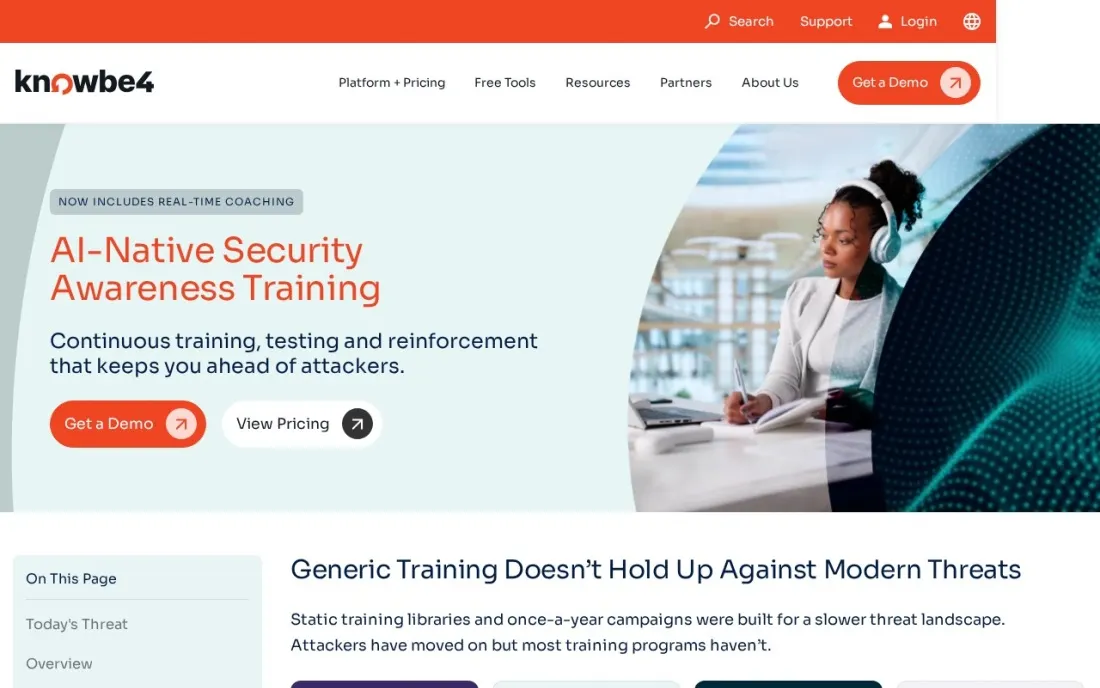
KnowBe4 is the reference point for phishing simulation and awareness training, and it does something rare in this category: it publishes its prices. SAT Foundation costs $2.40 a user a month and SAT Advanced $3.75 at 25 to 50 seats, falling with volume. Both include unlimited simulated phishing all year, AI-selected templates, a Phish Alert Button for reporting, simulated vishing calls, automated training campaigns and 60+ built-in reports.
Read the terms behind those numbers. List prices assume a 3-year term, the minimum is 25 seats, and add-ons such as PhishER Plus are extra. Foundation's 200+ item library and limited Smart Groups push many buyers to Advanced, which has 1,000+ items. Start with its free Attack Simulation Test to measure your click rate first.
What we like
- Published per-seat prices: SAT Foundation from $2.40 and SAT Advanced from $3.75 a user a month at 25–50 seats
- Unlimited year-round simulated phishing, a Phish Alert Button, simulated vishing and 60+ built-in reports on both tiers
- Advanced unlocks a 1,000+ item training library, including premium series and games
- Per-seat price falls with volume, to $1.63 on Foundation at 501–1,000 seats
Watch out for
- Listed prices assume a 3-year term, and there is a 25-seat minimum
- Foundation's library is 200+ items with limited Smart Groups, so many buyers end up on Advanced
- Add-ons such as PhishER Plus and Compliance Plus are priced separately
Microsoft Defender for Office 365
Best for: Microsoft 365 organisations that want attack simulation training without a new vendor
For a business already on Microsoft 365, the cheapest phishing software may be one it nearly owns. Defender for Office 365 Plan 1 costs $2 a user a month billed annually and adds Safe Links, Safe Attachments and anti-phishing policies to the mailbox. Plan 2, at $5 a user a month, adds attack simulation training plus automated investigation and Threat Explorer.
That means one console for blocking phishing and testing staff against it. The limits are scope and polish: it protects only Microsoft 365 mail, SharePoint, OneDrive and Teams, so Google Workspace shops get nothing, and the admin console takes effort to tune. Check whether your current Microsoft licence already includes Plan 2 before buying anything else.
What we like
- Cheapest real upgrade here at $2/user/month, and already bundled into Business Premium, E3 and E5
- Safe Links and Safe Attachments check URLs and files at click time, not just at delivery
- Zero-hour auto purge pulls malicious mail out of inboxes after it lands
- No MX record changes and no new vendor to manage for Microsoft 365 teams
Watch out for
- Only protects Microsoft 365 mail, SharePoint, OneDrive and Teams, so Google Workspace shops get nothing
- Plan 1 lacks automated investigation and attack simulation training, which need Plan 2 at $5/user/month
- The admin console is dense, and tuning policies takes more effort than a dedicated gateway
Hoxhunt
Best for: Mid-size and larger companies that want adaptive, personalised phishing training
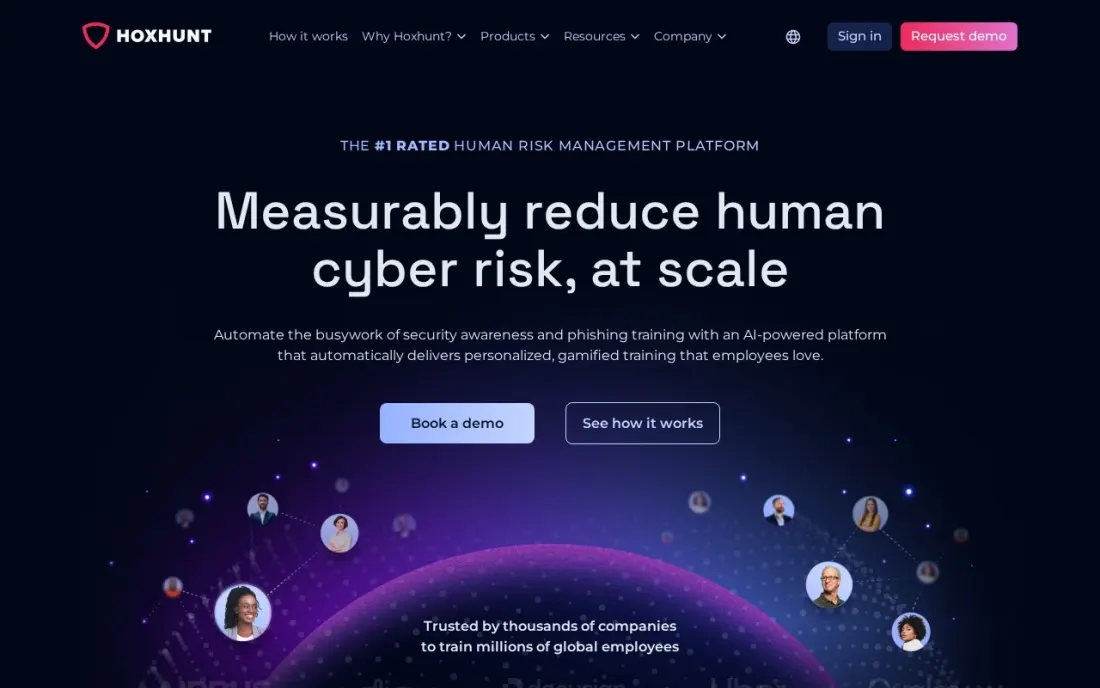
Hoxhunt is built around adaptive phishing training: instead of sending everyone the same generic test, it personalises phishing training to each employee. Alongside that it sells security awareness training for compliance goals, email incident response automation for handling the reports staff send in, and a behaviour module that surfaces risky real-world actions beyond email and automates interventions.
Pricing is per employee but not published. Hoxhunt quotes after a 30-minute scoping call that covers headcount, integrations and the modules you want, and its pricing page mentions no free trial. It suits a security team that wants measurable behaviour change across hundreds or thousands of staff; a 20-person firm will find simpler, published-price options here.
What we like
- Adaptive phishing training personalises simulations to each employee
- Separate modules for awareness training, email incident response automation and risky-behaviour detection
- Pricing is per employee, so it scales with headcount rather than mailboxes
Watch out for
- No published price; a quote follows a 30-minute scoping call
- No free trial is mentioned on the pricing page
- Buying several modules makes the total hard to estimate in advance
usecure
Best for: MSPs and small IT teams that want phishing, training, policies and breach alerts in one plan
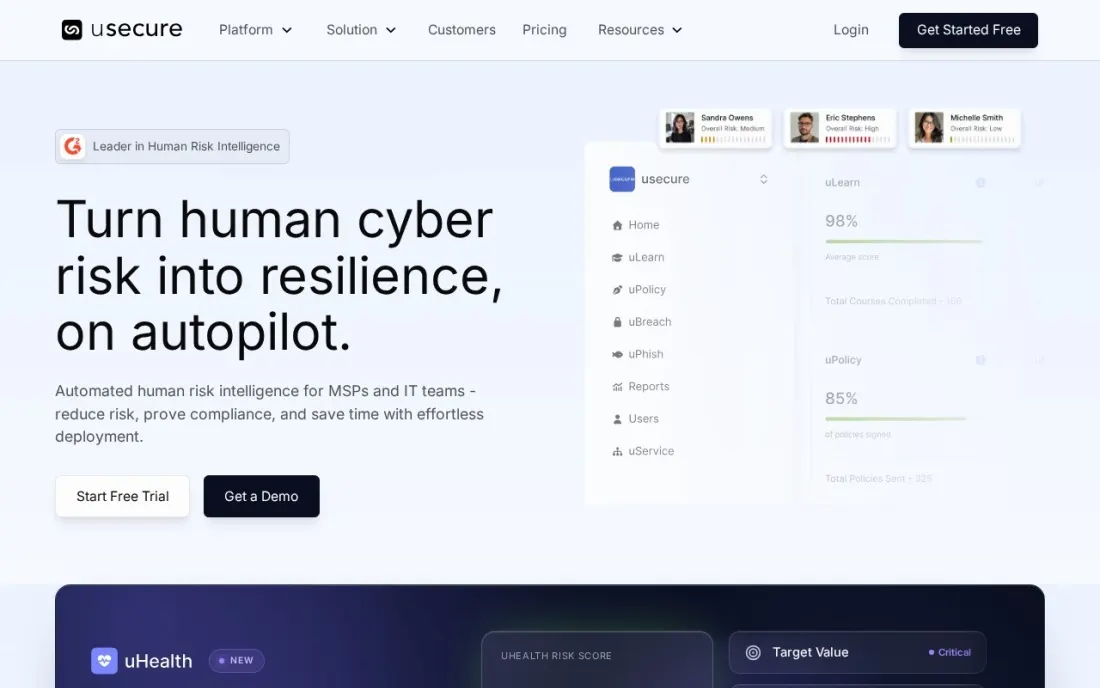
usecure bundles the whole human-risk job into one core plan: automated phishing simulations from a 400+ template library, 200+ training courses with a custom course builder, 60+ security policy templates with acceptance tracking, and dark web monitoring that alerts you when staff email accounts appear in a breach. That breadth suits a small IT team that has to show auditors a policy trail as well as test results.
It publishes no prices; quotes depend on user count and plan. For MSPs the terms are friendly, with monthly usage billing, no minimum licences and no long-term commitment, while in-house IT teams are billed annually with multi-year discounts. Deeper breach monitoring is an extra priced by domain. A trial is available on request.
What we like
- One core plan covers phishing simulation, training, policy management and dark web breach monitoring
- 400+ phishing templates, 200+ courses and 60+ policy templates
- MSP billing is monthly by usage with no minimum licences and no long-term commitment
Watch out for
- No prices published; every plan needs a quote
- Deeper breach monitoring (uBreach Pro) is an extra priced by domain
- In-house IT teams are billed annually rather than monthly
IRONSCALES
Best for: Teams that want phishing simulation tied to inbox filtering and automatic clean-up
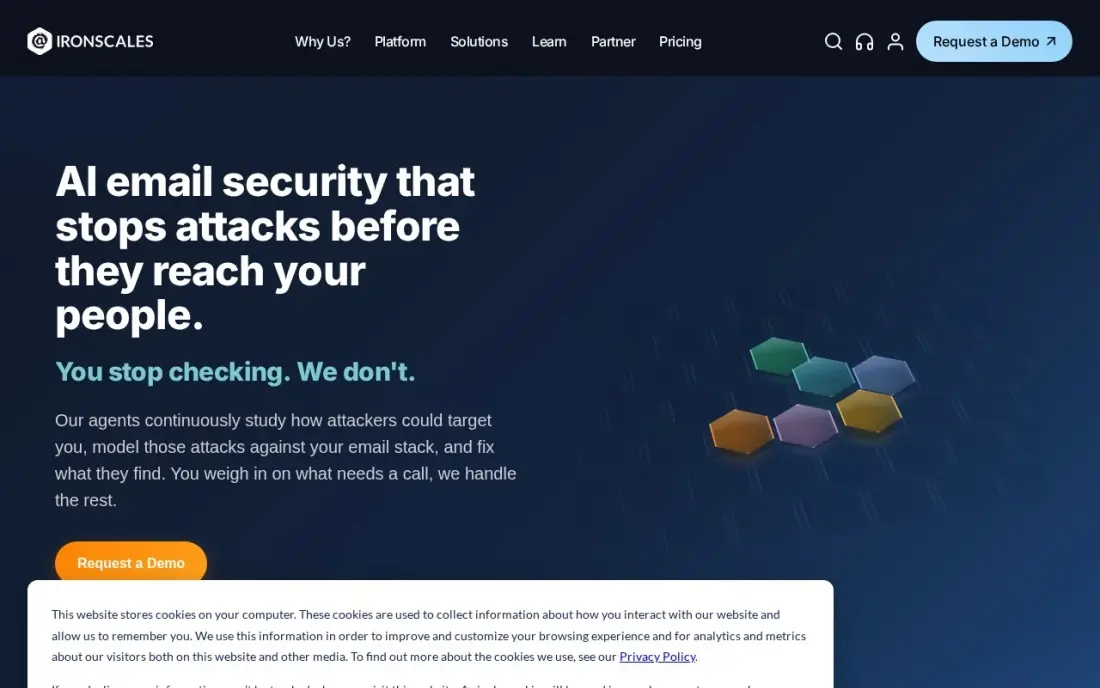
IRONSCALES joins the two halves of phishing defence. It filters incoming mail with AI detection, runs phishing simulations and awareness training for staff, and gives every employee a one-click report button. When one person reports a phish, automated remediation pulls the same message from every inbox, so the training directly reduces risk rather than producing a score.
Setup is API-based and works with Microsoft 365 and Google Workspace without changing mail flow. Pricing is quote-only, with advanced automation and training pushing the price above the entry tier, and it has no native DLP or encryption. It suits a lean IT team that wants filtering and training from one vendor and one console.
What we like
- Phishing simulation and awareness training come with the filtering, not as a separate product
- One-click report button turns every employee into a sensor for the security team
- Automated remediation removes confirmed threats from every inbox at once
- API-based setup that plugs into Microsoft 365 and Google Workspace quickly
Watch out for
- Quote-only pricing, so the bill only emerges from a sales conversation
- No native DLP or encryption features, which the main alternatives include
- Advanced automation and training features push the price up from the entry tier
Coro
Best for: Small teams with no security staff that want phishing training inside a full security suite
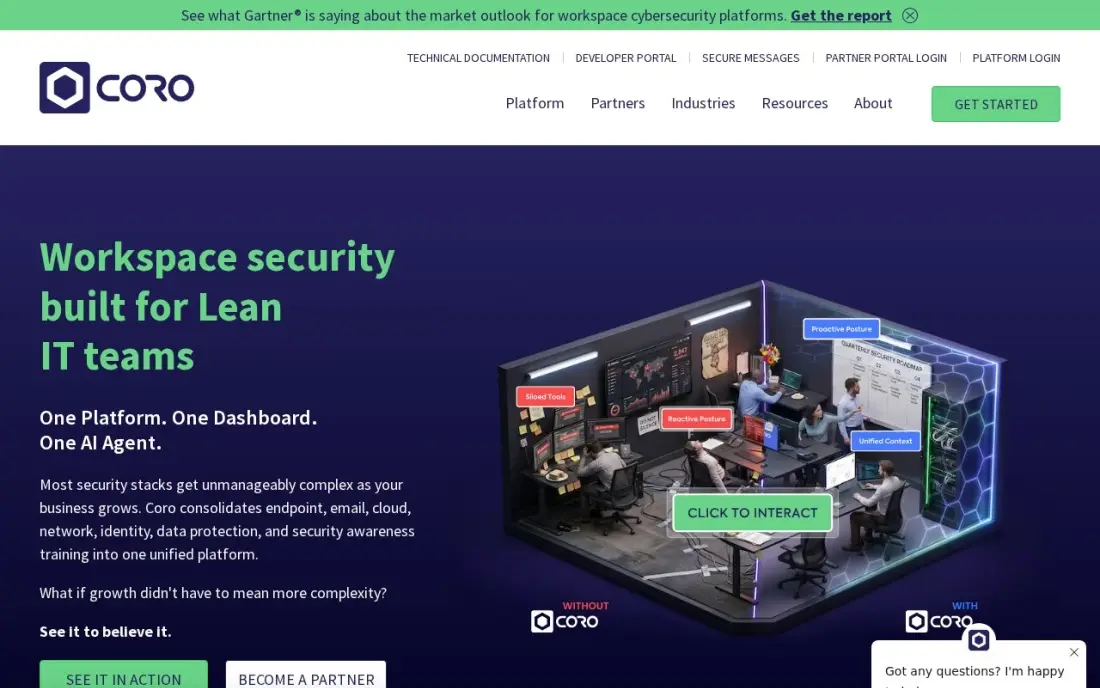
Coro is a whole security stack for small businesses, and phishing protection is part of it: email filtering with automatic remediation, endpoint and cloud-app security, plus phishing simulation and security awareness training, all in one console with one agent. The Essentials Suite is listed at $9.50 a user a month on a G2 vendor-supplied listing.
Coro's own pricing page now lists packages by quote, so confirm that figure with sales. Mail-flow control is less granular than a dedicated gateway, and the Complete Suite and managed options are priced on request. Choose Coro when the goal is to replace several small security tools at once, not to add a standalone simulation tool.
What we like
- One bill covers email, endpoint and cloud apps, with one console and one agent
- Automatic remediation pulls malicious messages out of inboxes without admin clicks
- Phishing simulation and security awareness training are bundled, not extra
- Highest-rated setup experience here, built for lean IT teams with no security staff
Watch out for
- The vendor's own pricing page now lists packages by quote only, so $9.50 comes from a G2 vendor-supplied listing
- Less granular mail-flow control than a dedicated gateway, and email cannot be bought alone cheaply
- The Complete Suite and managed options are priced on request, not published
INKY
Best for: Organisations that want staff coached on phishing inside every real email
INKY trains people without scheduled tests. It stamps every incoming email with a colour-coded banner — grey for safe, yellow for caution, red for danger — and explains what it found, such as a lookalike domain or forged brand. Staff learn to recognise phishing from the real messages they handle every day, which complements periodic simulations.
Behind the banners, computer vision and generative AI analyse intent and visual cues that signature filters miss, and INKY says setup takes about 30 minutes. Pricing is quote-only with a free trial, it focuses on phishing rather than backup or archiving, and reviewers report occasional false positives that need tuning. Pair it with a simulation tool if auditors expect test results.
What we like
- Color-coded banners explain each email's risk to the recipient, turning every message into training
- Generative AI analysis looks at intent and visual cues, catching brand forgery and lookalike domains
- Installs in about 30 minutes with minimal ongoing management
Watch out for
- No public pricing — you need a quote before you can budget it
- Focused on phishing rather than full-suite features like backup or archiving
- Reviewers report occasional false positives that need tuning
Gophish
Best for: Technical IT and security teams that want free, self-hosted phishing simulations
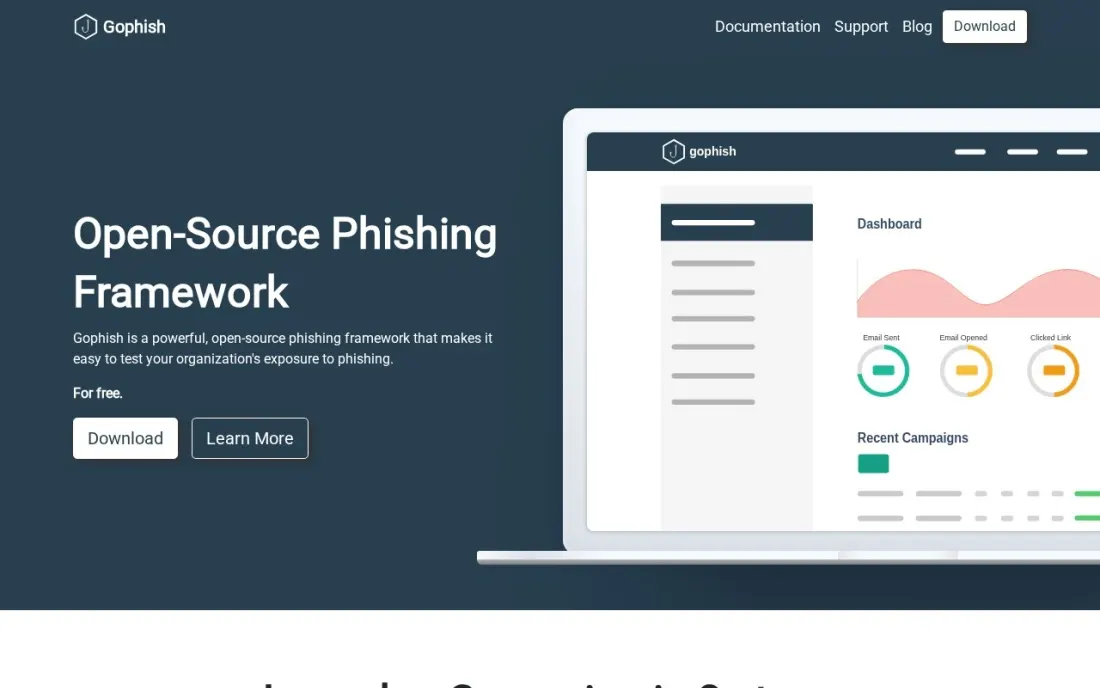
Gophish is the free way to run phishing tests. It is an open-source framework with binaries for Windows, macOS and Linux, a web interface with an HTML editor for email templates and landing pages, campaign scheduling, and real-time results that show each recipient's opens, link clicks and submitted credentials. A REST API with a Python client lets you script campaigns.
Everything else is on you. You host the server, set up sending domains and keep it running, support comes through GitHub issues, and there is no training content, so it measures risk without reducing it. It suits a technical team that wants to test staff on a zero budget, or to check results before buying a commercial platform.
What we like
- Free, open-source phishing framework with binaries for Windows, macOS and Linux
- Web UI with an HTML template editor, campaign scheduling and real-time per-recipient results
- Full REST API with a Python client for automation
Watch out for
- Self-hosted: you run the server, sending domain and mail setup yourself
- No training library, so it tests staff but does not teach them
- Support is community-based through GitHub issues
The best phishing software reduces the chance that one click lets an attacker in, either by testing and training your staff or by stopping the email before they see it. We compared eight tools across both jobs — dedicated phishing simulation and awareness platforms, inbox defence tools with simulation built in, and one free open-source framework — on features, buying terms and real cost, checking every price on the vendor's own page in November 2026.
How to choose the best phishing software
- Decide whether you need testing, filtering or both. Simulation platforms train people; email security tools block messages; a few do both in one console.
- Check the minimums and term. KnowBe4's published prices assume 25 or more seats and a 3-year term; usecure has no minimum for MSPs.
- Look for a report button that does something. A one-click report that pulls the same phish from every inbox, as IRONSCALES does, turns training into protection.
- Judge the training library, not just the templates. Simulations find weak spots; short, relevant lessons fix them.
- Make sure reports satisfy your auditors. Cyber insurance and compliance reviews often ask for click rates and completion records over time.
- Price quote-only tools in writing. Hoxhunt, usecure, IRONSCALES and INKY publish no per-user price.
Phishing emails often impersonate your brand to reach your customers, too. If you want to see how your domain and brand appear in search, our SEO audit checks your site, and our email security software guide compares filtering tools in more depth.
Phishing software pricing: what you will actually pay
Take a 50-person company that wants monthly phishing tests and training. KnowBe4 SAT Foundation at $2.40 a user a month costs $120 a month, $1,440 a year, on a 3-year term; SAT Advanced at $3.75 costs $187.50 a month, $2,250 a year. Microsoft Defender for Office 365 Plan 2 at $5 a user a month costs $250 a month, $3,000 a year, but it also adds anti-phishing filtering and investigation tools, and some Microsoft 365 licences already include it.
Coro's Essentials Suite, listed at $9.50 a user a month on a G2 vendor-supplied listing, would cost $475 a month, $5,700 a year, for a full security stack rather than training alone. Gophish costs $0 in licences, but budget a technical person's time and a server to run it. For Hoxhunt, usecure, IRONSCALES and INKY, ask each vendor for a 50-seat quote with the term, onboarding fees and add-ons spelled out, then compare like for like.
Know the difference: simulation platforms vs inbox defence
Simulation platforms — KnowBe4, Hoxhunt, usecure and Gophish — attack your own staff safely. They send realistic fake phishing emails, record who opens, clicks or enters credentials, and assign short training to people who fall for it. Over months, the click rate should drop and the report rate should rise, which is the number insurers and auditors ask for.
Inbox defence tools — Microsoft Defender for Office 365, IRONSCALES, Coro and INKY — stop or flag real phishing. They scan links, attachments, sender identity and intent, and remove or warn about dangerous messages. The best of them now include simulation too, but a standalone training platform usually has a deeper course library. Most businesses need both layers, because no filter catches everything and no training makes people perfect.
Quick comparison: tool type by need
| Buyer | Best pick | Why |
|---|---|---|
| Most organisations | KnowBe4 | Unlimited simulations and training, from $2.40/user/month |
| Microsoft 365 shops | Microsoft Defender for Office 365 | Attack simulation training on Plan 2 at $5/user/month |
| Larger firms wanting adaptive training | Hoxhunt | Personalised simulations per employee, quote-only |
| MSPs and small IT teams | usecure | Phishing, training, policies and breach alerts, no MSP minimum |
| Filtering plus training | IRONSCALES | Report button removes the phish from every inbox |
| Small teams wanting one suite | Coro | Email, endpoint and training in one console, listed at $9.50/user/month |
| In-email coaching | INKY | Colour-coded warning banners on every message |
| Zero-budget technical teams | Gophish | Free, open-source, self-hosted simulations |
Mistakes to avoid
- Shaming people who click. Staff who fear punishment stop reporting; reward reporting and keep training short.
- Testing once a year. One annual test measures nothing; regular simulations show whether behaviour actually changes.
- Using only easy templates. Tests that nobody fails give false comfort — mix in realistic lures that match your industry.
- Forgetting to allow-list the simulations. Coordinate with your email filter so tests reach inboxes and real phish do not get through the same rule.
- Signing a long term before a pilot. Run one month of tests on a trial or free tool before committing to a multi-year contract.
Related comparisons: Endpoint Protection Platforms · Zero Trust Platforms · Privacy Apps · IT Security Software
How we chose
We checked each vendor's own pricing page in November 2026 and recorded the starting price exactly as shown, including seat minimums and contract terms. Where a vendor publishes no price, we list it as a custom quote rather than repeating third-party estimates. We grouped the tools into simulation platforms and inbox defence tools with simulation built in, and ranked them by fit for the most common buyer, a business of 25 to 500 people that needs both test results and fewer clicks. Ratings come from G2 pages checked on the dates shown in the sources; where no rating appears we did not read one. No vendor paid for a place in this list, and none of the links here are affiliate links.
What to do next
Run a baseline phishing test this month, with KnowBe4's free Attack Simulation Test or Gophish, and record the click rate. Then choose the platform that fits your size and run monthly tests for a quarter. If you also want your brand to be the one customers find and trust in search, book a free SEO review.
Frequently asked questions
What is the best phishing software?
KnowBe4 is the best phishing simulation software for most organisations, with unlimited simulated phishing and training from $2.40 a user a month on SAT Foundation (25–50 seats, 3-year term). Microsoft 365 shops should check Defender for Office 365 Plan 2 at $5 a user a month first, and Hoxhunt suits larger firms that want adaptive training.
Is there free phishing simulation software?
Yes. Gophish is free and open-source, but you host and maintain it yourself and it includes no training content. KnowBe4 also offers free tools, including an Attack Simulation Test and a Phish Alert Button.
How much does phishing simulation software cost?
KnowBe4 publishes prices from $2.40 a user a month on SAT Foundation and $3.75 on SAT Advanced at 25–50 seats on a 3-year term. Microsoft Defender for Office 365 Plan 2 costs $5 a user a month. Hoxhunt, usecure, IRONSCALES and INKY are quote-only.
What is the difference between phishing simulation and anti-phishing software?
Phishing simulation software sends safe fake phishing emails to staff and trains those who click. Anti-phishing software filters real phishing out of inboxes. IRONSCALES, Coro and Microsoft Defender for Office 365 Plan 2 do both; KnowBe4, Hoxhunt, usecure and Gophish focus on testing and training.
How often should you run phishing simulations?
Most programmes test at least monthly so staff see a steady mix of difficulty. KnowBe4 includes unlimited simulations all year and Gophish has no limits at all, so the tool rarely restricts how often you test.
Do phishing simulations work for small businesses?
Yes, but buying minimums matter. KnowBe4 starts at 25 seats, usecure has no minimum for MSP customers, and Gophish is free. A very small business can also get simulations through an MSP or through Microsoft Defender Plan 2.
What is the best anti-phishing software for Outlook?
For Outlook on Microsoft 365, Microsoft Defender for Office 365 is the simplest add: Plan 1 costs $2 a user a month, checks links and attachments at click time and pulls malicious mail after it lands, with no new vendor. IRONSCALES and INKY also plug into Microsoft 365; INKY adds colour-coded banners that explain each email's risk to the reader.
Is phishing software the same as malware?
No. The phishing software in this list is defensive: simulation platforms such as KnowBe4, Hoxhunt and Gophish send safe fake phishing emails to test and train staff, while email security tools such as Microsoft Defender for Office 365, IRONSCALES and INKY block or flag real phishing messages. Coro bundles phishing training into a wider suite that also covers endpoints and cloud apps.
Sources we checked (12)
- KnowBe4 — www.knowbe4.com/products/security-awareness-training/pricing (checked November 16, 2026)
- Microsoft Defender for Office 365 — www.microsoft.com/en-us/security/business/microsoft-defender-office-365-pricing (checked November 6, 2026)
- Microsoft Defender for Office 365 reviews on G2 (checked November 6, 2026)
- Hoxhunt — www.hoxhunt.com/pricing (checked November 16, 2026)
- usecure — usecure.io/pricing (checked November 16, 2026)
- IRONSCALES — www.ironscales.com (checked November 6, 2026)
- IRONSCALES reviews on G2 (checked November 6, 2026)
- Coro — www.coro.net/pricing (checked November 6, 2026)
- Coro reviews on G2 (checked November 6, 2026)
- INKY — www.inky.com (checked November 6, 2026)
- INKY reviews on G2 (checked November 6, 2026)
- Gophish — getgophish.com (checked November 16, 2026)
Make one of these tools?
We re-check this list every quarter. Send a correction, request a review, or ask about a clearly labeled sponsored spot.
Request a listingShamim
Founder of SerpAstra
A full-stack digital marketer and SEO strategist covering technical and local SEO, AI search visibility, paid ads and lead generation for local businesses, e-commerce brands and SaaS teams.
Free SEO and AI visibility audit
Find out what is holding your rankings back
Send us your site. Within 2 business days you get a written audit, an AI visibility check and a short fix list ranked by impact. Free, with no contract attached.
Request my free audit→Related buying guides
 IT SecurityBest Email Security Software for 2026: 11 Options Compared by Use CaseCompare the 11 best email security software options for 2026 on price, phishing defense and BEC protection, with every price checked November 6, 2026.Read guide →
 IT Security12 Best Security Software for Small Business in 2026, ComparedCompare the 12 best security software for small business options on price, endpoint protection and passwords, with prices checked November 7, 2026.Read guide →
 IT Security9 Best MDR Software for Small Business Security in 2026, ComparedCompare the 9 best mdr software for small business security options on price, 24/7 SOC cover and free trials, with every price checked November 7, 2026.Read guide →