
8 Best Privacy Apps in 2026, Compared
Compare the 8 best privacy apps for messaging, email, passwords, VPNs and data broker removal, with free plans and real yearly costs checked on vendor pages.
 Shamim Mia, Founder, SerpAstraLast verified November 5, 20269 min read
We compare pricing pages, documentation and public reviews. We never accept payment for rankings.
Key takeaways
- A free privacy stack covers most people: Signal for messages, Proton Mail's free plan, Bitwarden's free password manager, DuckDuckGo Email Protection aliases and Proton VPN's free plan.
- Mullvad is the simplest paid VPN: €5 a month flat, up to 5 devices, no free plan and payment accepted in cash.
- Incogni is the only tool here that removes data you have already leaked, asking 420+ data brokers to delete it, from $7.99 a month billed annually.
- Watch first-year prices: 1Password's $2.99 a month renews at $3.99, and Proton VPN Plus costs $9.99 a month on monthly billing against $3.99 on the 1-year plan.
On this page
Quick comparison
| Tool | Best for | Starting price | Free plan |
|---|---|---|---|
 Signal | Anyone who wants private messages and calls with nothing to configure | Free | Yes (free) |
 Proton Mail | People who want a private inbox with a free plan and a wider privacy suite behind it | $4.99/mo | Yes (free plan) |
 Bitwarden | People who want a free, open-source password manager with no device limits | $1.65/mo | Yes (free plan) |
 1Password | Individuals and families who want the most polished password vault and breach alerts | $2.99/mo (first year) | No (14-day trial) |
 DuckDuckGo Email Protection | Anyone who wants free email aliases that strip trackers before mail reaches the inbox | Free | Yes (free) |
 Proton VPN | People who want a trustworthy free VPN with a paid upgrade for more servers and devices | Free; Plus $3.99/mo (1-yr) | Yes (unlimited data) |
 Mullvad VPN | Privacy-first users who want a flat-price VPN they can pay for anonymously | €5/mo flat | No |
 Incogni | People who want their personal data removed from data brokers and people-search sites | $7.99/mo (annual) | No |
Make one of these tools?
We re-check this list every quarter. Send a correction, request a review, or ask about a clearly labeled sponsored spot.
Request a listingThe best privacy apps
Signal
Best for: Anyone who wants private messages and calls with nothing to configure
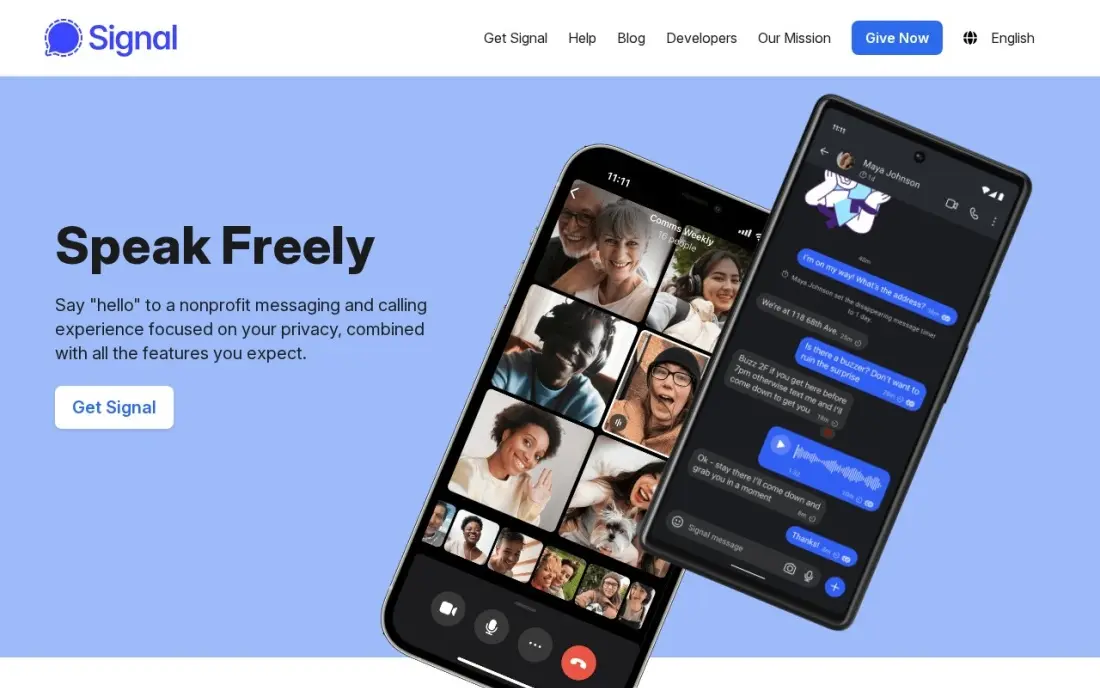
Signal is the first privacy app most people should install. Every message, call and group chat is end-to-end encrypted by default, with nothing to switch on, and the app is run by a nonprofit on donations, with open-source code and no ads, tracking or data selling. Disappearing messages and sealed sender limit what is left behind, and you can now chat with a username instead of sharing your phone number.
It is free with every feature included. The trade-off is reach: far fewer people use Signal than WhatsApp or Telegram, so you may need to ask friends to join, and desktop use requires linking your phone. There are no channels, bots or business tools. For private conversations, nothing on this list does more for $0.
What we like
- End-to-end encryption is on by default for every message, call and group — there is nothing to switch on
- A nonprofit with open-source code and no ads, tracking or data selling
- You can now chat with a username instead of sharing your phone number
- Disappearing messages, sealed sender and no cloud backups of message content
Watch out for
- Far fewer contacts use it than WhatsApp or Telegram, so you may be messaging into an empty room
- No cloud backup or multi-device sync as smooth as Telegram's — desktop needs your phone linked
- Few extras: no channels, no bots and no business tools
Proton Mail
Best for: People who want a private inbox with a free plan and a wider privacy suite behind it
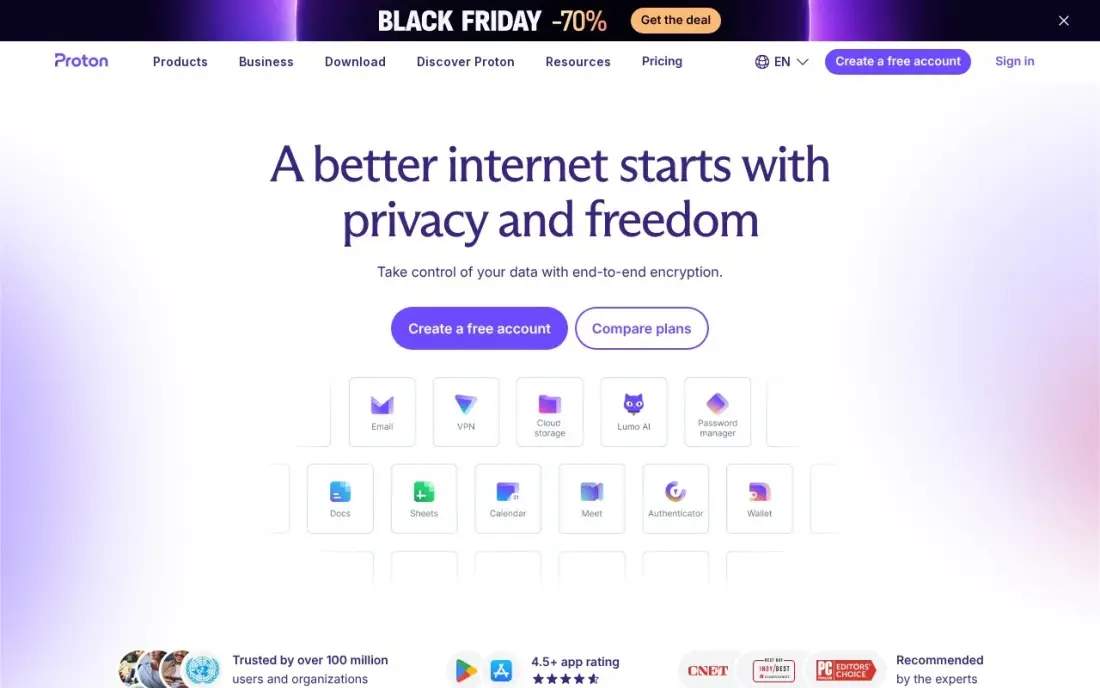
Proton Mail moves your email to a provider that cannot read it: messages between Proton users are end-to-end encrypted, and you can send password-protected mail to anyone else. It runs under Swiss jurisdiction with open-source, independently audited apps, and the free plan uses the same encryption as paid plans with 1 GB of storage and one address.
Mail Plus costs $4.99 a month billed monthly, or $3.99 billed annually, and adds custom domains, 10 addresses and Bridge for desktop mail apps. Subject lines are not end-to-end encrypted and search is limited on encrypted mail, so it takes some adjustment after Gmail. Start on the free plan and move your most sensitive accounts first.
What we like
- End-to-end encryption between Proton users, with password-protected mail to anyone else
- A real free plan with the same encryption as paid plans, plus VPN, Drive and Pass in the wider suite
- Custom domains, 10 addresses and Bridge for desktop mail apps on Mail Plus
- Swiss jurisdiction and open-source apps, independently audited
Watch out for
- Subjects are not end-to-end encrypted, and search is limited on encrypted mail
- Custom domains and Bridge need a paid plan; the free plan caps at 1 GB
- Business mail costs extra: Mail Essentials is $6.99 per user a month billed annually
Bitwarden
Best for: People who want a free, open-source password manager with no device limits
A password manager is the privacy app with the biggest everyday payoff, because reused passwords are how most accounts get taken over. Bitwarden's free plan is a real product: unlimited passwords on unlimited devices, with sync, for $0 and no time limit. The clients and server are open source, so the code can be inspected by anyone.
Premium costs $19.80 a year, or $1.65 a month billed annually, and adds a built-in authenticator, vault health reports and 5 GB of file storage; that is nearly double the old $10 price still shown in some directories. Families covers six people for $47.88 a year. The interface is plainer than 1Password's, but for most people the free plan is enough.
What we like
- The only free plan here with unlimited passwords on unlimited devices, with no time limit
- Open-source clients and server, with a self-hosted option on the Teams and Enterprise plans
- Premium at $19.80 a year adds a built-in authenticator, vault health reports and 5 GB of file storage
- Families covers six people for $47.88 a year — $7.98 per person for the full Premium feature set
Watch out for
- Premium nearly doubled in early 2026, from $10 a year to $19.80 — the old price still appears in directories
- The interface is functional rather than polished, and setup takes more clicks than 1Password
- Premium is annual-only; there is no month-to-month option for the paid personal plan
1Password
Best for: Individuals and families who want the most polished password vault and breach alerts
1Password is the polished alternative to Bitwarden. Every account gets a Secret Key stored on your device in addition to the master password, so a leaked password alone cannot open the vault, and Watchtower flags weak, reused and breached passwords. Travel Mode removes sensitive vaults from your devices when crossing borders, and apps cover every major platform and browser, with passkeys.
There is no free plan, only a 14-day trial. Individual costs $2.99 a month billed annually for the first year, $35.88, then renews at $3.99 a month, and month-to-month billing is $7.99. If you want the smoothest setup for a household that is new to password managers, the extra cost over Bitwarden buys real ease of use.
What we like
- A Secret Key on top of the master password, so a stolen password alone cannot open the vault
- Watchtower flags weak, reused and breached passwords and watches for data breaches continuously
- Travel Mode removes sensitive vaults from devices when crossing borders, then restores them
- Apps and extensions for Windows, macOS, Linux, iOS, Android and every major browser, plus passkeys
Watch out for
- No free plan — only a 14-day trial before the subscription starts
- The $2.99 headline price is the first year only; it renews at $3.99 a month
- No monthly billing discount — the monthly rate is $7.99 if you pay month to month
DuckDuckGo Email Protection
Best for: Anyone who wants free email aliases that strip trackers before mail reaches the inbox
DuckDuckGo Email Protection hides your real address from shops, newsletters and sign-up forms. You get one personal @duck.com address plus unlimited random private addresses, each of which can be switched off on its own, and known email trackers are stripped from forwarded mail before it reaches Gmail, Outlook, Apple Mail or Proton.
It is completely free, with no paid tier. The limits follow from that: there are no custom domains, so every alias ends in @duck.com, and aliases are managed inside the DuckDuckGo browser or extension rather than a dashboard. As a free way to stop spam and tracking at the source, it pairs well with any inbox on this list.
What we like
- Completely free with unlimited private @duck.com aliases and no paid tier at all
- Strips known email trackers from forwarded mail before it reaches your inbox
- Works with any existing inbox — Gmail, Outlook, Apple Mail or Proton
- One personal Duck Address plus unlimited random private addresses, each switchable off alone
Watch out for
- No custom domains — every alias ends in @duck.com, which you do not own
- No dashboard for managing aliases; you manage them inside the DuckDuckGo browser or extension
- No paid tier, so there is no upgrade path if you later want a custom domain or an API
Proton VPN
Best for: People who want a trustworthy free VPN with a paid upgrade for more servers and devices
Proton VPN has a genuinely useful free plan: unlimited data, a kill switch, DNS and IPv6 leak protection and strong encryption, on servers in 10 countries. The catches are one connection at a time and a server country assigned at random, which is fine for public Wi-Fi but limiting for anything else.
VPN Plus opens 20,000+ servers in 140+ countries, speeds up to 10 Gbit/s, up to 10 devices at once and NetShield, which blocks ads, malware and trackers. It costs $9.99 a month on monthly billing, $3.99 a month on the 1-year plan, $47.88, or $3.49 on the 2-year plan, with a 30-day money-back guarantee.
What we like
- A free plan with unlimited data, a kill switch and leak protection, in 10 server countries
- VPN Plus covers 20,000+ servers in 140+ countries and up to 10 devices at once
- NetShield on Plus blocks ads, malware and tracker scripts at the DNS level
- 30-day money-back guarantee on paid plans
Watch out for
- The free plan allows one connection and assigns a server country at random
- Monthly billing on Plus costs $9.99, well above the $3.99 1-year rate
- Only one Proton Plus subscription per account, so VPN Plus and Mail Plus need the Unlimited bundle
Mullvad VPN
Best for: Privacy-first users who want a flat-price VPN they can pay for anonymously
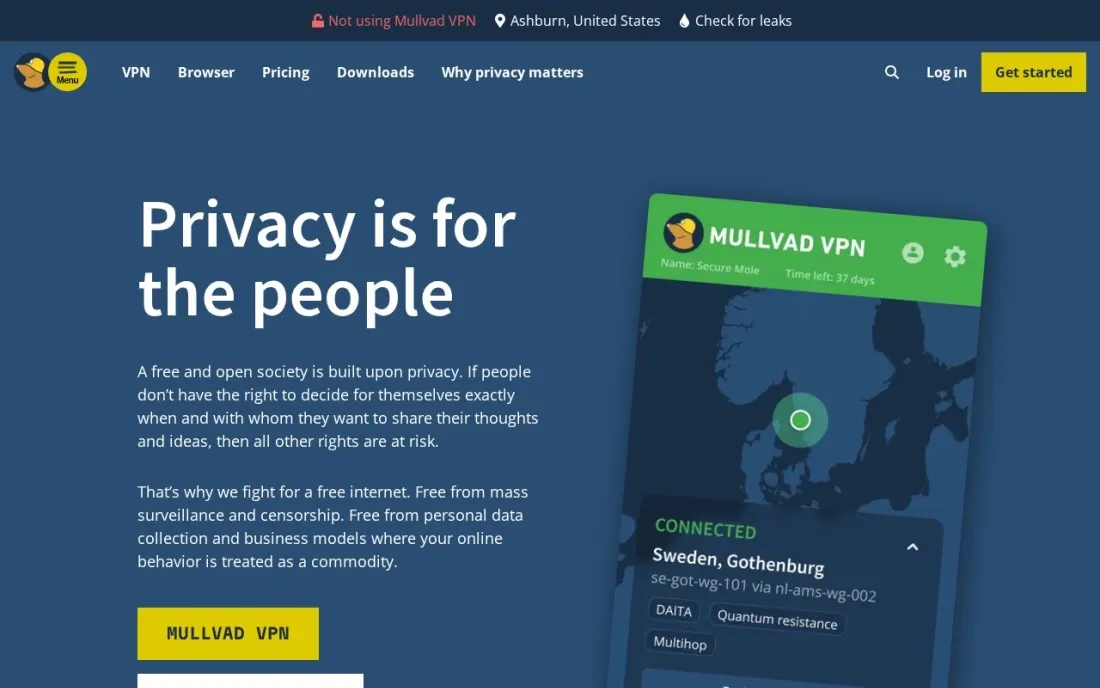
Mullvad is the VPN for people who want to share as little as possible with the VPN company itself. You create an account with one click and get an account number straight away, and you can pay by mailing cash in an envelope with a payment token, or by Bitcoin, Bitcoin Cash or Monero at a 10% discount, as well as by card, PayPal or bank transfer.
The pricing is the simplest here: €5 a month including VAT, the same rate whether you buy one month or a decade, for up to 5 devices. There is no free plan, by design, and no trial, but a 14-day money-back guarantee applies except on cash payments. Choose Mullvad when anonymity matters more than a low long-term rate.
What we like
- One flat price of €5 a month including VAT, with no long-term plans or renewal jumps
- One-click account creation that gives you an account number straight away
- Pay by cash in the post, Bitcoin, Bitcoin Cash or Monero, with 10% off for crypto
Watch out for
- No free plan and no free trial
- Up to 5 devices, fewer than Proton VPN Plus
- Cash payments are excluded from the 14-day money-back guarantee
Incogni
Best for: People who want their personal data removed from data brokers and people-search sites
Incogni deals with the privacy problem the other apps cannot: data about you that is already out there. It sends removal requests to more than 420 data brokers on your behalf, so you do not have to find and file each opt-out form yourself, one broker at a time. Unlimited adds custom removals from specific sites you point it at.
Standard costs $7.99 a month billed annually, $95.88 a year, against $15.98 a month on monthly billing, and Unlimited costs $14.99 a month billed annually. Family plans cover several people. There is no free plan, but every plan has a 30-day money-back guarantee. It is worth it for anyone who has been doxxed, stalked or flooded with spam calls.
What we like
- Sends removal requests to 420+ data brokers on every plan
- Unlimited adds custom removals from sites you choose
- Family plans cover several members, and every plan has a 30-day money-back guarantee
Watch out for
- No free plan or free trial
- Monthly billing costs $15.98 a month, about double the annual rate
- Custom removals need Unlimited at $14.99 a month billed annually
The best privacy apps cut down what companies, networks and strangers can learn about you: who you talk to, what you read, which passwords you reuse and where your address is listed. We compared eight apps that each cover one part of that job, from encrypted messaging and email to password managers, email aliases, VPNs and data broker removal. Every price below was checked on the vendor's own pricing page, or a page citing it, in November 2026.
How to choose the best privacy apps
- Start with the biggest risk. For most people that is reused passwords and personal data on people-search sites, not government surveillance.
- Prefer privacy by default. Apps that encrypt everything automatically, like Signal, protect you even when you forget to switch something on.
- Check who runs the service. Nonprofit, open-source and independently audited apps give you more to verify than a marketing claim.
- Read the renewal price. Many privacy apps advertise a first-year or multi-year rate; compare the monthly price you will pay after that.
- Use free plans first. Most of this list has a useful free tier, so you can build the habit before paying.
- Cover each job once. One messenger, one password manager, one VPN; overlapping apps add cost without adding protection.
Privacy apps protect you as a person; a business website has its own privacy and trust signals to get right. If you run a site, our SEO audit service checks those technical basics, and the free robots.txt tester shows which private pages search engines can still crawl.
Privacy apps pricing: what you will actually pay
A free privacy stack costs $0: Signal for messages, Proton Mail Free with 1 GB and one address, Bitwarden Free with unlimited passwords, DuckDuckGo Email Protection for unlimited aliases and Proton VPN Free with unlimited data on servers in 10 countries. That covers most of what an ordinary person needs.
A paid setup for one person might add Bitwarden Premium at $19.80 a year, Proton VPN Plus at $47.88 on the 1-year plan, which is $3.99 a month against $9.99 on monthly billing, and Incogni Standard at $95.88 a year billed annually. That totals $163.56 a year. Swap Bitwarden for 1Password and the first year costs $35.88, then $3.99 a month after renewal. Swap Proton VPN for Mullvad and the VPN costs €5 a month, or €60 a year, with no discount for paying ahead.
Know the difference: privacy apps vs data privacy software
Privacy apps protect an individual. They encrypt your messages and email, store unique passwords, hide your address behind aliases, shield your traffic on public Wi-Fi and ask data brokers to delete your records. Everything in this list is built for a person or a family, and most of it is free or costs a few dollars a month.
Data privacy software is a business category. It helps a company map the personal data it holds, collect cookie consent, answer data subject access requests and show compliance with GDPR or CCPA. If you searched for data privacy software for an organisation, the tools you need are consent and compliance platforms, not consumer apps; if you want to protect yourself, start with the list above.
Quick comparison: tool type by need
| Buyer | Best pick | Why |
|---|---|---|
| Private messaging | Signal | End-to-end encryption by default, free, nonprofit |
| Private email | Proton Mail | Encrypted inbox, free plan, Mail Plus $3.99/month billed annually |
| Free password manager | Bitwarden | Unlimited passwords and devices free, Premium $19.80/year |
| Polished password manager | 1Password | Secret Key and Watchtower, $2.99/month first year |
| Email aliases | DuckDuckGo Email Protection | Unlimited @duck.com aliases with tracker stripping, free |
| Free VPN | Proton VPN | Free plan with unlimited data, Plus $3.99/month on 1-year plan |
| Anonymous VPN | Mullvad VPN | €5/month flat, cash and crypto accepted |
| Data broker removal | Incogni | 420+ brokers, from $7.99/month billed annually |
Mistakes to avoid
- Trusting a free VPN you know nothing about. A free VPN sees all your traffic; choose one from a company with a paid business and a published no-logs policy, like Proton VPN.
- Reusing passwords inside a password manager. The app only helps if you replace old reused passwords with unique ones.
- Ignoring the data already out there. Encryption protects new data; removal services and opt-outs deal with records brokers already hold.
- Paying monthly for a VPN you keep for years. Proton VPN Plus costs $9.99 a month on monthly billing against $3.99 on the 1-year plan.
- Installing too many overlapping apps. Several VPNs or password managers add confusion, not protection.
Related comparisons: Zero Trust Platforms · Web Security Software · Phishing Software Tools · Firewall Security Software
How we chose
We read the pricing pages of Mullvad and Incogni, Proton's plans page and a Proton VPN pricing breakdown on 16 November 2026, and used pricing checked in November 2026 for the other apps, recording prices exactly as shown with the billing period. We picked one or two apps for each privacy job and ranked them by protection per dollar for an ordinary person or family. Ratings come from G2 pages checked on the dates shown in the sources; where we did not read a review page, we list no rating. No vendor paid for a place in this list, and none of the links here are affiliate links.
What to do next
This week, install Signal, set up Bitwarden's free plan and change the passwords on your email and bank accounts first. Then search your own name and address to see what people-search sites show. If you run a business and want its website checked as well, book a free review.
Frequently asked questions
What are the best privacy apps?
The best privacy apps by job are Signal for messaging, Proton Mail for email, Bitwarden or 1Password for passwords, DuckDuckGo Email Protection for email aliases, Proton VPN or Mullvad for a VPN, and Incogni for removing your data from data brokers.
What are the best free privacy apps?
Signal and DuckDuckGo Email Protection are completely free. Proton Mail has a free plan with 1 GB and one address, Bitwarden's free plan covers unlimited passwords on unlimited devices, and Proton VPN's free plan includes unlimited data on servers in 10 countries.
Do I need a VPN for privacy?
A VPN hides your browsing from the Wi-Fi network and your internet provider, which matters most on public Wi-Fi. It does not stop websites tracking you once you sign in, so it works alongside a password manager, email aliases and a private browser rather than replacing them.
How much does a privacy app setup cost?
A free setup costs $0 with Signal, Proton Mail Free, Bitwarden Free, DuckDuckGo Email Protection and Proton VPN Free. A paid setup with Bitwarden Premium at $19.80 a year, Proton VPN Plus at $47.88 on the 1-year plan and Incogni Standard at $95.88 a year costs about $164 a year.
What is the difference between privacy apps and data privacy software?
Privacy apps protect an individual's messages, passwords, browsing and personal data. Data privacy software is a business category for managing consent, data subject requests and compliance with laws such as GDPR and CCPA. This guide covers privacy apps for individuals and families.
Does deleting data from brokers actually work?
It reduces what people-search sites show, but brokers often re-add records, so removal is an ongoing job rather than a one-off. Incogni sends requests to 420+ brokers for you; you can also file free opt-outs yourself, one site at a time.
What is the most private chat app?
Signal is the most private chat app in this list. End-to-end encryption is on by default for every message, call and group, so there is nothing to switch on. It is run by a nonprofit with open-source code and no ads, tracking or data selling, it keeps no cloud backups of message content, and you can now chat with a username instead of sharing your phone number.
What privacy apps should I install on my phone?
Cover each job once. Use Signal for messages and calls, Bitwarden for passwords (its free plan covers unlimited passwords on unlimited devices), and Proton VPN's free plan for browsing, with unlimited data and a kill switch. DuckDuckGo Email Protection adds free email aliases that work with Gmail, Outlook or Apple Mail. 1Password is the paid alternative, with apps for iOS and Android.
Sources we checked (11)
- Signal — signal.org (checked November 10, 2026)
- Proton Mail — proton.me/mail/pricing (checked November 6, 2026)
- Proton Mail reviews on G2 (checked November 6, 2026)
- Bitwarden — bitwarden.com/pricing (checked November 12, 2026)
- Bitwarden reviews on G2 (checked November 12, 2026)
- 1Password — 1password.com/pricing (checked November 12, 2026)
- 1Password reviews on G2 (checked November 12, 2026)
- DuckDuckGo Email Protection — duckduckgo.com/email (checked November 5, 2026)
- Proton VPN — www.vpn.com/vpn/protonvpn/pricing (checked November 16, 2026)
- Mullvad VPN — mullvad.net/en/pricing (checked November 16, 2026)
- Incogni — incogni.com/pricing (checked November 16, 2026)
Make one of these tools?
We re-check this list every quarter. Send a correction, request a review, or ask about a clearly labeled sponsored spot.
Request a listingShamim
Founder of SerpAstra
A full-stack digital marketer and SEO strategist covering technical and local SEO, AI search visibility, paid ads and lead generation for local businesses, e-commerce brands and SaaS teams.
Free SEO and AI visibility audit
Find out what is holding your rankings back
Send us your site. Within 2 business days you get a written audit, an AI visibility check and a short fix list ranked by impact. Free, with no contract attached.
Request my free audit→Related buying guides
 IT Security10 Best Cross-Platform Password Managers in 2026, ComparedCompare the 10 best cross-platform password manager options for 2026 on price, free plans and security, with every price checked November 12, 2026.Read guide →
 IT SecurityBest Email Encryption Services for 2026: 12 Providers Ranked by ValueCompare the 12 best email encryption services on price, free plans and encryption models, with every starting price checked November 6, 2026.Read guide →
 Governance, Risk & Compliance10 Best Email Alias Services in 2026: Prices, Pros and Cons ComparedCompare the 10 best email alias service options on price, free plans, custom domains and reply support, with every price checked November 5, 2026.Read guide →