
7 Best Subtitle Software Tools in 2026, Compared
Compare the 7 best subtitle software tools for auto-captions, human subtitles, translation and SRT editing, with free plans and minute limits checked.
 Shamim Mia, Founder, SerpAstraLast verified November 6, 202610 min read
We compare pricing pages, documentation and public reviews. We never accept payment for rankings.
Key takeaways
- Happy Scribe is the best value for subtitle files, with 120 minutes a month on Basic at $8.50 a month billed annually and SRT export on every plan.
- Rev is the pick when captions must be accurate: human captions start at $1.99 a minute, and foreign subtitles start at $6.49 a minute.
- VEED and Kapwing are the easiest way to burn captions into social video in the browser, but watch VEED's 120-minute yearly subtitle cap on Lite.
- Subtitle Edit is free, open source and offline, and it is the tool to fix timing and convert formats once a file exists.
On this page
Quick comparison
| Tool | Best for | Starting price | Free plan |
|---|---|---|---|
| Happy Scribe | Creators and teams who need accurate subtitle files in many formats at a low monthly cost | $8.50/mo annual | Yes (10 minutes once) |
| Rev | Businesses and publishers that need human-checked captions and translated subtitles | Free; human $1.99/min | Yes (45 AI min/month) |
| VEED | Social video creators who want auto-subtitles styled and burned into the video in a browser | $24/mo | Yes (free plan) |
| Kapwing | Teams turning long videos into captioned clips in 100-plus languages | $24/mo | Yes (free plan) |
| Descript | Podcasters and talking-head creators who want captions generated from an editable transcript | $16/mo (annual) | Yes (1 hour/mo) |
| Subtitle Edit | Editors who need a free offline tool to fix subtitle timing and convert formats | Free | Yes (open source) |
| CapCut | Short-form creators adding quick auto-captions to TikTok, Reels and Shorts | $19.99/mo | Yes |
Make one of these tools?
We re-check this list every quarter. Send a correction, request a review, or ask about a clearly labeled sponsored spot.
Request a listingThe best subtitle software

Happy Scribe
Best for: Creators and teams who need accurate subtitle files in many formats at a low monthly cost
Happy Scribe is built around the subtitle file itself. Upload a video, let the AI transcribe it, correct the text in an editor that shows timing, then export to SRT or burn the subtitles into an MP4 without a watermark. AI translation into more than 80 languages is included, so one corrected file can become several language tracks.
Basic costs $17 a month, or $8.50 billed annually, for 120 minutes a month. Pro at $29 a month, or $19 annually, raises that to 600 minutes and adds VTT, STL, XML, FCPXML and EDL. Extra minutes cost $0.20, and human proofreading starts at $2.00 a minute.
What we like
- Basic includes 120 minutes a month with SRT, TXT, PDF and DOCX export and watermark-free burned-in MP4
- AI translation into more than 80 languages on every plan
- Pro adds VTT, STL, XML, FCPXML, EDL and other subtitle formats
Watch out for
- The free plan's 10 minutes are a one-time allowance
- Professional formats such as STL and FCPXML need Pro
- Extra minutes cost $0.20 each on paid plans

Rev
Best for: Businesses and publishers that need human-checked captions and translated subtitles
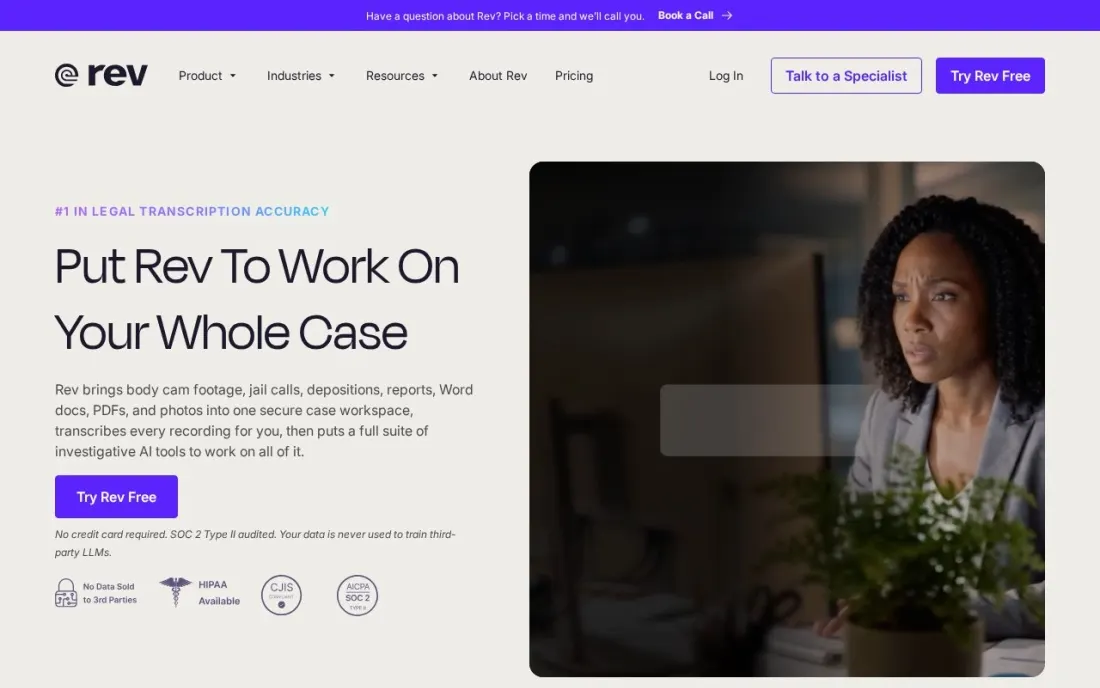
Rev is the choice when a caption error is not acceptable, such as on training, legal or broadcast video. Human captions start at $1.99 a minute, are stated as 99%+ accurate and arrive in 12 hours or less, in English and Spanish. Global subtitles are priced per minute by language, from $6.49 for Spanish and Hindi to $10.49 for French, German and others, and $15.99 for Japanese and Korean.
For AI captions, the free plan gives 45 minutes a month for one user. Essentials costs $29.99 a seat a month, or $25.49 billed annually, with 5,000 AI minutes per user a month and a discount on human work.
What we like
- Human captions from $1.99 a minute, 99%+ accurate, delivered in 12 hours or less
- Global subtitles from $6.49 a minute for Spanish and Hindi
- Essentials includes 5,000 AI caption minutes per user a month
Watch out for
- Human captions cover English and Spanish only
- Japanese and Korean subtitles cost $15.99 a minute
- The free plan is English only, up to 5 files at a time

VEED
Best for: Social video creators who want auto-subtitles styled and burned into the video in a browser
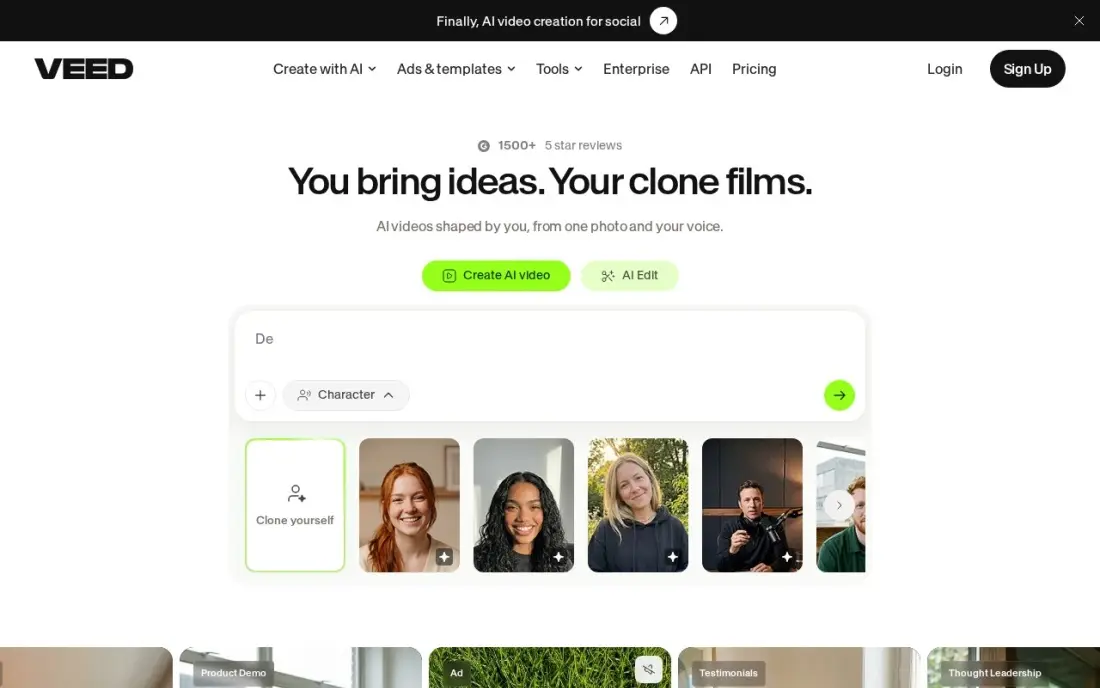
VEED makes captions part of the edit. Automatic subtitles appear on the timeline, you restyle them with fonts and animations, and the export has them burned in, ready for platforms where most viewers watch muted. Pro adds translation into more than 50 languages.
Lite costs $12 a month billed annually, or $24 billed monthly, but includes only 120 subtitle minutes a year, which a weekly publisher can use up within a few months. Free exports are watermarked at 720p. VEED suits creators who want captions and the edit in one place; for bulk subtitle files, a dedicated transcription tool goes further.
What we like
- Automatic subtitles are the core strength, with 120 minutes a year on Lite and translation in 50-plus languages on Pro
- Lite costs $12 a month billed annually, half the monthly-billing price
- The browser editor needs no install, and stock audio and video are included on paid plans
- Eye Contact AI and Clean Audio fix the two most common talking-head problems in one click
Watch out for
- Subtitling minutes are capped per year — 120 minutes on Lite runs out fast for weekly publishers
- Monthly billing doubles the price: Lite is $24 a month monthly against $12 billed annually
- Free exports are watermarked at 720p, and 4K export waits for the Pro plan

Kapwing
Best for: Teams turning long videos into captioned clips in 100-plus languages
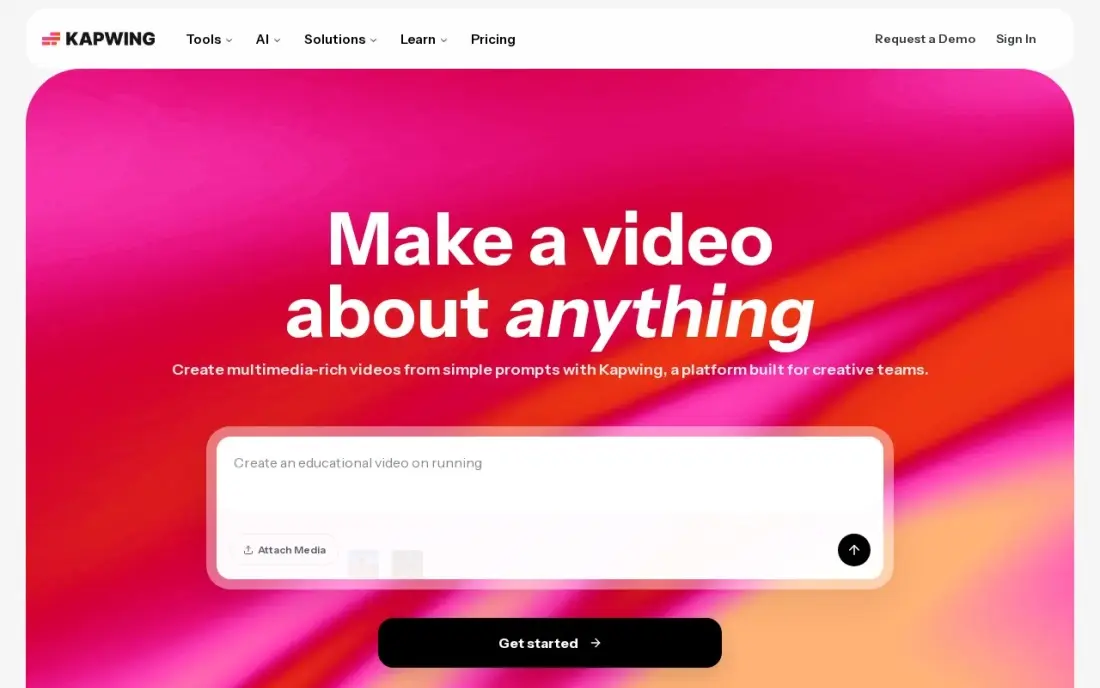
Kapwing generates auto-captions in more than 100 languages, with translation and dubbing on the same timeline, and its Smart Cut and Repurpose tools turn one long video into captioned clips for Shorts and Reels. Workspaces let a team share projects and a brand kit, so caption styles stay consistent across editors.
Pro costs $16 a member a month billed annually, or $24 monthly, with 1,000 AI credits a month that do not roll over and cannot be topped up on Pro. Free exports are watermarked, capped at 720p and four minutes, and projects are kept for three days.
What we like
- Auto-captions in 100-plus languages with translation and dubbing built into the same timeline
- Smart Cut and Repurpose turn one long video into clips for Shorts with almost no manual work
- The browser editor runs anywhere, and workspaces let a team share projects and a brand kit
- The free plan includes 10 AI credits and the full editor, so you can test it properly before paying
Watch out for
- Pro is priced per member, so a second editor doubles the bill
- The 1,000 monthly AI credits do not roll over, and you cannot buy more on Pro
- Free exports are watermarked, capped at 720p and four minutes, and projects are stored for only three days

Descript
Best for: Podcasters and talking-head creators who want captions generated from an editable transcript
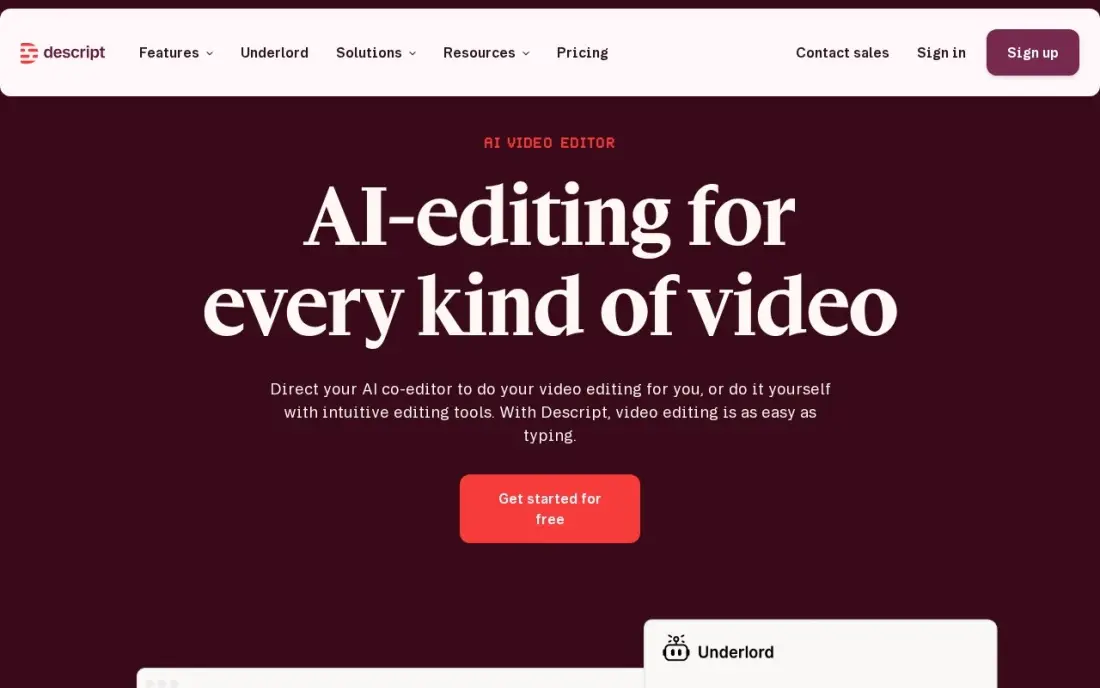
Descript starts with the transcript. Every recording is transcribed, you edit the text to edit the video, and the same corrected transcript drives the captions, so fixing a word once fixes it everywhere. Studio Sound and filler-word removal clean up the audio in the same project.
The free plan gives one media hour a month at 720p. Hobbyist costs $24 a person a month billed monthly, or $16 billed annually, for 10 media hours, and Creator at $24 a month billed annually gives 30 hours and 4K export. It is most useful when captions are a by-product of editing rather than the only job.
What we like
- Text-based editing: delete a word in the transcript and the video and audio follow
- Studio Sound, filler-word removal and Overdub clean up recordings without a separate audio tool
- Rated 4.6/5 on G2 from 936 reviews, with easy editing the most cited strength
Watch out for
- Hobbyist covers only 10 media hours a month, and the two meters (hours plus AI credits) confuse new buyers
- The app can feel slow or glitchy on large projects, per G2 reviewers
- Creator at $24/month billed annually is the practical entry for serious creators, not Hobbyist

Subtitle Edit
Best for: Editors who need a free offline tool to fix subtitle timing and convert formats
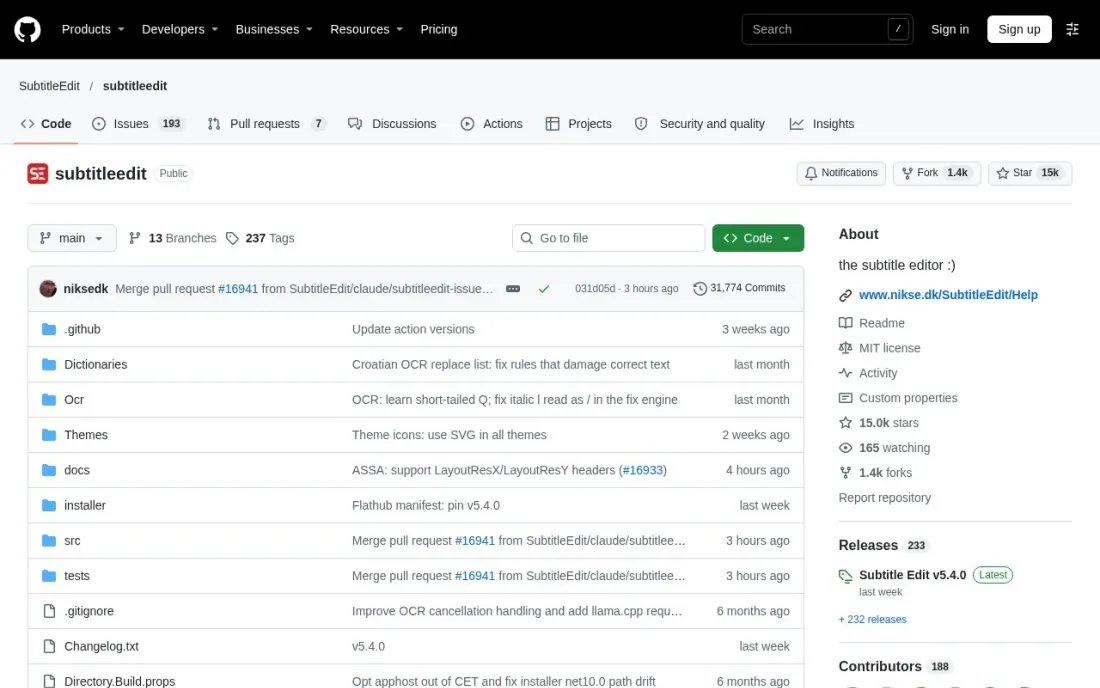
Subtitle Edit is the free workbench for subtitle files. It is open source under the MIT licence, runs offline on Windows, macOS and Linux, and lets you edit, retime and convert subtitles while playing the video, with local auto-backup so a long session is not lost. It is the tool to reach for when an AI file has drifted out of sync or a client needs a different format.
Optional third-party services add speech-to-text, translation and OCR, but the core editor needs no account and no payment. The interface is built for editors, so casual creators may prefer a browser tool.
What we like
- Free and open source under the MIT licence, with no account
- Runs offline on Windows, macOS and Linux
- Edits and converts subtitle files with video playback and local auto-backup
Watch out for
- Speech-to-text and translation rely on optional third-party services
- Newer Windows 10 or macOS 12 or later required
- A technical interface aimed at editors rather than casual creators

CapCut
Best for: Short-form creators adding quick auto-captions to TikTok, Reels and Shorts
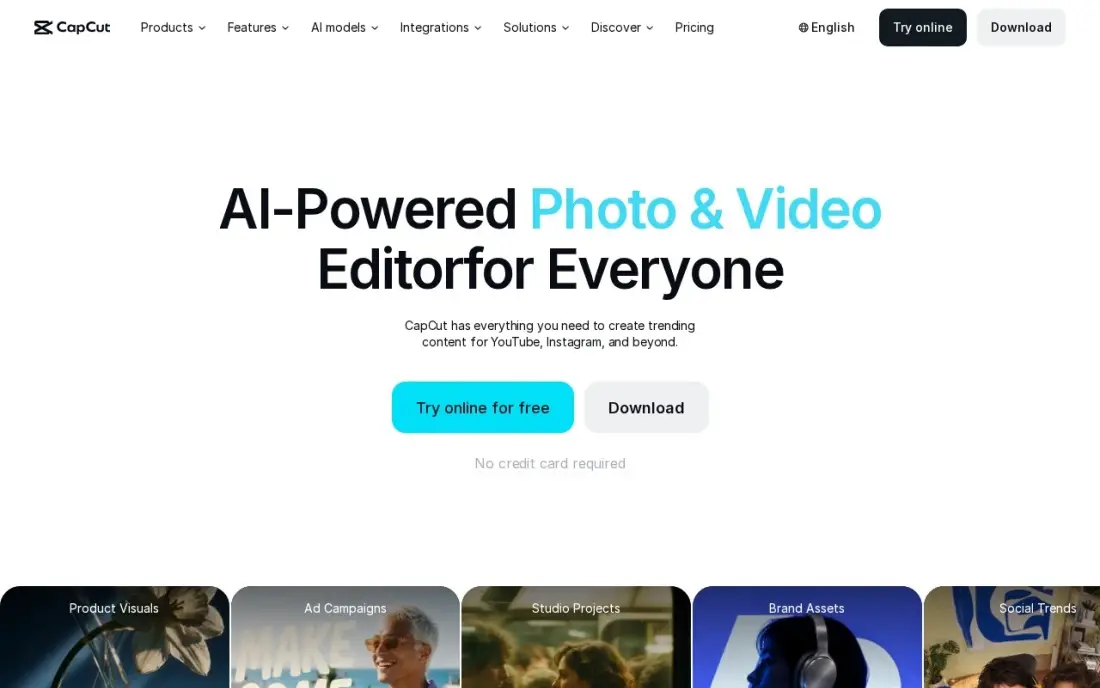
CapCut's auto-captions are one tap away inside an editor built for short vertical video, with templates, effects and a music library alongside. The free plan covers the core editor, so many creators caption their Reels without paying at all.
Pro costs $19.99 a month or $179.99 a year and adds 4K export at 60fps, 1 TB of storage and about 1,200 AI credits a month. CapCut publishes no fixed global price, so checkout can differ by region and device, and Trustpilot scores it 1.2 out of 5, mostly over billing. Captions are fine for social clips but not for exporting clean subtitle files.
What we like
- Fastest path from phone footage to a finished Reel: templates, auto-captions, effects and a music library built for short video
- Pro adds 4K export at 60fps with HDR, 1 TB of cloud storage and about 1,200 AI credits a month
- Free plan covers the core editor, so you can test the workflow before paying
Watch out for
- No G2 rating is published, and Trustpilot scores it 1.2 out of 5, mostly over billing and paywalls
- CapCut publishes no fixed global price, so the figure at your checkout can differ by region, device and promotion
- Features keep moving from free to paid, and the free plan caps exports at 1080p
The best subtitle software turns speech into accurate, well-timed text and gets it into the format your platform needs, whether that is an SRT file for YouTube or captions burned into a Reel. We compared seven tools across AI transcription services, human captioning, browser video editors and a free offline editor, on accuracy options, minute limits, export formats and real cost, with every price checked on the vendor's own pricing page in November 2026.
How to choose the best subtitle software
- Decide on files or burned-in captions. Platforms like YouTube take SRT or VTT files; social apps need captions burned into the video.
- Count your minutes. Plans cap AI minutes per month or per year, and a weekly publisher can use up a yearly cap within months.
- Match accuracy to the stakes. AI captions are fine for social clips; training, legal and broadcast video often need a human pass.
- Check the export formats. SRT and VTT cover most web use; editors and broadcasters may need STL, XML or FCPXML.
- Look at translation. If you publish in several languages, compare AI translation against per-minute human subtitles.
- Keep a timing fixer. Even good AI files drift; a dedicated editor makes retiming quick.
Subtitles also give search engines a full transcript of your video. Our video SEO guide covers how to use caption files and transcripts to rank videos, and our AI search optimization service helps your video content get cited in AI answers.
Which subtitle software fits your situation
A YouTuber publishing an hour or two of video a month. Happy Scribe Basic fits, with 120 minutes a month for $8.50 billed annually, SRT export and AI translation into more than 80 languages on every plan. Correct the transcript once, then export the file and any translations from it. If an editor or broadcaster asks for STL or FCPXML, that needs Pro.
A company captioning training, legal or course video. Rev's human captions start at $1.99 a minute, are stated as 99%+ accurate and arrive in 12 hours or less, in English and Spanish. Translated subtitles are priced per minute by language, from $6.49 for Spanish and Hindi up to $15.99 for Japanese and Korean, so get a per-language total before you commit.
A social creator who wants styled captions burned into every clip. CapCut's free plan adds one-tap captions to TikTok and Reels. VEED and Kapwing do the same in a browser with more control: VEED Lite costs $12 a month billed annually but caps subtitles at 120 minutes a year, while Kapwing Pro at $16 a member billed annually covers 100-plus languages and turns long videos into clips. Neither is built for exporting clean subtitle files in bulk.
A podcaster or talking-head creator who edits in the transcript. Descript makes captions a by-product of editing: fix a word in the transcript once and the captions follow. The free plan covers one media hour a month, and Hobbyist at $16 a month billed annually covers 10 hours.
An editor fixing files that already exist. Subtitle Edit is free, open source and offline on Windows, macOS and Linux, and it retimes and converts subtitles while playing the video. Keep it alongside whichever AI tool you choose, because even good AI files drift out of sync.
Subtitle software pricing: what you will actually pay
Take a creator publishing four 15-minute videos a month, so 60 minutes of speech. On Happy Scribe Basic at $8.50 a month billed annually, that is $102 a year with room for 120 minutes a month; billed monthly at $17, it is $204. Rev Essentials covers it within 5,000 AI minutes for $305.90 a year at $25.49 billed annually, or $359.88 at $29.99 monthly.
The same 60 minutes is 720 minutes a year, far beyond VEED Lite's 120 subtitle minutes a year at $12 a month billed annually, so VEED fits only light caption use on that plan. Kapwing Pro at $16 a member billed annually costs $192 a year, and Descript Hobbyist at $16 billed annually costs $192 for 10 media hours a month.
Human accuracy changes the maths. Rev human captions at $1.99 a minute cost $119.40 a month for 60 minutes, or $1,432.80 a year, and translating that into French at $10.49 a minute adds $629.40 a month. Subtitle Edit costs nothing for fixing and converting the files you already have.
Know the difference: AI subtitles vs human subtitles
AI subtitles are fast and cheap. Happy Scribe, Rev's AI plans, VEED, Kapwing, Descript and CapCut all transcribe in minutes, and quality is good for clear speech in common languages. They stumble on names, jargon, accents and overlapping voices, so someone should still read every file before it goes live.
Human subtitles cost more per minute but arrive checked. Rev's human captions are stated as 99%+ accurate within 12 hours, and its global subtitles are translated by people rather than machines. Use human work where an error has a cost — compliance training, legal content, paid courses or broadcast — and AI plus a quick human review everywhere else.
Quick comparison: tool type by need
| Buyer | Best pick | Why |
|---|---|---|
| Subtitle files on a budget | Happy Scribe | 120 minutes/month for $8.50/month billed annually |
| Human-accurate captions | Rev | Human captions from $1.99/minute in 12 hours or less |
| Styled social captions | VEED | Burned-in auto-subtitles; Lite $12/month billed annually |
| Captioned clips for teams | Kapwing | Auto-captions in 100-plus languages; Pro $16/member annual |
| Podcasts and talking heads | Descript | Captions from an editable transcript; free 1 hour/month |
| Fixing timing and formats | Subtitle Edit | Free, open source and offline |
| TikTok and Reels | CapCut | One-tap auto-captions on the free plan |
Mistakes to avoid
- Publishing AI captions unread. One wrong product name or swear-word mishearing undoes the benefit; review every file.
- Burning captions into YouTube videos only. A separate caption file lets viewers turn them off and gives the platform text to index.
- Ignoring yearly caps. A 120-minute yearly allowance looks fine until month three; size the plan on a year of output.
- Breaking reading speed. Lines that flash by too fast are useless; keep two short lines per caption and check the timing.
- Translating from an uncorrected file. Fix the source-language transcript first, or every translation inherits its errors.
Related comparisons: Slideshow Software · Tools for Creating SaaS Product Demo Videos · Text to Video Software · Video Platforms for Enterprises
How we chose
We read each vendor's own pricing page in November 2026, or the project page for the open-source tool, and recorded starting prices exactly as shown, including monthly and annual billing. We judged each tool on caption accuracy options, minute allowances, export formats, translation and total cost for a creator publishing about an hour of video a month. Ratings come from G2 or Trustpilot pages checked on the dates shown in the sources, and we omit ratings we did not verify. No vendor paid for a place in this list, and none of the links here are affiliate links.
What to do next
Take one finished video, run it through the free tier of two tools from this list and count the corrections each file needs. Keep the one that needs fewer fixes. If you want those captioned videos to bring in search traffic, book a free call about video SEO.
Frequently asked questions
What is the best subtitle software?
Happy Scribe is the best all-round subtitle software for files, with 120 minutes a month on Basic at $8.50 billed annually. Rev is best for human-accurate captions from $1.99 a minute, VEED and Kapwing for captioned social video and Subtitle Edit as a free offline editor.
Is there free subtitle software?
Yes. Subtitle Edit is free and open source. Rev's free plan includes 45 AI caption minutes a month, Happy Scribe gives 10 one-time free minutes, Descript's free plan covers one media hour a month and CapCut's free plan includes auto-captions.
How much do human subtitles cost?
Rev's human captions start at $1.99 a minute in English and Spanish. Its translated global subtitles cost $6.49 a minute for Spanish and Hindi, $10.49 for languages such as French and German, and $15.99 for Japanese and Korean.
What is the difference between captions and subtitles?
Captions transcribe the spoken audio, often including sound cues, in the same language for viewers who cannot hear it. Subtitles usually translate the dialogue into another language. Most tools here produce both from the same transcript.
Should I burn subtitles into the video or upload an SRT file?
Upload an SRT or VTT file to YouTube and most players so viewers can switch captions on or off and search engines can read the text. Burn captions in for social platforms where most people watch muted. Happy Scribe exports both, and VEED and Kapwing focus on burned-in captions.
Do subtitles help video SEO?
They help search engines and viewers understand the video. An accurate caption file gives platforms a full transcript to index, and the same text can become a written summary on the page that hosts the video.
What is the best subtitle software for Mac and PC?
Subtitle Edit is the best free desktop editor: it is open source and runs offline on Windows, macOS and Linux, for editing, retiming and converting subtitle files. For AI captions without installing anything, VEED and Kapwing run in the browser on any computer and burn styled captions into the video. Descript suits podcasters who want captions driven by an editable transcript.
Sources we checked (10)
- Happy Scribe — www.happyscribe.com/pricing (checked November 16, 2026)
- Rev — www.rev.com/pricing (checked November 16, 2026)
- VEED — www.veed.io/pricing (checked November 6, 2026)
- VEED reviews on G2 (checked November 6, 2026)
- Kapwing — www.kapwing.com/pricing (checked November 6, 2026)
- Kapwing reviews on G2 (checked November 6, 2026)
- Descript — www.descript.com/pricing (checked November 10, 2026)
- Descript reviews on G2 (checked November 10, 2026)
- Subtitle Edit — github.com/SubtitleEdit/subtitleedit (checked November 16, 2026)
- CapCut — www.capcut.com/pricing (checked November 10, 2026)
Make one of these tools?
We re-check this list every quarter. Send a correction, request a review, or ask about a clearly labeled sponsored spot.
Request a listingShamim
Founder of SerpAstra
A full-stack digital marketer and SEO strategist covering technical and local SEO, AI search visibility, paid ads and lead generation for local businesses, e-commerce brands and SaaS teams.
Free SEO and AI visibility audit
Find out what is holding your rankings back
Send us your site. Within 2 business days you get a written audit, an AI visibility check and a short fix list ranked by impact. Free, with no contract attached.
Request my free audit→Related buying guides
 Video Editing & Streaming10 Best Video Editing Software for YouTube Beginners in 2026, ComparedCompare the 10 best video editing software for youtube beginners on price, free plans, 4K export and AI tools, with every price checked November 6, 2026.Read guide →
 Video Editing & Streaming11 Best Software to Edit YouTube Videos in 2026, ComparedCompare the 11 best software to edit youtube videos on price, free plans, AI features and export quality, with every price checked November 6, 2026.Read guide →
 Marketing12 Best Software for Content Creation in 2026, Compared12 best software for content creation compared with real 2026 prices, free plans and G2 ratings, sorted by what you make: writing, design, video or publishing.Read guide →