
7 Best Resource Planning Software in 2026, Compared
Compare the 7 best resource planning software on capacity views, seat minimums, utilization and real per-person cost, with every price checked on vendor pages.
 Shamim Mia, Founder, SerpAstraLast verified November 4, 20268 min read
We compare pricing pages, documentation and public reviews. We never accept payment for rankings.

Key takeaways
- Resource Guru is the cheapest way to see who is booked when, at $5 a person a month billed annually, and Float is the clearest live capacity view at $7 per scheduled person.
- Runn is the pick when utilization and project cost matter as much as the schedule, but every plan carries a 20-seat minimum.
- Productive, Scoro and Forecast put resourcing next to budgets and invoices; they cost more because they replace more than a schedule.
- Seat minimums change the real price more than list rates: Runn starts at 20 seats, Forecast at 10, Scoro at 5 and Productive at 3.
On this page
Quick comparison
| Tool | Best for | Starting price | Free plan |
|---|---|---|---|
| Float | Agencies and delivery teams of 5 to 50 who want a live view of who is overbooked | $7/person/mo (annual) | No (30-day trial) |
| Resource Guru | Service teams that book people, rooms and equipment by the day on a small budget | $5/person/mo (annual) | No (30-day trial) |
| Runn | Consultancies and IT services firms of 20 or more that tie utilization to project cost | $7/resource/mo (annual) | No (30-day trial) |
| Productive | Agencies that want resource planning, budgets and cost rates in one tool | $9/user/mo (annual) | No (14-day trial) |
| Scoro | Professional-services firms that want capacity next to quotes, time and invoices | $26/user/mo (annual) | No (14-day trial) |
| Teamwork.com | Client-services agencies that want workload planning beside retainers and billable time | Accelerate $24.99/user/mo (annual) | Yes (up to 5 users) |
| Forecast | Professional-services firms of 10 to 100 that want AI scheduling, budgets and time in one suite | $29/seat/mo (annual) | No (14-day trial) |
Make one of these tools?
We re-check this list every quarter. Send a correction, request a review, or ask about a clearly labeled sponsored spot.
Request a listingThe best resource planning software

Float
Best for: Agencies and delivery teams of 5 to 50 who want a live view of who is overbooked
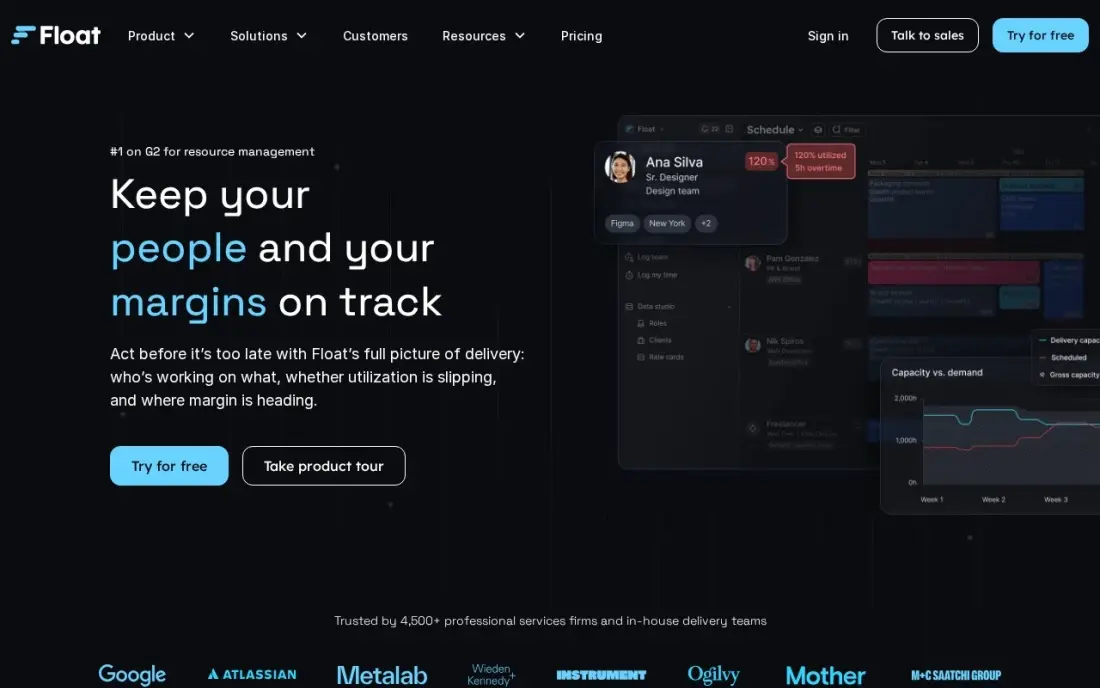
Float is resource planning with nothing in the way: each person has a capacity line, and the hours turn red the moment you book someone past it. Time off, public holidays and project scoping are built into the Starter plan, which costs $7 per scheduled person a month billed annually, or $8.50 monthly. People who only view the schedule are not billed.
Float does not manage tasks, so most teams run it beside a project tool, and time tracking with advanced reporting needs Pro at $12 a person a month. There is no free plan, only a 30-day trial. On G2 it holds 4.2 out of 5 from more than 2,200 reviews, the largest review base in this list.
What we like
- Live capacity bars show overbooking the moment you assign work
- Only scheduled people are billed, so viewers and guests cost nothing
- Time-off, holidays and project scoping are built in, not add-ons
Watch out for
- No task management, so most teams pair it with a second tool
- Time tracking and advanced reporting need Pro at $12 a person a month

Resource Guru
Best for: Service teams that book people, rooms and equipment by the day on a small budget
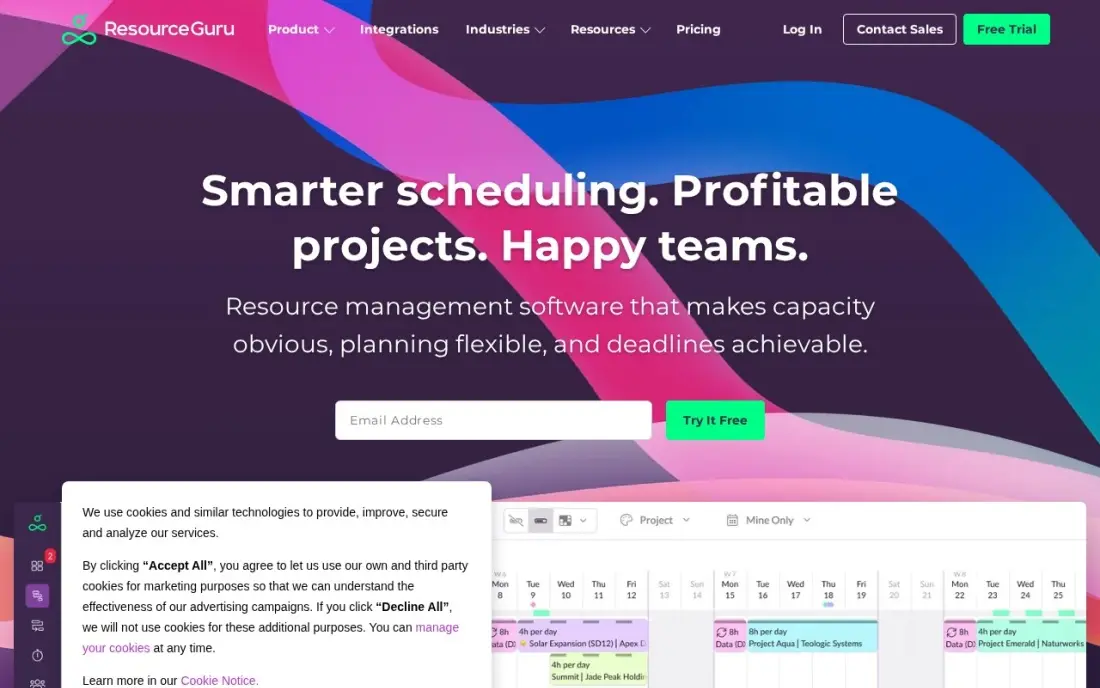
Resource Guru is the lowest-priced planner here at $5 a person a month billed annually on Grasshopper, or $6 monthly. Its drag-and-drop booking grid covers people, leave and calendar sync, and it can also schedule things that are not people, such as meeting rooms or vans, which suits studios and field teams.
Two billing rules matter. Every person you add is billed whether they log in or not, and equipment resources cost extra. Reports and timesheets begin on the higher Blackbelt plan. There is no free plan, only a 30-day trial. For a team that simply needs to know who is booked on which day, it is the clearest and cheapest answer.
What we like
- Cheapest entry price here at $5 a person a month billed annually
- Drag-and-drop booking grid with leave management and calendar sync
- Free placeholder allowance on every plan (1 on Grasshopper, 5 on Blackbelt, 10 on Master)
Watch out for
- No free plan, only a 30-day trial
- Every person added is billed whether they log in or not, and equipment costs extra

Runn
Best for: Consultancies and IT services firms of 20 or more that tie utilization to project cost
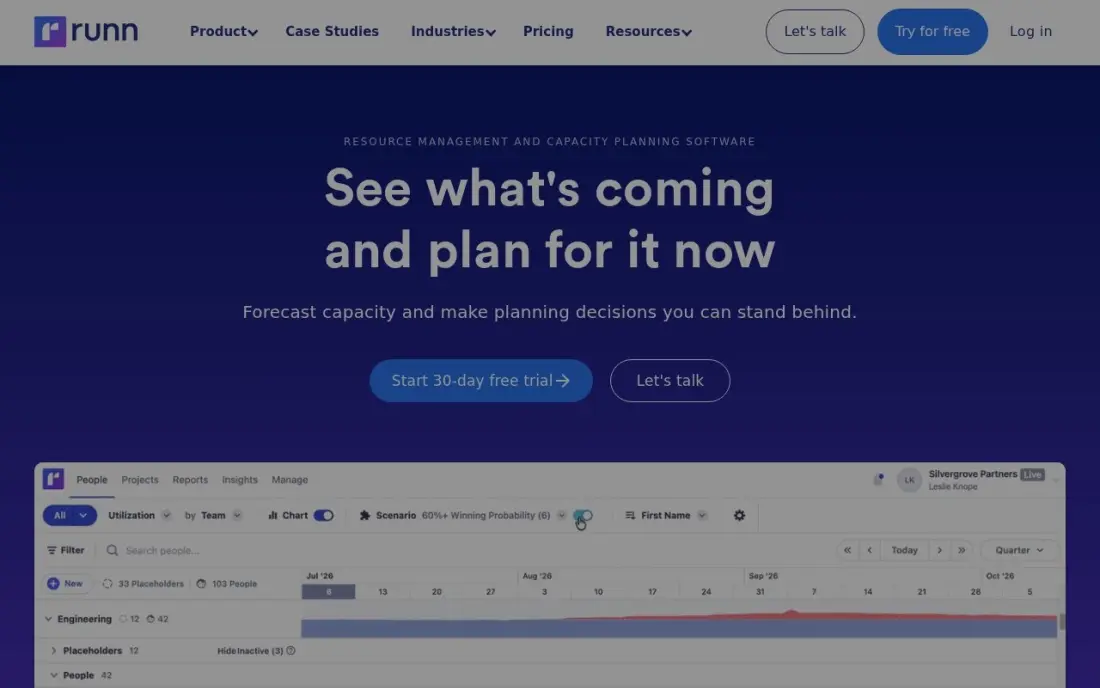
Runn puts the schedule, utilization and project cost in one view, so a delivery lead can see that a project is both overbooked and over budget at the same time. Lite costs $7 per resource a month billed annually, or $9 monthly, and rate cards and project budgets are included from that first plan. People who only log in, and placeholders, are free.
The catch is a 20-seat minimum on every plan, which makes Runn expensive for a team of eight. It also retired its free plan in December 2025, leaving a 30-day trial. For a firm of 20 to 200 people where margin matters as much as availability, that minimum is rarely a problem.
What we like
- Utilization and project cost sit in the same view as the schedule
- People who only log in are free, and placeholders cost nothing
- Rate cards and project budgets are included from Lite
Watch out for
- 20-seat minimum on every plan, so small teams pay for seats they do not use
- No free plan since December 2025, only a 30-day trial

Productive
Best for: Agencies that want resource planning, budgets and cost rates in one tool
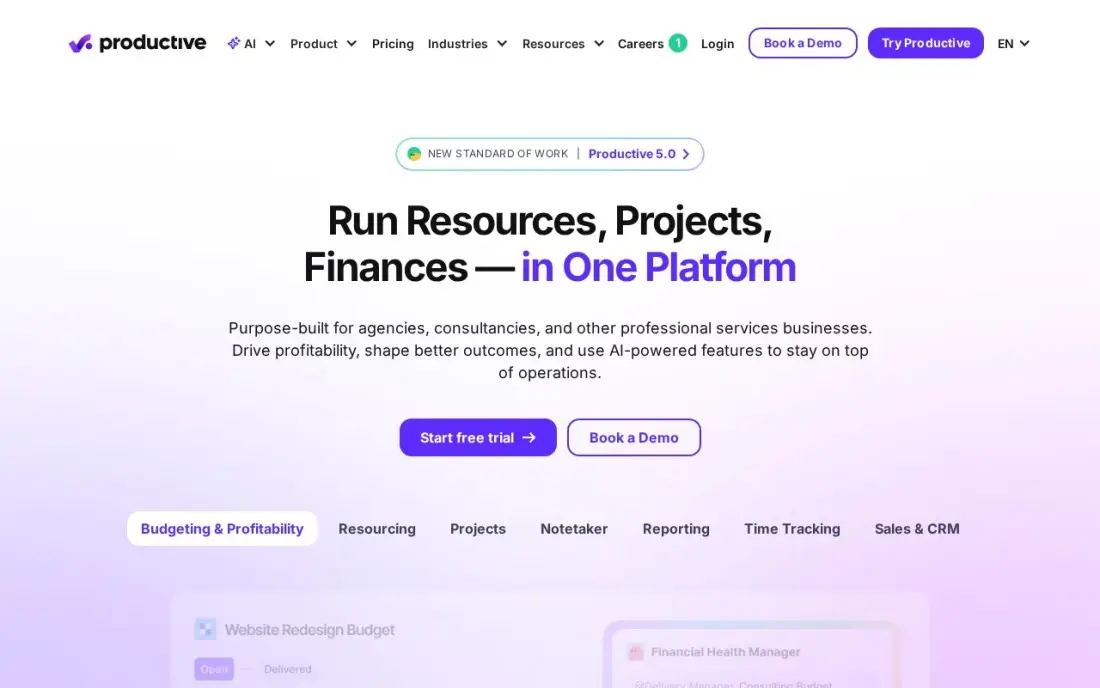
Productive treats resourcing as part of agency finance: budgets, cost rates and resource planning sit side by side on the Essential plan, so you see what a booking does to a project's margin before you confirm it. Essential costs $10 a user a month billed monthly, or $9 billed annually, with a three-seat minimum, and client access is free.
One honest caveat: the vendor's own pricing page shows conflicting per-user figures, and the $9 annual rate comes from its per-ten-user totals rather than the headline. Revenue forecasting and the scenario builder sit on the most expensive tier. For an agency that wants one system for delivery and profit, it is the value pick.
What we like
- Budgets and cost rates sit next to resource planning from the entry plan
- AI Assistant is included on Essential, and client access is free
- Lowest starting price among the agency-built tools here at $10/user/month
Watch out for
- The vendor's own pricing page shows conflicting per-user figures — the $9 annual rate comes from the per-10-user totals, not the headline
- Revenue forecasting and the scenario builder sit on the most expensive tier, not Essential
- 3-seat minimum, so the smallest bill is $30/month

Scoro
Best for: Professional-services firms that want capacity next to quotes, time and invoices
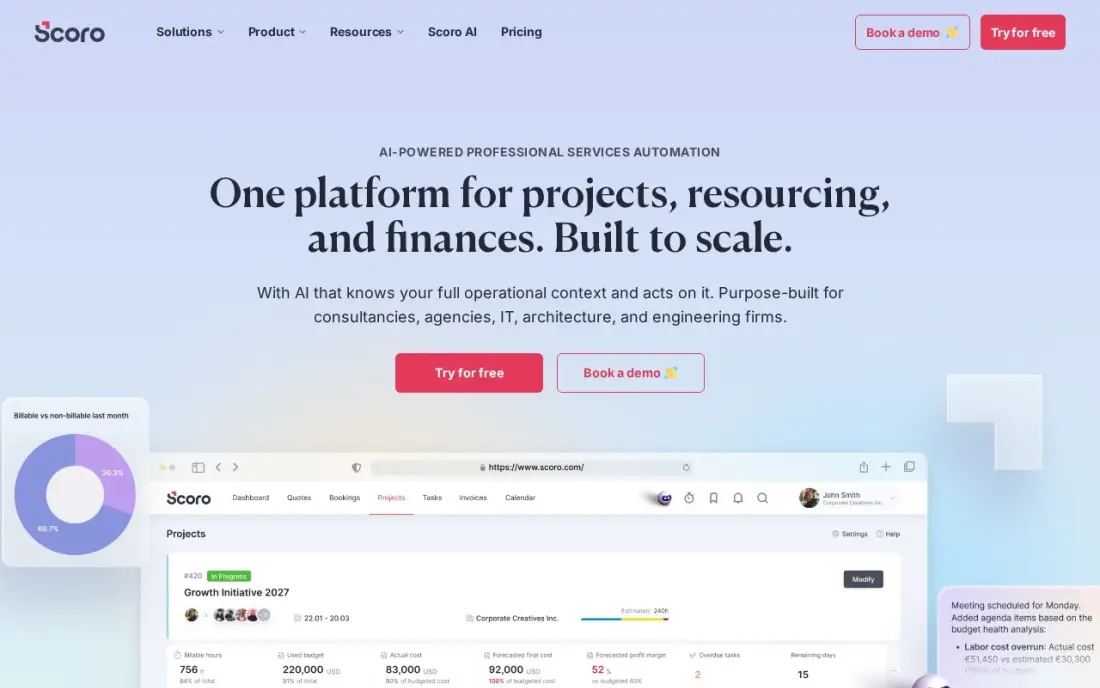
Scoro is the all-in-one choice: projects, time entries, quotes, invoices and KPIs live in one system, and its real-time capacity and profitability reports show which people are stretched and which clients actually make money. Essential costs $26 a user a month billed annually and includes detailed work reports and summary financial reports.
Every plan needs at least five users, so the smallest bill is $130 a month even for a two-person firm. There is no free plan, only a 14-day trial, and no client portal. Setup takes a learning period. Choose Scoro when resource planning is one part of running the whole firm, not the only problem.
What we like
- Capacity sits next to the work that fills it — projects, time, quotes and invoices in one place
- Real-time profitability and capacity reports show which clients and projects actually make money
- Detailed work reports and summary financial reports come with the entry plan
- A 14-day trial covers the full entry plan, so the whole team can test it before paying
Watch out for
- The 5-user minimum means a solo owner or a 2-person team pays for 5 seats — $130 a month minimum
- No free plan, and setup takes a learning period before the dashboards feel natural
- No client-facing portal, so clients cannot log in to see their own project status

Teamwork.com
Best for: Client-services agencies that want workload planning beside retainers and billable time
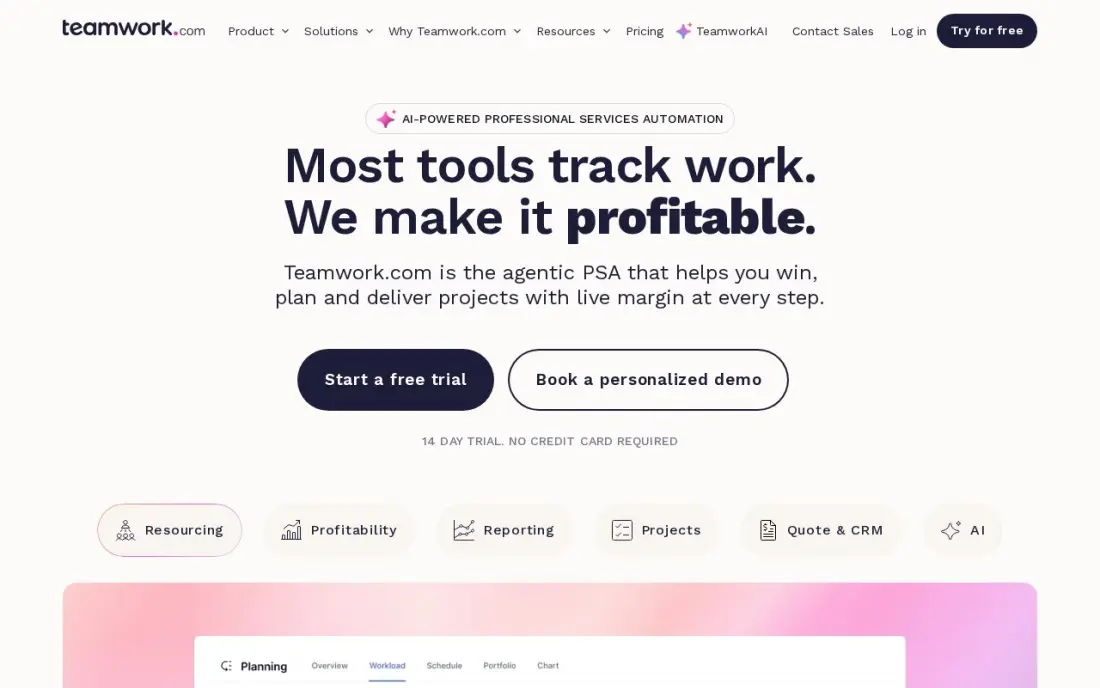
Teamwork.com combines project delivery with client finances, and its Workload Planner shows each person's capacity against the tasks and time budgets assigned to them. That planner sits on Accelerate at $24.99 a user a month billed annually, which needs five seats. Client users are free on every plan.
The cheaper Basics plan at $9.99 a user a month billed annually covers projects and billable time but not capacity planning, so an agency buying Teamwork.com for resourcing should budget for Accelerate from the start. A free plan covers five users and five projects, enough to test the workflow. It suits teams that bill clients by the hour.
What we like
- Client users are free, and retainers, budgets and invoicing sit next to the schedule
- Workload Planner, time budgets and intake forms on Accelerate
- Free plan covers five users and five projects
Watch out for
- Workload planning needs Accelerate at $24.99, not the $9.99 Basics plan
- Optimize and Enterprise, with full financials, are quote-only

Forecast
Best for: Professional-services firms of 10 to 100 that want AI scheduling, budgets and time in one suite

Forecast is a full suite: project management, resource planning, time tracking and financial reporting together, with AI scheduling that suggests who should take a task based on capacity and skills. Lite costs $29 a seat a month billed annually, with no monthly rate published and a ten-seat minimum, so the smallest bill is $290 a month.
That is the highest entry price in this list, and it buys more than a schedule. There is no free plan, only a 14-day trial, and financial portfolio reporting waits for Pro. A firm that only needs to know who is free next week will get that from Float or Resource Guru for far less.
What we like
- Resource planning, budgets, rates and time tracking in one suite
- AI scheduling suggests assignments based on capacity and skills
- Financial portfolio reporting on Pro
Watch out for
- Highest entry price here at $29 a seat a month, with a ten-seat minimum
- No free plan, only a 14-day trial
The best resource planning software answers one question before it becomes a crisis: who is free to take the next piece of work, and who is already over capacity. We compared seven tools across three types — pure schedulers, utilization planners and all-in-one agency suites — and checked every price on the vendor's own pricing page in November 2026, including seat minimums that change the real cost.
How to choose the best resource planning software
- Decide what you are planning. If you only need to see who is booked when, a scheduler such as Float or Resource Guru is enough; if you need margins too, look at Runn, Productive or Scoro.
- Read the seat minimum before the seat price. Runn starts at 20 seats and Forecast at 10, which can make a cheap per-person rate expensive for a small team.
- Check who you pay for. Float bills only scheduled people and Runn does not bill login-only users, while Resource Guru bills everyone you add.
- Look for placeholders. Booking an unnamed "designer" before you hire lets you plan pipeline work; Runn and Resource Guru include placeholders.
- Plan for time off. Leave and public holidays should reduce capacity automatically, or the schedule will promise hours nobody has.
- Match it to your project tool. Pure schedulers sit beside Asana or ClickUp; suites replace them, so do not pay for two task systems.
Planning capacity well is how an agency takes on new clients without burning out its team. If you want more of those clients to arrive through search, our monthly SEO service is built for service firms, and our guide to the best workload management tools covers day-to-day task balancing in more depth.
Resource planning software pricing: what you will actually pay
Take an agency of 15 people, all of them on the schedule, on annual billing. Resource Guru costs 15 x $5, or $75 a month and $900 a year. Float costs 15 x $7, or $105 a month and $1,260 a year. Productive costs 15 x $9, or $135 a month and $1,620 a year.
Runn's Lite plan is also $7 a resource, but its 20-seat minimum means the agency pays for 20 seats: $140 a month and $1,680 a year. Teamwork.com Accelerate costs 15 x $24.99, about $375 a month and $4,498 a year, and it includes project and billing tools. Scoro Essential costs 15 x $26, or $390 a month and $4,680 a year. Forecast Lite costs 15 x $29, or $435 a month and $5,220 a year.
Monthly billing adds to every one: Float rises to $8.50 a person, Resource Guru to $6 and Runn to $9. The suites cost three to four times as much as the schedulers, which is fair only if they also replace your project management, time tracking or invoicing tools.
Know the difference: resource scheduling vs capacity planning
Resource scheduling is short-range and named: Priya is on the Acme project Monday to Wednesday, then on leave. The tool's job is to stop double-booking and show gaps this week and next. Float and Resource Guru are built for this, with drag-and-drop grids that a team lead updates every day.
Capacity planning is longer-range and often unnamed: next quarter we need 400 design hours and have 320, so we must hire or push work. It uses placeholders, utilization targets and project budgets, and it usually feeds hiring and pricing decisions. Runn, Productive, Scoro and Forecast lean this way. Most growing firms need both, which is why the tools that do both cost more.
Quick comparison: tool type by need
| Buyer | Best pick | Why |
|---|---|---|
| Agencies needing a live capacity view | Float | Overbooking shows instantly, $7/scheduled person/month annual |
| Small budgets and equipment booking | Resource Guru | $5/person/month annual, books rooms and vans too |
| Utilization and project cost | Runn | Schedule, utilization and cost in one view, 20-seat minimum |
| Agency margins | Productive | Budgets and cost rates beside resourcing, $9/user/month annual |
| Running the whole firm | Scoro | Capacity next to quotes, time and invoices, $26/user/month annual |
| Client-services agencies | Teamwork.com | Workload Planner on Accelerate, client users free |
| AI scheduling suite | Forecast | AI assignment suggestions, $29/seat/month annual, 10-seat minimum |
Mistakes to avoid
- Planning without real capacity. If time off and part-time hours are not in the tool, every schedule overstates what the team can deliver.
- Paying for a suite you will not adopt. All-in-one tools only pay off if the team actually moves tasks, time and invoices into them.
- Ignoring the minimum. A 20-seat minimum on a 12-person team means 40% of the bill buys nothing.
- Scheduling at 100%. People who are booked for every hour have no room for meetings, sales or problems; plan to a realistic utilization target.
- Letting the schedule go stale. A resource plan nobody updates is worse than none; give one person ownership of it each week.
Related comparisons: Marketing Planning Software · Content Planning Tools · Workforce Planning Software · Social Media Planning Platforms
How we chose
We checked each vendor's own pricing page in November 2026 and recorded the starting price exactly as shown, separating annual and monthly billing and noting seat minimums. We ranked tools by how well they answer the core resourcing question for a typical agency or services team of 5 to 50 people, then by total cost at that size. Ratings come from G2 pages checked on the dates shown in the sources. No vendor paid for a place in this list, and none of the links here are affiliate links.
What to do next
Put next month's real bookings into a trial of Float or Resource Guru and see who turns red; if most of the team does, you have a hiring or pricing problem rather than a software one. When you are ready to fill the capacity you have, talk to us about growing your pipeline.
Frequently asked questions
What is the best resource planning software?
Float is the best resource planning software for most agencies and delivery teams, with a live capacity view at $7 per scheduled person a month billed annually. Resource Guru is the cheapest at $5 a person, and Runn is the pick when utilization and project cost need to sit in the same view.
What is the cheapest resource planning software?
Resource Guru's Grasshopper plan is the cheapest in this list at $5 a person a month billed annually, or $6 monthly. Float Starter and Runn Lite both cost $7 per person a month billed annually, though Runn has a 20-seat minimum.
Is there free resource planning software?
Not among the dedicated planners here: Float, Resource Guru and Runn offer 30-day trials, and Scoro, Productive and Forecast offer 14-day trials. Teamwork.com has a free plan for five users, but its Workload Planner needs the paid Accelerate plan.
What is the difference between resource planning and project management software?
Project management software tracks tasks and deadlines. Resource planning software tracks people's time and capacity across all projects, so you can see who is overbooked or free before you commit to new work. Many teams run one of each.
Do resource planning tools charge for viewers?
Some do not. Float bills only scheduled people, Runn does not bill people who only log in, and Productive and Teamwork.com make client access free. Resource Guru bills every person you add, whether they log in or not.
What seat minimums should I watch for?
Runn requires 20 seats on every plan, Forecast 10, Scoro 5, Teamwork.com Accelerate 5 and Productive 3. A small team can end up paying for seats nobody uses, so check the minimum before you compare per-seat prices.
Sources we checked (11)
- Float — float.com/pricing (checked November 10, 2026)
- Float reviews on G2 (checked November 10, 2026)
- Resource Guru — help.resourceguruapp.com/en/articles/9241282 (checked November 10, 2026)
- Resource Guru reviews on G2 (checked November 10, 2026)
- Runn — runn.io/pricing (checked November 10, 2026)
- Productive — productive.io/pricing (checked November 4, 2026)
- Productive reviews on G2 (checked November 4, 2026)
- Scoro — www.scoro.com/pricing (checked November 12, 2026)
- Teamwork.com — teamwork.com/pricing (checked November 10, 2026)
- Teamwork.com reviews on G2 (checked November 10, 2026)
- Forecast — forecast.app/pricing (checked November 10, 2026)
Make one of these tools?
We re-check this list every quarter. Send a correction, request a review, or ask about a clearly labeled sponsored spot.
Request a listingShamim
Founder of SerpAstra
A full-stack digital marketer and SEO strategist covering technical and local SEO, AI search visibility, paid ads and lead generation for local businesses, e-commerce brands and SaaS teams.
Free SEO and AI visibility audit
Find out what is holding your rankings back
Send us your site. Within 2 business days you get a written audit, an AI visibility check and a short fix list ranked by impact. Free, with no contract attached.
Request my free audit→Related buying guides
 Project & Product Management11 Best Workload Management Tools in 2026 (Free and Paid, Compared)11 best workload management tools compared with real prices, free plans and workload views. Find the right fit for your team, from $5 a person a month.Read guide →
 Project & Product Management8 Best Project Management Software for Digital Agencies in 2026, ComparedCompare the 8 best project management software for digital agencies on price, free plans and client features, with every price checked November 12, 2026.Read guide →
 Productivity & Office12 Best Time Tracking Software for Small Business in 2026, ComparedThe 12 best time tracking software for small business compared on price, free plans and billing features, with real starting prices checked November 10, 2026.Read guide →