
7 Best Softphone Software in 2026, Compared
Compare the 7 best softphone software, from free SIP apps like MicroSIP and Zoiper to cloud phone apps like RingCentral and Zoom Phone, with prices checked.
 Shamim Mia, Founder, SerpAstraLast verified November 4, 20269 min read
We compare pricing pages, documentation and public reviews. We never accept payment for rankings.
Key takeaways
- If you already have a SIP account or PBX, a standalone softphone is cheap: MicroSIP is free and open source on Windows, and Zoiper is free for non-commercial use on desktop, Android and iOS.
- Bria Solo is the most polished paid SIP softphone, at $2.95 a month on an annual plan for 3 devices and 5 calling accounts.
- If you need the phone number and calling plan too, a cloud phone app is the softphone: Zoom Phone starts at $10.50 a user a month billed annually and Google Voice at $10.
- RingCentral and Quo cost more but bundle unlimited US and Canada calling, with RingEX Core at $20 a user a month billed annually and Quo Starter at $15.
On this page
Quick comparison
| Tool | Best for | Starting price | Free plan |
|---|---|---|---|
| MicroSIP | Windows users with a SIP provider or PBX who want a free, lightweight softphone | Free | Yes |
| Zoiper | Users who want the same SIP softphone on desktop and mobile with a free start | Free; Premium from $4.99 | Yes (non-commercial) |
| Bria | Professionals and small teams that want a polished SIP softphone on desktop and mobile | $2.95/mo (annual) | No (free trial) |
| Zoom Phone | Teams already on Zoom that want their phone line inside the same desktop and mobile app | $12/mo | No (7-day trial) |
| Google Voice | Solo owners and Google Workspace teams that want a business number in the browser | $10/mo | Yes (free personal) |
| Quo | Small teams that want a shared business number with calls and texts in one app | $19/mo | No (7-day trial) |
| RingCentral | Businesses replacing desk phones that want a full phone system on every device | $30/mo | No (14-day trial) |
Make one of these tools?
We re-check this list every quarter. Send a correction, request a review, or ask about a clearly labeled sponsored spot.
Request a listingThe best softphone software

MicroSIP
Best for: Windows users with a SIP provider or PBX who want a free, lightweight softphone
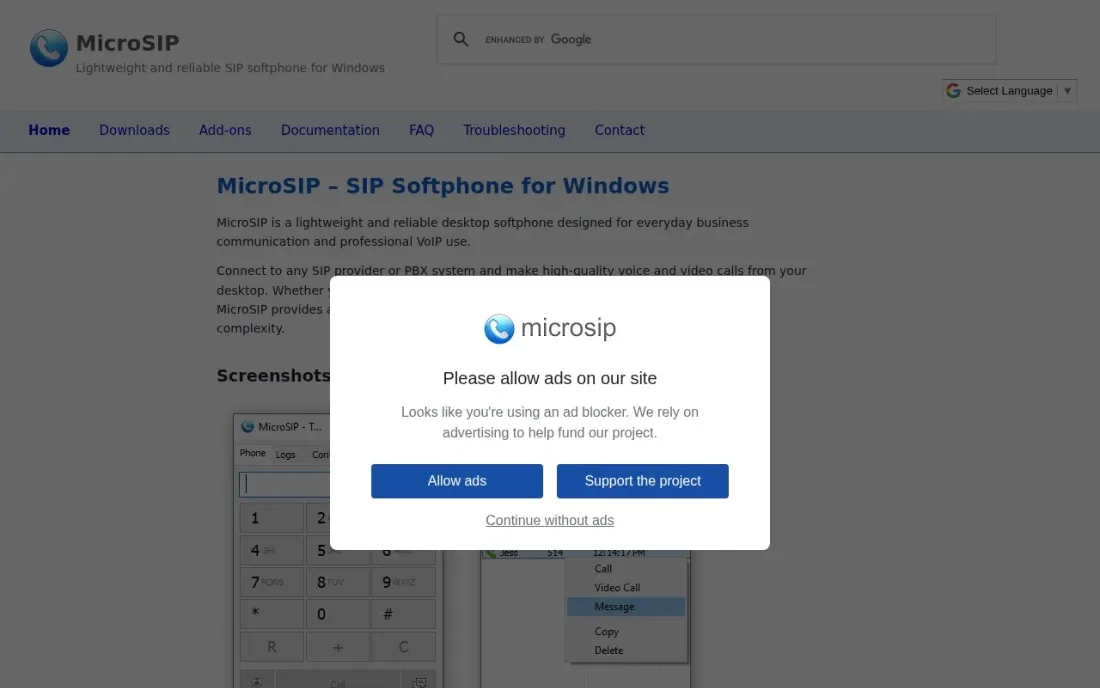
MicroSIP is the lightest way to turn a Windows PC into a phone. It is open source under the GNU GPL v2, with no paid edition listed, and it runs on Windows 7 and later. Built on the PJSIP stack, it works with standard SIP providers and PBX systems and supports a long list of codecs, including Opus, G.711, G.722 and G.729, plus video over H.264, VP8 and VP9.
It is a client only. You bring the SIP account, it supports TLS and SRTP encryption, and there is no official mobile app. For an office on a SIP-based PBX that wants a free desktop client, it is hard to beat.
What we like
- Open source under the GNU GPL v2, with no paid edition listed
- Wide codec support, including Opus, G.711, G.722 and G.729, plus H.264 and VP8 video
- TLS signalling and SRTP media encryption are supported
Watch out for
- Windows only; Android, iPhone and iPad are not supported
- No phone number or calling plan included, so you need a SIP provider or PBX
- No vendor support desk, as the project relies on donations

Zoiper
Best for: Users who want the same SIP softphone on desktop and mobile with a free start
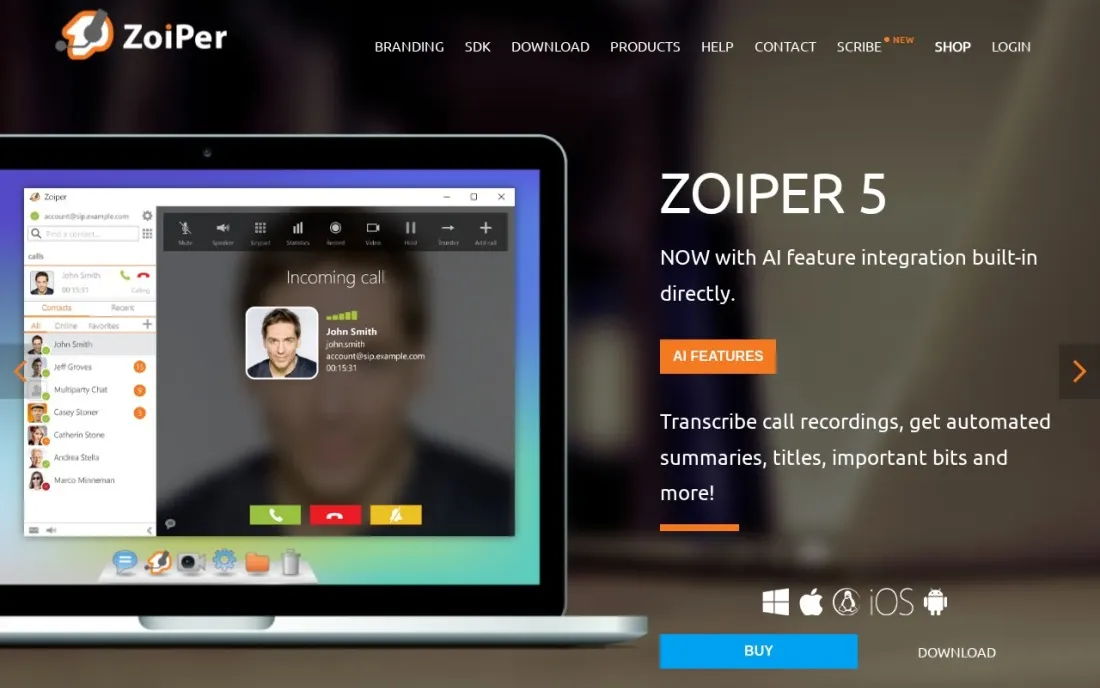
Zoiper is the cross-platform SIP softphone: the same client runs on Windows, macOS, Linux, Android and iOS. Zoiper 5 is free for non-commercial use, and Premium costs $11.11 on desktop, €7.99 on Android and $4.99 on iOS. On desktop, Premium adds auto provisioning, contact integration with Outlook and LDAP, click-to-dial from the browser, G.729 and H.264 codecs, and call transfer and conferencing.
The licence matters. Because the free edition is non-commercial, a business should budget for Premium, and on mobile it is Premium that adds call transfer, conferencing and TLS, SRTP and ZRTP encryption. You still need a SIP provider or PBX for the number and calls.
What we like
- Runs on Windows, macOS, Linux, Android and iOS
- Premium is a low single price per platform: $11.11 desktop, €7.99 Android, $4.99 iOS
- Premium adds transfer, conferencing, contact integration and G.729 and H.264 codecs
Watch out for
- The free edition is for non-commercial use, so business users should buy Premium
- Transfer and conferencing need Premium on every platform
- Like any SIP client, it needs a separate VoIP provider or PBX

Bria
Best for: Professionals and small teams that want a polished SIP softphone on desktop and mobile
Bria, from CounterPath, is the most polished paid SIP softphone in this list. Bria Solo costs $2.95 a month on an annual plan, or $35.40 a year, and covers three app downloads across desktop and mobile and five calling accounts, with HD voice and video, transfer and forwarding, call recording and a web portal. It works with your existing VoIP provider or PBX.
Bria Teams costs $4.95 a month on an annual term and adds hosted team voice and video, messaging and presence, screen sharing and call analytics. No monthly price is published, and Enterprise is quote-only. A free trial covers Solo and Teams with all paid features.
What we like
- Bria Solo covers 3 app downloads and 5 calling accounts for $35.40 a year
- HD voice and video, call recording and a web portal on Solo
- Teams at $4.95 a month on an annual term adds team messaging, presence and screen sharing
Watch out for
- No monthly-billing price is published; both plans are quoted on annual terms
- Needs a VoIP provider or call server, as no calling plan is included
- Enterprise is priced through sales only

Zoom Phone
Best for: Teams already on Zoom that want their phone line inside the same desktop and mobile app
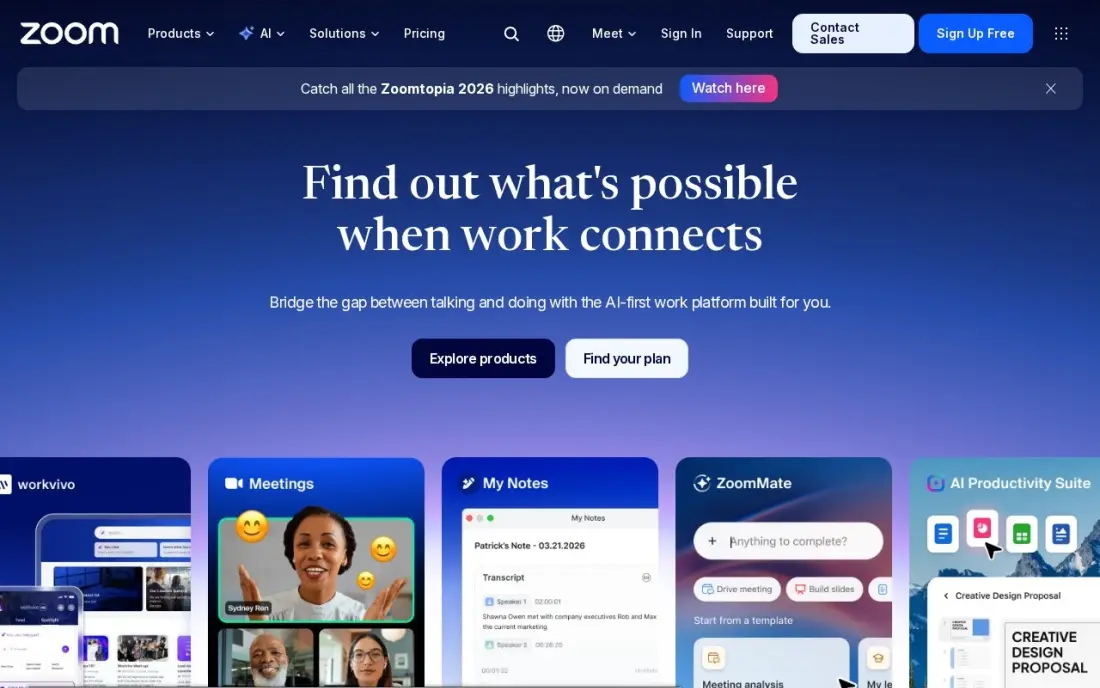
For a team that lives in Zoom, Zoom Phone is a softphone without another app: calling, SMS and voicemail sit inside the Zoom client on desktop and mobile, next to meetings and chat. The Metered plan costs $10.50 a user a month billed annually, or $12 monthly, with outbound calls at about $0.03 a minute, and Unlimited costs $16 a user a month billed annually. It holds a 4.6 out of 5 score on G2 from 2,690 reviews.
Business texting needs a 10DLC campaign approval, which reviewers say slows setup, and international calling and extra numbers are add-ons. A 7-day free trial covers the Unlimited plan.
What we like
- Cheapest entry here for light callers at $10.50 a user a month billed annually
- Phone lives inside the Zoom app your team already opens, with AI Companion call summaries included
- Highest rated in this list at 4.6/5 from 2,690 G2 reviews
- 7-day free trial of the Unlimited plan, with no separate 911 or regulatory recovery fee
Watch out for
- Metered means paying about $0.03 a minute for outbound calls — heavy callers need Unlimited at $16 a user
- Business texting needs a 10DLC campaign approval, which reviewers say slows setup
- Add-ons for international calling and extra numbers push the bill up fast

Google Voice
Best for: Solo owners and Google Workspace teams that want a business number in the browser
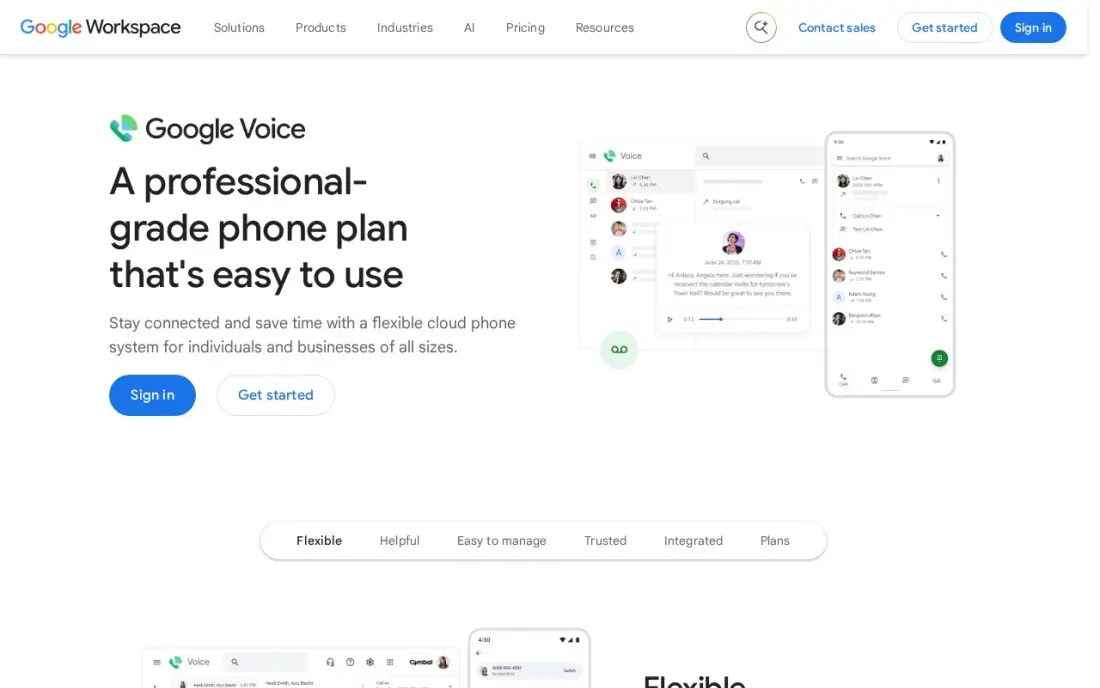
Google Voice works as a browser softphone inside Gmail and Google Calendar, plus mobile apps, so there is nothing to install for a Workspace team. Voice Starter costs $10 a user a month for up to 10 users and includes unlimited domestic calling and texting, voicemail transcription and call forwarding. A single owner can buy Starter on a personal Gmail account without Workspace.
Teams need a paid Google Workspace plan underneath, from $7 a user a month, so the real entry cost is about $17 a user. Auto attendant and ring groups need Standard at $20 a user, and paid tiers have no free trial.
What we like
- Cheapest real business number here at $10 a user a month, with a standalone plan for one person
- Runs inside Gmail and Google Calendar, so there is nothing new to install for Workspace teams
- Unlimited domestic calling and texting, voicemail transcription and 24/7 support on Starter
- Setup takes under a day for most teams, per G2 reviewers
Watch out for
- Teams need a paid Google Workspace subscription underneath — at least $7 a user a month on top of Voice
- No auto attendant or ring groups on Starter; those need Standard at $20 a user
- No free trial for the paid tiers, and support is mainly forums and help articles

Quo
Best for: Small teams that want a shared business number with calls and texts in one app
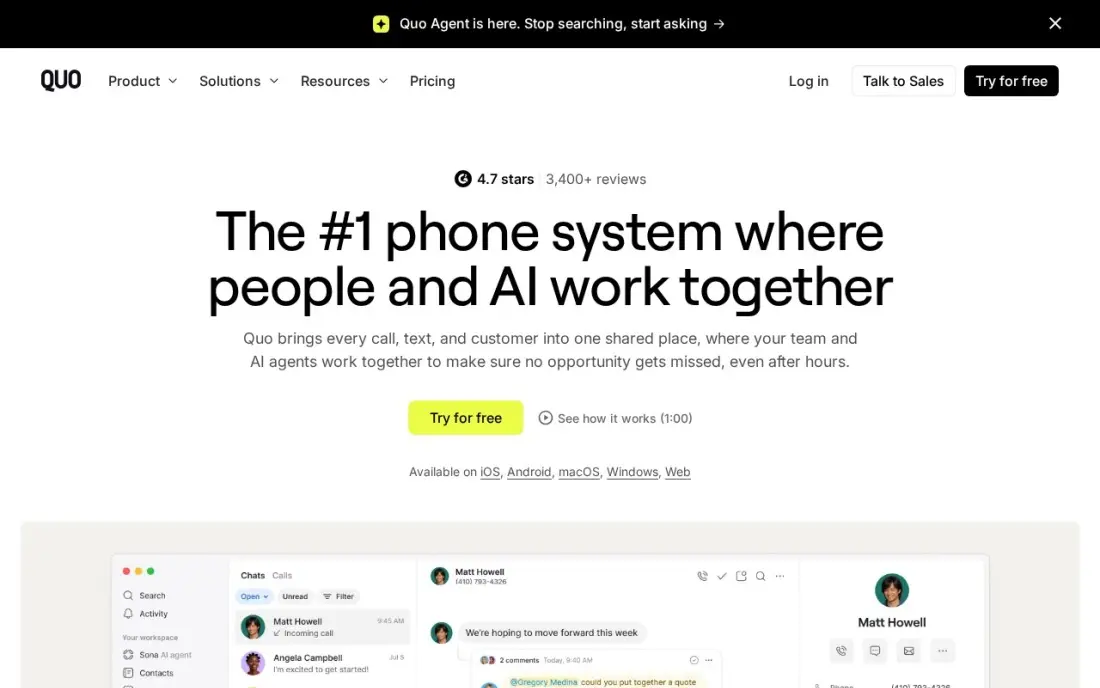
Quo, formerly OpenPhone, is a softphone built around the business number. Every user gets a local or toll-free number, shared numbers let the whole team answer one line from desktop or mobile, and Starter includes unlimited calling and texting in the US and Canada. Starter costs $19 a user a month billed monthly, or $15 billed annually, and includes the Sona AI agent with 10 free AI-handled calls a month. It holds a 4.7 out of 5 score on G2 from 3,400 reviews.
CRM integrations and phone menus wait for Business at $33 a user a month, and a one-time $19.50 carrier fee plus monthly messaging fees apply. It is phone and text only, with no video.
What we like
- Shared numbers let the whole team answer one business line
- Sona AI agent included, with 10 free AI-handled calls a month on Starter
- Unlimited calling and texting in the US and Canada on every plan
Watch out for
- CRM integrations and phone menus wait for Business at $33/user/month
- A one-time $19.50 carrier fee plus $1.50 to $3 a month in messaging fees apply
- No video meetings or screen sharing — it is phone and text only

RingCentral
Best for: Businesses replacing desk phones that want a full phone system on every device
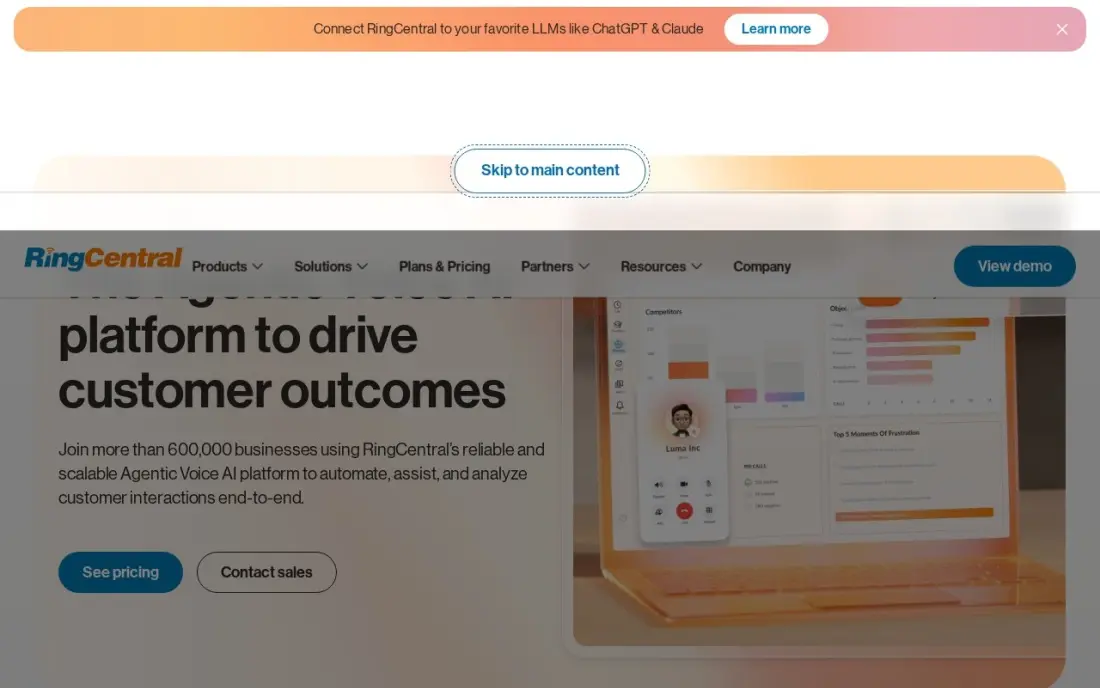
RingCentral is the full business phone system in this list, and its app turns every laptop and phone into an extension. RingEX Core costs $20 a user a month billed annually, or $30 monthly, and includes unlimited US and Canada calling, an auto-attendant, call queues, video meetings and the AI Virtual Assistant, with more than 330 integrations.
Core caps SMS at 25 messages a user a month and toll-free minutes at 100, and mandatory regulatory and recovery fees add a few dollars per line. There is no free plan, only a 14-day trial. Choose it when the softphone has to replace an office phone system, not just add a line.
What we like
- The only tool here that is a full business phone system and a meeting tool in one subscription
- Core includes unlimited US and Canada calling, auto-attendant, call queues and video meetings
- AI Virtual Assistant included on Core, not held for a higher tier
- More than 330 integrations across 200 companies, the widest phone-system list here
Watch out for
- No free plan — the 14-day trial is the only way to try it for $0
- Core caps SMS at 25 messages a user a month and toll-free minutes at 100
- Mandatory regulatory and recovery fees add a few dollars per line a month on top of the headline price
The best softphone software turns a laptop or mobile phone into a business phone, with clear calls, transfers and voicemail, and without a desk phone on every desk. We compared seven softphones of two kinds: standalone SIP apps that connect to a provider or PBX you already have, and cloud phone apps that include the number and calling plan. Every price below comes from the vendor's own pages as checked in November 2026.
How to choose the best softphone software
- Check whether you already have a SIP account. If your provider or PBX gives you SIP credentials, a standalone softphone is all you need; if not, choose a cloud phone app that includes service.
- List the devices. Some softphones run only on Windows, while others cover macOS, Linux, Android and iOS with the same account.
- Read the licence. Free editions are sometimes limited to non-commercial use, which matters for a business.
- Confirm the call features. Transfer, conferencing, call recording and voicemail are not on every free tier.
- Ask about encryption. TLS for signalling and SRTP for audio keep calls private on public Wi-Fi.
- Count the whole bill. Cloud phone apps add regulatory fees, metered minutes or a workspace subscription on top of the headline price.
Calls are often where search leads turn into customers. If your phone number appears on your Google Business Profile, our local SEO service helps more people find it, and the NAP consistency checker makes sure the number is the same everywhere it is listed.
Softphone software pricing: what you will actually pay
Take a five-person team. With an existing SIP provider or PBX, MicroSIP costs $0. Zoiper Premium costs $11.11 per desktop install, so five desktops cost $55.55 at the listed price. Bria Solo costs $35.40 a year each, or $177 a year for five, and Bria Teams costs $4.95 a month each on an annual term, or $297 a year. You still pay the SIP provider for numbers and minutes.
Cloud phone apps include the service. Zoom Phone Metered costs $10.50 a user a month billed annually, or $630 a year for five, plus about $0.03 a minute outbound. Google Voice Starter costs $10 a user, or $600 a year, plus Google Workspace from $7 a user a month billed annually. Quo Starter costs $15 a user billed annually, or $900 a year, and RingCentral RingEX Core costs $20 a user billed annually, or $1,200 a year, before regulatory fees.
Know the difference: SIP softphone vs cloud phone app
A SIP softphone is a general-purpose phone client. MicroSIP, Zoiper and Bria register to any standard SIP server with a username, password and server address, and then make and receive calls through it. You choose the provider separately, which gives you control over price and lets you keep the same app if you change carriers. The trade-off is setup: someone needs to enter credentials and choose codecs.
A cloud phone app comes with its service. Zoom Phone, Google Voice, Quo and RingCentral give you the number, the calling plan and the app in one account, and you sign in with an email address rather than SIP details. Features such as shared numbers, auto-attendants and AI call summaries live in the service, not the app. This is simpler for most small businesses, but you are tied to that provider's app and pricing.
Quick comparison: tool type by need
| Buyer | Best pick | Why |
|---|---|---|
| Free on Windows | MicroSIP | Open source SIP client with wide codec support |
| Every platform, low cost | Zoiper | Free for non-commercial use; Premium from $4.99 |
| Polished paid SIP client | Bria | Solo at $2.95/month on an annual plan, 3 devices |
| Zoom-based teams | Zoom Phone | Phone inside the Zoom app from $10.50/user/month billed annually |
| Google Workspace users | Google Voice | Browser calling in Gmail from $10/user/month |
| Shared business number | Quo | Calls and texts in one app from $15/user/month billed annually |
| Full office phone system | RingCentral | RingEX Core from $20/user/month billed annually |
Mistakes to avoid
- Using a non-commercial licence at work. Check the free edition's terms before rolling it out across a business.
- Buying a SIP app with no provider. MicroSIP, Zoiper and Bria cannot call anyone until you add a SIP account.
- Skipping encryption. On shared or public Wi-Fi, turn on TLS and SRTP where the softphone and provider support them.
- Relying on laptop audio. Built-in speakers and microphones cause echo; budget for headsets.
- Forgetting emergency calling. Register each user's address with the provider so emergency services get the right location.
Related comparisons: Video Chat Apps · Outbound Call Tracking Software · Free Texting Apps · Messaging Software for Teams
How we chose
We read each vendor's own download or pricing page in November 2026 and recorded prices and licence terms exactly as shown, including the billing period where the page states it. We included both standalone SIP softphones and cloud phone apps, because most buyers search for one without knowing which they need, and ranked them for a small business of one to twenty people. Ratings come from G2 pages checked on the dates shown in the sources. No vendor paid for a place in this list, and none of the links here are affiliate links.
What to do next
Check whether your current phone provider gives you SIP credentials. If it does, install MicroSIP or the Bria trial and make a test call today; if not, trial a cloud phone app. When the phone is ready for more calls, book a free local SEO consultation.
Frequently asked questions
What is the best softphone software?
If you already have a SIP account, Bria Solo is the most polished paid softphone at $2.95 a month on an annual plan, and MicroSIP is the best free option on Windows. If you also need a number and calling plan, Zoom Phone and RingCentral include the softphone app with the service.
Is there a free softphone?
Yes. MicroSIP is free and open source on Windows. Zoiper is free on desktop, Android and iOS for non-commercial use, and Google Voice is free for personal use on one account.
What is the difference between a softphone and VoIP service?
A softphone is the app you make calls with. VoIP service is the account that provides your number and carries the calls. SIP apps such as MicroSIP, Zoiper and Bria need a separate provider, while Zoom Phone, RingCentral, Quo and Google Voice bundle both.
Do I need a headset for a softphone?
Not strictly, but a USB or Bluetooth headset with a microphone near the mouth gives much clearer calls than laptop speakers and reduces echo for the person on the other end.
Can I use a softphone with my existing PBX?
Yes, if the PBX supports SIP. MicroSIP, Zoiper and Bria all register to standard SIP servers using the extension's username and password.
Is Zoiper free for business use?
Zoiper describes its free edition as free for non-commercial use, so businesses should buy Premium, which costs $11.11 on desktop, €7.99 on Android and $4.99 on iOS.
Which softphone apps work on a Mac?
Zoiper is the cross-platform pick: the same SIP client runs on Windows, macOS, Linux, Android and iOS, free for non-commercial use, with a Premium desktop licence at $11.11. MicroSIP is built for Windows users, so it is not an option on a Mac. If you have no SIP account, Google Voice works in the browser, and Zoom Phone runs inside the Zoom desktop app.
What is the difference between a softphone and a desk phone?
A softphone is software that turns a laptop or mobile phone into a business phone, with clear calls, transfers and voicemail, and without a desk phone on every desk. A desk phone is a dedicated device. Softphones cost less to start, from free with MicroSIP or Zoiper, but budget for a USB or Bluetooth headset, because built-in speakers and microphones cause echo.
Sources we checked (11)
- MicroSIP — www.microsip.org (checked November 16, 2026)
- Zoiper — www.zoiper.com/en/voip-softphone/download/current (checked November 16, 2026)
- Bria — www.counterpath.com/pricing (checked November 16, 2026)
- Zoom Phone — www.zoom.com/en/blog/voip-providers (checked November 4, 2026)
- Zoom Phone reviews on G2 (checked November 4, 2026)
- Google Voice — workspace.google.com/products/voice (checked November 4, 2026)
- Google Voice reviews on G2 (checked November 4, 2026)
- Quo — www.quo.com/pricing (checked November 4, 2026)
- Quo reviews on G2 (checked November 4, 2026)
- RingCentral — www.ringcentral.com/office/plansandpricing.html (checked November 4, 2026)
- RingCentral reviews on G2 (checked November 4, 2026)
Make one of these tools?
We re-check this list every quarter. Send a correction, request a review, or ask about a clearly labeled sponsored spot.
Request a listingShamim
Founder of SerpAstra
A full-stack digital marketer and SEO strategist covering technical and local SEO, AI search visibility, paid ads and lead generation for local businesses, e-commerce brands and SaaS teams.
Free SEO and AI visibility audit
Find out what is holding your rankings back
Send us your site. Within 2 business days you get a written audit, an AI visibility check and a short fix list ranked by impact. Free, with no contract attached.
Request my free audit→Related buying guides
 Communication & Community8 Best VOIP Phone Services for Small Business in 2026Compare the 8 best voip phone service for small business options on price, trials and AI features, with every price checked November 4, 2026.Read guide →
 Communication & Community9 Best VOIP Services for Small Business in 2026Compare the 9 best voip service for small business options on price, free trials and AI features, with every price checked November 4, 2026.Read guide →
 Sales & CRM11 Best Call Center CRM Software in 2026, ComparedCompare the 11 best call center crm software options on price, voice, ticketing and AI features, with every price checked November 12, 2026.Read guide →