
7 Best Video Chat Apps in 2026, Compared
Compare the 7 best video chat apps for family, friends and work on privacy, group size, time limits and real cost, with every price checked on vendor pages.
 Shamim Mia, Founder, SerpAstraLast verified November 10, 202610 min read
We compare pricing pages, documentation and public reviews. We never accept payment for rankings.

Key takeaways
- WhatsApp is the best video chat app for most people: free, end-to-end encrypted by default, and your contacts are almost certainly already on it.
- FaceTime is the easiest choice on Apple devices and supports group calls with up to 32 other people; Android and Windows users can join from a link in Chrome or Edge.
- Signal is the privacy pick: free, nonprofit and encrypted by default for every call, with usernames instead of phone numbers.
- For work meetings, Microsoft Teams Essentials at $4 a user a month billed annually is the cheapest paid start; Zoom's free plan caps group meetings at 40 minutes.
On this page
Quick comparison
| Tool | Best for | Starting price | Free plan |
|---|---|---|---|
| Anyone who wants free video calls with family and friends on the app they already use | Free | Yes (free) | |
| FaceTime | iPhone, iPad and Mac users who want built-in video calls, including with Android and Windows guests | Free (Apple devices) | Yes |
| Signal | People who want the most private video calls by default and do not mind a smaller network | Free (nonprofit) | Yes (free) |
| Zoom Workplace | Teams and organisers who need reliable group video meetings with recordings and AI summaries | Free (40 min); Pro $16.99/mo | Yes (free plan) |
| Microsoft Teams | Small businesses that want video meetings and chat at the lowest paid price | Free; Essentials $4/user/mo | Yes (free plan) |
| Google Workspace | Small businesses that want Google Meet video calls together with business email and Docs | $7/user/mo (annual) | No (14-day trial) |
| Discord | Gaming groups, hobby clubs and communities that want drop-in voice and video channels | Free; Nitro from $2.99/mo | Yes (free) |
Make one of these tools?
We re-check this list every quarter. Send a correction, request a review, or ask about a clearly labeled sponsored spot.
Request a listingThe best video chat apps

Best for: Anyone who wants free video calls with family and friends on the app they already use
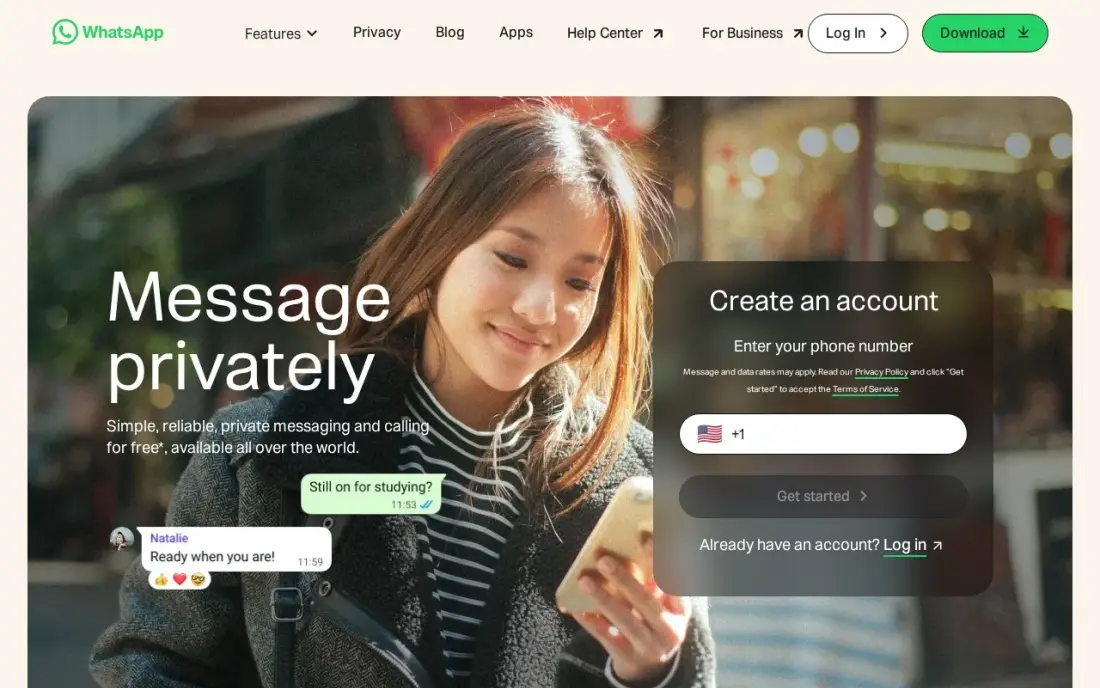
WhatsApp is the default video chat app for most of the world because your contacts are almost certainly already on it, so nobody needs to install anything new. One-to-one and group video calls are free, end-to-end encryption is on by default for personal calls and messages, and linked devices keep working when your phone is offline.
The trade-offs are identity and backups. Your phone number is your identity, so anyone you call sees it, and chat backups are not end-to-end encrypted unless you switch that on. Businesses sending bulk messages pay the Business Platform per delivered message, but personal video calls stay free.
What we like
- Your contacts are almost certainly already on it, so nobody needs to install something new to reach you
- End-to-end encryption is on by default for personal messages and calls
- Linked devices keep working when your phone is off or offline
- Voice and video calls, group chats and Status cover family, friends and small teams in one app
Watch out for
- No username system — your phone number is your identity, and anyone you message sees it
- Chat backups are not end-to-end encrypted by default; the extra backup encryption has to be switched on
- Businesses that send bulk messages pay the Business Platform per delivered message, so business use can stop being free

FaceTime
Best for: iPhone, iPad and Mac users who want built-in video calls, including with Android and Windows guests
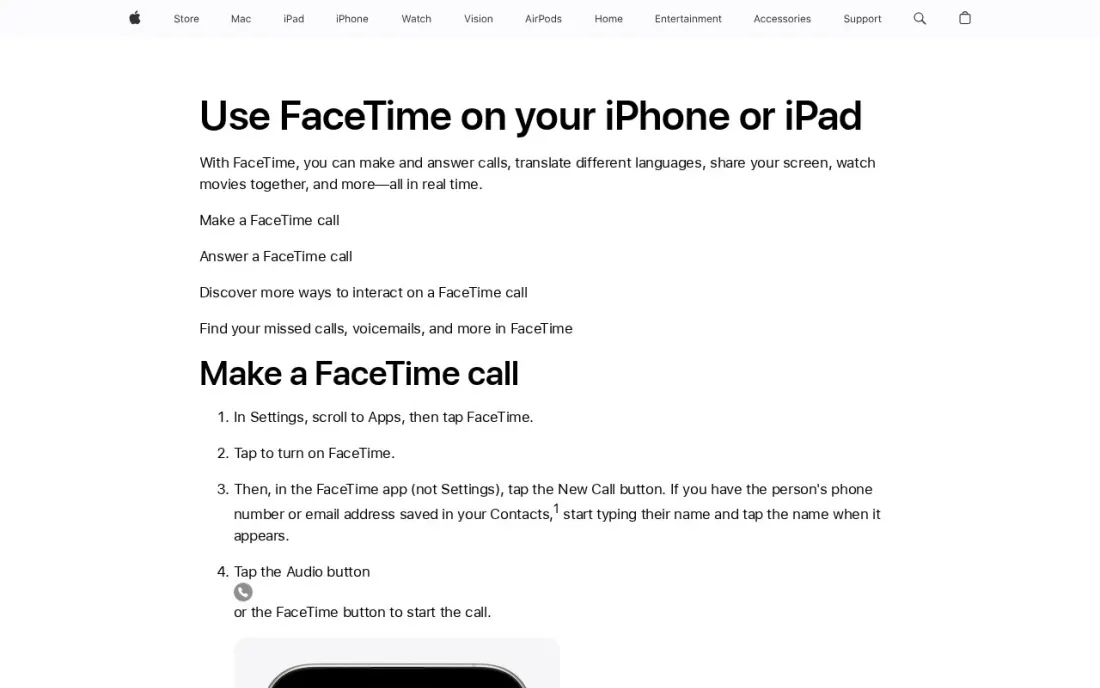
FaceTime is the simplest video chat app if you own an iPhone, iPad or Mac: it is built in, works from your contacts and supports Group FaceTime calls with up to 32 other people. A FaceTime link can be created on iOS 15 or later or macOS Monterey or later and shared with anyone.
Android and Windows users can join from that link in the latest Chrome or Edge, but they wait for the host to admit them, cannot start calls, and miss SharePlay and screen sharing. Links are not supported in mainland China. For a mixed family, it works; for a group that is mostly on Android, WhatsApp is easier.
What we like
- Built into every iPhone, iPad and Mac, with nothing to install
- Group FaceTime calls include up to 32 other people
- Android and Windows users can join from a link in the latest Chrome or Edge
Watch out for
- Only Apple devices can create a FaceTime link or start a call
- SharePlay and screen sharing are not available to web guests
- FaceTime links are not supported in mainland China

Signal
Best for: People who want the most private video calls by default and do not mind a smaller network
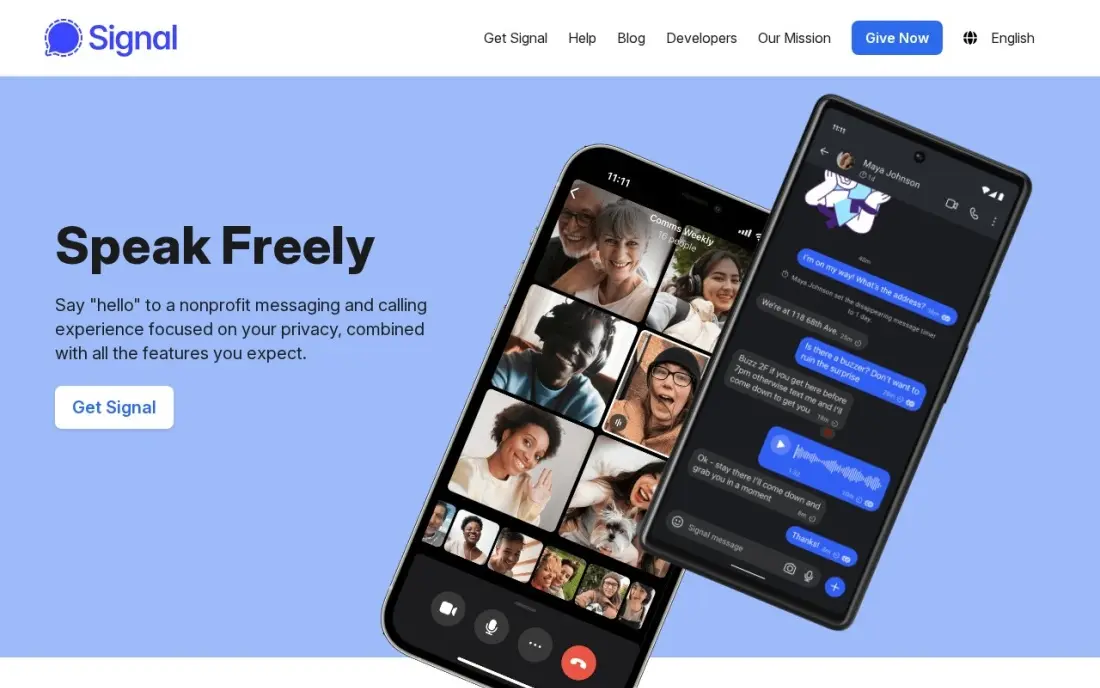
Signal is the privacy pick. Every call, message and group is end-to-end encrypted by default with nothing to switch on, the code is open source, and the nonprofit runs on donations with no ads, tracking or data selling. You can now chat with a username instead of sharing your phone number.
The cost is reach. Far fewer people use Signal than WhatsApp, so you may need to persuade contacts to install it, and desktop needs your phone linked. There are no paid tiers and no business tools. Choose it for calls where privacy matters more than convenience.
What we like
- End-to-end encryption is on by default for every message, call and group — there is nothing to switch on
- A nonprofit with open-source code and no ads, tracking or data selling
- You can now chat with a username instead of sharing your phone number
- Disappearing messages, sealed sender and no cloud backups of message content
Watch out for
- Far fewer contacts use it than WhatsApp or Telegram, so you may be messaging into an empty room
- No cloud backup or multi-device sync as smooth as Telegram's — desktop needs your phone linked
- Few extras: no channels, no bots and no business tools

Zoom Workplace
Best for: Teams and organisers who need reliable group video meetings with recordings and AI summaries
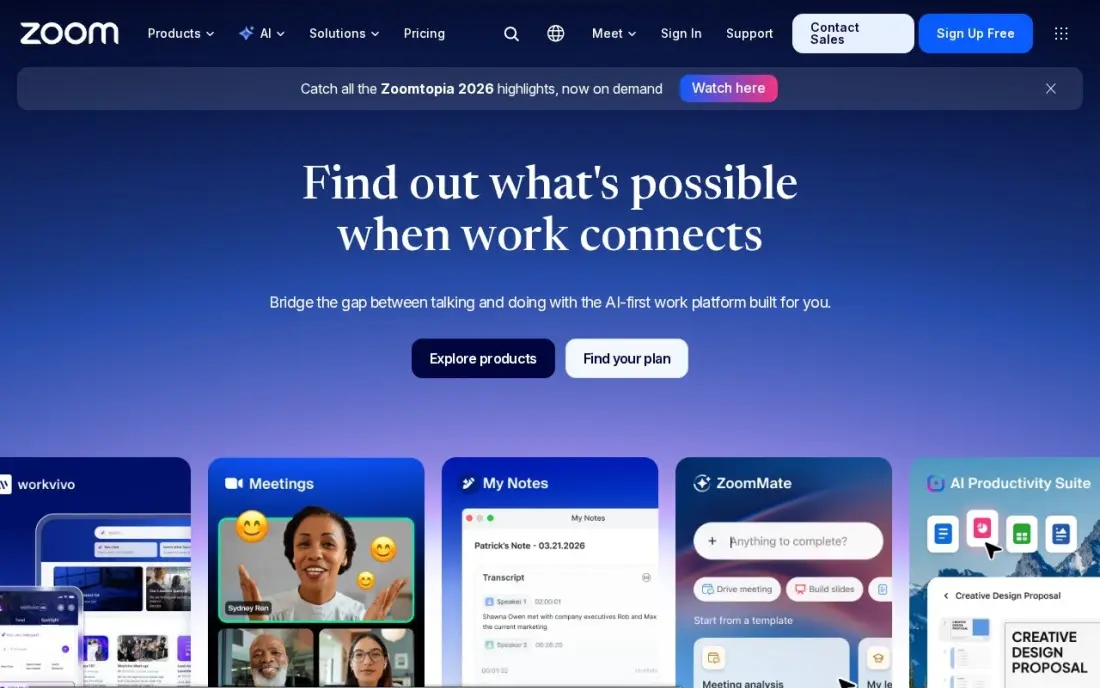
Zoom remains the most reliable choice for structured group video. The free Basic plan covers 100 participants, but group meetings stop at 40 minutes. Pro costs $16.99 a user a month billed monthly, or $14.16 billed annually, and runs 30-hour meetings for 100 participants with AI meeting summaries and 10 GB of cloud recording per user.
Only hosts need a licence, but every person who organises meetings needs one, so the bill grows with each organiser. Zoom raised Pro from $14.99 to $16.99 a month, so older guides understate the price. For casual family calls, the 40-minute cap is the main reason to pick something else.
What we like
- The most reliable video in this list, with 30-hour meetings for 100 participants on Pro
- Pro adds unlimited meeting summaries, unlimited AI document creation and 10 GB of cloud recording per user
- Team Chat, whiteboard, scheduler and mail sit in the same app, so meetings need no second tool
- The free Basic plan covers 100 participants, so a team can test real meetings before paying
Watch out for
- Pro is the dearest entry price in this list at $16.99 a user a month billed monthly
- Zoom raised Pro from $14.99 to $16.99 a month, so older guides understate the price
- Only hosts need a Pro licence, but every host on the team needs one, so the bill grows with every meeting organiser

Microsoft Teams
Best for: Small businesses that want video meetings and chat at the lowest paid price
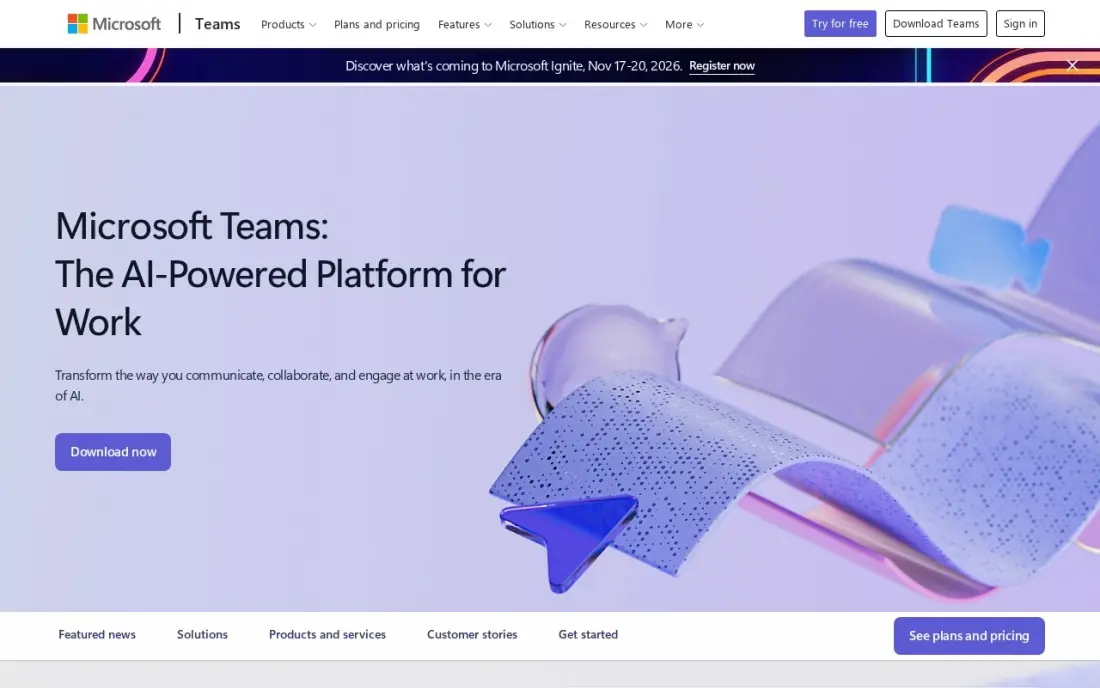
Microsoft Teams covers work video chat cheaply. The free plan includes unlimited chat and group meetings up to 60 minutes, and Teams Essentials at $4 a user a month billed annually runs group meetings up to 30 hours for 300 people, with recordings and transcripts.
Essentials has no business email; that comes with Microsoft 365 Business Basic at $7 a user a month, which adds 1 TB of storage and web Office apps. Copilot AI is a paid add-on, and the interface packs chat, files and meetings into one window that new users take time to learn.
What we like
- The cheapest paid start in this list at $4 a user a month on annual billing
- Comes with Microsoft 365 Business Basic at $7 a user a month, adding business email, 1 TB of storage and web Office apps
- Group meetings run up to 30 hours for 300 people on Essentials, with recordings and transcripts
- The free plan covers unlimited chat and 60-minute group meetings, so a team can try it for real before paying
Watch out for
- Teams Essentials has no business email — that needs the $7 Business Basic bundle
- Copilot AI is a paid add-on, not included in Essentials or Business Basic
- The interface packs chat, files, apps and meetings into one window, and new users take time to find things

Google Workspace
Best for: Small businesses that want Google Meet video calls together with business email and Docs
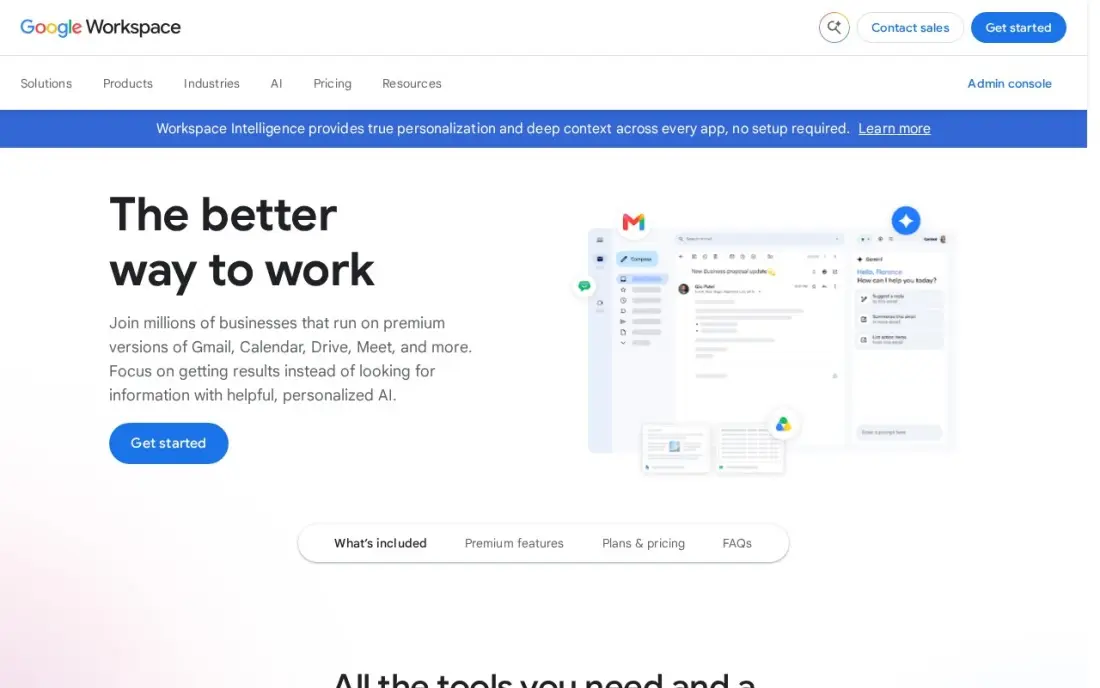
Google Workspace is the route to Google Meet for a business: Business Starter includes Meet for up to 100 participants alongside business email, Docs, Sheets and Drive, with 30 GB of pooled storage per user. It costs $7 a user a month billed annually or $8.40 on flexible monthly billing, with a 14-day trial. It is rated 4.6 out of 5 across more than 48,000 G2 reviews.
The catch for video is recording: Meet recording needs Business Standard at $14 a user or higher. If you only need video calls, Teams Essentials or Zoom's free plan cost less; Workspace makes sense when you also need email and documents.
What we like
- Business email, Docs, Sheets, Slides, Drive and Meet in one subscription from $7 a user a month billed annually
- Gemini AI is included in Gmail and the Gemini app on every Business plan
- 30 GB of pooled storage per user on Business Starter, with Meet for up to 100 participants
- The suite most clients already use, so sharing files and calendars needs no training
Watch out for
- Business editions cap at 300 users, so a growing company must move to Enterprise
- Meet recording and advanced admin controls need Business Standard ($14) or higher
- The 50%-off new-customer offer covers only the first 20 users for 12 months

Discord
Best for: Gaming groups, hobby clubs and communities that want drop-in voice and video channels

Discord works differently from the other apps here: instead of placing a call, members drop into voice channels on a server, with video and screen sharing included for free. It runs on iPhone, Android, Windows, Mac, Linux and the web with one account, which suits groups that hang out rather than schedule meetings.
Messages are not end-to-end encrypted and server admins can read channel messages, so it is the wrong app for private calls. Nitro Basic costs $2.99 a month and full Nitro $9.99 a month, but both buy perks rather than essential features. For a community, the free plan is enough.
What we like
- Free servers with text channels, voice channels, screen sharing and video — no paid plan needed to run a community
- Works on iPhone, Android, Windows, Mac, Linux and the web, with the same account everywhere
- Nitro Basic at $2.99 a month is the cheapest paid step up in this list
- Two Server Boosts come with full Nitro, and members can join up to 200 servers
Watch out for
- Messages are not end-to-end encrypted, and server admins can read channel messages
- The interface is built for communities, so one-to-one chats feel buried next to servers and channels
- Full Nitro at $9.99 a month buys cosmetics and perks, not features most people need
The best video chat app is the one the people you want to call already have, with clear calls, no surprise time limits and privacy you can trust. We compared seven apps across personal calls, private calls, communities and work meetings, and every price and limit below comes from vendor pages read in November 2026 or our checked tool database. Four of the seven are completely free for personal use.
How to choose the best video chat app
- Start with who you call. The best app is the one your family, friends or clients already use; asking ten people to install something new rarely works.
- Check encryption by default. Signal and WhatsApp encrypt personal calls end to end without settings to change; Discord does not encrypt end to end.
- Watch free-plan time limits. Zoom's free plan stops group meetings at 40 minutes and Microsoft Teams' free plan at 60.
- Count group size. Group FaceTime handles up to 32 other people, Zoom Pro 100 participants and Teams Essentials 300.
- Mind what identifies you. WhatsApp shows your phone number; Signal lets you use a username instead.
- For work, price per organiser. Zoom and Teams charge per licensed user, so only the people who host meetings need paid seats on Zoom.
If video calls are how you sell, the call is only half the job; people first need to find you. Our local SEO service helps service businesses get found nearby, and the free Google review link generator makes it easy to ask happy clients for a review after a call.
Which video chat app fits your situation
A family spread across iPhone and Android. WhatsApp is the safest bet because most of your relatives are probably already on it, calls are free, and personal calls are end-to-end encrypted by default. If everyone owns Apple devices, FaceTime is simpler still, with Group FaceTime for up to 32 other people. Android and Windows relatives can join a FaceTime link in Chrome or Edge, but they cannot start calls or use SharePlay or screen sharing.
Someone who wants calls nobody else can read. Signal encrypts every call, message and group by default, runs as a nonprofit with no ads or tracking, and lets you use a username instead of a phone number. Expect to persuade contacts to install it, and note that desktop needs your phone linked.
A gaming group or hobby club. Discord suits people who hang out rather than schedule calls: members drop into free voice channels with video and screen sharing on every platform. Keep private conversations elsewhere, because messages are not end-to-end encrypted and server admins can read channel messages. Nitro is optional and buys perks, not better calls.
A small business that mainly needs meetings. Microsoft Teams Essentials is the cheapest paid start at $4 a user a month billed annually, with group meetings up to 30 hours for 300 people. If only a couple of people host client calls, Zoom Workplace Pro may suit better, since only hosts need a licence, at $14.16 a user a month billed annually; the free plan's 40-minute cap is too short for client work.
A business that also needs email and documents. Google Workspace Business Starter bundles Meet for up to 100 participants with business email, Docs and Drive from $7 a user a month billed annually. Recording meetings needs Business Standard at $14 a user, so check that before you buy.
Video chat app pricing: what you will actually pay
For personal use, WhatsApp, FaceTime, Signal and Discord cost $0. Discord's Nitro Basic at $2.99 a month or $29.99 a year buys perks, not better calls.
For a five-person business where two people host meetings, Microsoft Teams Essentials costs 5 × $4 = $20 a month billed annually, or $240 a year. Google Workspace Business Starter costs 5 × $7 = $35 a month billed annually, or $420 a year, but includes business email and Docs. Zoom Workplace Pro for the two hosts costs 2 × $14.16 = $28.32 a month billed annually, about $340 a year, or 2 × $16.99 = $33.98 a month billed monthly. Adding Meet recording on Google means Business Standard at $14 a user.
Know the difference: personal video chat vs meeting software
A personal video chat app is built around contacts. WhatsApp, FaceTime and Signal let you call anyone in your address book in one tap, cost nothing, and WhatsApp and Signal encrypt calls by default. They have no scheduling, recording or admin controls, because families and friends do not need them.
Meeting software is built around calendars. Zoom, Microsoft Teams and Google Meet send invitations, run waiting rooms, record and transcribe, and let an admin manage who can host. That structure costs money per user and feels heavy for a quick call home, but it is what clients and colleagues expect for work.
Quick comparison: tool type by need
| Buyer | Best pick | Why |
|---|---|---|
| Family and friends | Free, encrypted by default, most contacts already on it | |
| Apple households | FaceTime | Built in, groups of up to 32 other people, web join for Android |
| Private calls | Signal | Nonprofit, encrypted by default, usernames instead of numbers |
| Reliable group meetings | Zoom Workplace | Free for 40 minutes, Pro $16.99/user/month |
| Low-cost work meetings | Microsoft Teams | Essentials $4/user/month billed annually, 300 people |
| Meet with email and Docs | Google Workspace | Business Starter $7/user/month billed annually |
| Communities and gaming | Discord | Free voice and video channels on servers |
Mistakes to avoid
- Picking the app nobody else has. Check what your regular contacts use before you switch.
- Using Discord for private conversations. Its messages are not end-to-end encrypted, and server admins can read channel messages.
- Running client calls on a free plan with a time limit. A meeting that cuts off at 40 minutes looks unprofessional; pay for the host's licence.
- Joining random video chats. Sites that match you with strangers carry real risks of harassment and recording; keep calls to people you know.
- Leaving backups unencrypted. WhatsApp chat backups are not end-to-end encrypted by default; switch that on if privacy matters.
Related comparisons: Free Team Chat Apps · Live Chat Software · Video Marketing Platforms · Video Email Software
How we chose
We read Apple's FaceTime support pages on 16 November 2026 for FaceTime's group size and web-join rules, and took every other price and limit from our verified tool database, built from each vendor's own pages, recording annual and monthly billing exactly as shown. We ranked apps by how well they serve the most common need, free personal video calls, then by privacy, then by work features. Ratings come from G2 pages on the dates shown in the sources; most consumer apps here have no rating listed. No vendor paid for a place in this list, and none of the links here are affiliate links.
What to do next
Ask the three people you call most which app they already use, and start there. If you run client calls for a business, test Teams' or Zoom's free plan with one real meeting before buying seats, and book a free SEO review if you want more of those calls to come from search.
Frequently asked questions
What is the best video chat app?
WhatsApp is the best for most people: free, encrypted by default and already installed by most contacts. FaceTime is best on Apple devices, Signal is best for privacy, and Zoom or Microsoft Teams are best for work meetings.
What is the best free video chat app?
WhatsApp, FaceTime, Signal and Discord are free for personal use. Zoom's free plan caps group meetings at 40 minutes, and Microsoft Teams' free plan caps group meetings at 60 minutes.
Which video chat app is the most private?
Signal. Every call and message is end-to-end encrypted by default, it is run by a nonprofit with no ads or tracking, and you can use a username instead of a phone number. WhatsApp also encrypts personal calls by default; Discord does not.
Can Android users join a FaceTime call?
Yes. Android and Windows users can join from a FaceTime link in the latest Chrome or Edge, but only Apple devices can create the link, and web guests cannot use SharePlay or screen sharing.
Are video chat apps with strangers safe?
Random video chat sites carry real risks, including harassment, scams and recording without consent, and are not suitable for minors. We do not recommend any; the apps in this list connect you with people you choose, and Signal and WhatsApp encrypt those calls by default.
How much does a video chat app cost for business?
On published prices, Microsoft Teams Essentials costs $4 a user a month billed annually, Google Workspace Business Starter $7 a user billed annually and Zoom Workplace Pro $16.99 a user billed monthly or $14.16 billed annually.
Sources we checked (8)
- WhatsApp — www.whatsapp.com (checked November 10, 2026)
- FaceTime — support.apple.com/en-la/109364 (checked November 16, 2026)
- Signal — signal.org (checked November 10, 2026)
- Zoom Workplace — zoom.us/pricing (checked November 10, 2026)
- Microsoft Teams — www.microsoft.com/en-us/microsoft-teams (checked November 10, 2026)
- Google Workspace — workspace.google.com/pricing (checked November 10, 2026)
- Google Workspace reviews on G2 (checked November 10, 2026)
- Discord — discord.com/nitro (checked November 10, 2026)
Make one of these tools?
We re-check this list every quarter. Send a correction, request a review, or ask about a clearly labeled sponsored spot.
Request a listingShamim
Founder of SerpAstra
A full-stack digital marketer and SEO strategist covering technical and local SEO, AI search visibility, paid ads and lead generation for local businesses, e-commerce brands and SaaS teams.
Free SEO and AI visibility audit
Find out what is holding your rankings back
Send us your site. Within 2 business days you get a written audit, an AI visibility check and a short fix list ranked by impact. Free, with no contract attached.
Request my free audit→Related buying guides
 Communication & Community10 Best Cross-Platform Messaging Apps in 2026, ComparedThe 10 best cross-platform messaging apps compared on price, encryption and device support. Six are free, with every price checked November 10, 2026.Read guide →
 Productivity & Office10 Best Collaboration Software for Small Business in 2026, ComparedCompare the 10 best collaboration software for small business options on price, free plans, chat and project tools, with every price checked November 10, 2026.Read guide →
 Communication & Community8 Best VOIP Phone Services for Small Business in 2026Compare the 8 best voip phone service for small business options on price, trials and AI features, with every price checked November 4, 2026.Read guide →